2AAKTHB028BBluetooth Keyboard
Shenzhen Hastech Technology Co.,Ltd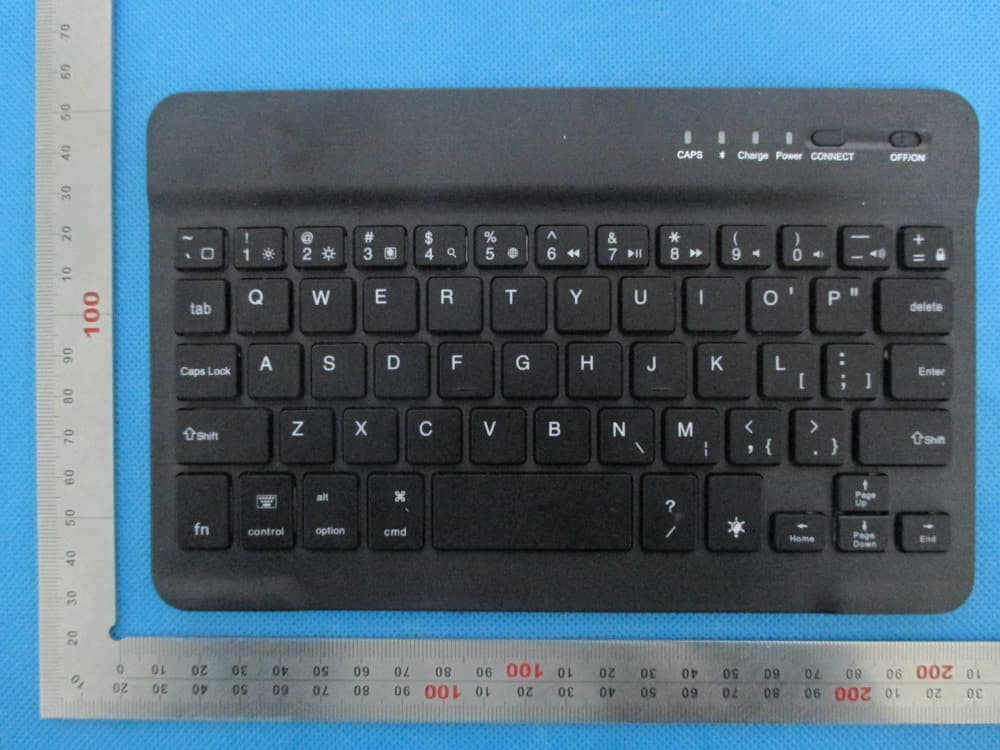
Click to zoom
Application Details
- Equipment Class
- DSS - Part 15 Spread Spectrum Transmitter
- Date of Grant
- Jan 19, 2014
- Application Purpose
- Original Equipment
- Date of Application
- Jan 19, 2014
- Equipment Note
- Bluetooth Keyboard
- Frequency Range
- 2402.00000000 - 2480.00000000
- Country
- China
Documents & Files
Document Text
Text extracted from the exhibit documents filed with the FCC. Open a document above to read the original.
Users Manual
Bluetooth Keyboard Model Name: HB028B FCC ID: 2AAKTHB028B HB028B Ultra-thin Bluetooth Keyboard Packing Contents: 1. Keyboard 2. User manual 3. Micro-USB charging cable *Bluetooth Keyboard Features: 1. Built-in Broadcom Bluetooth 3.0 module keyboard 2. For IPAD, Samsung, and other tablets which supports HID 3. MICRO interface, easy to charge 4. Built-in rechargeable lithium battery 5. Light weight, quiet keystrokes, dust-proof 7. Energy saving keyboard sleep mode *Bluetooth Keyboard Specification: 1.Bluetooth 3.0 interface standard 2.Operating Distance to 10 meters 3.Modulating System: GFSK 4.Operation Voltage: 1.8-3.6V 5.Working Current: <2.0mA 6.Standby Current::<0.3mA 7.Sleeping Current: <40uA 8.Charging Current:≥ 200mA 9.Standby Time: >30 days 10.Charging Time: <2 hours 11.Lithium Battery Capacity:160mA 12.Uninterrupted Working Time: 64 hours 13.Lithium Battery Life: 3 years 14.Lithium Battery Specification: 2.5*20*40mm 15.Key Strength: 80±10g 16.Key life: 5 million strokes 17.Operating Temperature: -10-+55 C *Bluetooth Keyboard Pairing method Step1: Press the button about 3 seconds. The blue status light will be on for 2 seconds and then off . Step2: Press the button again, the indicator light will be blinking,now the keyboard is ready to connect to your device. Step3: Turn your device bluetooth on and search our keyboard bluetooth signal,find”bluetooth 3.0 keyboard” Step4: Input the code on the keyboard and press enter; when connected the indicator light will be turn off automatically. *Keyboard status light 1.:Caps lock light: When press the status light will be on in blue,input words are upper-ase status ,press the blue light will be off,the input words are lower-case status. 2. : Bluetooth status light: Press on the button, the status light will be blinking in blue,status light will stay on until the keyboard connect with your device. 3. “”: Charging light(Red): it will be red when charing and turn off when fully charged. “”: Battery status light in Blue: when switch the keyboard bluetooth on,it is in blue blinking and will be off in 3 seconds,When the power voltage under 3.2V, it is blue blinking will blinking blue untill keyboard is out of power, light will be turn off automatically. *Battery The long-lasting rechargeable battery can service you for several weeks With no memory effect, the lithium battery can be charged at any time. In order to extend service life,we recommend you turn the keyboard off when there is long time with no interactive. *Charging When the battery power is low, the[power] indicator light will start blinking,it is time to recharge the keyboard. Step1: Connect Mirco-USB of the native USB power cable to the keyboard charging interface. Step2: Connect USB-A to the power adapter or computer's USB interface. Step3:the red indicator light will stay on when the keyboard is charging. Once it finished charging the indicator light will turn off. *Energy Saving Sleep Mode The keyboard will kick into sleep mode when it is inactive for 15 minutes. To activate from sleep mode, just press any key and wait 3 seconds ,the keyboard will come back on. *Safety Caution 1. Keep the item away from sharp objects. 2. Do not place heavy object on top of the keyboard. 3. Do not Microwave the item. 4. Do not force or distorted the keyboard 5. Keep away from oil.chemical or any other organic liquid *Cleaning Clean the silicone keyboard with water, alcohol or alcohol based disinfectant *Troubleshooting A. Unable to connect 1.Make sure the power switch is on. (the power indicator is shine) 2.Make sure the keyboard is within the operating distance.(within 10 meters) 3.Make sure the battery storage have power. 4.Make sure the Bluetooth in tablet pc is on . 5.Press the key””, check the Bluetooth status. 6.The solution of above 1-5 questions: The keyboard may long use has out of power, in such case charge battery can solve. B.Unable to Charge Keyboard 1.Make sure the USB power cable is connected properly to the keyboard and the power source. 2.Make sure the wall charger is plug into the power outlet. *Special Keys Description Long press Fn and combination with F1-F12 and insert keys to the shift multimedia keys, and mainly be used in the operation of tablets multimedia. *Storing the Ipad for Travel To store the Ipad 1.Line up the 30-pin port connector on the Ipad with the slot on the short end of the keyboard case. 2.Place the Ipad screen down,into the keyboard case. *Disposal of Waste batteries Insert screwdriver between plastic top and metal case at keyboard top or bottom and Pry up plastic top and remove it completely. This action destroys keyboard separate battery from circuit board,it is your responsible to hand this over to an applicable collection and recycling will help to conserve natural resources and prevent potential negative consequences for human health and the environment due to the possible presence of hazardous in batteries and electrical and electronic equipment. According to China << Electronic information products pollution control measures>> ingredients (Pb) (Hg) (Cd) (Cr(VI)) (PBB) (PBDE) Cable X O O O O O PWAs X O O O O O Plastic parts O O O O O O Membrane O O O O O O Meter parts X O O O O O Rubber dome O O O O O O O=stands for this toxic and hazardous content in homogeneous material is under the SJ/T11363-2006 Standards limits X=stands for this toxic and hazardous content in homogeneous material is beyond the SJ/T11363-2006 Standards limits Under the ingredients with "X" in the form all are up to ROHS "on 27 January 2003 the European parliament and the council announce electronic equipment in limiting the use of certain hazardous substances directive 2002/95/EC" Note: the environmental protection using period reference standard depends on the product of regular work temperature and humidity conditions Important Regulatory Information This device complies with part 15 of the FCC rules. Operation is subject to the following two conditions: (1) this device may not ca…
Text truncated - open the document above for the full version.
Cover Letter(s)
Jan.14, 2014 Federal Communication Commission Authorization and Evaluation Division FCC ID: 2AAKTHB028B Re: Confidentiality Request Pursuant to Sections 0.457 and 0.459 of the Commission’s Rules, the applicant hereby requests confidential treatment of information applied this application as outlined below: 1: Block Diagram 2: Circuit Diagram 3: Parts List 4.Operational Description The above materials contain trade secrets and proprietary information not customarily released to the public. The public disclosure of these matters might be harmful to the applicant and provide unjustified benefits to its competitors. The Applicant understands that pursuant to Rules 0.457, disclosure of this Application and all accompanying documentation will not be made before the date of the Grant for this application. Sincerely, Shenzhen Hastech Technology Co.,Ltd Contact person: Jinlu Zhang Title: Manager
External Photos
External Photos TOP VIEW OF EUT BOTTOM VIEW OF EUT FRONT VIEW OF EUT BACK VIEW OF EUT LEFT VIEW OF EUT RIGHT VIEW OF EUT
ID Label/Location Info
FCC ID Label Location Bluetooth keyboard Model: HB028B FCC ID: 2AAKTHB028B HB025B,HB026B HB085B
Internal Photos
Internal Photos INTERNAL VIEW OF EUT-1 INTERNAL VIEW OF EUT-2 INTERNAL VIEW OF EUT-3 INTERNAL VIEW OF EUT-4 BT Antenna INTERNAL VIEW OF EUT-5
Test Report
Report No.: AGC00610140101FE03 Page 1 of 49 FCC Test Report Report No.: AGC00610140101FE03 FCC ID : 2AAKTHB028B APPLICATION PURPOSE : Original Equipment PRODUCT DESIGNATION : Bluetooth keyboard BRAND NAME : N/A MODEL NAME : HB028B, HB025B, HB026B, HB085B CLIENT : Shenzhen Hastech Technology Co.,Ltd DATE OF ISSUE : Jan.10, 2014 STANDARD(S) : FCC Part 15 Rules REPORT VERSION : V1.0 Attestation of Global Compliance (Shenzhen) Co., Ltd CAUTION: This report shall not be reproduced except in full without the written permission of the test laboratory and shall not be quoted out of context. Report No.: AGC00610140101FE03 Page 2 of 49 Report Revise Record Report Version Revise Time Issued Date Valid VersionNotes V1.0 / Jan.10, 2014Valid Original Report Report No.: AGC00610140101FE03 Page 3 of 49 TABLE OF CONTENTS 1. VERIFICATION OF CONFORMITY ...................................................................................... 5 2. GENERAL INFORMATION .................................................................................................. 6 2.1. PRODUCT DESCRIPTION ........................................................................................................... 6 2.2. TABLE OF CARRIER FREQUENCYS .......................................................................................... 6 2.3. RECEIVER INPUT BANDWIDTH ................................................................................................. 7 2.4. EXAMPLE OF A HOPPING SEQUENCY IN DATA MODE ........................................................... 7 2.5. EQUALLY AVERAGE USE OF FREQUENCIES AND BEHAVIOUR ............................................ 7 2.6. RELATED SUBMITTAL(S) / GRANT (S) ....................................................................................... 8 2.7. TEST METHODOLOGY................................................................................................................ 8 2.8. SPECIAL ACCESSORIES ............................................................................................................ 8 2.9. EQUIPMENT MODIFICATIONS ................................................................................................... 8 3. MEASUREMENT UNCERTAINTY........................................................................................ 9 4. DESCRIPTION OF TEST MODES ........................................................................................ 9 5. SYSTEM TEST CONFIGURATION .................................................................................... 10 5.1. CONFIGURATION OF EUT SYSTEM ........................................................................................ 10 5.2. EQUIPMENT USED IN EUT SYSTEM ....................................................................................... 10 5.3. SUMMARY OF TEST RESULTS ................................................................................................ 10 6. TEST FACILITY .................................................................................................................. 11 7. PEAK OUTPUT POWER .................................................................................................... 12 7.1. MEASUREMENT PROCEDURE ................................................................................................ 12 7.2. TEST SET-UP (BLOCK DIAGRAM OF CONFIGURATION) ....................................................... 12 7.3. LIMITS AND MEASUREMENT RESULT .................................................................................... 13 8. 20DB BANDWIDTH ............................................................................................................ 15 8.1. MEASUREMENT PROCEDURE ................................................................................................ 15 8.2. TEST SET-UP (BLOCK DIAGRAM OF CONFIGURATION) ....................................................... 15 8.3. LIMITS AND MEASUREMENT RESULTS .................................................................................. 15 9. CONDUCTED SPURIOUS EMISSION ............................................................................... 18 9.1. MEASUREMENT PROCEDURE ................................................................................................ 18 9.2. TEST SET-UP (BLOCK DIAGRAM OF CONFIGURATION) ....................................................... 18 9.3. MEASUREMENT EQUIPMENT USED ....................................................................................... 18 9.4. LIMITS AND MEASUREMENT RESULT .................................................................................... 18 10. RADIATED EMISSION ..................................................................................................... 22 10.1. MEASUREMENT PROCEDURE .............................................................................................. 22 10.2. TEST SETUP ............................................................................................................................ 24 Report No.: AGC00610140101FE03 Page 4 of 49 10.3. TEST RESULT .......................................................................................................................... 25 11. BAND EDGE EMISSION .................................................................................................. 29 11.1. MEASUREMENT PROCEDURE .............................................................................................. 29 11.2. TEST SET-UP ........................................................................................................................... 29 11.3. TEST RESULT .......................................................................................................................... 30 12. NUMBER OF HOPPING FREQUENCY ............................................................................ 34 12.1. MEASUREMENT PROCEDURE .............................................................................................. 34 12.2. TE…
Text truncated - open the document above for the full version.
Test Setup Photos
APPENDIX IV PHOTOGRAPHS OF TEST SETUP FCC RADIATED EMISSION TEST SETUP
Contact Information
Applicant
Jinlu Zhang
Test Firm
Attestation of Global Compliance Shenzhen Co. Ltd.Forrest Lei
Technical Specifications
| # | Rule Parts | Frequency Range | Power Output |
|---|---|---|---|
| 1 | 15C | 2.40 GHz - 2.48 GHz | 400.00 µW |
Other Applications from Shenzhen Hastech Technology Co.,Ltd
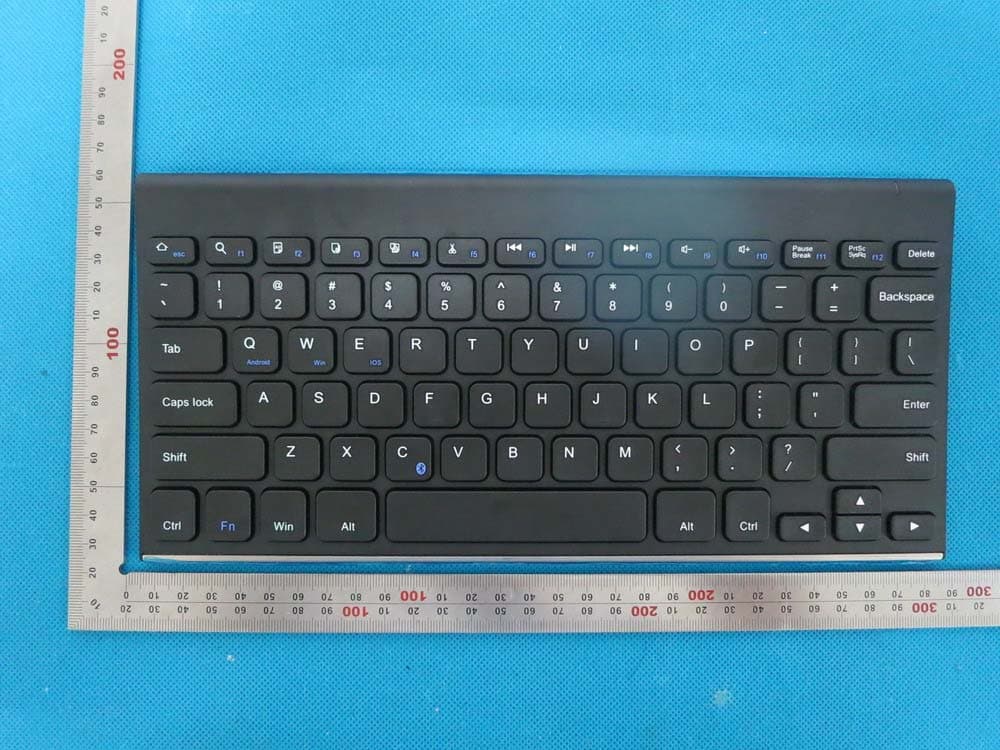
2AAKTHB028A
Aug 17, 2014Bluetooth Keyboard
Equipment Class
DSS - Part 15 Spread Spectrum Transmitter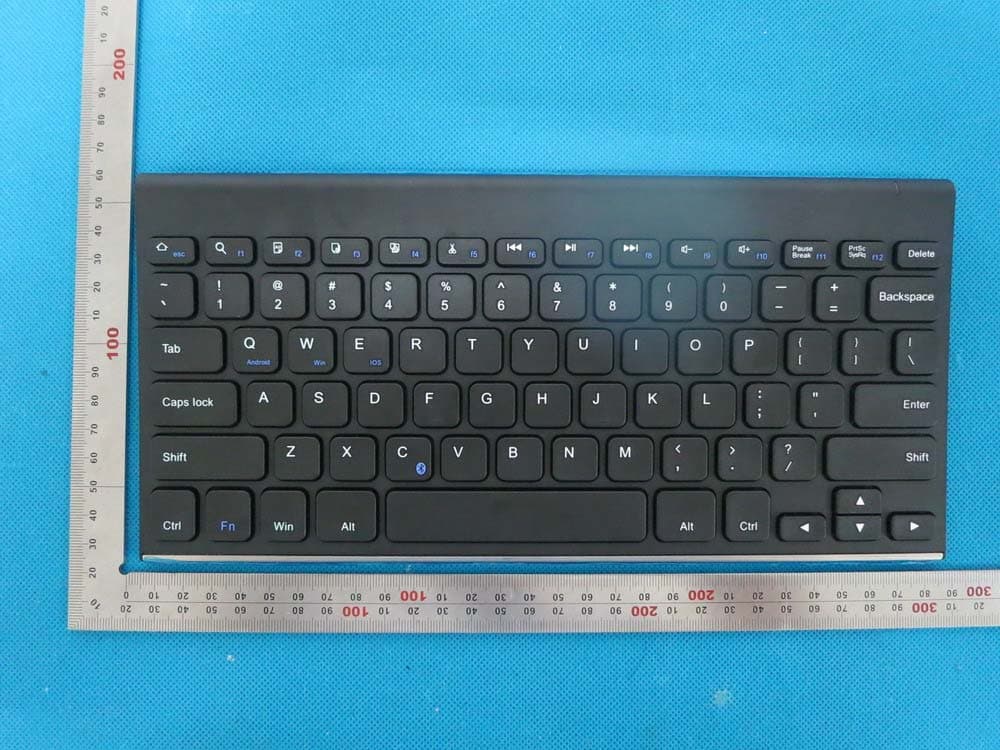
2AAKTHB086
Aug 17, 2014Bluetooth Keyboard
Equipment Class
DSS - Part 15 Spread Spectrum Transmitter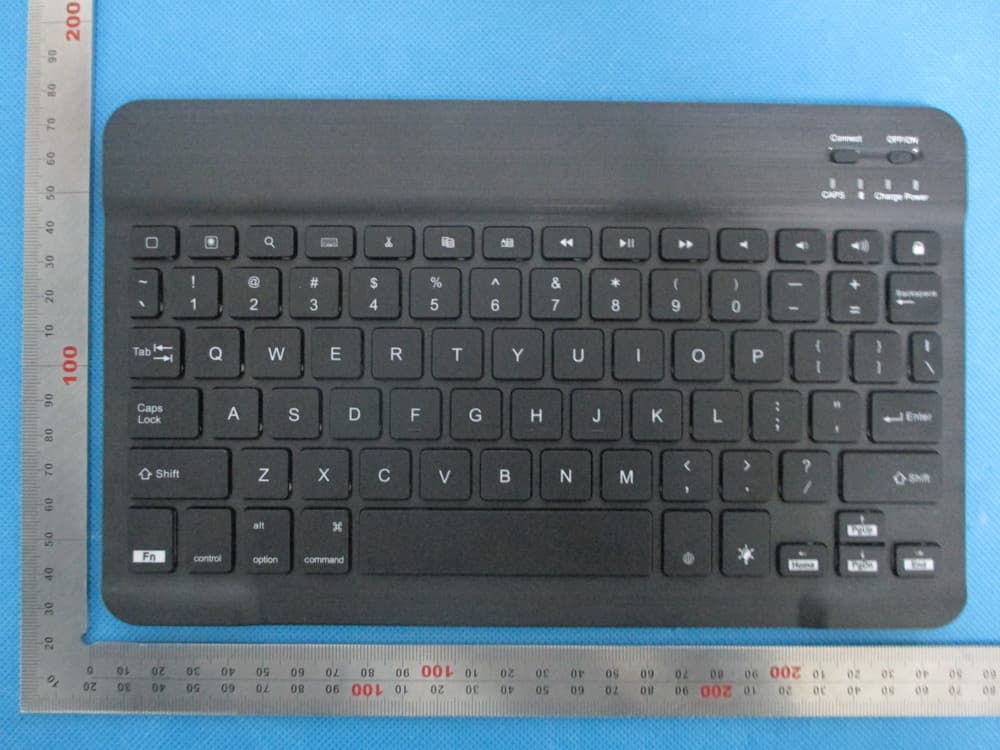
2AAKTHB030B
Jan 19, 2014Bluetooth Keyboard
Equipment Class
DSS - Part 15 Spread Spectrum Transmitter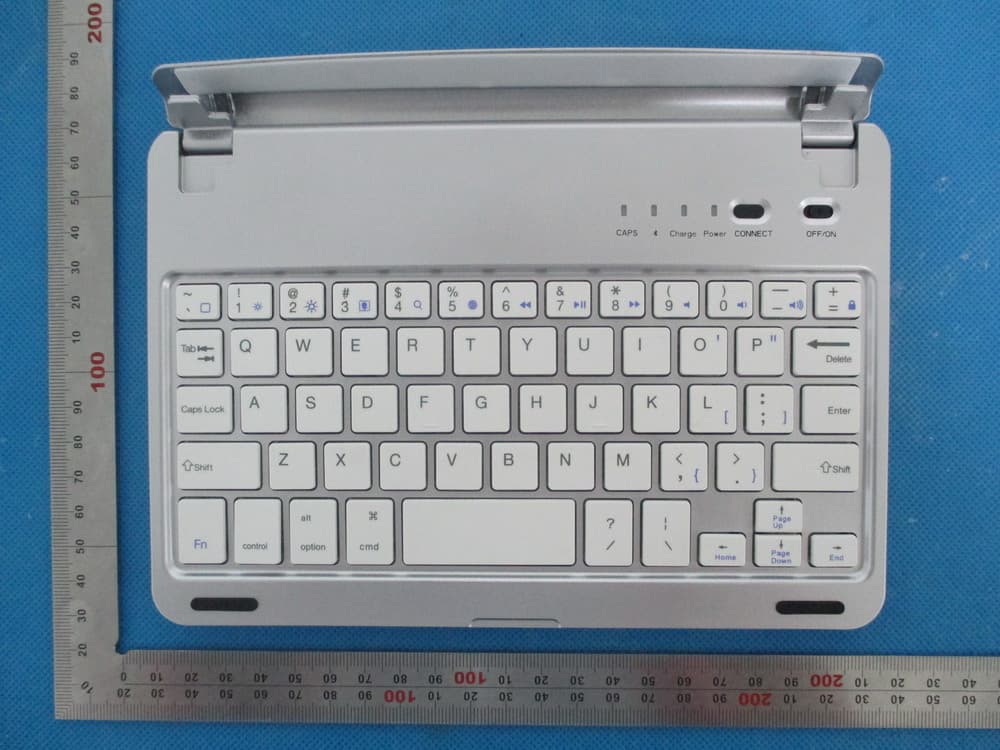
2AAKTHB045
Dec 21, 2013Bluetooth keyboard
Equipment Class
DSS - Part 15 Spread Spectrum Transmitter
2AAKTHB032
Dec 08, 2013Bluetoth Keyboard
Equipment Class
DSS - Part 15 Spread Spectrum Transmitter