2AALP-C1Bluetooth Headphone
Shenzhen XSOUND Innovation Technologies Co., Ltd.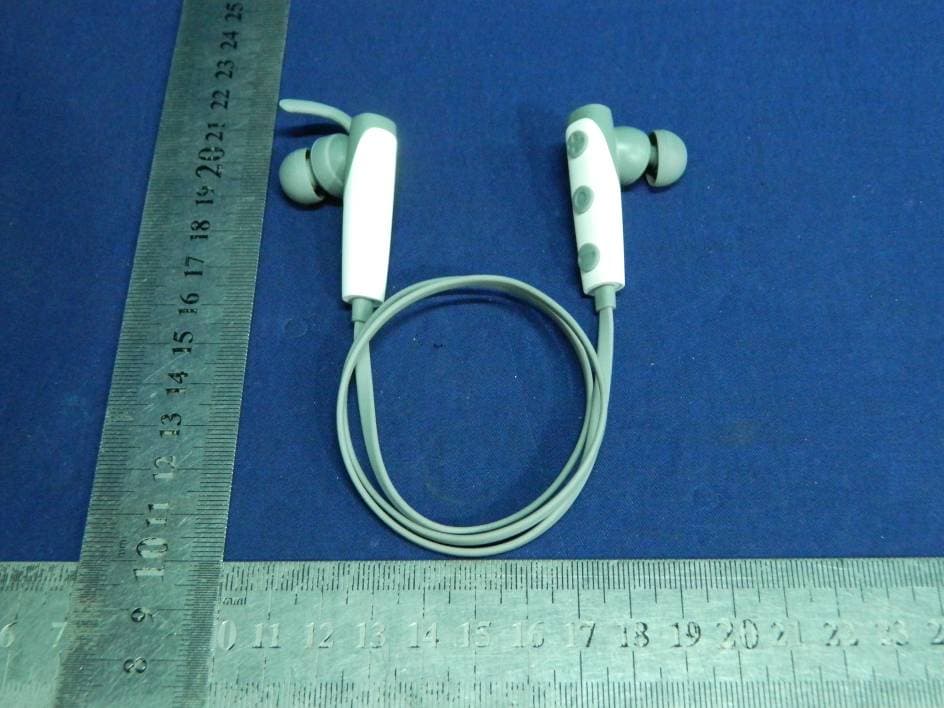
Click to zoom
Application Details
- Equipment Class
- DSS - Part 15 Spread Spectrum Transmitter
- Date of Grant
- Nov 24, 2015
- Application Purpose
- Original Equipment
- Date of Application
- Nov 23, 2015
- Equipment Note
- Bluetooth Headphone
- Frequency Range
- 2402.00000000 - 2480.00000000
- Country
- China
Documents & Files
Document Text
Text extracted from the exhibit documents filed with the FCC. Open a document above to read the original.
Users Manual
Turn on the device and go to the paring mode. Open the Bluetooth software (such as BlueSoleil) installed on your computer, and selects “Search your Bluetooth devices” function. Refer to user manual of the Bluetooth software for more information. After a few second the “ device name” will list in Bluetooth software of your computer as a discover device. Select this icon and click right button of mouse to select “pairing” item,then select “connect with audio device” with same operation. Open your media player to play music, watch TV/move and play game, then all the sound will be playback on your device. The device is convenient to connect to AC charger or a USB charger with port marked with.Make sure that Micro USB your device is full charged for at least 6 hours before initial use. Insert one terminal of your charger to AC main or USB port of PC and other terminal to . While charging,Micro USB the red LED light constantly. When charging is completed, the indicator LED turns red to blue. BLUETOOTH EAR BUDS C1 USER MANUAL Table of contents 1 Introduction 2 Package content 3 Connection diagram 4 The way to change earhook 5 How to use 5.1 General functions 5.2 Pairing to mobile phone 5.3 Charging your device 6 Technology specification 7 After-sales service and support 8 FAQ 1 1 1 2 2 2 4 5 7 6 6 123 4 5 6 1X Wireless Ear Buds C1 1X USB Charger cable 1X User Manual 3.Connection Diagram You must select a qualified charger from a regular manufacturer. You must charge the Ear Buds if it has been not used for more than 12 months. Please don't use the USB charger on any other phone jack device Warning: 6.Technical specification 8.FAQ 1\Why is there no power even when the Ear Buds is power on? Ans: Ensure the battery is being charged up to 6 hours for first time using. The LED is lighted when it starts charging. 2\There is no sound when playback. Ans: Check the connection between your device with phone or computer, if the connection is not established, please reconnect again. Make sure the Ear Buds is paired and connected with your target phone or other master device. 3\How can I know the Ear Buds has been fully charged? Ans: When the indicator LED turns red to blue when it is charging, it has been fully charged. 4\why the Ear Buds cannot connect with second phone? Ans: Please set the Ear Buds to multipoint mode. Connect the Ear Buds to phone A, Once again enter to pairing mode (phone one, will disconnect), and connect the Ear Buds to phoneB. and then use phone A paired device list to reconnect to the Ear Buds . 7 C1 USER MANUALC1 USER MANUALC1 USER MANUALC1 USER MANUALC1 USER MANUALC1 USER MANUALC1 USER MANUAL 1.Introduction Thank you for choosing the Stereo Ear Buds. This manual will help you operate the Ear Buds, but you should first familiarize yourself with the Bluetooth functionality of your mobile phone or other devices before using the Ear Buds. Safety Rules 1\ Please follow the rules depicted in this manual closely to ensure your safety. Before using this Ear Buds, we would strongly encourage you to read through this user manual. 2\ Be more wary of any edges, uneven surfaces, metal parts, accessories and its packaging so as to prevent any possible injury or damage. 3\ Do not modify, repair or dismantle this Ear Buds. Doing so may result in fires, electric shocks, complete breakdown of this Ear Buds, etc. All of which, are not covered under warranty. 4\ Do not use any diluents or volatile liquid to clean the Ear Buds 5\ Do not use the Ear Buds in a hazardous location. 2.package content Parameter Value Charging Time Dimension(L×W×H) Playback Time ≥90dB Signal-To-Noise Distortion ≤3.0% RF Range Frequency Response 40Hz-20KHz Receiver Output 10mW 10 m Weight To use your Ear Buds , you must first pair your Ear Buds with a phone or a computer. Once your Ear Buds is paired to a specific mobile phone, they will remain paired and automatically recognize each other whenever they are within range. Pairing to a phone and Entertainment: Turn on your phone and ensure its Bluetooth function is activated Turn on the Ear Buds go to the paring mode. Search your Bluetooth devices on your phone by following the phone's instructions. Refer to your phone's user manual for more information. After a few second the phone will list the device as a discover device. Select it and follow your phone instruction to select this pairing. Then your phone will request a passkey or PIN, enter 0000 as your PIN or passkey. Your phone will confirm the pairing, and then press Yes/Ok. Finally, select to connect with device from your phone. You can play music; watch TV/movie and play game with your phone, then your can hear all the sound or music form the device. Also you can control the player by operating the device. Example, volume up and next music. 5.2.Pairing to Mobile phone or other device 5.3.Charging your device 7.After-sales service and support If your device is not performing as it should,please take it to your local service providers or dealer for service. Pairing to a computer and Entertainment: If there is no Bluetooth function supported by your computer, a Bluetooth adapter is necessary. Fix the adapter with your computer and ensure its Bluetooth function is activated. 5.How to use 5.1. General Functions Turn on Enter the pairing mode Pairing Desired Result Required Action Press the “ ” button for 3 seconds when the device is off. (Red LED slowly flashes and a tone voice beeps) When the device is off, Press the “ ” button for 6 seconds.(Blue LED and Red LED quickly flash alternately with two beep tone voice). In pairing Mode use a Bluetooth function mobile phone or other Bluetooth Master Device and to perform pairing action (detail refer to the chapter about pairing) 14.5g 555.8X27X18mm About 5.5 Hours About 1.5Hours 4.The way to change earhook Desired Result Required Action Transfer call voice Answer call End call Reject call Double Press the “ ” button to transfer the call voice between the mobile phone and device w…
Text truncated - open the document above for the full version.
Cover Letter(s)
SCS-F18: Project and Product Certification Representative Authorization Letter Page 1 of 2 Rev 5.0 775 Montague Expressway Milpitas, CA 95035 Tel: 408-526-1188 Fax: 408-526-1088 Email: [email protected] Project and Product Certification Representative Authorization Letter Reason for Amendment (current / obsolete) Revision History Approved Date From To Initial Release (obsolete) 1.0 1.0 Nov-14-2006 Revised wording (obsolete) 1.0 2.0 Sept–25-2007 Updated company template (obsolete) 2.0 3.0 Jan-31-2012 Updated letter information (obsolete) 3.0 4.0 May-23-2014 Added FCC ID field (current) 4.0 5.0 Sept 16 2014 SCS-F18: Project and Product Certification Representative Authorization Letter Page 2 of 2 Rev 5.0 XSOUND Innovation Technologies Co., Ltd . 2015-11-20 To: SIEMIC, INC. 775 Montague Expressway, Milpitas, CA 95035 USA Dear Sir/Madam, Re: Product Certification Representative Authorization Letter We, XSOUND Innovation Technologies Co., Ltd . hereby authorize SIEMIC, Inc. to act as a Certification Body for certifying for the following project(s): Product name: Bluetooth Headphone Model Number: C1 FCC ID: 2AALP-C1 Sincerely, signature Willis. Xiang / QA Manager E-mail: [email protected] Phone: 0755-66800688 Fax: 0755-29480805 Address: Building C, Junxing industrial zone B, Haoye Road, Heping, Fuyong, Baoan,Shenzhen,China
Cover Letter(s)
SCS-F19: Confidentiality Request Letter Page 1 of 2 Rev 4.0 775 Montague Expressway Milpitas, CA 95035 Tel: 408-526-1188 Fax: 408-526-1088 Email: [email protected] Confidentiality Request Letter Reason for Amendment (current / obsolete) Revision History Approved Date From To Initial Release (obsolete) 1.0 1.0 Nov-14-2006 Adding CFR 2.459 (obsolete) 1.0 2.0 August – 11 - 2008 Updated company template & Added text box (obsolete) 2.0 3.0 Jan-31-2012 Added IC confidentiality letter form (current) 3.0 4.0 March-26-2015 SCS-F19: Confidentiality Request Letter Page 2 of 2 Rev 4.0 XSOUND Innovation Technologies Co., Ltd . 2015-11-20 To: Federal Communications Commission Authorization and Evaluation Division 7435 Oakland Mills Road Columbia, MD Subject: Permanent Confidentiality Request for FCC ID: 2AALP-C1 We hereby request confidential treatment of information accompanying this application as outlined below: - Block Diagram - Schematics - Operational Description The above materials contain trade secrets and proprietary information not customarily released to the public. The public disclosure of these materials may be harmful to the applicant and provide unjustified benefits to its competitors. The applicant understands that pursuant to Section 0.457 & 0.459 of the Rules, disclosure of this application and all accompanying documentation will not be made before the date of the Grant for this application. Sincerely, Client’s signature : Client’s name & title : Willis. Xiang Contact information / address : Building C, Junxing industrial zone B, Haoye Road, Heping, Fuyong, Baoan,Shenzhen,China
ID Label/Location Info
Label Location Proposed Label Location on EUT
Internal Photos
BT Antenna
RF Exposure Info
FCC ID: 2AALP-C1 Portable device According to §15.247(e)(i) and §1.1307(b)(1), systems operating under the provisions of this section shall be operated in a manner that ensures that the public is not exposed to radio frequency energy level in excess of the Commission’s guidelines. According to KDB447498 D01 General RF Exposure Guidance V05 The 1-g and 10-g SAR test exclusion thresholds for 100 MHz to 6 GHz at test separation distances ≤ 50 mm are determined by: [(max. power of channel, including tune-up tolerance, mW)/(min. test separation distance, mm)] * [√f(GHz)] ≤ 3.0 for 1-g SAR and ≤ 7.5 for 10-g extremity SAR, where f(GHz) is the RF channel transmit frequency in GHz; Power and distance are rounded to the nearest mW and mm before calculation; The result is rounded to one decimal place for comparison; The test exclusions are applicable only when the minimum test separation distance is ≤ 50 mm and for transmission frequencies between 100 MHz and 6 GHz. When the minimum test separation distance is < 5 mm, a distance of 5 mm is applied to determine SAR test exclusion. We use 5mm as separation distance to calculated. Maximum measured transmitter power: Transmit Frequency (GHz) Mode Measured Power (dBm) Tune-up power (dBm) Max tune-up power(dBm) Result calculation 1-g SAR 2.402 GFSK -3.668 -3±1 -2 0.196 3.00 2.441 GFSK -1.520 -1±1 0 0.312 3.00 2.480 GFSK 0.124 0±1 1 0.397 3.00 2.402 π/4-DQPSK -5.929 -5±1 -4 0.123 3.00 2.441 π/4-DQPSK -3.492 -3±1 -2 0.197 3.00 2.480 π/4-DQPSK -1.803 -1±1 0 0.315 3.00 2.402 8-DPSK -5.935 -5±1 -4 0.123 3.00 2.441 8-DPSK -3.478 -3±1 -2 0.197 3.00 2.480 8-DPSK -1.798 -1±1 0 0.315 3.00 2.402 GFSK -1.095 -1±1 0 0.310 3.00 2.440 GFSK -1.456 -1±1 0 0.312 3.00 2.480 GFSK -0.859 0±1 1 0.397 3.00 Conclusion: For the max result 0.397≤ 3.0 for 1-g SAR extremity SAR, No SAR is required. Sincerely, Signature Company Name: Emtek (Shenzhen) Co., Ltd. Address: Bldg 69, Majialong Industry Zone, NanshanDistrict, Shenzhen, China. David Lee/ Manager
Test Setup Photos
Conducted Measurement Photo Radiated Emission Test
Contact Information
Applicant
Chris Xiang
Test Firm
EMTEK (Shenzhen) Co., Ltd.David Lee
Technical Specifications
| # | Rule Parts | Frequency Range | Power Output |
|---|---|---|---|
| 1 | 15C | 2.40 GHz - 2.48 GHz | 1.00 mW |
Other Applications from Shenzhen XSOUND Innovation Technologies Co., Ltd.
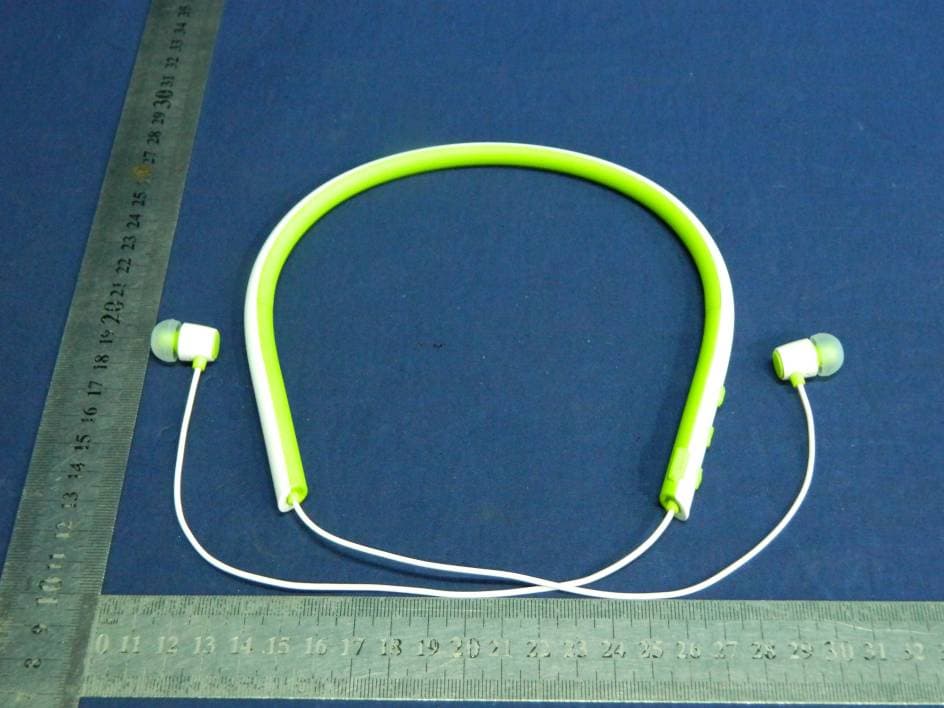
2AALP-S3
Nov 24, 2015Bluetooth Headphone
Equipment Class
DSS - Part 15 Spread Spectrum Transmitter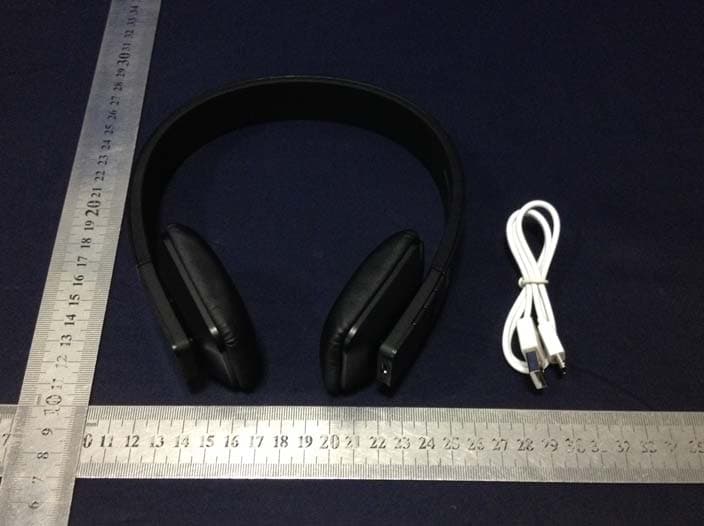
2AALP-H2X
Jan 19, 2015Bluetooth Headphone
Equipment Class
DTS - Digital Transmission System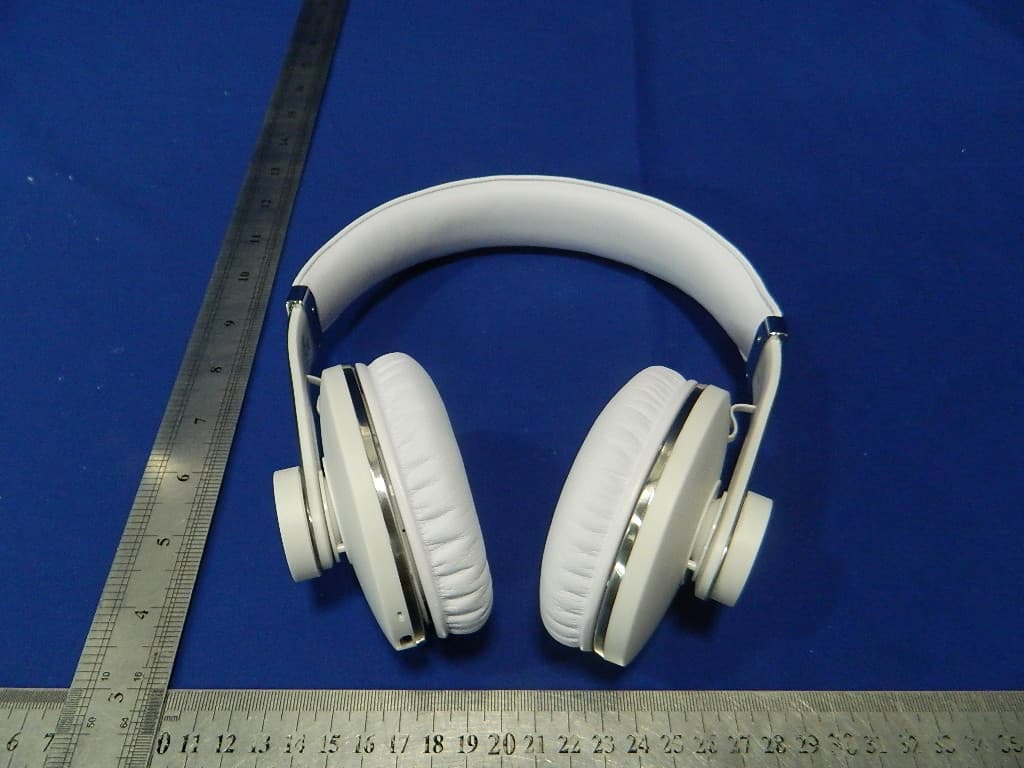
2AALP-H6
Mar 03, 2014Bluetooth Stereo Headphone
Equipment Class
DSS - Part 15 Spread Spectrum Transmitter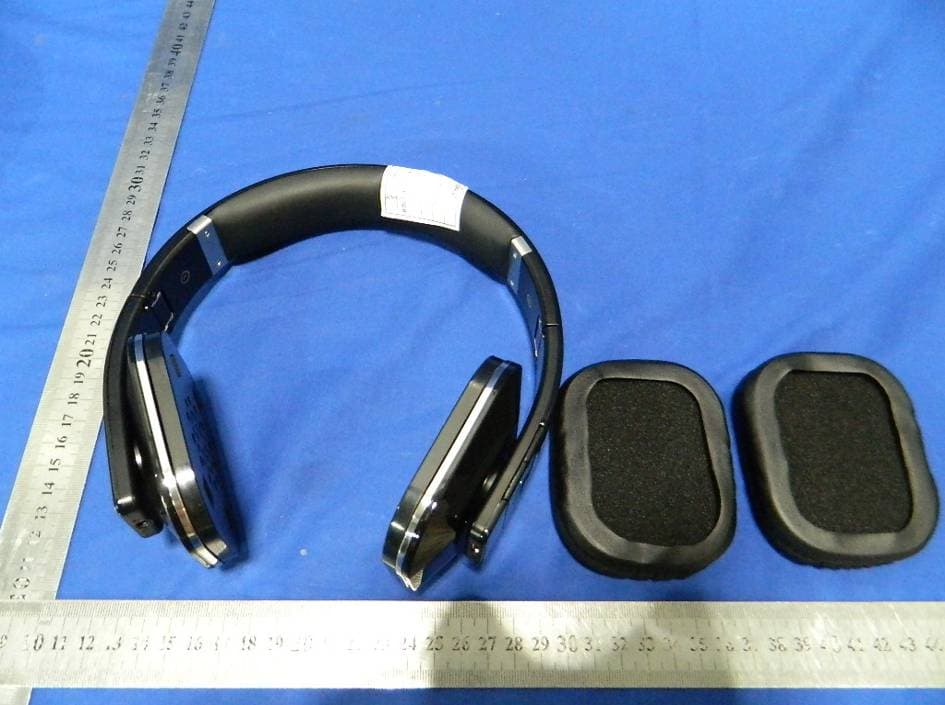
2AALP-H7
Jul 18, 2013Bluetooth stereo headphone
Equipment Class
DSS - Part 15 Spread Spectrum Transmitter