2AANUBT2000ZWireless Portable Speaker
Gibson Innovations Limited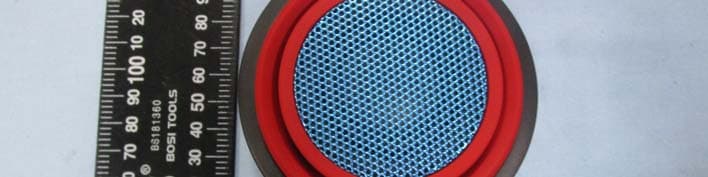
Click to zoom
Application Details
- Equipment Class
- DSS - Part 15 Spread Spectrum Transmitter
- Date of Grant
- Aug 04, 2015
- Application Purpose
- Original Equipment
- Date of Application
- Aug 04, 2015
- Equipment Note
- Wireless Portable Speaker
- Frequency Range
- 2402.00000000 - 2480.00000000
- Company
- Gibson Innovations Limited
- Country
- Hong Kong
Documents & Files
Document Text
Text extracted from the exhibit documents filed with the FCC. Open a document above to read the original.
Users Manual
DC IN Question? Contact Philips Question? Contact Philips Specifications are subject to change without notice. 2014 © WOOX Innovations Limited. All rights reserved. Philips and the Philips’ Shield Emblem are registered trademarks of Koninklijke Philips N.V. and are used by WOOX Innovations Limited under license from Koninklijke Philips N.V. BT2000_00_Short User Manual_V3.0 BT2000 Short user manual www.philips.com/support Always there to help you Register your product and get support at Question? Contact Philips www. philips.com/support Short User Manual Krátká uživatelská příručka Kort brugervejledning Kurzanleitung Σύντομο εγχειρίδιο χρήσης Manual de usuario corto Lyhyt käyttöopas Bref mode d’emploi Rövid használati útmutató Manuale dell’utente breve Қысқаша пайдаланушы нұсқаулығы Korte gebruikershandleiding Krótka instrukcja obsługi Manual do utilizador resumido Краткое руководство пользователя Stručný návod na používanie Kortfattad användarhandbok Короткий посібник користувача 精簡使用手冊 短版使用手冊 EN Note: 1) Before use, fully charge the built-in battery. 2) After use, slide the switch to OFF to turn off the speaker. LED indicator behavior Under chargingFully charged OFF modeFlashing whiteOff Audio-in modeFlashing whiteSolid white Bluetooth mode Flashing blue or solid blue (depending on Bluetooth connection status) Flashing blue or solid blue (depending on Bluetooth connection status) CS Poznámka: 1) Před použitím přístroje plně nabijte vestavěnou baterii. 2) Po použití přístroje přepnutím posuvníku do polohy OFF vypněte reproduktor. Chování kontrolky LED Probíhá nabíjeníPlně nabitá baterie Režim „OFF“Blikající bíláZhasnutá Režim „AUDIO IN“ Blikající bíláSvítící bílá Režim „Bluetooth“ Blikající nebo svítící modrá (v závislosti na stavu připojení Bluetooth) Blikající nebo svítící modrá (v závislosti na stavu připojení Bluetooth) DA Bemærk: 1) Før brug skal du oplade det indbyggede batteri helt. 2) Efter brug skal du skubbe skydekontakten til OFF for at slukke for højttaleren. LED-indikatorfunktioner Under opladningFuldt opladet "OFF"-tilstandBlinker hvidtFra "AUDIO IN"-tilstandBlinker hvidtKonstant hvid "Bluetooth"-tilstandBlinker blåt eller lyser konstant blåt (afhængigt af Bluetooth- forbindelsens status) Blinker blåt eller lyser konstant blåt (afhængigt af Bluetooth- forbindelsens status) DE Hinweis: 1) Laden Sie vor der Verwendung den integrierten Akku vollständig auf. 2) Schieben Sie nach der Verwendung den Schiebeschalter auf OFF, um den Lautsprecher auszuschalten. LED-Anzeige Wird aufgeladenVollständig aufgeladen Modus "OFF"Weiß blinkendAus Modus "AUDIO IN"Weiß blinkendWeiß leuchtend Modus "Bluetooth"Blau blinkend oder durchgehend blau leuchtend (je nach Bluetooth- Verbindungsstatus) Blau blinkend oder durchgehend blau leuchtend (je nach Bluetooth- Verbindungsstatus) EL Σημείωση: 1) Πριν από τη χρήση, φορτίστε πλήρως την ενσωματωμένη μπαταρία. 2) Μετά τη χρήση, ρυθμίστε το διακόπτη στο OFF για να απενεργοποιήσετε το ηχείο. Συμπεριφορά ενδεικτικής λυχνίας LED Σε φόρτισηΠλήρης φόρτιση Λειτουργία "OFF" (απενεργοποίηση) Αναβοσβήνει λευκήΑνενεργή Λειτουργία "AUDIO IN" (είσοδος ήχου) Αναβοσβήνει λευκήΑνάβει σταθερά με λευκό χρώμα Λειτουργία "Bluetooth" Αναβοσβήνει με μπλε χρώμα ή είναι σταθερά αναμμένη με μπλε χρώμα (ανάλογα με την κατάσταση σύνδεσης Bluetooth) Αναβοσβήνει με μπλε χρώμα ή είναι σταθερά αναμμένη με μπλε χρώμα (ανάλογα με την κατάσταση σύνδεσης Bluetooth) ES Nota: 1) Antes de utilizarlo, cargue completamente la batería integrada. 2) Después de utilizarlo, cambie el control deslizante a OFF para apagar el altavoz. Comportamiento del indicador LED CargandoTotalmente cargada Modo "OFF"Blanco parpadeanteDesactivado Modo "AUDIO IN"Blanco parpadeanteBlanco permanente Modo "Bluetooth"Parpadeo en azul o azul permanente (en función del estado de la conexión Bluetooth) Parpadeo en azul o azul permanente (en función del estado de la conexión Bluetooth) Philips BT2000 EN 1. Slide the switch to . »The LED indicator flashes blue. 2. On your Bluetooth device, enable Bluetooth and search for Bluetooth devices. Then select [Philips BT2000] to start pairing and connection. If necessary, enter default password “0000”. »After successful connection, the speaker beeps twice, and the LED indicator turns solid blue. 3. Play audio on the Bluetooth device. • To adjust volume, use the volume control on your Bluetooth device. • To disconnect Bluetooth connection or enter Bluetooth pairing mode, press and hold PAIRING for 2 seconds. Note: • The speaker can memorize a maximum of 4 paired devices. • Keep away from any other electronic device that may cause interference. CS 1. Posuňte přepínač do polohy . »Kontrolka LED bliká modře. 2. Na zařízení Bluetooth zapněte funkci Bluetooth a vyhledejte zařízení Bluetooth. Následným výběrem položky [Philips BT2000] na zařízení spustíte párování a připojení. V případě potřeby zadejte výchozí heslo „0000“. »Po úspěšném připojení reproduktor dvakrát pípne a kontrolka Bluetooth se rozsvítí modře. 3. Spusťte hudbu na zařízení Bluetooth. • Chcete-li upravit hlasitost, použijte ovládání hlasitosti na zařízení Bluetooth. • Chcete-li ukončit připojení Bluetooth nebo přejít do párovacího režimu Bluetooth, stiskněte a podržte tlačítko PAIRING na 2 sekundy. Poznámka: • Reproduktor si dokáže zapamatovat maximálně 4 spárovaná zařízení. • Udržujte je mimo dosah elektronických zařízení, která mohou způsobovat rušení. DA 1. Skub kontakten til . »LED-indikatoren blinker blåt. 2. På din Bluetooth-enhed skal du aktivere Bluetooth og søge efter Bluetooth-enheder. Vælg derefter [Philips BT2000] på din enhed for at starte parring og oprette forbindelse. Hvis det er nødvendigt, skal du indtaste standardadgangskoden ”0000”. »Når der er oprettet forbindelse, bipper højttaleren to gange, og Bluetooth-indikatoren lyser konstant blåt. 3. Afspil lyd på Bluetooth-enheden. • Du kan justere lydstyrken med lydstyrkekontrollen på din Bluetooth-enhed. • Du kan afbryde Bluetooth-tilslutning eller starte…
Text truncated - open the document above for the full version.
Cover Letter(s)
Gibson Innovations Limited --------------------------------------------------------------------------------------------------------------------- Federal Communications Commission Authorization and Evaluation Division Confidentiality Request regarding application for certification of FCC ID: 2AANUBT2000Z Pursuant to Sections 0.457 and 0.459 of the Commission’s Rules, we hereby request confidential treatment of information accompanying this application as outlined below: Exhibit Type File Name Schematics 2AANUBT2000Z_FCCID_Schematics.pdf Block Diagram 2AANUBT2000Z_FCCID_BlockDiagram.pdf Operational Description 2AANUBT2000Z_FCCID_OperationalDescription.pdf The above materials contain trade secrets and proprietary information not customarily released to the public. The public disclosure of these materials may be harmful to the applicant and provide unjustified benefits to its competitors. The applicant understands that pursuant to Section 0.457 of the Rules, disclosure of this application and all accompanying documentation will not be made before the date of the Grant for this application. Sincerely, GIBSON INNOVATIONS LIMITED ------------------------- (Joseph.LAU) (Assistant Manager)
Cover Letter(s)
Gibson Innovations Limited -------------------------------------------------------------------------------- (FCC ID:2AANUBT2000Z) POWER OF ATTORNEY DATE: 2015-07-28 Federal Communications Commission Authorization and Evaluation Division 7435 Oakland Mills Road Columbia, MD 21046 To Whom It May Concern: We, the undersigned, hereby authorize Shenzhen SEM.Test Technology Co., Ltd. Jandy So on our behalf, to apply to the Federal Communications Commission on our equipment. Any and all acts carried out by Shenzhen SEM.Test Technology Co., Ltd. Jandy So on our behalf shall have the same effect as acts of our own. This is to advise that we are in full compliance with the Anti-Drug Abuse Act. We, GIBSON INNOVATIONS LIMITED, are not subject to a denial of federal benefits pursuant to Section 5301 of the Anti-Drug Act of 1988, 21 USC853a, and no party to the application is subject to a denial of federal benefits pursuant to that section. Authorization letter valid date : 2015-9-30 Sincerely, GIBSON INNOVATIONS LIMITED ------------------------- (Joseph.LAU) (Assistant Manager)
External Photos
GIBSON INNOVATIONS LIMITED Model: BT2000B/37 REPORT NO.: STRD1507109I FCC PART 15.247 EXHIBIT 2 - EUT EXTERNAL PHOTOGRAPHS EUT View 1 EUT View 2 GIBSON INNOVATIONS LIMITED Model: BT2000B/37 REPORT NO.: STRD1507109I FCC PART 15.247 EUT View 3 EUT View 4 GIBSON INNOVATIONS LIMITED Model: BT2000B/37 REPORT NO.: STRD1507109I FCC PART 15.247 EUT View 5 EUT View 6
ID Label/Location Info
GIBSON INNOVATIONS LIMITED Model: BT2000B/37 REPORT NO.: STRD1507109I FCC PART 15.247 EXHIBIT 1 - PRODUCT LABELING Proposed FCC ID Label Format Specifications: Text is Black in color and justified. Labels are printed in indelible ink on permanent adhesive silk-screened onto the EUT or shall be affixed at a conspicuous location on the EUT. Proposed Label Location on EUT FCC ID Label Location
Internal Photos
GIBSON INNOVATIONS LIMITED Model: BT2000B/37 REPORT NO.: STRD1507109I FCC PART 15.247 EXHIBIT 3 - EUT INTERNAL PHOTOGRAPHS EUT Housing and Board View 1 Solder Board-Component View 1 BT Antenna GIBSON INNOVATIONS LIMITED Model: BT2000B/37 REPORT NO.: STRD1507109I FCC PART 15.247 Solder Board-Component View 2 Solder Board-Component View 3 GIBSON INNOVATIONS LIMITED Model: BT2000B/37 REPORT NO.: STRD1507109I FCC PART 15.247 Solder Board-Component View 4
RF Exposure Info
RF Exposure Requirements Product Description: Wireless Portable Speaker Model No.: BT2000B/37 FCC ID: 2AAUNBT2000Z According to the KDB 447498 D01 V05r02, the following RF exposure evaluation shall to demonstrate RF exposure compliance. Bluetooth Tx frequency range: 2402~2480MHz Device category: Portable device (Distance: 5mm) Maximum Conducted Output Power: -0.292dBm Maximum Conducted Output Power: 0.9350mW Limit: 10mW Source-based time-averaged Conducted output power is 0.9350mW < 10mW So the transmitter complies with the RF exposure requirements and the SAR is not required.
Test Report
GIBSON INNOVATIONS LIMITED Model: BT2000B/37 REPORT NO.: STRD1507109I PAGE 1 OF 52 FCC PART 15.247 FCC Part 15C Measurement and Test Report For 5/F, Philips Electronics Building 5 Science Park East Avenue, Hong Kong Science Park, Shatin, New Territories, Hong Kong FCC ID: 2AAUNBT2000Z FCC Rule(s): FCC Part 15.247 Product Description: Wireless Portable Speaker Tested Model: BT2000B/37 Report No.: STRD1507109I Tested Date: 2015-07-18 to 2015-07-31 Issued Date: 2015-07-31 Tested By: Jason Su / Engineer Reviewed By: Lahm Peng / EMC Manager Approved & Authorized By: Jandy so / PSQ Manager Prepared By: Shenzhen SEM.Test Technology Co., Ltd. 1/F, Building A, Hongwei Industrial Park, Liuxian 2nd Road, Bao'an District, Shenzhen, P.R.C.(518101) Tel.: +86-755-33663308 Fax.: +86-755-33663309 Website: www.semtest.com.cn Note: This test report is limited to the above client company and the product model only. It may not be duplicated without prior permitted by Shenzhen SEM.Test Technology Co., Ltd. GIBSON INNOVATIONS LIMITED Model: BT2000B/37 REPORT NO.: STRD1507109I PAGE 2 OF 52 FCC PART 15.247 TABLE OF CONTENTS 1. GENERAL INFORMATION ................................................................................................................................... 4 1.1 PRODUCT DESCRIPTION FOR EQUIPMENT UNDER TEST (EUT) ............................................................................... 4 1.2 TEST STANDARDS ................................................................................................................................................... 5 1.3 TEST METHODOLOGY ............................................................................................................................................. 5 1.4 TEST FACILITY ....................................................................................................................................................... 5 1.5 EUT SETUP AND TEST MODE ................................................................................................................................. 6 1.6 TEST EQUIPMENT LIST AND DETAILS ..................................................................................................................... 7 2. SUMMARY OF TEST RESULTS ........................................................................................................................... 8 3. RF EXPOSURE ......................................................................................................................................................... 9 3.1 STANDARD APPLICABLE ......................................................................................................................................... 9 3.2 TEST RESULT.......................................................................................................................................................... 9 4. ANTENNA REQUIREMENT ................................................................................................................................ 10 4.1 STANDARD APPLICABLE ....................................................................................................................................... 10 4.2 EVALUATION INFORMATION ................................................................................................................................ 10 5. FREQUENCY HOPPING SYSTEM REQUIREMENTS ................................................................................... 11 5.1 STANDARD APPLICABLE ....................................................................................................................................... 11 5.2 FREQUENCY HOPPING SYSTEM............................................................................................................................. 11 5.3 EUT PSEUDORANDOM FREQUENCY HOPPING SEQUENCE .................................................................................... 12 6. QUANTITY OF HOPPING CHANNELS AND CHANNEL SEPARATION ................................................... 13 6.1 STANDARD APPLICABLE ....................................................................................................................................... 13 6.2 TEST PROCEDURE ................................................................................................................................................. 13 6.3 ENVIRONMENTAL CONDITIONS ............................................................................................................................ 13 6.4 SUMMARY OF TEST RESULTS/PLOTS .................................................................................................................... 14 7. DWELL TIME OF HOPPING CHANNEL .......................................................................................................... 18 7.1 STANDARD APPLICABLE ....................................................................................................................................... 18 7.2 TEST PROCEDURE ................................................................................................................................................. 18 7.3 ENVIRONMENTAL CONDITIONS ............................................................................................................................ 18 7.4 SUMMARY OF TEST RESULTS/PLOTS .................................................................................................................... 19 8. 20DB BANDWIDTH ............................................................................................................................................... 29 8.1 STANDARD APPLICABLE ....................................................................................................................................... 29 8.2 TEST PROCEDURE ................................................................................................................................................. 29 8.3 ENVIRONME…
Text truncated - open the document above for the full version.
Test Setup Photos
GIBSON INNOVATIONS LIMITED Model: BT2000B/37 REPORT NO.: STRD1507109I FCC PART 15.247 EXHIBIT 4 - TEST SETUP PHOTOGRAPHS Conducted Emission Test Setup Radiation Emission Test Setup (Below 30MHz) GIBSON INNOVATIONS LIMITED Model: BT2000B/37 REPORT NO.: STRD1507109I FCC PART 15.247 Radiation Emission Test Setup (30MHz to 1GHz) Radiation Emission Test Setup (Above 1GHz)
Contact Information
Applicant
Benson Lai(Manager)
Test Firm
Shenzhen SEM.Test Technology Co., Ltd.Jandy So
Technical Specifications
| # | Rule Parts | Frequency Range | Power Output |
|---|---|---|---|
| 1 | 15C | 2.40 GHz - 2.48 GHz | 900.00 µW |
Other Applications from Gibson Innovations Limited
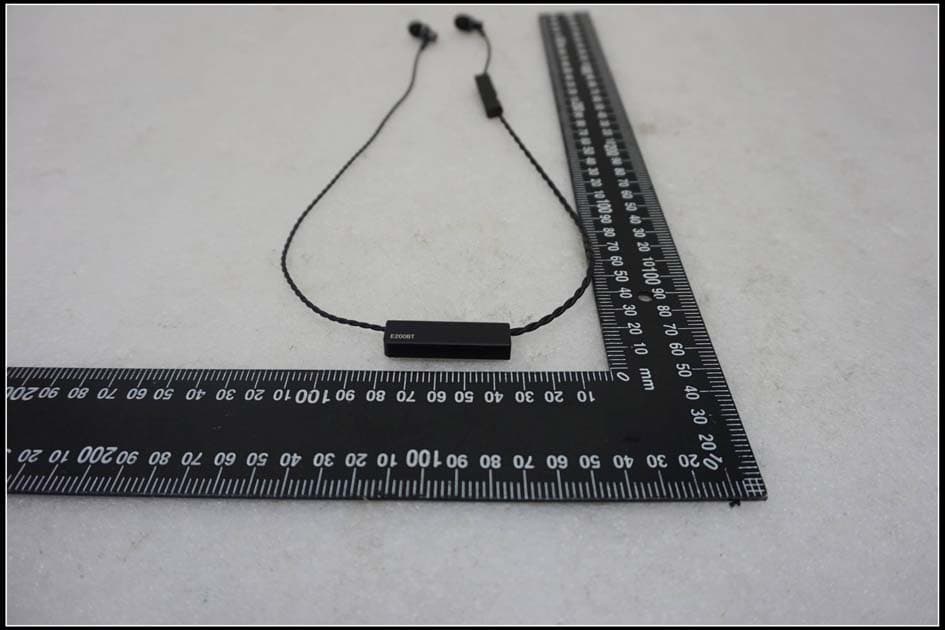
2AANUE200BT
Oct 29, 2015Bluetooth Headphones
Equipment Class
DSS - Part 15 Spread Spectrum Transmitter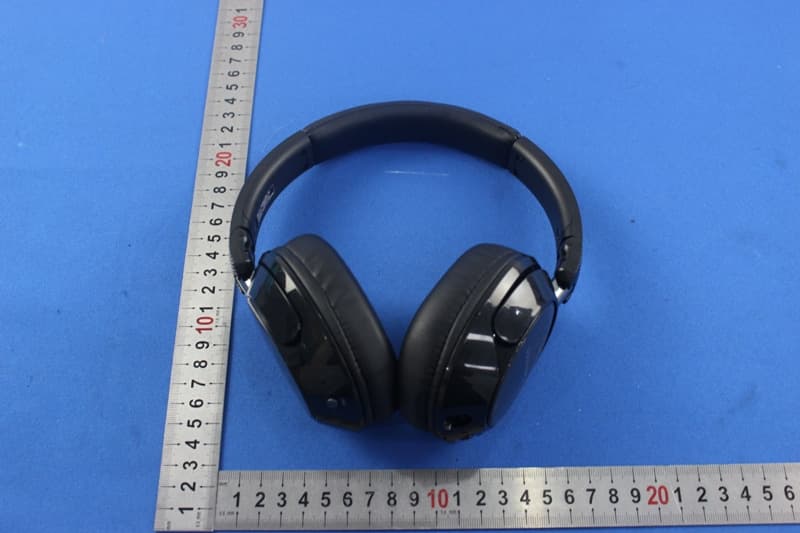
2AANUSHB9850NC
Oct 07, 2015Bluetooth Headphones
Equipment Class
DSS - Part 15 Spread Spectrum Transmitter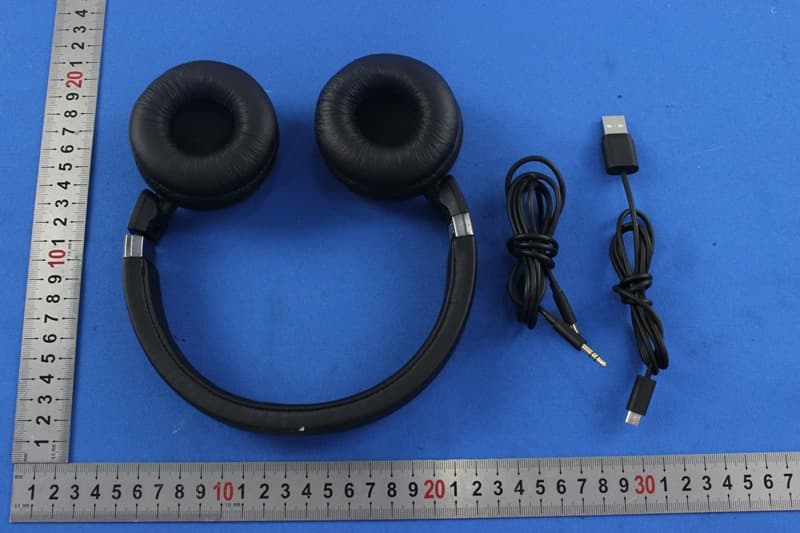
2AANUSHB8750NC
Oct 07, 2015Bluetooth Headphones
Equipment Class
DSS - Part 15 Spread Spectrum Transmitter
2AANUE700BT
Oct 06, 2015Bluetooth Headphones
Equipment Class
DTS - Digital Transmission System
2AANUE300BT
Oct 06, 2015Bluetooth Headphones
Equipment Class
DTS - Digital Transmission System