2AAP800007Bluetooth Mono Speaker
Guoguang Electric Co.,Ltd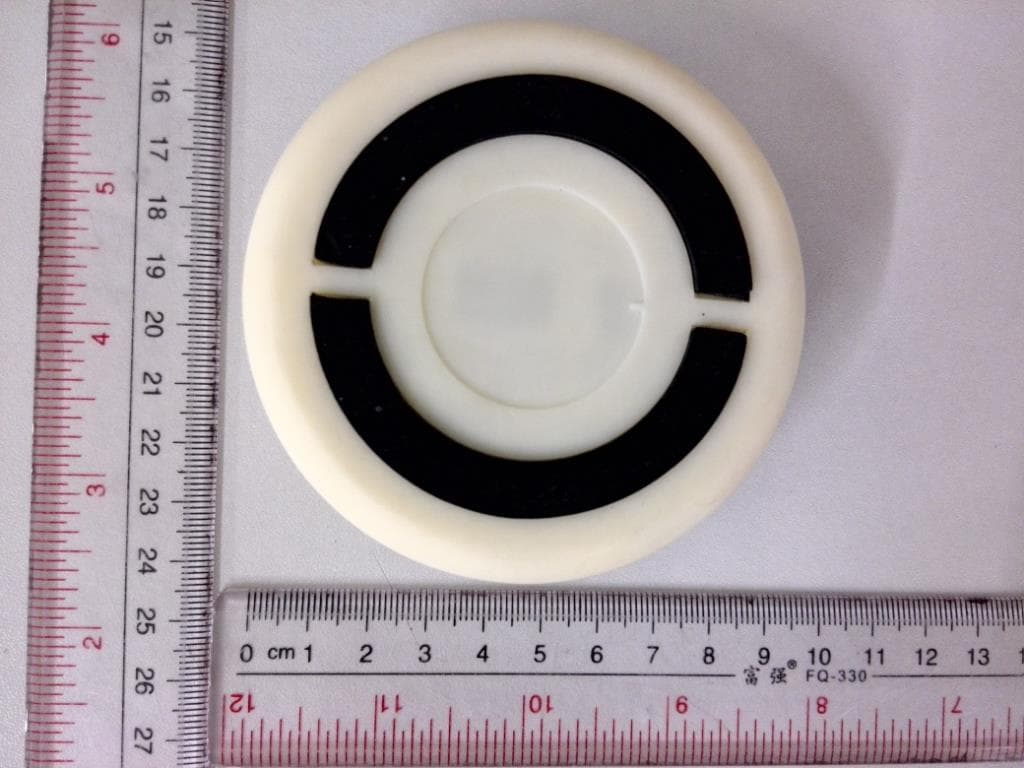
Click to zoom
Application Details
- Equipment Class
- DTS - Digital Transmission System
- Date of Grant
- Aug 13, 2014
- Application Purpose
- Original Equipment
- Date of Application
- Aug 13, 2014
- Equipment Note
- Bluetooth Mono Speaker
- Frequency Range
- 2402.00000000 - 2480.00000000
- Company
- Guoguang Electric Co.,Ltd
- Country
- China
Documents & Files
Document Text
Text extracted from the exhibit documents filed with the FCC. Open a document above to read the original.
Users Manual
3 Instruction Manual ∙ English AmazonBasics Micro Ultra-Portable Bluetooth ® Speaker Contents • Mono Portable Bluetooth Speaker • Carrying pouch • USB charging cable • This instruction manual Bluetooth 4.0 supported 4 Product overview Top/Front Side Function / Power Volume up Setup Your speaker is partially charged when it arrives so you can use it right away. For the best reception, keep your speaker within 30 feet of the device it’s paired to. Volume down Charging port LED AUX jack 5 Pairing your speaker with a device 1. Tur n ON your speaker. A tone sounds, the LED blinks and your speaker enters last device searching mode. 2. Pr ess and hold the function button for 1 to 3 seconds to put your speaker in paring mode. A tone sounds and the LED blinks quickly. 3. Tur n ON your Bluetooth device (like a phone or tablet). 4. On your device, locate your Bluetooth settings and turn on Bluetooth. 5. In Bluetooth Settings, scan for devices if necessary, then select Amazon_BT4 from your device’s list. The LED stops blinking and lights blue. Your device and speaker ar e paired and your speaker is ready to use. 6 Note: Your speaker stays in pairing mode for 3 minutes or until you pair a device. If you do not pair a device within 3 minutes, your speaker exits pairing mode and the LED ashes slowly. T o start pairing mode again, press the function button once. Pairing another device or reconnecting to a paired device 1. Disconnect from the previous device by pressing and holding the function button for 1 to 3 seconds. A tone sounds, the LED blinks quickly, and your speaker enters pairing mode. 2. Repeat the pairing steps for your next device. Note: You can pair multiple devices but you can only have one device actively paired at a time. 7 Play music • Start playing music on your paired device. Music plays through your speaker. • On your speaker, press + or — to increase or decrease the volume. Note: A tone sounds when the maximum volume setting is reached. 8 Connect with an audio cable 1. Connect a 3.5 mm audio cable (not included) from your speaker’s AUX jack to your audio device (like an MP3 player). 2. You should disconnect from Bluetooth while using Aux jack to play music. Press and hold the function button 1~3 seconds to disconnect Bluetooth. Note: When connected to AUX, use the controls on the device instead of your speaker. 9 Charge your speaker When your speaker is turned on and the battery is low, your ashes red. If not charged, your speaker turns of f. To charge your speaker, connect the USB charging cable to the port on your speaker and an available USB port on your computer. • If your speaker is ON, the LED flashes red & blue when charging. When fully charged and connected to a Bluetooth device, the LED lights blue. • If your speaker is OFF, the LED lights red while charging and turns off when fully charged. 10 Troubleshooting My speaker won’t pair. • Move your speaker and Bluetooth device closer together. • If you do not pair a device within 3 minutes, your speaker ashes slowly. Press the function button once to put your speaker into pairing mode. A tone sounds and the LED blinks quickly. • Pr ess and hold the function button to make sure that your speaker is not connected to any other Bluetooth device. The sound is too quiet or loud. • Adjust the volume on your device. It should be at about 50%. • Adjust your speaker volume. I hear static through my speaker . • Move your speaker closer to your paired device. The maximum distance is 30 feet. • Tur n down the volume. 11 My speaker buttons aren’t controlling my device. • Some functions may be restricted depending on the device paired to your speaker. • If the device is connected to the AUX jack, you must use the controls on the device. • Make sure the device is within 30 feet of your speaker. • Make sure your device supports Bluetooth 4.0. Safety and Compliance re or electric shock: Do not expose this appliance to rain or moisture. A warning that batteries (battery pack or batteries installed) shall not be exposed to excessive heat re or the light. 12 Made in China liates. All Rights reserved. Amazon and the AmazonBasics liates. FCC Information This equipment has been tested and found to comply with the limits for a Class B digital device, pursuant to Part 15 of the FCC Rules. These limits are designed to provide reasonable protection against harmful interference in a residential installation. This equipment generates, uses and can radiate radio frequency energy and, if not installed and used in accordance with the instructions, may cause harmful interference to radio communications. However, there is no guarantee that interference will not occur in a particular installation. If this equipment does cause harmful interference to radio or television reception, which can be determined by turning the equipment off and on, the user is encouraged to try to correct the interference by one or more of the following measures: • Reorient or relocate the receiving antenna. • Increase the separation between the equipment and receiver. • Connect the equipment into an outlet on a circuit different from that to which the receiver is connected • Consult the dealer or an experienced radio/TV technician for help. cations not expressly approved by the party responsible for compliance may cause interference and void the user’s authority to operate the equipment. This device complies with Part 15 of the FCC Rules. Operation is subject to the following two conditions: (1) This device may not cause harmful interference, and (2) this device must accept any interference received, including interference that may cause undesired operation.” PRODUCT DISPOSAL INFORMATION Dispose of this product in accordance with Local and National Disposal Regulations. WEEE Regulatory Information: Disposal of Waste Electrical and Electronic Equipment (WEEE) The Waste Electrical and Electronic Equipment (WEEE) Directive aims to minimize the impact of electrical and electronic goods on t…
Text truncated - open the document above for the full version.
Cover Letter(s)
CONFIDENTIALITY REQUEST for Certification Service in USA Federal Communication Commission Equipment Authorization Division, Application Processing Branch 7435 Oakland Mills Road Columbia, MD 21048 Aug 14, 2014 TO WHOM IT MAY CONCERN Pursuant to Paragraphs §0.457 and 0.459 of the Commission’s Rules (47 C.F.R.) and Section §552(b)(4) of the Freedom of Information Act, we requests confidentiality for the following products: FCC ID Model name 2AAP800007 BTV4 For the product stated above, we request permanent confidentiality for exhibits which contain Operational Description, Block Diagram, Schematics, Parts Lists or Tune Up Information. The above exhibits contain our trade secrets and proprietary information that could be of benefit to our competitors. If you have any questions, please feel free to contact me at the address shown below. Sincerely, (signed) Name/Title: Mr. Alan Song/Engineer Company: Guoguang Electric Co.,Ltd Address: No. 8 Jinghu Road, Xinhua Town, Huadu Region, Guangzhou, 510800 P. R. China Phone: 008620-28609750 Fax: N/A Email: [email protected]
Internal Photos
BT Antenna
Test Report
A Test Lab Techno Corp. Report Number:1408FR11-02 Page 1 of 40 FCC 47 CFR PART 15 SUBPART C Product Type : Bluetooth Mono Speaker Applicant : Guoguang Electric Co.,Ltd Address : No. 8 Jinghu Road, Xinhua Town, Huadu Region, Guangzhou, 510800 P. R. China Model Number : BTV4 Trade Name : NA Test Specification : FCC 47 CFR PART 15 SUBPART C: Oct., 2012 ANSI C63.10:2009 KDB558074 D01 Receive Date : 18 July, 2014 Test Period : 22 July, 2014~25 July, 2014 Issue Date : 09 August, 2014 Issue by A Test Lab Techno Corp. No. 140-1, Changan Street, Bade City, Taoyuan County 334, Taiwan R.O.C. Te l:+886-3-2710188 / Fax:+886-3-2710190 T aiwan Accreditation Foundation accreditation number: 1330 Note: This report shall not be reproduced except in full, without the written approval of A Test Lab Techno Corp. This document may be altered or revised by A Test Lab Techno Corp. personnel only, and shall be noted in the revision section of the document. The client should not use it to claim product endorsement by TAF, or any government agencies. The test results in the report only apply to the tested sample. A Test Lab Techno Corp. Report Number:1408FR11-02 Page 2 of 40 Revision History Rev. Issue Date Revisions Revised By Draft 09 August, 2014 A Test Lab Techno Corp. Report Number:1408FR11-02 Page 3 of 40 Verification of Compliance Issued Date: 09 August, 2014 Product Type : Bluetooth Mono Speaker Applicant : Guoguang Electric Co.,Ltd Address : No. 8 Jinghu Road, Xinhua Town, Huadu Region, Guangzhou, 510800 P. R. China Model Number : BTV4 Trade Name : NA FCC ID : 2AAP800007 EUT Rated Voltage : DC 3.7V Test Voltage : DC 3.7V Applicable Standard : FCC 47 CFR PART 15 SUBPART C: Oct., 2012 ANSI C63.4:2009 KDB558074 D01 Test Result : Complied Performing Lab. : Shenzhen Academy of Metrology and Quality Inspection No.4 Tongfa Road, Xili Town, Nanshan District, Shenzhen, Guangdong, China Te l:0086-755-86928965 / Fax:0086-755-86009898-31396 Web: www.smq.com.cn The EUT described above is tested by Shenzhen Academy of Metrology and Quality Inspection EMC Laboratory to determine the maximum emissions from the EUT. Shenzhen Academy of Metrology and Quality Inspection EMC Laboratory is assumed full responsibility for the accuracy of the test results. The test data, data evaluation, test procedures, and equipment configurations shown in this report were made in accordance with the procedures given in ANSI C63.4 (2003) and the energy emitted by the sample EUT tested as described in this report is in compliance with FCC Rules Part 15.207, 15.209 and 15.247. The test results of this report relate only to the tested sample identified in this report. Approved By : Reviewed By : (Manager) (Testing Engineer) A Test Lab Techno Corp. Report Number:1408FR11-02 Page 4 of 40 TABLE OF CONTENTS 1 General Information ....................................................................................................... 6 1.1. Summary of Test Result ......................................................................................................... 6 1.2. Measurement Uncertainty ...................................................................................................... 6 2 EUT Description ............................................................................................................. 7 3 Test Methodology .......................................................................................................... 8 3.1. Mode of Operation ................................................................................................................. 8 3.2. Configuration of Test System Details .................................................................................... 9 3.3. Test Site Environment ............................................................................................................ 9 4 Maximum Conducted Output Power Measurement .................................................. 10 4.1. Limit ..................................................................................................................................... 10 4.2. Test Setup ............................................................................................................................. 10 4.3. Test Instruments ................................................................................................................... 10 4.4. Test Procedure ...................................................................................................................... 10 4.5. Test Result ............................................................................................................................. 11 5 Conducted Emission Measurement ........................................................................... 13 5.1. Limit ..................................................................................................................................... 13 5.2. Test Instruments ................................................................................................................... 13 5.3. Test Setup ............................................................................................................................. 13 5.4. Test Result ............................................................................................................................ 14 6 Radiated Interference Measurement .......................................................................... 16 6.1. Limit ..................................................................................................................................... 16 6.2. Test Instruments ................................................................................................................... 16 6.3. Setup .................................................................................................................................... 17 6.4. Test Procedure ............................................................…
Text truncated - open the document above for the full version.
Test Setup Photos
Conducted Emission Radicated Emission Above 1 GHz Below 1 GHz
Contact Information
Applicant
Alan Song
Test Firm
Eurofins E&E Wireless Taiwan Co., LtdFly LU
Technical Specifications
| # | Rule Parts | Frequency Range | Power Output |
|---|---|---|---|
| 1 | 15C | 2.40 GHz - 2.48 GHz | 520.00 µW |
Other Applications from Guoguang Electric Co.,Ltd
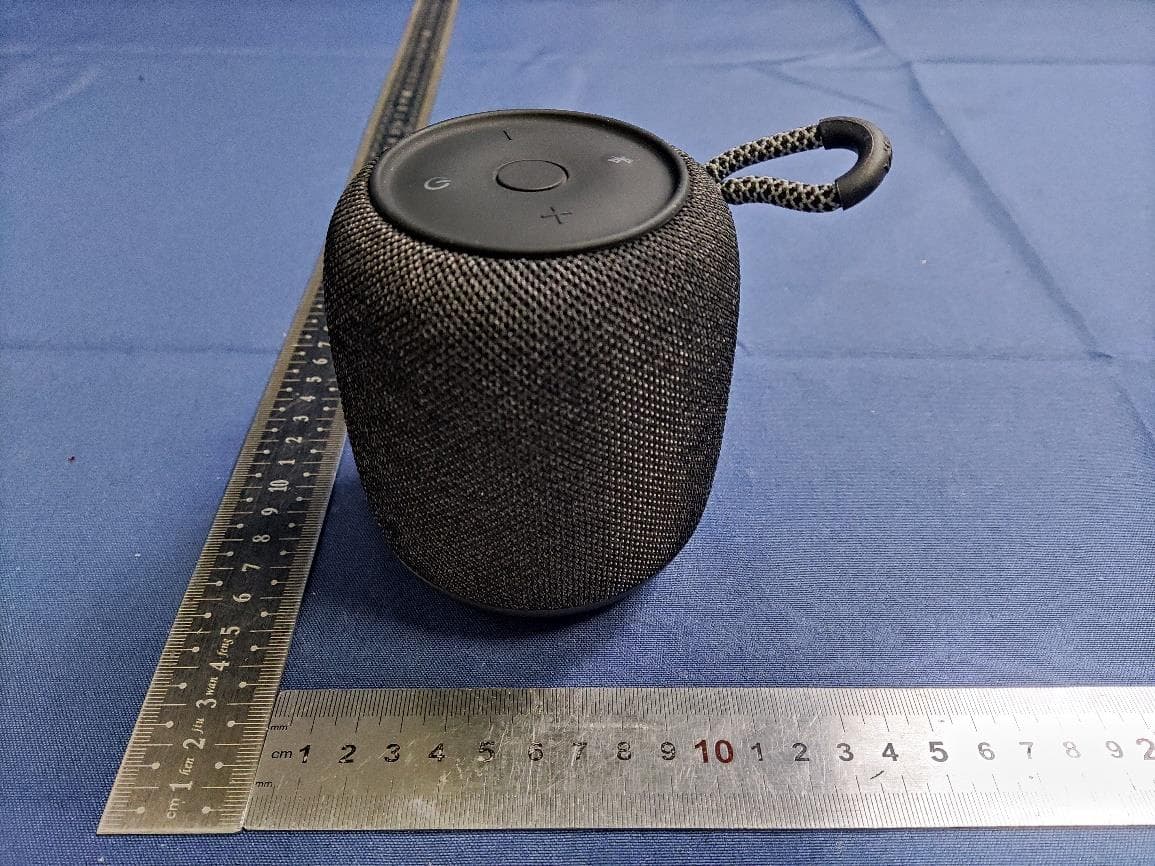
2AAP8-VIFA122
Feb 05, 2024Portable Bluetooth Speaker
Equipment Class
DSS - Part 15 Spread Spectrum Transmitter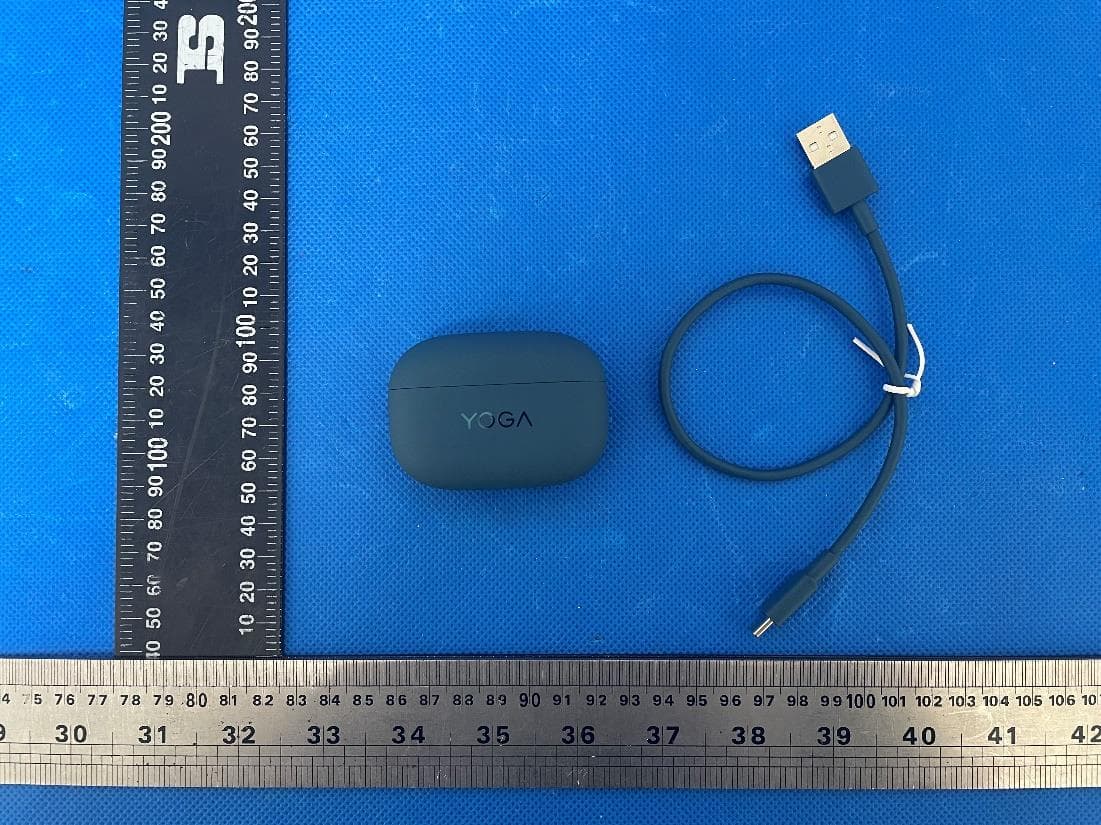
2AAP8-LT310
Jan 16, 2024Lenovo YOGA True Wireless Stereo Earbuds
Equipment Class
DTS - Digital Transmission System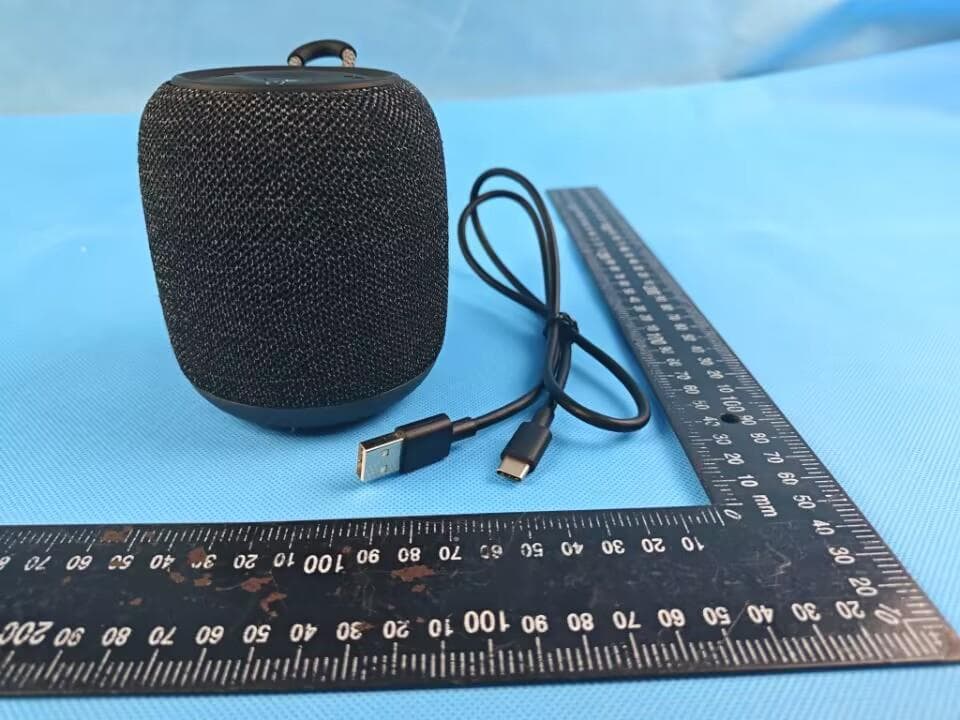
2AAP8-VIFA150
Sep 27, 2023Vifa AI Intelligent Speaker
Equipment Class
DTS - Digital Transmission System
2AAP8-VIFA062
Jul 06, 2023Portable Wireless Speaker
Equipment Class
DSS - Part 15 Spread Spectrum Transmitter
2AAP8-VIFANORDIC3-2
Jan 09, 2023Portable Wireless Speaker
Equipment Class
DSS - Part 15 Spread Spectrum Transmitter