2AB5TDIAMONDBluetooth Speaker
Shenzhen MeiDong Acoustics Co., LTD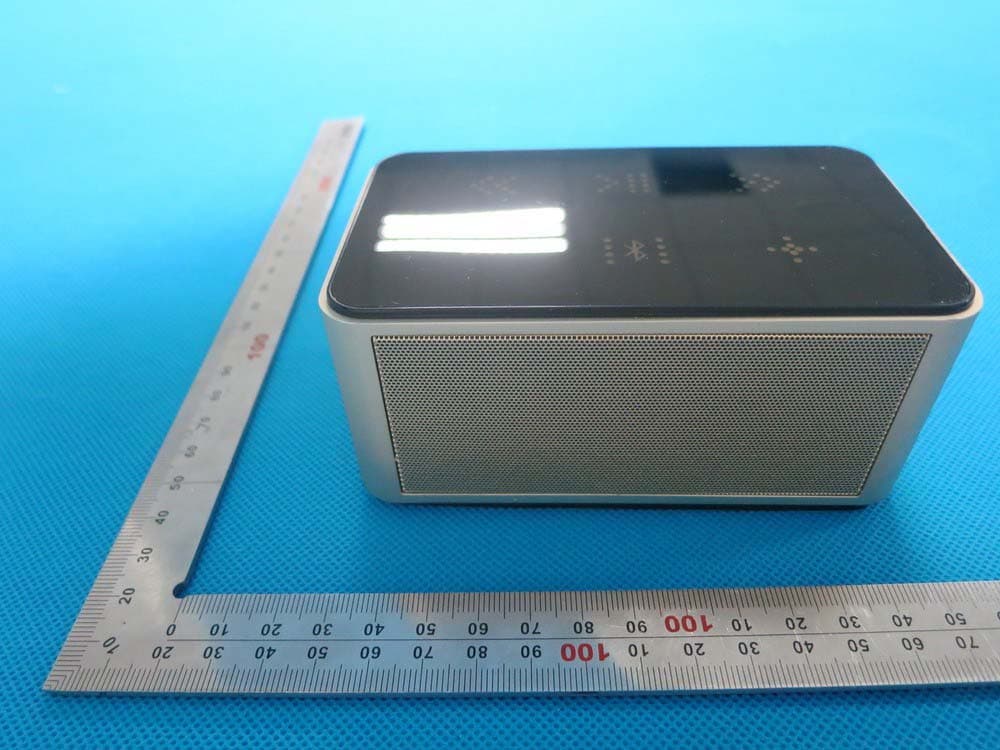
Click to zoom
Application Details
- Equipment Class
- DSS - Part 15 Spread Spectrum Transmitter
- Date of Grant
- Sep 24, 2014
- Application Purpose
- Original Equipment
- Date of Application
- Sep 24, 2014
- Equipment Note
- Bluetooth Speaker
- Frequency Range
- 2402.00000000 - 2480.00000000
- Country
- China
Documents & Files
Document Text
Text extracted from the exhibit documents filed with the FCC. Open a document above to read the original.
Users Manual
User’s Guide Bluetooth Speaker Brand name:cowin Model name:Diamond FCC ID:2AB5TDIAMOND Diamond Battery Capacity: S/N: Frequency range: Power supply: Audio source: Function spec: Size: Rechargeable battery can be charged by USB cable Operating range up to 20 meters 1. Introduction Thank you for purchasing the Diamond Audio system-a music player, an innovative portable Bluetooth speaker with built-in battery. This device can be easily connected with audio or video devices for your traveling and daily needs. The BT Speaker supports both Bluetooth and Aux-in function. Specification >70dB 50Hz-20KHz Lithium battery or USB cable iPhone, iPad, Smartphone, Notebook, MP3, MP4, etc Bluetooth, Microphone, Line-in 120mm x 70mm x 56mm -2- 1000mAh 2. Battery Precautions The device can be powered by built-in rechargeable lithium battery. Please charge the battery for at least 8 hours before your first use of device. If the device is not used for a long period of time, the battery may be out of power. Please charge the battery. Rechargeable batteries are only to be charged under adult supervision. Use only the supplied USB micro cable to recharge the battery. Improper charging may damage the battery and the device. Do not attempt to open the rechargeable battery or battery pack. There are no serviceable parts inside. Should a battery leak, the device may become damaged. Clean the battery compartment immediately, avoiding touching your skin. Keep the battery out of reach of children. If swallowed, consult a physician immediately. Avoid storing the battery in extremely hot or cold environment. A device with a hot or cold battery may not work temporarily, even when the battery is fully charged. Do not dispose batteries in a fire as they may explode. Batteries may also explode if damaged. Please dispose them according to local regulation. Do not dispose them as household waste. -3- 3. Getting Started General controls -4- Micro USB Power switch AUX Volume UPVolume Down Bluetooth pairing key PreviousNext Play/Pause MIC Pairing Diamond with your smartphone ( should be within 20 meters) a. Activate pairing mode on Diamond by switching “ON/OFF” button to “ON”. The LED will flash in red and blue color. b. On your speaker, navigate to the Bluetooth function (refer to the tablet owner’s manual to locate Bluetooth function). c. Select “Set Up” Bluetooth or turn “ON” Bluetooth. d. Select “Search” or “Discover” devices. e. Select “Bluetooth”. f. If requested, type the password or PIN 0000 g. Press the Enter key. 4. Cable Connection 5. Bluetooth Connection and disconnection 3.5mm stereo jack -5- -6- After completing the steps above, a message on your smartphone will appear cofirming that your device is now . paired/connected. then you will see the blue LED light stay solid, which means that this speaker pairs with your smartphone succeessfully. In case of unsuccessfully pairing, push this speaker to “OFF” and restart it to “ON” Notice: 1. If you turn off the speaker but the Bluetooth on your smartphone remains open, when you restart it, the Bluetooth will be connected automatically. 2. When your smartphone and this speaker beyond the Bluetooth receiving range. This speaker will diconnect with your smartphone and turn into paring mode. If within 10 minutes your smartphone is back, will connect with this speaker automatically. 3. If long press “ ”the speaker will be disconnected and ready to pair with other smartphones. When a phone call comes in, you could talk through the microphone on speaker. 6. Microphone usage 7. LED Display Status stay solid charging Low battery Flash off Full charged LED Display LED colorLight indication Green Light Red/ Blue light Blue lightstay solid stay solid paired Line-in Red & Blue flash alternatively ready to pair Red Light -7- 9. Product care 8. Battery Charging Your device is designed be portable, as an electronic device and it must be treated carefully. Putting unnecessary pressure on it or striking the device against other objects may cause damage. The device has built-in rechargeable lithium battery that can be charged by connecting to the USB port of your computer or into an AC adapter with USB port. When charging is completed, the red light will go off. Do not drop, crush, or apply excessive force to the device. Do not expose your device to moisture, extreme or prolonged heat, cold, humidity, or other adverse conditions. Avoid storing it in damp, humid or wet places. As it is not waterproof. Clean the unit with a soft cloth or damp chamois leather. Never use solvents. The unit can only be opened by qualified person. This device contains magnets. Keep magnetic field such as credit cards and video screen away from this device to avoid damage or malfunction. -8- This device complies with part 15 of the FCC rules. Operation is subject to the following two conditions: (1) this device may not cause harmful interference, and (2) this device must accept any interference received, including interference that may cause undesired operation. Changes or modifications to this unit not expressly approved by the party responsible for compliance could void the user's authority to operate the equipment.
Cover Letter(s)
Sep.17, 2014 Federal Communication Commission Authorization and Evaluation Division FCC ID: 2AB5TDIAMOND Re: Confidentiality Request Pursuant to Sections 0.457 and 0.459 of the Commission’s Rules, the applicant hereby requests confidential treatment of information applied this application as outlined below: 1: Block Diagram 2: Circuit Diagram 3: Parts List 4.Operational Description The above materials contain trade secrets and proprietary information not customarily released to the public. The public disclosure of these matters might be harmful to the applicant and provide unjustified benefits to its competitors. The Applicant understands that pursuant to Rules 0.457, disclosure of this Application and all accompanying documentation will not be made before the date of the Grant for this application. Sincerely, Shenzhen MeiDong Acoustics Co., LTD Contact person: Yu KaI Title: Manager
External Photos
External Photos All VIEW OF EUT TOP VIEW OF EUT BOTTOM VIEW OF EUT FRONT VIEW OF EUT BACK VIEW OF EUT LEFT VIEW OF EUT RIGHT VIEW OF EUT BLACK FRONT VIEW OF EUT LEFT VIEW OF EUT RIGHT VIEW OF EUT
ID Label/Location Info
FCC ID Label Location FCC ID: 2AB5TDIAMOND
Internal Photos
Internal Photos OPEN VIEW OF EUT-1(TOP) OPEN VIEW OF EUT-2 OPEN VIEW OF EUT-3(BOTTOM) OPEN VIEW OF EUT-4 OPEN VIEW OF EUT-5 INTERNAL VIEW OF EUT-1 INTERNAL VIEW OF EUT-2 INTERNAL VIEW OF EUT-3 INTERNAL VIEW OF EUT-4 INTERNAL VIEW OF EUT-5 Antenna
Test Report
Page 1 of 70 FCC Test Report Report No.: AGC00014140901FE03 FCC ID : 2AB5TDIAMOND APPLICATION PURPOSE : Original Equipment PRODUCT DESIGNATION : Bluetooth Speaker BRAND NAME : cowin MODEL NAME : Diamond CLIENT : Shenzhen MeiDong Acoustics Co., LTD. DATE OF ISSUE : Sep,16,2014 STANDARD(S) : FCC Part 15 Rules REPORT VERSION : V1.0 Attestation of Global Compliance (Shenzhen) Co., Ltd CAUTION: This report shall not be reproduced except in full without the written permission of the test laboratory and shall not be quoted out of context. Report No.: AGC00014140901FE03 Page 2 of 70 Report Revise Record Report Version Revise Time Issued Date Valid VersionNotes V1.0 / Sep,16,2014 Valid Original Report Report No.: AGC00014140901FE03 Page 3 of 70 TABLE OF CONTENTS 1. VERIFICATION OF CONFORMITY ...................................................................................... 5 2. GENERAL INFORMATION .................................................................................................. 6 2.1. PRODUCT DESCRIPTION ........................................................................................................... 6 2.2. TABLE OF CARRIER FREQUENCYS .......................................................................................... 6 2.3. RECEIVER INPUT BANDWIDTH ................................................................................................. 7 2.4. EXAMPLE OF A HOPPING SEQUENCY IN DATA MODE ........................................................... 7 2.5. EQUALLY AVERAGE USE OF FREQUENCIES AND BEHAVIOUR ............................................ 7 2.6. RELATED SUBMITTAL(S) / GRANT (S) ....................................................................................... 8 2.7. TEST METHODOLOGY................................................................................................................ 8 2.8. SPECIAL ACCESSORIES ............................................................................................................ 8 2.9. EQUIPMENT MODIFICATIONS ................................................................................................... 8 3. MEASUREMENT UNCERTAINTY........................................................................................ 9 4. DESCRIPTION OF TEST MODES ........................................................................................ 9 5. SYSTEM TEST CONFIGURATION .................................................................................... 10 5.1. CONFIGURATION OF EUT SYSTEM ........................................................................................ 10 5.2. EQUIPMENT USED IN EUT SYSTEM ....................................................................................... 10 5.3. SUMMARY OF TEST RESULTS ................................................................................................ 10 6. TEST FACILITY .................................................................................................................. 11 7. PEAK OUTPUT POWER .................................................................................................... 12 7.1. MEASUREMENT PROCEDURE ................................................................................................ 12 7.2. TEST SET-UP (BLOCK DIAGRAM OF CONFIGURATION) ....................................................... 12 7.3. LIMITS AND MEASUREMENT RESULT .................................................................................... 13 8. 20DB BANDWIDTH ............................................................................................................ 19 8.1. MEASUREMENT PROCEDURE ................................................................................................ 19 8.2. TEST SET-UP (BLOCK DIAGRAM OF CONFIGURATION) ....................................................... 19 8.3. LIMITS AND MEASUREMENT RESULTS .................................................................................. 19 9. CONDUCTED SPURIOUS EMISSION ............................................................................... 26 9.1. MEASUREMENT PROCEDURE ................................................................................................ 26 9.2. TEST SET-UP (BLOCK DIAGRAM OF CONFIGURATION) ....................................................... 26 9.3. MEASUREMENT EQUIPMENT USED ....................................................................................... 26 9.4. LIMITS AND MEASUREMENT RESULT .................................................................................... 26 10. RADIATED EMISSION ..................................................................................................... 30 10.1. MEASUREMENT PROCEDURE .............................................................................................. 30 10.2. TEST SETUP ............................................................................................................................ 32 10.3. TEST RESULT .......................................................................................................................... 32 Report No.: AGC00014140901FE03 Page 4 of 70 11. BAND EDGE EMISSION .................................................................................................. 39 11.1. MEASUREMENT PROCEDURE .............................................................................................. 45 11.2. TEST SET-UP ........................................................................................................................... 45 11.3. TEST RESULT .......................................................................................................................... 46 12. NUMBER OF HOPPING FREQUENCY ............................................................................ 50 12.1. MEASUREMENT PROCEDURE .............................................................................................. 50 12.2. TEST SETUP (BLOCK DIAGRAM OF CONFIGURATION) ..........…
Text truncated - open the document above for the full version.
Test Setup Photos
APPENDIX IV PHOTOGRAPHS OF TEST SETUP FCC LINE CONDUCTED EMISSION TEST SETUP FCC RADIATED EMISSION TEST SETUP
Contact Information
Applicant
Huang ping hua
Test Firm
Attestation of Global Compliance Shenzhen Co. Ltd.Forrest Lei
Technical Specifications
| # | Rule Parts | Frequency Range | Power Output |
|---|---|---|---|
| 1 | 15C | 2.40 GHz - 2.48 GHz | 4.00 mW |
Other Applications from Shenzhen MeiDong Acoustics Co., LTD
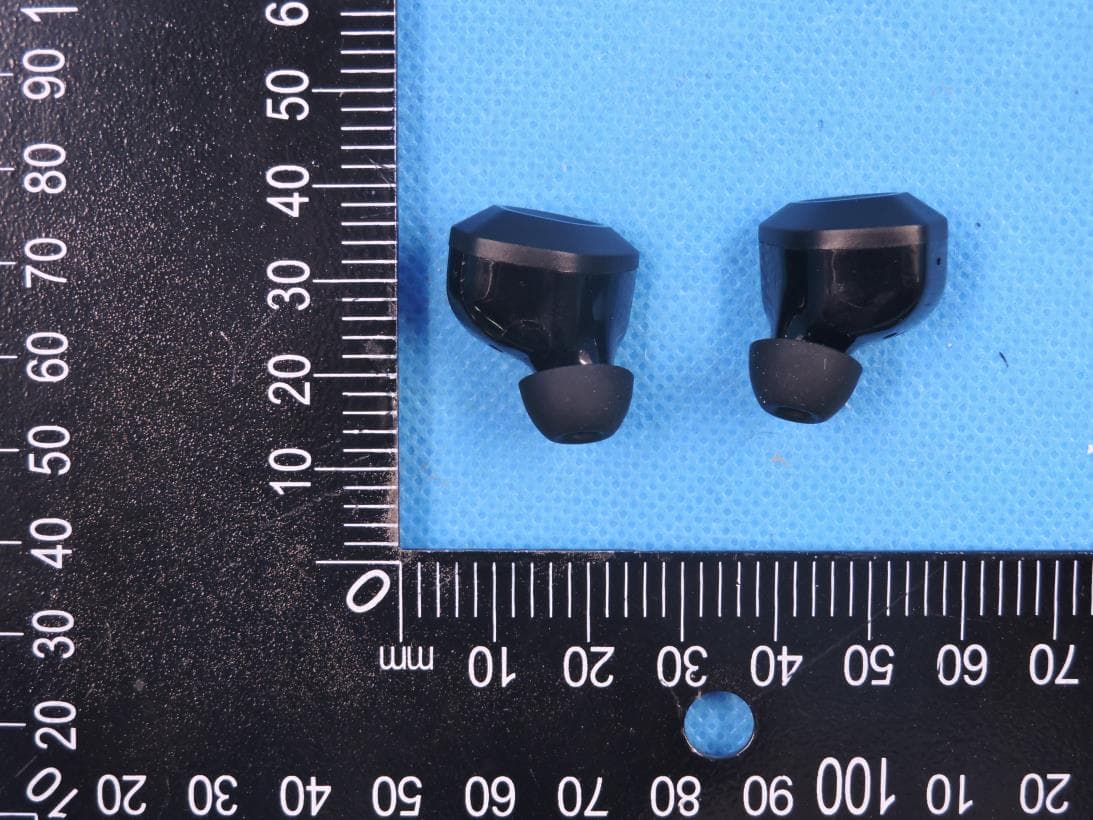
2AB5T-APEX
Jan 04, 2021TWS BLUETOOTH EARBUDS
Equipment Class
DSS - Part 15 Spread Spectrum Transmitter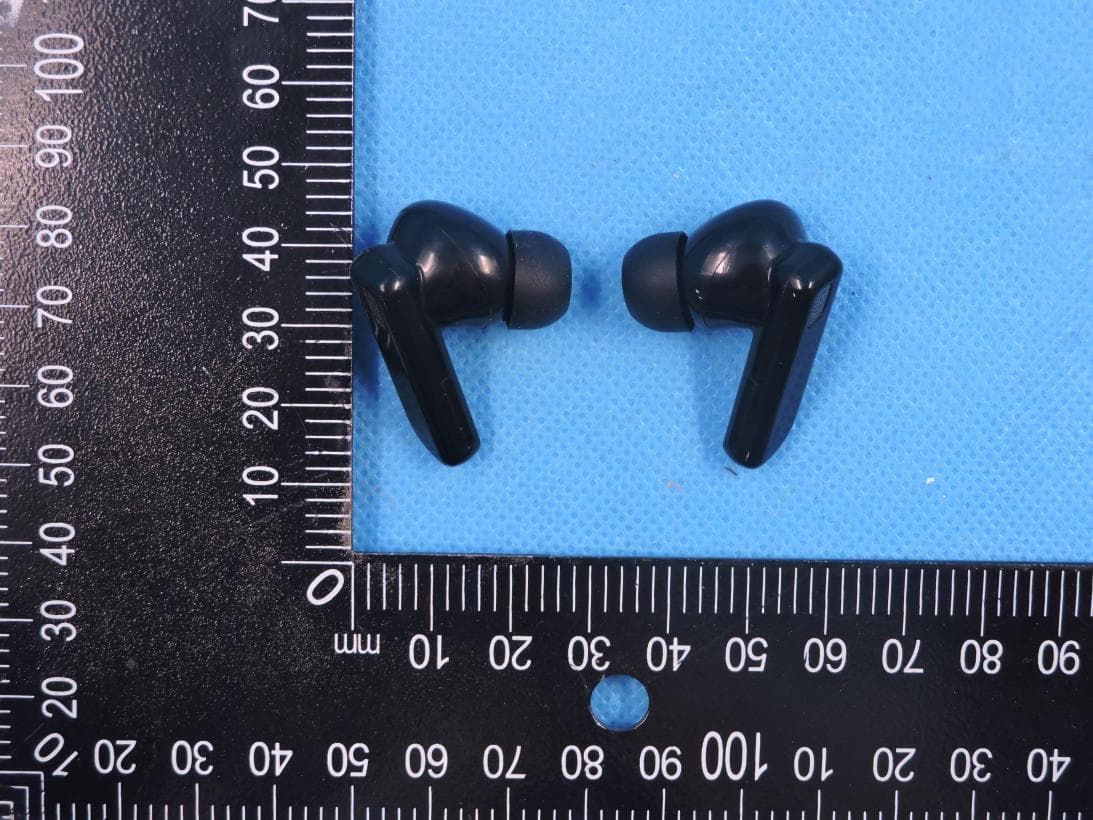
2AB5T-APEXPRO
Jan 04, 2021TWS BLUETOOTH EARBUDS
Equipment Class
DSS - Part 15 Spread Spectrum Transmitter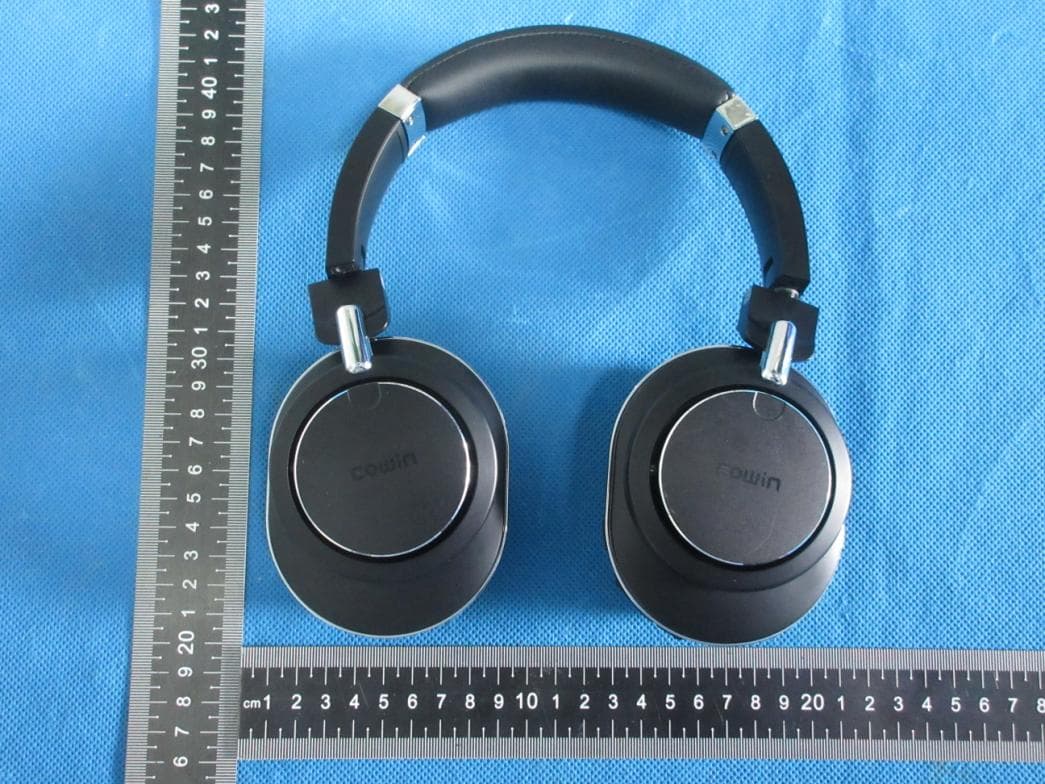
2AB5T-SE9
Nov 18, 2020ANC Wireless headphones
Equipment Class
DTS - Digital Transmission System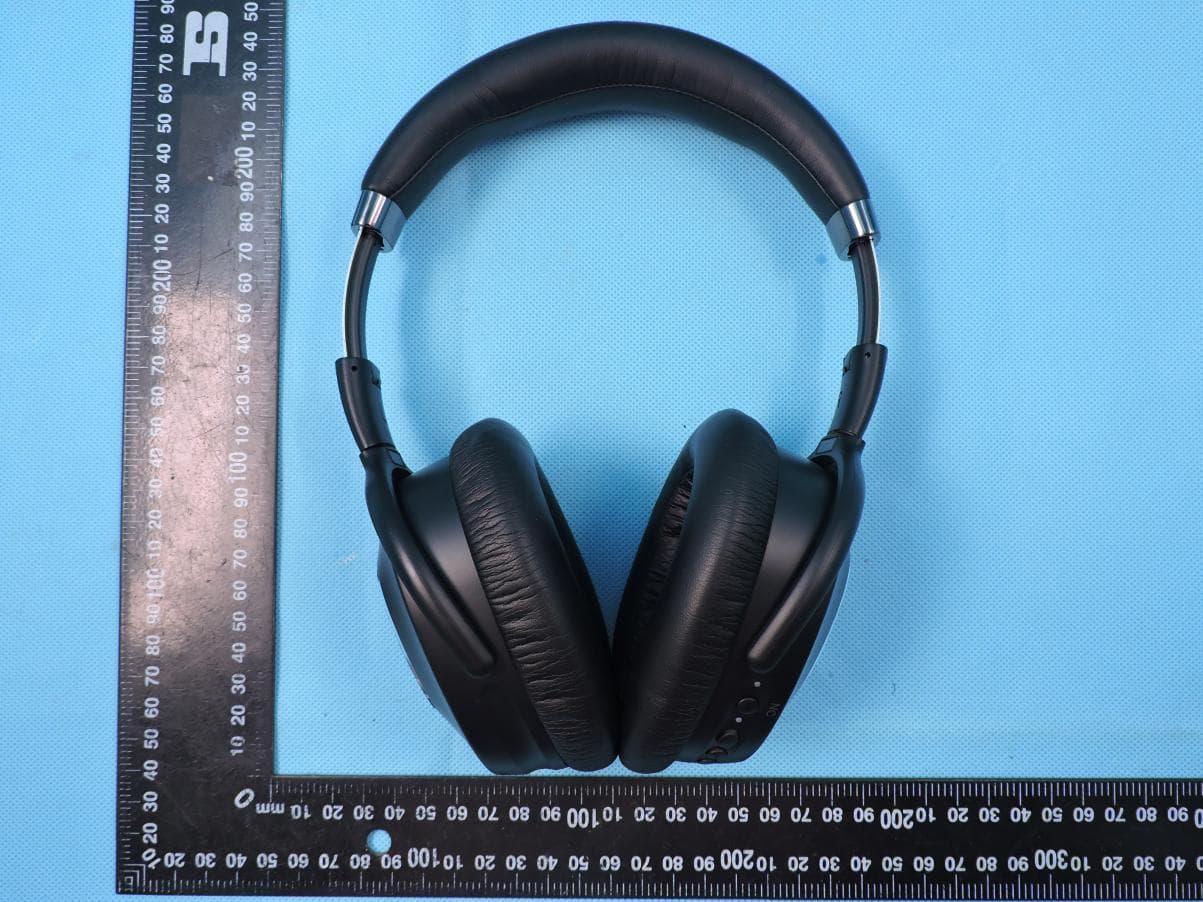
2AB5T-SE8
May 24, 2020Active noise canceling bluetooth headset
Equipment Class
DSS - Part 15 Spread Spectrum Transmitter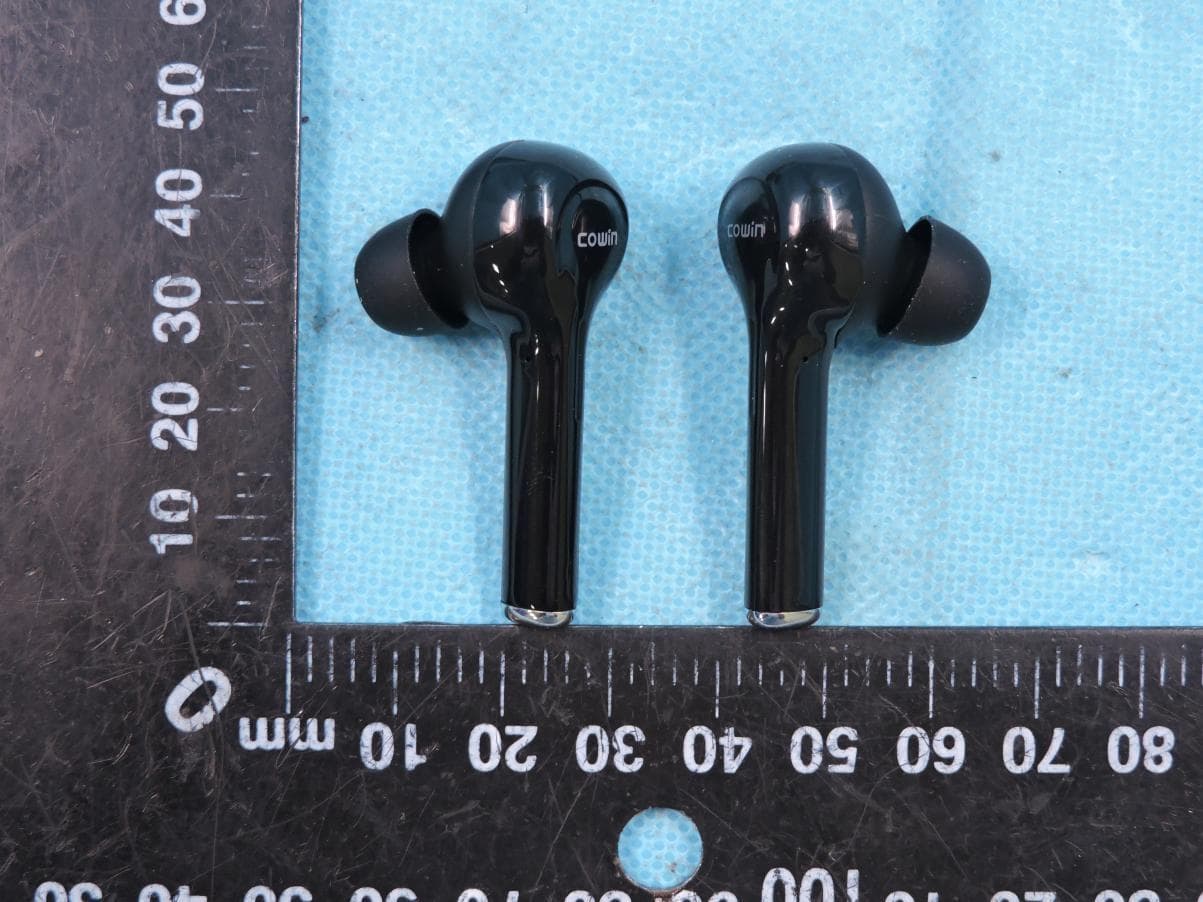
2AB5T-KY03
Jan 14, 2020TWS BLUETOOTH ADPHONE
Equipment Class
DSS - Part 15 Spread Spectrum Transmitter