2AC4EZSCZ-Wave Wall Switch
DOMITECH PRODUCTS, LLC
Click to zoom
Application Details
- Equipment Class
- DXT - Part 15 Low Power Transceiver, Rx Verified
- Date of Grant
- Sep 09, 2015
- Application Purpose
- Original Equipment
- Date of Application
- Sep 09, 2015
- Equipment Note
- Z-Wave Wall Switch
- Frequency Range
- 916.00000000 - 916.00000000
- Company
- DOMITECH PRODUCTS, LLC
- Country
- United States
Documents & Files
Document Text
Text extracted from the exhibit documents filed with the FCC. Open a document above to read the original.
Users Manual
Model ZSC Wireless Control Device Z‐wave Switch Cover ZSC This product speaks with other Z‐Wave certified devices INTRODUCTION domitech Switch Cover ZSC is a member of the Z‐Wave® family and communicates with other Z‐Wave® certified devices in a control network. ZSC is designed to fit over the existing wall switch in the home, ensure that the smart LED bulb stays online all the time, and allow you to control the lights manually. The ZSC can control the Z‐wave Smart LED Bulb as well as other Z‐Wave light control devices. Different types and brands of Z‐Wave devices can be associated with domitech ZSC in your system and they will work together to optimize and enhance the comfort and convenience of your automated home lighting. FEATURES • Built‐in Z‐Wave radio ‐ can control Z‐Wave Light Bulb and switches/dimmers remotely and wirelessly • Plug and play, simple setup. Fits over an existing wall switch. • Manually turn on, off, dim your lights while keeping the smart light bulb always online in your home network • No need to hire an electrician to install a new In‐Wall switch • Works with different types and brands of Z‐Wave LED Light control devices • Over‐The‐Air firmware upgrade available with compatible gateway, Z‐Wave® static controller, PC and software • Powered by Z‐Wave® 500 Series module inside • Manual reset capability • Powered by 2 pieces of standard CR2032 Lithium Coin Cell with long battery life ! WARNING ! RISK OF FIRE, ELECTRICAL SHOCK & BURNS NOT FOR EMERGENCY LIGHTING DO NOT USE WITH MEDICAL AND LIFE SUPPORT INSTRUMENT No user serviceable parts are in this module 1. INSTALLATION The ZSC can be installed without any screws by using the included double sided tape. In some cases, mounting screws can be used to secure the ZSC over an existing wall switch. Make sure to insert the two CR2032 lithium coin cell battery into the battery compartment in the ZSC main unit. Once the batteries are installed, select the proper faceplate to be used for ZSC. Use the wider included faceplate to cover a single gang wall switch. Use the narrower faceplate when used on a multi‐gang wall switch. Snap‐in the faceplate on the ZSC so that the two buttons are flush with the surface of the faceplate. Installation with double sided tape You can install the ZSC by the included double sided tapes as follows. Step 1, place the double sided tapes in the 4 corners on the back side of ZSC main unit as shown. Step 2, stick the ZSC on top of your existing wall plate. Position the ZSC properly over the switch (the battery compartment should be on the bottom side and existing wall switch should be in ON position). Make sure the surface is clean and dry before securing. Step 3, secure the ZSC tightly by pressing firmly on the existing wall plate Installation by mounting screws If your existing light switch is a decorative type or toggle switch with screw holes that line up with ZSC, you may secure ZSC using screws. (A) Install on a single gang switch Step 1, remove the mounting screws on the existing wall plate Step 2, remove the existing wall plate from the In‐wall Switch. Step 3, place the bottom case of ZSC to the In‐wall switch. Make sure the existing switch is in ON position. Step 4, tighten the mounting screws and secure the bottom case of ZSC Step 5, place the wider faceplate on the ZSC main unit. (B) Install on a multi‐gang switch Step 1, remove the mounting screws on the existing wall plate that you wish to cover (do NOT remove the screws on other switch nor the wall plate). Step 2, place the bottom case of ZSC main unit on top of the existing faceplate. Make sure the existing switch is in ON position. Step 3, Secure the ZSC main unit to the existing wall plate using the included longer mounting screws. Step 4, Snap‐in the narrower faceplate on the ZSC. Make sure the two buttons are flush with the surface of the faceplate. 2. INCLUSION Step 1, place your network controller into Inclusion mode by following the controller manufacturer’s instructions. Step 2, press any button on the ZSC. Step 3, a green LED will flash twice to indicate that ZSC Inclusion is successful. NOTE: If the inclusion was a fail, a red LED will flash on ZSC. Repeat the procedure. Before repeating the above steps, try moving the ZSC in the same room as your home gateway in case the preferred switch location is out of range initially. Repeat step 1‐3 until the ZSC is added to your network. Once the ZSC has been successfully added to your home network, you can move it to the preferred location in the home. Note: If Inclusion still fails after the 2 nd attempt, you need to first manually RESET the ZSC before repeating the above steps. Manual Reset – Press the Top button 3 times and then Bottom button 3 times very quickly within 2 seconds. LED will flash 7 times if RESET is successful. Repeat procedure until you see the LED flash 7 times. 3. Activation of Central Scene Z‐wave plus introduces a new process for scene activation – “The Central Scene Control”. Press and release the button, it will send a certain command to the central controller using the lifeline association group. This allows to react both button press and button release. This mode implements communication patterns 6 but requires gateway supporting Z‐wave Plus. Parameter No: 1 Length: 1 Byte Valid Value = 0 – 99 (Default 0) Valid Value 0 1...99 Button Top Bottom TopBottom...Top Bottom Scene Number 1 2 34...199 200 4. ASSOCIATION (Turn ON/OFF and Dim UP/DOWN) The ZSC either control other devices or they issue various scene activation commands to a central controller. For direct device control are. Step 1, include your Smart Bulb into the network by following the controller and Smart Bulb instructions. Step 2, place your controller in ASSOCIATION mode with Group 2 or Group 3, and set the ZSC as DESTINATION. Depending on the Controller software, Association may be referred to as Smart Apps, “If, Then” type conditions, etc. Step 3, switch OFF and then ON the Smart Bulb for setti…
Text truncated - open the document above for the full version.
Cover Letter(s)
DOMITECH PRODUCTS, LLC 2802 YORKSHIRE LANE, SOUTHLAKE, TX, USA 76092-5630 Tel: 1-817-229-9084 Fax: 1-817-337-9084 Email: [email protected] Date: 08/19/2015 Federal Communications Commission 7435 Oakland Mills Road Columbia MD 21046 c.c. UL Verification Services Certification Division 47173 Benicia Street Fremont, CA 94538, USA To whom it may concern: I, the undersigned, hereby authorize of Shenzhen Academy of Metrology and Quality Inspection and hereafter referred to as SMQ, to act on our behalf in all manners relating to application for equipment authorization, including signing of all documents relating to these matters. Any and all acts carried out by of Shenzhen Academy of Metrology and Quality Inspection on our behalf shall have the same effect as acts of our own. I, the undersigned, hereby certify that we are not subject to a denial of federal benefits, that includes FCC benefits, pursuant to Section 5301 of the Anti-Drug Abuse Act of 1988, 21 U.S.C. 853(a). In authorizing SMQ as our agent, we still recognize that we are responsible to: a) comply with the relevant provisions of the certification program; b) make all necessary arrangements for the conduct of the evaluation, including provision for examining documentation and access to all areas, records (including internal audit reports) and personnel for the purposes of evaluation (e.g. testing, inspection, assessment, surveillance, reassessment) and resolution of complaints; c) make claims regarding certification only in respect of the scope for which certification has been granted; d) do not use our product certification in such a manner as to bring the Certification Division into disrepute and not make any statement regarding our product certification which the Certification Division may consider misleading or unauthorized; e) upon suspension or cancellation of certification, discontinue use of all advertising matter that contains any reference thereto and return any certification documents as required by the Certification Division; f) use certification only to indicate the products are certified as being in conformity with specified standards; g) endeavor to ensure that no certificate or report nor any part thereof is used in a misleading manner; h) ensure that any reference to our product certification in communication media such as documents, brochures or advertising, complies with the requirements of the Certification Division; i) keep a record of all complaints made known to the us relating to the product’s compliance with requirements of the relevant standard and to make these records available to the Certification Division when requested; j) take appropriate action with respect to such complaints and any deficiencies found in products or services that affect compliance with the requirements for certification; k) document the actions taken. This authorization is valid until further written notice from the applicant. Sincerely Yours, Leo Lin, Business manager DOMITECH PRODUCTS, LLC REMARK: 1. This authorization letter will be sent along with your application when filing with the Certification Division. 2. Please follow the format and type it on company letterhead and send original to us. 3. Authorized signature must be in agreement with grantee code contact in FCC database.
Cover Letter(s)
DOMITECH PRODUCTS, LLC 2802 YORKSHIRE LANE, SOUTHLAKE, TX, USA 76092-5630 Tel: 1-817-229-9084 Fax: 1-817-337-9084 Email: [email protected] Federal Communications Commission 7435 Oakland Mills Road Columbia MD 21046 Subject: Request for Confidentiality FCC ID: 2AC4EZSC To Whom It May Concern: Pursuant to the provisions of Sections 0.457 and 0.459 of the Commission’s rules (47 CFR §§ 0.457, 0.459), we are requesting the Commission to withhold the following attachments as confidential document from public disclosure indefinitely. Schematic Diagram Block Diagram Theory of Operation Above mentioned document contains detailed system and equipment description are considered as proprietary information in operation of the equipment. The public disclosure of above documents might be harmful to our company and would give competitor an unfair advantage in the market. It is our understanding that all measurement test reports, FCC ID label format and correspondent during certification review process cannot be granted as confidential documents and those information will be available for public review once the grant of equipment authorization is issued. Best Regards Leo Lin Business Manager DOMITECH PRODUCTS, LLC August 13, 2015
External Photos
External Photo
ID Label/Location Info
Text size is 3.75pt Helvetica Regular Text size is 3.75pt Helvetica Bold 14 11 9.5 3 17.5 10 14 41 9.59.5 117 17.57.757.75 5.5 3 6.5 9.5 32 11 Wall Switch Cover Silkscreen August 14, 2015 Pantone 433 U Scale 1:1 Pantone Black C
ID Label/Location Info
Text size is 3.75pt Helvetica Regular Text size is 3.75pt Helvetica Bold 14 11 11 3 13 10 14 41 9.59.5 117 131010 6.5 3.5 3 11 32 11 Wall Switch Cover Silkscreen August 14, 2015 Pantone 433 U Scale 1:1 Pantone Black C
Internal Photos
Internal Photo
Test Report
FCC TEST REPORT For Wall Switch Cover Model Number: ZSC, WA00Z-1 FCC ID: 2AC4EZSC Report Number: WT158004371 Test Laboratory : Shenzhen Academy of Metrology and Quality Inspection National Digital Electronic Product Testing Center Site Location : No.4 TongFa Road, Xili Town, Nanshan District, Shenzhen, China Tel : 0086-755-86009898 Fax : 0086-755-86009898-31396 Web : www.smq.com.cn Report No.: WT158004371 Page 2/28 Test report declaration Applicant : DOMITECH PRODUCTS, LLC Address : 2802 YORKSHIRE LANE, SOUTHLAKE, TX, USA 76092-5630 Manufacturer : SHEENWAY ASIA LTD. Address : Room1313, 13/F., AustinTower, 22-26AustinAvenu, TsimSha Tsui, Kowloon. Hong Kong. China EUT Description : Wall Switch Cover Model No : ZSC, WA00Z-1 FCC ID : 2AC4EZSC Test Standards: FCC Part 15 (October 1, 2014 Edition) ANSI C63.10-2013 The EUT described above is tested by Shenzhen Academy of Metrology and Quality Inspection EMC Laboratory to determine the maximum emissions from the EUT. Shenzhen Academy of Metrology and Quality Inspection EMC Laboratory is assumed full responsibility for the accuracy of the test results. The test data, data evaluation, test procedures, and equipment configurations shown in this report were made in accordance with the procedures given in ANSI C63.10-2013 and the energy emitted by the sample EUT tested as described in this report is in compliance with FCC Rules Part 15.249. The test report is valid for above tested sample only and shall not be reproduced in part without written approval of the laboratory. Project Engineer: Date: Sep.06,2015 (Chen Qichun) Sep.06,2015 Checked by: Date: (Yang Dongping) Sep.06,2015 Approved by: Date: (Lin Bin) Report No.: WT158004371 Page 3/28 TABLE OF CONTENTS TEST REPORT DECLARATION ........................................................................................................ 2 1. TEST RESULTS SUMMARY ................................................................................................... 5 2. GENERAL INFORMATION ...................................................................................................... 6 2.1. Report information .......................................................................................................... 6 2.2. Laboratory Accreditation and Relationship to Customer ......................................... 6 2.3. Measurement Uncertainty ............................................................................................. 7 3. PRODUCT DESCRIPTION ...................................................................................................... 8 3.1. EUT Description .............................................................................................................. 8 3.2. Related Submittal(s) / Grant (s) ................................................................................... 8 3.3. Block Diagram of EUT Configuration .......................................................................... 9 3.4. Operating Condition of EUT.......................................................................................... 9 3.5. Special Accessories ....................................................................................................... 9 3.6. Equipment Modifications ............................................................................................... 9 3.7. Support Equipment List ................................................................................................. 9 3.8. Test Conditions ............................................................................................................... 9 4. TEST EQUIPMENT USED ..................................................................................................... 10 5. CONDUCTED DISTURBANCE TEST .................................................................................. 11 5.1. Test Standard and Limit .............................................................................................. 11 5.2. Test Procedure ............................................................................................................. 11 5.3. Test Arrangement ......................................................................................................... 11 6. RADIATED DISTURBANCE TEST ....................................................................................... 12 6.1. Test Standard and Limit .............................................................................................. 12 6.2. Test Procedure ............................................................................................................. 12 6.3. Test Arrangement ......................................................................................................... 12 6.4. Test Data ....................................................................................................................... 13 7. OCCUPIED BANDWIDTH ...................................................................................................... 23 7.1. Test Standard and Limit .............................................................................................. 23 7.2. Test Procedure ............................................................................................................. 23 7.3. Test Arrangement ......................................................................................................... 23 Report No.: WT158004371 Page 4/28 7.4. Test Data ....................................................................................................................... 23 8. BAND EDGE ............................................................................................................................. 25 8.1. Test Standard and Limit .............................................................................................. 25 8.2. Band Edge FCC 15.249(d) Limit ................................................................................ 25 8.3. Test Procedure…
Text truncated - open the document above for the full version.
Test Setup Photos
Radiated Disturbance
Contact Information
Applicant
Leo Lin(Business manager)
Test Firm
Shenzhen Academy of Metrology & Quality InspectionPeter Lin
Technical Specifications
| # | Rule Parts | Frequency Range | Power Output |
|---|---|---|---|
| 2 | 15C | 916 MHz - 916 MHz | - |
Other Applications from DOMITECH PRODUCTS, LLC
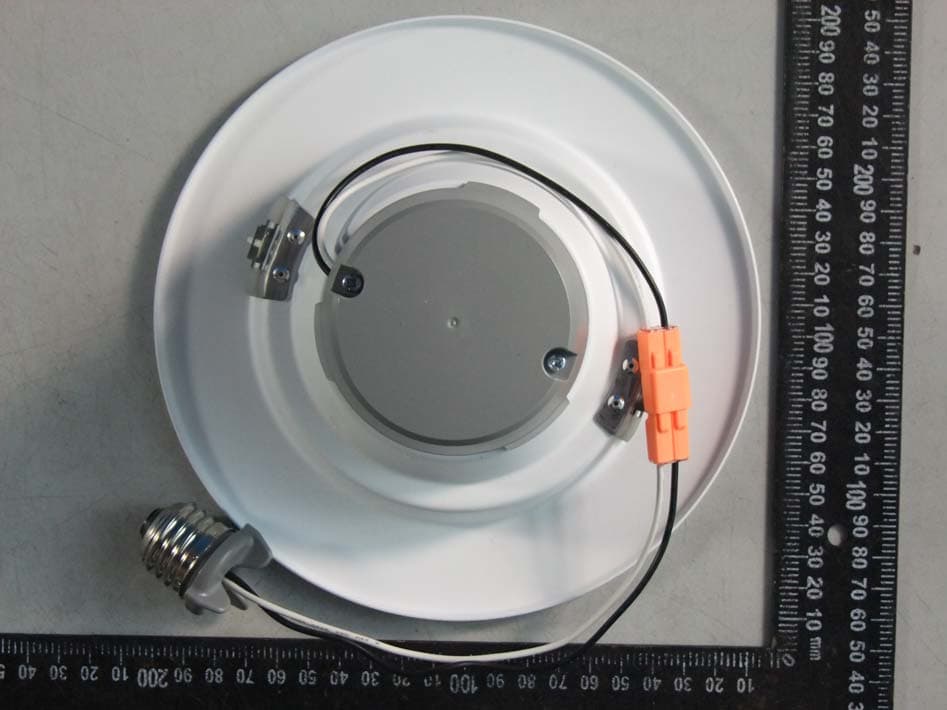
2AC4EZRKSW
Aug 24, 2015Z-wave 6inch Downlight
Equipment Class
DXT - Part 15 Low Power Transceiver, Rx Verified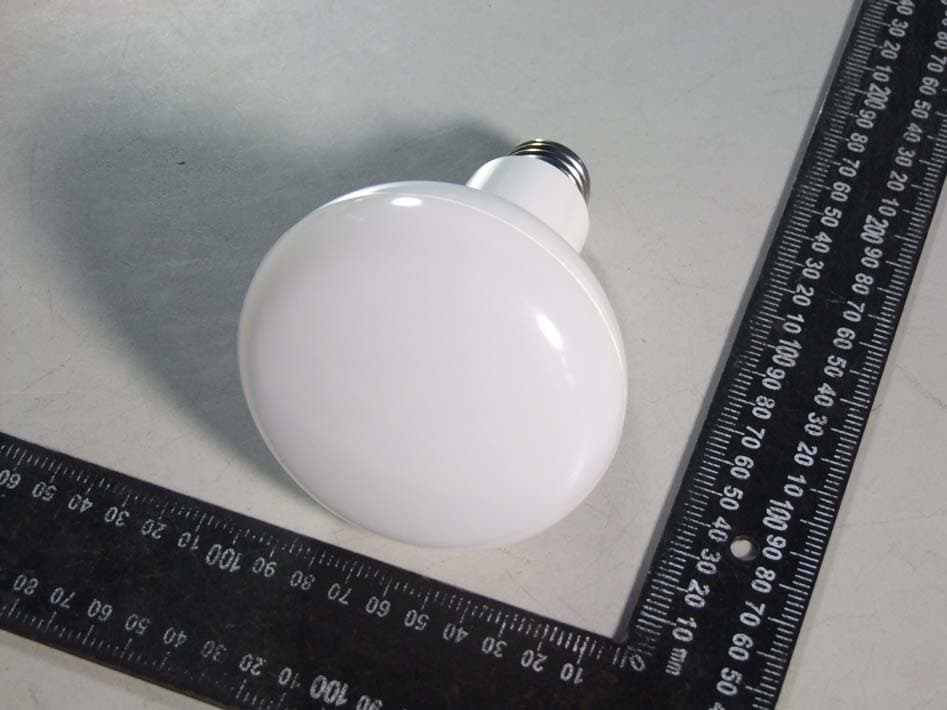
2AC4EZBR30DL
Jul 20, 2015Z-wave Light Bulb
Equipment Class
DXX - Part 15 Low Power Communication Device Transmitter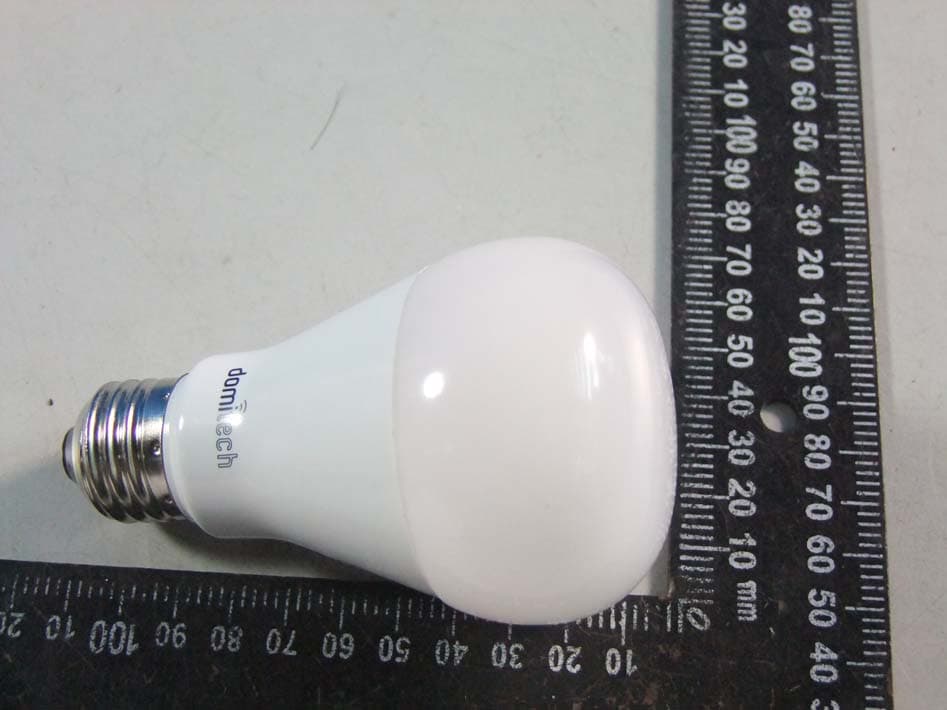
2AC4EDTA1975027
Oct 01, 2014Z-Wave LED Light Bulb
Equipment Class
DXX - Part 15 Low Power Communication Device Transmitter