2ACXHF1Bluetooth headset
ASKA ELECTRONICS CO., LIMITED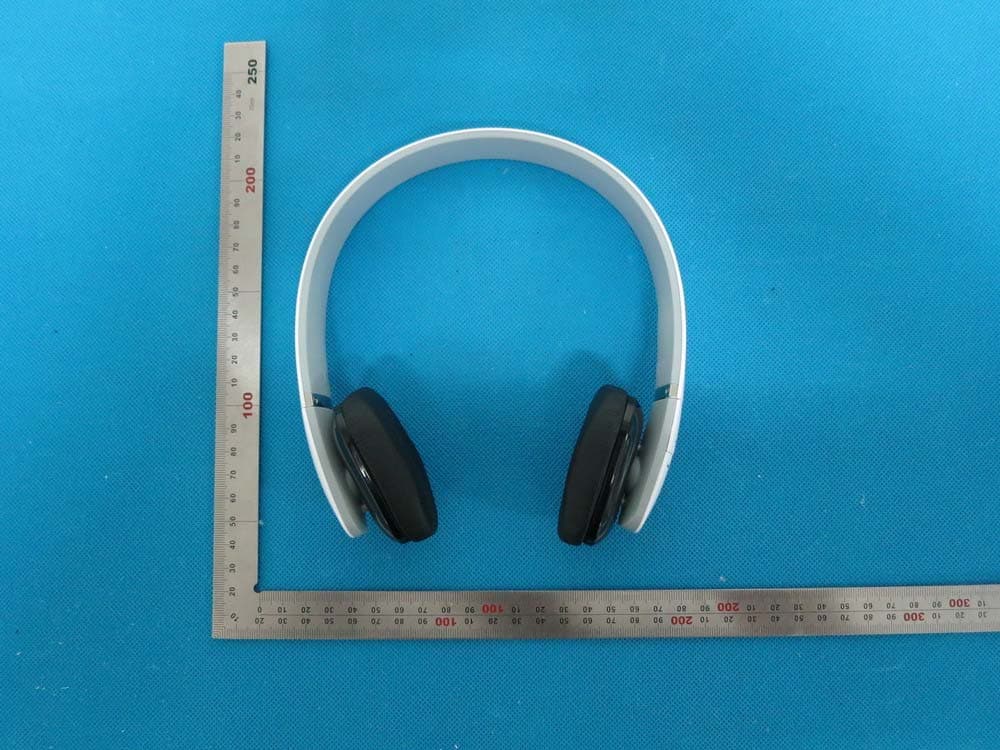
Click to zoom
Application Details
- Equipment Class
- DTS - Digital Transmission System
- Date of Grant
- Aug 13, 2014
- Application Purpose
- Original Equipment
- Date of Application
- Aug 13, 2014
- Equipment Note
- Bluetooth headset
- Frequency Range
- 2402.00000000 - 2480.00000000
- Country
- Hong Kong
Documents & Files
Document Text
Text extracted from the exhibit documents filed with the FCC. Open a document above to read the original.
Users Manual
F1 Bluetooth headset User Manual Brand name:ASKA FCC ID:2ACXHF1 2 Get started To know more about your F1 Bluetooth headset Features 1, Bluetooth 4.0 2, Stunning ring LED indicator 3, Smart voice alerts 4, Support connecting with 2 phones devices 5, iOS show the headpset battery power status How to use 1,General Function Operation LED Status Power on Blue LED flashes 2 times Power off Red LED flashes 2 times Pairing Red LED & Blue LED flashes alternately Standby Blue LED flashes 3 times in 5 seconds Incoming call Blue LED flashes continuously Low battery Red LED flashes 2 times every 2 seconds Charging Red LED keep lighting during charging Blue LED flashes once charging finished 3 2, Basic Buttons Operation Power on: Press multifunction button for 2 seconds. Blue LED flashes 2 times. Headset turns on. Power off: Press multifunction button for 3 seconds. Red LED turn off after flashes 2 times. Headset turns off. Volume adjust: Each press on 'Volume up' or 'Volume down' buttons, one level voice volume changes. When volume reaches to Max or Minimum, "Tick" reminding voice occurs. Play/Pause: Short press multifunction button, music pause. Press it again, music continues. Previous: Short press 'Previous' button, music turns to previous one. Next: Short press 'Next' button, music turns to next one. Answer Call: Short press multifunction button to answer phone call. End call: Short press multifunction button, phone call ended. Reject call: Press 'Volume up' button for 2 seconds to reject a call. Transfer call: During the phone call conversation, press 'Volume up' button for 2 seconds, call switches to mobile phone. Press 'Volume up' button, for 2 seconds again, call switches to headset. Last number redial: In standby status, continuously press headset multifunction button twice to redial the last number. Call Mute function: Press 'Volume down' button for 2 seconds, call mute. Press 'Volume down' button for 2 seconds again, call mute cancel. Battery Capacity status: When headset connects to iOS devices, iOS devices show the headset battery power status on the upper right corner. Charging: New headset has enough power for pairing and dialing out for several times. When in low battery, please charging via USB cable for 2 hours. Red LED keep lighting during charging, blue LED keep lighting, charging finished. Reset Mode: Connect the headset to computer via Micro USB cable. When red LED light flashes, headset reset finished. 3, Pairing (One headset support connecting 2 phone devices ) Pairing with one phone or other device Make sure the headset is power off. Press and hold the multifunctional button for 5 seconds to enter into the pairing mode. Red LED & Blue LED flashes alternately. Activate your phone or device Bluetooth function and search for headset. From the list of found devices on your mobile phone, select the headset “” to connect it .follow the instruction to enter “0000” as PIN if the mobile phone reminder to need. Headset or device can be used to play your phone music or dial phone call etc. 4 Pairing with two phones or other devices at the same time This headset can support 2 devices multi-connection. It can pair with two mobile phones simultaneously, taking the call from any of them. After completing pairing with the first phone, turn off the headset, then re-do the paring procedure with another phone. Once finished the pairing, restart the headset, it will automatically connect to the phone or device of Last connected , and short press the two key of “volume +” and “volume -” simultaneously ,can enable the multipoint Connect function, from the list of found devices on another mobile phone, select the headset “F1” to connect it. Kit Contents 1, 1 X Stereo Bluetooth headset F1 2, 1 X Charging Micro USB Cable 3, 1 X User Manual Warning 1, you must choose a qualified charger from a regular manufacturer to charge the headset. 2, you must charge the headset if it has not been used for more than 12 months. Specification Bluetooth version: 4.0 Talk time: 10h Stand-by time: 400h Music play time: 10h Wireless range: 10m Bluetooth profiles: A2DP/ AVRCP/ HSP /HFP Impedance: 32Ω Sound pressure level: 103±3dB Frequency Response: 20Hz---20 KHz Signal-To-Noise: ≥85dB Weight: 125g Dimension: 175 x 154 x 63mm 5 This device complies with part 15 of the FCC rules. Operation is subject to the following two conditions: (1) this device may not cause harmful interference, and (2) this device must accept any interference received, including interference that may cause undesired operation. Changes or modifications to this unit not expressly approved by the party responsible for compliance could void the user's authority to operate the equipment.
External Photos
External Photos TOP VIEW OF EUT BOTTOM VIEW OF EUT FRONT VIEW OF EUT BACK VIEW OF EUT LEFT VIEW OF EUT RIGHT VIEW OF EUT
ID Label/Location Info
FCC ID Label Location FCC ID:2ACXHF1
Internal Photos
Internal Photos OPEN VIEW OF EUT INTERNAL VIEW OF EUT-1 INTERNAL VIEW OF EUT-2 INTERNAL VIEW OF EUT-3 BT Antenna INTERNAL VIEW OF EUT-4 INTERNAL VIEW OF EUT-5
Test Report
Report No.: AGC02062140802FE08 Page 1 of 50 FCC Test Report Report No.: AGC02062140802FE08 FCC ID : 2ACXHF1 APPLICATION PURPOSE : Original Equipment PRODUCT DESIGNATION : Bluetooth headset BRAND NAME : ASKA MODEL NAME : F1 CLIENT : ASKA ELECTRONICS CO., LIMITED DATE OF ISSUE : Aug.07, 2014 STANDARD(S) : FCC Part 15 Rules REPORT VERSION : V1.0 Attestation of Global Compliance (Shenzhen) Co., Ltd CAUTION: This report shall not be reproduced except in full without the written permission of the test laboratory and shall not be quoted out of context. Report No.: AGC02062140802FE08 Page 2 of 50 Report Revise Record Report Version Revise Time Issued Date Valid VersionNotes V1.0 / Aug.07, 2014 Valid Original Report Report No.: AGC02062140802FE08 Page 3 of 50 TABLE OF CONTENTS 1. VERIFICATION OF COMPLIANCE......................................................................................................... 5 2.GENERAL INFORMATION ...................................................................................................................... 6 2.1PRODUCT DESCRIPTION ............................................................................................................... 6 2.2 RELATED SUBMITTAL(S)/GRANT(S) ............................................................................................. 6 2.3TEST METHODOLOGY .................................................................................................................... 6 2.4 TEST FACILITY ................................................................................................................................ 6 2.5 SPECIAL ACCESSORIES ................................................................................................................ 6 2.6 EQUIPMENT MODIFICATIONS ....................................................................................................... 7 2.7 MEASUREMENT UNCERTAINTY ................................................................................................... 7 3. SYSTEM TEST CONFIGURATION ......................................................................................................... 8 3.1 CONFIGURATION OF TESTED SYSTEM ....................................................................................... 8 3.2 EQUIPMENT USED IN TESTED SYSTEM ...................................................................................... 8 3.3. SUMMARY OF TEST RESULTS ..................................................................................................... 8 4. DESCRIPTION OF TEST MODES .......................................................................................................... 9 5. ANTENNA REQUIREMENT .................................................................................................................... 9 5.1. STANDARD APPLICABLE .............................................................................................................. 9 5.2. TEST RESULT ................................................................................................................................ 9 6. TEST FACILITY ..................................................................................................................................... 10 7. RADIATED EMISSION .......................................................................................................................... 11 7.1 MEASUREMENT PROCEDURE .................................................................................................... 11 7.2 TEST SETUP .................................................................................................................................. 12 7.3 LIMITS AND MEASUREMENT RESULT ........................................................................................ 13 7.4 TEST RESULT (WORST MODULATION: GFSK) ................................................................................ 13 8. BAND EDGE EMISSION ....................................................................................................................... 26 8.1. MEASUREMENT PROCEDURE ................................................................................................... 26 8.2. TEST SET-UP ............................................................................................................................... 26 8.3. TEST RESULT .............................................................................................................................. 27 9. 6DB BANDWIDTH ................................................................................................................................ 31 9.1. TEST PROCEDURE ...................................................................................................................... 31 9.2. SUMMARY OF TEST RESULTS/PLOTS ...................................................................................... 31 10. CONDUCTED OUTPUT POWER ....................................................................................................... 33 10.1. MEASUREMENT PROCEDURE ................................................................................................. 33 10.2. TEST SET-UP (BLOCK DIAGRAM OF CONFIGURATION) ........................................................ 33 10.3. LIMITS AND MEASUREMENT RESULT ..................................................................................... 34 11. MAXIMUM CONDUCTED OUTPUT POWER SPECTRAL DENSITY ................................................ 36 11.1 MEASUREMENT PROCEDURE .................................................................................................. 36 Report No.: AGC02062140802FE08 Page 4 of 50 11.2 TEST SET-UP (BLOCK DIAGRAM OF CONFIGURATION) ......................................................... 36 11.3 LIMITS AND MEASUREMENT RESULT ...................................................................................... 36 12. FCC LINE CONDUCTED EMISSION TEST ...............................…
Text truncated - open the document above for the full version.
Test Setup Photos
APPENDIX IV PHOTOGRAPHS OF TEST SETUP FCC LINE CONDUCTED EMISSION TEST SETUP FCC RADIATED EMISSION TEST SETUP
Contact Information
Applicant
Roc Lu
Test Firm
Attestation of Global Compliance Shenzhen Co. Ltd.Forrest Lei
Technical Specifications
| # | Rule Parts | Frequency Range | Power Output |
|---|---|---|---|
| 1 | 15C | 2.40 GHz - 2.48 GHz | 7.00 mW |
Other Applications from ASKA ELECTRONICS CO., LIMITED
2ACXH-NC07
May 18, 2021TRUE WIRELESS STEREO EARPHONES
Equipment Class
DSS - Part 15 Spread Spectrum Transmitter
2ACXHF5A
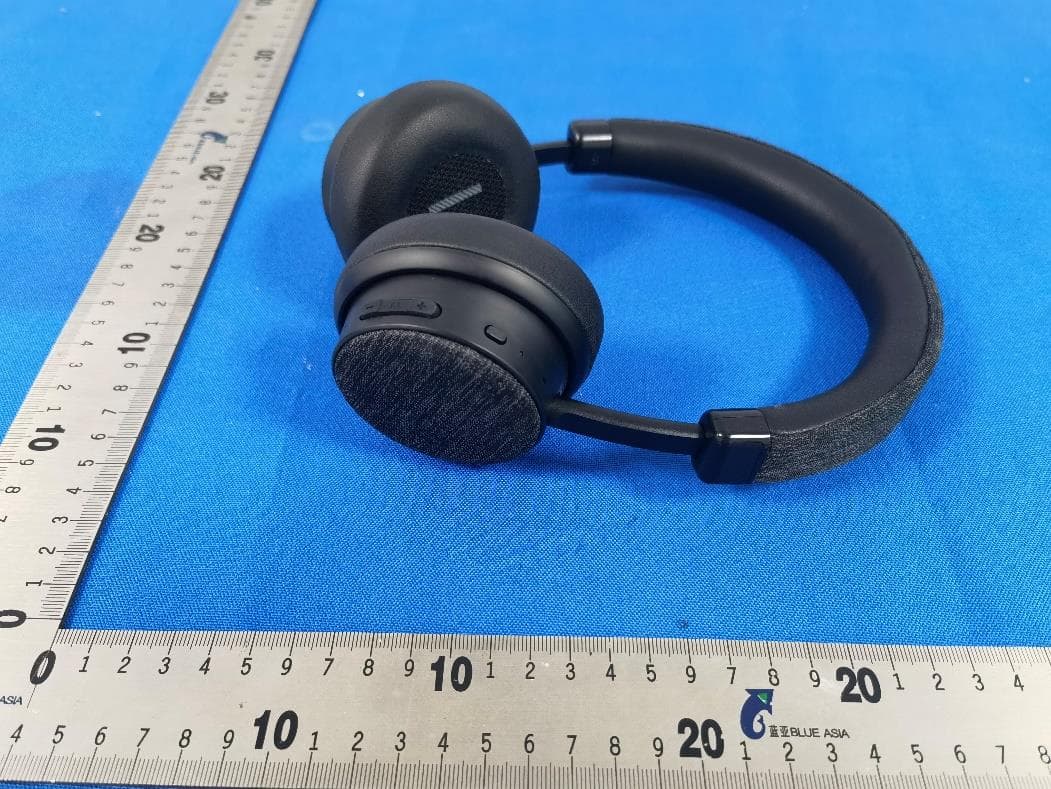
Dec 24, 2015Bluetooth ANC headphone
Equipment Class
DTS - Digital Transmission System
2ACXHM5
Nov 08, 2015Sport Bluetooth headset
Equipment Class
DTS - Digital Transmission System
2ACXHF6
Nov 03, 2015Bluetooth headset
Equipment Class
DSS - Part 15 Spread Spectrum Transmitter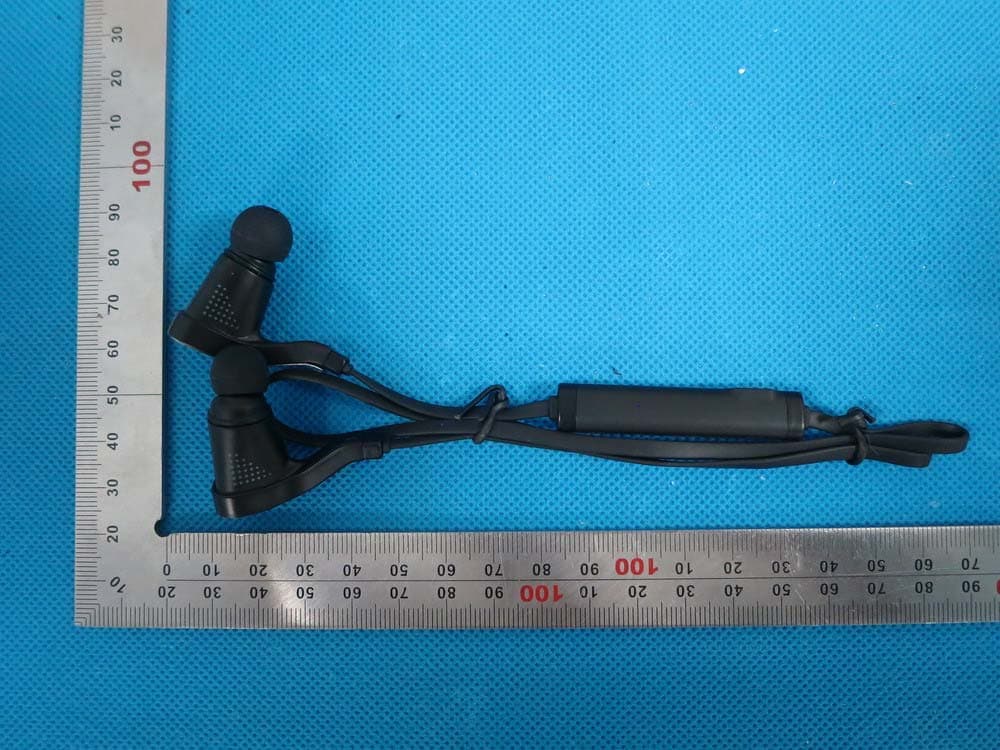
2ACXHM7
Nov 29, 2014Bluetooth Headset
Equipment Class
DTS - Digital Transmission System