2ADM5-HP-0193BT Endurance HP AST
Zeeva International Limited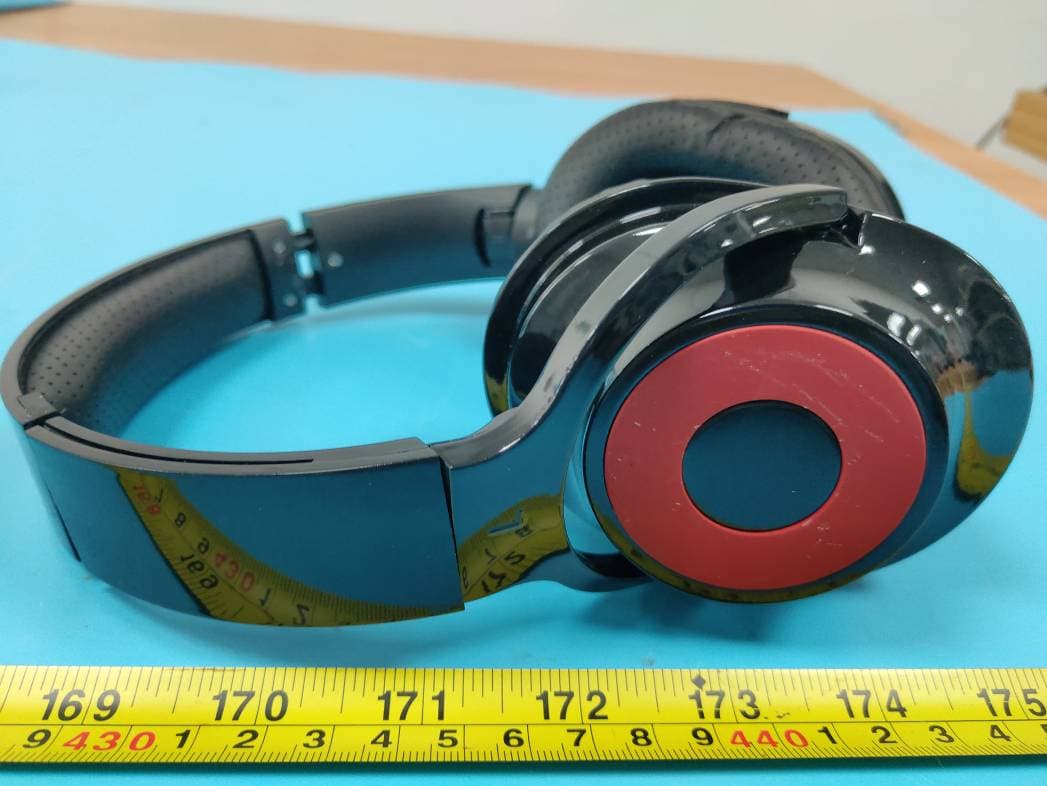
Click to zoom
Application Details
- Equipment Class
- DSS - Part 15 Spread Spectrum Transmitter
- Date of Grant
- May 12, 2020
- Application Purpose
- Original Equipment
- Date of Application
- May 12, 2020
- Equipment Note
- BT Endurance HP AST
- Frequency Range
- 2402.00000000 - 2480.00000000
- Company
- Zeeva International Limited
- Country
- China
Documents & Files
Document Text
Text extracted from the exhibit documents filed with the FCC. Open a document above to read the original.
Users Manual
INSTRUCTION MANUAL Congratulations, and thank you for choosing the Endurance Wireless Headphones. This manual will help you operate the Endurance Wireless Headphones, but firstly you should familiarize yourself with the Bluetooth functionality of your mobile phone or other devices before using the Endurance Wireless Headphones. 1 X Micro USB Cable 1 X Instruction Manual To use your Bluetooth headphones, you must first pair your headphones with a mobile phone or other Bluetooth device. Once your Bluetooth headphones is paired to a specific mobile phone, they will remain paired and automatically recognize each other whenever they are within range. Use a mobile phone with Bluetooth function or other Bluetooth devices to perform necessary pairing action. After pairing, the LED indicator slowly blinks with blue. Plug the Micro USB to the Micro USB port. When charging, the LED indicator turns red. After full charging, the LED indicator turns off. Answering a Call 5. Product Specification 6. FAQ Turn on your phone and ensure the Bluetooth function is activated. Turn on the headphones, enter the pairing mode. Search your Bluetooth devices on your phone by following the phone’s instructions. Refer to your phone’s user manual for more information. After a few seconds the phone will list the “BT ENDURANCE HP” as a discover device. Select it and follow your phone’s instructions to select this pairing. Your phone will confirm the pairing, and then press Yes/OK. Use the Micro USB cable accessory provided with this headphones. Connect the Micro USB plug to the Micro USB charging port on the headphones positioned at in headphones diagram on page 2. Connect the USB plug to a USB port on a computer or wall adapter to activate charging. For your safety, please always use an appropriate 5V input charger/Adapter to charge the product. DO NOT USE Quick Charging USB Adapter to charge the product, as it might damage the product. **Make sure to keep the headphones charging for a minimum of 2 hours before initial use. USB PlugMicro USB Plug 1 Please follow the rules depicted in this manual closely to ensure your safety. Before using this Bluetooth headphones, we would strongly encourage you to read through this user manual. Do not modify, repair or dismantle this Bluetooth headphones. Doing so may result in fires, electric shocks, complete breakdown of this Bluetooth headphones, etc. All are not covered under warranty. Be more wary of any edges, uneven surfaces, metal parts, accessories and its packaging so as to prevent any possible injury or damage. Do not use an diluent or volatile liquid to clean the Bluetooth headphones. Do not use the Bluetooth headphones in a hazardous location. 1 X Endurance Wireless Headphones Press and hold the On / Off Button for 3 seconds. After turning on, the LED indicator flashes red/blue. Press and hold the On / Off Button for 4 seconds. Play / Pause Music Press On / Off button to play music and press it again to pause music. Press On / Off button to answer phone call, press On / Off button again to end call. Press and hold 2 seconds to reject call. Double click to redial last call. 4.2. Pairing to Mobile phone or other device4.3. Charging your headphones FCC ID: 2ADM5-HP-0193 7. FCC Statement 3. Connection Diagram Charging Turn off Pairing Turn on & Enter the pairing mode 2. Packaging Contents4. How to use1. Introduction Table of Contents 1 Introduction································ 2 Packaging Contents····················· 3 Connection Diagram····················· 4 How To Use······························· 4.1 General Function··················· 4.2 Pairing To Mobile Phone·········· 4.3 Charging Your Product············ 5 Product Specification··················· 6 FAQ········································· 7 FCC Statement··························· Battery Statement······················· 1 2 2 3 3 4 5 6 6 7 8 -The input voltage to the product is 5V 1A. -In order to charge the product in safe manner and reliable conditions, please only adopt certified appropriate charger/ adapter for charging the product. -Only charge the product at ambient temperatures between 10 deg °C/ 50 deg °F and 40 deg °C/104 deg °F. - Do not heat above 70 deg °C/158 deg °F, e.g. Do not expose to sunlight or throw into fire. -Switch off the product after use. -Please note that we won’t take any responsibility for any wrong operation (e.g. Voltage higher than 5V) as this may result in severe injury or loss of property, and we cannot control the operating process during the time the user using this product. -In extreme cases, abuse or misuse of Lithium battery pack can lead to explosion, heat generation, fire development or smoke development. Safety instructions for the lithium battery and charging the product Keep all relevant information for future reference Warning: • You must select a qualified charger from a regular manufacturer. • You must charge the Bluetooth headphones if it has not been used for more than 6 months. 1 1. Why is there no power even when the headphones is turned on ? Ans: Ensure the battery has been charged up to 1 hour for initial use. 2. There is no sound when playback. Ans: Check the connection between headphones with phone or computer, if the connection is not established, please connect again. Make sure the headphones is paired and connected with your target phone or other master device. Microphone LED Indicate Micro USB Charging Port FCC STATEMENT 1. This device complies with Part 15 of the FCC Rules. Operation is subject to the following two conditions: (1) This device may not cause harmful interference. (2) This device must accept any interference received, including interference that may cause undesired operation. 2. Changes or modifications not expressly approved by the party responsible for compliance could void the user's authority to operate the equipment. NOTE: This equipment has been tested and found to comply with the limits for a Class B digital device, pursuant …
Text truncated - open the document above for the full version.
Attestation Statements
Zeeva International Limited Suite 1007B, 10th Floor, Exchange Tower, 33 Wang Chiu Road, Kowloon Bay, Hong Kong Tel: +852-2868 0511 | Fax: +852-2524 1986 E-mail: [email protected] Date: 04/24/2020 To: FEDERAL COMMUNICATIONS COMMISSION Authorization and Evaluation Division 7435 Oakland Mills Road Columbia, MD 21046 The RF chip, model: AC6925F, installed in our product BT Endurance HP AST (Model number: HP-0193, FCC ID: 2ADM5-HP-0193), which support Bluetooth BDR(GFSK) , EDR(π/4‐DQPSK), EDR(8DPSK), BLE, for use in the US marketing this chip will not support/enable the 8DPSK and BLE. And 8DPSK, BLE function has been shielded by the manufacturer by using the software. Sincerely Yours, Signature: Printed Name: Akshay P Butani Tiltle: Vice President
Block Diagram
24M CrystalLED R&B Headphone Battery Bluetooth Ant Micro Usb KEY*4 Mic AC6925F
Cover Letter(s)
Zeeva International Limited Suite 1007B, 10th Floor, Exchange Tower, 33 Wang Chiu Road, Kowloon Bay, Hong Kong Tel: +852-2868 0511 | Fax: +852-2524 1986 E-mail: [email protected] FCC Authorization 04/24/2020 FEDERAL COMMUNICATIONS COMMISSIONS Authorization and Evaluation Division 7435 Oakland Mills Road Columbia, MD 21046 Subject: Agent Authorization To whom it may concern: We, Zeeva International Limited the undersigned, hereby authorize Bay Area Compliance Laboratories Corporation to act on its behalf in all matters relating to application for Equipment authorization, including the signing of all documents relating to these matters. All acts carried out by Bay Area Compliance Laboratory Corporation on our behalf shall have the same effect as our own action. We, the undersigned, hereby certify that we are not subject to a denial of federal benefits, that includes FCC benefits, pursuant to Section 5301 of the Anti-Drug Abuse Act of 1988, 21 U.S.C. 862. This authorization is valid until further written notice from the applicant. Sincerely Yours, Signature: Printed Name: Akshay P Butani Title: Vice President QA-FR-170-B
External Photos
EXHIBIT B - EUT EXTERNAL PHOTOGRAPHS
ID Label/Location Info
EXHIBIT A - FCC ID LABEL AND LOCATION FCC ID Label FCC ID Label Location Information The label shown shall be permanently affixed at a conspicuous location on the device and be readily visible to the user at the time purchase (Labeling requirements per 2.925)
Internal Photos
EXHIBIT C - EUT INTERNAL PHOTOGRAPHS BT Antenna
Operational Description
Circuit description Battery (DC 3.7V) provides energy for the Bluetooth chip (AC6925F); Crystal oscillator (24MHz) pr ovides the clock signal for the Bluetooth chip. Bluetooth signals get through a matching circuit, an d then transmitted to the space through the antenna (2402-2480MHz). When the product is connected, the product can in two-way communication with other Bluetoot h Devices, and then the device’s Bluetooth module sends Bluetooth signals into space, the produ ct receives the Bluetooth signal through an antenna, transmission to the Bluetooth chip via matc hing circuit. When need charging, input USB cable, and connected to the power supply, red light on, the light will change to blue light when is power up.
Schematics
TITLE: APPD: CHECK: DRN: DATE: DATE: DATE: REV: 0A1 REF:C:/PADS/LOGFIL/RDA-BT.SCH BAT+ 1 2 3 4 S3 NEXT 1 2 3 4 S4 PREV BAT- 1 2 3 4 S5 POWER 1 SPR+ 1 SPR- 1 SPL+ 1 SPL- 1 VCC 2 D- 3 D+ 4 NC 5 GND 6 78 9 USB2 1 2 R7 10K 1 2 R6 3K3 1 2 R8 1K5 1 A 2 K LED1 RED 1 2 R1 6K8 1 2 C9 104 1 A 2 K LED2 G 1 A 2 K LED3 B L2 NC 1 2 Y1 24MHz C7 105 C1 105 C5 105 C2 105 C3 105 C6 104 C10 102* 1 PC5/SD1CLK 2 PC4/SD1CMD/ADC4 3 DM/PC3/SD1DAT/ADC10 4 DP 5 PB13/MIC/PA3/AUX1L/ADC0 6 DACR 7 DACL 8 VCOMO 9 DACVDD 10 VCOM 11 DACVSS 12 VDDIO 13 PWM2HADC9/AUXR/PB5 14 PWM3/ADC8/AUXL/PB4 24 OSCO 23 OSCI 22 AVSS1 21 FMIN 20 BTRF 19 BT_AVDD 18 ADC12/PR2 17 ADC12/PR1 16 RTCVDD 15 VBAT U1 AC6925F 1 DP 1 DM L3 1NH L4 1NH L5 1NH 12 C13 47P 12 C14 47P 12 C15 47P 1 MK1 1 MK2 1 BTANT ANT 1 2 3 4 S1 P/PTEL 1 MIC+ 1 MIC- C8 2P7 +- 12 MIC 2 1 3 Q3 2301 1 2 3 Q2 3904 1 2 3 Q1 3904 12 ZD15V6 12 R3 4K7 12 R2 1K2 12 R4 10K 12 R5 10K 1 CHRG 2 GND 3 BATT 4 VCC 5 PROG U2 4054 12 C11 105 12 C12 105/10 1 2 R9 10K DACR DACL SPRSPL BAT+ BAT+ DACVDD MIC-IN LED VCC3V3 OSCI OSCO VCOMO MIC-IN SD-CMD SD-CLK SD-DAT DACRDACL DACVDDVCOM OSCIOSCOFMIN VCOMO KEY2 AUX_DET AD_KEY VCC3V3 BT_AVDD AD_KEY KEY1 LED KEY2KEY1 BAT+RTCVDD AUX_DET
Test Report
Note: This report must not be used by the customer to claim product certification, approval, or endorsement by A2LA* or any agency of the Federal Government. This report may contain data that are not covered by the A2LA accreditation and are marked with an asterisk “★”. BACL is not responsible for the authenticity of any test data provided by the applicant. Data included from the applicant that may affect test results are marked with an asterisk ’*’. Customer model name, addresses, names, trademarks etc. are not considered data. This report cannot be reproduced except in full, without prior written approval of the Company. Unless otherwise stated the results shown in this test report refer only to the sample(s) tested. This report is valid only with a valid digital signature. The digital signature may be available only under the Adobe software above version 7.0. FCC PART 15.247 TEST REPORT For Zeeva International Limited Suite 1007B, 10th Floor, Exchange Tower, 33 Wang Chiu Road, Kowloon Bay, Hong Kong FCC ID: 2ADM5-HP-0193 Report Type: Original Report Product Type: BT Endurance HP AST Re port Number: RSZ200415834-00 Re port Date: 2020-04-29 Reviewed B y: Jimmy Xiao RF En gineer Prepared By: Bay Area Compliance Laboratories Corp. (Shenzhen) 6/F., West Wing, Third Phase of Wanli Industrial Building, Shihua Road, Futian Free Trade Zone, Shenzhen, Guangdong, China Tel: +86-755-33320018 Fax: +86-755-33320008 www.baclcorp.com.cn Bay Area Compliance Laboratories Corp. (Shenzhen) Report No.: RSZ200415834-00 FCC Part 15.247 Page 2 of 29 TABLE OF CONTENTS GENERAL INFORMATION ....................................................................................................................................... 4 PRODUCT DESCRIPTION FOR EQUIPMENT UNDER TEST (EUT) ..................................................................................... 4 OBJECTIVE ................................................................................................................................................................... 4 RELATED SUBMITTAL(S)/GRANT(S) ............................................................................................................................. 4 TEST METHODOLOGY .................................................................................................................................................. 4 MEASUREMENT UNCERTAINTY .................................................................................................................................... 5 TEST FACILITY ............................................................................................................................................................. 5 SYSTEM TEST CONFIGURATION .......................................................................................................................... 6 DESCRIPTION OF TEST CONFIGURATION ...................................................................................................................... 6 EUT EXERCISE SOFTWARE .......................................................................................................................................... 6 SPECIAL ACCESSORIES ................................................................................................................................................. 6 EQUIPMENT MODIFICATIONS ....................................................................................................................................... 6 SUPPORT EQUIPMENT LIST AND DETAILS .................................................................................................................... 6 EXTERNAL I/O CABLE .................................................................................................................................................. 6 BLOCK DIAGRAM OF TEST SETUP ................................................................................................................................ 7 SUMMARY OF TEST RESULTS ............................................................................................................................... 8 TEST EQUIPMENT LIST ........................................................................................................................................... 9 FCC§15.247 (i), §1.1307 (b) (1) &§2.1093 – RF EXPOSURE ...................................................................................... 10 APPLICABLE STANDARD ............................................................................................................................................ 10 FCC §15.203 – ANTENNA REQUIREMENT .......................................................................................................... 11 APPLICABLE STANDARD ............................................................................................................................................ 11 ANTENNA CONNECTOR CONSTRUCTION .................................................................................................................... 11 FCC §15.207 (a) – AC LINE CONDUCTED EMISSIONS ..................................................................................... 12 APPLICABLE STANDARD ............................................................................................................................................ 12 EUT SETUP ................................................................................................................................................................ 12 EMI TEST RECEIVER SETUP ....................................................................................................................................... 12 TEST PROCEDURE ...................................................................................................................................................... 12 CORRECTED FACTOR & MARGIN CALCULATION ..........................................................................................…
Text truncated - open the document above for the full version.
Test Report
Appendix A: 20dB Emission Bandwidth Test Result TestMode Antenna Channel 20db EBW[MHz] Limit[MHz] Verdict DH1 Ant1 2402 0.879 --- PASS 2441 0.882 --- PASS 2480 0.882 --- PASS 2DH1 Ant1 2402 1.233 --- PASS 2441 1.233 --- PASS 2480 1.233 --- PASS Test Graphs DH1_Ant1_2402 DH1_Ant1_2441 DH1_Ant1_2480 2DH1_Ant1_2402 2DH1_Ant1_2441 2DH1_Ant1_2480 Appendix C: Maximum conducted Peak output power Test Result TestMode Antenna Channel Result[dBm] Limit[dBm] Verdict DH1 Ant1 2402 3.08 <=20.97 PASS 2441 2.62 <=20.97 PASS 2480 2.25 <=20.97 PASS 2DH1 Ant1 2402 3.59 <=20.97 PASS 2441 3.09 <=20.97 PASS 2480 2.83 <=20.97 PASS Appendix D: Carrier frequency separation Test Result TestMode Antenna Channel Result[MHz] Limit[MHz] Verdict DH1 Ant1 Hop 1.003 >=0.586 PASS 2DH1 Ant1 Hop 1.000 >=0.822 PASS Test Graphs DH1_Ant1_Hop 2DH1_Ant1_Hop Appendix E: Time of occupancy Test Result TestMode AntennaChannel BurstWidth [ms] TotalHops [Num] Result[s]Limit[s] Verdict DH1 Ant1 Hop 0.37 320 0.119 <=0.4 PASS DH3 Ant1 Hop 1.62 120 0.195 <=0.4 PASS DH5 Ant1 Hop 2.86 90 0.258 <=0.4 PASS 2DH1 Ant1 Hop 0.38 330 0.126 <=0.4 PASS 2DH3 Ant1 Hop 1.63 120 0.195 <=0.4 PASS 2DH5 Ant1 Hop 2.87 120 0.344 <=0.4 PASS Note 1:A period time=0.4*79=31.6(S), Result=BurstWidth*Totalhops Note 2: Totalhops=Hopping Number in 3.16s*10 Note 3: Hopping Number in 3.16s=Total of highest signals in 3.16s (Second high signals were other channel) Test Graphs DH1_Ant1_Hop DH3_Ant1_Hop DH5_Ant1_Hop 2DH1_Ant1_Hop 2DH3_Ant1_Hop 2DH5_Ant1_Hop Appendix F: Number of hopping channels Test Result TestMode Antenna Channel Result[Num] Limit[Num] Verdict DH1 Ant1 Hop 79 >=15 PASS 2DH1 Ant1 Hop 79 >=15 PASS Test Graphs DH1_Ant1_Hop 2DH1_Ant1_Hop Appendix G: Band edge measurements Test Graphs DH1_Ant1_Low_2402 DH1_Ant1_High_2480 DH1_Ant1_Low_Hop_2402 DH1_Ant1_High_Hop_2480 2DH1_Ant1_Low_2402 2DH1_Ant1_High_2480 2DH1_Ant1_Low_Hop_2402 2DH1_Ant1_High_Hop_2480
Test Setup Photos
EXHIBIT D - TEST SETUP PHOTOGRAPHS Conducted Emissions - Front View Conducted Emissions - Side View Radiated Emissions View (Below 1 GHz) Radiated Emissions View (Above 1 GHz)
Contact Information
Applicant
Kevin Tso(Engineering & Compliance Manager)
Test Firm
Bay Area Compliance Laboratories Corp. (Shenzhen)Well Wang
[email protected]+86 (0) 755 33320018
Technical Specifications
| # | Rule Parts | Frequency Range | Power Output |
|---|---|---|---|
| 1 | 15C | 2.40 GHz - 2.48 GHz | 2.00 mW |
Other Applications from Zeeva International Limited
2ADM5-HP-0022
Aug 27, 2026DJ STYLE BT HP F26
Equipment Class
DSS - Part 15 Spread Spectrum Transmitter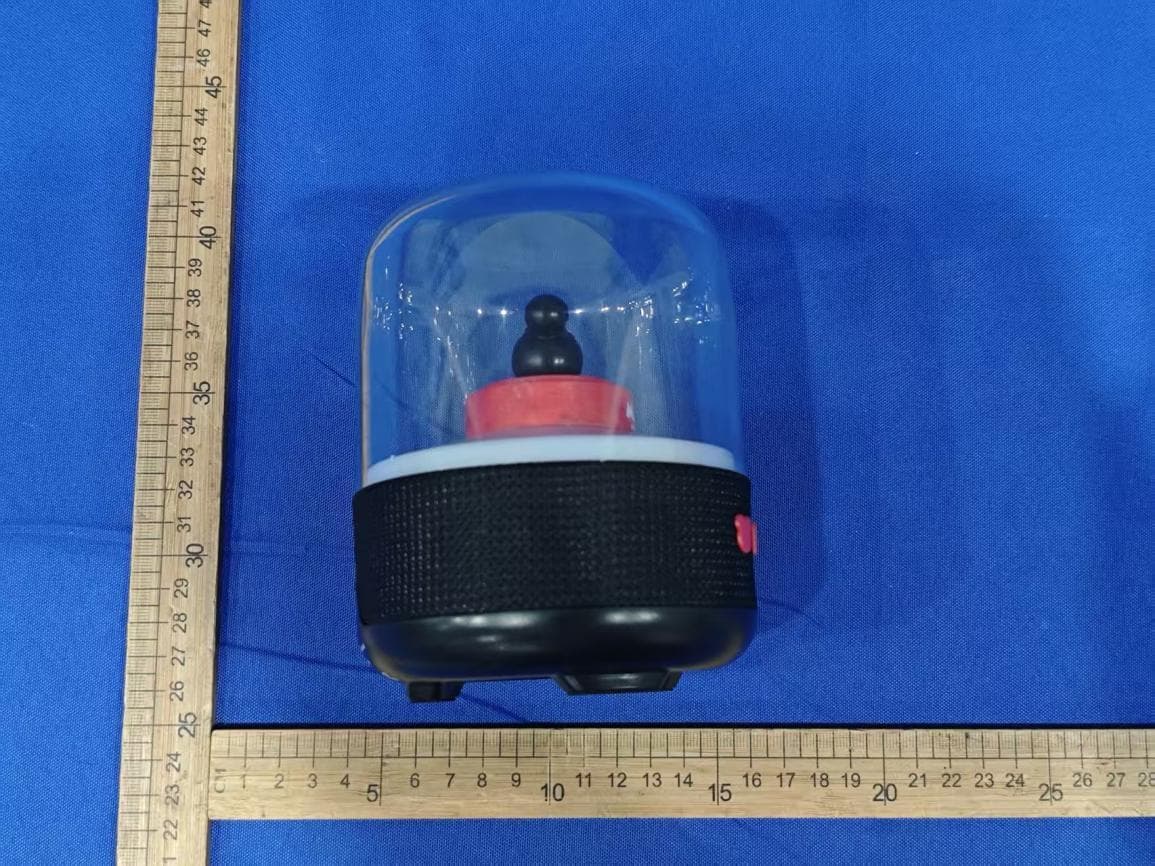
2ADM5-SP-0774
Jul 15, 2026DISNEY MICKEY DOME SPKR
Equipment Class
DSS - Part 15 Spread Spectrum Transmitter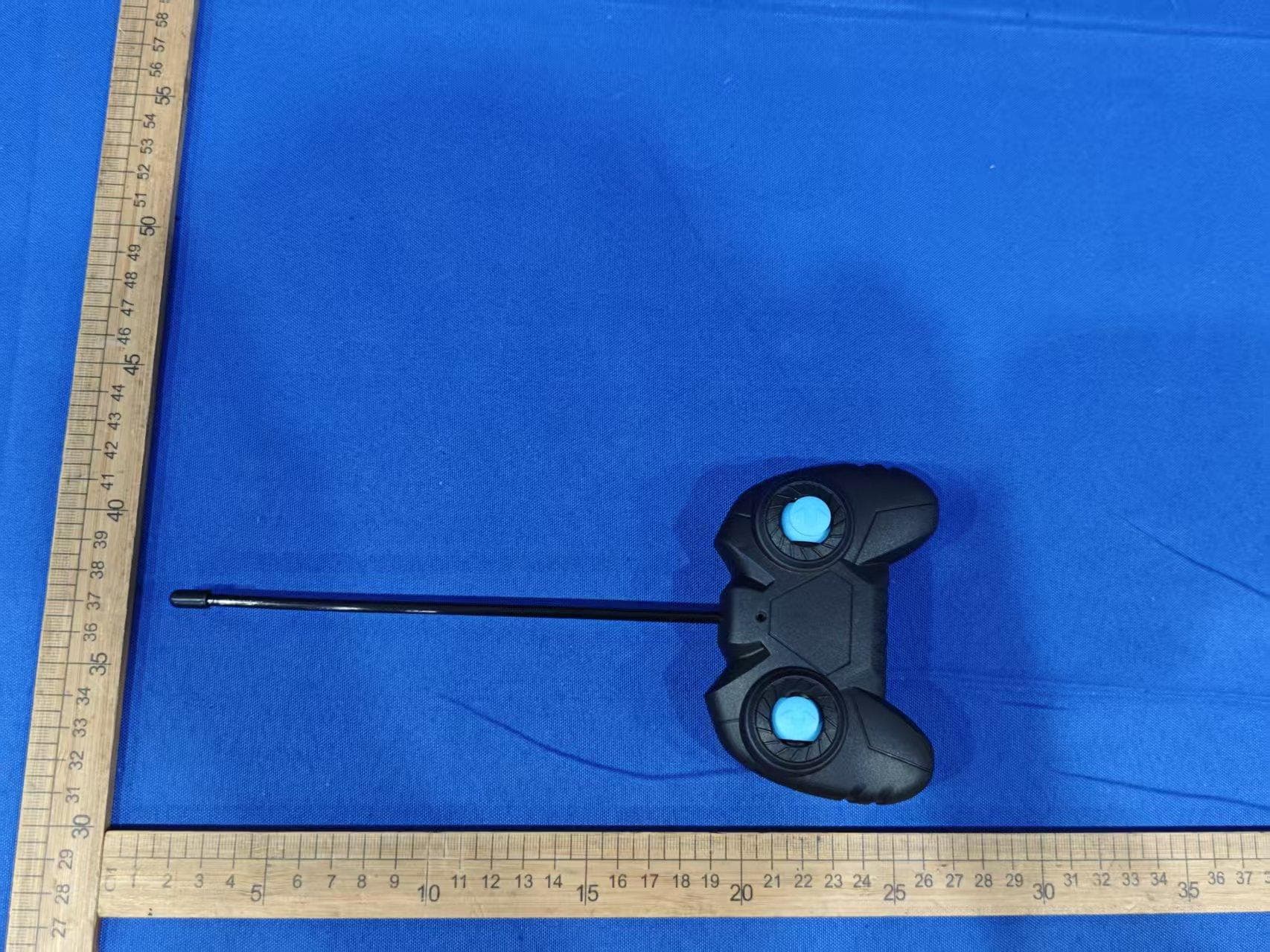
2ADM5-ET-0973-27
Jun 04, 2026RC STUNT CAR F26
Equipment Class
DXX - Part 15 Low Power Communication Device Transmitter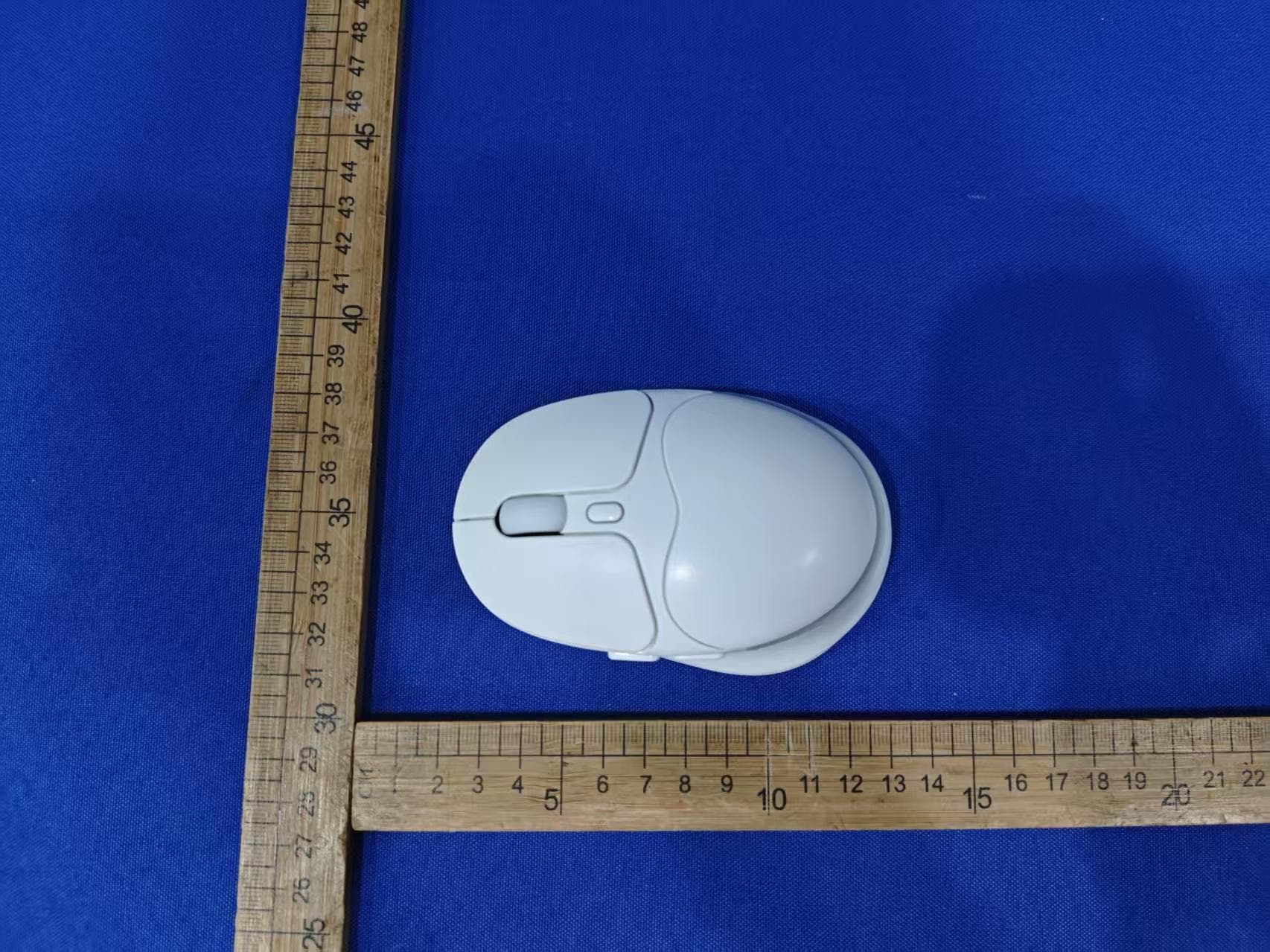
2ADM5-GA-0541
Apr 16, 2026LANAS LIFE VGA MOUSE
Equipment Class
DTS - Digital Transmission System
2ADM5-EP-0739
Jan 04, 2026TRANSLATION OWS
Equipment Class
DSS - Part 15 Spread Spectrum Transmitter