2AEGJBTE03Bluetooth earphone
KINGVIE TECHNOLOGY CO., LIMITED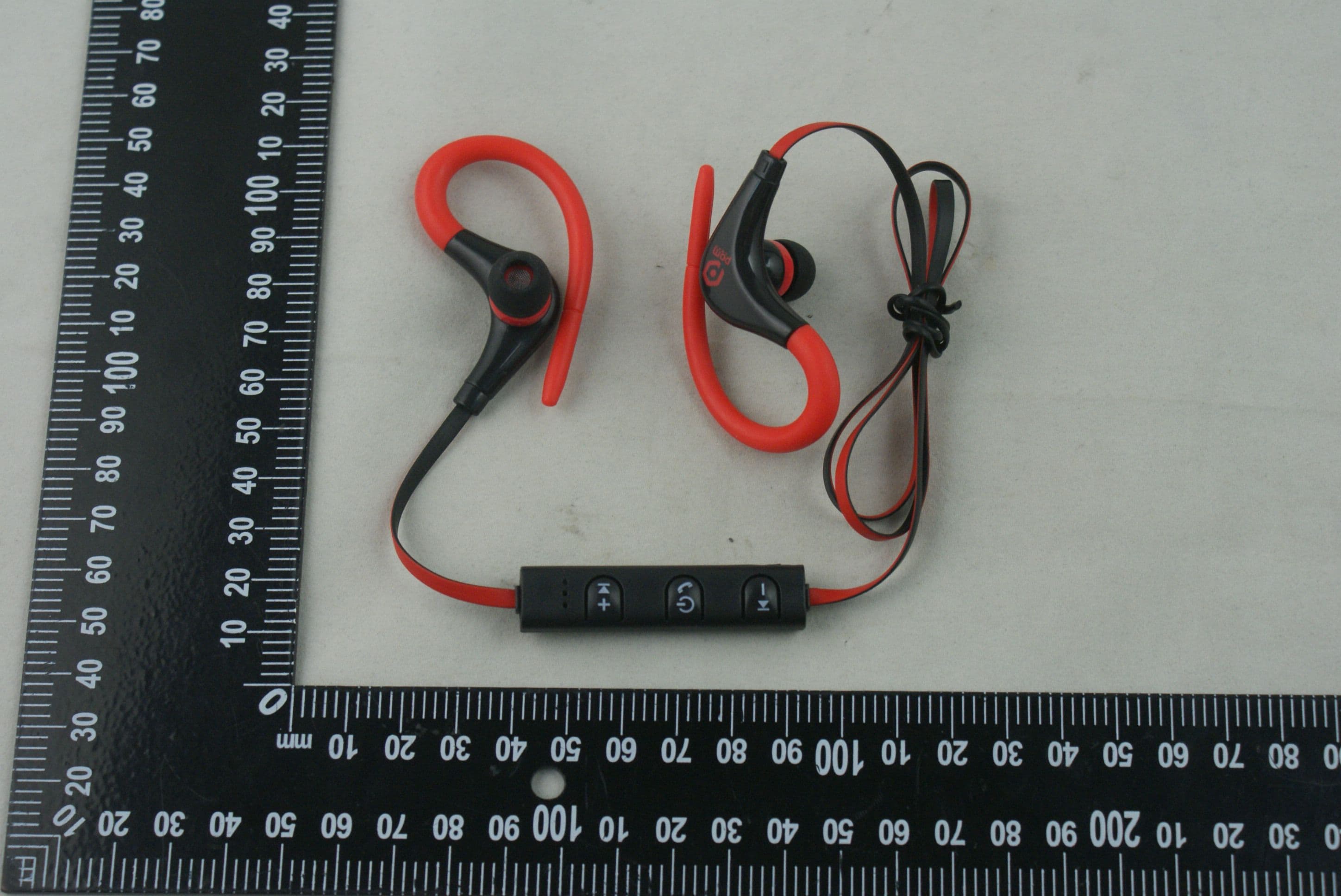
Click to zoom
Application Details
- Equipment Class
- DSS - Part 15 Spread Spectrum Transmitter
- Date of Grant
- Nov 22, 2015
- Application Purpose
- Original Equipment
- Date of Application
- Nov 15, 2015
- Equipment Note
- Bluetooth earphone
- Frequency Range
- 2402.00000000 - 2480.00000000
- Country
- China
Documents & Files
Document Text
Text extracted from the exhibit documents filed with the FCC. Open a document above to read the original.
Users Manual
Earpiece BTE03 USER MANUAL Security PrecautionsOverview of HeadsetOverview of HeadsetOverview of Headset In order to have a proper and safety use of the headset, please read this user manual in detail and save it. Be sure to aware the following guidelines when using your headset: 1. Should adjust volume and time reasonably when using the headset. 2. Please stop using the headset in potentially hazardous situation to ensure your safety. 3. Please avoid using headset to listen to music, make or receive calls to avoid distraction while driving. 4. Put this product and its accessories somewhere out of the reach of children, to avoid a fatal danger caused by inappropriate use. 5. Should keep water from entering the headset during grooming, which may cause damage to the sound quality or the headset. 6. Should avoid turning the volume so high that you can’t hear anything around you. If you feel a tinnitus or the volume is too high, please reduce the volume. 7. Stop using the headset if you feel obvious discomfort, irritation or have other adverse reactions. 8. The headset should not be stored or used at temperatures below-15(5 F) or above 55(131 F) which may shorten headset or battery life. Overview of BTE03 Bluetooth stereo headset: BTE03 Bluetooth sports headset in the box BTE03 Bluetooth sports headset 1pcs User’s manual 1pcs USB charging cable 1pcs Charger and battery 1. Before charging, make sure the headset has been switched off. 2. Plug USB cable into the charging port of headset; plug the other side of USB cable into the USB charger or other charging device. Charging will start and the red light remains bright on the headset. 3. Charging time of headset takes approximately up to 1.5-2hours, red light switch off after charging completed. 2 34567 Disconnect the headset with your mobile phone: Power on: Keep pressing the MF button until blue lights blink, headset issue a voice. Pairing Mode: Keep pressing the MF button until blue and red lights blink alternatively, headset issue a voice. Close the Bluetooth function of your mobile phone. Or keep press the MF button until the red lights goes out, to switch off the headset. Or take the headset from the mobile phone to more than 20m (60ftaway. Answer incoming call: When there is an incoming call, the headset will issue the a voice message , press the MF button once to answer the call, or use your mobile phone to answer it. Reject a call: When there is an incoming call, the headset will issue a voice messagekeep pressing the MF button for 2 times to reject the call, or use your mobile phone to reject the call . Hang up a call: Press the MF button once or use your mobile to hang up your call. Reconnect the paired headset with your mobile phone: 1. Keep distance of the headset and mobile phone (or other devices need to be connected) within 1 meter, the closer, the better . 2. Switch on the headset, and the headset enters into reconnection mode when the blue light blinks. 3. Switch on the Bluetooth search function in your mobile phone or other devices need to be connected. Then the headset will automatically reconnect with the mobile phone which has connected last time. FAQ Last call redialing: In standby mode, double-click the MF button, can redial your last call. Specification Specification: Bluetooth version: V4.1 Frequency range: 2.4GHz – 2.48GHz Operating distance: up to 10m (free space) Standby time: up to 180hrs Talking/music-playing time: about 4~5 hours Charging time: about 1~2 hours Bluetooth profiles: A2DP, AVRCP, HSP, HFP Frequency response: 20 -22kHz Operating Temperature:-10°C~50°C Music Play/Pause: Press MF button once to play/pause music. Volume adjustment/Music selection: Press Vol(+) and Vol(-) once to adjust volume; keep presses the Vol(+) and Vol(-) to select previous track or next track. FAQ 1.BTE03 Headset cannot pair with mobile phone? Ans: Please check whether your headset is in pairing mode or reconnection mode, check whether Bluetooth search fuction of your mobile phone has been opened. Thus, check your mobile device’s Bluetooth menu and delete/forget the headset, reconnect the headset following instructions of user manual. 2.BTE03 headset cannot be switch on? Ans: Please check the battery status of your headset. 3.Can I change battery for the headset? Ans: No, this headset use a built-in non-detachable Li-Polymer battery, it can not be removed. 4.Can I use headset while driving? Ans: For safety reason, we strongly recommend not to use over-ear headset to avoid distraction while driving. 5.BTE03 Headset disconnect with your mobile phone within 10 meter? Ans: Please check if there is metal or other material within relatively close range may interfere Bluetooth connection, as Bluetooth is a radio technology that is sensitive to objects between the headset and the connected device. 6.Cannot hearing a sound from your computer or mobile phone? Ans: Please check whether the output channel of your computer is Bluetooth Audio Device and Bluetooth function of your computer support A2DP profile. And please check volume of your headset/computer/mobile phone. 7.Cannot use the headset to control volume or select track of APP of your mobile phone? Ans: Software settings of APP may be varied led to some functions of the APP may not control by the headset. Switch off: Keep pressing the MF button until red lights blinks and goes out, headset issue a voice. Pair your headset with your mobile phone 1. Keep the distance between the headset and mobile phone (or other devices need to be connected) within 1 meter. The closer, the better. 2. Keep pressing the MF button until blue and red lights blink alternatively, enter to pairing mode. 3. Initiate Bluetooth function of mobile phone (or other device need to be connected). Then “BTE03” will be shown on your phone. 4. Select“BTE03”some mobile phones need you to input PIN “0000” as password and the headset will automatically connect with your mobile phone, the blue lights begin to blink. Attentio…
Text truncated - open the document above for the full version.
Cover Letter(s)
KINGVIETECHNOLOGYCO.,LIMITED Date:13Nov,2015 To:FederalCommunicationsCommission, Authorization&EvaluationDivision, 7435OaklandMillsRoad, Columbia,MD21046 ToWhomItMayConcern: TheKINGVIETECHNOLOGYCO.,LIMITED,theundersigned,hereby authorizesMr.WuXuewenfromShenzhenBalunTechnologyCo.,Ltd.,toacton thebehalfoftheKINGVIETECHNOLOGYCO.,LIMITEDsolelyinmatters relatingtotheapplicationforanFCCequipmentauthorizationforFCCID# 2AEGJBTE03includingthesigningofdocumentsinconnectionwiththis Application.NecessaryactscarriedoutbyShenzhenBalunTechnologyCo.,Ltd. onourbehalfoftheKINGVIETECHNOLOGYCO.,LIMITED. TheKINGVIETECHNOLOGYCO.,LIMITEDalsoherebycertifythatnopartyto thisapplicationissubjecttoadenialofbenefits,includingFCCbenefits,pursuant toSection5301oftheAnti-DrugAbuseActof1988,21U.S.C.853(a). Thankyouforyourattentiontothismatter. YoursSincerely, Name : LydiaWang Position:Manager KINGVIETECHNOLOGYCO.,LIMITED
Cover Letter(s)
KINGVIETECHNOLOGYCO.,LIMITED Date:13Nov,2015 To:FederalCommunicationsCommission, Authorization&EvaluationDivision, 7435OaklandMillsRoad, Columbia,MD21046 Re:KINGVIETECHNOLOGYCO.,LIMITED FCCID:2AEGJBTE03 FCCCertificationConfidentialityRequest Gentlemen: Thisletteristocomplywith47CFR0.457and0.459pertainingtoconfidentiality material.KINGVIETECHNOLOGYCO.,LIMITEDrequeststhatthefollowing documentsregardingthissubmissionforFCCID:2AEGJBTE03bekept confidential: ExhibitTypeFileName BlockDiagram CONFAPPENDIX2AEGJBTE03_BlockDiagram.pdf Circuitdiagram CONFAPPENDIX2AEGJBTE03_Circuitdiagram.pdf OperationalDescription CONFAPPENDIX2AEGJBTE03_OperationalDescription.pdf Thosedocumentscontaindetailedsystemandequipmentdescriptionandrelated informationabouttheproductwhichKINGVIETECHNOLOGYCO.,LIMITED considerstobeconfidentialproprietary,acustomdesignand,otherwise,not releasabletothegeneralpublic.Sincethisdesignisabasisformwhichfuture technologicalproductswillevolve,KINGVIETECHNOLOGYCO.,LIMITED considersthisinformationwouldbeofbenefittoitscompetitors,andthatthe disclosureoftheinformationinthesedocumentswouldgivecompetitorsanunfair advantageinthemarket. YoursSincerely, Name : LydiaWang Position:Manager KINGVIETECHNOLOGYCO.,LIMITED
External Photos
AnnexNo.:BL-SZ1590069-AW EXTERNALEUTPHOTOS THEFRONTOFEUT THEBACKOFEUT AnnexNo.:BL-SZ1590069-AW 2 / 3 THELEFTOFEUT THERIGHTOFEUT AnnexNo.:BL-SZ1590069-AW 3 / 3 THEUPOFEUT THEDOWNOFEUT
Internal Photos
AnnexNo.:BL-SZ1590069-AI EUTINTERNALPHOTOS EUTPhoto1 EUTPhoto2 AnnexNo.:BL-SZ1590069-AI 2 / 4 EUTPhoto3 EUTPhoto4 AnnexNo.:BL-SZ1590069-AI 3 / 4 EUTPhoto5 Battery AnnexNo.:BL-SZ1590069-AI 4 / 4 Battery
RF Exposure Info
RF Exposure Evaluation for FCC ID: 2AEGJBTE03 Refer user manual this device is a Bluetooth earphone and this device was designed used in portable devices the minimum distance between human’s body is 5mm. Based on the 47CFR 2.1093, this device belongs to portable device. The definition of the category as following: Portable Derives: CFR Title 47 §2.1093(b) (b) For purposes of this section, a portable device is defined as a transmitting device designed to be used so that the radiating structure(s) of the device is/are within 20 centimeters of the body of the user. FCC KDB 447498 D01 General RF Exposure Guidance v05r02 Limit Unless specifically required by the published RF exposure KDB procedures, standalone 1‐g head or body and 10‐g extremity SAR evaluation for general population exposure conditions, by measurement or numerical simulation, is not required when the corresponding SAR Test Exclusion Threshold condition, listed below, is satisfied. These test exclusion conditions are based on source‐based time‐averaged maximum conducted output power of the RF channel requiring evaluation, adjusted for tune‐up tolerance, and the minimum test separation distance required for the exposure conditions. The minimum test separation distance is determined by the smallest distance from the antenna and radiating structures or outer surface of the device, according to the host form factor, exposure conditions and platform requirements, to any part of the body or extremity of a user or bystander. The 1‐g and 10‐g SAR test exclusion thresholds for 100 MHz to 6 GHz at test separation distances ≤ 50 mm are determined by: [ ሺ୫ୟ୶.୮୭୵ୣ୰ ୭ ୡ୦ୟ୬୬ୣ୪,୧୬ୡ୪୳ୢ୧୬ ୲୳୬ୣି୳୮ ୲୭୪ୣ୰ୟ୬ୡୣ,୫ሻ ሺ୫୧୬.୲ୣୱ୲ ୱୣ୮ୟ୰ୟ୲୧୭୬ ୢ୧ୱ୲ୟ୬ୡୣ,୫୫ሻ ] ∙ [ ඥ f ሺୋୌሻ ] ≤ 3.0 for 1‐g SAR and ≤ 7.5 for 10‐g extremity SAR Where • f (GHz) is the RF channel transmit frequency in GHz • Power and distance are rounded to the nearest mW and mm before calculation • The result is rounded to one decimal place for comparison The test exclusions are applicable only when the minimum test separation distance is ≤ 50 mm and for transmission frequencies between 100 MHz and 6 GHz. When the minimum test separation distance is < 5 mm, a distance of 5 mm is applied to determine SAR test exclusion. FCC exclusion condition= [ ሺଶ.ଽଽ,୫ሻ ሺହ,୫୫ሻ ] ∙ [ ඥ 2.402 ሺୋୌሻ ] = 0.930 < 3.0 RF Exposure Evaluation Result: Pass Note: More power data, Please refer to the RF report.
Test Report
Report No.: BL-SZ1590069-601 2 Revision History Version Issue Date Revisions Rev. 01 Nov. 10, 2015 Initial Issue TABLE OF CONTENTS 1 ADMINISTRATIVE DATA (GENERAL INFORMATION) .......................................................................... 6 1.1 Identification of the Testing Laboratory ....................................................................................... 6 1.2 Identification of the Responsible Testing Location ...................................................................... 6 1.3 Laboratory Condition ................................................................................................................... 6 1.4 Announce .................................................................................................................................... 6 2 PRODUCT INFORMATION ...................................................................................................................... 8 2.1 Applicant ...................................................................................................................................... 8 2.2 Manufacturer ............................................................................................................................... 8 2.3 Factory Information ..................................................................................................................... 8 2.4 General Description for Equipment under Test (EUT) ................................................................ 8 2.5 Ancillary Equipment ..................................................................................................................... 8 2.6 Technical Information .................................................................................................................. 9 3 SUMMARY OF TEST RESULTS ............................................................................................................ 10 3.1 Test Standards .......................................................................................................................... 10 3.2 Verdict ....................................................................................................................................... 11 4 GENERAL TEST CONFIGURATIONS ................................................................................................... 12 4.1 Test Environments .................................................................................................................... 12 4.2 Test Equipment List ................................................................................................................... 12 4.3 Test Configurations ................................................................................................................... 13 4.4 Description of Test Setup .......................................................................................................... 13 4.4.1 For Antenna Port Test ............................................................................................................... 13 4.4.2 For AC Power Supply Port Test ................................................................................................ 14 4.4.3 For Radiated Test (Below 30 MHz) ........................................................................................... 14 4.4.4 For Radiated Test (30 MHz-1 GHz) .......................................................................................... 15 Report No.: BL-SZ1590069-601 3 4.4.5 For Radiated Test (Above 1 GHz) ............................................................................................. 15 4.5 Test Conditions ......................................................................................................................... 16 4.6 Measurement Results Explanation Example ............................................................................. 17 4.6.1 For conducted test items: .......................................................................................................... 17 4.6.2 For radiated band edges and spurious emission test: ............................................................... 17 5 TEST ITEMS ........................................................................................................................................... 18 5.1 Antenna Requirements .............................................................................................................. 18 5.1.1 Standard Applicable .................................................................................................................. 18 5.1.2 Antenna Anti-Replacement Construction .................................................................................. 18 5.1.3 Antenna Gain ............................................................................................................................ 18 5.2 Number of Hopping Frequency ................................................................................................. 19 5.2.1 Limit ........................................................................................................................................... 19 5.2.2 Test Setup ................................................................................................................................. 19 5.2.3 Test Procedure .......................................................................................................................... 19 5.2.4 Test Result ................................................................................................................................ 19 5.3 Peak Output Power ................................................................................................................... 20 5.3.1 Test Limit ................................................................................................................................... 20 5.3.2 Test Setup .......................................................…
Text truncated - open the document above for the full version.
Test Setup Photos
AnnexNo.:BL-SZ1590069-AR TESTSETUPPHOTOS 1RadiatedTestPhoto Below30MHz 30MHz-1GHz AnnexNo.:BL-SZ1590069-AR Above1GHz 2ConductedTestPhoto ConductedTest AnnexNo.:BL-SZ1590069-AR 3ConductedEmission ConductedEmissionTest
Contact Information
Applicant
Lydia Wang
Test Firm
Shenzhen BALUN Technology Co.,Ltd.Xuewen Wu
Technical Specifications
| # | Rule Parts | Frequency Range | Power Output |
|---|---|---|---|
| 1 | 15C | 2.40 GHz - 2.48 GHz | 2.99 mW |
Other Applications from KINGVIE TECHNOLOGY CO., LIMITED
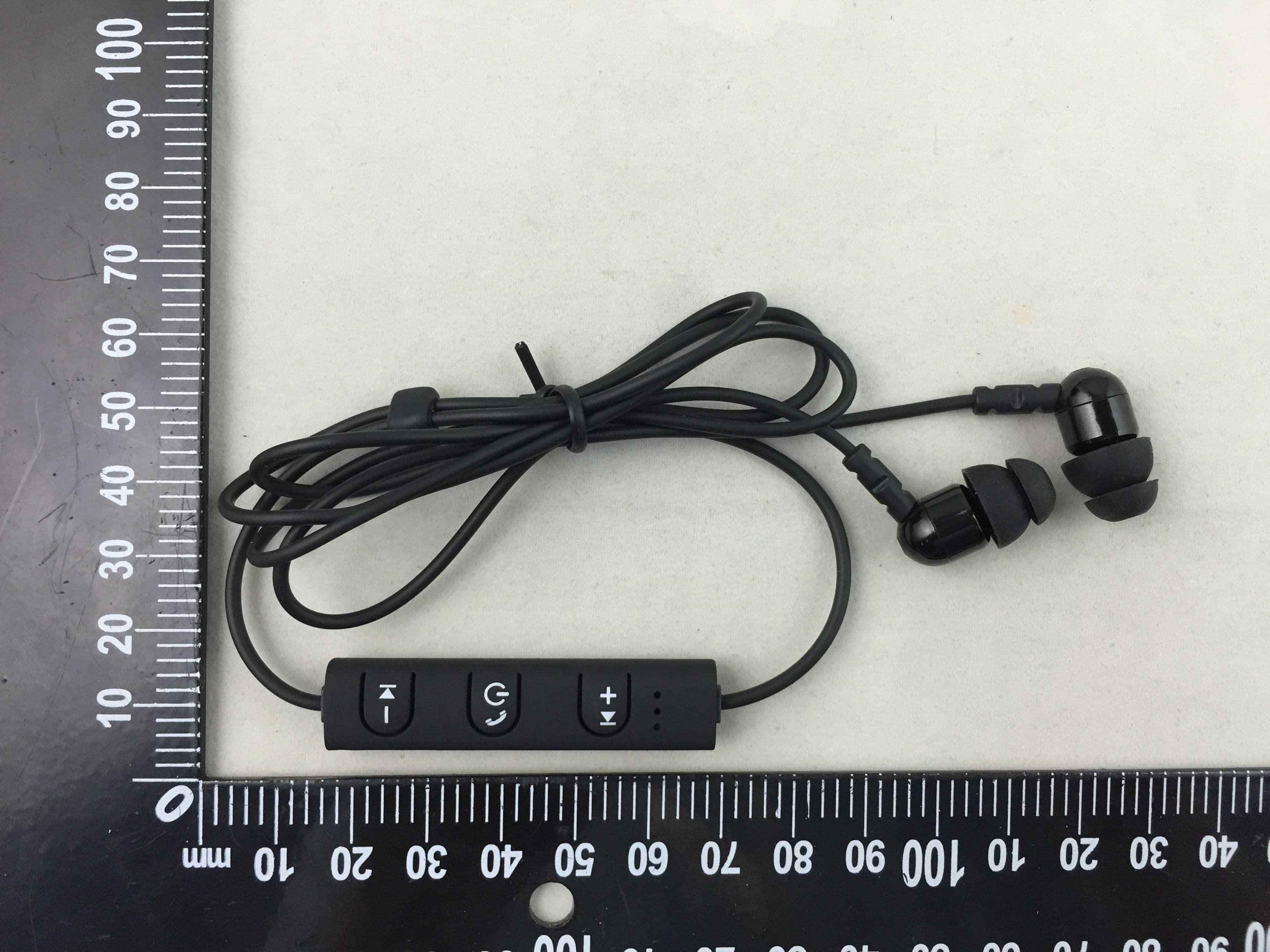
2AEGJBTE02
Oct 08, 2015Bluetooth earphone
Equipment Class
DSS - Part 15 Spread Spectrum Transmitter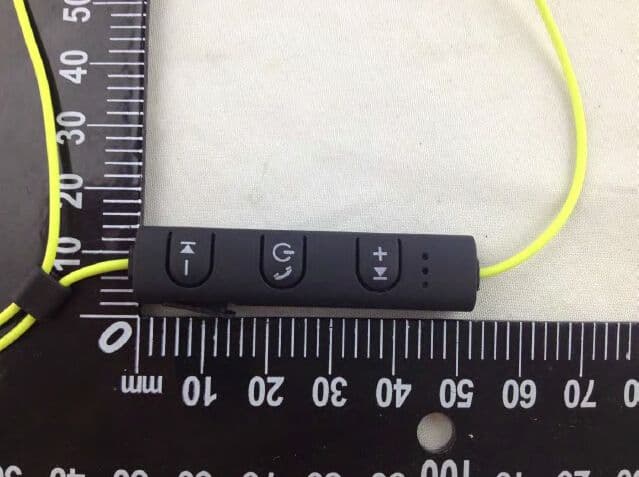
2AEGJBTE01
Apr 08, 2015Boothearphone
Equipment Class
DSS - Part 15 Spread Spectrum Transmitter