2AG9K-DY25Bluetooth Speaker
Shenzhen Xinyiheng Digital Co., Ltd.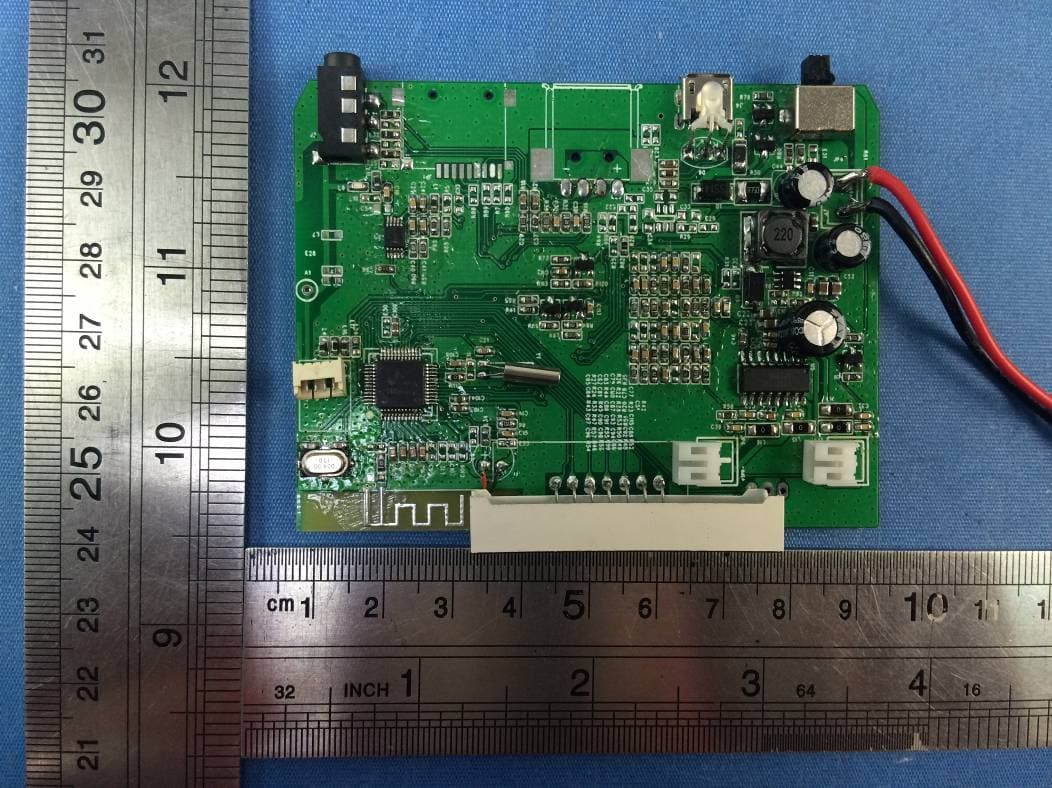
Click to zoom
Application Details
- Equipment Class
- DSS - Part 15 Spread Spectrum Transmitter
- Date of Grant
- Jan 25, 2016
- Application Purpose
- Original Equipment
- Date of Application
- Jan 24, 2016
- Equipment Note
- Bluetooth Speaker
- Frequency Range
- 2402.00000000 - 2480.00000000
- Country
- China
Documents & Files
Document Text
Text extracted from the exhibit documents filed with the FCC. Open a document above to read the original.
Users Manual
Bluetooth Speaker DY25 User Guide Please read and follow this user guide thoroughly before using the HiFi Waves Pro. [Show image of buttons (Play/pause/phone, mode, track back, track forward, volume down, volume up), LEDs (BT, FM, AUX), AUX port, Charge port, power indicator LED, and Power switch] Specifications Driver Size: 52mm x 2 Output Power: 10W (5W x 2) Bluetooth: v2.1 + EDR, up to 30 feet transmission range Battery: 4,400mAh Play Time: Up to 11 hours at 70% volume Charge Time: 6 hours Frequency Response: 65 Hz – 18.5 KHz Impedance: 4Ω Button Functions NOTE: Button functions may vary per device Play/pause/phone button In Bluetooth mode: Press and release to pause a track; press again to play the track. When a phone call comes in, press and release to answer the call; press again to end the call. Press and release twice to dial the last call. In FM mode: Press and hold to enable the scan/channel save function. Press and release to search through preset FM radio stations. NOTE: When playing music, the music will pause and make a ringing sound when a call comes in. The music will resume when the call has ended. Ringing sound may vary per device. Mode button • Press and release the button to cycle through the different modes. Modes include: • Bluetooth mode – to play wirelessly via Bluetooth. • FM mode – to play FM radio. • LINE IN mode – to play via audio cable. NOTE:”LINE IN mode” will not function unless an audio cable is inserted into the AUX port. Track Buttons In Bluetooth mode: • Press and release the track forward button (>>) to go to the next track. • Press and release the track back button (<<) to go to the previous track. In FM mode: • Press and release the track forward button (>>) to go to the next frequency. • Press and release the track back button (<<) to go to the previous frequency. Volume buttons • Press and release/hold the volume up (+) button to raise the volume. • Press and release/hold the volume down (‐) button to lower the volume. NOTES: • The speaker will show the volume level on the LCD screen. • The volume must be adjusted through both your speaker and audio device. Charging your HiFi Waves Pro NOTE: Make sure the HiFi Waves Pro is fully charged before using it the first time. 1. Gently plug the Micro‐USB end of the included charge cable into the charge port labeled “USB DC”. 2. Plug the USB end of the cable into a powered USB port, such as a computer, laptop or USB AC adapter (not included). 3. The power indicator LED will glow solid red when charging. 4. Once the speaker is fully charged, the power indicator LED will turn green. NOTE: Charge your HiFi Waves Pro with the included charge cable. Connecting via Bluetooth® (first time set‐up) 1. Power on the speaker by moving the power switch from “OFF” to “ON”. You will hear “Bluetooth mode”. 2. Open the settings on your Bluetooth device (Bluetooth must be enabled). 3. Select HiFi Waves Pro from the devices list. 4. Once paired, you will hear “Bluetooth paired”. NOTE: • Your device will automatically find and pair with the HiFi Waves Pro after the initial pairing. If your device does not automatically pair, turn off the speaker and repeat steps 1‐4. • The speaker will return to Bluetooth mode after the speaker has been turned off. Connecting via audio cable (LINE IN) 1. Power on the speaker by moving the power switch from “OFF” to “ON”. You will hear “Bluetooth mode”. 2. Plug one end of the included audio cable into the AUX port on the back of the speaker. The LED screen will show “LINE” and the speaker will say “LINE IN mode”. 3. Plug the other end of the cable into your audio device. NOTE: • “LINE IN mode” only works if you have an audio cable inserted. • If you plug in an audio cable into the AUX port, the mode will automatically switch to “LINE IN mode”. • Make sure that you are using the audio cable that was included with your speaker. Using the FM radio (First time set up) 1. Power on the speaker by moving the power switch from “OFF” to “ON”, you will hear the speaker say “Bluetooth mode”. 2. Press and release the mode button to switch to FM mode. 3. Press and hold the play/pause/phone button for 3 seconds to begin the scan/channel save function. 4. The speaker will scan and save the FM radio stations with the strongest frequency. Once it is complete with the scan/channel save function the FM radio will start on channel 01. NOTE: You must complete the scan/channel save function in order to have preset radio stations. 5. Press and release the play/pause/phone button to browse through the saved presets or press and release the track buttons to go to specific frequencies. Troubleshooting Issue: My speaker doesn’t turn on. Solution: Try the following: Make sure that you fully charge your speaker before use. • Power on the speaker by moving the power switch from “OFF” to “ON”. Issue: My speaker isn’t charging. Solution: Try the following: • Make sure that the charge port on the speaker is free from dust and debris. • Make sure that you are using the charge cable that came with your speaker. • Make sure there is power from the power source. Issue: My speaker isn’t syncing to Bluetooth. Solution: Try the following: • Make sure that the Bluetooth setting is turned “ON” on your device. • Check to see if another user is connected to the speaker. • Refer to the user guide of your device for Bluetooth syncing instructions. Issue: My speaker volume is turned all the way up, but the volume is still very low. Solution: Try the following: • Make sure your speaker and audio device are charged. • Make sure the volume is turned up on your device and speaker. Issue: I can’t play music through “LINE IN mode”. Solution: Try the following: • Make sure you are using the included audio cable. • Make sure you are in “LINE IN mode”. Important safety precautions • Incorrect use or incompatibility with your device may result in reduced battery performance or damage to your device. • Do not attempt to disassemble produc…
Text truncated - open the document above for the full version.
Cover Letter(s)
SCS-F18: Project and Product Certification Representative Authorization Letter Page 1 of 2 Rev 5.0 775 Montague Expressway Milpitas, CA 95035 Tel: 408-526-1188 Fax: 408-526-1088 Email: [email protected] Project and Product Certification Representative Authorization Letter Reason for Amendment (current / obsolete) Revision History Approved Date From To Initial Release (obsolete) 1.0 1.0 Nov-14-2006 Revised wording (obsolete) 1.0 2.0 Sept–25-2007 Updated company template (obsolete) 2.0 3.0 Jan-31-2012 Updated letter information (obsolete) 3.0 4.0 May-23-2014 Added FCC ID field (current) 4.0 5.0 Sept 16 2014 SCS-F18: Project and Product Certification Representative Authorization Letter Page 2 of 2 Rev 5.0 Shenzhen Xinyiheng Digital Co., Ltd. 2016-01-19 To: SIEMIC, INC. 775 Montague Expressway, Milpitas, CA 95035 USA Dear Sir/Madam, Re: Product Certification Representative Authorization Letter We, ____ Shenzhen Xinyiheng Digital Co., Ltd._ _hereby authorize SIEMIC, Inc. to act as a Certification Body for certifying for the following project(s): Product: Bluetooth Speaker Trade Name: N/A Model Name: DY25 Serial Model:ISOUND-6861, ISOUND-6862 FCC ID: 2AG9K-DY25 Sincerely, Client’s name / title : Roy Fang / Manager Contact information / address : 4/Floor 3/Building, Baishun Industrial Zone, Makan Village, Xili Town, Nanshan District,Shenzhen City,China.
Cover Letter(s)
SCS-F19: Confidentiality Request Letter Page 1 of 2 Rev 5.0 775 Montague Expressway Milpitas, CA 95035 Tel: 408-526-1188 Fax: 408-526-1088 Email: [email protected] Confidentiality Request Letter Reason for Amendment (current / obsolete) Revision History Approved Date From To Initial Release (obsolete) 1.0 1.0 Nov-14-2006 Adding CFR 2.459 (obsolete) 1.0 2.0 August – 11 - 2008 Updated company template & Added text box (obsolete) 2.0 3.0 Jan-31-2012 Added IC confidentiality letter form (obsolete) 3.0 4.0 March-26-2015 Corrections to STC form. Added reference to KDB (current) 4.0 5.0 Nov 19 2015 SCS-F19: Confidentiality Request Letter Page 2 of 2 Rev 5.0 Shenzhen Xinyiheng Digital Co., Ltd. 2016-01-19 To: Federal Communications Commission Authorization and Evaluation Division 7435 Oakland Mills Road Columbia, MD Subject: Permanent Confidentiality Request for FCC ID: 2AG9K-DY25 Pursuant to sections 0.457 and 0.459 of CFR 47, we respectfully request permanent confidential treatment of the following Exhibits accompanying this application as: - Block Diagram - Schematics - Operational Description The above materials contain trade secrets and proprietary information not customarily released to the public. The public disclosure of these materials may be harmful to the applicant and provide unjustified benefits to its competitors. The applicant understands that disclosure of this application and all accompanying documentation will not be made before the date of the Grant for this application. Sincerely, Client’s name / title : Roy Fang / Manager Contact information / address : 4/Floor 3/Building, Baishun Industrial Zone, Makan Village, Xili Town, Nanshan District,Shenzhen City,China.
Cover Letter(s)
Shenzhen Xinyiheng Digital Co., Ltd. Model Difference FCC ID: 2AG9K-DY25 Model : DY25, ISOUND-6861, ISOUND-6862 All the model are the same circuit and RF module, except the model name and colour. Regards, Client’s signature Client’s name / title : Roy Fang / Manager Contact information / address : 4/Floor 3/Building, Baishun Industrial Zone, Makan Village, Xili Town, Nanshan District,Shenzhen City,China.
ID Label/Location Info
FCC ID LABELING AND LOCATION FCC ID Label Bluetooth Speaker Model NO.: DY25 FCC ID: 2AG9K-DY25 This device complies with part 15 of the FCC Rules. Operation is subject to the following two conditions: (1)This device may not cause harmful interference, and (2) this device must accept any interference received, including interference that may cause undesired operation. FCC ID Label Location The label shown shall be permanently affixed at a conspicuous location on the device and be readily visible to the user at the time purchase (Labeling requirements per 2.925)
Internal Photos
APPENDIX-PHOTOGRAPHS OF EUT CONSTRUCTIONAL DETAILS Photo 1 Photo 2 BT ANT Photo 3 Photo 4 Photo 5 Photo 6
RF Exposure Info
FCC ID: 2AG9K-DY25 RF EXPOSURE EVALUATION METHOD FCC ID:2AG9K-DY25 SAR Test Exclusion Thresholds for 100 MHz – 6 GHz and ≤ 50 mm Approximate SAR Test Exclusion Power Thresholds at Selected Frequencies and Test Separation Distances are illustrated in the following Table. The 1-g and 10-g SAR test exclusion thresholds for 100 MHz to 6 GHz at test separation distances ≤ 50 mm are determined by: [(max. power of channel, including tune-up tolerance, mW)/(min. test separation distance, mm)] · [√f(GHz)] ≤ 3.0 for 1-g SAR and ≤ 7.5 for 10-g extremity SAR,where f(GHz) is the RF channel transmit frequency in GHz Power and distance are rounded to the nearest mW and mm before calculation The result is rounded to one decimal place for comparison The test exclusions are applicable only when the minimum test separation distance is ≤ 50 mm and for transmission frequencies between 100 MHz and 6 GHz. When the minimum test separation distance is < 5 mm, a distance of 5 mm is applied to determine SAR test exclusion. Maximum measured transmitter power. BT Test Channel Frequency (MHz) Peak Output Power (dBm) Peak Output Power (mW) 1Mbps CH00 2402 -0.38 0.916 CH39 2441 0.43 1.104 CH78 2480 0.86 1.219 2Mbps CH00 2402 0.35 1.084 CH39 2441 1.21 1.321 CH78 2480 1.66 1.466 Remark: The best case gain of the antenna is 1.0dBi. 1.0 dBi logarithmic terms convert to numeric result is nearly 1.26 The 1-g and 10-g SAR test exclusion thresholds for 100 MHz to 6 GHz at test separation distances ≤ 50 mm are determined by: [(max. power of channel, including tune-up tolerance, mW)/(min. test separation distance,mm)] · [√f(GHz)] FCC ID: 2AG9K-DY25 BT Te s t Channel Range tune up max power (dBm) [(max. power of channel, including tune-up tolerance, mW) (min. test separation distance,mm)] [f(GHz)] Result Limit 1Mbps CH00 -1~1 1 1.259 5 2.402 0.390 3 CH39 -1~1 1 1.259 5 2.441 0.393 3 CH78 -1~1 1 1.259 5 2.480 0.397 3 2Mbps CH00 0~2 2 1.585 5 2.402 0.491 3 CH39 0~2 2 1.585 5 2.441 0.495 3 CH78 0~2 2 1.585 5 2.480 0.499 3 The test Result is less than 3.0 for 1-g SAR and ≤ 7.5 for 10-g extremity SAR. Conclusion: No SAR is required.
Test Report
FCC RADIO TEST REPORT-BT FCC ID:2AG9K-DY25 Product: Bluetooth Speaker Trade Name: N/A Model Name: DY25 Serial Model:ISOUND-6861, ISOUND-6862 Report No.: NTEK-2015NT1224254F Prepared for Shenzhen Xinyiheng Digital Co., Ltd. 4/Floor 3/Building, Baishun Industrial Zone, Makan Village, Xili Town, Nanshan District,Shenzhen City, China. Prepared by Shenzhen NTEK Testing Technology Co., Ltd. 1/F, Building E, Fenda Science Park, Sanwei Community,Xixiang Street Bao’an District, Shenzhen P.R. China Tel.: +86-0755-61156588 Fax.: +86-0755-61156599 Website:www.ntek.org.cn Page 2 of 65 Report No.:NTEK-2015NT1224254F TEST RESULT CERTIFICATION Applicant’s name ................. : Shenzhen Xinyiheng Digital Co., Ltd. Address ................................. : 4/Floor 3/Building, Baishun Industrial Zone, Makan Village, Xili Town, Nanshan District,Shenzhen City, China. Manufacture's Name ............ : Shenzhen Xinyiheng Digital Co., Ltd. Address ................................. : 4/Floor 3/Building, Baishun Industrial Zone, Makan Village, Xili Town, Nanshan District,Shenzhen City, China. Product description Product name ........................... : Bluetooth Speaker Model and/or type reference : DY25 Serial Model: ISOUND-6861, ISOUND-6862 Standards ............................. : FCC Part15.247: 01 Oct. 2015 Test procedure .............................. ANSI C63.10-2013 and Public Notice-DA 00-705 This device described above has been tested by NTEK, and the test results show that the equipment under test (EUT) is in compliance with the FCC requirements. And it is applicable only to the tested sample identified in the report. This report shall not be reproduced except in full, without the written approval of NTEK, this document may be altered or revised by NTEK, personnel only, and shall be noted in the revision of the document. Date of Test ............................................ : Date (s) of performance of tests ............. : 24 Dec. 2015 ~04 Jan. 2016 Date of Issue ........................................... : 04 Jan. 2016 Test Result ............................................... : Pass Testing Engineer : (Allen Liu) Technical Manager : (Brown Lu) Authorized Signatory : (Sam Chen) Page 3 of 65 Report No.:NTEK-2015NT1224254F Table of Contents Page 1 . SUMMARY OF TEST RESULTS 5 1.1 TEST FACILITY 6 1.2 MEASUREMENT UNCERTAINTY 6 2 . GENERAL INFORMATION 7 2.1 GENERAL DESCRIPTION OF EUT 7 2.2 DESCRIPTION OF TEST MODES 9 2.3 TABLE OF PARAMETERS OF TEXT SOFTWARE SETTING 9 2.4 BLOCK DIGRAM SHOWING THE CONFIGURATION OF SYSTEM TESTED 10 2.5 DESCRIPTION OF SUPPORT UNITS(CONDUCTED MODE) 11 2.6 EQUIPMENTS LIST FOR ALL TEST ITEMS 12 3 . EMC EMISSION TEST 13 3.1 CONDUCTED EMISSION MEASUREMENT 13 3.1.1 POWER LINE CONDUCTED EMISSION LIMITS 13 3.1.2 TEST PROCEDURE 14 3.1.3 DEVIATION FROM TEST STANDARD 14 3.1.4 TEST SETUP 14 3.1.5 EUT OPERATING CONDITIONS 14 3.1.6 TEST RESULTS 15 3.2 RADIATED EMISSION MEASUREMENT 23 3.2.1 RADIATED EMISSION LIMITS 23 3.2.2 TEST PROCEDURE 24 3.2.3 DEVIATION FROM TEST STANDARD 24 3.2.4 TEST SETUP 25 3.2.5 EUT OPERATING CONDITIONS 26 3.2.6 TEST RESULTS (BELOW 30 MHZ) 27 3.2.7 TEST RESULTS (BETWEEN 30M – 1000 MHZ) 28 3.2.8 TEST RESULTS (ABOVE 1000 MHZ) 30 4 . NUMBER OF HOPPING CHANNEL 31 4.1 APPLIED PROCEDURES / LIMIT 31 4.1.1 TEST PROCEDURE 31 4.1.2 DEVIATION FROM STANDARD 31 4.1.3 TEST SETUP 31 4.1.4 EUT OPERATION CONDITIONS 31 4.1.5 TEST RESULTS 32 5 . AVERAGE TIME OF OCCUPANCY 33 5.1 APPLIED PROCEDURES / LIMIT 33 Page 4 of 65 Report No.:NTEK-2015NT1224254F Table of Contents Page 5.1.1 TEST PROCEDURE 33 5.1.2 DEVIATION FROM STANDARD 33 5.1.3 TEST SETUP 34 5.1.4 EUT OPERATION CONDITIONS 34 5.1.5 TEST RESULTS 35 6 . HOPPING CHANNEL SEPARATION MEASUREMENT 41 6.1 APPLIED PROCEDURES / LIMIT 41 6.1.1 TEST PROCEDURE 41 6.1.2 DEVIATION FROM STANDARD 41 6.1.3 TEST SETUP 41 6.1.4 EUT OPERATION CONDITIONS 41 6.1.5 TEST RESULTS 42 7 . BANDWIDTH TEST 46 7.1 APPLIED PROCEDURES / LIMIT 46 7.1.1 TEST PROCEDURE 46 7.1.2 DEVIATION FROM STANDARD 46 7.1.3 TEST SETUP 46 7.1.4 EUT OPERATION CONDITIONS 46 7.1.5 TEST RESULTS 47 8 . PEAK OUTPUT POWER TEST 51 8.1 APPLIED PROCEDURES / LIMIT 51 8.1.1 TEST PROCEDURE 51 8.1.2 DEVIATION FROM STANDARD 51 8.1.3 TEST SETUP 51 8.1.4 EUT OPERATION CONDITIONS 51 8.1.5 TEST RESULTS 52 9 . 100 KHZ BANDWIDTH OF FREQUENCY BAND EDGE 56 9.1 DEVIATION FROM STANDARD 56 9.2 TEST SETUP 56 9.3 EUT OPERATION CONDITIONS 56 9.4 TEST RESULTS 57 10 . ANTENNA REQUIREMENT 63 10.1 STANDARD REQUIREMENT 63 10.2 EUT ANTENNA 63 11 . EUT TEST PHOTO 64 APPENDIX-PHOTOGRAPHS OF EUT CONSTRUCTIONAL DETAILS Page 5 of 65 Report No.:NTEK-2015NT1224254F 1. SUMMARY OF TEST RESULTS Test procedures according to the technical standards: FCC Part15 (15.247) , Subpart C Standard Section Test Item Judgment Remark 15.207 Conducted Emission PASS 15.247(a)(1) Hopping Channel Separation PASS 15.247(b)(1) Peak Output Power PASS 15.247(c) Radiated Spurious Emission PASS 15.247(a)(iii) Number of Hopping Frequency PASS 15.247(a)(iii) Dwell Time PASS 15.247(a)(1) Bandwidth PASS 15.205 Band Edge Emission PASS 15.203 Antenna Requirement PASS NOTE: (1)” N/A” denotes test is not applicable in this Test Report Page 6 of 65 Report No.:NTEK-2015NT1224254F 1.1 TEST FACILITY NTEK Testing Technology Co., Ltd Add. : 1/F, Building E, Fenda Science Park, Sanwei Community, Xixiang Street, Bao’an District, Shenzhen P.R. China. FCC Registration No.:238937; IC Registration No.:9270A-1 CNAS Registration No.:L5516 1.2 MEASUREMENT UNCERTAINTY The reported uncertainty of measurement y ± U,where expended uncertainty U is based on a standard uncertainty multiplied by a coverage factor of k=2,providing a level of confidence of approximately 95 %。 No. Item Uncertainty 1 Conducted Emission Test ±1.38dB 2 RF power,conducted ±0.16dB 3 Spurious emissions,conducted ±0.21dB 4 All emissions,radiated(<1G) ±4.68dB 5 All emissions,radiated(>1G) ±4.89dB 6 Temperature ±0.5°C 7 Humidity ±2% Page 7 of 65 Report No.:NTEK-2015NT1224254F 2. GENERAL INFOR…
Text truncated - open the document above for the full version.
Test Setup Photos
Page 64 of 65 Report No.:NTEK-2015NT1224254F 11. EUT TEST PHOTO Radiated Measurement Photos Page 65 of 65 Report No.:NTEK-2015NT1224254F CONDUCTED EMISSION Photos
Contact Information
Applicant
Roy Fang
Test Firm
Shenzhen NTEK Testing Technology Co., Ltd.Jason Chen
Technical Specifications
| # | Rule Parts | Frequency Range | Power Output |
|---|---|---|---|
| 1 | 15C | 2.40 GHz - 2.48 GHz | 1.47 mW |
Other Applications from Shenzhen Xinyiheng Digital Co., Ltd.
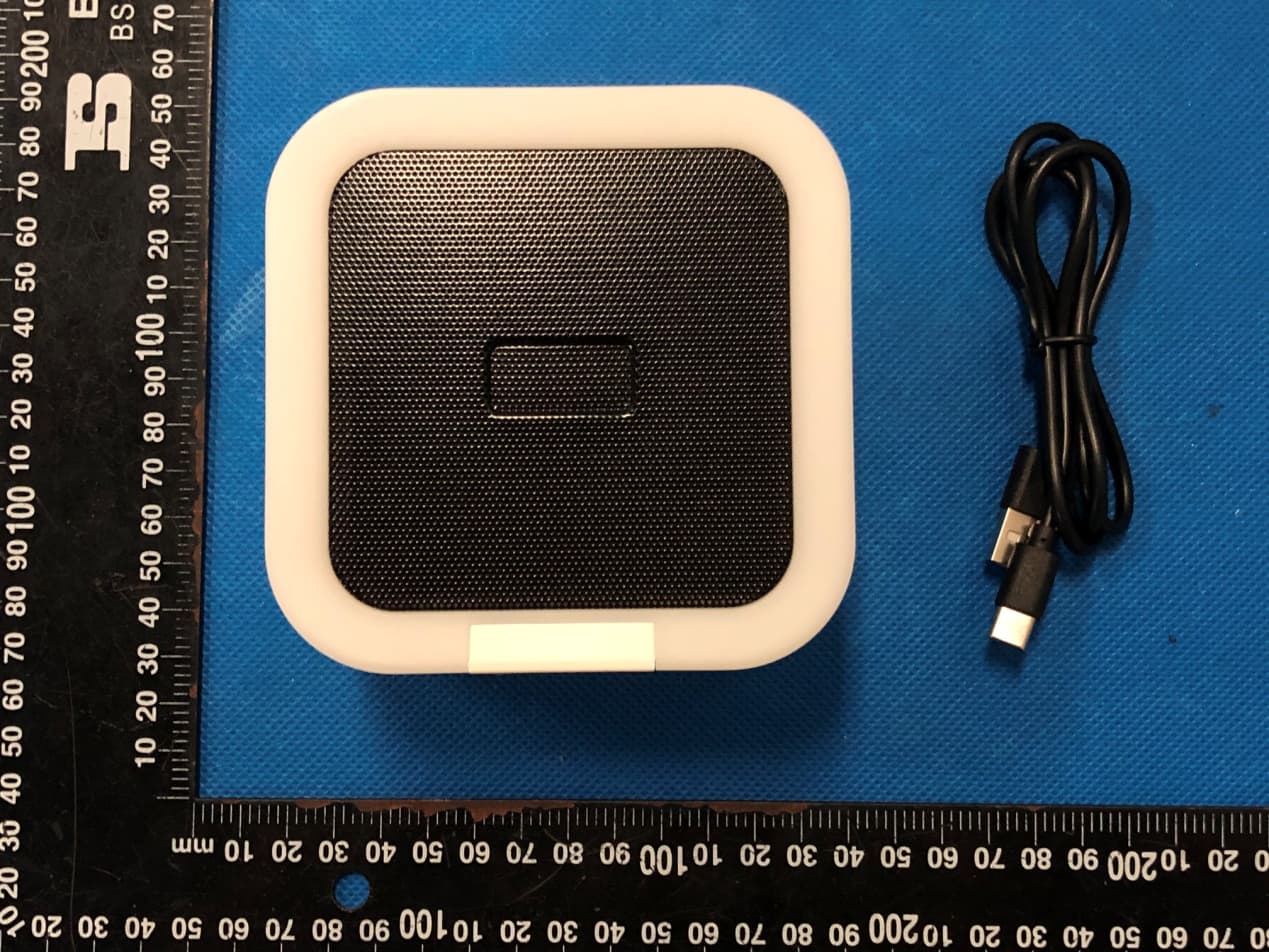
2AG9K-DY28Z
May 21, 2023Bluetooth Speaker
Equipment Class
DSS - Part 15 Spread Spectrum Transmitter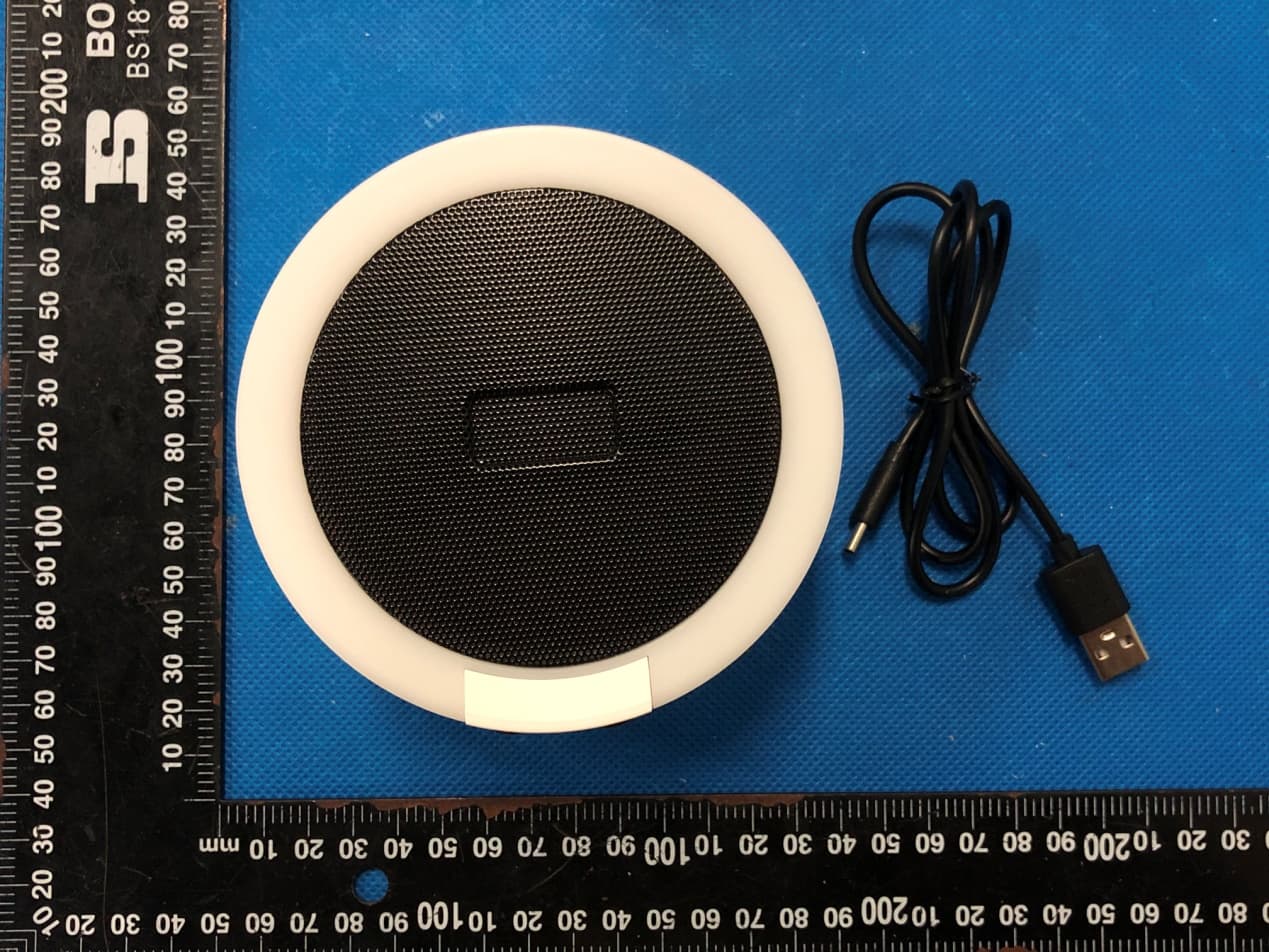
2AG9K-DY29Z
May 21, 2023Bluetooth Speaker
Equipment Class
DSS - Part 15 Spread Spectrum Transmitter