2AI6I-H1118Smart Watch
Guangzhou Havit Technology Co.,LTD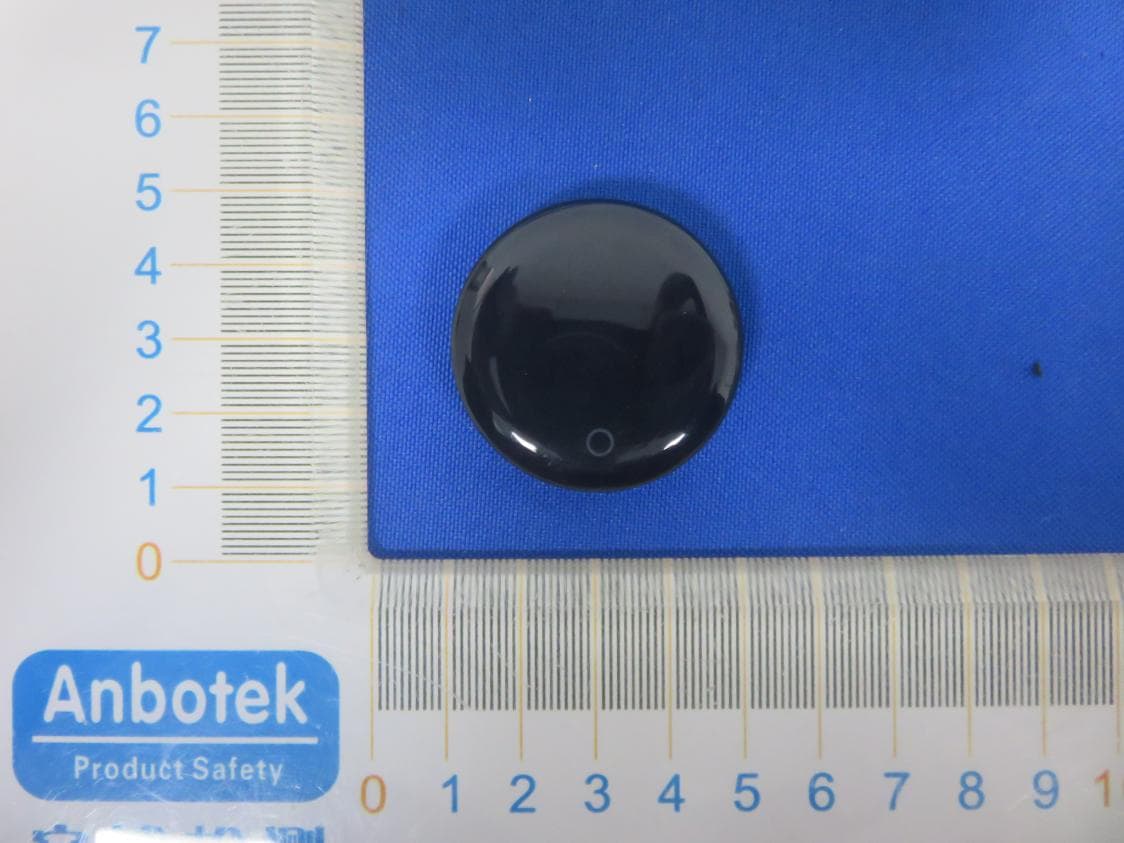
Click to zoom
Application Details
- Equipment Class
- DTS - Digital Transmission System
- Date of Grant
- Feb 19, 2020
- Application Purpose
- Original Equipment
- Date of Application
- Feb 19, 2020
- Equipment Note
- Smart Watch
- Frequency Range
- 2402.00000000 - 2480.00000000
- Country
- China
Documents & Files
Document Text
Text extracted from the exhibit documents filed with the FCC. Open a document above to read the original.
Users Manual
SPECIAL NOTE: To ensure the device is fully functional, please connect the device using the App directly instead of using the system Bluetooth setting. To do it, simply tap on the top right corner on the App home page to search for your device, and then tap on the Bluetooth ID to start connecting. If you have used the phone Bluetooth to connect with the watch which is not the correct way, please disconnect the device from the phone Bluetooth setting and try connecting the device using our APP directly. Besides, please make sure you have made the necessary settings (check Settings->FAQ on our App) to allow the App to run in the background without having killed by the phone system. Once the App is killed by the system, the connection will be lost and no notifications will be pushed to the device. PACKAGE CONTAINS Smart Band x 1 USB Charging Cable x 1 User manual x 1 HOW TO TURN ON Press and hold the Button for 3-5 seconds to turn on the device. ***If it is not turned on, it is likely that the battery is flat, please charge the device first*** HOW TO CHARGE THE DEVICE Insert the USB end of your charging cable into the power output (5±0.25V adapter), and put the other end (with charging pins) close to the Magnetic Charging Points at the bottom case of the device. If the charging pins on the cable and the charging points on the device are matched in the correct direction, both should stick together by the magnet and the charging will start. If there is a repelling force, please reverse the direction and try again. ABOUT THE DEVICE Home Screen It comes with 7 clock faces which can be changed by press and hold on the touch key. It also supports auto changing everyday and “shake to change” mode which can be enabled in the settings. Sports Menu Press and hold on the touch button to enter the Sports Menu loop. Within the Sports Menu loop, press on the touch button to jump to the next sport mode, while press and hold to start the corresponding sports session. Once started a sport session, press and hold touch button to exit Press on the touch button to jump to the next page. For Walking, Running, Hiking and Cycling, you can initiate the workout session from the GPS page on the App while the device is connected, and the track will be recorded on the map. Please note the GPS accuracy is depending on the GPS location service from your phone, and it doesn’t rely on the device at all. Heart Rate This page shows the heart rate measured last time, and will start measure again automatically after 2 seconds. The new result will be ready and displayed on the screen in about 20seconds Press on the touch button to jump to the next page. ***Please keep the Heart Rate Sensor clean and have good contact with your wrist; and try to stay still during the measurement for better accuracy. The reading is just for reference and not intended for medical use*** More Menu Press and hold on the touch button to enter the More Menu loop. Within the More Menu loop, there are calories, distance, sleep, blood pressure, relax, stopwatch and find my phone. Press on the touch button to jump to the next option, while (if there’s a small yellow arrow on screen) press and hold to enter the corresponding function as below: Calories Page: Showing the estimated total calories burnt for today. Distance Page: Showing the estimated total distance traveled for today. Sleep Data Page: Showing the estimated total sleep duration and deep sleep duration last night. Blood Pressure Page: Previous blood pressure reading will be displayed for 2 seconds before the measurement starts automatically. The new blood pressure reading will be available in about 30 seconds. ***Please keep the Heart Rate Sensor clean and have good contact with your wrist; and try to stay still during the measurement for better accuracy. The reading is just for reference and not intended for medical use*** Relax Menu: Press and hold on the touch button to enter the Relax mode, and then follow the instruction on the display to control your breathing.Press and hold on the touch button to exit. Stopwatch Menu: Press and hold on the touch button to enter the Stopwatch mode, and use the touch button to start/pause the stopwatch. Press and hold on the touch button to exit. Finding Phone: Press and hold on the touch button to enter the Finding Phone mode, and press and hold on the touch button again to exit. ***This feature works only when the device is connected to your phone and within the Bluetooth range.*** Settings Menu Press and hold on the touch button to enter the Settings Menu loop. Within the Settings Menu loop, there are device info, do not disturb setting, restore to factory setting and power off. Press on the touch button to jump to the next option, while (if there’s a small yellow arrow on screen) press and hold to enter the corresponding function as below: Device Info Page: Showing the Bluetooth user friendly name and the firmware version number. Do Not Disturb Setting: Press and hold on the touch button to toggle the on/off. Once it is turned on, the device will not vibrate when new notifications coming in. Clockface Auto-change Setting: Press and hold on the touch button to toggle the on/off. Once it is turned on, the clockface will change automatically everyday and also supports shake to change at the home screen. Restore Setting: Press and hold on the touch button to restore to factory settings. Power Off: Press and hold on the touch button to power off the device. Alerts and Reminders There are alerts and reminders such as Incoming Call Alert(can tap on the touch key to reject the call), Sedentary Reminder,Alarm,ScheduleReminder,GoalAchievementNotification,UnusualHeart Rate Alert (during workout session) ,shakeforselfieand more. These features require the corresponding settings on the App, please make the changes on the App while the device is connected. ***For incoming call alert and notifications features, it works only when the device is connected to the App w…
Text truncated - open the document above for the full version.
External Photos
FCC ID: 2AI6I-H1118
ID Label/Location Info
Label Location On EUT Label FCC ID: 2AI6I-H1118
Internal Photos
FCC ID: 2AI6I-H1118 ANT
Operational Description
Guangzhou Havit Technology Co.,LTD Declaration concerning Antenna Specification It is hereby declared that the product Model No.: H1118 FCC ID : 2AI6I-H1118 fulfills the requirement in FCC test relating to the antenna type. The device specified above confirms to the FCC recommendations for internal antenna type(s) described below: Model No. of antenna: H1118 Type of antenna: Ceramic Antenna Gain of the antenna: 0 dBi Frequency range: 2402-2480MHz The mounting of the antenna is fixed to the radio module and no other antenna should be used. Company name: Guangzhou Havit Technology Co.,LTD Address: ROOM 1307,13F,PHASE 2 B,C BUILDING OF POLY WORLD, TRADE CENTER,NO.1000,XINGANG EAST ROAD,HAIZHU, GUANGDONG, 510000, China City: HAIZHU, GUANGDONG ZIP / Postal code: 510000 Country: China Place: China Date: 2020-02-20 Signature: version01
RF Exposure Info
RF EXPOSURE EVALUATION FCC ID: 2AI6I-H1118 According to FCC 1.1310: The criteria listed in the following table shall be used to evaluate the environment impact of human exposure to radio frequency(RF) Radiation as specified in §1.1307(b): Routine SAR evaluation refers to that specifically required by §2.1093, using measurements or computer simulation. When routine SAR evaluation is not required, portable transmitters withoutput power greater than the applicable low threshold require SAR evaluation to qualify for TCB approval. Channel (MHz) Maximum output power (dBm) Tune up tolerance (dBm) Max Tune Up Power (dBm) Distance (mm) Calculation results Limit Operating Mode 2402-4.515 -4.515±1 -3.51550.1383 BLE2440-4.475 -4.475±1 -3.47550.1403 2480-5.284 -5.284±1 -4.28450.1173 Test Results:PASS.
Test Report
Report No.: 18220WC00003001FCC ID: 2AI6I-H1118Page 1 of 46 Code:AB-RF-05-a FCC TEST REPORT Client Name: Guangzhou Havit Technology Co.,LTD Address: ROOM 1307,13F,PHASE 2 B,C BUILDING OF POLY WORLD TRADE CENTER,NO.1000,XINGANG EAST ROAD,HAIZHU, GUANGDONG, China Product Name: Smart Watch Date: Feb. 20, 2020 Shenzhen Anbotek Compliance Laboratory Limited Report No.: 18220WC00003001FCC ID: 2AI6I-H1118Page 2 of 46 Code:AB-RF-05-a Contents 1. General Information ............................................................................................................................................... 5 1.1. Client Information ....................................................................................................................................... 5 1.2. Description of Device (EUT) ..................................................................................................................... 5 1.3. Auxiliary Equipment Used During Test ................................................................................................... 6 1.4. Description of Test Modes ........................................................................................................................ 6 1.5. List of channels ........................................................................................................................................... 6 1.6. Description Of Test Setup ......................................................................................................................... 7 1.7. Test Equipment List .................................................................................................................................... 8 1.8. Measurement Uncertainty ......................................................................................................................... 9 1.9. Description of Test Facility ........................................................................................................................ 9 2. Summary of Test Results ................................................................................................................................... 10 3. Conducted Emission Test ................................................................................................................................... 11 3.1. Test Standard and Limit .......................................................................................................................... 11 3.2. Test Setup .................................................................................................................................................. 11 3.3. Test Procedure .......................................................................................................................................... 11 3.4. Test Data .................................................................................................................................................... 11 4. Radiation Spurious Emission and Band Edge ................................................................................................ 14 4.1. Test Standard and Limit .......................................................................................................................... 14 4.2. Test Setup .................................................................................................................................................. 14 4.3. Test Procedure .......................................................................................................................................... 15 4.4. Test Data .................................................................................................................................................... 16 5. Maximum Peak Output Power Test .................................................................................................................. 24 5.1. Test Standard and Limit .......................................................................................................................... 24 5.2. Test Setup .................................................................................................................................................. 24 5.3. Test Procedure .......................................................................................................................................... 24 5.4. Test Data .................................................................................................................................................... 24 6. 6DB Occupy Bandwidth Test ............................................................................................................................. 27 6.1. Test Standard and Limit .......................................................................................................................... 27 6.2. Test Setup ............................................................................................................................... ................... 27 6.3. Test Procedure .......................................................................................................................................... 27 6.4. Test Data .................................................................................................................................................... 27 7. Power Spectral Density Test .............................................................................................................................. 30 7.1. Test Standard and Limit .......................................................................................................................... 30 7.2. Test Setup .................................................................................................................................................. 30 7.3. Test Procedure .............................................................................................................…
Text truncated - open the document above for the full version.
Test Setup Photos
FCC ID: 2AI6I-H1118 Photo of PowerLine Conducted Emission Test Photo of Radiation Emission Test
Contact Information
Applicant
Yang Wei(Manager)
Test Firm
Shenzhen Anbotek Compliance Laboratory LimitedJeff Zhu
Technical Specifications
| # | Rule Parts | Frequency Range | Power Output |
|---|---|---|---|
| 1 | 15C | 2.40 GHz - 2.48 GHz | 360.00 µW |
Other Applications from Guangzhou Havit Technology Co.,LTD
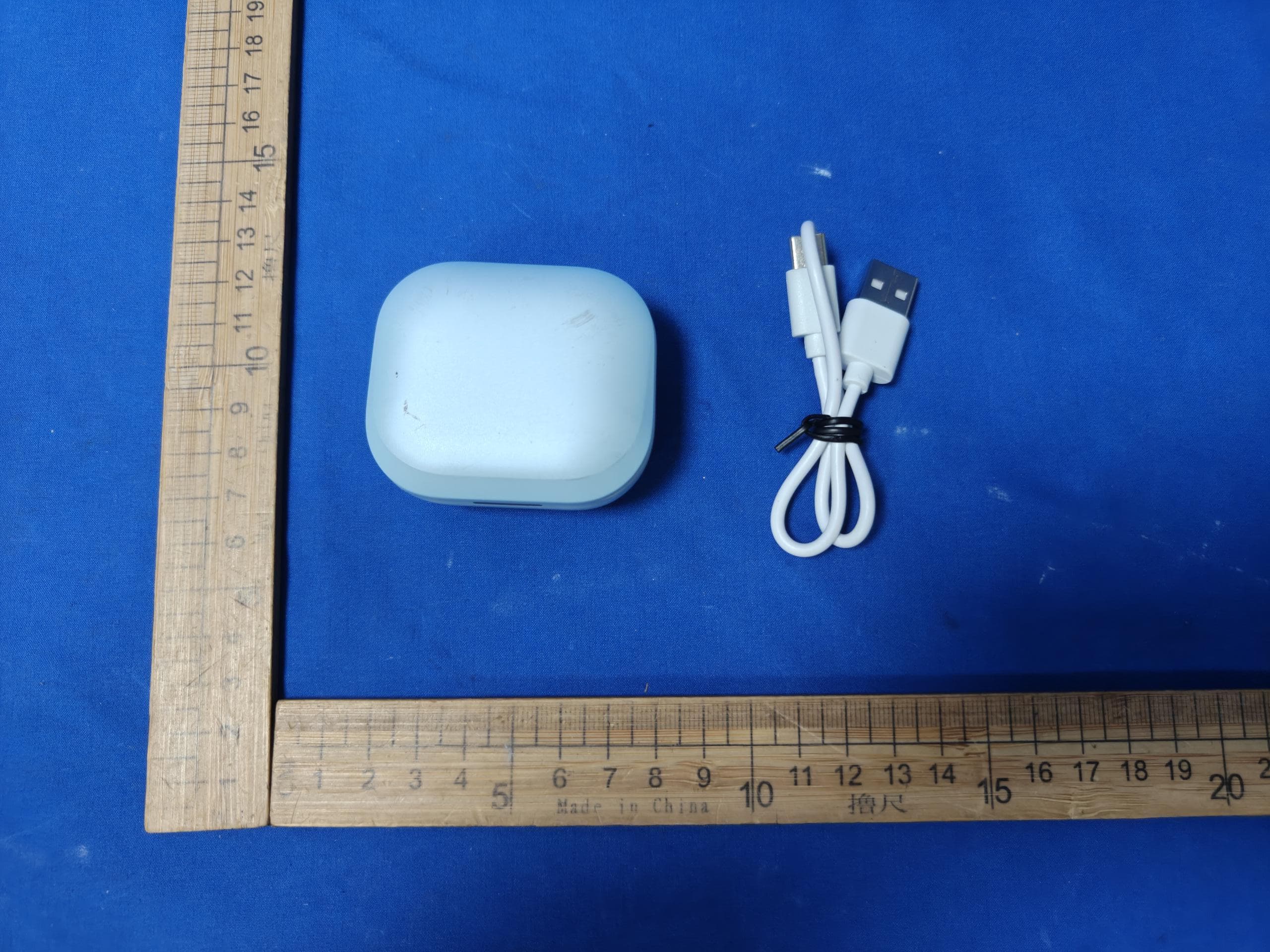
2AI6I-TW889R
Aug 14, 2026TWS EARBUDS
Equipment Class
DTS - Digital Transmission System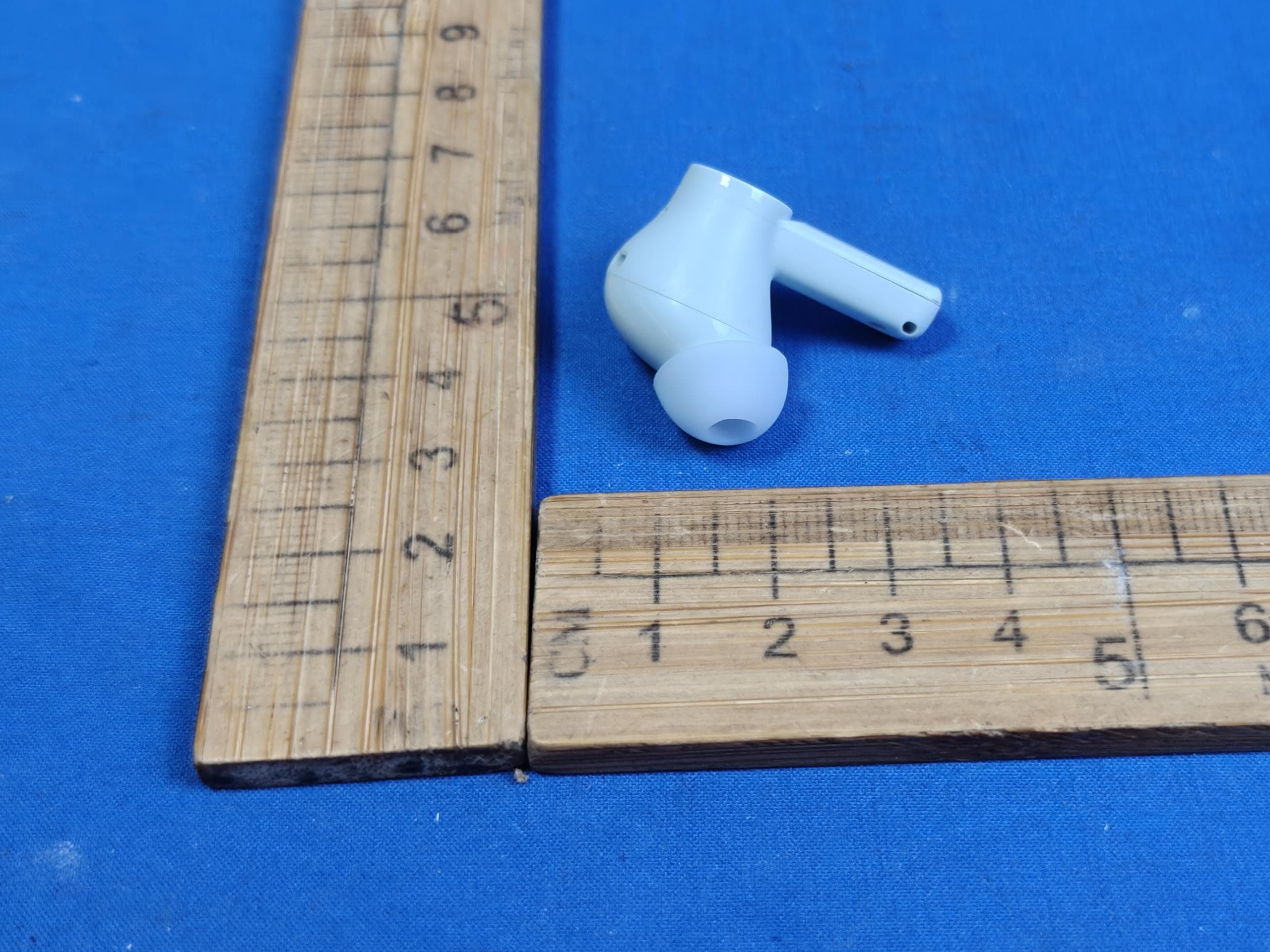
2AI6I-TW889L
Aug 14, 2026TWS EARBUDS
Equipment Class
DSS - Part 15 Spread Spectrum Transmitter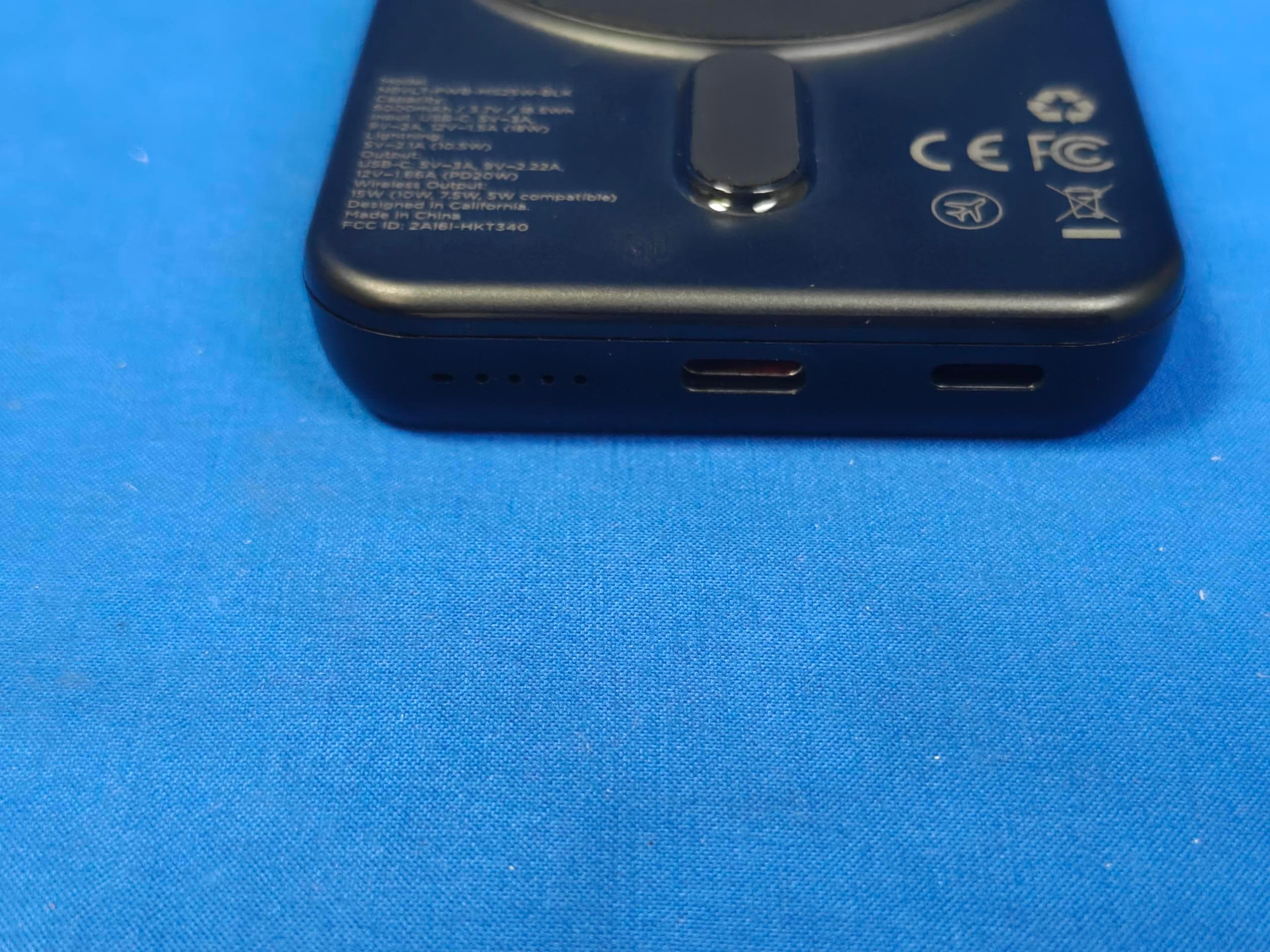
2AI6I-HKT340
Aug 14, 2026POWER BANK
Equipment Class
DCD - Part 15 Low Power Transmitter Below 1705 kHz
2AI6I-SK910BT
Jul 24, 2026WIRELESS SPEAKER
Equipment Class
DSS - Part 15 Spread Spectrum Transmitter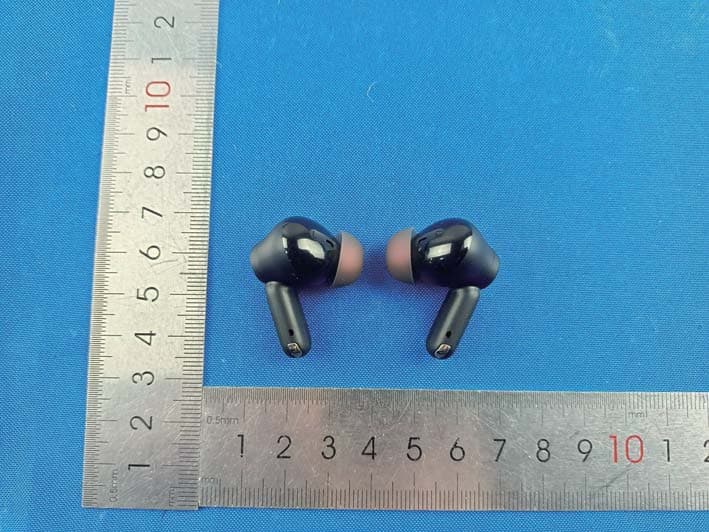
2AI6I-TW991ULTRA
Jun 02, 2026Adaptive Hybrid Noise Cancelling TWS Earbuds
Equipment Class
DSS - Part 15 Spread Spectrum Transmitter