2AI6I-TW915Active Noise Canceling Wireless Earbuds
Guangzhou Havit Technology Co.,LTD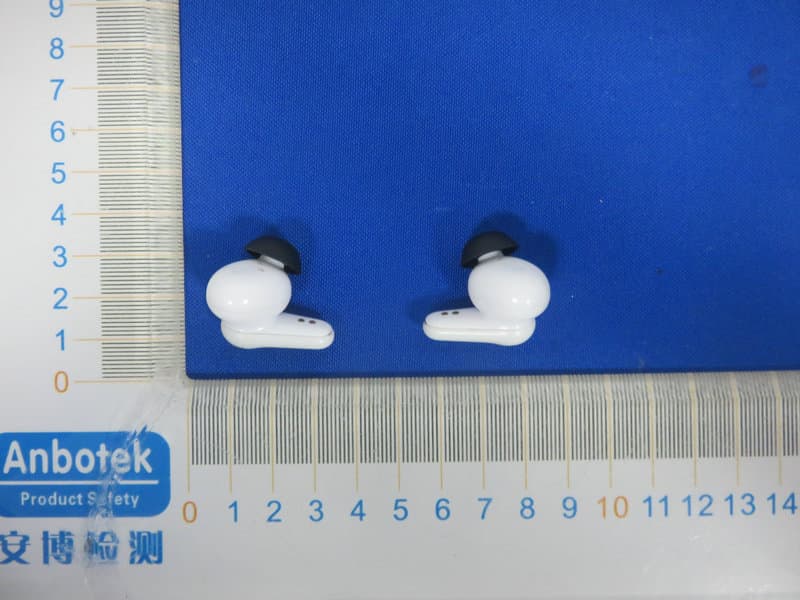
Click to zoom
Application Details
- Equipment Class
- DSS - Part 15 Spread Spectrum Transmitter
- Date of Grant
- Apr 26, 2020
- Application Purpose
- Original Equipment
- Date of Application
- Apr 26, 2020
- Equipment Note
- Active Noise Canceling Wireless Earbuds
- Frequency Range
- 2402.00000000 - 2480.00000000
- Country
- China
Documents & Files
Document Text
Text extracted from the exhibit documents filed with the FCC. Open a document above to read the original.
Users Manual
材质:128g双铜纸过哑胶双面印刷 风琴折 印刷色号 C:0 M:0 Y:0 K:70 尺寸: 55 X 77 mm 1234 5678910 Thanks for choosing havit 78.00 m m 封套 User's manual True wireless stereo earbuds TW915 1.MFB (Touch panel) 2.Indicator light 3.MIC 4.Power LED indicator 5.Charging port Basic function 01 Power on,Bluetooth connection ---Follow the steps(Please confirm that your phone is built-in Bluetooth function) 1. Power on a)Method 1: Remove earbuds from the charging case. b)Method 2: If earbuds are power off outside the case, touch and hold MFB button for 3 seconds on both sides to turn them on. Turn on both earbuds,the earbuds indicators flash white twice and then flash white and orange alternately .When the right earbud indicator turn white for 2 seconds, the product is ready for use. 2. Turn on Bluetooth on your device and select “HAVIT TW915 ” referring to your phone instructions. If the right earbud indicator turns white for 1 second, the connection is successful. 3. Pairing mode can just last 180 seconds. if you miss the pairing time, you need to restart the device and operate follow the procedural steps mentioned above. *Note: a). HAVIT TW915 remembers previously connected devices. When turned on, earbuds attempts to reconnect to previously connected devices. b). HAVIT TW915 will lose the connection when deviate the working range of Bluetooth. The earbuds will reconnect automatically if you come back to the range in 3 minutes. 02 Power off Method 1: Put the earbuds into the charging case, they will automatically shut off. Method 2: Touch and hold MFB for 7 seconds, the orange light flashes three times, and the earbuds are turned off. 03 Answering incoming calls 1.Short press left or right MFB to answer incoming calls. 2.One phone is answering a call,while another has a call retained: A.Short press left/right MFB once to keep the current phone call and answer incoming calls; B.Long press left/right MFB for 2 seconds to refuse the incoming call; C.In the three-way call, long press left or right MFB to realize two mobile phone calls switch over. D. Long press left/right MFB for 2 seconds, hang up the current call and connect the maintained call. 04 End the call Touch and hold the left or right MFB for 2 seconds to end the current call. 05 Decline incoming calls Touch and hold the left or right MFB for 2 seconds to reject a call. 06 Call switch mode: When calling, double tap the left or right MFB to switch audio output between cellphone and earbuds. 07 One key for voice assistant Double tap the left or right MFB to activate voice assistant. 08 Music playing Play/Pause: tap the left or right MFB once; 09 ANC function Touch and hold the left or right MFB for 2 seconds each time, the function will switch as follows with voice prompts. 1.When the prompt sound "Noise cancelling on" is heard, the ANC function is turned on. 2.When the prompt sound "dingdong" is heard, the ANC function is turned off and the Minitor function is turned on. 3.When the prompt sound "Noise Cancelling off" is heard , the Minitor function is turned off. 10 Mono mode (take out any earbuds as a unilateral bluetooth earbud) (note: single channel mode only needs to remove one of earbuds from the charging case; If two eabuds are removed before connection, the earbud will be used in TWS mode by default, and the TWS connection will be automatically realized. ) 1.Take out an earbud from charging case,the earbud automatically turn on and reconnect to previously connected devices. 2.Switch from one earbud to the other when playing music, taking out the other earbud from the charging case and these two earbuds will connected automatically. Both earbuds will play music automatically and then put the earbud which do not need anymore into the charging case and the switching process completes. (note:Call mode is applicable) 3.Please refer to the TWS mode for more functions. 11 Restore factory settings If the earbuds cannot pair or disconnect frequently, please restore the factory settings. Place the earbuds in the charging case, leave the lid of the charging case open, then touch and hold the left and right MBF for 5 seconds.When the earbuds Indicators turn orange for 3 seconds ,the reset is completed. 12 Charging -Case Charge the case using the Type-C cable connected to a computer or wall charger. The indicator at the front of the charging case flashes white when charging and turns white when fully charged. Charging time is approximately 2 hours. -Earbuds 1.Low battery will be warned by voice prompt.( prompt three times) 2.Put the earbuds back into the charging case for charging. While charging, the indicators flash white. Once full charge, the white lights turn off. The number of lights indicates the charging case battery status when the earbuds are placed in the case. Specification IPX4 waterproof BluetoothVersion:V5.0 Chargingcasedimension:68*48*28mm Earbuddimensions:23*21*29mm*2 Netweight:4.2g*2(Earbuds)/42g(Chargingcase) Wirelessworkingrange:10M(withoutobstacles) Speaker:Φ10mm*2 Speakerfrequency:20Hz~20KHz Inputvoltage/current:DC5V/1A EarbudBattery:40mAh*2(Fullychargedin1.5H) Chargingcasebattery:400mAh Playtime:4.5H Talktime:4H Chargingtime:about2H(Chargingcase) Warnings 1. Please follow the instruction to operate. 2. Please charge the earbuds with input power below 5V/1A, in order to protect the battery. 3. Please store or use the earbuds in a normal temperature environment. 4. Please do not use this product near the water. Do not immerse this product in any liquid or splash any liquid on this product. 5. Please keep the earbuds from heat source, such as radiators, hot air regulators, stoves, or other heat generating instruments. As it is not anti high temperature. 6. Don't jam the ports of the earbuds, such as charger port, LED port and microphone etc.. 7. In order to protect your hearing and extend the speaker service life, it is not recommended to adjust the volume to the maximum level for a long time. 8. Whatever reasons damage the earbuds, please feel free to…
Text truncated - open the document above for the full version.
External Photos
FCC ID: 2AI6I-TW915
ID Label/Location Info
Label Location On EUT LeftRight Label FCC ID: 2AI6I-TW915
Internal Photos
FCC ID:2AI6I-TW915 BTAntenna
Operational Description
version01 Guangzhou Havit Technology Co.,LTD Declaration concerning Antenna Specification It is hereby declared that the product Model No.: TW915 FCC ID :2AI6I-TW915 fulfills the requirement in FCC test relating to the antenna type. The device specified above confirms to the FCC recommendations for internal antenna type(s) described below: Model No. of antenna: TW915 Type of antenna:Ceramics Antenna Gain of the antenna: 0.6 dBi Frequency range:2402~2480MHz The mounting of the antenna is fixed to the radio module and no other antenna should be used. Company name: Guangzhou Havit Technology Co.,LTD Address: ROOM 1307,13F,PHASE 2 B,C BUILDING OF POLY WORLD, TRADE CENTER,NO.1000,XINGANG EAST ROAD,HAIZHU, GUANGDONG, 510000, China City:HAIZHU, GUANGDONG ZIP / Postal code: 510000 Country:China Place:ChinaDate: 2020-04-27 Signature:
RF Exposure Info
RF EXPOSURE EVALUATION FCC ID: 2AI6I-TW915 According to FCC 1.1310: The criteria listed in the following table shall be used to evaluate the environment impact of human exposure to radio frequency(RF) Radiation as specified in §1.1307(b): Routine SAR evaluation refers to that specifically required by §2.1093, using measurements or computer simulation. When routine SAR evaluation is not required, portable transmitters withoutput power greater than the applicable low threshold require SAR evaluation to qualify for TCB approval. Channel (MHz) Maximum output power (dBm) Tune up tolerance (dBm) Max Tune Up Power (dBm) Distance (mm) Calculation results Limit Operating Mode 24020.055 0.055±1 1.05550.395 3 BDR&EDR 24410.801 0.801±1 1.80150.473 3 24800.893 0.893±1 1.89350.487 3 24020.011 0.011±1 1.01150.391 3 24410.776 0.776±1 1.77650.470 3 24800.883 0.883±1 1.88350.486 3 Test Results:PASS.
Test Report
Report No.: 18220WC00025701FCC ID: 2AI6I-TW915Page 1 of 63 Code:AB-RF-05-a FCC TEST REPORT Client Name: Guangzhou Havit Technology Co., Ltd. Address: ROOM 1307,13F,PHASE 2 B,C BUILDING OF POLY WORLD, TRADE CENTER,NO.1000,XINGANG EAST ROAD,HAIZHU, GUANGDONG, 510000, China Product Name: Active Noise Canceling Wireless Earbuds Date: Apr. 26, 2020 Shenzhen Anbotek Compliance Laboratory Limited Report No.: 18220WC00025701FCC ID: 2AI6I-TW915Page 2 of 63 Code:AB-RF-05-a Contents 1. General Information ............................................................................................................................................... 5 1.1. Client Information ....................................................................................................................................... 5 1.2. Description of Device (EUT) ..................................................................................................................... 5 1.3. Auxiliary Equipment Used During Test ................................................................................................... 6 1.4. Description of Test Modes ........................................................................................................................ 6 1.5. List of channels ........................................................................................................................................... 7 1.6. Description Of Test Setup ......................................................................................................................... 8 1.7. Test Equipment List .................................................................................................................................... 9 1.8. Measurement Uncertainty ....................................................................................................................... 10 1.9. Description of Test Facility ...................................................................................................................... 10 2. Summary of Test Results ................................................................................................................................... 11 3. Conducted Emission Test ................................................................................................................................... 12 3.1. Test Standard and Limit .......................................................................................................................... 12 3.2. Test Setup .................................................................................................................................................. 12 3.3. Test Procedure .......................................................................................................................................... 12 3.4. Test Data .................................................................................................................................................... 12 4. Radiation Spurious Emission and Band Edge ................................................................................................ 15 4.1. Test Standard and Limit .......................................................................................................................... 15 4.2. Test Setup .................................................................................................................................................. 15 4.3. Test Procedure .......................................................................................................................................... 16 4.4. Test Data .................................................................................................................................................... 17 5. Maximum Peak Output Power Test .................................................................................................................. 25 5.1. Test Standard and Limit .......................................................................................................................... 25 5.2. Test Setup .................................................................................................................................................. 25 5.3. Test Procedure .......................................................................................................................................... 25 5.4. Test Data .................................................................................................................................................... 25 6. 20DB Occupy Bandwidth Test ........................................................................................................................... 29 6.1. Test Standard ............................................................................................................................................ 29 6.2. Test Setup .................................................................................................................................................. 29 6.3. Test Procedure .......................................................................................................................................... 29 6.4. Test Data .................................................................................................................................................... 29 7. Carrier Frequency Separation Test ................................................................................................................... 33 7.1. Test Standard and Limit .......................................................................................................................... 33 7.2. Test Setup .................................................................................................................................................. 33 7.3. Test Procedure .......................................................................…
Text truncated - open the document above for the full version.
Test Setup Photos
FCC ID:2AI6I-TW915 Photo of Conducted Emission Measurement Photo of Radiation Emission Test
Contact Information
Applicant
Yang Wei(Manager)
Test Firm
Shenzhen Anbotek Compliance Laboratory LimitedJeff Zhu
Technical Specifications
| # | Rule Parts | Frequency Range | Power Output |
|---|---|---|---|
| 1 | 15C | 2.40 GHz - 2.48 GHz | 1.23 mW |
Other Applications from Guangzhou Havit Technology Co.,LTD
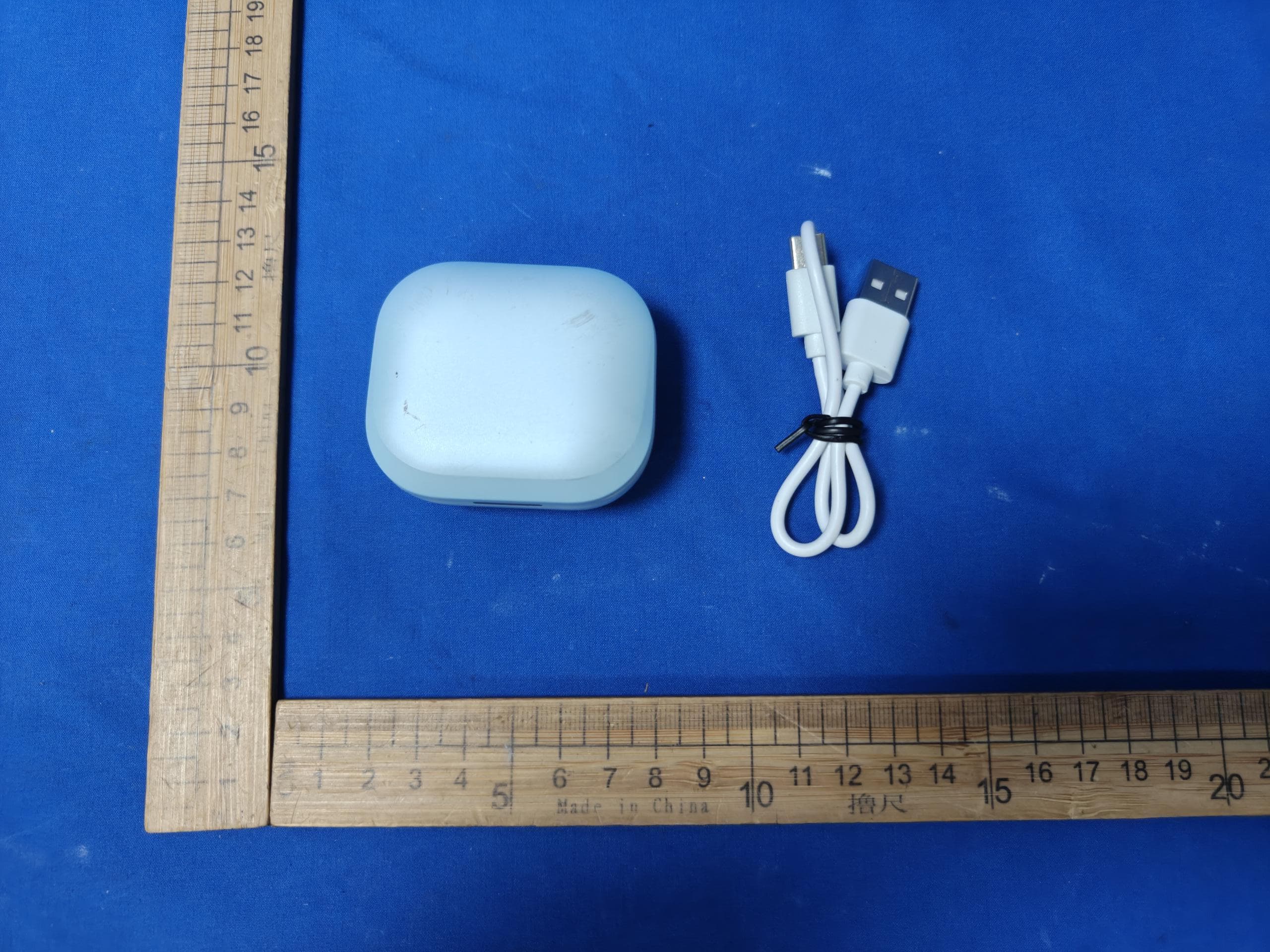
2AI6I-TW889R
Aug 14, 2026TWS EARBUDS
Equipment Class
DTS - Digital Transmission System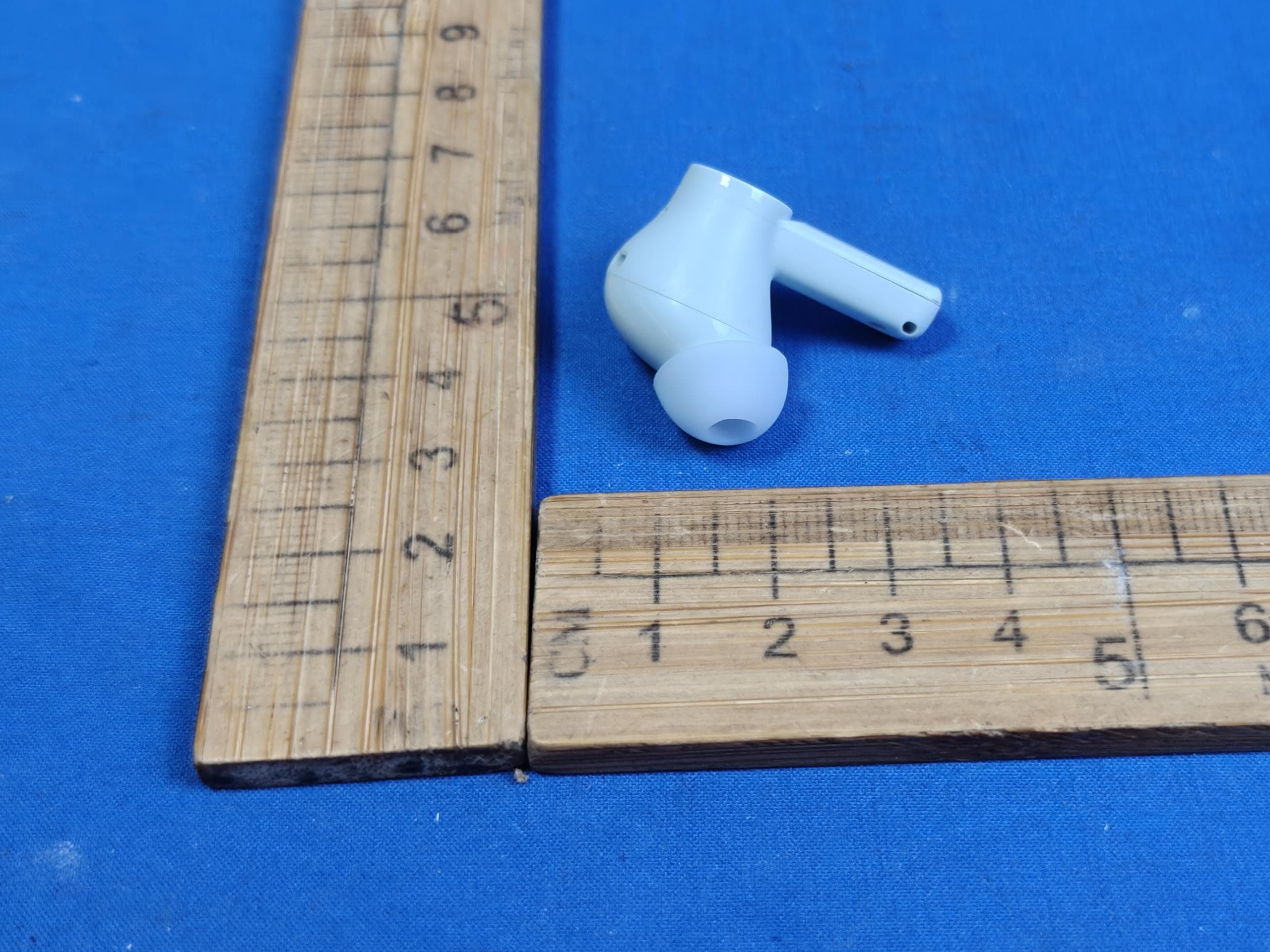
2AI6I-TW889L
Aug 14, 2026TWS EARBUDS
Equipment Class
DSS - Part 15 Spread Spectrum Transmitter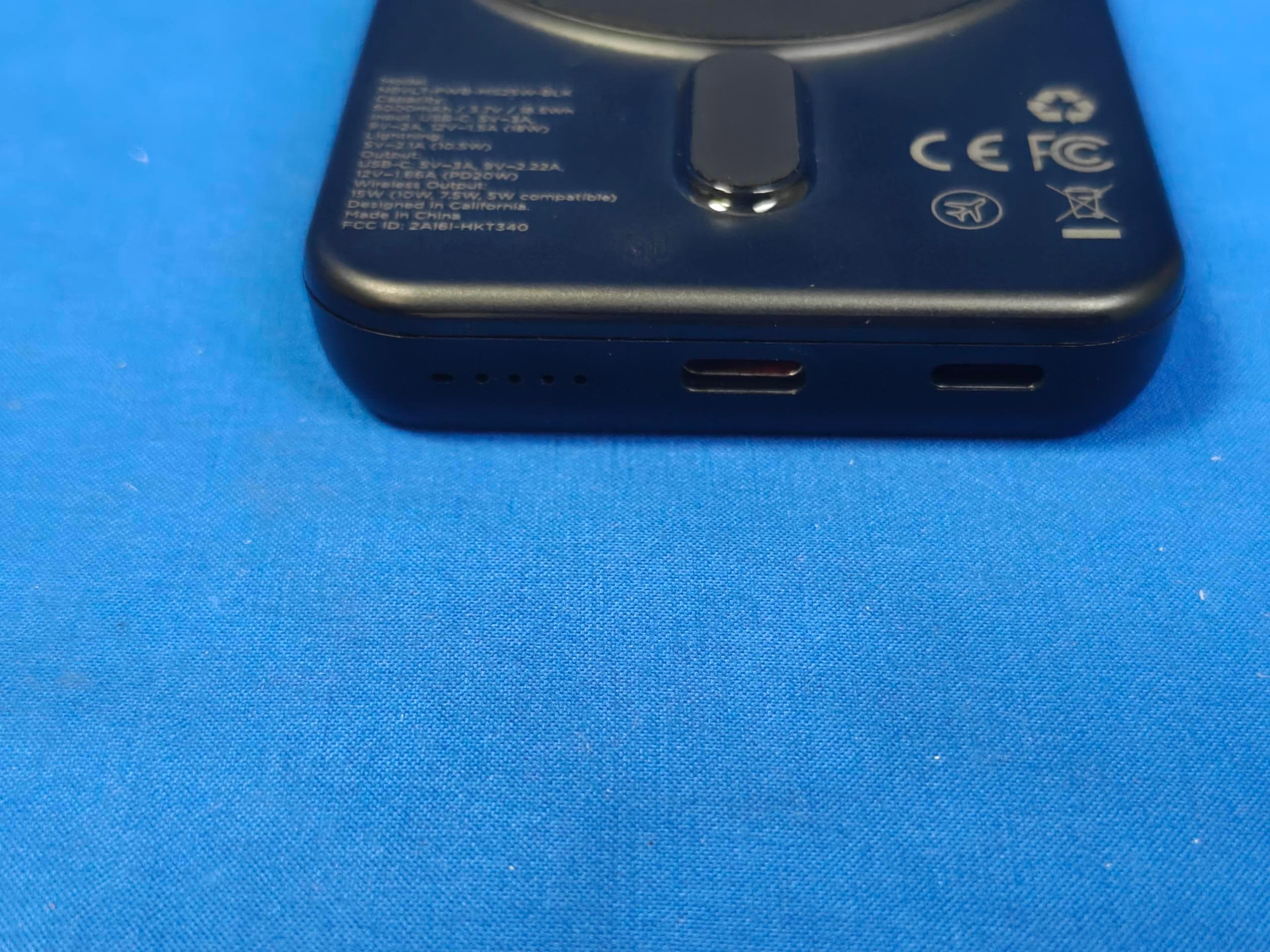
2AI6I-HKT340
Aug 14, 2026POWER BANK
Equipment Class
DCD - Part 15 Low Power Transmitter Below 1705 kHz
2AI6I-SK910BT
Jul 24, 2026WIRELESS SPEAKER
Equipment Class
DSS - Part 15 Spread Spectrum Transmitter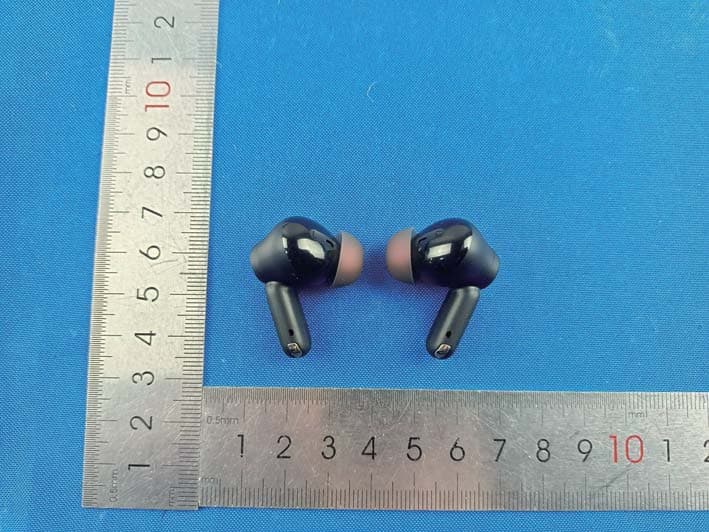
2AI6I-TW991ULTRA
Jun 02, 2026Adaptive Hybrid Noise Cancelling TWS Earbuds
Equipment Class
DSS - Part 15 Spread Spectrum Transmitter