2AK8Q-EWM010041Wireless Mouse
Shenzhen Unichain Technology Co., Ltd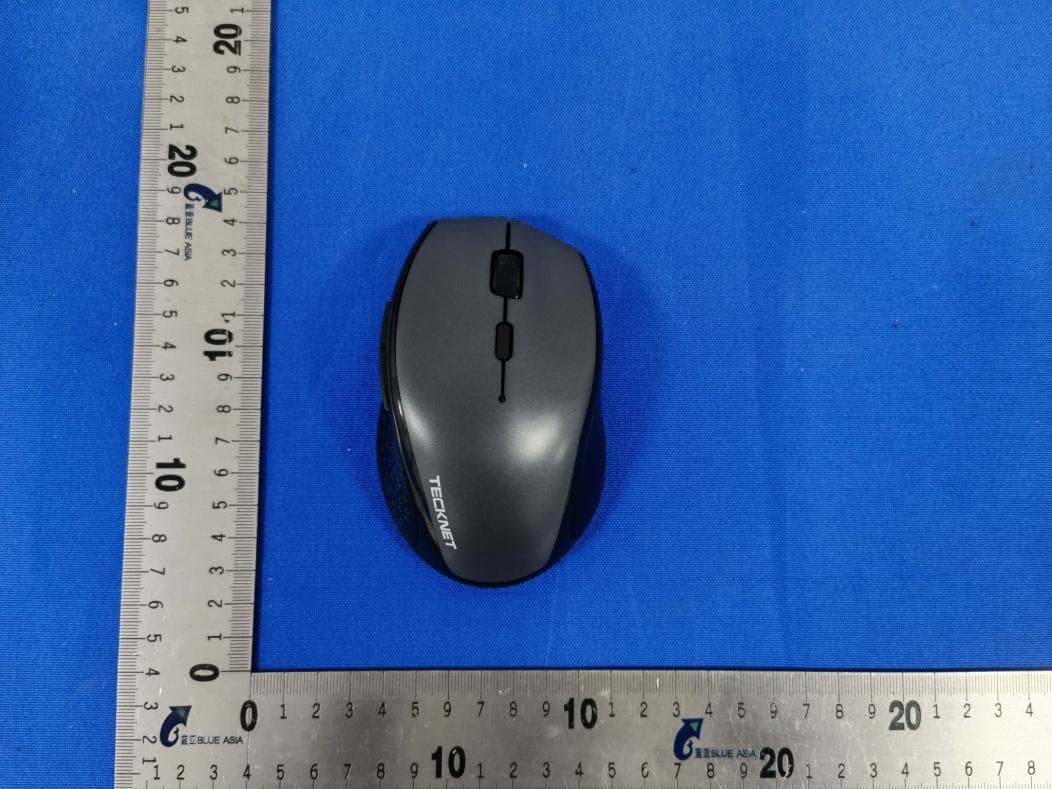
Click to zoom
Application Details
- Equipment Class
- DTS - Digital Transmission System
- Date of Grant
- Dec 31, 2020
- Application Purpose
- Original Equipment
- Date of Application
- Dec 31, 2020
- Equipment Note
- Wireless Mouse
- Frequency Range
- 2402.00000000 - 2480.00000000
- Country
- China
Documents & Files
Document Text
Text extracted from the exhibit documents filed with the FCC. Open a document above to read the original.
Users Manual
TECl<NET Wireless Mouse User Manual EN DE FR ES IT JP Parametros del producto: Versi6n inala mbrica: BT5.0 Per defecto: 1200DPI lnterfaz del receptor: USB version 2.0 Tipo de bateria: 2 pilas A A (no incluidas) Voltaje de funcionamiento: 3.0V Corriente de trabajo: <BmA Distancia del receptor: <Bm Requisitos del sistema: Sistemas compatibllls: Windows 2000, 2003, XP, Vista, Win7, WinB, WinB.1, Win10, MAC, Linux Nota: La rueda de desplazamiento solo funciona en los sistemas operativos enumerados anteriormente. Si usa el mouse en u n sistema operativo diferente, el mouse puede no funcionar o perder sus caracteristicas mejoradas. lnstrucciones: t:ilrbra lll'tllpa dl!"frbatemr.-inserte'las bllterias en-e+ - compartimiento, asegurandose de que correspondan con la marca de polaridad. Vuelva a colocar la tapa de la baterfa. 2. Active el modo Bluetooth ajustando el interrupter debajo del mouse 3. Presione el bot6n de emparejamiento durante 2-3 segu ndos y el indicador LED parpadeani. Ahora el mouse estli en modo de emparejamiento. El dispositivo detectari\ el mousey , a continuaci6n, haga clic en "Emparejar". El emparejamiento tardara unos segundos. Su dispositivo mostrara "Conectado" si tiene �xito. 4. El mouse esta equipado con un indicador de baja potencia. Cuando la energfa de la baterfa se agota durante el use, el indicador debajo de la rueda de desplazamiento parpadeara. Reemplace la baterfa. Nata: Al cambiar a 800 DPI, el indicador LED parpadeara una vez Al cambiar a 1 200DPI, el indicador LED parpadeara dos veces Al cambiar a 1600DPI, el indicador LED parpadeara 3 veces Al cambiar a 2000DPI, el indicador LED parpadeara 4 veces Al cambiar a 2400DPI, el indicador LED parpadeara 5 veces Al cambiar a 3200DPI, el indicador LED parpadeara 6 veces ES - Package Contents: Button Instructions: � � x1 User Manual x 1 Parametri del prodotto: Versione Wireless: BT5.0 Predefinito: 12 00DPI I nterfaccia Ricevitore: USB versione 2.0 Tipo Batteria: 2 batterie AA (non incluse) Tensione di Funzionamento: 3 .0V Corrente di F unzionamento: <BmA Distanza del Ricevitore: <B m etri Requisiti di Sistema: Sistemi co mpatibili: Windows 2000, 2003, XP, Vista, Win 7, WinB, WinB.1, Win10, MAC, Linux Nata: la rotellina di scorrimento funziona solamente con i sis temi operativi di cui sopra. Se si usasse ii mouse con un sistema operativo differente, ii mouse potrebbe non funzionare o perdere le sue funzionalita avanzate. lstruzioni: "' 1. llrprire ii o,perchh:rdel v amrbatterir.lnserinrle b atterie ne+- vano, facendo attenzione affinche corrispondano ai seg ni della polarita. Rimettere ii coperchio del vano batteria. 2. Attivare la modalita Bluetooth regolando l'interruttore che si trova sotto ii mouse 3. Premere ii tasto di accoppiamento per 2-3 secondi e la spia LED lampeggera. Ora ii mouse e in modalita di accoppiamen- to. II mouse verra rilevato dal dispositivo, quindi fare clic su "Pairing" ("Accoppiamento"). L'accoppiamento richiedera al cu ni secondi. II dispositivo mostrera "Connesso" in case di esito positivo. 4. II mouse ha una spia a basso consume. Quando la carica della batteria e bassa durante l'uso, l'indicatore sotto la rotellina di scorrimento lampeggia. Sostituire la batteria. Nota: Quando si pass a a BOODPI, la spia LED la mpeggia una volta Quando si passa a 1200DPI, la spia LED lampeggia due volte Quando si passa a 1600DPl, la spia LED lampeggia 3 volte Quando si pass a a 2000DPI, la spia LED la mpeggia 4 volte Quando si passa a 2400DPI, la spia LED lampeggia 5 volte Quando si passa a 3200DPI, la spia LED lampeggia 6 volte IT R'J: 74.5 X 75 MM m 1. Left click button 2. Scroll wheel 3. Right click button 4. DPI SWitch button 5. Indicator light 6. Forward button 7. Backward button 8. 2.4G mode 9. Power off 10. Pairing button 11. Bluetooth mode 12. Receiver m 1. Bouton de clic gauche 2. Molette de d�filement 3. Bouton clic droit 4. Bouton de commutation DPI S. Tl:moin lumineux 6. �n S ui¥aat - 7. Bouton de retour 8. Mode2.4G 9. �eindre 10. Bouton d'appairage 11. Mode Bluetooth 12. Recepteur 1. Ta sto sinistro 2. Rotellina di scorrimento 3. Tasto destro 4. Tasto lnterruttore DPI 5. lndicatore luce 6. Tasto avanti 7. Tasto indietro 8. Modaliti, 2.4G 9. Spegnimento 10. Tasto accoppiamento 11. Modaliti Bluetooth 12. Ricevitore ·�Q)f.t•: a 1. Unksklicktaste 2. Scrollrad 3. Rechtsklicktaste 4. DPI-Wechseltaste 5. Kontrollleuchte 6. Vorw�rtstaste 7, ZurucktHte 8. 2.4 G-Modus 9. Ausschalten 10. Kopplungstaste 11. Bluetooth-Modus 12. Empfiinger m 1. Bot6n de clic izquierdo 2. Rueda de desplazamiento 3. Bot6n de clic derecho 4. Bot6n de cambio de DPI S. Luz indicadora 6 . .acton d .....,.nce - 7. Bot6n de retroceso 8. Modo2.4G 9. Apagar 10. Bot6n de emparejamiento 11. Modo Bluetooth 12. Receptor m 1.ti:?!J':l?ilt9:;, 2. ].?0-J�;r.f-J� 3.'6'?!J':l ? ilt9:;, 4, DPI ].f-:,f;f.9:;, 5. f:;,��-�;j,(1- 6. ?;t'J-FCjj,jllJ;f.9:;, 7 . J(-:i?'J-F(B[�)ilt9:;, 8.2.4G'E-F 9 .• ;t,t, 10. 1' 0'!):;,!f;lt':;, 11. Bluetooth 'E-F 12. l,:'I-/( fflllf/(-:}3::J:BT5.0 Jl!{jE: 1200DPI vV-Jt®{'.:19-JI1'J;: USB /(-:)3::, 2.0 llitll®55: .ll{3llitll x 2 * ();1J3'c} l!Ji'Fii.!E: 3.0V l!J fF111it: <BmA vV-/t®JHI: <8m !.l.:�7'b.�ft:: Ma:.V:7.7'�: Windows 2000, 2003, XP, Vista, Win 7, Win8, Win8.1, Win10, MAC, Linux )('!:: J;?D-MM-J�l;t..l:.!cO);ti"\l;-7'f'.:11VJ;'fM'.'O)i1:1-l!JfFl,il; ; . ttt..i,.l�®;t"'t,-7'1::,!fv;;i;'f�N.,;;i;f:U,m�t, x?J;tl l!Jf'Fl,t.i:LI, illtl;l:tli.�lRWtl-!l:Jf.11'i!it.i:Lli&-€,-:l!ai!Jilj. Bluetooth �'l'IJ':/'}: 1.'l!;ffi7j-J;oJmt-i!ffln1". 0®�1\tl!m"r,;J i!il;'.ffl)tt-r llft!Afi!i!Al,, llitlllJ'-J;O):l:J/t-fRl,'((f.:�Ll o 2. x?J;O)"'fimJl;:;Jj�J;1''.:l:fH!J1.J'U' Bluetooth 'E-ri;:l,£'t. 3. l'\J'Li'.:l!f;r,9:;,f: 2- 3 miJl;tLED 1''.:1:JIJ'-9tJf.iiili£l,1j. i:tl. 1'x"JJ;:l!i"\Y 1 J":1!f'E-r1;:t.1:U£t,1t. J!M*r;:J::!Jx"JJ;:l!#tW�tl. t..6, fParing (i"\7!)::,'J) Ji?IJ1?t,U.i"\7!.l;J?f;:f;tf&�fJ'fJ' �ia-€,-tJ;JjlJ£j. i"\J'IJ'.:/!ff;:.lil/:J;IJnt, �*r;: rconnected (Ii lillil!l'h) Jl::«ff.;�fl.11". 4. i:O)x?J;f;:f;l:1171!!'1.…
Text truncated - open the document above for the full version.
External Photos
Model No.: EWM01004
ID Label/Location Info
0 Wireless Mou se TECl<N ET BULK: XG2011 Working Cuttent: <8mA SKU: EWM01004 Working Voltage: 3.0V FCC ID: 2AK8Q-EWM010041 MADE IN CHINA �@(ER�s)i Shenzhen Unichain Technology Co., Ltd - 48.Smm
Internal Photos
Model No.: EWM01004
RF Exposure Info
RF Exposure Evaluation Statement Product Name: Wireless Mouse Model No.:EWM01004 FCC ID:2AK8Q-EWM010041 1.1 RF Exposure Compliance Requirement 1.1.1 Standard Requirement According to KDB447498D01 General RF Exposure Guidance v06 Standalone SAR test exclusion considerations Unless specifically required by the published RF exposure KDB procedures, standalone 1-g head or body and 10-g extremity SAR evaluation for general population exposure conditions, by measurement or numerical simulation, is not required when the corresponding SAR Exclusion Threshold condition, listed below, is satisfied. 1.1.2 Limits The 1-g and 10-g SAR test exclusion thresholds for 100 MHz to 6 GHz at test separation distances ≤ 50 mm are determined by: [(max. power of channel, including tune-up tolerance, mW)/(min. test separation distance, mm)] · [√f(GHz)] ≤ 3.0 for 1-g SAR and ≤ 7.5 for 10-g extremity SAR, where f(GHz) is the RF channel transmit frequency in GHz Power and distance are rounded to the nearest mW and mm before calculation 17 The result is rounded to one decimal place for comparison The test exclusions are applicable only when the minimum test separation distance is ≤ 50 mm and for transmission frequencies between 100 MHz and 6 GHz. When the minimum test separation distance is < 5 mm, a distance of 5 mm is applied to determine SAR test exclusion 1.1.3 EUT RF Exposure Channel Maximum Peak Conducted Output Power (dBm) Tune up tolerance (dB) Maximum tune-up Power Calculated value Exclusion threshold (dBm) (mW) Operational Mode: BLE(worst case) 3.0 2402 -7.76 ±1 -6.76 0.21 0.07 2442 -7.93 ±1 -6.93 0.20 0.06 2480 -8.33 ±1 -7.33 0.18 0.06 Conclusion: the calculated value ≤3.0, SAR is exempted.
Test Report
Page 1 of 60 BlueAsia of Technical Services(Shenzhen) Co.,Ltd. Add:No. 448, Bulong Road, Bantian Street, Longgang District, Shenzhen, China Tel: +86-755-23059481 Email: [email protected] www.cblueasia.com TEST REPORT Product Name : Wireless Mouse Brand Mark : TeckNet or TECKNET Model No. : EWM01004 FCC ID : 2AK8Q-EWM010041 Report Number : BLA-EMC-202011-A10802 Date of Sample Receipt : 2020/11/30 Date of Test : 2020/11/30 to 2020/12/21 Date of Issue : 2020/12/25 Test Standard : 47 CFR Part 15, Subpart C 15.247 Test Result : Pass Prepared for: Shenzhen Unichain Technology Co., Ltd 201, 2nd Floor, Building C, Shanhai Commercial Plaza, Huangjunshan District, Bantian Street, Longgang District, Shenzhen, China Prepared by: BlueAsia of Technical Services(Shenzhen) Co.,Ltd. IOT Test Centre of BlueAsia No. 448 Bulong Road, Bantian Street, Longgang District, Shenzhen,China TEL: +86-755-23059481 Compiled by: Review by: Approved by: Date: 2020/12/25 Report No.: BLA-EMC-202011-A10802 Page 2 of60 BlueAsia of Technical Services(Shenzhen) Co.,Ltd.Tel: +86-755-23059481 Email: [email protected] www.cblueasia.com REPORT REVISE RECORD Version No. Date Description 00 2020/12/25 Original Report No.: BLA-EMC-202011-A10802 Page 3 of60 BlueAsia of Technical Services(Shenzhen) Co.,Ltd.Tel: +86-755-23059481 Email: [email protected] www.cblueasia.com TABLE OF CONTENTS 1 TEST SUMMARY ........................................................................................................................................5 2 GENERAL INFORMATION .........................................................................................................................6 3 GENERAL DESCRIPTION OF E.U.T. .........................................................................................................6 4 TEST ENVIRONMENT ................................................................................................................................7 5 TEST MODE ................................................................................................................................................7 6 MEASUREMENT UNCERTAINTY ..............................................................................................................7 7 DESCRIPTION OF SUPPORT UNIT...........................................................................................................8 8 LABORATORY LOCATION .........................................................................................................................8 9 TEST INSTRUMENTS LIST ........................................................................................................................9 1 CONDUCTED BAND EDGES MEASUREMENT ..................................................................................... 12 1.1 LIMITS ................................................................................................................................................................... 12 1.2 BLOCK DIAGRAM OF TEST SETUP .......................................................................................................................... 12 1.3 TEST DATA .............................................................................................................................................................. 13 2 CONDUCTED PEAK OUTPUT POWER ................................................................................................. 14 2.1 LIMITS ................................................................................................................................................................... 14 2.2 BLOCK DIAGRAM OF TEST SETUP .......................................................................................................................... 14 2.3 EST DATA ................................................................................................................................................................ 15 3 CONDUCTED SPURIOUS EMISSIONS .................................................................................................. 16 3.1 LIMITS ................................................................................................................................................................... 16 3.2 BLOCK DIAGRAM OF TEST SETUP .......................................................................................................................... 16 3.3 TEST DATA .............................................................................................................................................................. 17 4 POWER SPECTRUM DENSITY ............................................................................................................... 18 4.1 LIMITS ................................................................................................................................................................... 18 4.2 BLOCK DIAGRAM OF TEST SETUP .......................................................................................................................... 18 4.3 TEST DATA .............................................................................................................................................................. 18 5 MINIMUM 6DB BANDWIDTH .................................................................................................................. 19 5.1 LIMITS ................................................................................................................................................................... 19 5.2 BLOCK DIAGRAM OF TEST SETUP .......................................................................................................................... 19 5.3 TEST DATA .............................................................................................................................................................. 19 Report No.: BLA-EMC-202011-A10802 Page 4 of60 BlueAsia of Technical Services(…
Text truncated - open the document above for the full version.
Test Report
Report No.: BLA-EMC-202011-A10802 Page 53 of60 BlueAsia of Technical Services(Shenzhen) Co.,Ltd.Tel: +86-755-23059481 Email: [email protected] www.cblueasia.com APPENDIX A: PHOTOGRAPHS OF TEST SETUP Radiated Spurious Emissions Report No.: BLA-EMC-202011-A10802 Page 54 of60 BlueAsia of Technical Services(Shenzhen) Co.,Ltd.Tel: +86-755-23059481 Email: [email protected] www.cblueasia.com APPENDIX B: PHOTOGRAPHS OF EUT Report No.: BLA-EMC-202011-A10802 Page 55 of60 BlueAsia of Technical Services(Shenzhen) Co.,Ltd.Tel: +86-755-23059481 Email: [email protected] www.cblueasia.com Report No.: BLA-EMC-202011-A10802 Page 56 of60 BlueAsia of Technical Services(Shenzhen) Co.,Ltd.Tel: +86-755-23059481 Email: [email protected] www.cblueasia.com Report No.: BLA-EMC-202011-A10802 Page 57 of60 BlueAsia of Technical Services(Shenzhen) Co.,Ltd.Tel: +86-755-23059481 Email: [email protected] www.cblueasia.com Report No.: BLA-EMC-202011-A10802 Page 58 of60 BlueAsia of Technical Services(Shenzhen) Co.,Ltd.Tel: +86-755-23059481 Email: [email protected] www.cblueasia.com Report No.: BLA-EMC-202011-A10802 Page 59 of60 BlueAsia of Technical Services(Shenzhen) Co.,Ltd.Tel: +86-755-23059481 Email: [email protected] www.cblueasia.com Report No.: BLA-EMC-202011-A10802 Page 60 of60 BlueAsia of Technical Services(Shenzhen) Co.,Ltd.Tel: +86-755-23059481 Email: [email protected] www.cblueasia.com ----END OF REPORT---- The test report is effective only with both signature and specialized stamp, The result(s) shown in this report refer only to the sample(s) tested. Without written approval of BlueAsia, this report can’t be reproduced except in full.
Test Setup Photos
Model No.: EWM01004
Contact Information
Applicant
Zhiying Lan
Test Firm
BlueAsia of Technical Services (Shenzhen)Blue Zheng
[email protected]+86 755-23059481-815
Technical Specifications
| # | Rule Parts | Frequency Range | Power Output |
|---|---|---|---|
| 1 | 15C | 2.40 GHz - 2.48 GHz | 167.00 µW |
Other Applications from Shenzhen Unichain Technology Co., Ltd
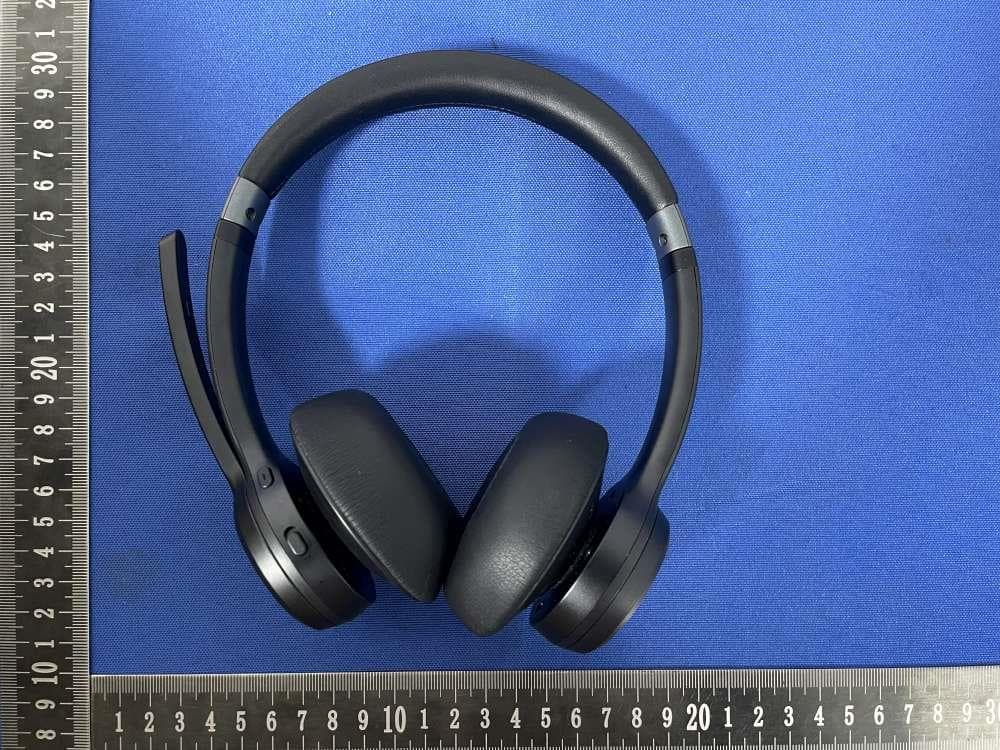
2AK8Q-TKHS012
Jul 29, 2024Wireless Headset
Equipment Class
DSS - Part 15 Spread Spectrum Transmitter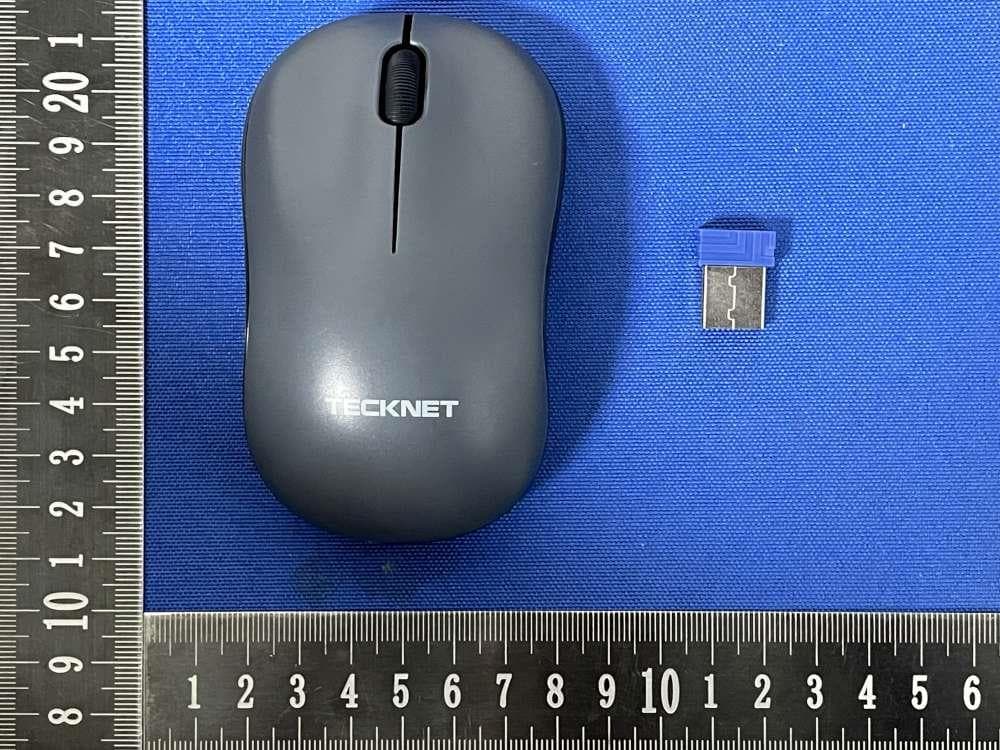
2AK8Q-EWM01233
Jun 16, 2024Wireless Mouse
Equipment Class
DXX - Part 15 Low Power Communication Device Transmitter2AK8Q-TKKB004
Apr 14, 2024Wireless Keyboard
Equipment Class
DTS - Digital Transmission System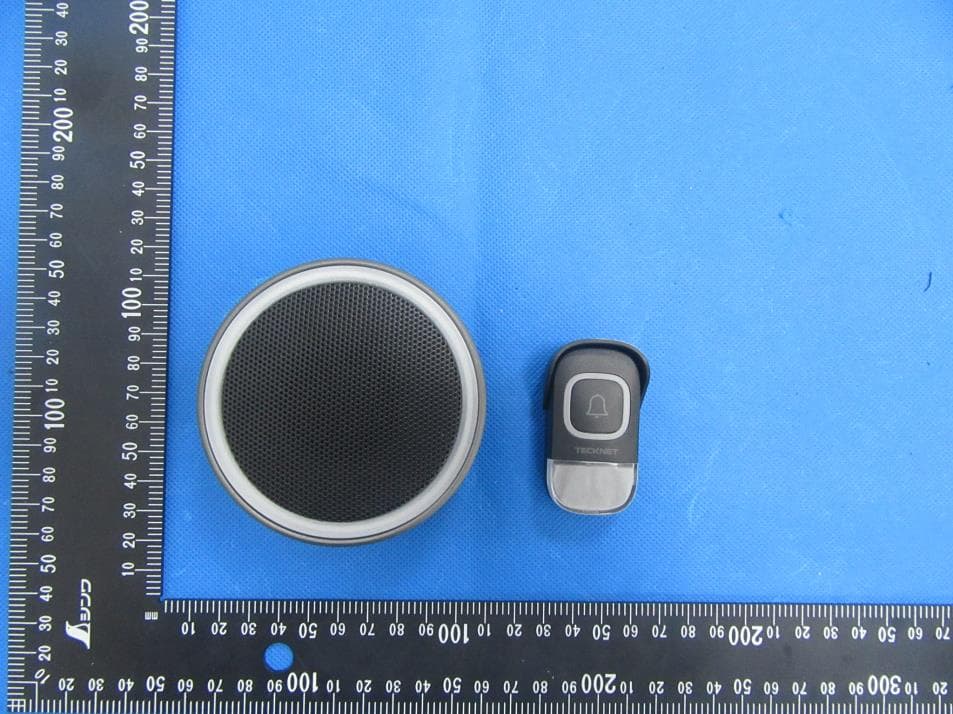
2AK8Q-TKSD001T
Sep 20, 2023Speaker Doorbell
Equipment Class
DSC - Part 15 Security/Remote Control Transmitter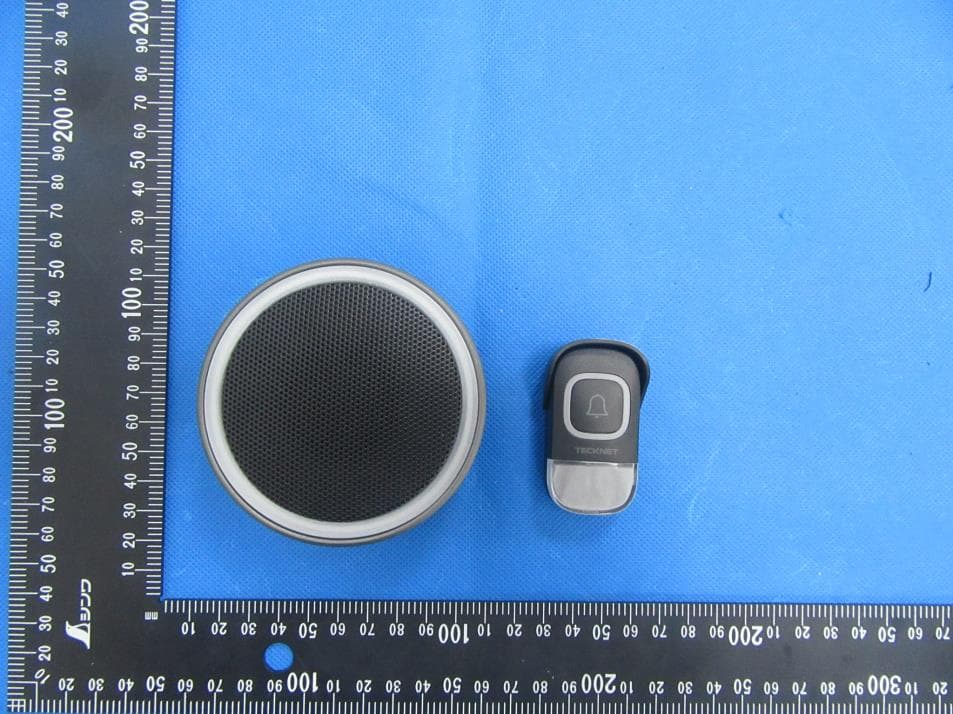
2AK8Q-TKSD001R
Sep 20, 2023Speaker Doorbell
Equipment Class
DSS - Part 15 Spread Spectrum Transmitter