2AS5O-BB2845Wireless Gaming Controller
China Etech Groups Ltd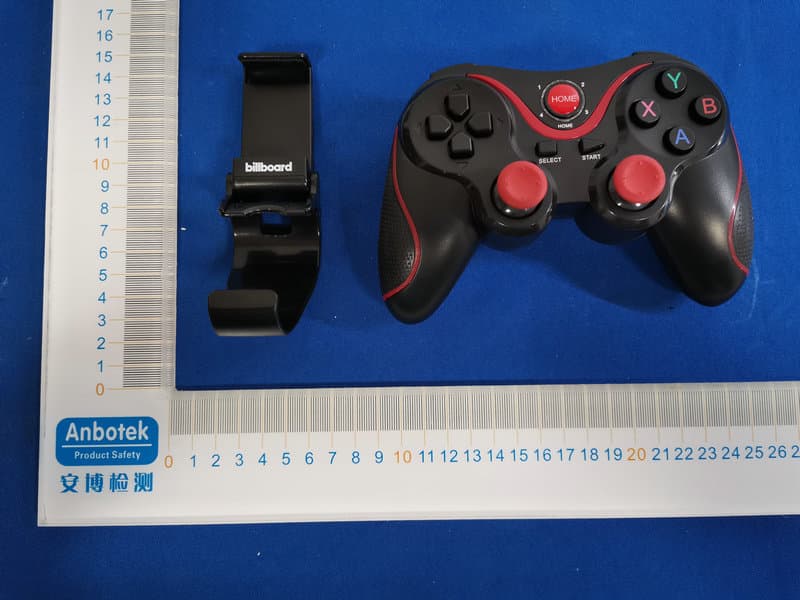
Click to zoom
Application Details
- Equipment Class
- DSS - Part 15 Spread Spectrum Transmitter
- Date of Grant
- Jun 04, 2020
- Application Purpose
- Original Equipment
- Date of Application
- Jun 04, 2020
- Equipment Note
- Wireless Gaming Controller
- Frequency Range
- 2402.00000000 - 2480.00000000
- Company
- China Etech Groups Ltd
- Country
- China
Documents & Files
Document Text
Text extracted from the exhibit documents filed with the FCC. Open a document above to read the original.
Users Manual
Instructions: 1. The product is mainly used for game operation when Android /iOS/Win 7/8/10 system bluetooth connection and PS3 game host wireless connection. 2. Applicable equipment: Smart phone/tablet/smart TV, TV box /PC /PS3 game console. 3. LT/RT for the simulation function, pay more attention to the details of the experience, make the game precise and controllable. 4. It can be used on PC/PS3 and other devices with a receiver. (receiver is not included) Android use manual: 1. At the same time, press and hold the “A” button + “HOME” button for 2 connected back directly by pressing the “HOME” button) 2. Turn on the bluetooth function of the Android device and click "scan". 3. When a bluetooth device name "BB-BT" is found, select the paired connection. 4. Successful connection, “LED 1” indicator light is always on. 5. Play directly: Honor of Kings, Knives Out, PUBG, Mobile Legends. (Except that the game itself changes the rules) - “Up” button + “HOME” button: choose Honor of Kings; - “Right” button + “HOME” button: choose PUBG - “Down” button + “HOME” button: choose Mobile Legends - “Left” button + “HOME” button: choose Knives Out - Honor of Kings by default. 6. Use the “ShootingPlus V3 App” to adjust the keys to play more games; A. To install the Android version of “ShootingPlus V3 App”, go to the Google Play Store and search for "ShootingPlus V3" to download. Or scan code. B. How does Android “ShootingPlus V3 App” change keys a. Connect the bluetooth, install “ShootingPlus V3 App”, and push the App to the background. screen or press the "START" button on the gaming controller to enter the interface of App. c. Drag the key icon in the interface to the desired position on the game. (Click the key icon to select key properties) e. Click “close” or press “START” again. f. When playing game, you can press the "SELECT" button on the gaming controller to bring up the set key prompt C. After installed the “ShootingPlus V3 App”, you can also download the set game keys directly from the "cloud keys list" in the main App interface. 7. MTK phone, Please press the “X” button + “HOME” button to enter the standard Android mode for use in the arcade. Attention: If you are in the wrong apple mode, please cancel the bluetooth pairing and then re-pair to Android mode IOS use manual: 1. At the same time, press and hold the “Y” button + “HOME” button for 2 connected back directly by pressing the “HOME” button) 2. Turn on the bluetooth function of the IOS device and click "scan". 3. When a bluetooth device name "BB-BT" is found, select the paired connection. 4. Successful connection, “LED 2” indicator light is always on. 5. Play directly: Honor of Kings, Knives Out, PUBG, Mobile Legends. (Except that the game itself changes the rules) - “Up” button + “HOME” button: choose Honor of Kings; - “Right” button + “HOME” button: choose PUBG - “Down” button + “HOME” button: choose Mobile Legends - “Left” button + “HOME” button: choose Knives Out - Honor of Kings by default. 6. Support iOS mobile devices 11.3 above system. 7. Use the “ShootingPlus V3 App” to adjust the keys to play more games; A. To install the IOS version of “ShootingPlus V3 App” , o to the APP Store and search for "ShootingPlus V3" to download. Or scan code. B. How does IOS “ShootingPlus V3 App” change key a. Connect the bluetooth, install “ShootingPlus V3 App”. b. After starting the game, take a screenshot of the game when playing gam. screen or press the "START" button on the gaming controller to enter the interface of App. d. Long press the blank of the screen to load the screenshot of the game.Click on the selected image to select the screenshot of the game. e. Drag the key icon in the interface to the desired position on the game. (Click the key icon to select key properties) g. Click “close” or press “START” again. h. When playing game, you can press the "SELECT" button on the gaming controller to bring up the set key prompt C. After installed the “ShootingPlus V3 App”, you can also download the set game keys directly from the "cloud keys list" in the main App interface. Gaming controller charging/sleep/wake function: always on after full. When charging in the state of bluetooth connection, 2. Sleep/wake function: Game controller that is not used for 5 minutes goes to sleep. When it needs to be used again, press the HOME button to wake up and connect back. Operational usage mode: 1. Working voltage: DC3.7V 2. Working current: 8mA 3. Working time: 20H 4. Sleep current: <10uA Attention: 1. Please do not store this product in damp or hot places. 2. Do not knock, beat, bang, puncture, or attempt to disintegrate the product to avoid unnecessary damage to the product. 3. Product built-in battery, do not throw away with the garbage. 4. 5. Non-professional do not disassemble the product, otherwise it is not included in the after-sales warranty service. System Working mode Android V3 Game mode Indicator light Remark LED 1LED 3LED 2LED 3 Pair Mode (Long press for 2 seconds) “A” button + “HOME” button “X” button + “HOME” button “X” button + “HOME” button “Y” button + “HOME” button Play games downloaded from the Android market Play games downloaded from the App Store Play arcade games Android standard game mode Play arcade games iOS V3 Game mode iOS AndroidiOS 5. Charging voltage/current: DC5V/200mA 6. Bluetooth transmission distance: <=8M 7. Battery: 400mA 8. Standby time: 30 days Frequently Asked Question: Q: The gaming controller cannot be found when the bluetooth is turned on A: Cancel the bluetooth pairing device name between the handle and the phone, and restart the bluetooth search pairing of the phone. Q: Why isn't the new gaming controller turned on? A: Generally, the power of the new gaming controller is low. Please connect the 5V charger with the USB cable in the packaging box to charge the handle, when fully charged, press the power button to start the machine. LIMITED WARRANTY shipped in its original container to the original purchaser wi…
Text truncated - open the document above for the full version.
External Photos
FCC ID: 2AS5O-BB2845
ID Label/Location Info
Label Location On EUT Label Product Name: Wireless Gaming Controller Model No.: BB2845 FCC ID: 2AS5O-BB2845 This device complies with Part 15 of the FCC Rules. Operation is subject to the following two conditions: (1) This device may not cause harmful interference, and (2)This device must accept any interference received, including interference that may cause undesired operation.
Internal Photos
FCC ID: 2AS5O-BB2845 ANT
Operational Description
version01 China Etech Groups Ltd Declaration concerning Antenna Specification It is hereby declared that the product Model No.: BB2845, EBP-E-F008S FCC ID : 2AS5O-BB2845 fulfills the requirement in FCC test relating to the antenna type. The device specified above confirms to the FCC recommendations for internal antenna type(s) described below: Model No. of antenna: N/A Type of antenna:PCB Antenna Gain of the antenna: -0.58 dBi Frequency range:2402-2480MHz The mounting of the antenna is fixed to the radio module and no other antenna should be used. Company name: China Etech Groups Ltd Address: 16/F, Block C, 2nd Phase of Central Avenue, Haihong Industrial Area, Xixiang Road, Baoan District, Shenzhen, China City: Shenzhen ZIP / Postal code: N/A Country:China Place:ChinaDate: 2020-06-04 Signature:
RF Exposure Info
RF EXPOSURE EVALUATION FCC ID: 2AS5O-BB2845 According to FCC 1.1310: The criteria listed in the following table shall be used to evaluate the environment impact of human exposure to radio frequency(RF) Radiation as specified in §1.1307(b): Routine SAR evaluation refers to that specifically required by §2.1093, using measurements or computer simulation. When routine SAR evaluation is not required, portable transmitters withoutput power greater than the applicable low threshold require SAR evaluation to qualify for TCB approval. Channel (MHz) Maximum output power (dBm) Tune up tolerance (dBm) Max Tune Up Power (dBm) Distance (mm) Calculation results Limit Operating Mode 2402-0.024 -0.024±1 0.97650.3883 BDR+EDR 24410.863 0.863±11.863 5 0.480 3 24801.001 1.001±1 2.00150.4993 24021.115 1.115±1 2.11550.5043 24411.918 1.918±12.918 5 0.612 3 24802.048 2.048±1 3.04850.6353 Test Results:PASS.
Test Report
Report No.: 18220WC00054201FCC ID: 2AS5O-BB2845Page 1 of 60 Code:AB-RF-05-a FCC TEST REPORT Client Name: China Etech Groups Ltd Address: 16/F, Block C, 2nd Phase of Central Avenue,Haihong Industrial Area,XixiangRoad,Baoan,Shenzhen,China Product Name: Wireless Gaming Controller Date: Jun. 04, 2020 Shenzhen Anbotek Compliance Laboratory Limited Report No.: 18220WC00054201FCC ID: 2AS5O-BB2845Page 2 of 60 Code:AB-RF-05-a Contents 1. General Information ............................................................................................................................................... 5 1.1. Client Information ....................................................................................................................................... 5 1.2. Description of Device (EUT) ..................................................................................................................... 5 1.3. Auxiliary Equipment Used During Test ................................................................................................... 6 1.4. Description of Test Modes ........................................................................................................................ 6 1.5. List of channels ........................................................................................................................................... 7 1.6. Description Of Test Setup ......................................................................................................................... 8 1.7. Test Equipment List .................................................................................................................................... 9 1.8. Measurement Uncertainty ....................................................................................................................... 10 1.9. Description of Test Facility ...................................................................................................................... 10 2. Summary of Test Results ................................................................................................................................... 11 3. Conducted Emission Test ................................................................................................................................... 12 3.1. Test Standard and Limit .......................................................................................................................... 12 3.2. Test Setup .................................................................................................................................................. 12 3.3. Test Procedure .......................................................................................................................................... 12 3.4. Test Data .................................................................................................................................................... 12 4. Radiation Spurious Emission and Band Edge ................................................................................................ 17 4.1. Test Standard and Limit .......................................................................................................................... 17 4.2. Test Setup .................................................................................................................................................. 17 4.3. Test Procedure .......................................................................................................................................... 18 4.4. Test Data .................................................................................................................................................... 19 5. Maximum Peak Output Power Test .................................................................................................................. 27 5.1. Test Standard and Limit .......................................................................................................................... 27 5.2. Test Setup .................................................................................................................................................. 27 5.3. Test Procedure .......................................................................................................................................... 27 5.4. Test Data .................................................................................................................................................... 27 6. 20DB Occupy Bandwidth Test ........................................................................................................................... 31 6.1. Test Standard ............................................................................................................................................ 31 6.2. Test Setup .................................................................................................................................................. 31 6.3. Test Procedure .......................................................................................................................................... 31 6.4. Test Data .................................................................................................................................................... 31 7. Carrier Frequency Separation Test ................................................................................................................... 35 7.1. Test Standard and Limit .......................................................................................................................... 35 7.2. Test Setup .................................................................................................................................................. 35 7.3. Test Procedure ......................................................................................................................…
Text truncated - open the document above for the full version.
Test Setup Photos
FCC ID: 2AS5O-BB2845 Photo of Conducted Emission Measurement Photo of Radiation Emission Test
Contact Information
Applicant
Paul Huang(Manger)
Test Firm
Shenzhen Anbotek Compliance Laboratory LimitedJeff Zhu
Technical Specifications
| # | Rule Parts | Frequency Range | Power Output |
|---|---|---|---|
| 1 | 15C | 2.40 GHz - 2.48 GHz | 1.61 mW |
Other Applications from China Etech Groups Ltd
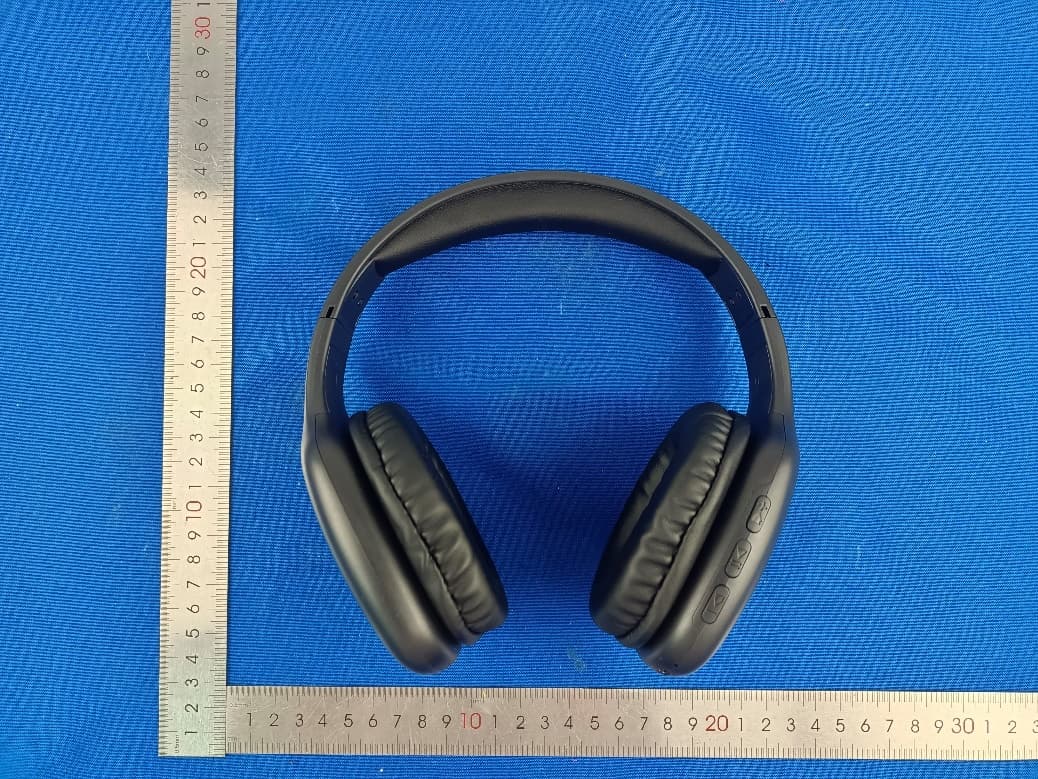
2AS5O-EBP-22055
Mar 19, 2023ART + SOUND BT HEADPHONE
Equipment Class
DSS - Part 15 Spread Spectrum Transmitter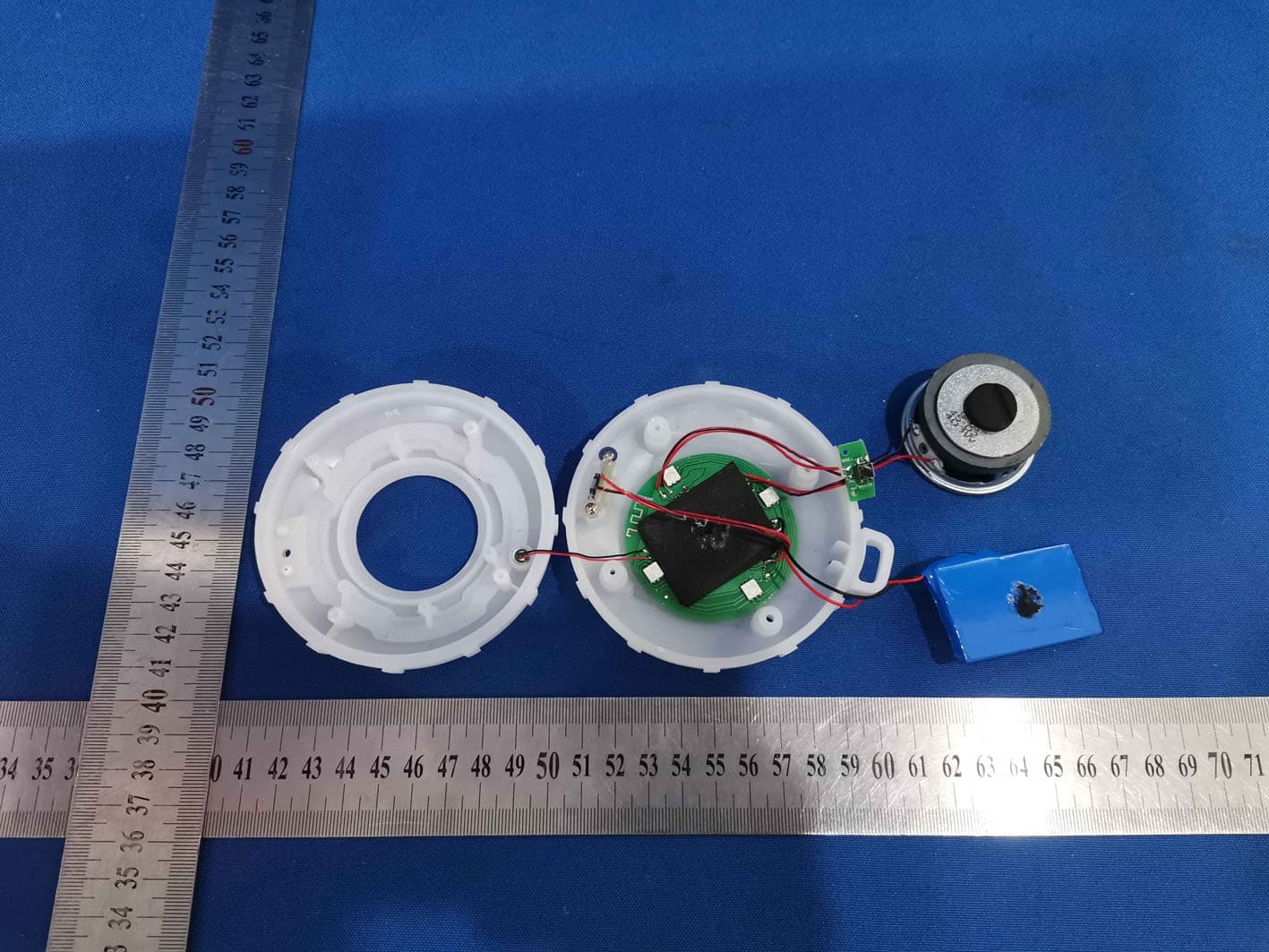
2AS5O-1112B
Nov 03, 2021Fashion Speaker with Colorful Lights
Equipment Class
DSS - Part 15 Spread Spectrum Transmitter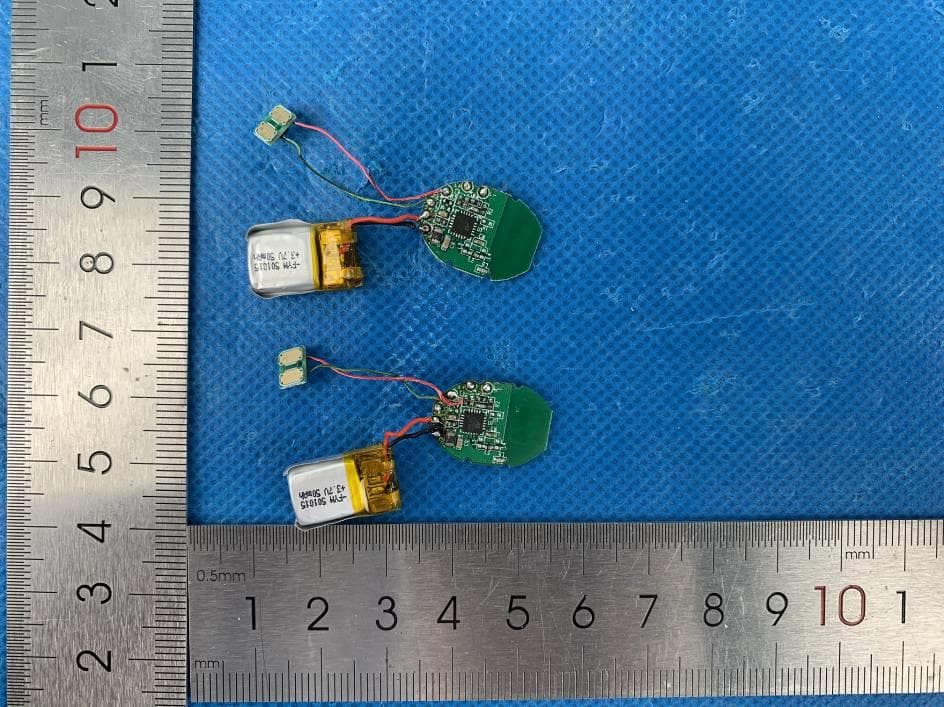
2AS5O-094
Nov 19, 2020Bluetooth Headphone
Equipment Class
DSS - Part 15 Spread Spectrum Transmitter
2AS5O-051
Sep 22, 2020True Wireless Earbuds
Equipment Class
DSS - Part 15 Spread Spectrum Transmitter
2AS5O-043
Sep 22, 2020True Wireless Earbuds
Equipment Class
DSS - Part 15 Spread Spectrum Transmitter