2ATIH-EPN8True Wireless Earbuds
Aukey Technology Co.,Ltd.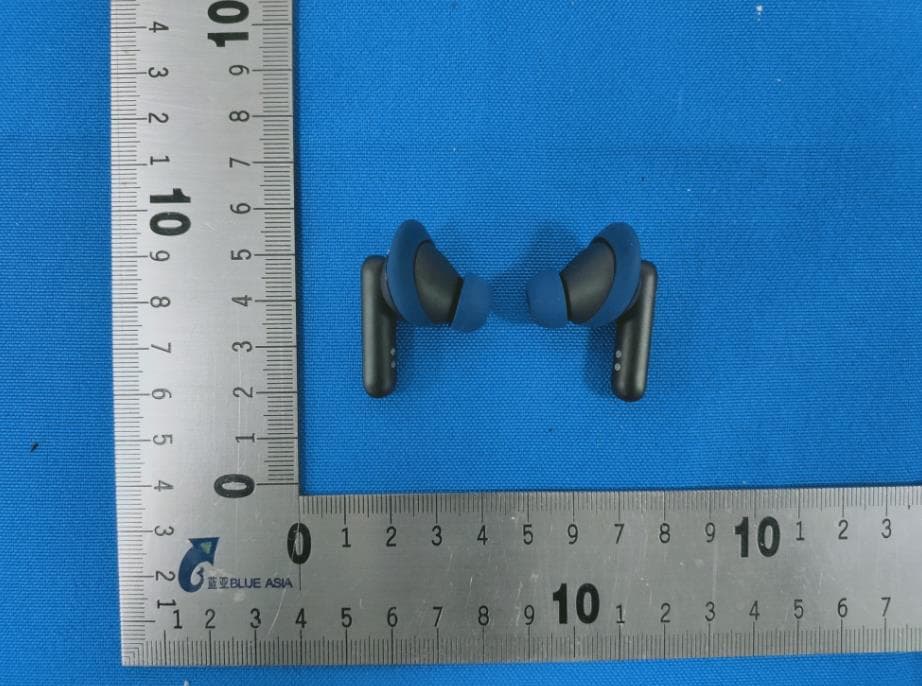
Click to zoom
Application Details
- Equipment Class
- DTS - Digital Transmission System
- Date of Grant
- Jun 06, 2021
- Application Purpose
- Original Equipment
- Date of Application
- Jun 06, 2021
- Equipment Note
- True Wireless Earbuds
- Frequency Range
- 2402.00000000 - 2480.00000000
- Company
- Aukey Technology Co.,Ltd.
- Country
- China
Documents & Files
Document Text
Text extracted from the exhibit documents filed with the FCC. Open a document above to read the original.
Users Manual
User Manual Active Noise Cancelling True Wireless Earbuds Aukey Technology Co., Ltd. www.aukey.com | [email protected] Building P07, South China City Electronics Trading Center, Longgang District, Shenzhen, Guangdong, 518111, China FCC ID: 2ATIH-EPN8 IC:24100-EPN8 Made in China Model: EP-N8 Thank you for purchasing the AUKEY EP-N8 Active Noise Cancelling True Wireless Earbuds. Please read this user manual carefully and keep it for future reference. If you need any assistance, please contact our support team with your product model number and Amazon order number. Package Contents True Wireless Earbuds Charging Case Three Pairs of Ear-Tips (S/L) Three Pairs of Ear-Wings (S/L) USB-A to C Cable User Manual Quick Start Guide Warranty Card Product Diagram Getting Started Note: Remove the protective film from the earbuds when using for the first time. Charging Fully charge the charging case before the first use. To charge, connect the charging case to a USB charger or charging port with the included USB-A to C cable or use a wireless charger to charge the charging case. When the LED Charging indicator on the outside of the charging case turns on white, the case is fully charged. Charging takes about 3.5 hours, offering an additional 5 charges to the earbuds. The earbuds should be stored in the case when not in use. Specifications Earbuds Turn On / Off Model Bluetooth Version Technology Driver (each channel) Sensitivity Frequency Range Impedance Microphone Type Microphone Sensitivity Microphone Frequency Range Charging Time Battery Life Battery Type Operating Range IP Rating Weight EP-N8 V5.2 HSP, HFP, A2DP, AVRCP 10mm Driver Speaker 111dB ±3dB (at IEC711 1kHz -10dBFS) 20Hz – 20kHz 16ohm ±15% MEMS (microphone chip) -22dBFS (at MRP 1kHz - 20dB) 100Hz – 7kHz About 3 Hours About 5 Hours Li-polymer Battery 10m / 33ft IPX7 12g DC 5.0 +/- 0.25V About 3 Hours About 5 Hours Li-polymer (600mAh) 5 times 60g Charging Case Charging Input Charging Time Battery Type Number of Earbuds Recharges Weight Wireless Charging USB Type-C Charging Turn On Open the lid of the charging case or hold on the touch-sensi- tive panels on both earbuds for 2 seconds when they are turned off Return both earbuds to the charging case and close the lid or hold on the touch-sensitive panels on both earbuds for 6 seconds when they are turned on Turn Off Pairing Starting with the earbuds in the case: Controls & LED Indicators Streaming Audio Once paired, you can wirelessly stream audio on your device via the earbuds. Music will automatically get paused when you receive an incoming phone call and will be resumed once the call ends. Open the lid of the charging case Turn on the pairing function on the device you want to pair with the earbuds From the list of available devices find and select “AUKEY EP-N8” 1. 2. 3. Notes When you turn on the earbuds, they will be automatically reconnected to the previously paired device or enter pairing mode if no paired device is found Either left or right earbud can be used individually once connected to your device, if you keep the other one inside the charging case If a single earbud exceeds the connection range for 7 minutes, the earbud will turn off; if both earbuds exceed the connection range for 2 minutes, they will enter the pairing mode and ture off after 5 minutes. • • • Regular Use After Pairing Once the earbuds are successfully paired with your device, they can be switched on and off as follows: Open the lid of the charging case, then both earbuds will turn on and connect with your device automatically To turn off, put the earbuds back in the charging case and close the lid, they will begin charging • • Product Care & Use Keep away from liquids and extreme heat Don’t use the earbuds at high volume for extended periods, as this may cause permanent hearing damage or loss • • Using the Left/Right Earbud Only Starting with the earbuds in the case: Take the left/right earbud out Turn on the pairing function on the device you want to pair with the earbud From the list of available devices, find and select “AUKEY EP-N8” 1. 2. 3. Reset the earbuds Starting with the earbuds in the case: Open the charging case and take earbuds out of charging case Touch and hold on the touch-sensitive panels on both earbuds for 6 seconds to turn off earbuds Touch and hold on the touch-sensitive panels on both earbuds for 10 seconds to clear the pairing, then put the earbuds in the charging case and close the charging case Open the lid again, take earbuds out of charging case, both earbuds will turn on and enter pairing mode 1. 2. 3. 4. - 01 -- 02 -- 03 -- 04 - - 05 -- 06 - Play or Pause MusicTap the touch-sensitive panel on either earbud once Triple-tap the touch-sensitive panel on the right earbud Skip to Previous Track Double-tap the touch-sensitive panel on the left earbud The Indicator Light Flashes Red for 3 Times, then A Red Solid Light The Light Flashes White 3 Times Quickly, Stays on for 10 Seconds and Then Off The White Light is on for 1 Minute and then Turns Off Skip to Next Track Gaming Mode On/Off Double-tap the touch-sensitive panel on the right earbud Answer the Call Double-tap the touch-sensitive panel on either earbud End the Call When you are on a call, double-tap the touch- sensitive panel on either earbud Increase Call Volume When you are on a call, tap the touch-sensitive panel on the right earbud once Decrease Call Volume When you are on a call, tap the touch-sensitive panel on the left earbud once Reject an Incoming Call Long press the touch-sensitive panel on either earbud Transparency/ANC/ Outdoor Mode Activate Siri or other Voice Assistants Touch and hold the touch-sensitive panel on either earbud for 2 seconds Triple-tap the touch-sensitive panel on the left earbud Taking Calls Earbuds Battery Level IndicatorStatus LED Battery Level IndicatorStatus Earbuds charging Earbuds fully charged ≥30% battery remaining The Light Flashes Red 3 Times Quickly, Stays On for 10 Seconds and then Turns Off <3…
Text truncated - open the document above for the full version.
Attestation Statements
ProductName:TrueWirelessEarbuds ModelNo.:EP-N8 IC:24100-EPN8 FCCID:2ATIH-EPN8 Thedevicehaveleftandrightearphones , leftandrightearphones areelectricallyidentical. <Signature> Name:JiaguangZhou Title:Manager ApplicantCompany:AukeyTechnologyCo.,Ltd.
External Photos
Model No.: EP-N8
Internal Photos
Model No.: EP-N8
RF Exposure Info
RF Exposure Evaluation Statement Product Name: True Wireless Earbuds Model No.:EP-N8 FCC ID:2ATIH-EPN8 1.1 RF Exposure Compliance Requirement 1.1.1 Standard Requirement According to KDB447498D01 General RF Exposure Guidance v06 Standalone SAR test exclusion considerations Unless specifically required by the published RF exposure KDB procedures, standalone 1-g head or body and 10-g extremity SAR evaluation for general population exposure conditions, by measurement or numerical simulation, is not required when the corresponding SAR Exclusion Threshold condition, listed below, is satisfied. 1.1.2 Limits The 1-g and 10-g SAR test exclusion thresholds for 100 MHz to 6 GHz at test separation distances ≤ 50 mm are determined by: [(max. power of channel, including tune-up tolerance, mW)/(min. test separation distance, mm)] · [√f(GHz)] ≤ 3.0 for 1-g SAR and ≤ 7.5 for 10-g extremity SAR, where f(GHz) is the RF channel transmit frequency in GHz Power and distance are rounded to the nearest mW and mm before calculation 17 The result is rounded to one decimal place for comparison The test exclusions are applicable only when the minimum test separation distance is ≤ 50 mm and for transmission frequencies between 100 MHz and 6 GHz. When the minimum test separation distance is < 5 mm, a distance of 5 mm is applied to determine SAR test exclusion 1.1.3 EUT RF Exposure Operational Mode: EDR (8-DPSK worst case) Channel Maximum Peak Conducted Output Power (dBm) Tune up tolerance (dB) Maximum tune-up Power Calculated value Exclusion threshold (dBm) (mW) 2402MHz 2.11 ±1 3.11 2.05 0.63 3.0 2441MHz 1.67 ±1 2.67 1.85 0.58 2480MHz 1.57 ±1 2.57 1.81 0.57 Operational Mode: BLE 3.0 2402 MHz0.41 ±1 1.41 1.38 0.43 2442 MHz 0.63 ±1 1.63 1.46 0.45 2480 MHz 0.22 ±1 1.22 1.32 0.42 Conclusion: the calculated value ≤3.0, SAR is exempted.
Test Report
Page 1 of59 BlueAsia of Technical Services(Shenzhen) Co., Ltd. Add: Building C, No. 107, Shihuan Road, Shiyan Sub-District, Baoan District, Shenzhen, Guangdong Province, China Tel: +86-755-23059481 Email: [email protected] www.cblueasia.com TEST REPORT Product Name : True Wireless Earbuds Brand Mark : AUKEY Model No. : EP-N8 FCC ID : 2ATIH-EPN8 Report Number : BLA-EMC-202103-A6203 Date of Sample Receipt : 2021/3/18 Date of Test : 2021/3/18 to 2021/5/13 Date of Issue : 2021/5/17 Test Standard : 47 CFR Part 15, Subpart C 15.247 Test Result : Pass Prepared for: Aukey Technology Co.,Ltd Room 102, Building P09, South China City Electronics Trading Center, Longgang District, Shenzhen, Guangdong, 518111, China Prepared by: BlueAsia of Technical Services(Shenzhen) Co.,Ltd. Building C, No. 107, Shihuan Road, Shiyan Sub-District, Baoan District, Shenzhen, Guangdong Province, China TEL: +86-755-23059481 Compiled by: Review by: Approved by: Date: 2021/5/17 Report No.: BLA-EMC-202103-A6203 Page 2 of59 BlueAsia of Technical Services(Shenzhen) Co., Ltd. Tel: +86-755-23059481 Email: [email protected] www.cblueasia.com REPORT REVISE RECORD Version No. Date Description 00 2021/5/17 Original Report No.: BLA-EMC-202103-A6203 Page 3 of59 BlueAsia of Technical Services(Shenzhen) Co., Ltd. Tel: +86-755-23059481 Email: [email protected] www.cblueasia.com TABLE OF CONTENTS 1 TEST SUMMARY ........................................................................................................................................5 2 GENERAL INFORMATION .........................................................................................................................6 3 GENERAL DESCRIPTION OF E.U.T. .........................................................................................................6 4 TEST ENVIRONMENT ................................................................................................................................7 5 TEST MODE ................................................................................................................................................7 6 MEASUREMENT UNCERTAINTY ..............................................................................................................7 7 DESCRIPTION OF SUPPORT UNIT...........................................................................................................8 8 LABORATORY LOCATION .........................................................................................................................8 9 TEST INSTRUMENTS LIST ........................................................................................................................9 1 RADIATED SPURIOUS EMISSIONS ....................................................................................................... 12 1.1 LIMITS ................................................................................................................................................................... 12 1.2 BLOCK DIAGRAM OF TEST SETUP .......................................................................................................................... 13 1.3 PROCEDURE .......................................................................................................................................................... 13 1.4 TEST DATA .............................................................................................................................................................. 15 2 CONDUCTED EMISSIONS AT AC POWER LINE (150KHZ-30MHZ)..................................................... 23 2.1 LIMITS ................................................................................................................................................................... 23 2.2 BLOCK DIAGRAM OF TEST SETUP .......................................................................................................................... 23 2.3 PROCEDURE .......................................................................................................................................................... 23 2.4 TEST DATA .............................................................................................................................................................. 25 3 CONDUCTED BAND EDGES MEASUREMENT ..................................................................................... 27 3.1 LIMITS ................................................................................................................................................................... 27 3.2 BLOCK DIAGRAM OF TEST SETUP .......................................................................................................................... 27 3.3 TEST DATA .............................................................................................................................................................. 28 4 RADIATED EMISSIONS WHICH FALL IN THE RESTRICTED BANDS................................................. 29 4.1 LIMITS ................................................................................................................................................................... 29 4.2 BLOCK DIAGRAM OF TEST SETUP .......................................................................................................................... 30 4.3 PROCEDURE .......................................................................................................................................................... 30 4.4 TEST DATA .............................................................................................................................................................. 32 5 CONDUCTED SPURIOUS EMISSIONS .................................................................................................. 36 5.1 LIMITS .................................................................................................................…
Text truncated - open the document above for the full version.
Test Setup Photos
Model No.: EP-N8
Contact Information
Applicant
Jiaguang Zhou(Manager)
Test Firm
BlueAsia of Technical Services (Shenzhen)Blue Zheng
[email protected]+86 755-23059481-815
Technical Specifications
| # | Rule Parts | Frequency Range | Power Output |
|---|---|---|---|
| 1 | 15C | 2.40 GHz - 2.48 GHz | 1.16 mW |
Other Applications from Aukey Technology Co.,Ltd.
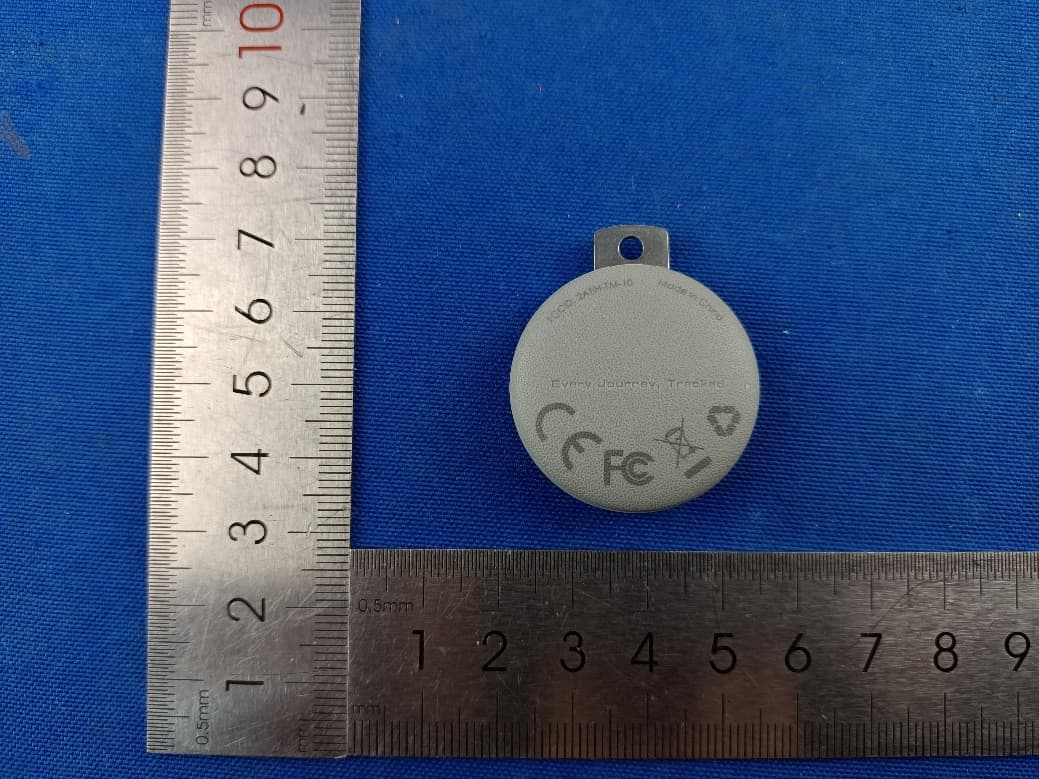
2ATIH-TM-10
Sep 07, 2024Smart Bluetooth Tracker
Equipment Class
DTS - Digital Transmission System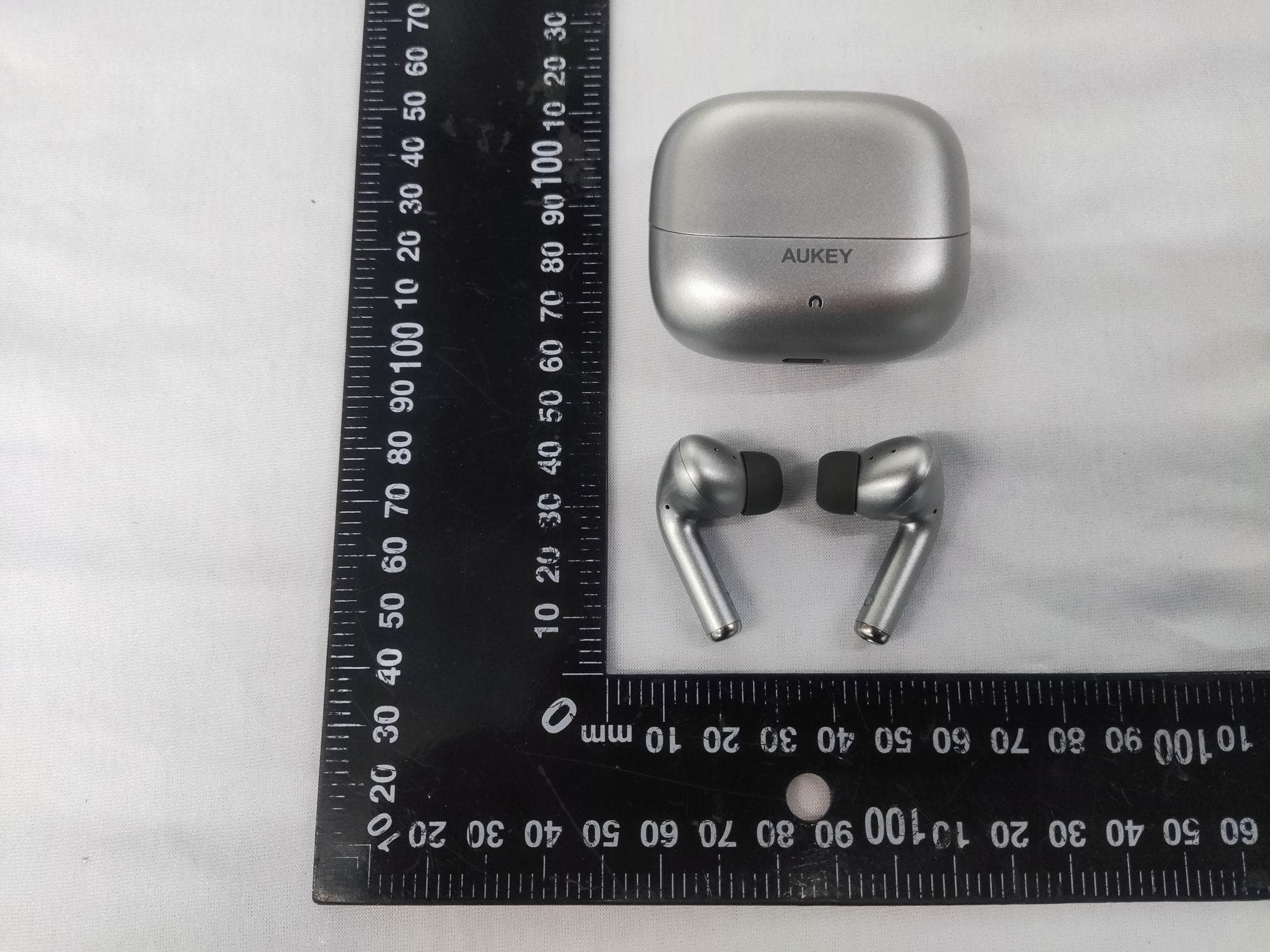
2ATIH-EP-B1
Aug 15, 2024True Wireless Earbuds with Hybrid ANC
Equipment Class
DSS - Part 15 Spread Spectrum Transmitter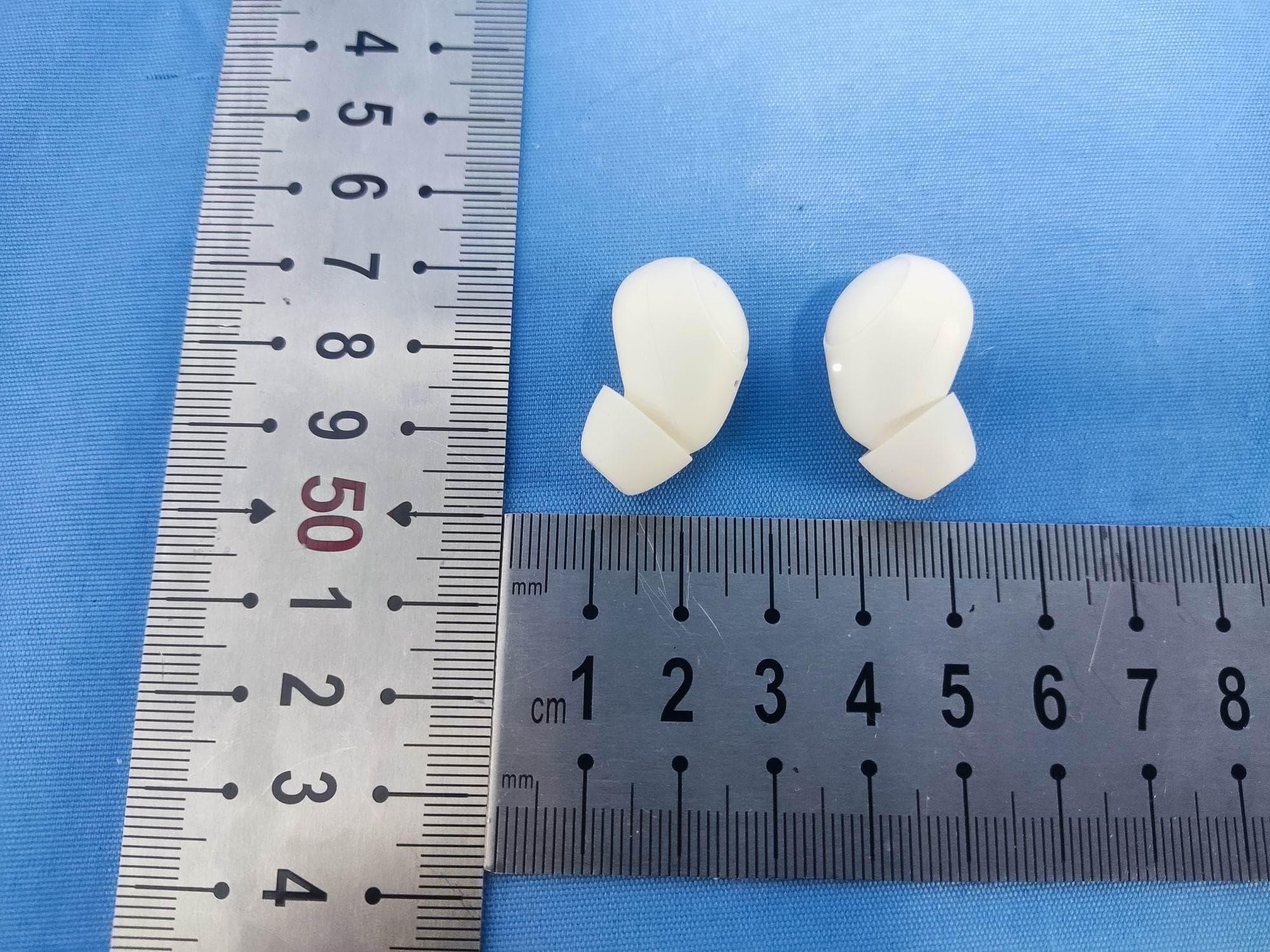
2ATIH-EP-M3A
Jul 30, 2024True Wireless Earbuds
Equipment Class
DSS - Part 15 Spread Spectrum Transmitter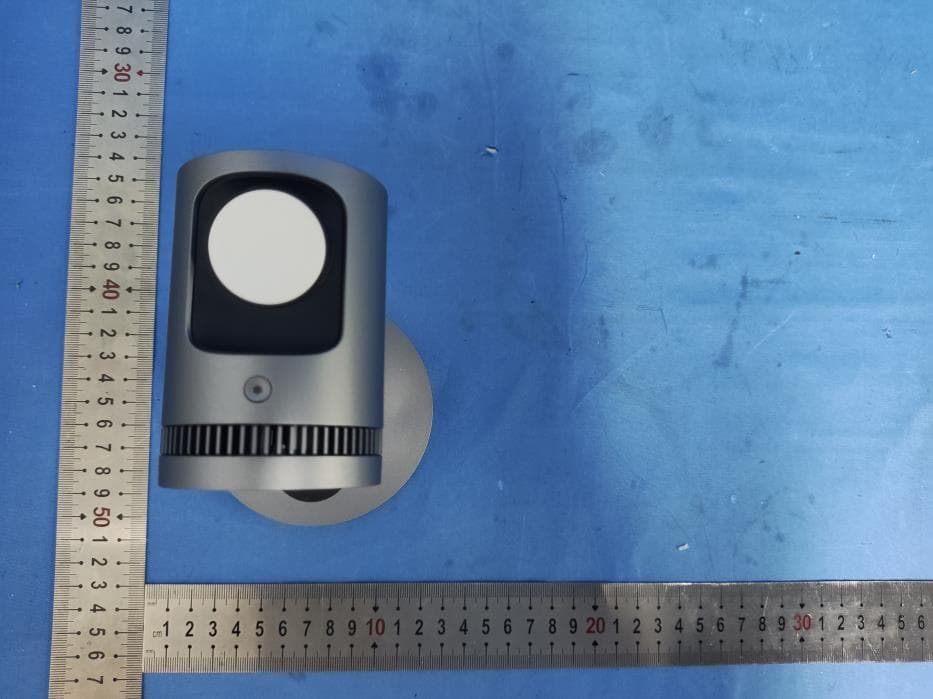
2ATIH-LC-MC311A
Jul 21, 2024MagFusion 3-in-1 Pro Qi2 Magnetic Fast Wireless Charging Station with Active Cooling System
Equipment Class
DCD - Part 15 Low Power Transmitter Below 1705 kHz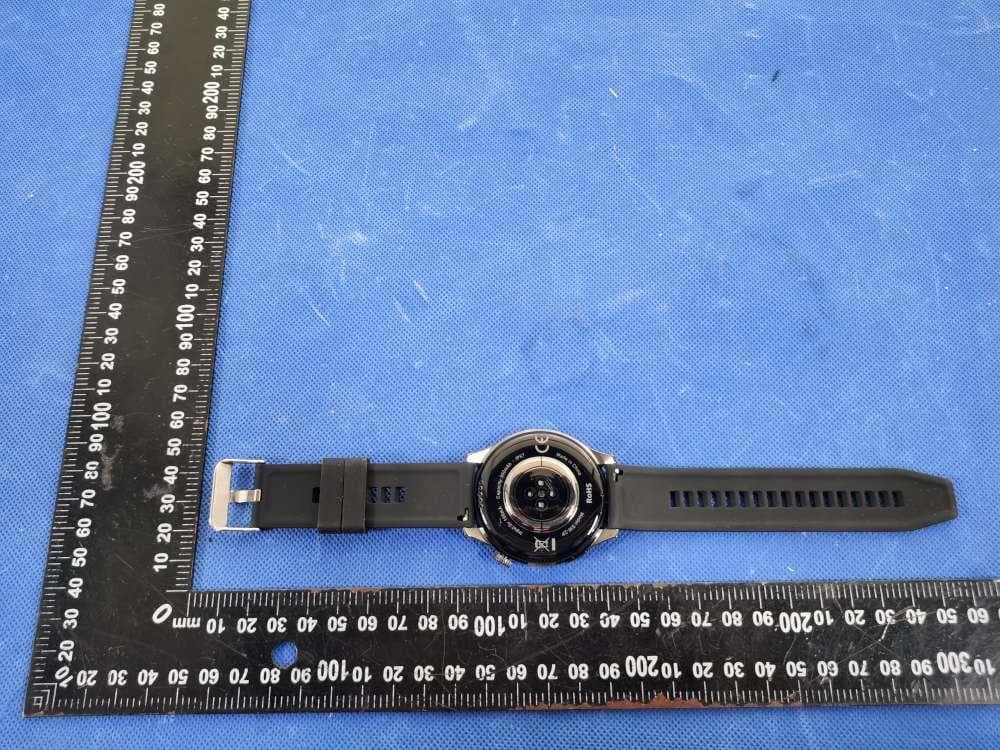
2ATIH-SW2P
Dec 09, 2023SmartWatch
Equipment Class
DXX - Part 15 Low Power Communication Device Transmitter