2ATIH-SDA01Video doorbell
Aukey Technology Co.,Ltd.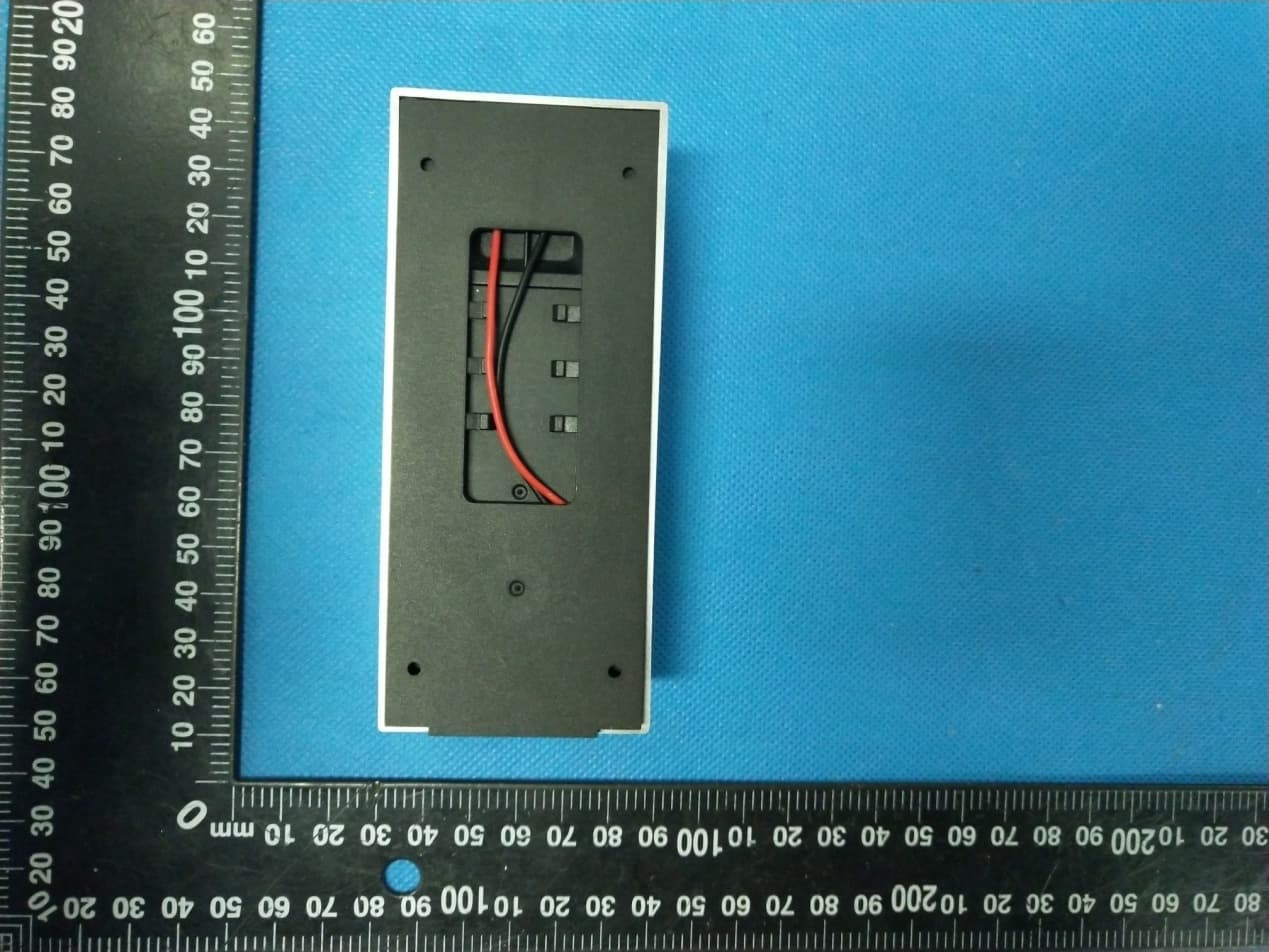
Click to zoom
Application Details
- Equipment Class
- DTS - Digital Transmission System
- Date of Grant
- Jan 15, 2020
- Application Purpose
- Original Equipment
- Date of Application
- Jan 15, 2020
- Equipment Note
- Video doorbell
- Frequency Range
- 2412.00000000 - 2462.00000000
- Company
- Aukey Technology Co.,Ltd.
- Country
- China
Documents & Files
Document Text
Text extracted from the exhibit documents filed with the FCC. Open a document above to read the original.
Users Manual
Quick Start Guideline * Please read it carefully before using the product, and safe keeping After opening the package, please make sure the doorbell(hereinafter referred to as the”Equipment”) is in good conditionverify parts below is complete. The ambient light is not enough, to enable theinfrared light, increase the environmental brightness Power is supplied to the equipment byinstalling the AC input supply hole on themounting bracket. Power Consumption Standby200 uA, Working170 mA Within600 ms2pcs 18650 core international generalDevice Button, Motion Detection, Remote Live ViewCloud storage or 8G/16G/32G TF CardDevice SD Card recording(20 seconds)Two-way talk with noise cancellationIEEE 802 11 b/ g/ n4pcs*[email protected] /155°1920*1080 Equipment working status, long press 5seconds to restore factory settingsMounting 18650 specification battery.Fit the support on the wall with the mountingscrews for the mounting kit. Mounting the security screw on the fittings toprevent the equipment from being removed As shown in the figure, take backAC InputFixed Hole Security Screw Hole Reset ButtonBattery Compartment IR LEDPIRLensIndicator LightSpeakerLight SensorMICDoorbell Button Wireless Battery Video Doorbell Packing List Setup Device Technical Specification Appearance Introduction Used to collect environmental brightness value,when the intensity of illumination is less than 2 Lux,enable the IR LEDAudio captureVideo image captureMake a sound of the equipment, and voice intercomBlinking blue: configuration status;Long red light: failed to connect wifi;Blue light is on: the device is connected successfullyRed and blue light together: The device is connected to WiFiThe doorbell buttonWhen human body movement in front of theequipment, the equipment could be made thenotification to your mobile phone. (Needs to be purchased separately) 2pcs 18650 specification batteriesMillion FHD pixels collocated with wide-angle lensSupport mobile phone remote fast wakeup device within 1 second.2.4G Wi-Fi connectionHigh quality two-way talk with noise cancellationSupport PIR motion detection,when someone hovers at the door, immediately alerts push notifications to the mobile phone.Day and night mode automatic switching, whether day or night, the image is clearly visible, for your safety and family security. Reset: 1.Press the button of Ding-dong for 5 seconds. Code Pairing: 1.Short press the button of Ding-dong responder, indicator light is always on 2.Press the button of doorbell to make the code successful Number of connections: 1 Ding-dong can connect with12 Doorbells; 1 Doorbell can connect with unlimited amount of Ding-dongs. Function Introduction Ding-dong Pairing Mounting two 18650 specification batteries Cover the battery cover, align the equipmentand the bracket, push down and lock thesecurity screws to complete the installation Press the reset button for 5 seconds, waitingfor the indicator light to slow down(Theequipment should be in working condition,long press, sleep state is invalid) 345 Installation Guide Use the screws in the mounting kit to fitthe bracket on the wallcennect the external power cord to theAC external power supply hole 21 Thank you for choosing our products! Please follow the below instruction to setup and using your doorbell device.Open the App Store (for iOS) or the Google Play Store(for Android) on your mobile devices. Search for "Ubell" or scan the following QR Code to download and install to your device.1. Downloading and Installing the App2. Setting up the AppAdd the camera 3.The Wi-Fi Doorbell Features Accept call In the device list section, please click settings icon which at the top right corner to enter the device settings.4.PIR Detection Instructions 6.Note for using Turn on - Receive the notification if somebody press the doorblle or call out.Turn off - Will not receive the notifications for accept call.Share QR CodeSend the QR code to share the device to your friends and family or someone that you want to share.Delete cameraThe mobile device will not receive the notifications after you delete the camera. But the camera still works and the other connected mobile devices still able to receive the notifications. Low - The device will be able to wake up after device detects human for 7 seconds. Device start to take videos and call the mobile device at the same time.Disabled - Close the PIR function.Medium - The device will be able to wake up after device detects human for 5 seconds. Device start to take videos and call the mobile device at the same time.High - In the state, the device will be able to detect if keep the state what be detected at least 1 second, and the device start to take videos and call to phones at the same time. The device can support the PIR detection. Tap "PIR detection" to open the submenus. 1.) The device is powered by rechargeable lithium batteries. With fully charged, the battery life approx be six months. The mobile device APP will be prompted while the battery voltage is low. Please charge the device after received the reminder. 2.) Keep the camera in range of your router.Make sure to pick a place within range of your network. Thick or insulated doors can greatly reduce the strength of your Wi-Fi signal even if your router is close by, so you should try streaming video before you mount your camera.3.The device is a low power consumption intelligent products, can support remote wake up from the APP, PIR human detection, press doorbell wake up. The device will be works for 30 seconds after wake up then be in the resting state automatically and until to next waking up.Note: In crowded environment, it is recommended to close or set the device to low sensitivity to reduce device arousal and call times to extend battery life. 3.) Before setup, make sure the device is in configuration --- with a voice prompt "The camera is now ready to begin pairing".5.) The name of the Wi-Fi network will automatically be filled in, enter the Wi-Fi password. And adjust the …
Text truncated - open the document above for the full version.
Cover Letter(s)
Aukey Technology Co., Ltd. Agent Authorization Company: Aukey Technology Co., Ltd. Address: No.102, Bldg. P09, Electronics Trade Center Huanan City, Pinghu Town, Longgang, Shenzhen, Guangdong 518111, China Product Name: Video doorbell Model Number(s ): SD-A01, SD-A02, SD-A03 Product Description: Video doorbell We authorize MiCOM Labs Inc., 575 Boulder Court, Pleasanton, California 94566, USA, to act on our behalf on all matters concerning the certification of above named equipment. We declare that MiCOM Labs Inc. is allowed to forward all information related to the approval and certification of equipment to the regulatory agencies as required and to discuss any issues concerning the approval application. Any and all acts carried out by MiCOM Labs on our behalf shall have the same effect as acts of our own. Signature: Date: Jan. 14, 2020 Name: Jiaguang Zhou Title: Manager Company: Aukey Technology Co., Ltd.
Cover Letter(s)
Aukey Technology Co., Ltd. Office of Engineering Technology Federal Communications Commission 7435 Oakland Mills Road Columbia, MD 21046 USA Date: Jan. 14, 2020 Subject; Request for Confidentiality FCC ID: 2ATIH-SDA01 To Whom It May Concern, Pursuant to the provisions of the Commission’s rules Title 47 Sections §0.457 and §0.459, we are requesting the Commission to withhold the following attachment(s) as confidential documents from public disclosure indefinitely. These documents contain detailed system and equipment descriptions and are considered as proprietary information in operation of the equipment. The public disclosure of these documents might be harmful to our company and would give competitors an unfair advantage in the market. Schematic Diagram Block Diagram Parts List Operational Description Tune-up Procedure It is our understanding that all measurement test reports, FCC ID label format and correspondence during the certification review process cannot be granted as confidential documents and this information will be available for public review once the grant of equipment authorization is issued. Sincerely, Signature: Name: Jiaguang Zhou Title: Manager
Cover Letter(s)
Model Difference Declaration To Whom It May Concern, We, Aukey Technology Co., Ltd.(Video doorbell) Trademark:VALKIA; Model Number: SD-A01, SD-A02, SD-A03; All model’s the function, software and electric circuit are the same, only with a product color and model named different for commercial purpose. Test sample model: SD-A01 . Please contact me if you have any question. Name: Jiaguang Zhou Date: Jan. 14, 2020 Title: Manager Signature of applicant:
External Photos
Annex A External Photos Report No.: HK1907231850-E Page 1 of 3 Report No.: HK1907231850-E Page 2 of 3 Report No.: HK1907231850-E Page 3 of 3
ID Label/Location Info
FCC ID LABEL: Ca. 5mm x 10mm Include in manual: This device complies with part 15 of the FCC Rules. Operation is subject to the following two conditions: (1) This device may not cause harmful interference, and (2) this device must accept any interference received, including interference that may cause undesired operation. Label Location FCC ID: 2AT IH-SDA01
Internal Photos
Annex B Internal Photos Report No.: HK1907231850-E Page 1 of 6 Report No.: HK1907231850-E Page 2 of 6 Report No.: HK1907231850-E Page 3 of 6 2.4G Antenna Report No.: HK1907231850-E Page 4 of 6 Report No.: HK1907231850-E Page 5 of 6 Report No.: HK1907231850-E Page 6 of 6
RF Exposure Info
MPE ESTIMATION FCC ID: 2 AT I H-SDA01 1, Limit for General Population/ Uncontrolled Exposures Frequency Power density (mW/ cm 2 ) Averaging time(minutes) 300MHz----1.5GHz F/1500 30 1.5GHz---100GHz 1.0 30 Note: F= Frequency in MHz 2, Estimation Result 2 .4G WIFI Mode Frequency (MHz) Max PK Output power(dBm) Tune Up Power(dBm) Max Tune Up power(mW) Antenna Gain(dBi) Antenna Gain (linear) MPE ( mW/cm²) WiFi 2462 15 .57 15.0±1(16.0) 39.81 3.5 2.2387 0.01773 Note: Note: The estimation distance is 20cm Note: PK Output power= conducted power. Conducted power see the test report HK2001020113-E, antenna gain=3.5dBi w hen the minimum test separation distance is >20 cm, a distance of 20 cm is applied to determine RF Exposure test exclusion. The test exclusion threshold is 0.01773 mW/cm² which is< 1.0mW/cm², RF Exposure testing is not required. -------The End-------
Test Report
Report No.: HK2001020113-E FCC TEST REPORT Test report On Behalf of Aukey Technology Co., Ltd. For Video doorbell Model No.: SD-A01, SD-A02, SD-A03 FCC ID: 2ATIH-SDA01 Prepared for : Aukey Technology Co., Ltd. No.102, Bldg. P09, Electronics Trade Center Huanan City, Pinghu Town, Longgang, Shenzhen, Guangdong 518111, China Prepared By : Shenzhen HUAK Testing Technology Co., Ltd. 1F, B2 Building, JunfengZhongchengZhizao Innovation Park, Fuhai Street, Bao'an District, Shenzhen City, China Date of Test: Dec. 28, 2019 ~Jan. 10, 2020 Date of Report: Jan. 10, 2020 Report Number: HK2001020113-E Report No.: HK2001020113-E Page 2 of 64 TEST RESULT CERTIFICATION Applicant’s name .................. : Aukey Technology Co., Ltd. Address .................................. : No.102, Bldg. P09, Electronics Trade Center Huanan City, Pinghu Town, Longgang, Shenzhen, Guangdong 518111, China Manufacture's Name ............. : SHENZHEN JFK ELECTRONIC CO., LTD Address .................................. : 3rd Floor, H BLDG, Hejing Industrial Area,Heping High Tech park. Fuhai Avenue, Bao'an District, Shenzhen, GuangDong Province, China Product description Trade Mark: VALKIA Product name ............................ : Video doorbell Model and/or type reference . : SD-A01, SD-A02, SD-A03 Standards .............................. : FCC Rules and Regulations Part 15 Subpart C Section 15.247 ANSI C63.10: 2013 This publication may be reproduced in whole or in part for non-commercial purposes as long as the Shenzhen HUAK Testing Technology Co., Ltd. is acknowledged as copyright owner and source of the material. Shenzhen HUAK Testing Technology Co., Ltd. takes no responsibility for and will not assume liability for damages resulting from the reader's interpretation of the reproduced material due to its placement and context. Date of Test ............................................ : Date (s) of performance of tests ............. : Dec. 28, 2019 ~Jan. 10, 2020 Date of Issue ........................................... : Jan. 10, 2020 Test Result ............................................... : Pass Testing Engineer : (Gary Qian) Technical Manager : (Eden Hu) Authorized Signatory : (Jason Zhou) Report No.: HK2001020113-E Page 3 of 64 TABLE OF CONTENTS 1. Test Result Summary ............................................................................... 4 1.1. TEST PROCEDURES AND RESULTS ............................................................................................... 4 1.2. TEST FACILITY .................................................................................................................................. 4 1.3. MEASUREMENT UNCERTAINTY ............................................................................................................... 5 2. EUT Description ........................................................................................ 6 2.1. GENERAL DESCRIPTION OF EUT ................................................................................................... 6 2.2. CARRIER FREQUENCY OF CHANNELS ..................................................................................................... 7 2.3. OPERATION OF EUT DURING TESTING .................................................................................................... 7 2.4. DESCRIPTION OF TEST SETUP ....................................................................................................... 8 3. Genera Information ................................................................................... 9 3.1. TEST ENVIRONMENT AND MODE .............................................................................................................. 9 3.2. DESCRIPTION OF SUPPORT UNITS ........................................................................................................ 10 4. Test Results and Measurement Data .................................................... 11 4.1. CONDUCTED EMISSION ........................................................................................................................ 11 4.2. TEST RESULT ...................................................................................................................................... 13 4.3. MAXIMUM CONDUCTED OUTPUT POWER .............................................................................................. 15 4.4. EMISSION BANDWIDTH ......................................................................................................................... 17 4.5. POWER SPECTRAL DENSITY ................................................................................................................ 23 4.6. CONDUCTED BAND EDGE AND SPURIOUS EMISSION MEASUREMENT ..................................................... 29 4.7. RADIATED SPURIOUS EMISSION MEASUREMENT ................................................................................... 35 4.8. ANTENNA REQUIREMENT ............................................................................................................. 61 4.9. PHOTOGRAPH OF TEST ................................................................................................................. 62 4.10. PHOTOS OF THE EUT ..................................................................................................................... 64 Report No.: HK2001020113-E Page 4 of 64 1. Test Result Summary 1.1. TEST PROCEDURES AND RESULTS Requirement CFR 47 Section Result Antenna requirement §15.203/§15.247 (c) PASS AC Power Line Conducted Emission §15.207 N/A Conducted Peak Output Power §15.247 (b)(3) PASS 6dB Emission Bandwidth §15.247 (a)(2) PASS Power Spectral Density §15.247 (e) PASS Band Edge 1§5.247(d) PASS Spurious Emission §15.205/§15.209 PASS Note: 1. PASS: Test item meets the requirement. 2. Fail: Test item does not meet the requirement. 3. N/A: Test case does not apply to the test object. 4. The test result judgment is decided by the limit of test standard. 1.2. TEST FACILITY Test Fir…
Text truncated - open the document above for the full version.
Test Setup Photos
Test Model:SD-A01 Radiated Emission Conducted Emission
Contact Information
Applicant
Jiaguang Zhou(Manager)
Technical Contact
Test Firm
Shenzhen HUAK Testing Technology Co., Ltd.Jason Zhou
[email protected]+86-755-23029901
Technical Specifications
| # | Rule Parts | Frequency Range | Power Output |
|---|---|---|---|
| 1 | 15C | 2.41 GHz - 2.46 GHz | 36.05 mW |
Other Applications from Aukey Technology Co.,Ltd.
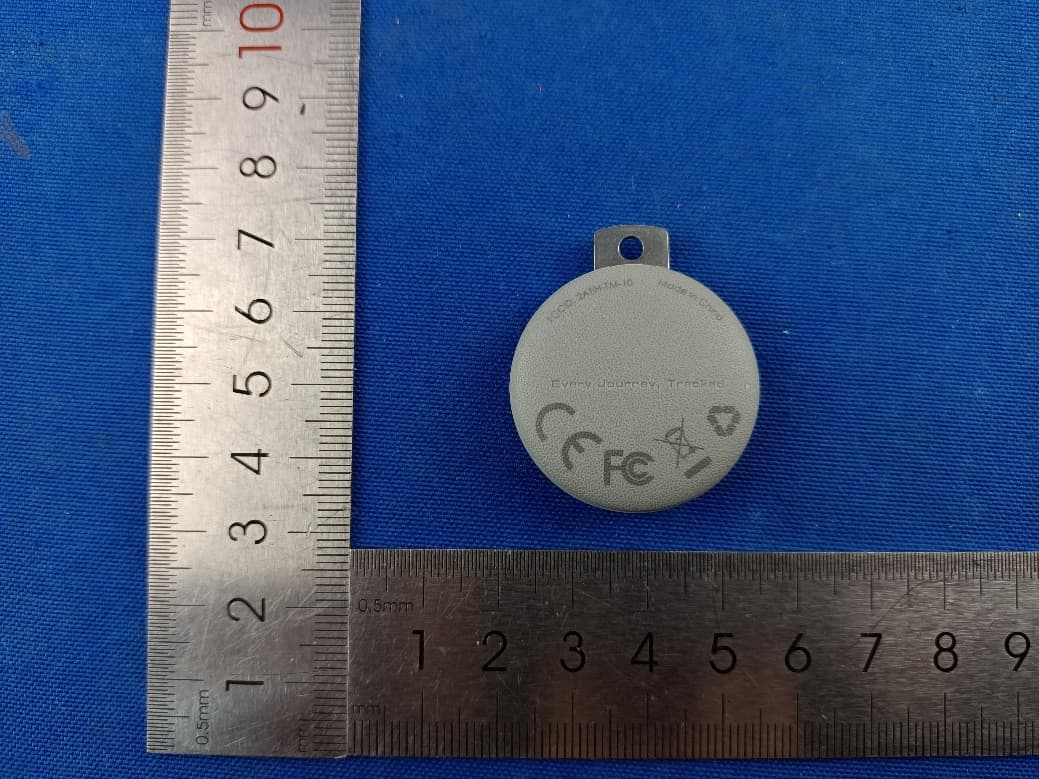
2ATIH-TM-10
Sep 07, 2024Smart Bluetooth Tracker
Equipment Class
DTS - Digital Transmission System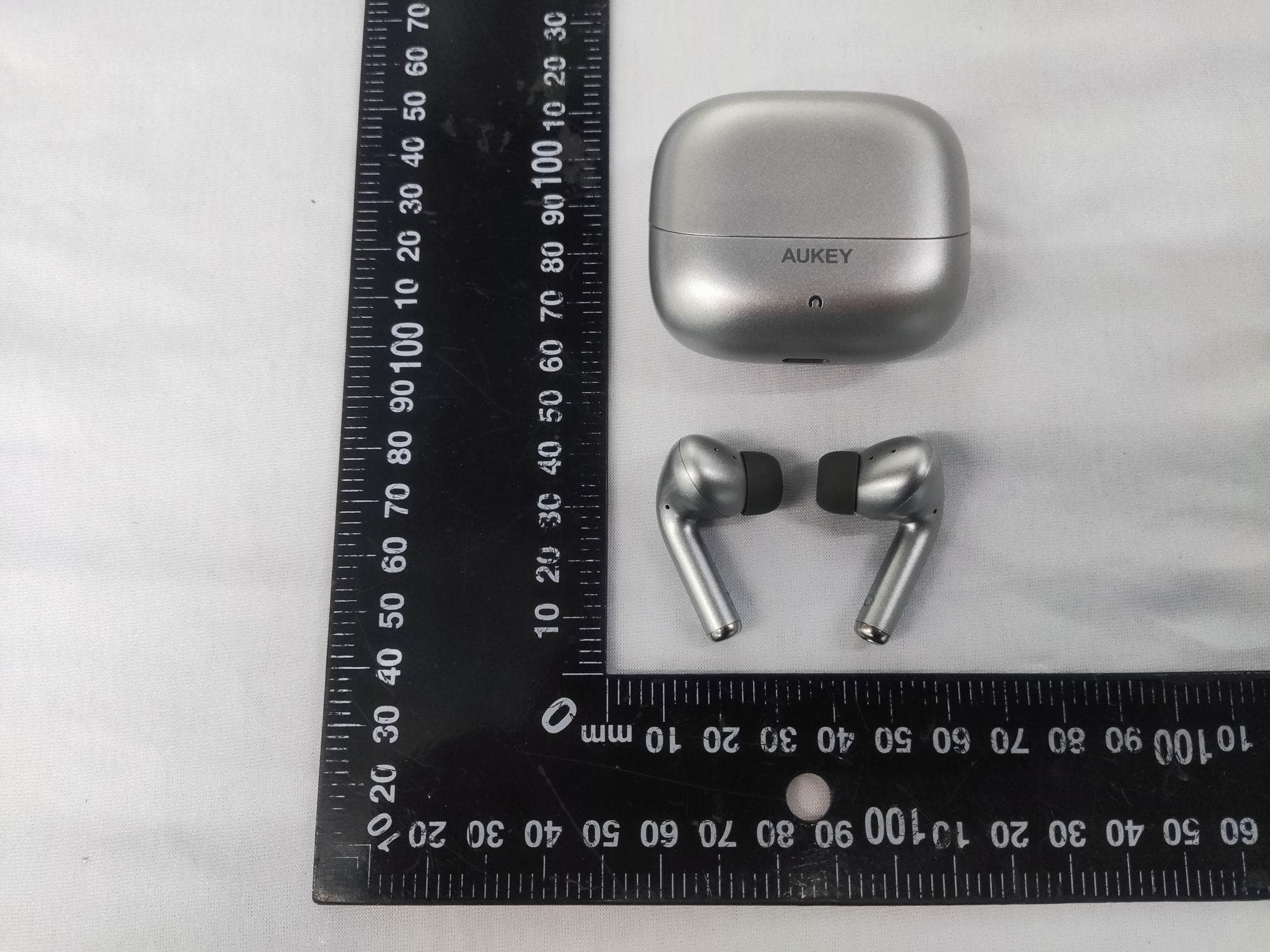
2ATIH-EP-B1
Aug 15, 2024True Wireless Earbuds with Hybrid ANC
Equipment Class
DSS - Part 15 Spread Spectrum Transmitter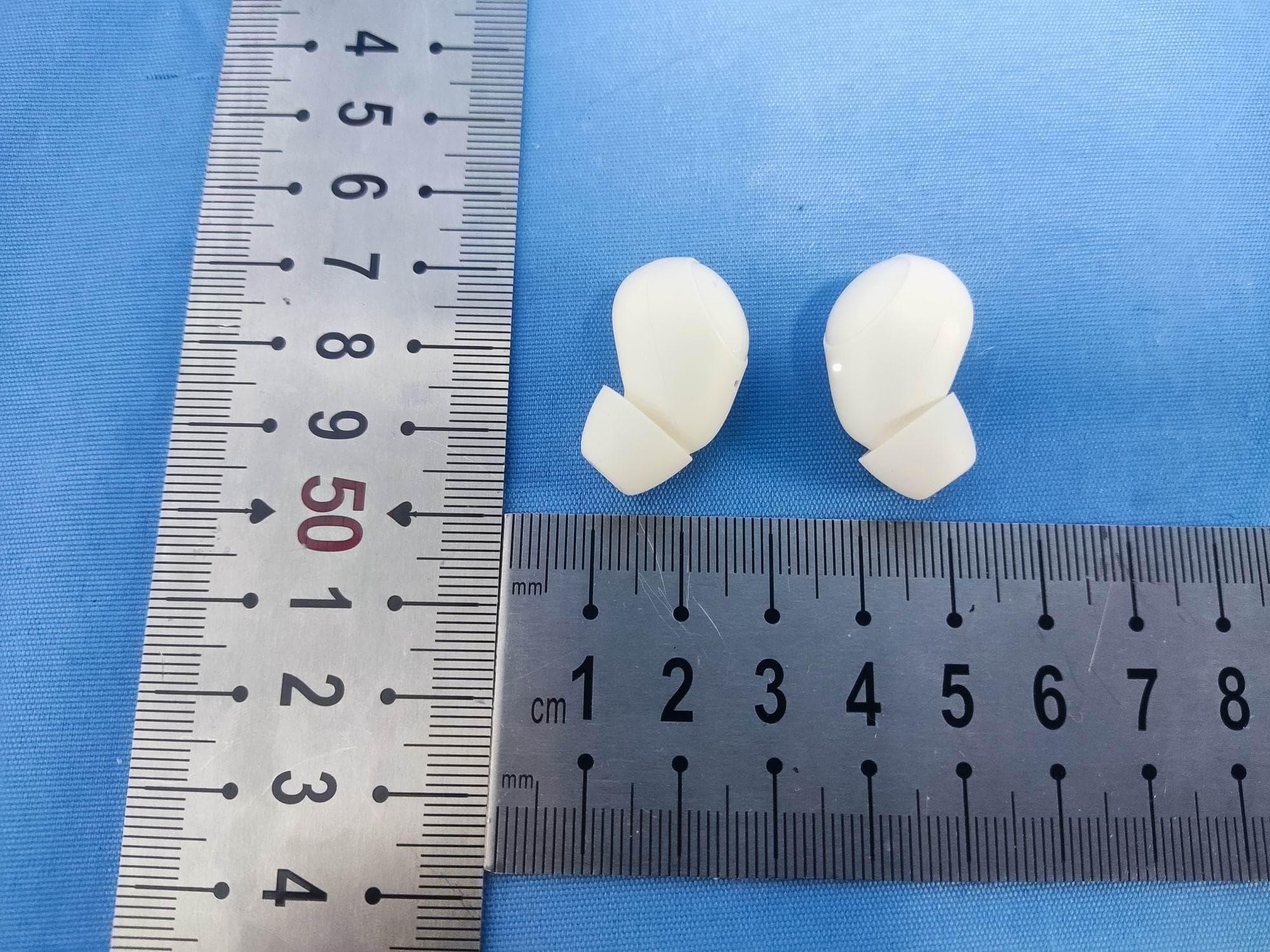
2ATIH-EP-M3A
Jul 30, 2024True Wireless Earbuds
Equipment Class
DSS - Part 15 Spread Spectrum Transmitter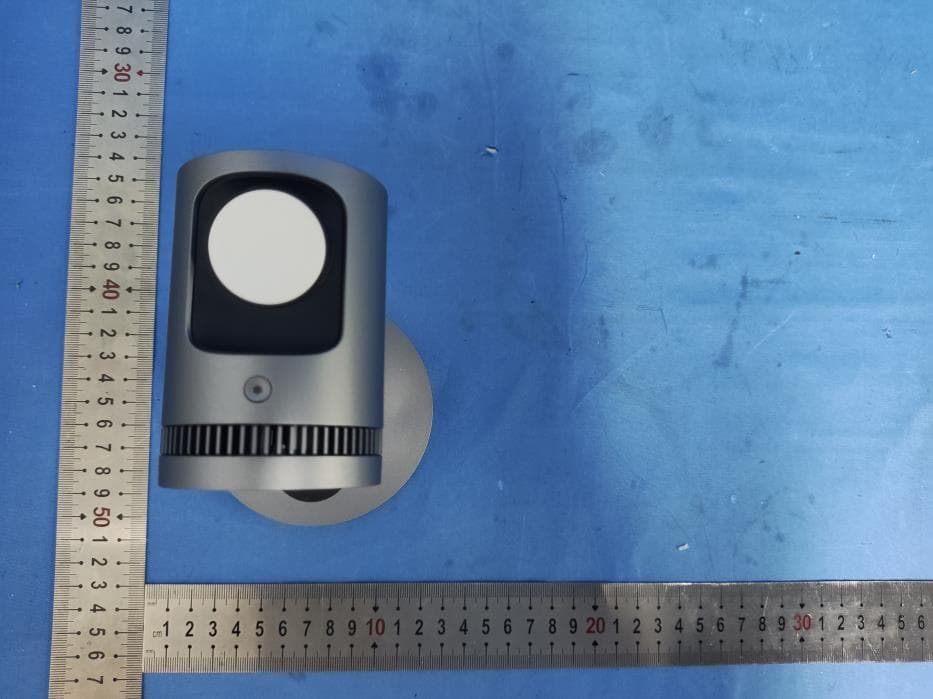
2ATIH-LC-MC311A
Jul 21, 2024MagFusion 3-in-1 Pro Qi2 Magnetic Fast Wireless Charging Station with Active Cooling System
Equipment Class
DCD - Part 15 Low Power Transmitter Below 1705 kHz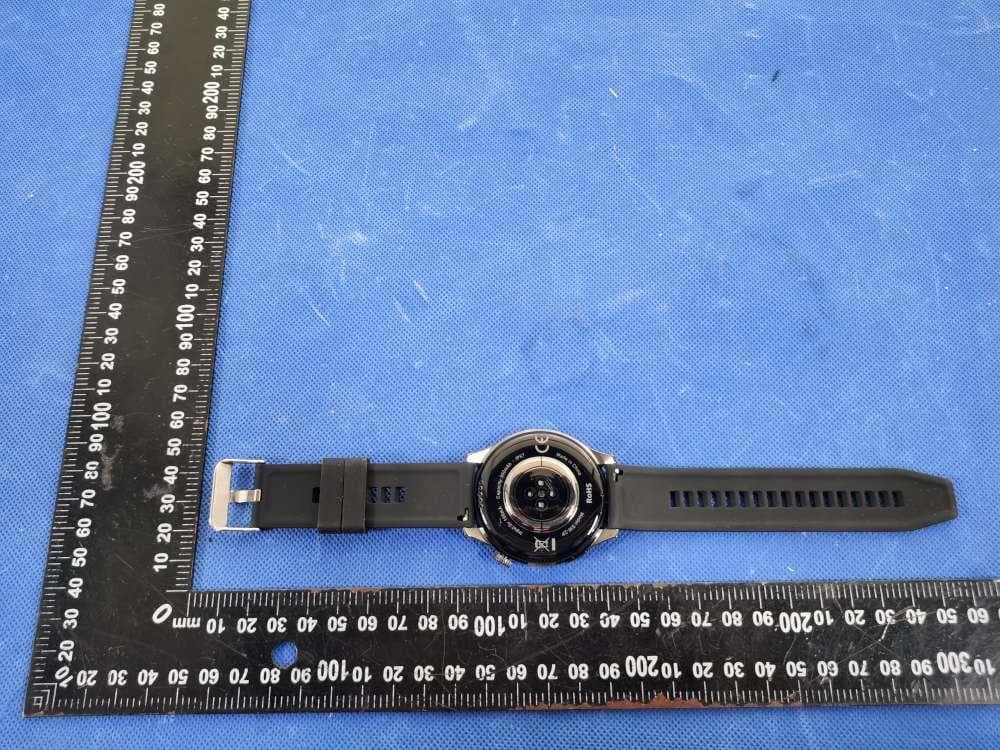
2ATIH-SW2P
Dec 09, 2023SmartWatch
Equipment Class
DXX - Part 15 Low Power Communication Device Transmitter