2ATIH-WR-AX01wireless router
Aukey Technology Co.,Ltd.
Click to zoom
Application Details
- Equipment Class
- NII - Unlicensed National Information Infrastructure TX
- Date of Grant
- Jul 04, 2021
- Application Purpose
- Original Equipment
- Date of Application
- Jul 04, 2021
- Equipment Note
- wireless router
- Frequency Range
- 5745.00000000 - 5805.00000000
- Company
- Aukey Technology Co.,Ltd.
- Country
- China
Documents & Files
Document Text
Text extracted from the exhibit documents filed with the FCC. Open a document above to read the original.
Users Manual
● ● ● Thank you for purchasing the AUKEY WiFi 6 AX1800 Dual-Band Wireless Router. Please read this user manual carefully and keep it for future reference. If you need any assistance, please contact our support team with your product model number and Amazon order number. 1. 2. 3. 4. 5. 6. 7. Note: It is recommended to operate the MESH network within 3 meters. After the network is successful, the WiFi name will be unified automatically. Getting Started: Connect the power adapter to your router and plug the power adapter into an outlet Wired Connection: Once the router is powered on, connect your computer or laptop to the router using an Ethernet cable WiFi Connection: You can connect to the router’s WiFi network with WiFi Protected Setup (WPS) or you can find and select a WiFi network ●On your computer or wireless device, find and select the WiFi network. Join the WiFi network and enter the WiFi password. (The WiFi network name and password are on the router’s label) Indicator instructions During the start-up: Indicator is red for 10 sec then begins blinking Red/Green/Blue (alternating). After set-up: a. flashing green light - WAN port is connected; WiFi is turned on b. steady green light - WAN port is disconnected; WiFi is on c. steady blue light - WAN port is connected; WiFi is off d. steady red light - WAN port is disconnected and the WiFi is off Reset the Router: Long press the reset button for 6 seconds to reset the router How to use the WPS connection function of the router? a. For the first use, please log in to the router management page, enter the [Wireless]-[WPS] page, and enable WPS b. Within two minutes, press the router’s WPS/MESH button, now the WPS connection is open. Connect devices such as mobile phones by starting a standard WPS negotiation to the router’s WiFi network Note: Some phones support this function, please search for [WPS] in the phone settings. How to use the Mesh networking function of the router? a. Make sure that the router is connected to the Internet normally, after the router is powered on, and the other router is normally connected to the power supply b. Press and hold the WPS/Mesh buttons of the two routers in sequence for 5 seconds within 30 seconds. After you release them, the indicator will flash blue once binding is complete. After the green light flashes, it means that multiple routers have connected successfully using MESH networking ●Click ‘Setup Wizard’ to set up your router by following the instructions Launch an Internet browser from a computer or wireless device that is connected to the network Type ‘192.168.101.1’ A login screen will display as below. Enter the router username and password. (The username and default password are on the router’s label) AX1800 Dual-Band Wireless Router RJ45 Ethernet Cable Power Adaptor User Manual Package Contents Set Up the Internet: 1. 2. 3. 4. 5. 6. This device has been tested and found to comply with the limits for a Class B digital device, pursuant to Part 15 of the FCC Rules. These limits are designed to provide reasonable protection against harmful interference in a residential installation. This device generates, uses and can radiate radio frequency energy and, if not installed and used in accordance with the instructions, may cause harmful interference to radio communications. However, there is no guarantee that interference will not occur in a particular installation. If this device does cause harmful interference to radio or television reception, which can be determined by turning the device off and on, the user is encouraged to try to correct the interference by one or more of the following measures: -- -- -- -- Changes or modifications not expressly approved by the party responsible for compliance could void the user's authority to operate the equipment Reorient or relocate the receiving antenna. Increase the separation between the device and receiver. Connect the device into an outlet on a circuit different from that to which the receiver is connected. Consult the dealer or an experienced radio/TV technician for help Put the router in a central location to the nodes Place the router in a high location Keep away from corners, walls, windows, metal doors, fish tanks, mirrors, etc. Remove objects around from obstructing the router Avoid electronic noise interference Adjust the angle of the antenna for a better connection Notes: For questions, support, or warranty claims, contact us at the address below corresponding with your region. Please include your Amazon order number and product model number. *Please note, AUKEY can only provide after sales service for products purchased directly from AUKEY. If you have purchased from a different seller, please contact them directly for service or warranty issues. Amazon US orders: [email protected] Amazon EU orders: [email protected] Amazon CA orders: [email protected] Amazon JP orders: [email protected] Warranty & Customer Support The antennas used for this transmitter must be installed to provide a separation distance of at least 20 cm from all persons and must not be co-located for operating in conjunction with any other antenna or transmitter. FCC Radiation Exposure Statement Specifications Product Instruction Product Diagram Model WiFi Speed Application Scenarios Antennas Frequency Button Ports CPU Data Encryption Mesh Network Item Weight Power Supply Flash/Memory Dimensions Operating Environment WR-AX01 1800Mbps (1201Mbps on 5GHz; 573Mbps on 2.4GHz) Home, Office, Shopping Mall, Restaurant 2.4G+5.8G: 2T2R 5dBi 802.b/g/n/ax:2.412-2.462GHz; 802.a/n/ac/ax:5.180-5.240GHz; 5.745-5.805GHz RESET, WPS/MESH 1 * 10/100/1000Mbps RJ45 WAN 3 * 10/100/1000Mbps RJ45 LAN MT7621A+MT7905DAN+MT7975DN WPA-PSK/WPA2-PSK, WPA/WPA2, WPA3 Easy Mesh 293g / 10.33oz DC 12V 1A 16MB / 256MB 10.31” x 6.97” x 7.09” (262 x 177 x 180mm) Operating TemperatureNormal: -40°C to +55°C; Storage Temperature-40° C to +70° C Operating Humidity5%~ 90% Storage Humidity5%~ 95% Connect to…
Text truncated - open the document above for the full version.
Cover Letter(s)
July Fede Auth 7345 Colu On o C, 1s Villa to ac that certi f defin labe For i beha for c Room Zone <Sig n Name Title: Applic 05, 2021 eral Commu horization & 5 Oakland M umbia, Mary our behalf, I st Floor, Blo ge, Nansha ct as our age submitted d fication is so ned in the Fe l identical to instances w alf, I acknow certification, m 201,Build e,Qianhai, S nature>: e:YouWei cant Compa unications C Evaluation D Mills Road land 21046 appoint She ock B, Jun X n District, S ent in the pr documents p ought. I also ederal Comm o that submit where our au wledge that still resides ing A,No.1 Q Shenzhen,G Luo any:Shenz ommission Division Author i enzhen Time Xiang Da Bui henzhen, C reparation of properly desc o certify that munications tted for appr uthorized ag all responsi with S h e Qianwan 1s uangdong ,C zhen Aukey ity to Act as eway Testin ilding, Zhon hina (Name f this applica cribe the de each unit m s Commissio roval with th ent signs th ibility for com nzhen Au st Road, She China yhi Technolo s Agent ng Laborator gshan Park of Agent co ation for equ evice or syst manufactured on’s regulatio his applicatio he applicatio mplying with ukeyhi Te enzhen-Hon ogy Co.,Ltd ries/ Zone C Road West ompany nam uipment cert em for which d, imported ons will hav on. on for certific h the terms echnology gKong Coop C, 1st Floor, t, Tong Le me and addr tification. I c h equipme n or marketed ve affixed to cation on ou and conditio y Co.,Ltd/ peration Zone ress) ertify t d, as it a ur ons /
Cover Letter(s)
July 05, 2021 Equipment Autorisation Division Federal Communications Commission 7435 Oakland Mills Road Columbia, MD 21046 FCC ID: 2ATIH-WR-AX01 Product Name: wireless router Request for Confidentiality Pursuant to Sections 0.457 and 0.459 of the commissions rules, we hereby request that the following documents be held confidential: • Schematics • Block diagram • Operation description These materials contain trade secrets and proprietary information and are not customarily released to the public. The public disclosure of this information might be harmful to the company and provide unjustified benefits to our competitors. <Signature>: Name:YouWei Luo Title: Applicant Company:Shenzhen Aukeyhi Technology Co.,Ltd
Cover Letter(s)
Shenzhen Aukeyhi Technology Co.,Ltd Statement We Shenzhen Aukeyhi Technology Co.,Ltd Hereby Declare that The product wireless router, models no. WR-AX01, WR-AX02, WR-AX03, WR-AX04, WR-AX05, WR-AX06, WR-AX07, WR-AX08, WR-AX09, WR-AX10, WR-AX11, WR-AX12, WR-AX13, WR-AX14, WR-AX15, WR-AX16 are all identical in interior structure, electrical circuits and components, and just the model names are different for the marketing requirement. Your assistance on this matter is highly appreciated. Yours sincerely, Signature: Company Name: Shenzhen Aukeyhi Technology Co.,Ltd
ID Label/Location Info
材质:128g银色不干胶贴纸 尺寸:70*28mm 印刷颜色:单黑 Model Number: WR-AX01 Power Supply: DC 12V 1A IP Address: 192.168.101.1 User Name: admin FCC ID: 2ATIH-WR-AX01 Password: admin Wi-Fi Network Name: AUKEY-2.4G AUKEY-5G Wi-Fi Password: aukey123456 Production Date: -----2118 MAC: AUKEY Wi-Fi 6 AX1800 Dual Band Wireless Router Aukey Technology Co., Ltd. www.aukey.com | [email protected] No.102, Building P09, Electronics Trade Center Huanan City, Pinghu Town, Longgang DistrictShenzhen, Guangdong, 518111, CN Made in China This device complies with Part 15 of the FCC Rules. Operation is subject to the following two conditions: (1) this device may not cause harmful interference, and (2) this device must accept any interference received, including interference that may cause undesired operation
ID Label/Location Info
Label Location
RF Exposure Info
Maximum Permissible Exposure FCC ID: 2ATIH-WR-AX01 Applicable Standard Systems operating under the provisions of this section shall be operated in a manner that ensures that the public is not exposed to radio frequency energy level in excess limit for maximum permissible exposure. In accordance with 47 CFR FCC Part 2 Subpart J, section 2.1091 this device has been defined as a mobile device whereby a distance of 0.2m normally can be maintained between the user and the device. (a) Limits for Occupational / Controlled Exposure Frequency Range (MHz) Electric Field Strength (E) (V/m) Magnetic Field Strength (H) (A/m) Power Density (S) (mW/cm 2 ) Averaging Times ︱E︱ 2 , ︱H︱ 2 or S (minutes) 0.3-3.0 614 1.63 (100)* 6 3.0-30 1842/f 4.89/f (900/f)* 6 30-300 61.4 0.163 1.0 6 300-1500 F/300 6 1500-100000 5 6 (b) Limits for General Population / Uncontrolled Exposure Frequency Range (MHz) Electric Field Strength (E) (V/m) Magnetic Field Strength (H) (A/m) Power Density (S) (mW/cm 2 ) Averaging Times ︱E︱ 2 , ︱H︱ 2 or S (minutes) 0.3-1.34 614 1.63 (100)* 30 1.34-30 824/f 2.19/f (180/f)* 30 30-300 27.5 0.073 0.2 30 300-1500 F/1500 30 1500-100000 1.0 30 Note: f=frequency in MHz; *Plane-wave equivalent power density MPE Calculation Method E (V/m) = (30*P*G) 0.5 /d Power Density: Pd (W/m 2 ) = E 2 /377 E = Electric Field (V/m) P = Peak RF output Power (W) G = EUT Antenna numeric gain (numeric) d = Separation distance between radiator and human body (m) The formula can be changed to Pd = (30*P*G) / (377*d 2 ) From the peak EUT RF output power, the minimum mobile separation distance, d=0.2m, as well as the gain of the used antenna, the RF power density can be obtained. Calculated Result and Limit Antenna Gain for each one: 5.88dBi Assembly Antenna Gain: 8.89dBi Assembly Antenna Gain (Numeric) Output Power (dBm) Peak Output Power (mW) Power Density (S) (mW/cm 2 ) Limit of Power Density (S) (mW/cm 2 ) Test Result 7.745 23.30 213.80 0.329 1 Compiles Note: the worst case (802.11g) was recorded.
Test Setup Photos
Conducted Emission Test Setup: Radiated Emission Test Setup:
Contact Information
Applicant
Jiaguang Zhou(Manager)
Test Firm
Shenzhen Timeway Testing LaboratoriesTerry Tang
[email protected]+86-755-83448688
Technical Specifications
| # | Rule Parts | Frequency Range | Power Output |
|---|---|---|---|
| 2 | 15E | 5.75 GHz - 5.80 GHz | 24.55 mW |
Other Applications from Aukey Technology Co.,Ltd.
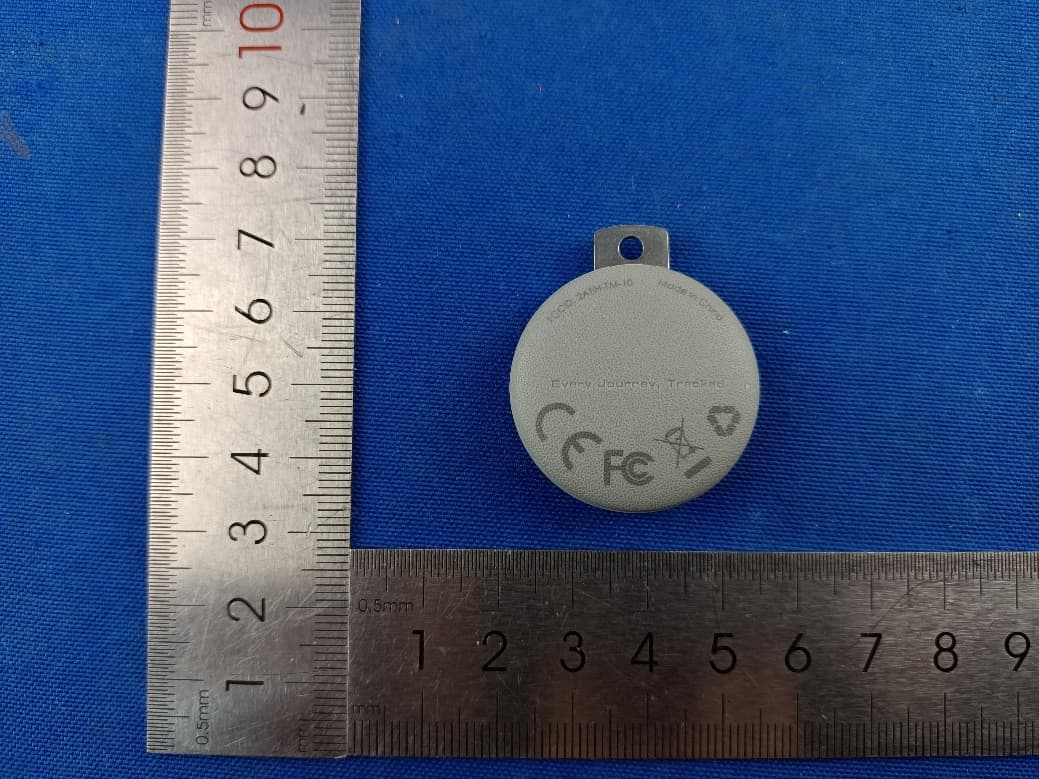
2ATIH-TM-10
Sep 07, 2024Smart Bluetooth Tracker
Equipment Class
DTS - Digital Transmission System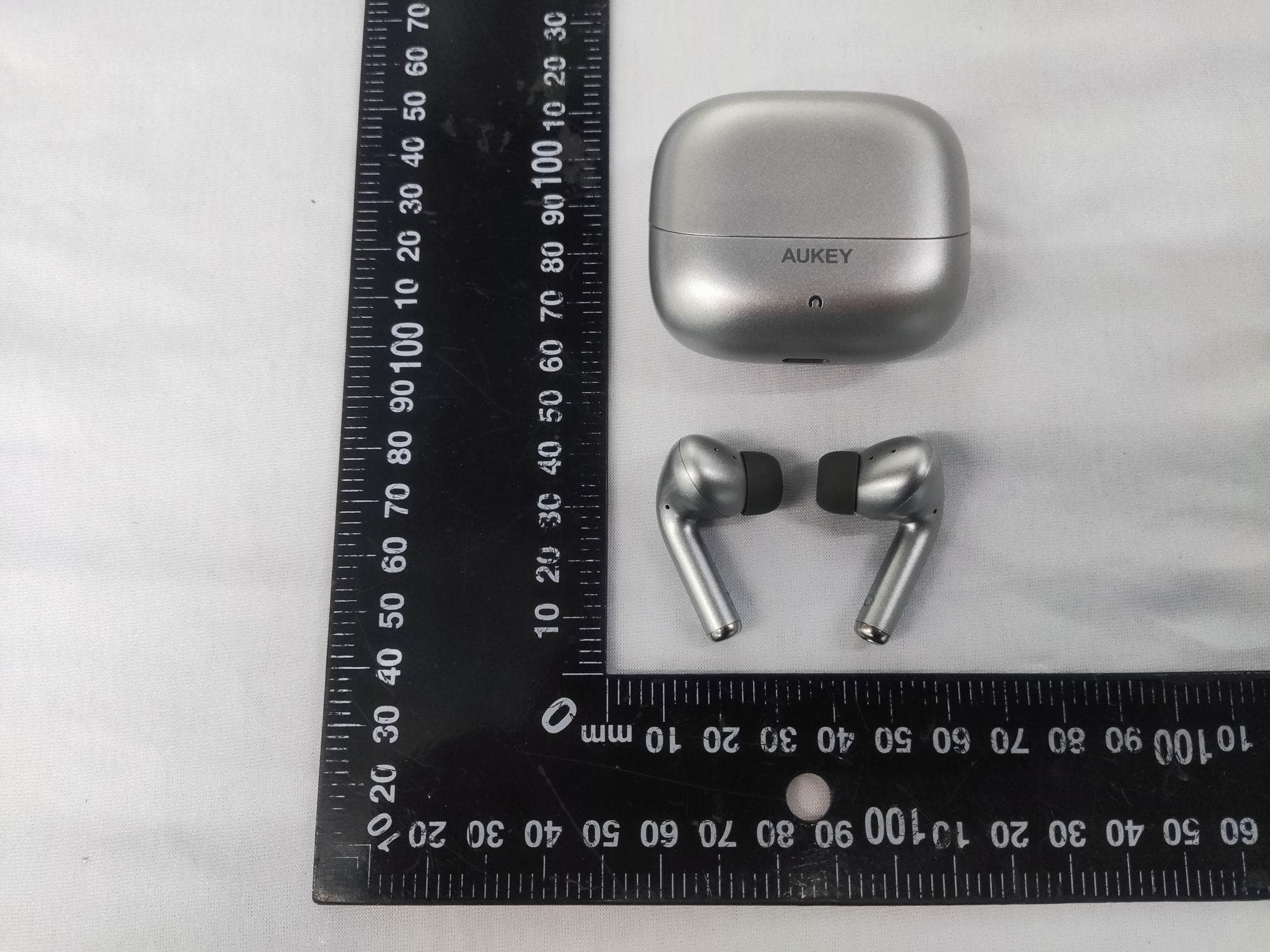
2ATIH-EP-B1
Aug 15, 2024True Wireless Earbuds with Hybrid ANC
Equipment Class
DSS - Part 15 Spread Spectrum Transmitter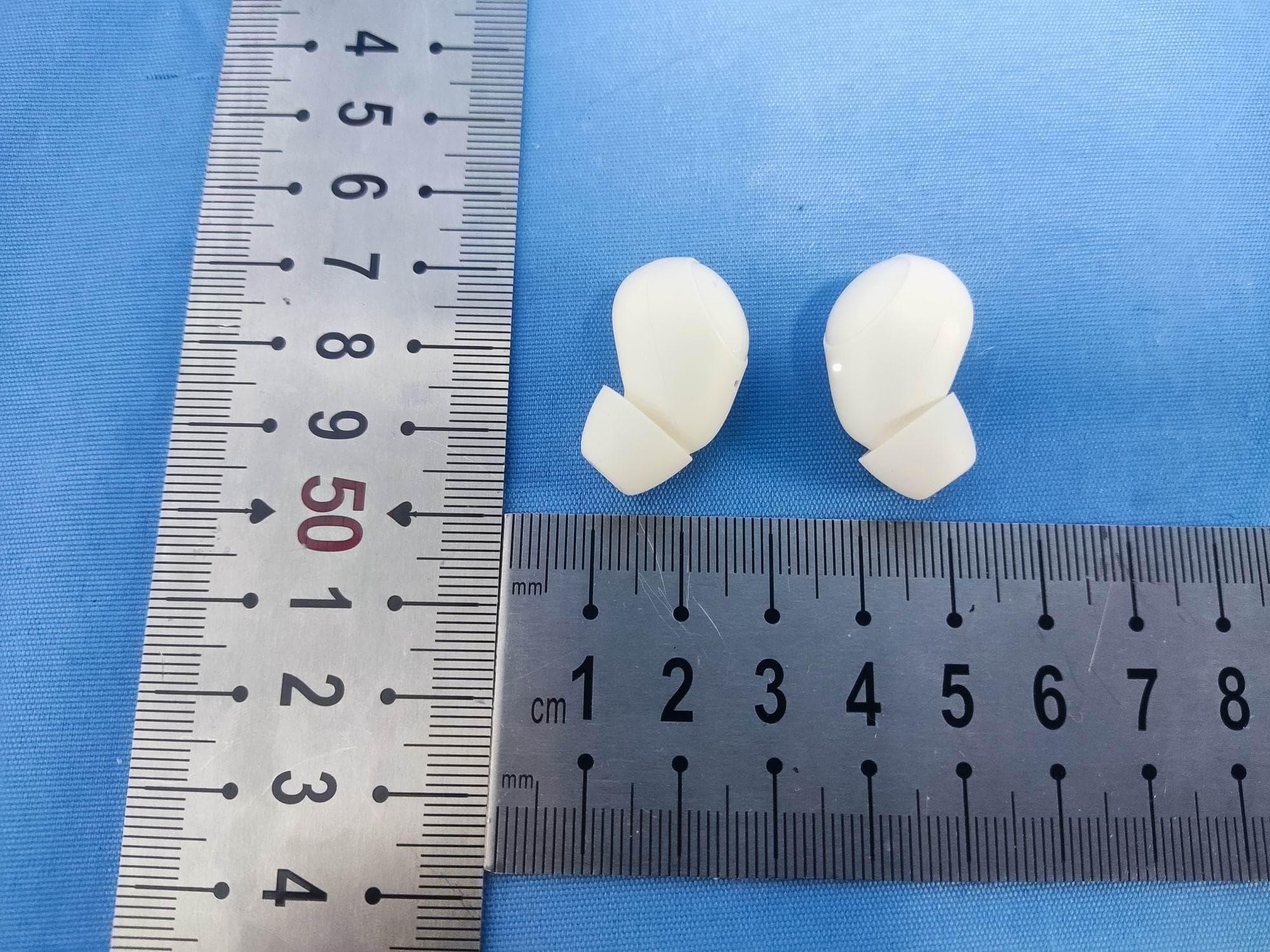
2ATIH-EP-M3A
Jul 30, 2024True Wireless Earbuds
Equipment Class
DSS - Part 15 Spread Spectrum Transmitter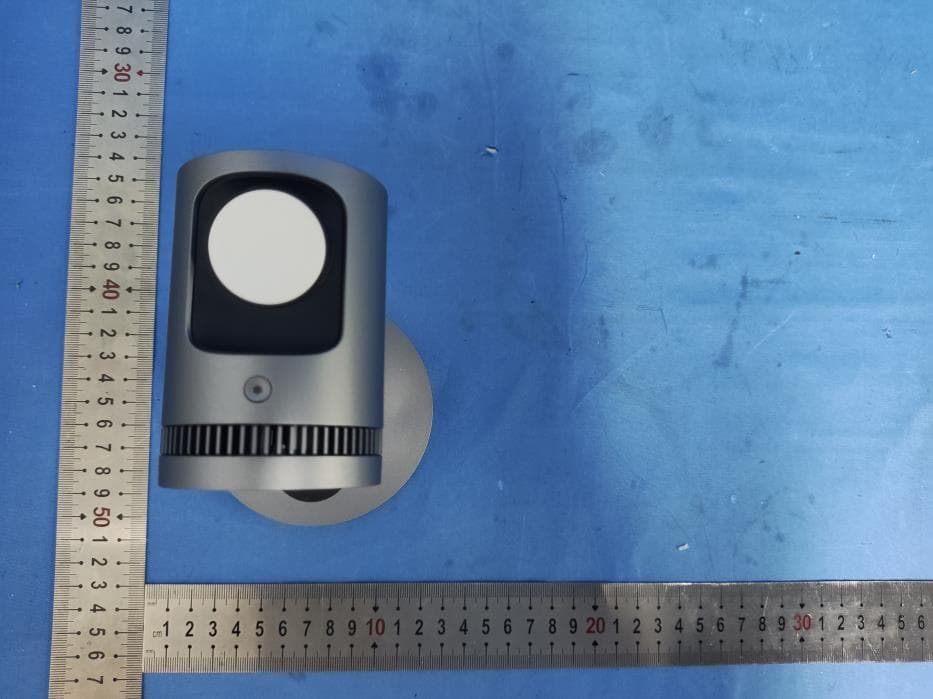
2ATIH-LC-MC311A
Jul 21, 2024MagFusion 3-in-1 Pro Qi2 Magnetic Fast Wireless Charging Station with Active Cooling System
Equipment Class
DCD - Part 15 Low Power Transmitter Below 1705 kHz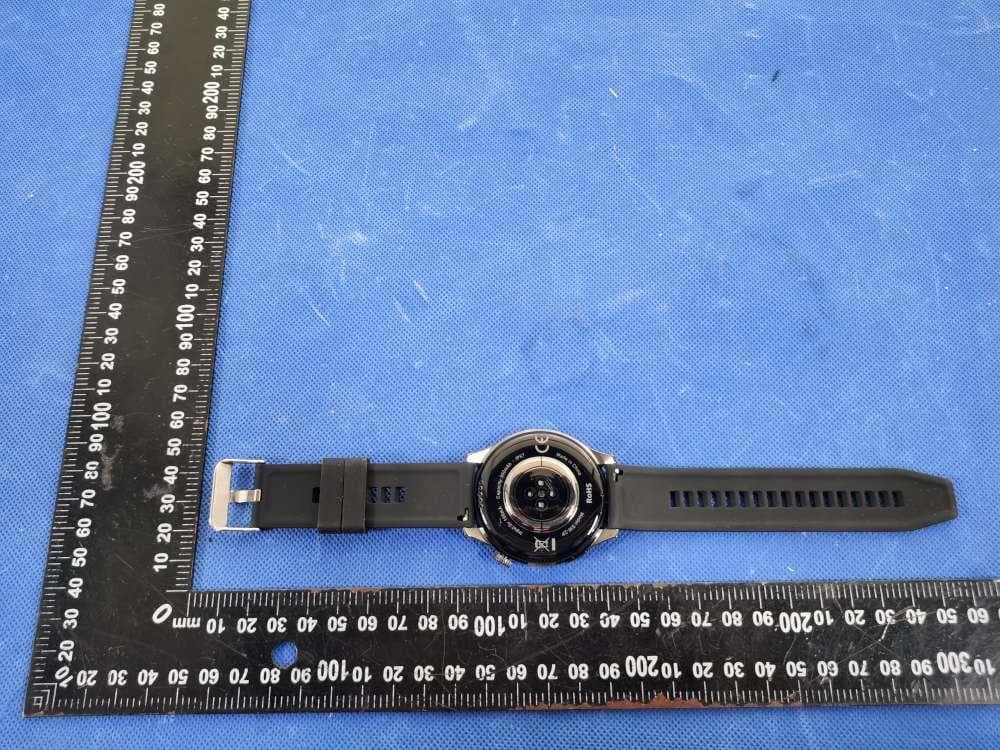
2ATIH-SW2P
Dec 09, 2023SmartWatch
Equipment Class
DXX - Part 15 Low Power Communication Device Transmitter