2ATM77103YoLink Thermostat
YoSmart Inc.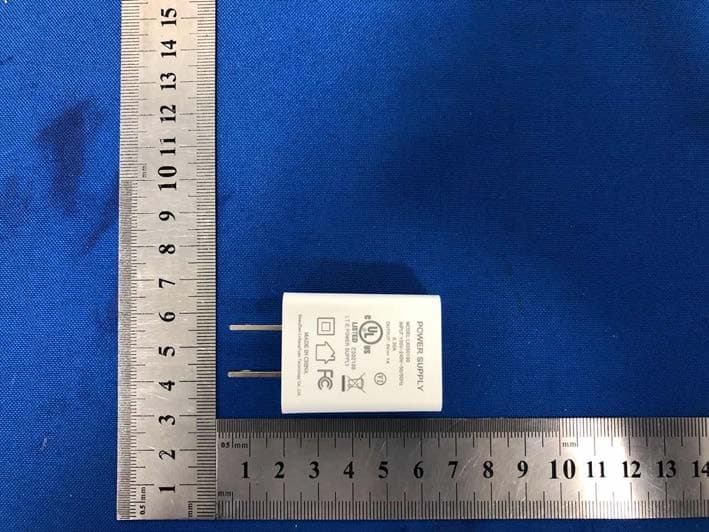
Click to zoom
Application Details
- Equipment Class
- DXX - Part 15 Low Power Communication Device Transmitter
- Date of Grant
- Jul 02, 2020
- Application Purpose
- Original Equipment
- Date of Application
- Jul 02, 2020
- Equipment Note
- YoLink Thermostat
- Frequency Range
- 910.30000000 - 910.30000000
- Company
- YoSmart Inc.
- Country
- United States
Documents & Files
Document Text
Text extracted from the exhibit documents filed with the FCC. Open a document above to read the original.
Users Manual
User Guide YS7103-UC Siren Alarm SET Contents What’s In The Box······································1················· Introduction·············································2················· Features··································································4 Product Required·······················································4 Set Up·································· Siren Alarm·······················5 Using YoLink App with ···Siren Alarm··································9 Maintainingthe ·························· Siren Alarm·················21 Specifications···························································24 YoLink Control·······································15·················· Troubleshooting···································25······················ Warning···································································26 CService & Warranty··················27ustomer ······················ 1 What’s In The Box AC/DC Adapter * 1USB Cable * 1 Quick Start Guide * 1 Siren Alarm * 1 SET 2 Introduction YoLink Siren Alarm is primarily used for YoLink device-assisted alerts based on YoLink Control settings or automation settings. It can also alarm itself through button control on the device or through the YoLink App. When an alarm occurs, the device emits a loud sound and a red light. If the alert is caused by a relative device, not on its own, you can tell from its history logs on YoLink APP which device triggers a warning. Support USB power or battery power. If there is a power outage, the device can keep working with 2 AA batteries (you need to purchase and install it yourself). OFF L M H TOGGLE BUTTON Adjust alarm sound level: H(high); M(medium); L(low). OFF: Turn off the device. MICRO USB PORT Siren Alarm Made in China Voltage: 5V/1A DC (USB) / 3V DC (2 - AA Battery) FCC ID: 2ATM77103 YS7103-UC Model: SN: 7103123456 BATTERY COVER MOUNTING HOLE LED lights and beeping sound can show the current status of device. See the explanation below: 3 SET SET BUTTON BLINKING GREEN Connecting to cloud. FAST BLINKING GREEN Set up connection with devices. FAST BLINKING RED Remove connection with devices. BLINKING RED AND GREEN ALTERNATELY Factory resetting. SLOW BLINKING GREEN Updating. ALARM LIGHT BLINKING RED Warning. BLINKING RED (EVERY 30s) Battery is low, please replace the battery. BEEPING SOUND WHOA ONCE Turn on the device. WHOA (for 5s) Adjust the alarm sound level. WHOA (According to the alarm duration, the default is 30s) Warning. Features Control from anywhere - Control and monitor your Siren Alarm remotely via YoLink App on your iOS or Android device. Three levels of alarm sounds - Set the alarm sound according to your needs. Battery Level - Monitoring the current battery level and send a low battery notification only when the device is battery-powered and the battery is low. Automation - Set up rules for “if this then do that” function via YoLink App. Work with IFTTT - Set up rules for “If This Then That” function via IFTTT App. Product Required 4 Voice Control - Use Alexa or Google Assistant to alarm or diable alarm with voice commands. YoLink Control - No internet required, trigger an alarm when you pair Siren Alarm with a YoLink sensor or a YoLink Remote. 1. A YoLink Hub (Connecting to internet). 2. A smartphone or tablet running iOS 9.0 or higher; Android 4.4 or higher. 3. 2 AA batteries if you want to power the device by battery. Set Up Siren Alarm Follow the steps below to set up your Siren Alarm via YoLink App. Step 1: Set up YoLink App Download the YoLink App from the Apple App Store or Google Play. 5 If you don’t have a YoLink account, tap Sign up for an account and follow the steps to sign up for an account. Open the App. Use your YoLink account to log in. Step 2: Log in or sign up with YoLink account 6 Step 3: Add device to YoLink App b. Room - Choose a room for Siren Alarm. a. Name - Name Siren Alarm. You can customize the name, set the room, add to/remove from favourite. Tap the “ ” in YoLink App. Scan the QR Code on the device. Tap the “Bind Device” to add the device to your YoLink account. c. Favourite - Click “ ” icon to add to/remove from Favourite. 7 Siren Alarm Made in China Voltage: 5V/1A DC (USB) / 3V DC (2 - AA Battery) FCC ID: 2ATM77103 YS7103-UC Model: SN: 7103123456 a b c Step 4: Set up connection Turn on the Siren Alarm, set the toggle button to level, and the H(high), M(medium), L(low) device will be ready to use. Note YoLink Hub is required to set up Siren Alarm. Please set up your YoLink Hub first. 8 YoLink Cloud DATA (YoLink) DATA (Internet) DATA (Internet) Power Adapter S E T Using YoLink App with Siren Alarm Alarm and Disable Alarm Display the current state of the Siren Alarm, click to enable or disable the alarm. Note Only devices that are set up connection with Siren Alarm will trigger alarm of Siren Alarm. You will need to set up YoLink control or automation first. 9 If the alert is caused by a relative device, not on its own, you can tell from its history logs on YoLink App which device triggers a warning. Due to product R&D, there may be new devices that support collaboration with siren alarms, and we will keep the guide updated. Siren Alarm will disable alarm automatically according to the alarm duration setting. Alert Duration default is to be 30 seconds. 10 How does the Siren Alarm alarm with sound and light? When there is a water leak warning. When a movement is detected. When the door is opened. Press once the SET button on the Siren Alarm. When the door is closed. Press the relative ON button on the YoLink Remote. How to disable the sound and light alarm? Click Disable button in YoLink App. Press the SET button on the Siren Alarm. Press the relative OFF button on the YoLink Remote. Automatically disable alarm according to the Alarm Duration setting via YoLink APP, the default setting is 30 seconds. 11 Disable AlarmAlarmHistory Details a. Name - Name Siren Alarm. b. Room - Choose a room for Siren Alarm. e. Alarm Durat…
Text truncated - open the document above for the full version.
Cover Letter(s)
(YoSmart Inc.) Federal Communications Commission Authorization and Evaluation Division Confidentiality Request regarding application for certification of FCC ID: 2ATM77103 Pursuant to Sections 0.457 and 0.459 of the Commission’s Rules, we hereby request confidential treatment of information accompanying this application as outlined below: Exhibit Type File Name Block Diagram, Schematics, Operational Description Block Diagram Schematics Operational Description The above materials contain trade secrets and proprietary information not customarily released to the public. The public disclosure of these materials may be harmful to the applicant and provide unjustified benefits to its competitors. The applicant understands that pursuant to Section 0.457 of the Rules, disclosure of this application and all accompanying documentation will not be made before the date of the Grant for this application. Sincerely, ( Manxiang Xu) Rev 11/20/07
Cover Letter(s)
YoSmart Inc. Model Difference Product description: Siren Alarm Model name: YS7103-UC , YS7103-UA Trade Name: N/A FCC ID:2ATM77103 All the model are the same circuit and RF module, except model names. Regards Sincerely Client’s signature: Client’s name / title : Manxiang Xu / N/A Contact information / address: 17165 Von Karman Avenue, Suite 105, Irvine CA, 92614, USA
Cover Letter(s)
(YoSmart Inc.) Federal Communications Commission Authorization and Evaluation Division 1435 Oakland Mills Road Columbia, MD 21046 Date: SUBJECT: FCC Application for FCC ID: 2ATM77103 To Whom It May Concern: We, the undersigned, hereby authorize Andy Yuan at Shenzhen BCTC Testing Co., Ltd. on our behalf, to apply to the Federal Communications Commission on our equipment. Any and all acts carried out by Andy Yuan of Shenzhen BCTC Testing Co., Ltd. on our behalf shall have the same effect as acts of our own. This is to advise that we are in full compliance with the Anti- Drug Abuse Act. We, the applicant, are not subject to a denial of federal benefits pursuant to Section 5301 of the Anti-Drug Act of 1988, 21 USC853a, and no party to the application is subject to a denial of federal benefits pursuant to that section. Regards, ( Manxiang Xu)
External Photos
External Photos
ID Label/Location Info
Label & label location
Internal Photos
Internal Photos Antenna
Test Report
Shenzhen BCTC Testing Co., Ltd. Report No.: BCTC2006000086E FCC Part 15C Test Report FCC ID: 2ATM77103 Product Name: Siren Alarm Trademark: N/A Model Name : YS7103-UC YS7103-UA Prepared For : YoSmart Inc. Address : 17165 Von Karman Avenue, Suite 105, Irvine CA, 92614, USA Prepared By : Shenzhen BCTC Testing Co., Ltd. Address : BCTC Building & 1-2F, East of B Building, Pengzhou Industrial, Fuyuan 1st Road, Qiaotou Community, Fuyong Street, Bao'an District, Shenzhen, China Test Date: Jun. 01, 2020 – Jun. 10, 2020 Date of Report : Jun. 10, 2020 Report No.: BCTC2006000086E Te s t Report Tel: 400-788-9558 Web: https://www.bctc-lab.com BCTC/RF-EMC-0 07 Ver.:A.0 Page 1 of 35 Shenzhen BCTC Testing Co., Ltd. Report No.: BCTC2006000086E TEST RESULT CERTIFICATION Applicant’s name ................. : YoSmart Inc. Address ................................. : 17165 Von Karman Avenue, Suite 105, Irvine CA, 92614, USA Manufacture's Name ............ : YoSmart Inc. Address ................................. : 17165 Von Karman Avenue, Suite 105, Irvine CA, 92614, USA Product description Product name ............................ : Siren Alarm Model and/or type reference : N/A Serial Model .............................. : YS7103-UC YS7103-UA Te s t Standards ....................... : FCC Part15.249 ANSI C63.10-2013 This device described above has been tested by BCTC, and the test results show that the equipment under test (EUT) is in compliance with the FCC requirements. And it is applicable only to the tested sample identified in the report. This report shall not be reproduced except in full, without the written approval of BCTC, this document may be altered or revised by BCTC, personal only, and shall be noted in the revision of the document. Prepared by(Engineer): Sam zeng Reviewer(Supervisor): Eric Yang Approved(Manager): Zero Zhou Te s t Report Tel: 400-788-9558 Web: https://www.bctc-lab.com BCTC/RF-EMC-0 07 Ver.:A.0 Page 2 of 35 Shenzhen BCTC Testing Co., Ltd. Report No.: BCTC2006000086E Table of Contents Page 1 . SUMMARY OF TEST RESULTS 5 1.1 TEST FACILITY 6 1.2 MEASUREMENT UNCERTAINTY 6 2 . GENERAL INFORMATION 7 2.1 GENERAL DESCRIPTION OF EUT 7 2.2 DESCRIPTION OF TEST MODES 8 2.3 BLOCK DIGRAM SHOWING THE CONFIGURATION OF SYSTEM TESTED 9 2.4 DESCRIPTION OF SUPPORT UNITS(CONDUCTED MODE) 9 2.5 EQUIPMENTS LIST FOR ALL TEST ITEMS 10 3 . EMC EMISSION TEST 12 3.1 CONDUCTED EMISSION MEASUREMENT 12 3.1.1 POWER LINE CONDUCTED EMISSION LIMITS 12 3.1.2 TEST PROCEDURE 12 3.1.3 DEVIATION FROM TEST STANDARD 12 3.1.4 TEST SETUP 13 3.1.5 EUT OPERATING CONDITIONS 13 3.1.6 TEST RESULTS 14 3.2 RADIATED EMISSION MEASUREMENT 16 3.2.1 RADIATED EMISSION LIMITS 16 3.2.2 TEST PROCEDURE 17 3.2.3 DEVIATION FROM TEST STANDARD 17 3.2.4 TEST SETUP 18 3.2.5 EUT OPERATING CONDITIONS 19 3.2.6 TEST RESULTS (BETWEEN 9KHZ – 30 MHZ) 20 3.2.7 TEST RESULTS (BETWEEN 30MHZ – 1GHZ) 21 3.2.8 TEST RESULTS (ABOVE 1000 MHZ) 23 3.2.9 FIELD STRENGTH CALCULATION 24 4 . 100 KHZ BANDWIDTH OF FREQUENCY BAND EDGE 26 4.1 DEVIATION FROM STANDARD 26 4.2 TEST SETUP 26 4.3 EUT OPERATION CONDITIONS 26 4.4 TEST RESULTS 26 5 . BANDWIDTH TEST 29 Te s t Report Tel: 400-788-9558 Web: https://www.bctc-lab.com BCTC/RF-EMC-0 07 Ver.:A.0 Page 3 of 35 Shenzhen BCTC Testing Co., Ltd. Report No.: BCTC2006000086E Table of Contents Page 5.1 APPLIED PROCEDURES / LIMIT 29 5.1.1 TEST PROCEDURE 29 5.1.2 DEVIATION FROM STANDARD 29 5.1.3 TEST SETUP 29 5.1.4 EUT OPERATION CONDITIONS 29 5.1.5 TEST RESULTS 30 6 . ANTENNA REQUIREMENT 31 6.1 STANDARD REQUIREMENT 31 6.2 EUT ANTENNA 31 7 . EUT TEST PHOTO 32 8 . PHOTO OF THE EUT 34 Te s t Report Tel: 400-788-9558 Web: https://www.bctc-lab.com BCTC/RF-EMC-0 07 Ver.:A.0 Page 4 of 35 Shenzhen BCTC Testing Co., Ltd. Report No.: BCTC2006000086E 1. SUMMARY OF TEST RESULTS Test procedures according to the technical standards: FCC Part15 (15.249) , Subpart C Standard Section Test Item Judgment Remark 15.207 Conducted Emission PASS 15.215 20dB Bandwidth PASS 15.249 Fundamental &Radiated Spurious Emission Measurement PASS 15.205 Band Edge Emission PASS 15.203 Antenna Requirement PASS NOTE: (1)” N/A” denotes test is not applicable in this Test Report Te s t Report Tel: 400-788-9558 Web: https://www.bctc-lab.com BCTC/RF-EMC-0 07 Ver.:A.0 Page 5 of 35 Shenzhen BCTC Testing Co., Ltd. Report No.: BCTC2006000086E 1.1 TEST FACILITY Shenzhen BCTC Testing Co., Ltd. Add. : BCTC Building & 1-2F, East of B Building, Pengzhou Industrial, Fuyuan 1st Road, Qiaotou Community, Fuyong Street, Bao’an District, Shenzhen, China FCC Test Firm Registration Number: 712850 IC Registered No.: 23583 1.2 MEASUREMENT UNCERTAINTY The reported uncertainty of measurement y ± U,where expended uncertainty U is based on a standard uncertainty multiplied by a coverage factor of k=2,providing a level of confidence of approximately 95 %。 No. Item Uncertainty 1 3m camber Radiated spurious emission(30MHz-1GHz) U=4.3dB 2 3m chamber Radiated spurious emission(1GHz-18GHz) U=4.5dB 3 3m chamber Radiated spurious emission(18GHz-40GHz) U=3.34dB 4 Conducted Adjacent channel power U=1.38dB 5 Conducted output power uncertainty Above 1G U=1.576dB 6 Conducted output power uncertainty below 1G U=1.28dB 7 humidity uncertainty U=5.3% 8 Temperature uncertainty U=0.59°C Te s t Report Tel: 400-788-9558 Web: https://www.bctc-lab.com BCTC/RF-EMC-0 07 Ver.:A.0 Page 6 of 35 Shenzhen BCTC Testing Co., Ltd. Report No.: BCTC2006000086E 2. GENERAL INFORMATION 2.1 GENERAL DESCRIPTION OF EUT Equipment Siren Alarm Trade Name N/A Model Name YS7103-UC Serial Model YS7103-UA Model Difference All the model are the same circuit and RF module, except model names. Product Description The EUT is a Siren Alarm Operation Frequency: 910.3MHz Modulation Type: LoRa Number Of Channel 1CH Antenna Designation: Please see Note 3. Antenna Gain (dBi) 1dBi Channel List Please refer to the Note 2. Power DC 3V From Battery DC 5V from Adapter Connecting I/O Port(s) Please refer to the User's Manual Note: 1. For a more detailed features d…
Text truncated - open the document above for the full version.
Test Setup Photos
Radiated Measurement Photos Conducted Measurement Photos
Contact Information
Applicant
Manxiang Xu
Test Firm
Shenzhen BCTC Testing Co., Ltd.Sally He
[email protected]15999690624
Technical Specifications
| # | Rule Parts | Frequency Range | Power Output |
|---|---|---|---|
| 1 | 15C | 910.3 MHz - 910.3 MHz | - |
Other Applications from YoSmart Inc.
2ATM77616
Oct 07, 2024Smart Lock
Equipment Class
DXX - Part 15 Low Power Communication Device Transmitter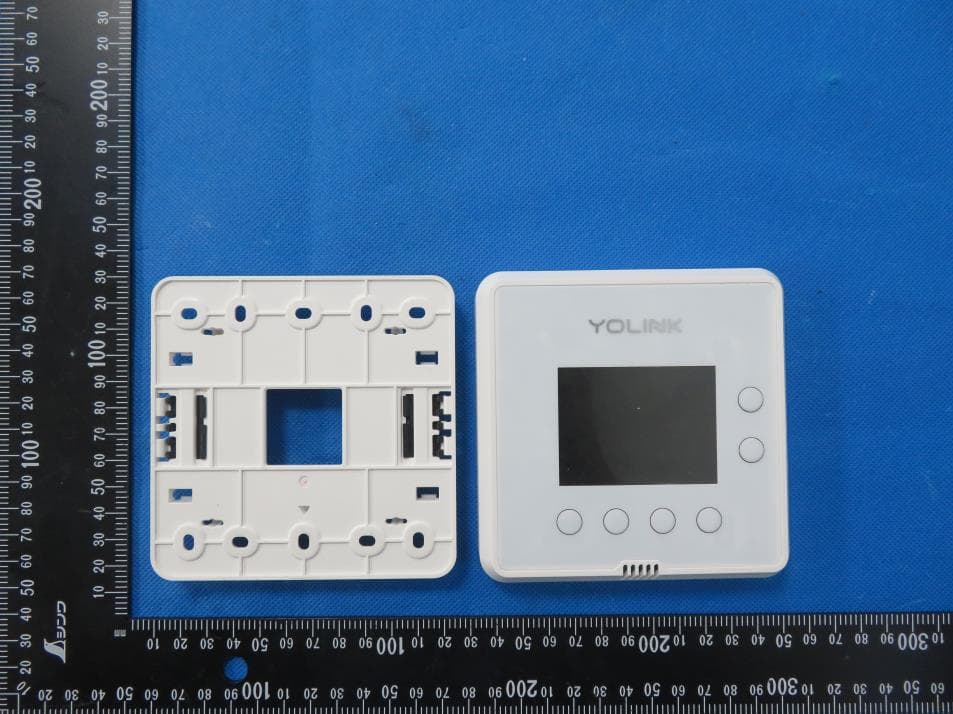
2ATM74004
Jun 30, 2024Thermostat 2
Equipment Class
DXX - Part 15 Low Power Communication Device Transmitter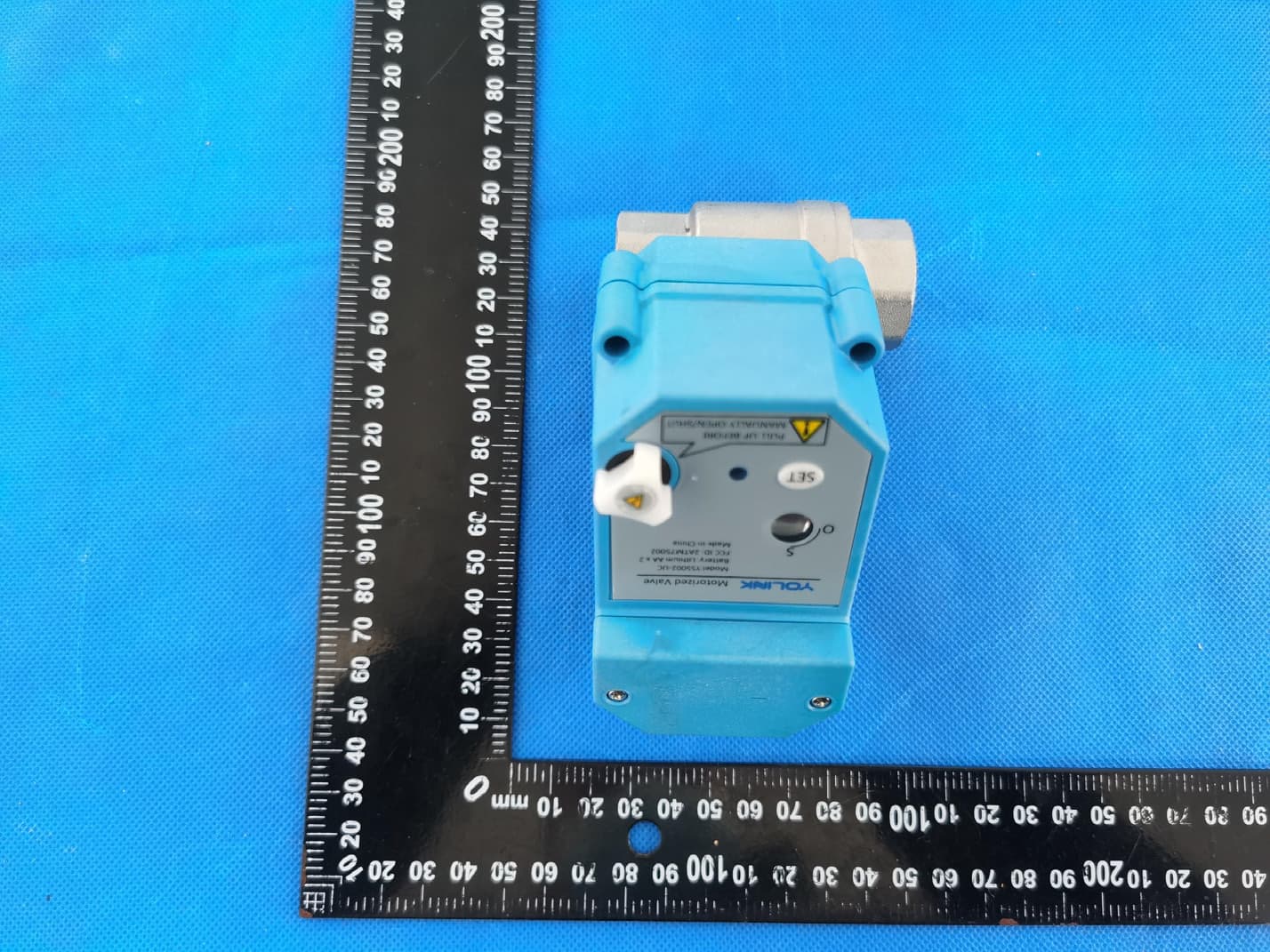
2ATM75002
Jan 10, 2023Motorized valve
Equipment Class
DXX - Part 15 Low Power Communication Device Transmitter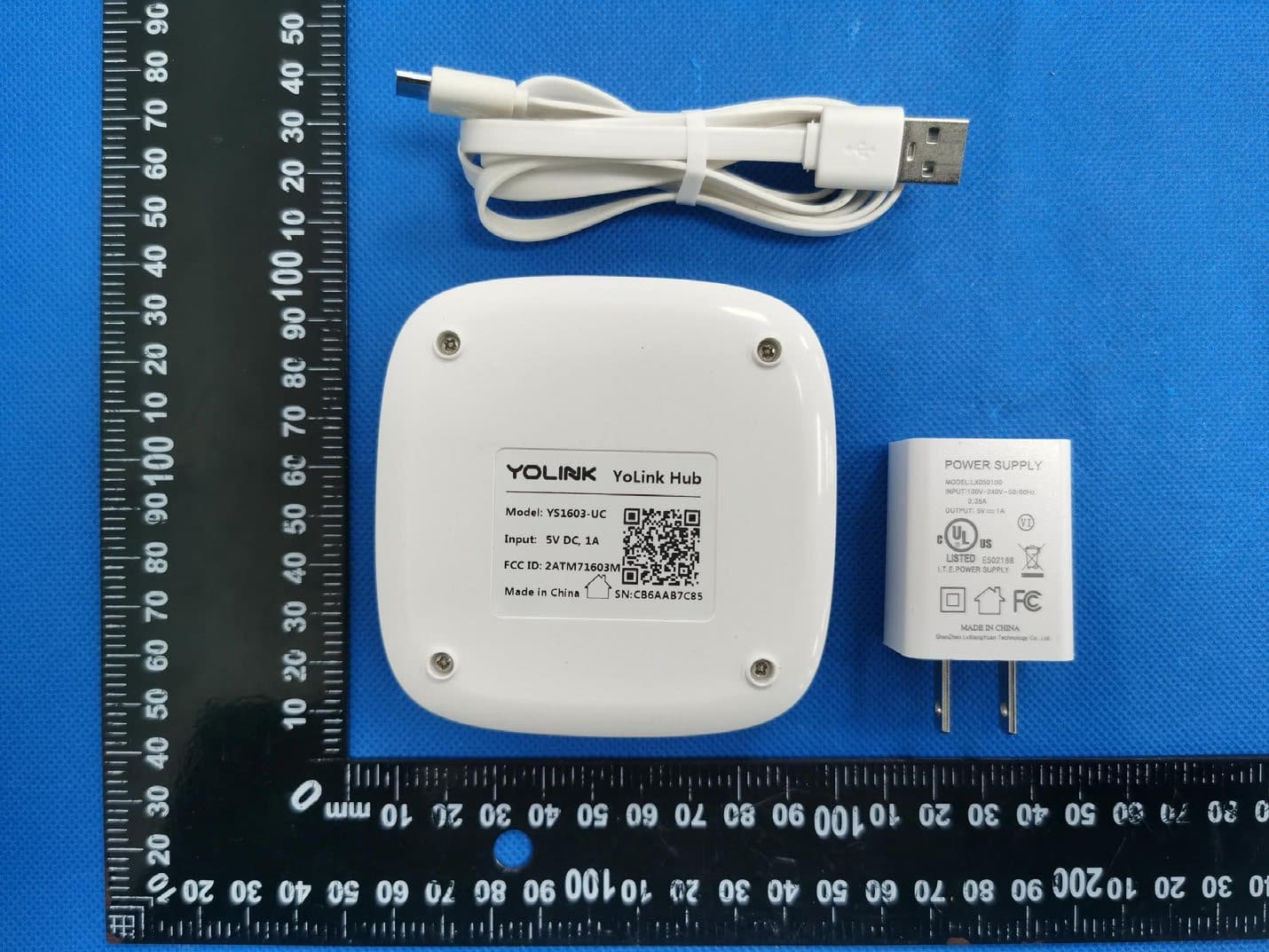
2ATM71603M
Jan 08, 2023YoLink Hub
Equipment Class
DXX - Part 15 Low Power Communication Device Transmitter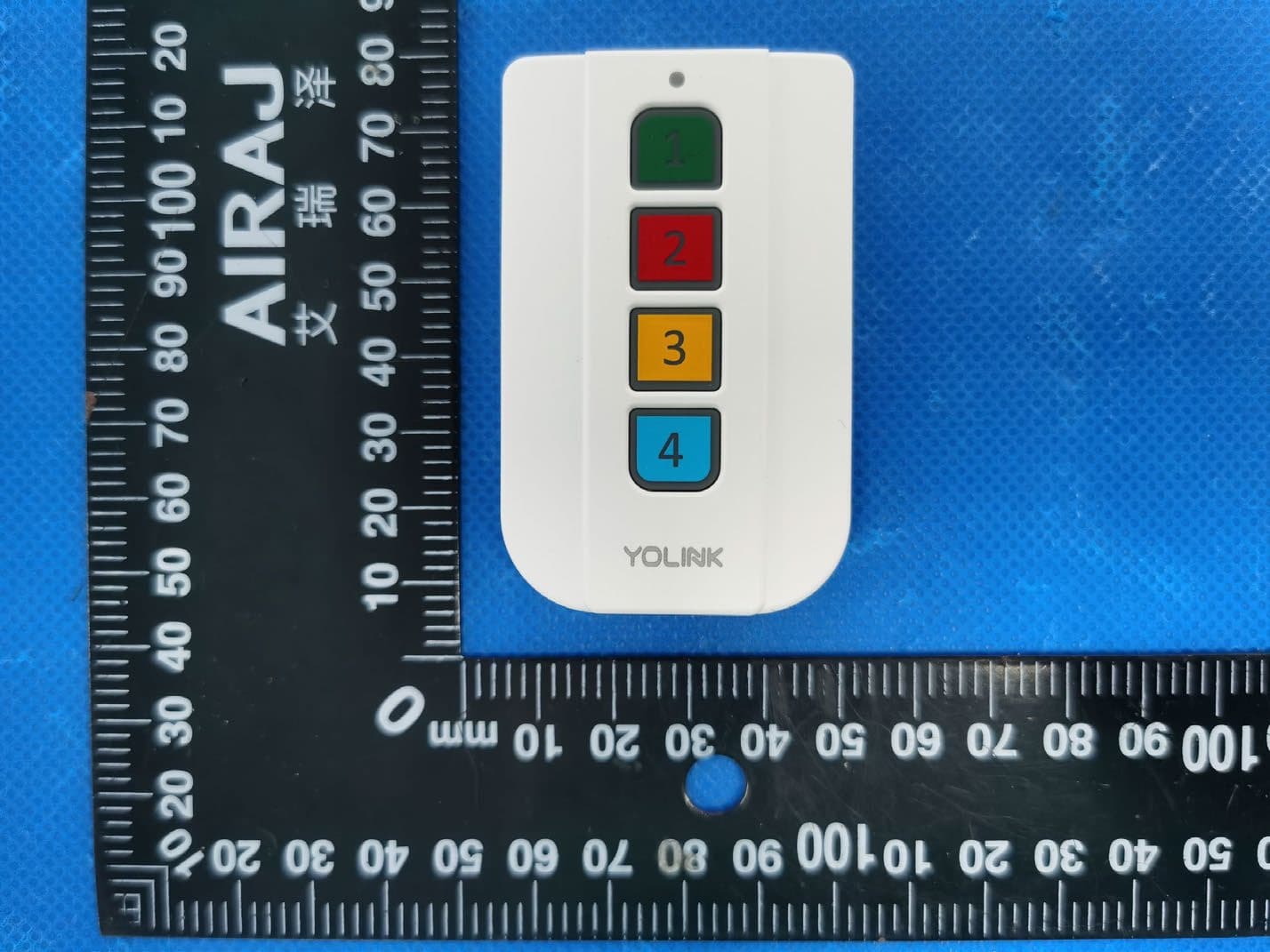
2ATM73604V2
Sep 18, 2022Remote control
Equipment Class
DXX - Part 15 Low Power Communication Device Transmitter