2AUYIMNS1WWatch integrating a wideband radio function
MOVE'N SEE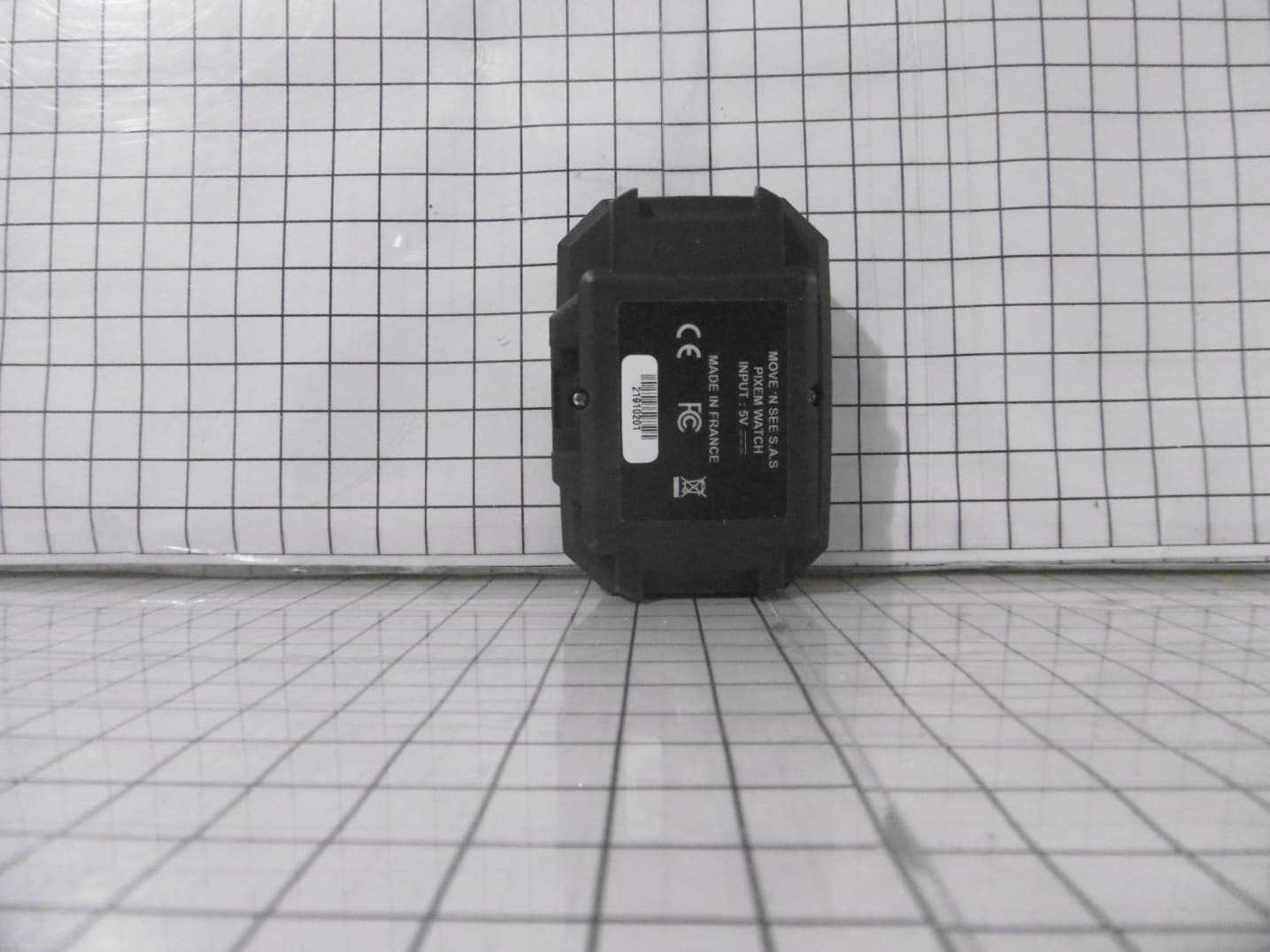
Click to zoom
Application Details
- Equipment Class
- WBT - Wideband Transmitter
- Date of Grant
- Mar 01, 2020
- Application Purpose
- Original Equipment
- Date of Application
- Mar 01, 2020
- Equipment Note
- Watch integrating a wideband radio function
- Frequency Range
- 6489.60000000 - 6489.60000000
- Company
- MOVE'N SEE
- Country
- France
Documents & Files
Document Text
Text extracted from the exhibit documents filed with the FCC. Open a document above to read the original.
Users Manual
PIXIO User Manual V3.0 February, 2019 Congratulations! Congratulations on purchasing your PIXIO, the very efficient and easy to use robotic camera. You are about to shoot quality videos of indoor and outdoor activities, at distances up to 330ft (100m). This User Manual lists the contents of the package, how to install and start your PIXIO, to set it up, and how to get the best of it. With PIXIO, film sport, trainings, lessons, conferences, ceremonies, Arts and entertainment, recreative activities... and much more! 3 Supplied items . . . . . . . . . . . . . . . . . . . . . . . . . . . 4 Before starting . . . . . . . . . . . . . . . . . . . . . . . . . . . 5 Charging the batteries . . . . . . . . . . . . . . . . . . . . . . . 6 Getting started . . . . . . . . . . . . . . . . . . . . . . . . . . . 7 Setting up the PIXIO . . . . . . . . . . . . . . . . . . . . . . . . . . 8 Setting up the beacons . . . . . . . . . . . . . . . . . . . . . . . 9 Start tracking . . . . . . . . . . . . . . . . . . . . . . . . . . . . . . . 11 Start / Stop Recording . . . . . . . . . . . . . . . . . . . . . . . 12 Using the PIXIO_REMOTE App . . . . . . . . . . . . . . 13 Use your phone/tablet to control your PIXIO . . . . 14 Conferences, ceremonies, classrooms special settings . . . . . . . . . . . . . . . . . . . . . . . . . . . . . . . . . . . . 16 How to restrict the rotation of the robot . . . . . . . . 17 TIPS & TRICKS . . . . . . . . . . . . . . . . . . . . . . . . . . . 18 How to increase the autonomy . . . . . . . . . . . . . . . 19 Zoom settings . . . . . . . . . . . . . . . . . . . . . . . . . . . . . . 20 Camera settings . . . . . . . . . . . . . . . . . . . . . . . . . . . . 21 How to attach a heavy camera . . . . . . . . . . . . . . 21 Film from an elevated location . . . . . . . . . . . . . . . 22 MULTI-USER MODE . . . . . . . . . . . . . . . . . . . . . . . 23 Pairing procedure: pair your devices (robots, watches and beacons) . . . . . . . . . . . . . . . . . . . . . 24 MULTI-USER operation . . . . . . . . . . . . . . . . . . . . . . . 26 TECHNICAL INFORMATION . . . . . . . . . . . . . . . . 29 Installing a new firmware version on your PIXIO . . 30 Configuring your PIXIO to work with your own CAMERA . . . . . . . . . . . . . . . . . . . . . . . . . . . . . . . . . . 32 Description of LEDs . . . . . . . . . . . . . . . . . . . . . . . . . . 33 Specifications . . . . . . . . . . . . . . . . . . . . . . . . . . . . . . 37 More information about PIXIO batteries . . . . . . . . 38 F.A.Q . . . . . . . . . . . . . . . . . . . . . . . . . . . . . . . . . . . . . 39 Troubleshooting . . . . . . . . . . . . . . . . . . . . . . . . . . . . 41 Customer support . . . . . . . . . . . . . . . . . . . . . . . . . . . 46 Precautions and safety . . . . . . . . . . . . . . . . . . . . . . 47 Contents 4 Supplied items Micro-beacons (x3) Mini tripods (x3) PIXIO Robot Watch & wristband PIXIO MULTI cableUSB cables (x4)Wireless charger and its cable for the watch USB Charger & power cord 5 1. CHARGING THE BATTERIES Before starting 6 Charging the batteries The complete charging of each device takes about 2 hours. Plug the USB charger into the socket thanks to the power cord. Plug the USB cables on the USB charger. Recharge the PIXIO robot. Plug one of the USB cables to the plug «5V DC» at the back of the PIXIO robot. The corresponding red LED located near the plug lights up during the recharge, and turns off when the robot is charged. To avoid self-discharge of the robot, unplug the robot after the end of the robot charge, turn the robot ON for a few seconds and then turn it OFF before storing it. Recharge the PIXIO micro beacons. Plug USB cables in each one of the micro beacons plug located behind as shown. The red LED of the micro-beacon lights up during the recharge, and turns off when the micro-beacon is charged. 1 Recharge the PIXIO watch. Plug the wireless charger to one of the USB cables connected to the USB charger. Just put the watch on the wireless charger. The red LED of the watch lights up during the recharge, and goes down when the watch is charged. 1 You can also recharge the PIXIO devices with a computer. Connect the USB cable to a USB port on your computer. 1 Sometimes the red light flashes at the end of the charge. It is not a problem, the item is charged 7 1. SETTING UP YOUR PIXIO 2. SETTING UP THE BEACONS 3. STARTING THE TRACKING 4. STARTING RECORDING Getting started 8 Setting up the PIXIO 1. Screw the robot on a tripod equipped with a standard 3/8’’ screw (check that the motor is switched off before screwing or unscrewing the device). 2. Screw your camera, DSLR, smartphone/tablet adaptor to the robot with the 1/4’’ screw of the PIXIO robot. 3. If you are using a supported model of camera, plug the camera and the robot with the correct cable. There are 3 cable models depending on the camera model: A MULTI cable is supplied with your system. You can order an AV/R and/or a Jack 2,5mm cable at https://shop.movensee.com/ 3 Before using PIXIO for the first time, you must check that the firmware of the PIXIO is up to date (refer page 30), and check that the camera parameters kept in the memory of the robot matches your camera model (refer page 32). NOTICE 1 2 3 MULTI cableAV/R cableJack Ø2.5mm cable 9 Setting up the beacons The watch is located by the beacons thanks to triangulation techniques which is why the beacons are essential both INDOOR and OUTDOOR. After screwing the beacons on the mini-tripods, switch ON each beacon by pressing its button until the green light turns ON. Place the PIXIO robot and the 3 beacons around the area you want to film following these instructions: - Place the beacon n°1 as far as possible from the robot (but not more than 330ft or 100m). It will improve the left-right accuracy of the tracking (beacon numbers are written at the back of each beacon). - Place the beacons n°2 on the left of the beacon n°1, as seen from the robot. - The beacon n°3 can be placed on the left or on the …
Text truncated - open the document above for the full version.
Test Report
Siège Social : Emitech - 3, rue des Coudriers - Z.A. de l’Observatoire - 78180 MONTIGNY LE BX - France Siret : 344 545 645 00022 - Tél. : 33 (0)1 30 57 55 55 - Fax : 33 (0)1 30 43 74 48 - E-mail : [email protected] - URL : www.emitech.fr S.A. au capital de 1 560 000 € - R.C.S. VERSAILLES 344 545 645 - APE 7112B S 51 RTY 000 INT 00012 [ 0 0 ] LISTE DES SITES ACCREDITES ET PORTEES DISPONIBLES SUR WWW.COFRAC.FR ACCREDITATIONS N° 1-0107, 1-0826, 1-0827, 1- 1925, 1-2069,1-2070, 1-2206, 1-2376 & 1-6086 RR051-19-100273-5-A Ed. 0 Certification Radio test report According to the standard: CFR 47 FCC PART 15 Equipment under test: WATCH FCC ID: 2AUYIMNS1W Company: MOVE’N SEE Distribution: Mr CARPENTIER (Company: MOVE’N SEE) Number of pages: 32 with 1 appendix Technical Verification and Quality Approval Ed. Date Modified Page(s) Name and Function Visa 0 6-Sep-19 Creation M. DUMESNIL, Radio Technical Manager Duplication of this document is only permitted for an integral photographic facsimile. It includes the number of pages referenced here above. This document is the result of testing a specimen or a sample of the product submitted. It does not imply an assessment of the conformity of the whole manufactured products of the tested sample. RR051-19-100273-5-A Ed. 0 Page 2/32 DESIGNATION OF PRODUCT: WATCH Serial number (S/N): 21910201 Reference / model (P/N): PIXIO Software version: RF Software MANUFACTURER: MOVE’N SEE COMPANY SUBMITTING THE PRODUCT: Company: MOVE’N SEE Address: 38 RUE JIM SEVELLEC 29200 BREST FRANCE Responsible: Mr CARPENTIER Person(s) present during the tests: Mr CARPENTIER ( first day) DATES OF TEST: From 31-Jul-19 to 9-Aug-19 TESTING LOCATION: EMITECH ANGERS laboratory at JUIGNE SUR LOIRE (49) FRANCE FCC Accredited under US-EU MRA Designation Number: FR0009 Test Firm Registration Number: 873677 TESTED BY: T. LEDRESSEUR VISA: WRITTEN BY: T. LEDRESSEUR RR051-19-100273-5-A Ed. 0 Page 3/32 CONTENTS TITLE PAGE 1. INTRODUCTION ....................................................................................................................................... 4 2. PRODUCT DESCRIPTION ....................................................................................................................... 4 3. NORMATIVE REFERENCE ...................................................................................................................... 5 4. TEST METHODOLOGY ............................................................................................................................ 5 5. TEST EQUIPMENT CALIBRATION DATES ............................................................................................ 6 6. TESTS RESULTS SUMMARY .................................................................................................................. 7 7. RF EXPOSURE ......................................................................................................................................... 9 8. MEASUREMENT UNCERTAINTY ...........................................................................................................10 9. -10 DB BANDWIDTH ...............................................................................................................................11 10. RADIATED EMISSIONS ABOVE 960 MHZ .............................................................................................18 11. GPS EMISSIONS .....................................................................................................................................22 12. PEAK RADIATED EMISSIONS REQUIREMENTS .................................................................................25 13. RADIATED EMISSIONS AT OR BELOW 960 MHZ ................................................................................27 APPENDIX 1: TEST EQUIPMENT LIST ........................................................................................................................... 30 RR051-19-100273-5-A Ed. 0 Page 4/32 1. INTRODUCTION This report presents the results of radio test carried out on the following radio equipment: WATCH, in accordance with normative reference. The device under test integrates a Wide band function. This test report concern only the measure realized on wide band for certification procedure See test report N°RR051-19-100273-6-A Ed. 0 for verification measure. 2. PRODUCT DESCRIPTION Class: B Utilization: Residential use Antenna type and gain: 3 dBi / Internal and “omni-directional” PCB antennas Operating frequency band: From 5925 MHz to 7250MHz Number of channels: 1 Channel spacing: Not concerned Center frequency: 6489.6 MHz Modulation: BPM-BPSK Power source: Internal battery, 3.6 Vdc Operational temperature range: 0 to 40 °C Power level, frequency range and channels characteristics are not user adjustable. The details pictures of the product and the circuit boards are joined with this file. The product is declared not functional in charge. RR051-19-100273-5-A Ed. 0 Page 5/32 3. NORMATIVE REFERENCE The standards and testing methods related throughout this report are those listed below. They are applied on the whole test report even though the extensions (version, date and amendment) are not repeated. CFR 47 (2019) Radio Frequency Devices ANSI C63.10 2013 Procedures for ComplianceTesting of Unlicensed Wireless Devices. 447498 D01 General RF RF Exposure procedures and equipment authorization policies for mobile and Exposure Guidance v06 portable equipment OET BULLETIN 65 Evaluating Compliance with FCC Guidelines for Human Exposure to Radiofrequency Electromagnetic Fields 4. TEST METHODOLOGY Radio performance tests procedures given in CFR 47 part 15: Subpart C – Intentional Radiators Paragraph 203: Antenna requirement Paragraph 205: Restricted bands of operation Paragraph 207: Conducted limits Paragraph 209: Radiated emission limits; general requirements Paragraph 215: Additional provisions to the general radiated emission limitations Paragraph 250: Operation of wideband sys…
Text truncated - open the document above for the full version.
Test Setup Photos
Anechoic chamber setup 1: Equipment Under Test 2: Measurement antenna 3: Measurement equipment 1 2 1.5 m 3 Distance : 3 m 1.5 m Turntable Installation of Equipment Under Test Postion 1 Postion 2 Anechoic chamber test site Pre-measure below 30 MHz Pre-measure between 30 MHz to 200 MHz Pre-measure between 200 MHz to 1000 MHz Measure between 1 GHz to 18 GHz
Contact Information
Applicant
Remy CARPENTIER
Test Firm
EMITECH AngersMounir El Marzouki
Technical Specifications
| # | Rule Parts | Frequency Range | Power Output |
|---|---|---|---|
| 1 | 15.250 | 6.49 GHz - 6.49 GHz | - |
Other Applications from MOVE'N SEE
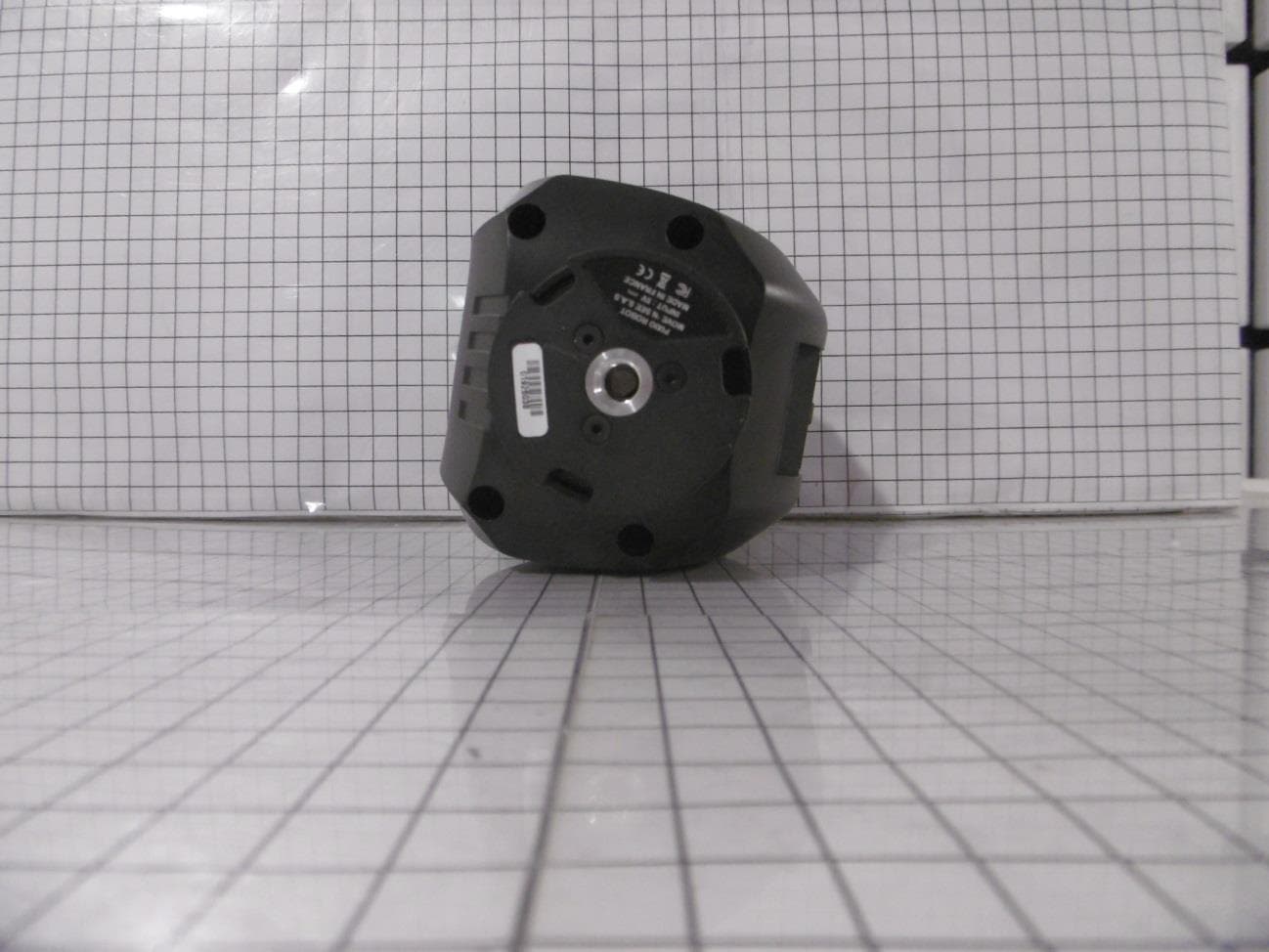
2AUYIMNS1T
Mar 01, 2020Robotic camera system integrating wideband radio function
Equipment Class
WBT - Wideband Transmitter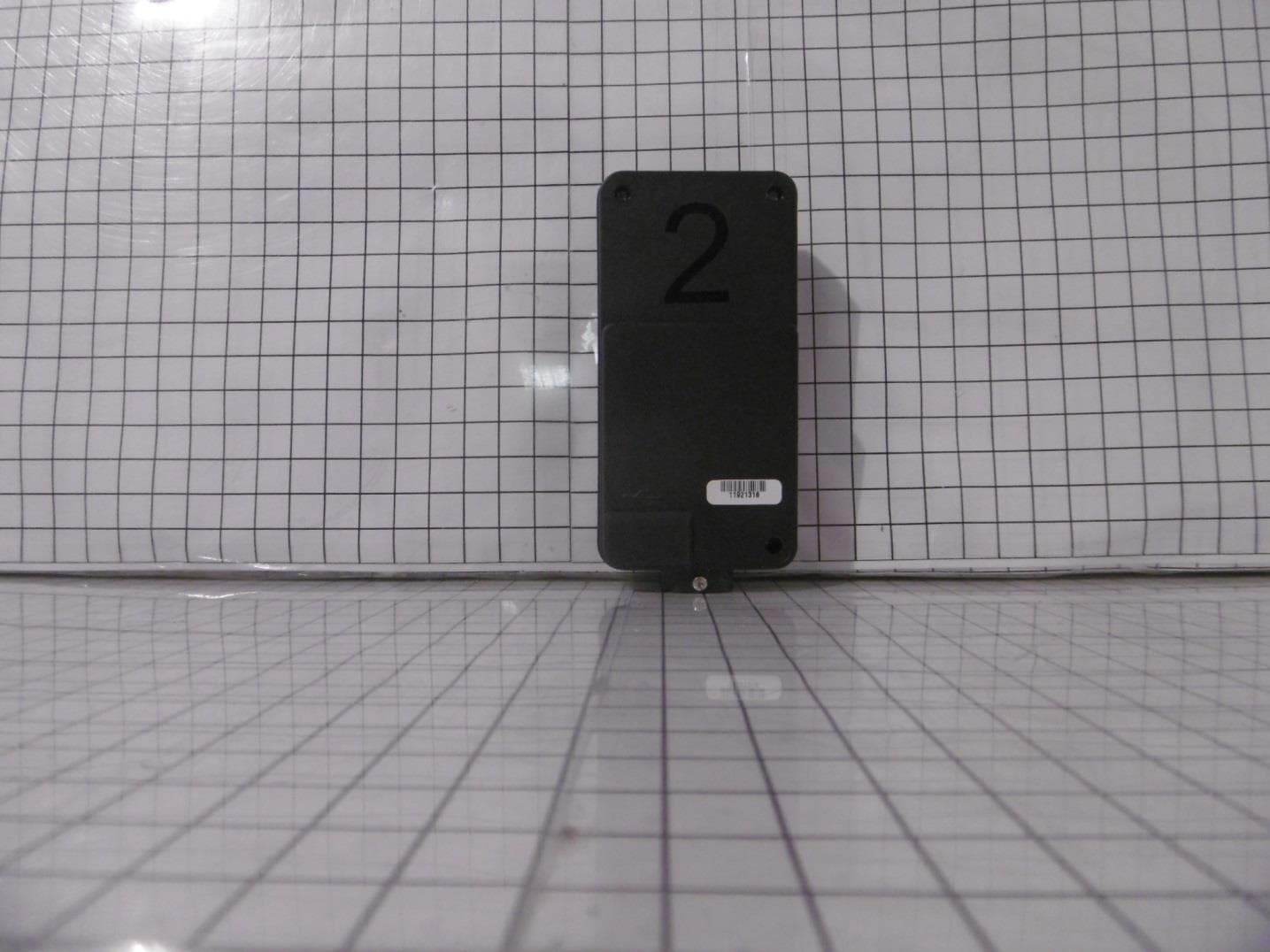
2AUYIMNS1B
Feb 12, 2020Robotic camera system integrating wideband radio function
Equipment Class
WBT - Wideband Transmitter