2AWDBHWG023WRFWiFi Gateway Hub
Fujian Baldr Technology Co., Ltd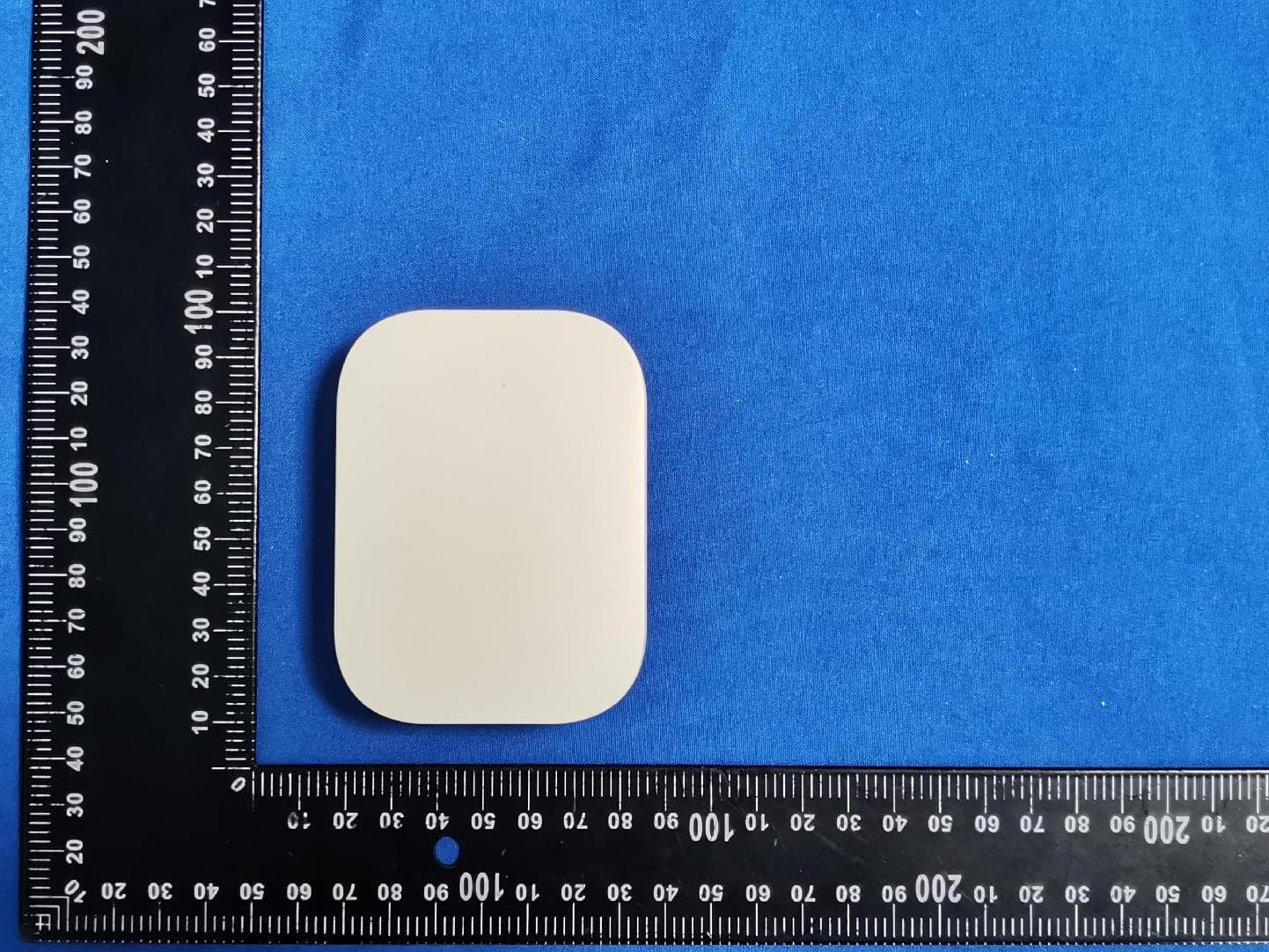
Click to zoom
Application Details
- Equipment Class
- DSC - Part 15 Security/Remote Control Transmitter
- Date of Grant
- Feb 20, 2024
- Application Purpose
- Original Equipment
- Date of Application
- Feb 18, 2024
- Equipment Note
- WiFi Gateway Hub
- Frequency Range
- 433.92000000 - 433.92000000
- Country
- China
Documents & Files
Document Text
Text extracted from the exhibit documents filed with the FCC. Open a document above to read the original.
Users Manual
USER MANUAL WiFi Gateway Hub Welcome to the RAINPOINT family! Please read the manual before using to Model No. HWG023WRF learn about the features and functions. Contents 1. Contents in the box 2. Introduction 2.1 Product Overview 2.2 Button and Light Introduction 2.3 Specification 3. Connection and Installation 3.1 Download APP 3.2 APP Connection 3.2 APP Overview 4. Trouble Shooting 5. Precautions 6. Warranty Policy 7. FCC Statement 8. Customer Support 01 02 02 02 03 04 04 12 15 19 20 20 21 22 -01- 1. Contents in the box 214 3 HWG023WRF Mini Box Hub User Manual USB Cable Warranty Card 1. 2. 3. 4. Power Indicator Charging Port Operation Button WiFi Connecting Indicator -02- 2.2 Button and Light Introduction Operation Button Hold the button for about 5 sec to enter the smart connection mode. Press the button one time during smart connection mode to enter AP connection mode. 2. Introduction 2.1 Product Overview Indicator Meaning Table 2.3 Specification Range Between WiFi Hub and Router: 160 ft in the open area without interference. Temperature Operating Range: 3°C - 40°C (37°F-104°F ) WiFi Frequency Band: 2.4GHz Only Input: 100-240V ~ 50Hz 16A Powered onPower Indicator Light Up Smart connection modeConnecting Indicator Blink Quickly AP connection modeConnecting Indicator Blink Slowly ConnectedConnecting Indicator Always Bright -03- a. HOMGAR APP downloads: b. Or scan the QR code to download: IOS Android 3. Work On APP 3.1 Download APP 3.1.1 Download -04- c. Create an account and log in: Follow the instructions to sign up for your account or log in with your existing account and start matching devices! -05- 2.2.1 Smart WiFi Connection 2.2 Connection Plug on the mini box hub near the router and follow the steps below to connect: 3.1.2 Before Connection To assure your the mini box hub to connect to Wi-Fi, it will need to meet the following requirements: Please make sure your mobile device is connecting with 2.4GHz Wi-Fi before using HOMGAR app. The hub has to keep staying under 2.4GHz Wi-Fi to work normally. When to start and keep Wi-Fi connection, please keep the power on to make sure the hub works normally. iOS Requirements: Mobile device with iOS 11.0 (or higher) with cellular or Wi-Fi service. Android Requirements: Mobile device with Android OS 6.0 (or higher) with cellular or Wi-Fi service. Please do not use public Wi-Fi networks. The hub and your mobile device are better to be within 10 feet (3m) during pairing. If you need to change the working Wi-Fi network, press and hold the button on the hub to reset your hub and reconnect. -06- a. After register account and get into the APP page, find "+" button on the top right corner of the APP’s Home Page. -07- b. Select "Mini Box Hub", then enter the Wi-Fi information and go next. c. Follow the guide on the APP to press and hold the button on the mini box hub for about 5 seconds until the connecting indicator quickly blinks. -08- -09- d. Select the check box and go "Next" to start searching devices. -10- e. When device found, please click "+" to add the device and edit the device name as your like. f. Congratulations! Now you successfully add the device to your APP. Tips: If you can't connect to the hub through the smart WiFi connection mode, please try the next AP connection mode or contact the customer support team. Email: [email protected] -11- 3.2 APP Connection When in the connection step before searching, click Switch Mode in the upper right corner to switch to AP connection. Follow the guide on the APP to press and hold the button on the hub for about 5 seconds until it quickly blinks. And then short press the button again. -12- When the Hub LED flashes slowly, tick the checkbox on the APP, click "Next", then follow the wizard and click "Go Connecting" to connect your phone to the hotspot (HomGar_xxxx). -13- Note: If the mobile device pops up that there is no signal and needs to switch WiFi, please do not switch, please keep the selected hotspot (HomGar_xxxx) to connect. Back to the app and click "Next" to continue adding devices automati- cally. -14- 3.3 APP Overview 3.3.1 APP Home Page Home Management: Set home name, location and other information to manage your home environment monitoring system more intelligent and accurate. All Devices: All added devices will be displayed here. Room Management: Related devices list of each room will be displayed here. Weather Data: After setting the location of the home, the corre- sponding weather data will be displayed. Add Devices: Add the Smart + series devices to start setup your smart home system. Home: The APP home page. Plan Page: List all of your irrigation plans that set on water timers. You can manually turn on or off the plan by the button on the right. There is also a manual Rain Delay button in each plan. It is available to check and edit the plans on the specific device plan page. Event: Review all the events that have occurred. Learn more about how your smart system works. Me and Basic Settings: Manage your account, home, basic settings, and other options. You can also find unit format and notification button in these settings. -15- Home Management All Devices Plan Me Event Add Decives Local Weather Home Room System Management Notes: After the hub and sub-devices are connected, the selection of the sub-devices will be displayed on both the APP home page and the hub’s device page. You can click the device icons in the "All Devices" list to enter the device page, or find them in the "Sub-devices" list on the hub’s device page. -16- 3.3.2 Device Page Device Setting Add Sub-device -17- 3.3.3 Device Settings In the device settings, there are any basic information of the mini box hub and some default settings. Tips: Timing setting is ONLY worked for precision clock product to calibrate time. -18- Hub disconnection or offline Timer or other sub-devices disconnect The button or the socket doesn’t work Problems Solution -19- 4. Trouble Shooting Please check if the router works norma…
Text truncated - open the document above for the full version.
Attestation Statements
FUJIANBALDRTECHNOLOGYCO.,LTD Address:2FJinShanYaYuan,No.36JinRongNorthRoadFuzhou,China Date:2024-02-02 FederalCommunicationsCommission AuthorizationandEvaluationDivision 1435OaklandMillsRoad Columbia,MD21046 Ref:AttestationStatementsPart2.911(d)(7)Filing SUBJECT:FCCApplicationforFCCID:2AWDBHWG023WRF FRN:0029557774 (“FUJIANBALDRTECHNOLOGYCO.,LTD”)certifiesthat,asofthedateofthefilingofthe application,BALDRINTERNATIONALLLCisourdesignatedU.S.agentforserviceof processfortheabovereferencedFCCID.(“FUJIANBALDRTECHNOLOGYCO.,LTD”) acceptstomaintainanagentfornolessthanoneyearafterthegranteehasterminatedall marketingandimportationortheconclusionofanyCommission-relatedproceedinginvolving theequipment. BALDRINTERNATIONALLLCaccepts,asofthedateofthefilingoftheapplication,the obligationofthedesignatedU.S.agentforserviceofprocessfortheabovereferencedFCC ID. DesignatedU.S.AgentInformation: Name:BALDRINTERNATIONALLLC Address:16192CoastalHighway,Lewes,Delaware19958,CountyofSussex. FRN:0034082073 ContactPerson:ChrisLiu Tel.:(626)506-1242 Email:[email protected] Sincerely, Signedonbehalfof(FUJIANBALDR TECHNOLOGYCO.,LTD) SignedonbehalfofBALDR INTERNATIONALLLC Name:ChrisLiuName:ChrisLiu Title:ManagerTitle:Manager Date:2024-02-02Date:2024-02-02
Attestation Statements
(FUJIANBALDRTECHNOLOGYCO.,LTD) FederalCommunicationsCommission AuthorizationandEvaluationDivision 7435OaklandMillsRoad Columbia,MD21046 USA Date:February2,2024 FCCID:2AWDBHWG023WRF Ref.#1:AttestationStatementsPart2.911(d)(5)(i)Filing (“FUJIANBALDRTECHNOLOGYCO.,LTD”)certifiesthattheequipmentforwhich authorizationissoughtisnot“covered”equipmentprohibitedfromreceivinganequipment authorizationpursuanttosection2.903oftheFCCrules. Ref.#2:AttestationStatementsPart2.911(d)(5)(ii)Filing (“FUJIANBALDRTECHNOLOGYCO.,LTD”)certifiesthat,asofthedateofthe filingoftheapplication,FUJIANBALDRTECHNOLOGYCO.,LTDisnot identifiedontheCoveredListasanentityproducing“covered”equipment. Applicant:FUJIANBALDRTECHNOLOGYCO.,LTD Address:2FJinShanYaYuan,No.36JinRongNorthRoadFuzhou,China ContactPerson:ChrisLiu Tel.:+8613788899338 Email:[email protected] Sincerely, Signature:
Cover Letter(s)
Shenzhen Haoyiwei Technology Co., Ltd. TEL:(0755)2773 0596 Fax: (0755)27160967 Email : [email protected] Mobile: 137 6023 1732 Website: http://www.ge-chip.com 1101, Haoting Industrial Building, No. 126, Changchun North Road, Gongming Street, Guangming District, Shenzhen Antenna Specification Name: Spring Antenna (90°) Part number: 71-000000-003 Material:0.5mm 2UEW yellow Length:13.2 +/-0.2mm Number of turns:23.5T Weight: 0.5g Frequency:433MHz +/-5MHz V.S.W.R:<=1.5 Gain(dBi):-1.6 Impedance:50 Ω Power:10 W Author:陈军 APPROVED BY:江鹏 Date:2023/7/25
Cover Letter(s)
FUJIANBALDRTECHNOLOGYCO.,LTD Date:2024-02-02 ProductModelNumber:HWG023WRF,TWG023WRF-V1,HWG023WBRF- V2,HWG009WB,TWG009WB,TWG007WRF,HWG007WRF, HWG007WRF-V2 Towhomitmayconcern, Re:ProductCertificationRepresentativeAuthorizationLetter WeauthorizeQAILaboratoriesLtd.3980NorthFraserWay,BurnabyB.C. CanadaV5J5K5toactonourbehalfonallmattersconcerningtheabove namedequipment. Thisshallincludethefollowing: Testing Approvalapplicationsandprocedures WedeclarethatORGANIZATION.isallowedtoforwardallinformation relatedtotheapprovalprojecttotheappliedcertificationbodyandtothe notificationentitiesandtodiscussanyissuesconcerningtheapproval application.AnyandallactscarriedoutbyORGANIZATION.onourbehalf shallhavethesameeffectasactsofourown. By: ContactListedonFCCWesbite Title:Manager Email:[email protected] Telephone:+8613788899338 Onbehalfof:FUJIANBALDRTECHNOLOGYCO.,LTD
Cover Letter(s)
FUJIANBALDRTECHNOLOGYCO.,LTD OfficeofEngineeringTechnology FederalCommunicationsCommission 7435OaklandMillsRoad Columbia,MD21046 USA Date:February2,2024 Subject;RequestforConfidentiality FCCID:2AWDBHWG023WRF ToWhomItMayConcern, PursuanttotheprovisionsoftheCommission’srulesTitle47Sections§0.457and§0.459,we arerequestingtheCommissiontowithholdthefollowingattachment(s)asconfidential documentsfrompublicdisclosureindefinitely. Thesedocumentscontaindetailedsystemandequipmentdescriptionsandareconsideredas proprietaryinformationinoperationoftheequipment.Thepublicdisclosureofthese documentsmightbeharmfultoourcompanyandwouldgivecompetitorsanunfairadvantage inthemarket. SchematicDiagram BlockDiagram PartsList OperationalDescription Tune-upProcedure SoftwareSecurityRequirementsforUNIIdevices Inadditionaltoabovementioneddocuments,inordertocomplywiththemarketingregulations inTitle47CFR§2.803andtheimportationrulesinTitle47CFR§2.1204,whileensuringthat businesssensitiveinformationremainsconfidentialuntiltheactualmarketingofnewly authorizeddevices,werequestShortTermConfidentialityofthefollowingattachment(s); ExternalPhotos TestSetupPhotos InternalPhotos UserManual For45days,pursuanttoPublicNoticeDA04-1705. OR For180dayspursuanttoKDB726920D01. Itisourunderstandingthatallmeasurementtestreports,FCCIDlabelformatand correspondenceduringthecertificationreviewprocesscannotbegrantedasconfidential documentsandthisinformationwillbeavailableforpublicreviewoncethegrantofequipment authorizationisissued. Sincerely, Signature: Name:ChrisLiu Title:Manager
Cover Letter(s)
FUJIANBALDRTECHNOLOGYCO.,LTD ModelDifference Productdescription:WiFiGatewayHub Modelname:HWG023WRF,TWG023WRF-V1,HWG023WBRF-V2,HWG009WB, TWG009WB,TWG007WRF,HWG007WRF,HWG007WRF-V2 FCCID:2AWDBHWG023WRF AllthemodelsarethesamecircuitandRFmodule.Onlythemodelnamesare different.ThemodelHWG023WRFisthetestedsample. Regards Sincerely Client’ssignature: Client’sname/title:ChrisLiu/Manager Contactinformation/address:2FJinShanYaYuan,No.36JinRongNorthRoad Fuzhou,China
External Photos
FCCID:2AWDBHWG023WRF EUTPHOTOS(ExternalPhotos) FCCID:2AWDBHWG023WRF FCCID:2AWDBHWG023WRF FCCID:2AWDBHWG023WRF ※※※※※ENDOFREPORT※※※※※
ID Label/Location Info
Name: WiFi Gateway Hub Model No.: HWG023WRF FCC ID:2AWDBHWG023WRF 30*30MM
Internal Photos
FCCID:2AWDBHWG023WRF EUTPHOTOS(InternalPhotos) FCCID:2AWDBHWG023WRF FCCID:2AWDBHWG023WRF ANT-433MHzTX ANT-433MHzRX ANT-WIFI FCCID:2AWDBHWG023WRF FCCID:2AWDBHWG023WRF ※※※※※ENDOFREPORT※※※※※
RF Exposure Info
FCCID:2AWDBHWG023WRF RFExposureEvaluation AccordingtoKDB447498D01GeneralRFExposureGuidancev06andpart2.1091, UnlessspecificallyrequiredbythepublishedRFexposureKDBprocedures,standalone 1-gheadorbodyand10-gextremitySARevaluationforgeneralpopulationexposure conditions,bymeasurementornumericalsimulation,isnotrequiredwhenthe correspondingSARTestExclusionThresholdcondition(s),listedbelow,is(are)satisfied. Limits Thecriterialistedinthefollowingtableshallbeusedtoevaluatetheenvironmentimpactof humanexposuretoradiofrequency(RF)radiationasspecifiedin1.1307(b) LimitsforMaximumPermissibleExposure(MPE) Frequency range (MHz) Electricfield strength (V/m) Magneticfield strength (A/m) Powerdensity (mW/cm 2 ) Averagingtime (minutes) (A)LimitsforOccupational/ControlledExposures 0.3–3.06141.63*(100)6 3.0–301842/f4.89/f*(900/f 2 )6 30–30061.40.1631.06 300–1500f/3006 1500–100,00056 (B)LimitsforGeneralPopulation/UncontrolledExposure 0.3–1.346141.63*(100)30 1.34–30824/f2.19/f*(180/f 2 )30 30–30027.50.0730.230 300–1500f/150030 1500–100,0001.030 f=frequencyinMHz Friistransmissionformula:Pd=(Pout*G)/(4*pi*r 2 ) Where Pd=powerdensityinmW/cm 2 ,Pout=outputpowertoantennainmW; G=gainofantennainlinearscale,Pi=3.1416; R=distancebetweenobservationpointandcenteroftheradiatorincm PdidthelimitofMPE,1mW/cm 2 .Ifweknowthemaximumgainoftheantennaandthe totalpowerinputtotheantenna,throughthecalculation,wewillknowthedistancerwhere theMPElimitisreached. TestProcedure SoftwareprovidedbyclientenabledtheEUTtotransmitandreceivedataatlowest,middle andhighestchannelindividually. TestResultofRFExposureEvaluation 2.4GWIFImode Channel Output powerto antenna (dBm) Outputpower toantenna (mW) PowerDensity atR=20cm (mW/cm 2 ) Limit (mW/cm 2 ) Result 802.11b14.8431.620.0081.0PASS 802.11g11.7015.850.0041.0PASS 802.11n(HT20)11.7515.850.0041.0PASS 802.11n(HT40)11.0815.850.0041.0PASS Mode MaxPower (dBm) Tune-up power (dBm) MaxPower (mW) Min.Distance (cm) Calc. thresholds limit 433.92MHz-7.61-7±10.25200.000051.0 EIRP=87.55+20log(3)-104.7=-7.61dBm Remark:WIFIantennagain=0.89dBi,433MHzantennagain=-1.6dBi SoaSARtestisnotrequired
Test Report
ProjectNo.:ZHT-231228028E-1 Page 1 of 30 FCCTESTREPORT FCCID:2AWDBHWG023WRF ReportNumber...................................:ZHT-231228028E-1 DateofTest...........................................:Dec.28,2023toJan.11,2024 Dateofissue ......................................... :Jan.11,2024 TestResult .......................................... :PASS TestingLaboratory............................:GuangdongZhonghanTestingTechnologyCo.,Ltd. Address...............................................:Room104,Building1,YibaolaiIndustrialPark,QiaotouCommunity, FuhaiStreet,Bao'anDistrict,Shenzhen,Guangdong,China Applicant'sname ............................. : FUJIANBALDRTECHNOLOGYCO.,LTD Address ............................................... :2FJinShanYaYuan,No.36JinRongNorthRoadFuzhou,China Manufacturer'sname......................: FUJIANBALDRTECHNOLOGYCO.,LTD Address...............................................:Floor3-4,Building2,No.71YangqiRoad,GaishanTown,Cangshan District,Fuzhou,350007Fujian,P.R.China Testspecification: Standard................................................:FCCCFRTitle47Part15SubpartCSection15.231 ANSIC63.10:2013 Testprocedure ..................................... :/ Non-standardtestmethod................:N/A ThisdevicedescribedabovehasbeentestedbyZHT,andthetestresultsshowthattheequipmentunder test(EUT)isincompliancewiththeFCCrequirements.Anditisapplicableonlytothetestedsample identifiedinthereport. Thisreportshallnotbereproducedexceptinfull,withoutthewrittenapprovalofZHT,thisdocumentmay bealteredorrevisedbyZHT,personalonly,andshallbenotedintherevisionofthedocument. Productname ..................................... :WiFiGatewayHub Trademark...........................................:/ Model/Typereference.........................: HWG023WRF TWG023WRF-V1,HWG023WBRF-V2,HWG009WB,TWG009WB, TWG007WRF,HWG007WRF,HWG007WRF-V2 ModelDifference..................................: AllmodelsusethesamecircuitandRFmodule,andtheonly differenceisthemodelname.ThemodelHWG023WRFisthetested sample. Ratings..................................................:InputTpye-C:DC5V ProjectNo.:ZHT-231228028E-1 Page 2 of 30 Testingprocedureandtestinglocation: TestingLaboratory.......................................:GuangdongZhonghanTestingTechnologyCo.,Ltd. Address............................................................:Room104,Building1,YibaolaiIndustrialPark,Qiaotou Community,FuhaiStreet,Bao'anDistrict,Shenzhen, Guangdong,China LeonLiTestedby(name+signature).......................: BaretWuReviewer(name+signature).......................: LeviLee Approved(name+signature).......................: ProjectNo.:ZHT-231228028E-1 Page 3 of 30 TableofContentsPage 1.VERSION...................................................................................................................5 2.SUMMARYOFTESTRESULTS...............................................................................6 2.1TESTFACILITY..................................................................................................................7 2.2MEASUREMENTUNCERTAINTY.....................................................................................7 3.GENERALINFORMATION........................................................................................8 3.1GENERALDESCRIPTIONOFEUT..................................................................................8 3.2DESCRIPTIONOFTESTMODES....................................................................................9 3.3BLOCKDIGRAMSHOWINGTHECONFIGURATIONOFSYSTEMTESTED...............9 3.4DESCRIPTIONOFSUPPORTUNITS(CONDUCTEDMODE)........................................9 3.5EQUIPMENTSLISTFORALLTESTITEMS..................................................................10 4.EMCEMISSIONTEST.............................................................................................12 4.1CONDUCTEDEMISSIONMEASUREMENT..................................................................12 4.1.1POWERLINECONDUCTEDEMISSIONLIMITS..................................................12 4.1.2TESTPROCEDURE...............................................................................................13 4.1.3DEVIATIONFROMTESTSTANDARD...................................................................13 4.1.4TESTSETUP...........................................................................................................13 4.1.5EUTOPERATINGCONDITIONS............................................................................13 4.1.6TESTRESULTS......................................................................................................14 4.2RADIATEDEMISSIONMEASUREMENT.......................................................................16 4.2.1RADIATEDEMISSIONLIMITS...............................................................................16 4.2.2TESTPROCEDURE...............................................................................................17 4.2.3TESTSETUP...........................................................................................................18 4.2.4EUTOPERATINGCONDITIONS............................................................................19 4.2.5TESTRESULTS......................................................................................................19 5.BANDWIDTHTEST.................................................................................................24 5.1APPLIEDPROCEDURES/LIMIT..............................................................................24 5.2TESTPROCEDURE...................................................................................................24 5.3DEVIATIONFROMSTANDARD................................................................................24 5.4TESTSETUP..............................................................................................................24 5.5EUTOPERATIONCONDITIONS...............................................................................24 5.6TESTRESULTS...................…
Text truncated - open the document above for the full version.
Test Setup Photos
FCCID:2AWDBHWG023WRF EUTTESTPHOTOS FCCID:2AWDBHWG023WRF ※※※※※ENDOFREPORT※※※※※
Contact Information
Applicant
Chris Liu(Manager)
Technical Contact
Test Firm
Guangdong Zhonghan Testing Technology Co., Ltd.Alex Wang
[email protected]86 18307618653
Technical Specifications
| # | Rule Parts | Frequency Range | Power Output |
|---|---|---|---|
| 1 | 15.231 | 433.92 MHz - 433.92 MHz | - |
Other Applications from Fujian Baldr Technology Co., Ltd

2AWDB-HCS044FRF
Jul 03, 2026Wireless Rain Sensor
Equipment Class
DSC - Part 15 Security/Remote Control Transmitter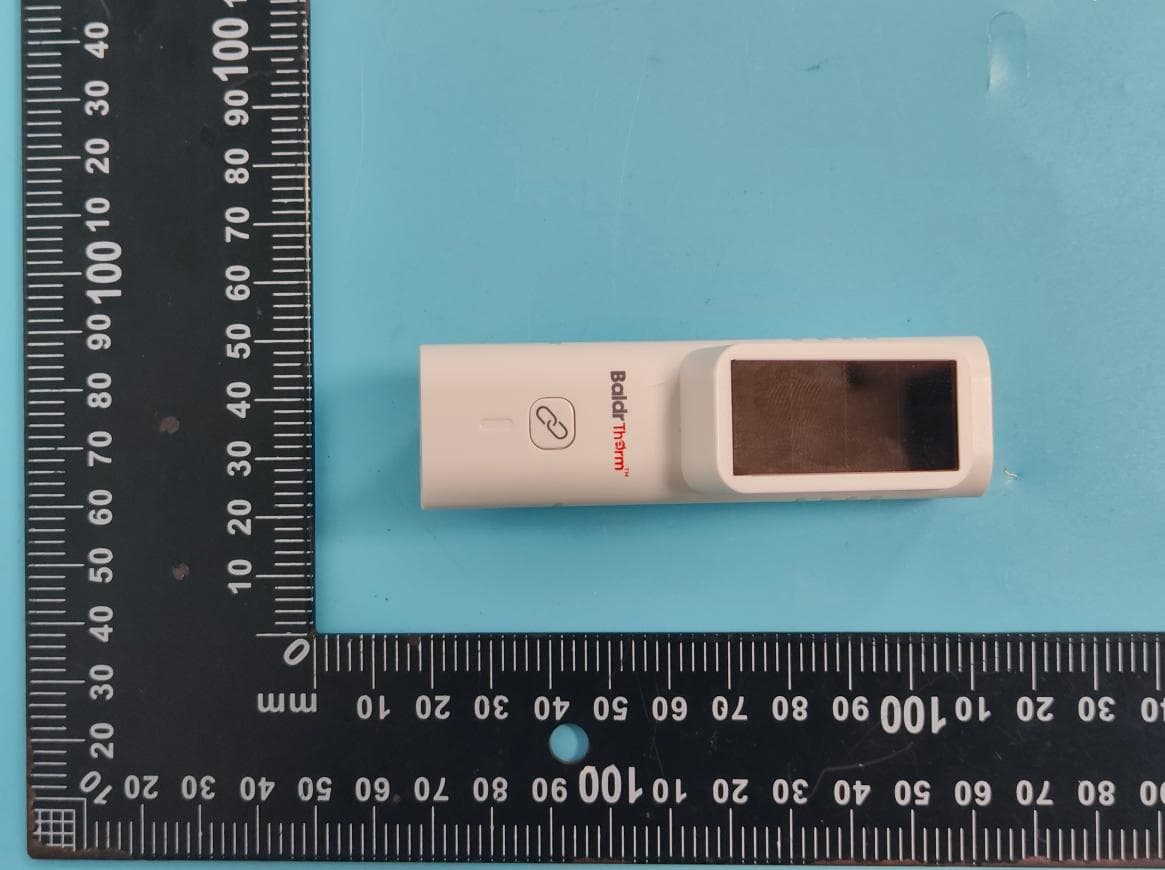
2AWDB-HCS701B
Sep 28, 2025SOLAR-POWERED BLUETOOTH THERMO-HYGROMETER
Equipment Class
DTS - Digital Transmission System
2AWDBHIC801W
Sep 04, 2024IRRIGATION CONTROLLER
Equipment Class
DSC - Part 15 Security/Remote Control Transmitter
2AWDBHTV213FRF
Dec 21, 2023Water Timer
Equipment Class
DSC - Part 15 Security/Remote Control Transmitter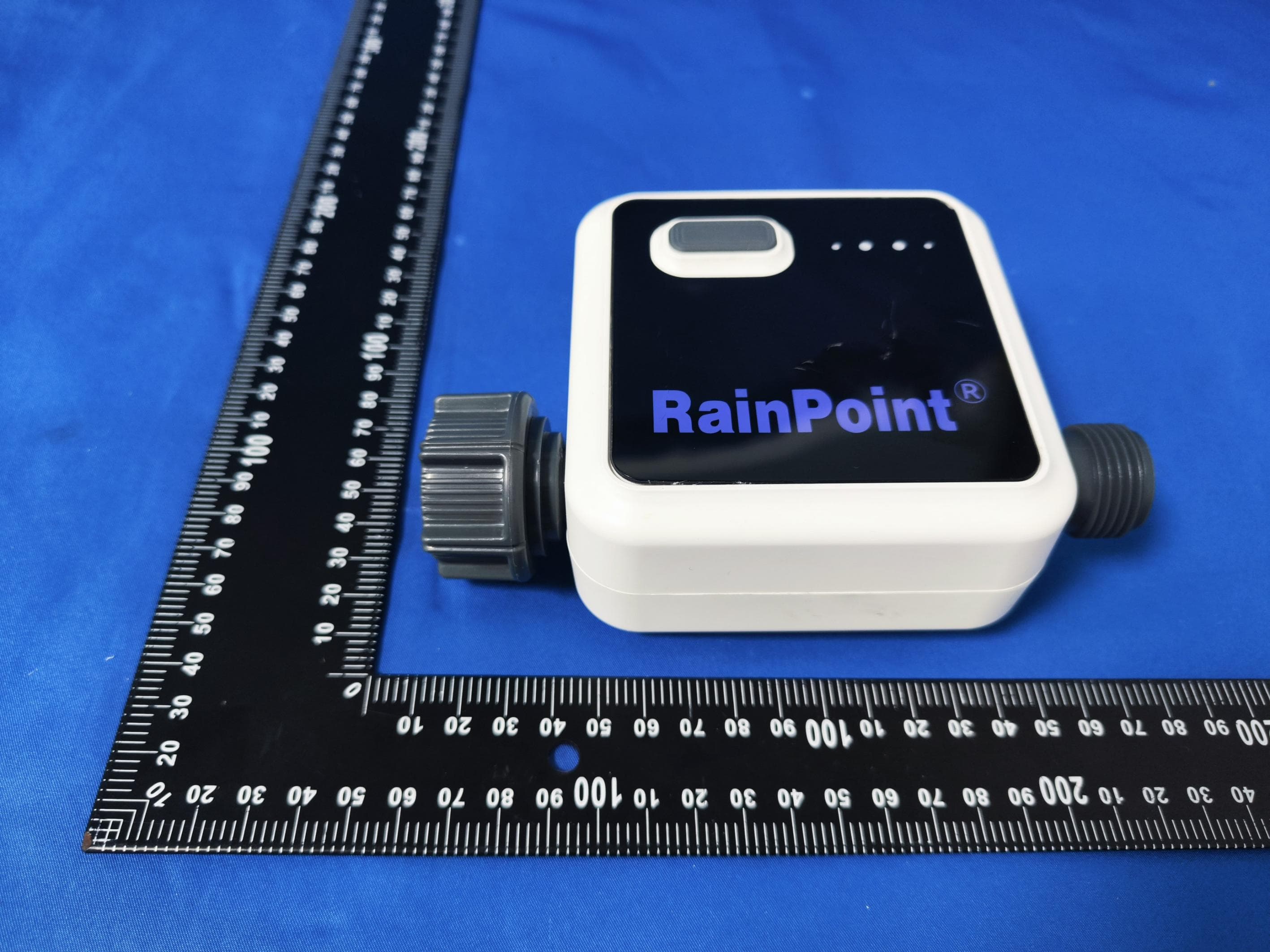
2AWDBHTV113FRF
Sep 27, 2023Smart One-Zone Water Timer
Equipment Class
DSC - Part 15 Security/Remote Control Transmitter