2AWHSBT0191Bluetooth Headphone
YOUNGSTAR ELECTRONIC CO., LIMITED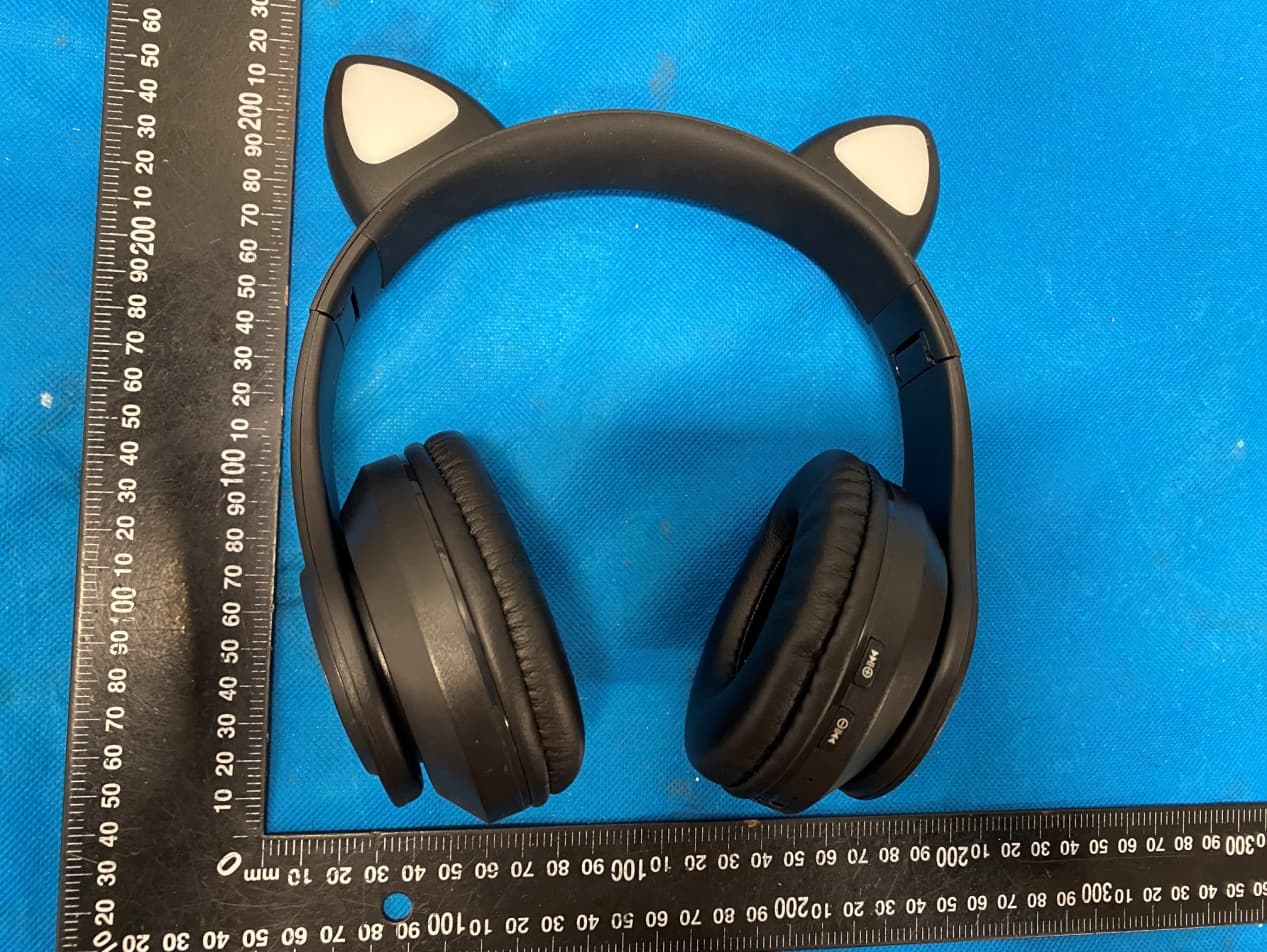
Click to zoom
Application Details
- Equipment Class
- DSS - Part 15 Spread Spectrum Transmitter
- Date of Grant
- Apr 26, 2021
- Application Purpose
- Original Equipment
- Date of Application
- Apr 26, 2021
- Equipment Note
- Bluetooth Headphone
- Frequency Range
- 2402.00000000 - 2480.00000000
- Country
- China
Documents & Files
Document Text
Text extracted from the exhibit documents filed with the FCC. Open a document above to read the original.
Users Manual
1 WIRELESS CAT LIGHT‐UP HEADPHONES INSTRUCTION MANUAL PLEASE READ ALL INSTRUCTIONS CAREFULLY AND RETAIN FOR FUTURE USE 2 Getting started Remove the product from the packaging. Please retain all packaging after you have checked and counted all the parts and the contents against the list. Package Contents Bluetooth Headphones USB charging cable 3.5mm auxiliary cable Instruction Manual Key Features Bluetooth Headphones with light‐up cat ears LED lights can be turned on/off Connect & stream wireless music Built‐in LED flashing lights on ears and ear‐cups Built‐in mic for hands‐free calls Built‐in memory card reader plays tracks from any Micro SD card (Micro SD Card Not Included) Built‐in aux for wired connection Stereo & dynamic sound output Adjustable headband Foldable design Rechargeable battery Micro USB cable and auxiliary cable included Safety Instructions Keep the unit away from heat sources, direct sunlight, humidity, water and any other liquids. Do not operate the unit if it has been exposed to water, moisture or any other liquids to prevent against electric shock, explosion and/or injury to yourself and damage to the unit. Do not use the unit if it has been dropped or damaged in any way. Repairs to electrical equipment should only be performed by a qualified electrician. Improper repairs may place the user at serious risk. Do not use the unit with wet hands. Do not put objects into any of the openings. Keep the unit free from dust, lint etc. Do not use this unit for anything other than its intended use. Keep the unit out of reach of children. This product is not a toy. Do not use the handset at excessive volume levels, as damage to hearing may occur. 3 Description of Parts: INSTRUCTIONS FOR USE Charging Instructions The Bluetooth Headphones comes with a built‐in rechargeable battery. Before using it for the first time we recommend you charge the battery fully. Please use the supplied USB Cord to charge the Bluetooth Headphones. Please charge for 3 ‐ 4 hours. Connect the USB charging cable to a computer USB port and the Micro USB plug into the charging port of the headphones. The Indicator Light turns Red while the device is charging. It takes 3 ‐ 4 hours for the headphones to charge fully. Indicator Light turns off, when the battery is fully charged. Turning on/off the device Long Press On/Off button for 2‐3 seconds to turn ON the headphones, or 1‐2 seconds to turn 1 LED lights 2 Auxiliary input 3 Indicator Light 4 Built‐In Microphone 5 Previous Track / Volume Decrease (‐) 6 Next Track / Volume Increase (+) 7 Charging port 8 On/Off / Mode button 9 Play/Pause / Phone / Light button 10 Micro SD (TF) card slot 4 OFF. Pairing the device with Bluetooth devices (phone or music device) Long Press On/Off button for 2‐3 seconds to turn ON the headphones. An indication tone would be heard, and the indicator light will flash red and blue alternatively. Place the Bluetooth Headphones and Bluetooth source device (phone or music device) so that they are not more than 3 feet apart. Activate the Bluetooth function on your Bluetooth device (phone or music device). Please refer to the manufacturer’s instructions for instructions on enabling Bluetooth on your device. Once you have activated Bluetooth on your device, select the “SL Cat Headphone” from the list of available Bluetooth devices. You might be prompted with “Pair with SL Cat Headphone?” message on your source device, with “Cancel” and “OK” options. Please click “OK”. If required, enter the password ‘0000’ to confirm pairing. Once paired successful, another indication tone would be heard and the indicator light will turn off. You’re now ready to stream wireless music to your headphones. If pairing is unsuccessful, turn off the device first and then re‐pair following the above steps. Once you have paired the Bluetooth Headphones with a device, the Headphones will remember this device and will pair automatically when the device’s Bluetooth is activated and in range. You do not need to re‐pair any previously connected devices. The Bluetooth Headphones will attempt to automatically connect to the last device it was paired with when switched on. If you want to pair it with a new device, please follow the steps outlined above. Once the Bluetooth Headphones is paired with your device the music will transmit through the Bluetooth Headphones. Please refer to your device’s user manual for further information. Function Summary Listening to Music Once the Headphone is paired with your device you can stream music wirelessly through the Bluetooth Headphones. Should you encounter any problems while streaming please refer your device’s user manual for further information. Control Function Function Operation Button Increase Volume Playing music Long press the Volume increase button to increase the volume Decrease Volume Playing music Long press the Volume decrease button to decrease the 5 volume Pause Playing music Short press the Play/Pause button to pause the music Play Pausing Short press the Play/Pause button to restart the music Previous track Playing music Short press on the Previous Track button to return to the previous track Next track Playing music Short press on the Next Track button to skip to the next track (Note: An indication tone will alert you when the volume is adjusted to the maximum level.) Making a call with the Bluetooth Headphones in Bluetooth mode Basic operation Function Operation Button Answer a call Incoming Call Short Press the Phone button once to answer an incoming call Reject a call Incoming Call Long Press the Phone button for 1‐2 seconds End a call Incoming Call After your phone conversation, short press the Phone button. Increase Volume During a call Long press on the Volume increase button to increase the volume Decrease Volume During a call Long press on the Volume decrease button to decrease the volume Redial last number Standby mode and connected to a device …
Text truncated - open the document above for the full version.
Cover Letter(s)
YOUNGSTAR ELECTRONIC CO., LIMITED Agent Authorization Company: YOUNGSTAR ELECTRONIC CO., LIMITED Address: 7th Floor, HuaYi Building B block, Ping Ji Ave, Nanwan street, Longgang District, Shenzhen, China Product Name: Bluetooth Headphone Model Number(s): YS-BT0191, BCAT-6/1280, YS-BT0190, YS-BT0192, YS-BT0168, B39,B39A, B39C, P47 Product Description: Bluetooth Headphone We authorize MiCOM Labs Inc., 575 Boulder Court, Pleasanton, California 94566, USA, to act on our behalf on all matters concerning the certification of above named equipment. We declare that MiCOM Labs Inc. is allowed to forward all information related to the approval and certification of equipment to the regulatory agencies as required and to discuss any issues concerning the approval application. Any and all acts carried out by MiCOM Labs on our behalf shall have the same effect as acts of our own. Signature: Date: Apr. 27, 2021 Name: Selina Lu Title: General Manager Company: YOUNGSTAR ELECTRONIC CO., LIMITED
Cover Letter(s)
YOUNGSTAR ELECTRONIC CO., LIMITED Office of Engineering Technology Federal Communications Commission 7435 Oakland Mills Road Columbia, MD 21046 USA Date: Apr. 27, 2021 Subject; Request for Confidentiality FCC ID: 2AWHSBT0191 To Whom It May Concern, Pursuant to the provisions of the Commission’s rules Title 47 Sections §0.457 and §0.459, we are requesting the Commission to withhold the following attachment(s) as confidential documents from public disclosure indefinitely. These documents contain detailed system and equipment descriptions and are considered as proprietary information in operation of the equipment. The public disclosure of these documents might be harmful to our company and would give competitors an unfair advantage in the market. Schematic Diagram Block Diagram Parts List Operational Description It is our understanding that all measurement test reports, FCC ID label format and correspondence during the certification review process cannot be granted as confidential documents and this information will be available for public review once the grant of equipment authorization is issued. Sincerely, Signature: Name: Selina Lu Title: General Manager
Cover Letter(s)
Model Difference Declaration To Whom It May Concern, We, YOUNGSTAR ELECTRONIC CO., LIMITED(Bluetooth Headphone) Trademark:N/A; Model Number:YS-BT0191, BCAT-6/1280, YS-BT0190, YS- BT0192, YS-BT0168, B39,B39A, B39C, P47 ;All model’s the function, software and electric circuit are the same, only with a product color, appearance and model named different. Test sample model:YS-BT0191. Please contact me if you have any question. Name: Selina Lu Date: Apr. 27, 2021 Title: General Manager Signature of applicant:
External Photos
Annex A External Photos Report No.: HK2104161150‐E Page 1 of 4 Report No.: HK2104161150‐E Page 2 of 4 Report No.: HK2104161150‐E Page 3 of 4 Report No.: HK2104161150‐E Page 4 of 4
ID Label/Location Info
FCC ID LABEL: Label Location FCC ID: 2AWHSBT0191
Internal Photos
Annex B Internal Photos Report No.: HK2104161150‐E Page 1 of 4 Report No.: HK2104161150‐E Page 2 of 4 BT Antenna Report No.: HK2104161150‐E Page 3 of 4 Report No.: HK2104161150‐E Page 4 of 4
RF Exposure Info
FCC RF Exposure EUT Description: Bluetooth Headphone Model No.: YS‐BT0191 FCC ID: 2AWHSBT0191 1. Limits According to KDB 447498 D01 General RF Exposure Guidance v06 The 1‐g and 10‐g SAR test exclusion thresholds for 100 MHz to 6 GHz at test separation distances ≤50 mm are determined by: [(max power of channel, including tune‐up tolerance, mW)/(min. test separation distance, mm)]·[√f(GHz)]≤3.0 for 1‐g SAR and ≤ 7.5 for 10‐g extremity SAR, Where: Result=P/D*√F F= the RF channel transmit frequency in GHz P=Maximum turn‐up power in mw D=Min. test separation distance in mm 2. Test Result of RF Exposure Evaluation Output power (dBm) Tune Up Power (dBm) Max Tune Up power mW Min test separati on distance mm Result Limit SAR Te s t Exclusio n EDR ‐1.041 -2±1(-1) 0.79 5 0.245 3.0 Pass Note: PK Output power= conducted power. Conducted power see the test report HK2104161150-E antenna gain=-0.58dBi Per KDB 447498 D01, when the minimum test separation distance is < 5 mm, a distance of 5 mm is applied to determine SAR test exclusion. The test exclusion threshold is 0.245 which is<= 3, SAR testing is not required. Note: Exclusion Thresholds Results=[(max. power of channel, including tune-up tolerance, mW)/(min. test separation distance, mm)] ·[√f (GHz)] f(GHz) is the RF channel transmit frequency in GHz Distance=5mm
Test Report
Page 1 of 45 Report No.: HK2104161150-E TEST REPORT FCC PART 15 SUBPART C 15.247 Test report On Behalf of YOUNGSTAR ELECTRONIC CO., LIMITED For Bluetooth Headphone Model No.: YS-BT0191, BCAT-6/1280, YS-BT0190, YS-BT0192, YS-BT0168, B39,B39A, B39C, P47 FCC ID: 2AWHSBT0191 Prepared for : YOUNGSTAR ELECTRONIC CO., LIMITED 7th Floor, HuaYi Building B block, Ping Ji Ave, Nanwan street, Longgang District, Shenzhen, China Prepared By : Shenzhen HUAK Testing Technology Co., Ltd. 1F, B2 Building, Junfeng Zhongcheng Zhizao Innovation Park, Fuhai Street, Bao'an District, Shenzhen City, China Date of Test: Apr. 16, 2021 ~Apr.26, 2021 Date of Report: Apr.26, 2021 Report Number: HK2104161150-E Page 2 of 45 Report No.: HK2104161150-E TEST RESULT CERTIFICATION Applicant’s name ................. : YOUNGSTAR ELECTRONIC CO., LIMITED Address ................................. : 7th Floor, HuaYi Building B block, Ping Ji Ave, Nanwan street, Longgang District, Shenzhen, China Manufacture's Name ............ : YOUNGSTAR ELECTRONIC CO., LIMITED Address ................................. : 7th Floor, HuaYi Building B block, Ping Ji Ave, Nanwan street, Longgang District, Shenzhen, China Product description Trade Mark: N/A Product name ........................... : Bluetooth Headphone Model and/or type reference : YS-BT0191, BCAT-6/1280, YS-BT0190, YS-BT0192, YS-BT0168, B39,B39A, B39C, P47 Standards ............................. : 47 CFR FCC Part 15 Subpart C 15.247 This publication may be reproduced in whole or in part for non-commercial purposes as long as the Shenzhen HUAK Testing Technology Co., Ltd. is acknowledged as copyright owner and source of the material. Shenzhen HUAK Testing Technology Co., Ltd. takes no responsibility for and will not assume liability for damages resulting from the reader's interpretation of the reproduced material due to its placement and context. Date of Test ............................................ : Date (s) of performance of tests ............. : Apr. 08, 2021 ~Apr.26, 2021 Date of Issue ........................................... : Apr.26, 2021 Test Result ............................................... : Pass Prepared by: Project Engineer Reviewed by: Project Supervisor Approved by: Jasou Zhou Page 3 of 45 Report No.: HK2104161150-E Table of Contents Page 1. SUMMARY............................................................................................................................................................ 5 1.1. TEST STANDARDS ..................................................................................................................................................... 5 1.2. TEST DESCRIPTION ........................................................................................................................................................ 5 1.3. TEST FACILITY .............................................................................................................................................................. 6 1.4. STATEMENT OF THE MEASUREMENT UNCERTAINTY ............................................................................................................... 6 2. GENERAL INFORMATION ....................................................................................................................................... 7 2.1. ENVIRONMENTAL CONDITIONS ........................................................................................................................................ 7 2.2. GENERAL DESCRIPTION OF EUT ...................................................................................................................................... 7 2.3. DESCRIPTION OF TEST MODES AND TEST FREQUENCY .......................................................................................................... 8 2.4. EQUIPMENTS USED DURING THE TEST .............................................................................................................................. 9 2.5. RELATED SUBMITTAL(S) / GRANT (S) .............................................................................................................................. 10 2.6. MODIFICATIONS ......................................................................................................................................................... 10 2.7. DESCRIPTION OF TEST SETUP ................................................................................................................................ 10 3. TEST CONDITIONS AND RESULTS ......................................................................................................................... 11 3.1. CONDUCTED EMISSIONS TEST ....................................................................................................................................... 11 3.2. RADIATED EMISSIONS AND BAND EDGE .......................................................................................................................... 14 3.3. MAXIMUM PEAK CONDUCTED OUTPUT POWER ............................................................................................................... 25 3.4. 20DB BANDWIDTH ..................................................................................................................................................... 26 3.5 FREQUENCY SEPARATION ..................................................................................................................................................... 29 3.5. NUMBER OF HOPPING FREQUENCY ................................................................................................................................. 31 3.6. TIME OF OCCUPANCY (DWELL TIME) .............................................................................................................................. 33 3.7. OUT‐OF‐BAND EMISSIONS ............................................................................................................................................ 36 3.8…
Text truncated - open the document above for the full version.
Test Setup Photos
Conducted Emission Radiated Emissions
Contact Information
Applicant
Selina Lu(General Manager)
Technical Contact
Test Firm
Shenzhen HUAK Testing Technology Co., Ltd.Jason Zhou
[email protected]+86-755-23029901
Technical Specifications
| # | Rule Parts | Frequency Range | Power Output |
|---|---|---|---|
| 1 | 15C | 2.40 GHz - 2.48 GHz | 790.00 µW |
Other Applications from YOUNGSTAR ELECTRONIC CO., LIMITED
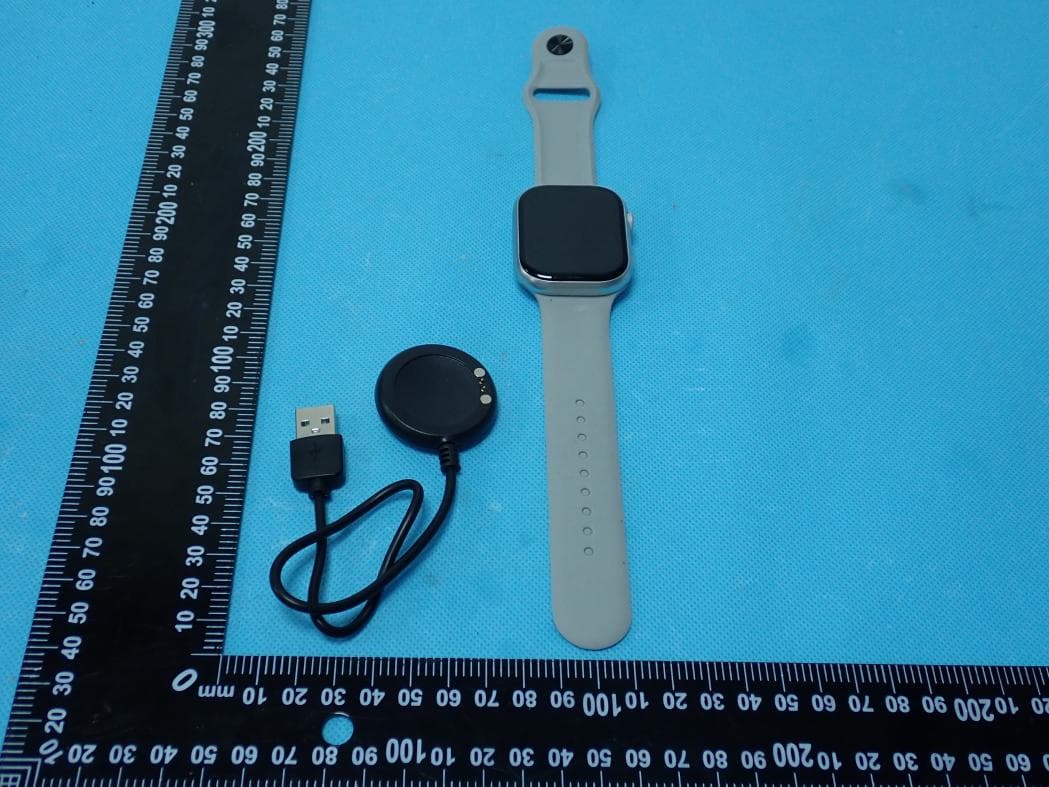
2AWHS-SW004
Jun 17, 2026Fitness Tracking Smart Watch
Equipment Class
DTS - Digital Transmission System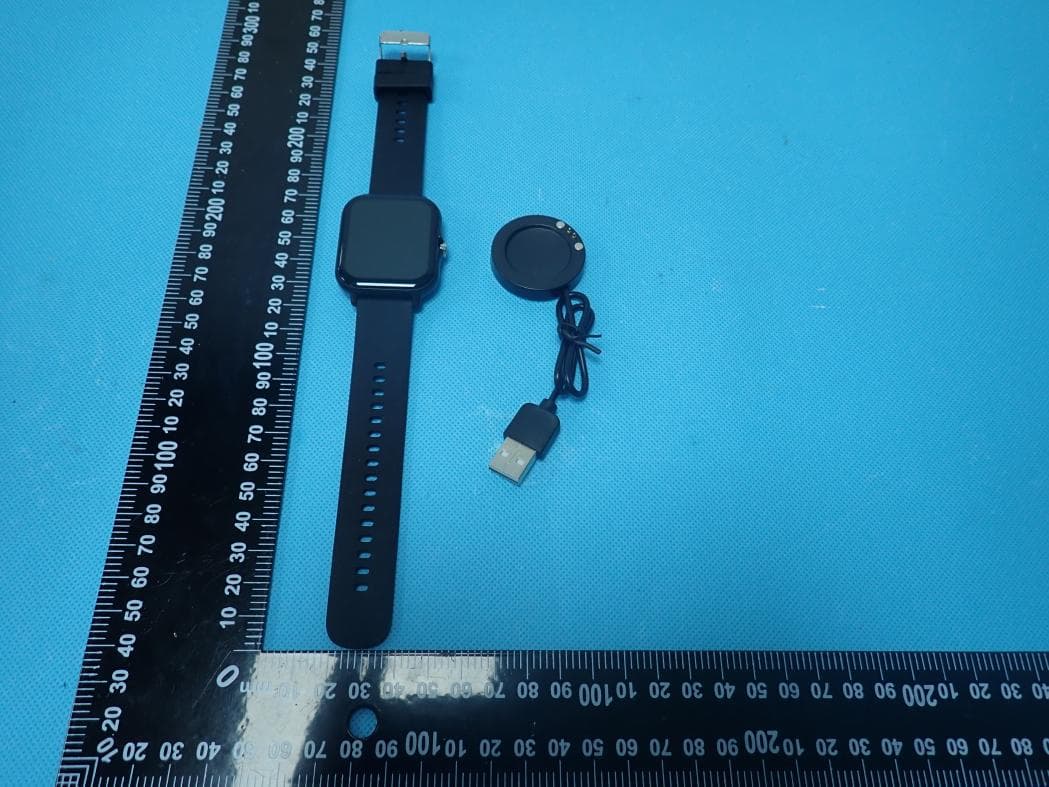
2AWHS-SW001
Apr 30, 2026Smart Watch
Equipment Class
DSS - Part 15 Spread Spectrum Transmitter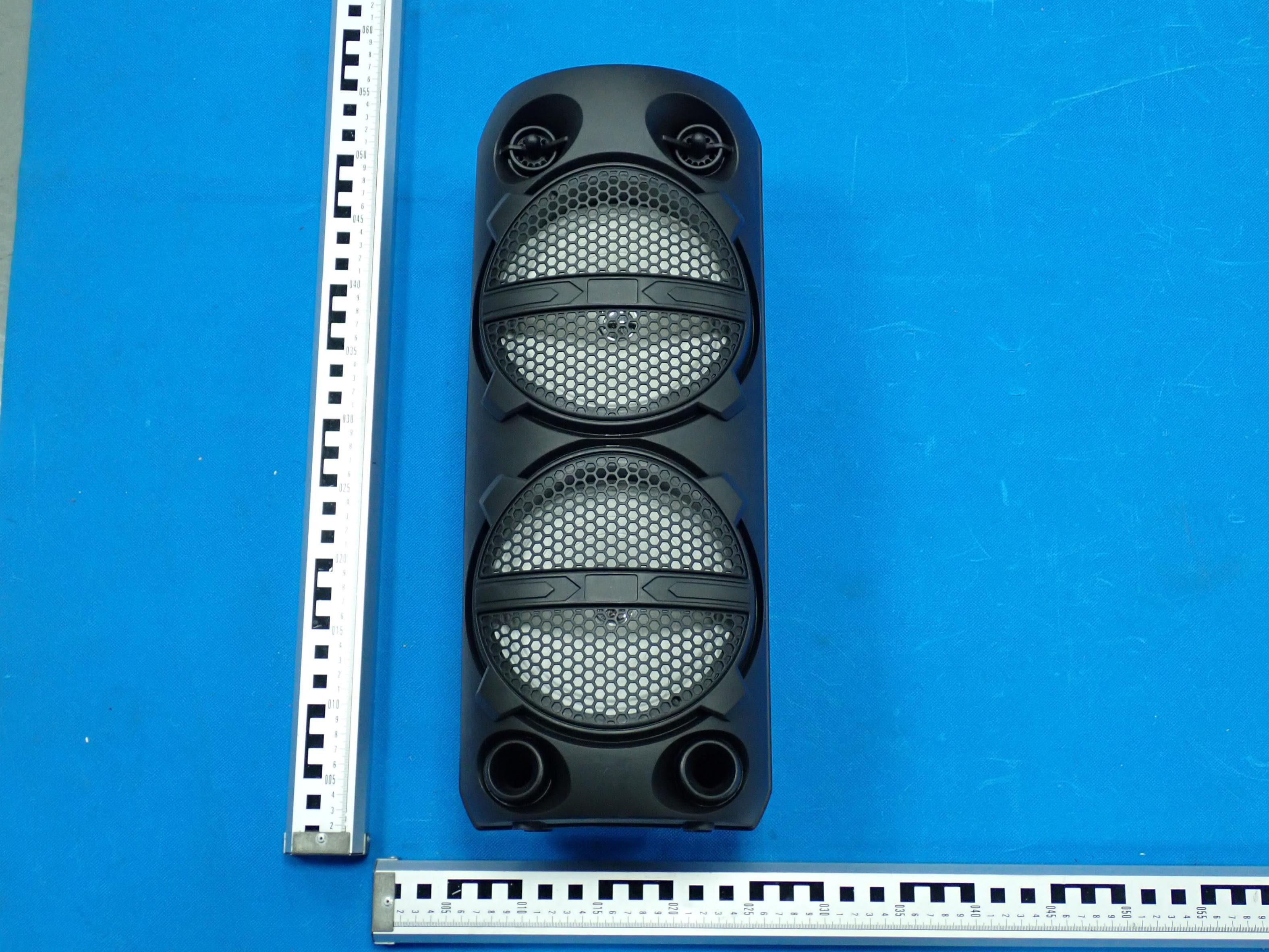
2AWHS-BS0580
Mar 09, 2026Bluetooth Karaoke Speaker with Microphone
Equipment Class
DSS - Part 15 Spread Spectrum Transmitter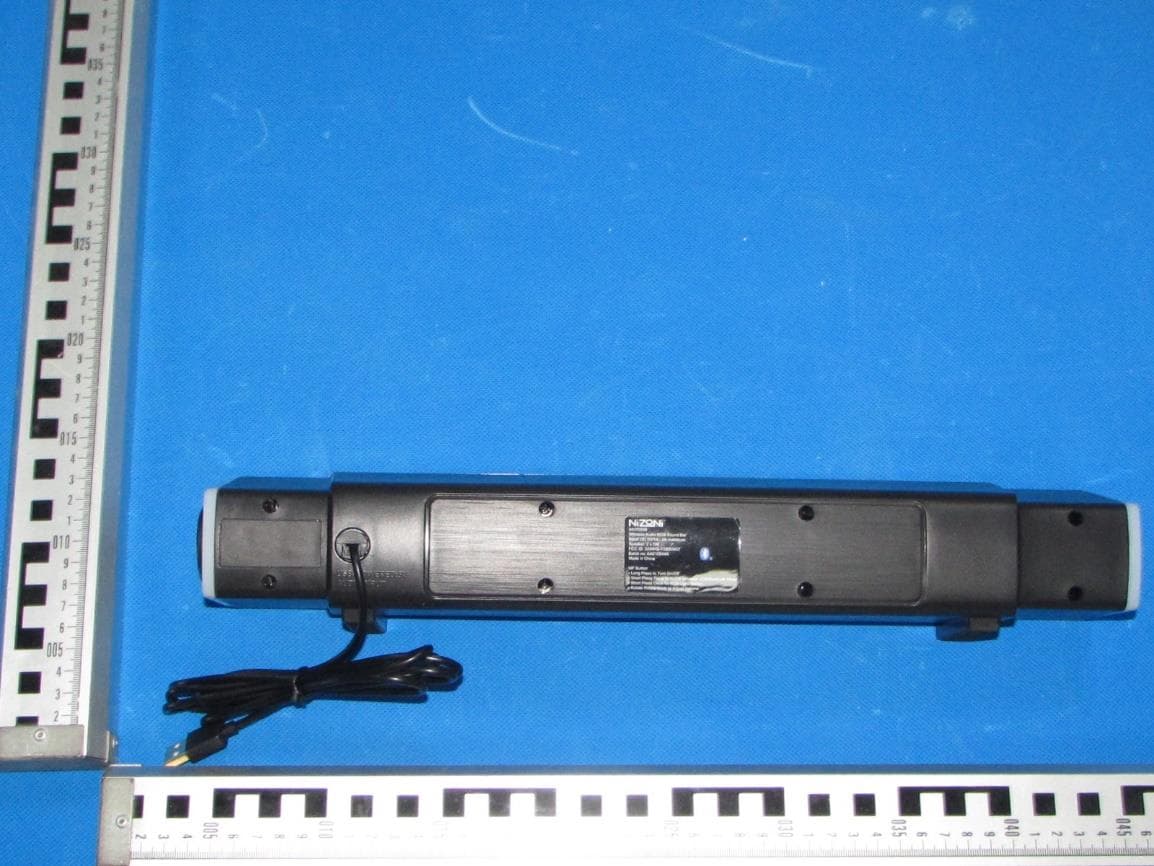
2AWHS-YSBS0457
Oct 10, 2024Wireless audio RGB sound bar
Equipment Class
DSS - Part 15 Spread Spectrum Transmitter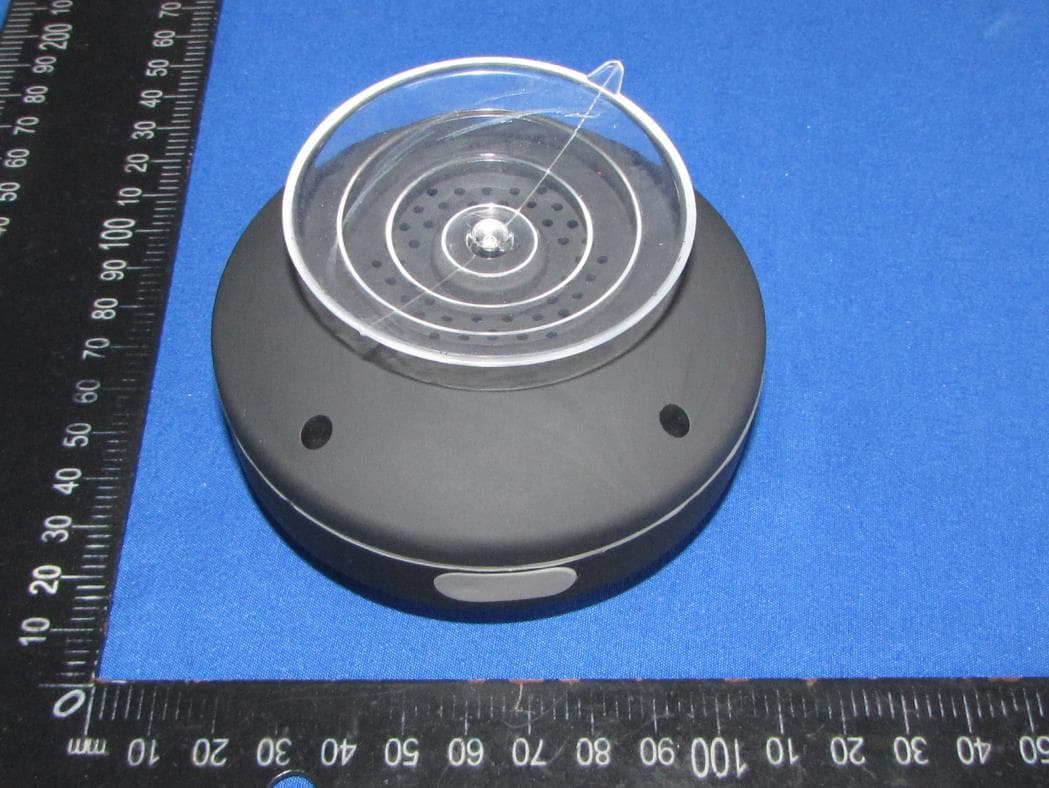
2AWHS-BS0239
Aug 28, 2024Wireless Speaker with light
Equipment Class
DSS - Part 15 Spread Spectrum Transmitter