2AXWO-MIRACLEM-M100Bluetooth Karaoke Mic
Doors Korea Co., Ltd
Click to zoom
Application Details
- Equipment Class
- DXX - Part 15 Low Power Communication Device Transmitter
- Date of Grant
- Nov 12, 2020
- Application Purpose
- Original Equipment
- Date of Application
- Nov 12, 2020
- Equipment Note
- Bluetooth Karaoke Mic
- Frequency Range
- 88.10000000 - 107.90000000
- Company
- Doors Korea Co., Ltd
- Country
- South Korea
Documents & Files
Document Text
Text extracted from the exhibit documents filed with the FCC. Open a document above to read the original.
Users Manual
M100 Manual Directions For more detailed directions see enclosed instructions. 1. Turn ON : Press Power button 2-3 seconds, then MIC will turn on with LED light on. 2. Bluetooth Pairing: You can pair using Bluetooth. (Please check the description below) 3. Play Music: You can play music through a Smartphone APP. 4. Volume Control: You can control Volume and Echo on demand. 5. Lyrics Elimination Mode: This mode significantly lowers recorded singer’s voice. 6. Duet Mode: Connect two mics together so you can sing with others. 7. Turn ON / OFF : Press POWER button 2-3 seconds. 8. Press SOUND EFFECT button quickly and you will hear the applaud sound and press 9. again for 2-3 sec for fanfare sound. 10. Sound Modification : 5 kinds of Echo effects / 3 kinds of Voice Modifications. 11. FM Connection : In case you want to connect MIC by FM, Press this button and tune the frequency as shown on MIC. 12. Recharge cable antenna : Recharge cable can also be used as an antenna when you use FM connection. 13. App : You can use any Smartphone APP to use this product. 14. AUX OUT : Expand your sound by using AUX out port. Caution When Howling noise occurs, please reduce the volume of the echo effector on the microphone. When using the Bluetooth function, the connection distance of device should not exceed 10m. Do not lick products, and do not use them in wet or humid places. If the product is dropped from a high place, It may cause product damage or malfunction. Stay away from heat and hot air, this may cause explosion of battery, degrades performance or decreased longevity. Do not keep the product inside a car. There is a possibility of explosions. When your charging, the proper temperature is between -10°C and 40°C. Recharge Note : The MIC will automatically turn off when the battery charge is low . The included battery [in the package] is not fully charged. You may use the device after it is fully charged. Microphone must be turned off when charging. Plug the micro USB port cable into the MIC Port, and another port into a USB charger receptacle. Full charge usually take 1-3 hours. A fully charged Battery can be used for 1-4 hours. * Please note that charging times can vary depending on outside circumstance or battery condition. * You can check the battery status on your M100 MIC. Sound Effect : Pick 5 kinds Echo effects from the Echo Menu, also you can pick 3 kinds of interesting voice modification as shown below. Before Bluetooth Pairing Distance between MIC and Smartphone should be 6 ft.(2M) for effective pairing. If pairing fails, turn your MIC off and try it again. Important conditions below : - Check your Smartphone connection with other Bluetooth devices. - Do not use this device in prohibited areas. (hospital, air plane) - Partitions, walls or other obstacles can cause interference or malfunction. Bluetooth Pairing By pressing POWER button for 3 sec, the MIC will automatically search for bluetooth CONNECTION 1. Press M100 POWER button 3 sec, MIC will say “Power is on, Bluetooth Mode.” (When you turn on the MIC, it will automatically reconnect with former bluetooth device) 2. Choose M1 00 MIC on your Smartphone Bluetooth device list. 3. Ding-dong sounds when Bluetooth connected. 4. Lyric Elimination Mode What is Lyric Elimination mode ? : This mode significantly lowers recorded singer’s voice. How to use Lyric Elimination Mode 1. Pair your MIC and Smartphone then play music you liik e. 2. Press quickly POWER button, then Lyric Elimination Mode starts. 3. Press POWER button quickly then Lyric Elimination Mode will be turned off. ※ This feature needs bluetooth paired MIC with your Smartphone. * You do not need an additional APP when using Lyric Elimination Mode. ** Lyrics Elimination Mode cannot completely remove the recorded singers’ voice, it will vary depending on the condition of the MP3 file. Duet Mode What is Duet Mode? : Connect two MICs together so you can sing with others. How to use Duet Mode 1. Turn on both MICs. 2. Connect your Smartphone to one of your MIC. (Connected MIC with Smartphone is your MAIN MIC) 3. Press DUET MODE button on your main MIC. (Press 2-3 sec) 4. Main MIC will search pairable MIC and will be connected with sound. 5. Duet Mode LED light will be on. FM Connetion FM Connection : Connect MIC to your radio by using FM frequency. How to use 1. You do not need to use any AUX cable when you connect your MIC to FM radio. 2. Tune your radio frequency at 88.1 MHz or 107.9 MHz. 3. Select a FM radio frequeny on your MIC by pressing FM button. 4. You can turn ON/OFF your MIC speaker by pressing FM button 2-3 sec. Audience Sound Effect : You can use some interesting reaction sounds by pressing Audience Sound Effect. How to use 1. Press SOUND EFFECT button quickly and you will hear the applaud sound and press again for 2-3 sec for fanfare sound. 2. When you press SOUND EFECT button while playing music, you will only hear the Sound Effect. FAQ Status Reasons Solutions Microphone not working Can’t be turned on or the voice volume can’t be adjusted Change the MIC, press power button 2-3 seconds and adjust the volume No Reverberation Unable to turn up echo volume Switch to Echo volume and press VOL+ Presence of noise Environmental noise mobile phone signal interference Adjust the distance between microphone and Cellphone Poor Recording Phone does not match. Phone chip processing ability that is too weak Restart the Smart Phone to try again or try another Smart Phone When Playing music, staccato appears Too Distant to Bluetooth connection or obstructions between phone and device Move closer to Smart Phone, keep away from obstructions Weak accompaniment sound Low phone volume or bad- quality music Turn up phone volume or download high-quality music Bluetooth cannot be paired Distant Bluetooth connection or already paired with another phone Get closer to Smartphone or reconnect with another Smartphone.. FCC Information to User This equipment has been tested and found to comply with the …
Text truncated - open the document above for the full version.
Cover Letter(s)
Doors Korea Co., Ltd 1F, 27, Mangu-ro 81-gil, Jungnang-gu, Seoul, Republic of Korea Nov 05, 2020 FEDERAL COMMUNICATIONS COMMISSIONS Authorization and Evaluation Division 7435 Oakland Mills Road Columbia, MD 21046 Letter of Authorization We, the undersigned, hereby authorize Kenneth Kim of NCT Co.,Ltd. to act on our behalf in all manners relating to application for equipment authorization for FCC ID: 2AXWO-MIRACLEM-M100 including signing of all documents relating to these matters. Any and all acts carried out by Kenneth Kim of NCT Co.,Ltd. on our behalf shall have the same affect as acts of our own. This authorization is valid until further written notice from Doors Korea Co., Ltd “I, the undersigned, hereby certify that we are not subject to a denial of federal benefits, that includes FCC benefits, pursuant to Section 5301 of the Anti-Drug Abuse Act of 1988, 21 U.S.C. 853(a).” Sincerely, Dae Sung Kim / Representative
Cover Letter(s)
Doors Korea Co., Ltd 1F, 27, Mangu-ro 81-gil, Jungnang-gu, Seoul, Republic of Korea Federal Communications Commission Authorization and Evaluation Division Confidentiality Request regarding application for certification of FCC ID: 2AXWO- MIRACLEM -M100 Pursuant to Sections 0.457 and 0.459 of the Commission’s Rules, we hereby request confidential treatment of information accompanying this application as outlined below: Exhibit Type File Name Block Diagram Schematics Operational Description Part List [miracle,m M100] BLK [miracle,m M100] SCH [miracle,m M100] OpDes [miracle,m M100] Part Lis t The above materials contain trade secrets and proprietary information not customarily released to the public. The public disclosure of these materials may be harmful to the applicant and provide unjustified benefits to its competitors. The applicant understands that pursuant to Section 0.457 of the Rules, disclosure of this application and all accompanying documentation will not be made before the date of the Grant for this application. In additional to above mentioned documents, in order to comply with the marketing regulations in Title 47 CFR §2.803 and the importation rules in Title 47 CFR §2.1204, while ensuring that business sensitive information remains confidential until the actual marketing of newly authorized devices, we request Short Term Confidentiality of the following attachment(s); Exhibit Type File Name Internal Photos Test Setup Photos Manual [miracle,m M100] INT Photo [miracle,m M100] Test Setup Photo [miracle,m M100] Manual For 45 days, pursuant to Public Notice DA 04-1705. OR For 180 days pursuant to KDB 726920 D01. Sincerely, Dae Sung Kim / Representative
Cover Letter(s)
Doors Korea Co., Ltd 1F, 27, Mangu-ro 81-gil, Jungnang-gu, Seoul, Republic of Korea November 5 th , 2020 Timco Engineering, Inc. 849 N.W. State Road 45 P.O. Box 370a Newberry, Florida 32669 USA In re: Doors Korea Co., Ltd FCC ID: 2AXWO-MIRACLEM-M100 Family Model Letter Gentlemen: I. We added Multi-model name(miracle,m M110 / miracle,m M120) for business purposes. Basic Model(miracle,m M100) and Multi Model(miracle,m M110 / miracle,m M120) are equal to the product appearance and internal circuit. Multi model are not change the RF perimeter. Sincerely, Dae Sung Kim / Representative Doors Korea Co., Ltd
ID Label/Location Info
Doors Korea Co., Ltd_miracle,m M100_Label & Location
RF Exposure Info
Model Name : FCC ID :2AXWO-MIRACLEM-M100 (mm)(dBm)(dB)(dBm)(mW) 2402-2.62-1.620.693.00PASS 2441-2.51-1.510.713.00PASS 2480-2.66-1.660.683.00PASS Separation distance : 5.0 mm MPE Calculation Step 1) SAR Test exclusion thresholds for 100MHz to 6GHz at test separation distance ≤ 50 mm = Used [(max.power of channel, including tune-up torelance, mW)/(min. test separation distance, mm)] * [√f(GHz)] miracle,m M100 Device Category : Bluetooth Karaoke Mic SAR Test exclusion thresholds for 100MHz to 6GHz at test separation distance ≤ 50 mm LimitResult GFSK 5.00± 1.00 0.2135 0.2207 0.2149 Modulation Frequency (MHz) Min. Test separation distance Measured Maximum Average power Tune-up tolerance Max. Power with tune-up tolerance
Test Report
Certificate of Test NTP-015-F06(Rev.03) NCT.CO., LTD. NCT Co., Ltd. 211-71, Geumgok-ro, Hwaseong-si, Gyeonggi-do, 18511, Korea (Tel: +82-31-323-6070 / Fax: +82-31-323-6071) Report No.: NW2011-F005 Page (1) / (22) 1. Client ○ Name : Doors Korea Co., Ltd. ○ Address : 1F, 27, Mangu-ro 81-gil, Jungnang-gu, Seoul, Republic of Korea ○ Date of Receipt : 2020-10-16 2. Use of Report : FCC Approval 3. Test Sample ○ Description / Model Name : Bluetooth Karaoke Mic / miracle,m M100 ○ FCC ID : 2AXWO-MIRACLEM-M100 4. Date of Test : 2020-10-28 ~ 2020-11-04 5. Test method used : FCC Part 15 Subpart C 15.247 6. Testing Environment : ○ Temperature: (25 ± 5) °C, Humidity: Less than 75 % R.H. * Unless specified otherwise in the individual methods, the tests were conducted on ambient conditions. 7. Test Results : Refer to the test results The results shown in this test report refer only to the sample(s) tested unless otherwise stated. This Test Report cannot be reproduced, except in full This test report is prepared according to the requirements of ISO / IEC 17025. Affirmation Tested by Woo-Hyoung, Jeong (signature) Technical Manager Kyung-Taek, Lee (signature) November 5, 2020 NCT CO., LTD. (seal) Test Repot No.: NW2011-F005 211-71, Geumgok-ro, Hwaseong-si, Gyeonggi-do, Korea 18511 www.nct.re.kr TEL: +82-31-323-6070 FAX: +82-31-323-6071 Page 2 of 22 Table of contents 1. General Information -------------------------------------------------------------------------------- 2. Information’s about Test Item ------------------------------------------------------------------- 3. Test Report -------------------------------------------------------------------------------------------- 3.1 Test Summary ------------------------------------------------------------------------------------- 3.2 Test Report Version ----------------------------------------------------------------------------- 3.3 Transmitter Requirements 3.3.1 Antenna Requirement --------------------------------------------------------------------- 3.3.2 Occupied Bandwidth ---------------------------------------------------------------------- 3.3.3 Field Strength of Fundamental Frequency and Radiated Emission ----------- 3.3.4 Conducted Emission ----------------------------------------------------------------------- APPENDIX APPENDIX I TEST SETUP ---------------------------------------------------------------------- APPENDIX II TEST EQUIPMENT USED FOR TESTS ---------------------------------- 3 3 5 5 6 7 8 10 16 19 21 Test Repot No.: NW2011-F005 211-71, Geumgok-ro, Hwaseong-si, Gyeonggi-do, Korea 18511 www.nct.re.kr TEL: +82-31-323-6070 FAX: +82-31-323-6071 Page 3 of 22 1. General Information’s 1.1 Test Performed Laboratory : NCT Co., Ltd. Address : 211-71, Geumgok-ro, Hwaseong-si, Gyeonggi-do, 18511, Korea Telephone : +82-31-323-6070 Facsimile : +82-31-323-6071 FCC Designation No. : KR0166 FCC Registration No. : 409631 IC Site Registration No. : 25897 2. Information’s about Test Item 2.1 Applicant Information Company name : Doors Korea Co., Ltd Address : 1F, 27, Mangu-ro 81-gil, Jungnang-gu, Seoul, Republic of Korea Telephone / Facsimile : +82-1566-4520 / +82-70-5165-3275 2.2 Equipment Under Test (EUT) description Test item particulars : Bluetooth Karaoke Mic Model and/or type reference : miracle,m M100 Additional model name : miracle,m M110 / miracle,m M120 Serial number : Identification Antenna type and gain : Wire Antenna Date (s) of performance of tests: : 2020-10-28 ~ 2020-11-04 Date of receipt of test item : 2020-10-19 EUT condition : Pre-production, not damaged Number of channel : 2 EUT Power Source : DC 3.7 V Type of Modulation : FM Firmware version : 1.0 Hardware version : 1.0 Test software name(version) : - Test Repot No.: NW2011-F005 211-71, Geumgok-ro, Hwaseong-si, Gyeonggi-do, Korea 18511 www.nct.re.kr TEL: +82-31-323-6070 FAX: +82-31-323-6071 Page 4 of 22 2.3 Tested Frequency Test Mode Test frequency () Low frequency Middle frequency High frequency FM 88.1 - 107.9 Test Repot No.: NW2011-F005 211-71, Geumgok-ro, Hwaseong-si, Gyeonggi-do, Korea 18511 www.nct.re.kr TEL: +82-31-323-6070 FAX: +82-31-323-6071 Page 5 of 22 3. Test Report 3.1 Test Summary Applied FCC Rule Test Items Test Condition Result 15.203 Antenna Requirement Radiated C 15.239(a) Occupied Bandwidth C 15.239(b) Field Strength of Fundamental Frequency C 15.239(c) 15.209 Radiated Spurious Emission C 15.207 Conducted Emissions AC Line Conducted C Note 1: C=Complies NC=Not Complies NT=Not Tested NA=Not Applicable The sample was tested according to the following specification: FCC Part15, Subpart C §15.239. Compliance was determined by specification limits of the applicable standard according to customer requirements. Test Repot No.: NW2011-F005 211-71, Geumgok-ro, Hwaseong-si, Gyeonggi-do, Korea 18511 www.nct.re.kr TEL: +82-31-323-6070 FAX: +82-31-323-6071 Page 6 of 22 3.2 Test Report Version Test Report No. Date Description NW2011-F005 2020-11-05 Initial issue Test Repot No.: NW2011-F005 211-71, Geumgok-ro, Hwaseong-si, Gyeonggi-do, Korea 18511 www.nct.re.kr TEL: +82-31-323-6070 FAX: +82-31-323-6071 Page 7 of 22 3.3 Transmitter Requirements 3.3.1 Antenna Requirement Accoding to §15.203 An intentional radiator shall be designed to ensure that no antenna other than that furnished by the responsible party shall be used with the device. The use of a permanently attached antenna or of an antenna that uses a unique coupling to the intentional radiator shall be considered sufficient to comply with the provisions of this section. The manufacturer may design the unit so that a broken antenna can be replaced by the user, but the use of a standard antenna jack or electrical connector is prohibited. 3.3.1.1 Result Complies (The transmitter has a Wire Antenna. It comply with the standard requirement.) Test Repot No.: NW2011-F005 211-71, Geumgok-ro, Hwaseong-si, Gyeonggi-do, Korea 18511 www.nct.re.kr TEL: +82-31-323-6070 FAX: +82-31-323-6071 Page 8 of 22 3.3.2 Occupied Bandwidth 3.3.2.1 Test Setup …
Text truncated - open the document above for the full version.
Test Setup Photos
Below 30 MHz Below 1 GHz Above 1 GHz Conducted Emission
Contact Information
Applicant
Dae Sung Kim(Representative)
Test Firm
NCT Co., Ltd.Il-Shin Kim
Technical Specifications
| # | Rule Parts | Frequency Range | Power Output |
|---|---|---|---|
| 1 | 15C | 88.1 MHz - 107.9 MHz | - |
Other Applications from Doors Korea Co., Ltd
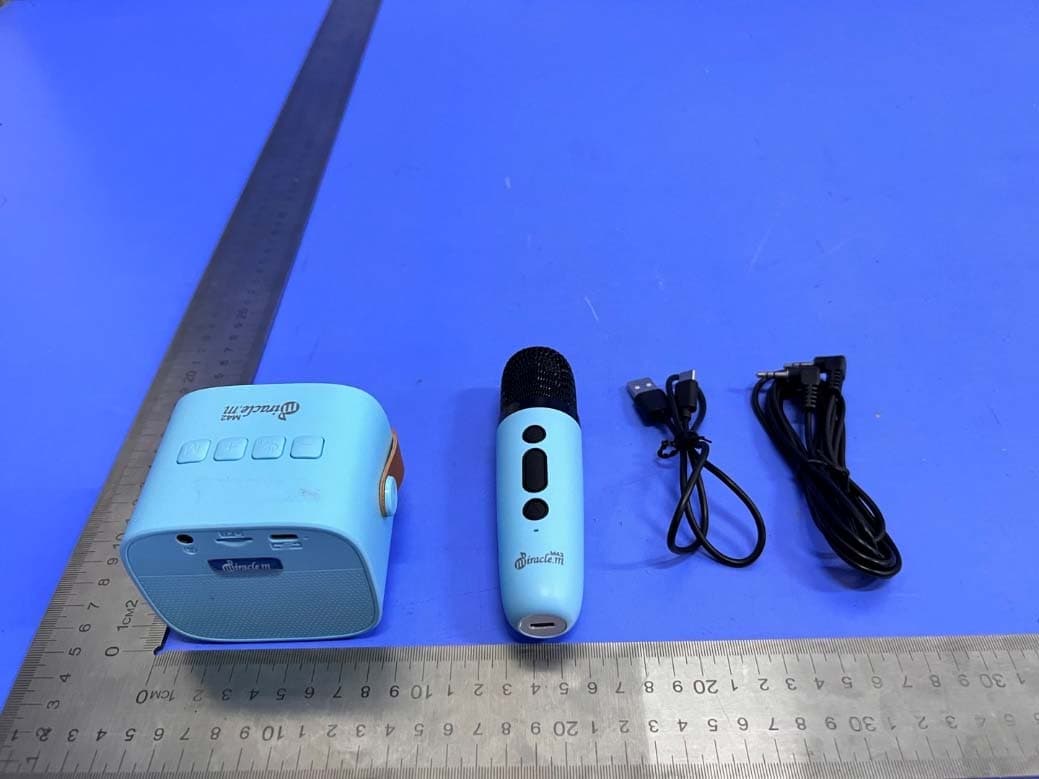
2AXWO-M46
Dec 14, 2022UHF Microphone
Equipment Class
DXX - Part 15 Low Power Communication Device Transmitter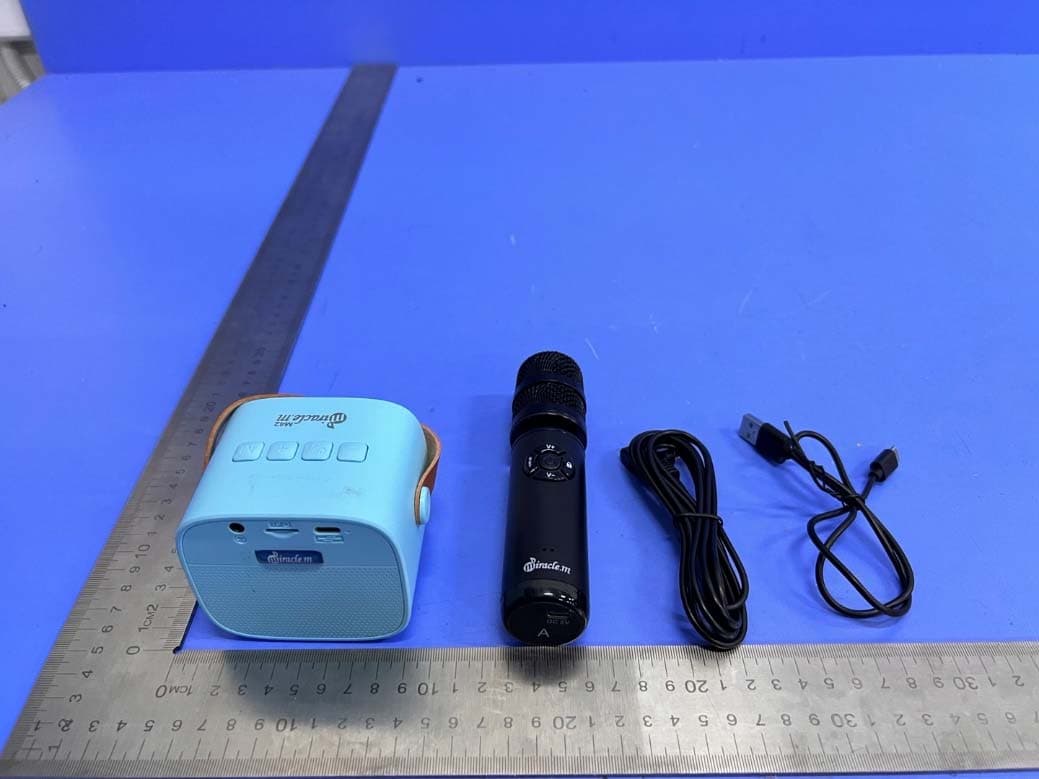
2AXWO-M910
Dec 14, 2022UHF Microphone
Equipment Class
DXX - Part 15 Low Power Communication Device Transmitter
2AXWO-M900
Jun 26, 2021Miracle,m M900 UHF 2channal wireless microphone
Equipment Class
DXX - Part 15 Low Power Communication Device Transmitter
2AXWO-MIRACLEM-M37
Nov 09, 2020Bluetooth Karaoke Mic
Equipment Class
DSS - Part 15 Spread Spectrum Transmitter
2AXWO-MIRACLEM-M75
Nov 09, 2020Bluetooth Karaoke Mic
Equipment Class
DSS - Part 15 Spread Spectrum Transmitter