2BDL3-A70Thermal Label Printer
Xiamen AiYin Technology Co., Ltd.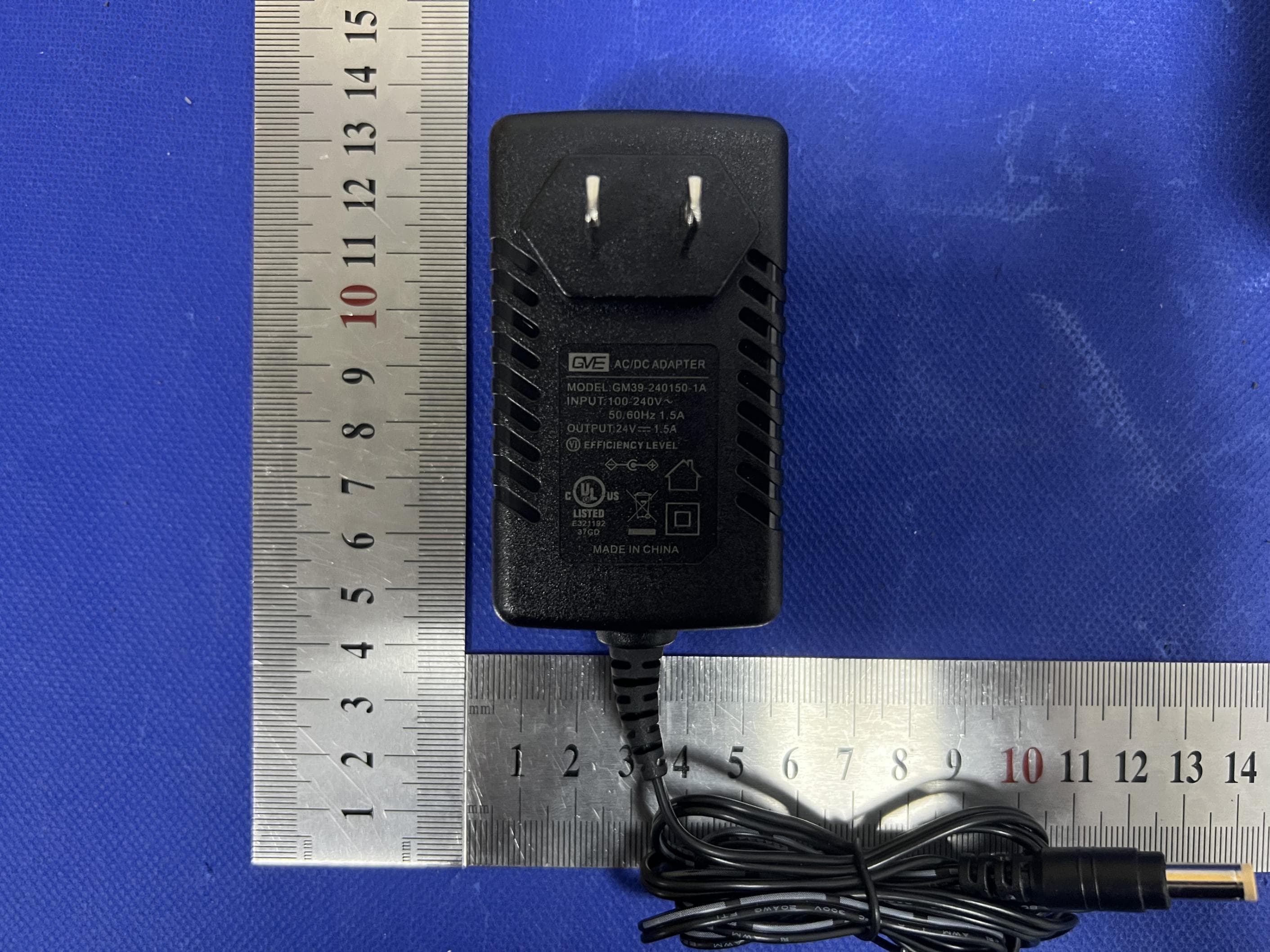
Click to zoom
Application Details
- Equipment Class
- DTS - Digital Transmission System
- Date of Grant
- Dec 31, 2023
- Application Purpose
- Original Equipment
- Date of Application
- Dec 31, 2023
- Equipment Note
- Thermal Label Printer
- Frequency Range
- 2402.00000000 - 2480.00000000
- Country
- China
Documents & Files
Document Text
Text extracted from the exhibit documents filed with the FCC. Open a document above to read the original.
Users Manual
A70 series Version:1.1 Thermal Label Printer Instruction Manual 1. Packing List ........................................................................................... 1 2. Appearance and Components ....................................................... 2 3. Preparation ........................................................................................... 3 4. Basic Functions ................................................................................... 13 5. Trouble shooting ................................................................................ 18 6. Bluetooth connection and usage ................................................. 19 7. Clean the printer ................................................................................ 20 8. Technical Parameters ........................................................................ 22 Table of Content About this Manual This manual contains information about the use and installation of the product. Please read this instruction carefully before using the printer and follow the instructions. International conventions For your convenience, the following symbols (ICONS) and conventions are used in this manual: Warning: This sign warns that improper use may result in property damage, serious injury or death. Caution: This sign indicates caution. Improper use may cause personal injury or damage to items. Remarks: This mark represents remarks. The information listed can enable you to better use the product or extend the service life of the product. Preface Instruction Manual Instruction Manual 1.Packing list After unpacking the package, check whether the product appearance is intact and check all accessories. If there is any defect, please contact the dealer! Printer Power Adapter Note: due to the continuous improvement of the product, the specifications, accessories and programs described in the manual are subject to real machines, and we reserve the right to change without notice. 1 Fan-fold Label USB Cable -1- 2.Appearance and Components Print head Rubber roll Power switch Paper guide Power port USB port -2- Top cover Release latch Advance button 3.Preparation 1) Power must be turned off with a power switch. If the power is turned off by unplugging the power plug, the circuit in the printer will be damaged and the printed data will be destroyed. 2) Please use the original power supply of the machine, otherwise the printing quality may be reduced or the printer may be damaged. 3) Wait for a certain time (≧5S) when turning on the power again after the power is turned off. If the power supply is turned on immediately without a certain period of time, faults may occur. 4) After the power is turned off, the power lamp on the operation panel will be off after 2-3 seconds. This is a normal condition, not a malfunction. 3.2 Connect the power supply 1) Connect the power cable. 2) Connect the USB cable 3) Turn on the power Set the printer power switch to I. -3- 3.1 Power switch Turn the printer power switch to I state, that is, turn on the power switch. Turn the printer power switch to O state, that is, turn off the power switch. -4- b. Follow the prompts to complete the installation step by step. Aiyin_Printer_Driver 3.3 Install the driver Please access help.aiyin.com to download and install the driver, as shown below. 3.3.1 Installation for Windows a. Download exe format driver file. Click to install. -5- A70 -6- 3.3.2 Installation for Mac a. Connect power and computer 1) Connect the power to the printer through power cord. 2) Connect the printer to your computer through USB cord. 3) Put the labels in, switch on the printer. Note: Make sure these three steps are completed before printing in case failing toinstall the printer driver. b.You can download the driver "Driver for Mac (A70/A70pro)" from "help.aiyin.com") A70 -7- c. Open "System Preferences", and click on Security & Privacy'". (lf you don't see the warning , you can skip this step) -8- d. Click on "Open AnyWay"button. (lf you don't see the warning, you can skip this step) e. Click on open" and continue to install the printer. Follow the installationsteps until you see " The installation was successful" window. -9- -10- f. Open "System Preferences">>click on "Printer and Scanners". -11- g. Click "+" to add a new printer. h. Click on Thermal Label Printer, and choose "Select Software" in the drop down menu. -12- i. Choose"Label Printer",click"OK". j. Click Add, now the printer has been installed in your Mac book successfully. 4.Basic Functions The status and fault of the printer can be determined by the color of the button indicators and the buzzer, and the printer can be operated simply by the buttons. 4.1 Paper advance function Turn on the power of the printer, press the "Advance" button, and the printer will send the paper to the specified location according to the type of paper. When using thermal sensitive paper, press the "Advance" button once to release a whole sheet of paper. -13- Note: 1. Now you can print directly, if you want to adjust the printing density,printing speed or other parameter, please refer to part 4 Basic Functions". 2. If you can't print seccessfully, please restart your computer and try again. 4.2 Intelligent learning of paper Turn off the power supply of the printer, open the upper cover, load the labels and close the upper cover, turn on the power supply of the printer, wait until the normal initialization of the printer is completed(about 3-5 seconds), press the "Advance button" and hold it until the "Dee" sound is heard, and the printer can automatically carry out the intelligent learning of the paper. 4.4 Print the device self-check page When the printer is in standby state and the paper is loaded correctly, press the "Advance" button to remove the paper and hold it until "Dee, Dee Dee" is heard, and then the printer can print the self-check page of the device. 4.3 Paper loading Prompt: Auto paper taking “Setting”→select print→“Manage”→“…
Text truncated - open the document above for the full version.
Attestation Statements
XiamenAiYinTechnologyCo.,Ltd. 2.911(d)(5)(i)EquipmentTypeAttestationv1.2 Section2.911(d)(5)(i)Certification–EquipmentType Companyname:XiamenAiYinTechnologyCo.,Ltd. Address:3rd,4thand5thfloor,No.101,HuliIndustrialPark,MeixiRoad,Tong'anDistrict,Xiamen China ProductName:ThermalLabelPrinter FCCID:2BDL3-A70 Model(s):A70,BY-368BT,A70Pro,BY-368 2.911(d)(5)(i)EquipmentType We,[XiamenAiYinTechnologyCo.,Ltd.](“theapplicant”)certifythattheequipmentforwhich authorizationissoughtthroughcertificationisnot: Prohibitedfromreceivinganequipmentauthorizationpursuantto§2.903;oftheFCCrules. Identifiedasanequipmenttypeinthe“CoveredList” NOTE1 Yourssincerely, Name:AaronzhengDate:2023.12.27 TitleandCompanyname:N/A/XiamenAiYinTechnologyCo.,Ltd. NOTE1 “CoveredList”;istheListofEquipmentandServicesCoveredBySection2ofTheSecureNetworksAct,availableat https://www.fcc.gov/supplychain/coveredlist References; 1)986446D01CoveredEquipmentv01 https://apps.fcc.gov/oetcf/kdb/forms/FTSSearchResultPage.cfm?switch=P&id=325672 2)FederalRegisterdocument2022-28263publishedon02/06/23 https://www.federalregister.gov/documents/2023/02/06/2022-28263/protecting-against-national-security-threats-to-the-com munications-supply-chain-through-the
Attestation Statements
XiamenAiYinTechnologyCo.,Ltd. 2.911(d)(5)(ii)ApplicantAttestationv1.3 Section2.911(d)(5)(ii)Certification–Applicant(CoveredList) Companyname:XiamenAiYinTechnologyCo.,Ltd. Address:3rd,4thand5thfloor,No.101,HuliIndustrialPark,MeixiRoad,Tong'anDistrict,Xiamen China ProductName:ThermalLabelPrinter FCCID:2BDL3-A70 Model(s):A70,BY-368BT,A70Pro,BY-368 2.911(d)(5)(ii)Applicantfiling We,[XiamenAiYinTechnologyCo.,Ltd.](“theapplicant”)certifythat,asofthedateofthefilingofthe application,theapplicantisnotidentified NOTE1 onthe“CoveredList” NOTE2 ,establishedpursuantto §1.50002ofthischapter,asanentityproducingcoveredcommunicationsequipment. Yourssincerely, Name:AaronzhengDate:2023.12.27 TitleandCompanyname:N/A/XiamenAiYinTechnologyCo.,Ltd. NOTE1 Deleteoptionnotapplicabletothisapplication. NOTE2 “CoveredList”;istheListofEquipmentandServicesCoveredBySection2ofTheSecureNetworksAct,availableat https://www.fcc.gov/supplychain/coveredlist References; 1)986446D01CoveredEquipmentv01 https://apps.fcc.gov/oetcf/kdb/forms/FTSSearchResultPage.cfm?switch=P&id=325672 2)FederalRegisterdocument2022-28263publishedon02/06/23 https://www.federalregister.gov/documents/2023/02/06/2022-28263/protecting-against-national-security-threats-to-the-com munications-supply-chain-through-the
Attestation Statements
XiamenAiYinTechnologyCo.,Ltd. 2.911(d)(7)USAAgentv1.5 Section2.911(d)(7)USAAgentforServiceofProcess Companyname:XiamenAiYinTechnologyCo.,Ltd. Address:3rd,4thand5thfloor,No.101,HuliIndustrialPark,MeixiRoad,Tong'an District,XiamenChina ProductName:ThermalLabelPrinter FCCID:2BDL3-A70 Model(s):A70,BY-368BT,A70Pro,BY-368 2.911(d)(7)USADesignatedAgentforServiceofProcess We,[XiamenAiYinTechnologyCo.,Ltd.](“theapplicant”)designate[StoneTrading Limited] NOTE1 forthepurposeofacceptingserviceofprocessonbehalfofthe applicant. Applicantconsent:Weacknowledgeourconsenttoacceptserviceofprocessinthe UnitedStatesformattersrelatedtotheapplicableequipment,andatthephysicalU.S. addressandemailaddressofthedesignatedagentandacknowledgeour acceptanceofourobligationtomaintainanagentforserviceofprocessintheUnited Statesfornolessthanoneyearaftereitherwethegranteehavepermanently terminatedallmarketingandimportationoftheapplicableequipmentwithintheU.S., orattheconclusionofanyCommission-relatedadministrativeorjudicialproceeding involvingtheequipment,whicheverislater. Agentobligation:Weacknowledgeourobligationtoacceptserviceofprocessinthe UnitedStatesformattersrelatedtotheapplicableequipmentatourphysicalU.S. addressandemailaddressfornolessthanoneyearaftereitherthegranteehas permanentlyterminatedallmarketingandimportationoftheapplicableequipment withintheU.S.,orattheconclusionofanyCommission-relatedadministrativeor judicialproceedinginvolvingtheequipment,whicheverislater. USAAgent Companyname:StoneTradingLimited USAAddress:6547NAcademyBlvd #2266,ColoradoSprings,CO80918,United States FRNNumber : 0033401936 ContactName:DongmeiFang TelephoneNo:+12134573118 Email:[email protected] Applicant Companyname:XiamenAiYin TechnologyCo.,Ltd. Address:3rd,4thand5thfloor,No.101, HuliIndustrialPark,MeixiRoad,Tong'an District,XiamenChina GranteeFRNNumber : 0034490144 FCCGranteeCode:2BDL3 ContactName:Aaronzheng TelephoneNo:+8613850052853 Email:[email protected] Signature: Title:Manager XiamenAiYinTechnologyCo.,Ltd. 2.911(d)(7)USAAgentv1.5 Signature: Title:N/A Date:2023.12.27Date:2023.12.27 NOTE1:AnapplicantlocatedintheUnitedStatesmaydesignateitselfastheagentforservice ofprocess. Reference;FederalRegisterdocument2022-28263publishedon02/06/23 https://www.federalregister.gov/documents/2023/02/06/2022-28263/protecting-against-nation al-security-threats-to-the-communications-supply-chain-through-the
Cover Letter(s)
XiamenAiYinTechnologyCo.,Ltd. AgentAuthorization Company:XiamenAiYinTechnologyCo.,Ltd. Address:3rd,4thand5thfloor,No.101,HuliIndustrialPark,MeixiRoad,Tong'an District,XiamenChina ProductName:ThermalLabelPrinter ModelNumber(s):A70,BY-368BT,A70Pro,BY-368 ProductDescription:ThermalLabelPrinter WeauthorizeMiCOMLabsInc.,575BoulderCourt,Pleasanton,California94566,USA, toactonourbehalfonallmattersconcerningthecertificationofabovenamed equipment. WedeclarethatMiCOMLabsInc.isallowedtoforwardallinformationrelatedtothe approvalandcertificationofequipmenttotheregulatoryagenciesasrequiredandto discussanyissuesconcerningtheapprovalapplication.Anyandallactscarriedoutby MiCOMLabsonourbehalfshallhavethesameeffectasactsofourown. Signature:Date:2023.12.27 Name:Aaronzheng Title:N/A Company:XiamenAiYinTechnologyCo.,Ltd.
Cover Letter(s)
XiamenAiYinTechnologyCo.,Ltd. OfficeofEngineeringTechnology FederalCommunicationsCommission 7435OaklandMillsRoad Columbia,MD21046 USA Date:2023.12.27 Subject;RequestforConfidentiality FCCID:2BDL3-A70 ToWhomItMayConcern, PursuanttotheprovisionsoftheCommission’srulesTitle47Sections§0.457and§0.459,we arerequestingtheCommissiontowithholdthefollowingattachment(s)asconfidential documentsfrompublicdisclosureindefinitely. Thesedocumentscontaindetailedsystemandequipmentdescriptionsandareconsideredas proprietaryinformationinoperationoftheequipment.Thepublicdisclosureofthesedocuments mightbeharmfultoourcompanyandwouldgivecompetitorsanunfairadvantageinthemarket. SchematicDiagram BlockDiagram PartsList OperationalDescription Tune-upProcedure Inadditionaltoabovementioneddocuments,inordertocomplywiththemarketingregulations inTitle47CFR§2.803andtheimportationrulesinTitle47CFR§2.1204,whileensuringthat businesssensitiveinformationremainsconfidentialuntiltheactualmarketingofnewly authorizeddevices,werequestShortTermConfidentialityofthefollowingattachment(s); ExternalPhotos TestSetupPhotos InternalPhotos UserManual For45days,pursuanttoPublicNoticeDA04-1705. OR For180dayspursuanttoKDB726920D01. Itisourunderstandingthatallmeasurementtestreports,FCCIDlabelformatand correspondenceduringthecertificationreviewprocesscannotbegrantedasconfidential documentsandthisinformationwillbeavailableforpublicreviewoncethegrantofequipment authorizationisissued. Sincerely, Signature: Name:Aaronzheng Title:N/A
Cover Letter(s)
XiamenAiYinTechnologyCo.,Ltd. ModelDifference Productdescription:ThermalLabelPrinter Modelname:A70 BY-368BT,A70Pro,BY-368 TradeName: AllthemodelarethesamecircuitandRFmodule,onlythemodelnameisdifferent. Regards Sincerely Client’ssignature: Client’sname/title:Aaronzheng/N/A Contactinformation/address:3rd,4thand5thfloor,No.101,HuliIndustrialPark, MeixiRoad,Tong'anDistrict,Xiamen,China
External Photos
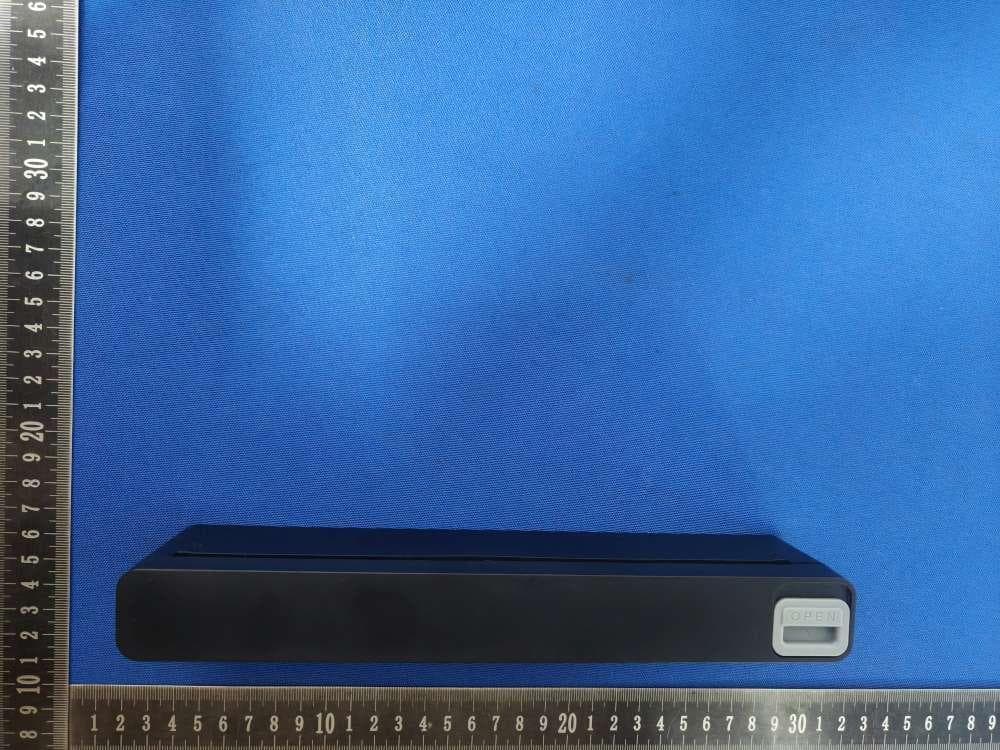
EUTPHOTO(ExternalPhotos) TestMode:A70 ※※※※※ENDOFREPORT※※※※※
ID Label/Location Info
Labelandlabellocation High:2cm Wide:3cm ThermalLabelPrinter FCCID:2BDL3-A70
Internal Photos
EUT PHOTO(Internal Photos) Test Mode: A70 ANT ※※※※※END OF REPORT※※※※※
RF Exposure Info
FCCID:2BDL3-A70 RFExposureEvaluation Limits Thecriterialistedinthefollowingtableshallbeusedtoevaluatetheenvironmentimpactofhumanexposure toradiofrequency(RF)radiationasspecifiedin1.1307(b) LimitsforMaximumPermissibleExposure(MPE) Frequencyrange (MHz) Electricfield strength (V/m) Magneticfieldstrength (A/m) Powerdensity (mW/cm 2 ) Averagingtime (minutes) (A)LimitsforOccupational/ControlledExposures 0.3–3.06141.63*(100)6 3.0–301842/f4.89/f*(900/f 2 )6 30–30061.40.1631.06 300–1500f/3006 1500–100,00056 (B)LimitsforGeneralPopulation/UncontrolledExposure 0.3–1.346141.63*(100)30 1.34–30824/f2.19/f*(180/f 2 )30 30–30027.50.0730.230 300–1500f/150030 1500–100,0001.030 f=frequencyinMHz Friistransmissionformula:Pd=(Pout*G)/(4*pi*r 2 ) Where Pd=powerdensityinmW/cm 2 ,Pout=outputpowertoantennainmW; G=gainofantennainlinearscale,Pi=3.1416; R=distancebetweenobservationpointandcenteroftheradiatorincm PdidthelimitofMPE,1mW/cm 2 .Ifweknowthemaximumgainoftheantennaandthetotalpowerinputto theantenna,throughthecalculation,wewillknowthedistancerwheretheMPElimitisreached. TestProcedure SoftwareprovidedbyclientenabledtheEUTtotransmitandreceivedataatlowest,middleandhighest channelindividually. TestResultofRFExposureEvaluation BLEMode Mode Frequency (MHz) Outputpowerto antenna(dBm) Outputpowerto antenna(mW) Antenna Gain(dBi) PowerDensityat R=20cm(mW/cm 2 ) Limit (mW/cm 2 ) Result GFSK2440-0.1860.962.00.0003031.0PASS
Test Report
深圳市飞易通科技有限公司 www.feasycom.com Bluetooth antenna of PCB on-board specification 1,Index Item Content Page Remark 1 Index 1 2 Spec Drawing 2 3 Specification 2 4 Antenna On Test Board 3 5 Return Loss 3 6 Radiation Pattern 3 Document Type: 2.4GHZ coil antenna Document Version: V1.0 Release Date: Aug. 23,2017 Feasycom Technology Co.,Ltd. Telephone: 86-755-27924639 www.feasycom.com 深圳市飞易通科技有限公司 www.feasycom.com 3,Specification Product Number: 2.4GHZ coil antenna Sample Photo: A. Electrical Characteristics Frequency 2400 ~ 2500 MHz S.W.R. <=2.0 Gain 2.0 dBi Efficiency ~ 50% Polarization Linear Impedance 50 Ohm B. Material & Mechanical Characteristics Material of Radiator Gold-plated copper C. Environmental Operation Temperature - 40°C ~ + 85°C Storage Temperature - 40°C ~ + 105°C Ground copper 深圳市飞易通科技有限公司 www.feasycom.com 4,Antenna On Test Board 5, Return Loss 6,Radiation Pattern Radiation Pattern and Gain were dependent on measurement board design. The specification of coil antenna was measur ed based on the PCB size and installation position as shown in the below figure Test Board. FR4 Thickness 0.8mm 深圳市飞易通科技有限公司 www.feasycom.com Vertical Horizontal Y - Z Plane Average Gain=1.19 dBi Peak Gain = 2 dBi Average Gain = 0.75 dBi Peak Gain= -1.33 dBi Average Gain=-8.7 dBi X - Z Plane Average Gain=-2.91d Bi Peak Gain= -3.71 dBi Average Gain= -8.76dBi Peak Gain= -0.29 dBi Average Gain= -4.19dBi 2441MHz 深圳市飞易通科技有限公司 www.feasycom.com X - Y Plane Average Gain=-0.95 dBi Peak Gain= 0.77 dBi Average Gain= -5.86dBi Peak Gain= 1.35 dBi Average Gain= -2.62 dBi
Test Report
ProjectNo.:ZKT-2311309323E Page 1 of 40 FCCTESTREPORT FCCID:2BDL3-A70 ReportNumber. .................................. :ZKT-2311309323E DateofTest ....................................................... : Dec.05,2023toDec.12,2023 Dateofissue.........................................: Dec.12,2023 Totalnumberofpages.......................... 40 TestResult .......................................... :PASS TestingLaboratory............................: ShenzhenZKTTechnologyCo.,Ltd. Address...............................................: 1/F,No.101,BuildingB,No.6,TangweiCommunityIndustrial Avenue,FuhaiStreet,Bao'anDistrict,Shenzhen,China Applicant'sname ............................. : XiamenAiYinTechnologyCo.,Ltd. Address ............................................... : 3rd,4thand5thfloor,No.101,HuliIndustrialPark,MeixiRoad, Tong'anDistrict,Xiamen,China Manufacturer'sname......................: XiamenAiYinTechnologyCo.,Ltd. Address...............................................: 3rd,4thand5thfloor,No.101,HuliIndustrialPark,MeixiRoad, Tong'anDistrict,Xiamen,China Testspecification: Standard ................................................ : FCCCFRTitle47Part15SubpartCSection15.247 ANSIC63.10:2013 Testprocedure ..................................... : / Non-standardtestmethod ................ :N/A TestReportFormNo........................: / TestReportForm(s)Originator.....: ZKTTesting MasterTRF........................................: Dated:2020-01-06 ThisdevicedescribedabovehasbeentestedbyZKT,andthetestresultsshowthattheequipmentunder test(EUT)isincompliancewiththeFCCrequirements.Anditisapplicableonlytothetestedsample identifiedinthereport. Thisreportshallnotbereproducedexceptinfull,withoutthewrittenapprovalofZKT,thisdocumentmay bealteredorrevisedbyZKT,personalonly,andshallbenotedintherevisionofthedocument. Productname.....................................:ThermalLabelPrinter Trademark...........................................: Model/Typereference......................: A70 BY-368BT,A70Pro,BY-368 Ratings..................................................: Input:24V1.5A,36W AC/DCAdapterInput:AC100-240V,50/60Hz,1.5A Output:24V1.5A,36W ProjectNo.:ZKT-2311309323E Page 2 of 40 Testingprocedureandtestinglocation: TestingLaboratory.......................................: ShenzhenZKTTechnologyCo.,Ltd. Address ............................................................ :1/F,No.101,BuildingB,No.6,TangweiCommunity IndustrialAvenue,FuhaiStreet,Bao'anDistrict, Shenzhen,China JimLiu Testedby(name+signature).......................: JacksonFang Reviewer(name+signature).......................: LakeXie Approved(name+signature).......................: ProjectNo.:ZKT-2311309323E Page 3 of 40 TableofContents Page 1.VERSION....................................................................................................................5 2.SUMMARYOFTESTRESULTS...............................................................................6 2.1TESTFACILITY.................................................................................................................7 2.2MEASUREMENTUNCERTAINTY....................................................................................7 3.GENERALINFORMATION........................................................................................8 3.1GENERALDESCRIPTIONOFEUT.................................................................................8 3.2DESCRIPTIONOFTESTMODES....................................................................................9 3.3BLOCKDIGRAMSHOWINGTHECONFIGURATIONOFSYSTEMTESTED............10 3.4DESCRIPTIONOFSUPPORTUNITS(CONDUCTEDMODE)......................................10 3.5EQUIPMENTSLISTFORALLTESTITEMS.................................................................11 4.EMCEMISSIONTEST.............................................................................................13 4.1CONDUCTEDEMISSIONMEASUREMENT..................................................................13 4.1.1POWERLINECONDUCTEDEMISSIONLimits...................................................13 4.1.2TESTPROCEDURE...............................................................................................13 4.1.3DEVIATIONFROMTESTSTANDARD..................................................................13 4.1.4TESTSETUP...........................................................................................................14 4.1.5EUTOPERATINGCONDITIONS...........................................................................14 4.2.1RADIATEDEMISSIONLIMITS...............................................................................17 4.2.2TESTPROCEDURE...............................................................................................18 4.2.3DEVIATIONFROMTESTSTANDARD..................................................................18 4.2.4TESTSETUP...........................................................................................................18 4.2.5EUTOPERATINGCONDITIONS...........................................................................19 5.RADIATEDBANDEMISSIONMEASUREMENT.....................................................24 5.1TESTREQUIREMENT:..............................................................................................24 5.2TESTPROCEDURE..................................................................................................24 5.3DEVIATIONFROMTESTSTANDARD.....................................................................24 5.4TESTSETUP..............................................................................................................25 5.5EUTOPERATINGCONDITIONS..............................................................................25 5.6TESTRESULT...........................................................................................................26 6.POWERSPECTRALDENSITYTEST......................................................................27 6.1APPLIEDPROCEDURES/LIMIT.............…
Text truncated - open the document above for the full version.
Test Setup Photos
EUTTESTPHOTO TestMode:A70
Contact Information
Applicant
Aaron zheng
Technical Contact
Test Firm
Shenzhen ZKT Technology Co., Ltd.Lake Xie
[email protected]0086-13620010775
Technical Specifications
| # | Rule Parts | Frequency Range | Power Output |
|---|---|---|---|
| 1 | 15C | 2.40 GHz - 2.48 GHz | 960.00 µW |
Other Applications from Xiamen AiYin Technology Co., Ltd.
2BDL3-A12
Jun 12, 2026Portable Wireless Thermal Printer
Equipment Class
DTS - Digital Transmission System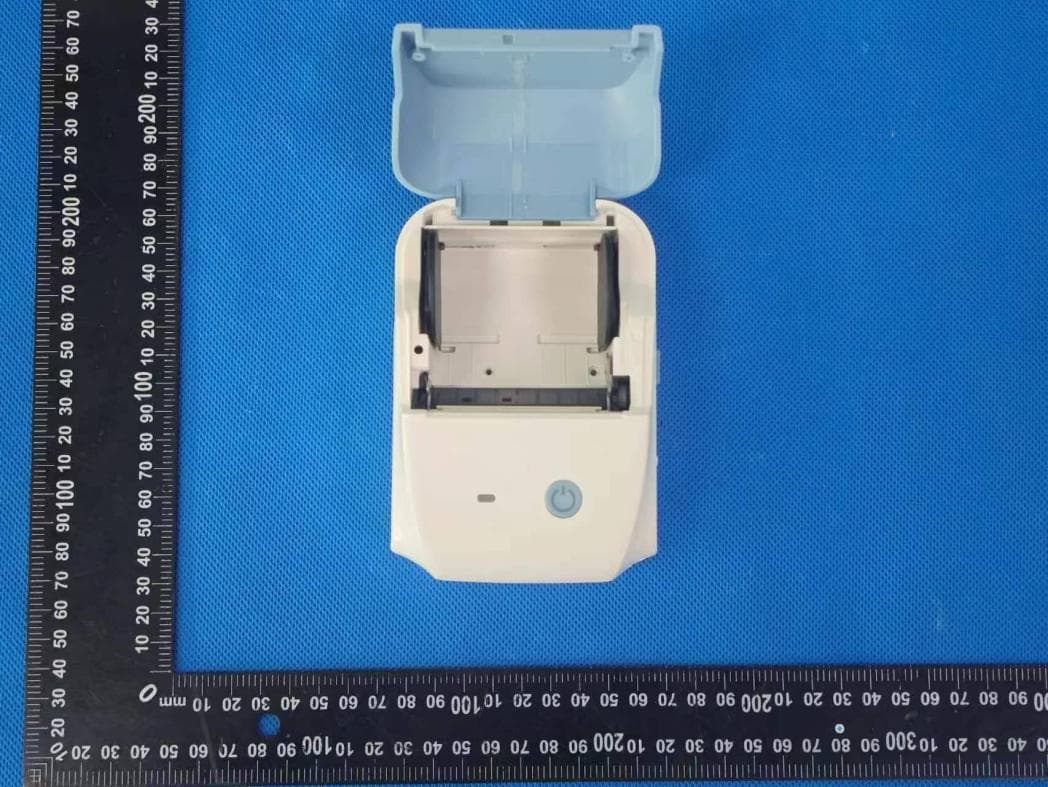
2BDL3-B11
Apr 28, 2026Thermal Label Printer
Equipment Class
DTS - Digital Transmission System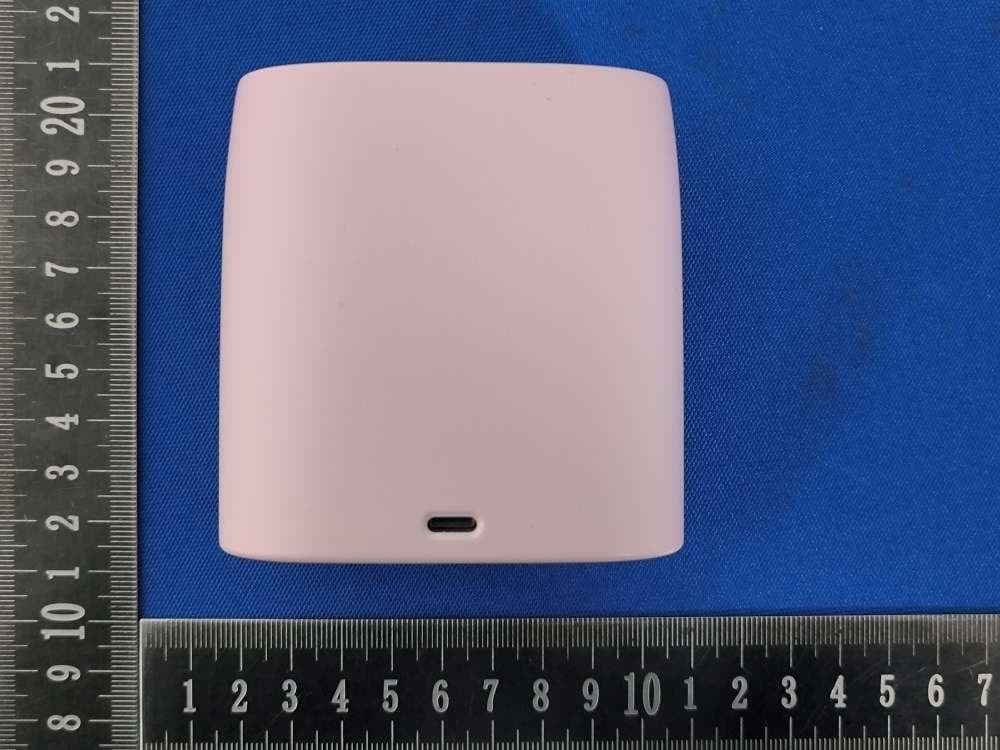
2BDL3-H2
Feb 10, 2026Portable Wireless Thermal Printer
Equipment Class
DTS - Digital Transmission System
2BDL3-A11
Dec 12, 2025A4 Portable Printer
Equipment Class
DTS - Digital Transmission System
2BDL3-B21
Sep 20, 2024Portable Wireless Label Printer
Equipment Class
DTS - Digital Transmission System