A3LCHB610
Samsung Electronics Co Ltd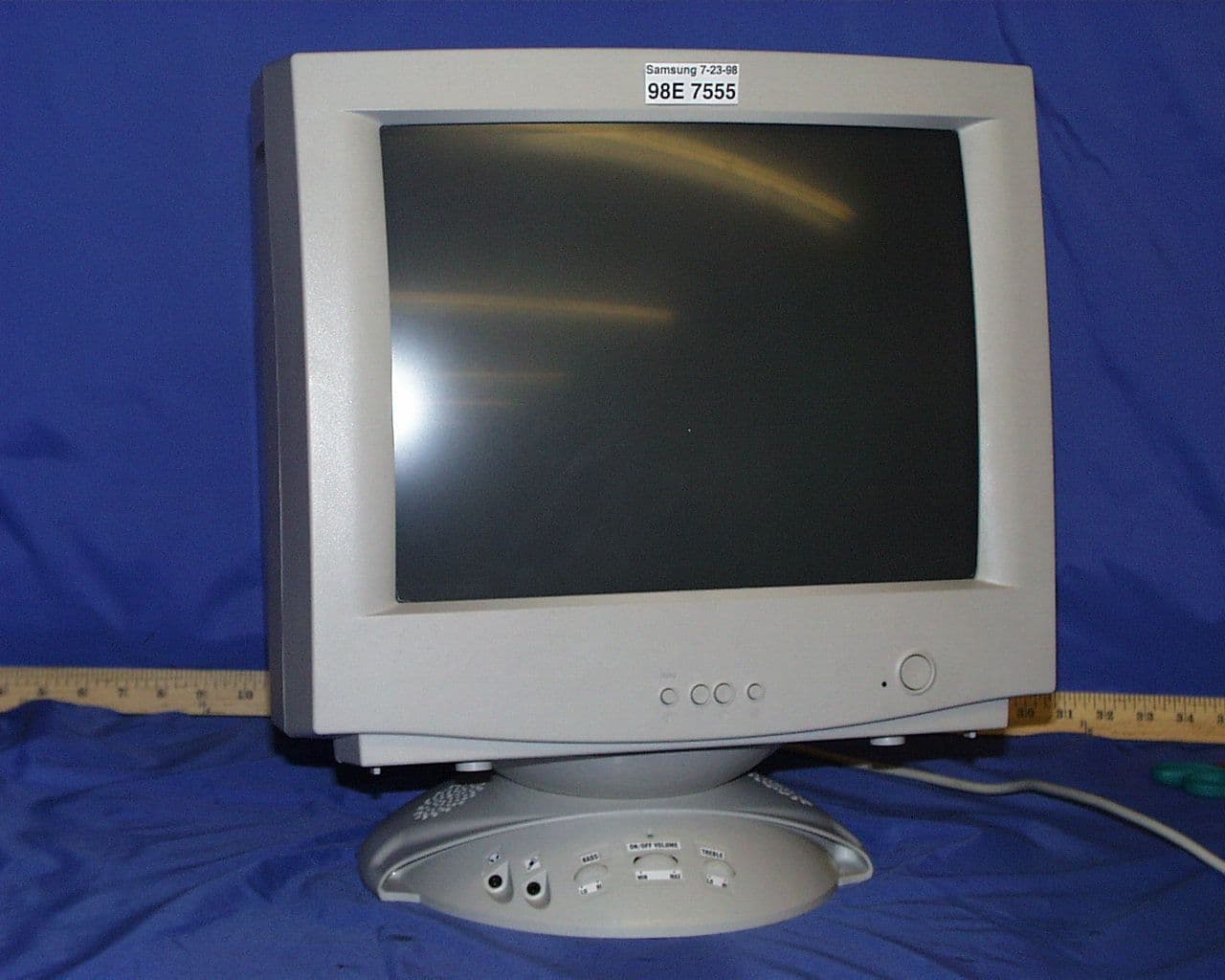
Click to zoom
Application Details
- Equipment Class
- JBP - Part 15 Class B Computing Device Peripheral
- Date of Grant
- Jul 26, 1999
- Application Purpose
- Original Equipment
- Date of Application
- Jul 22, 1998
- Company
- Samsung Electronics Co Ltd
- Country
- United States
Documents & Files
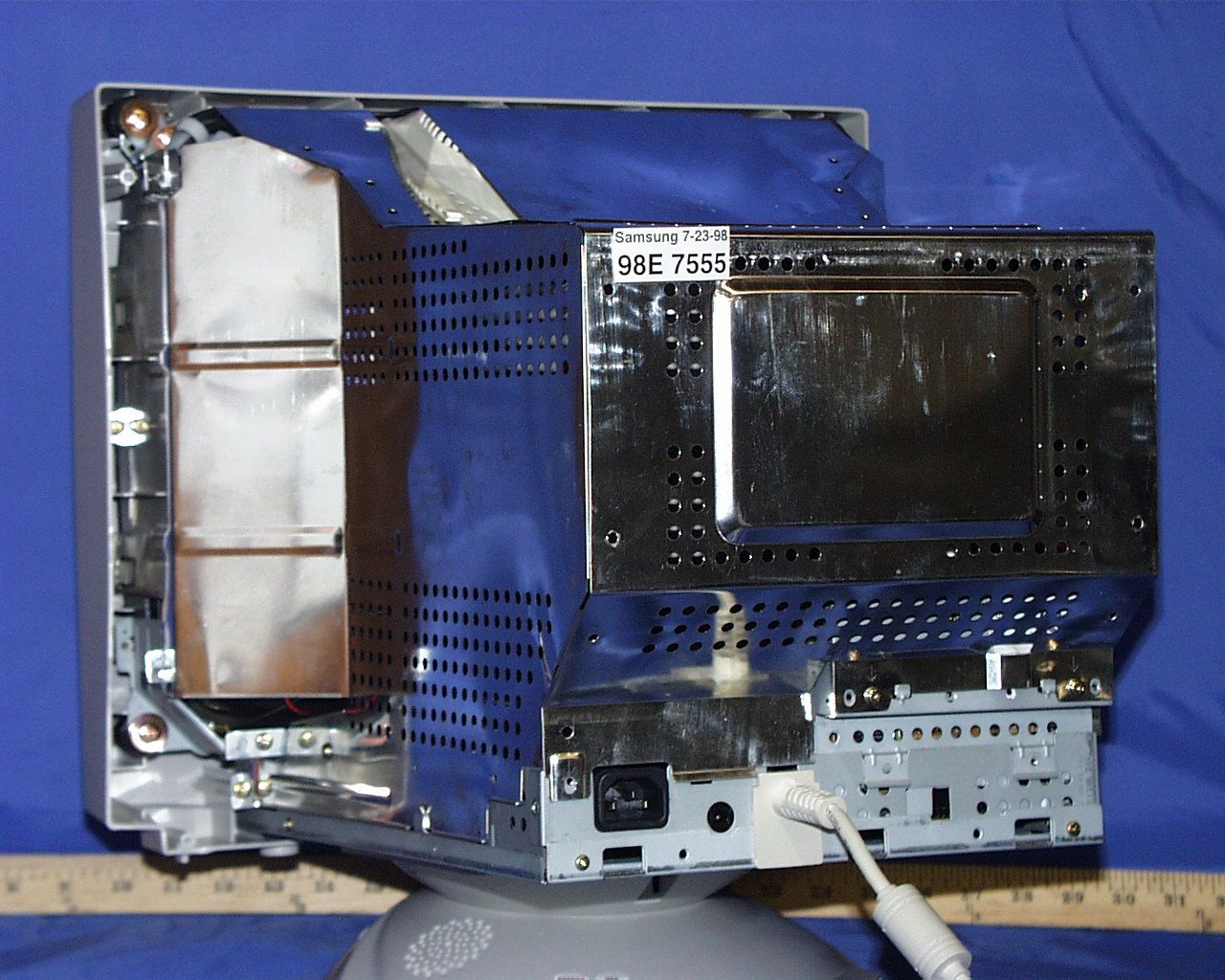
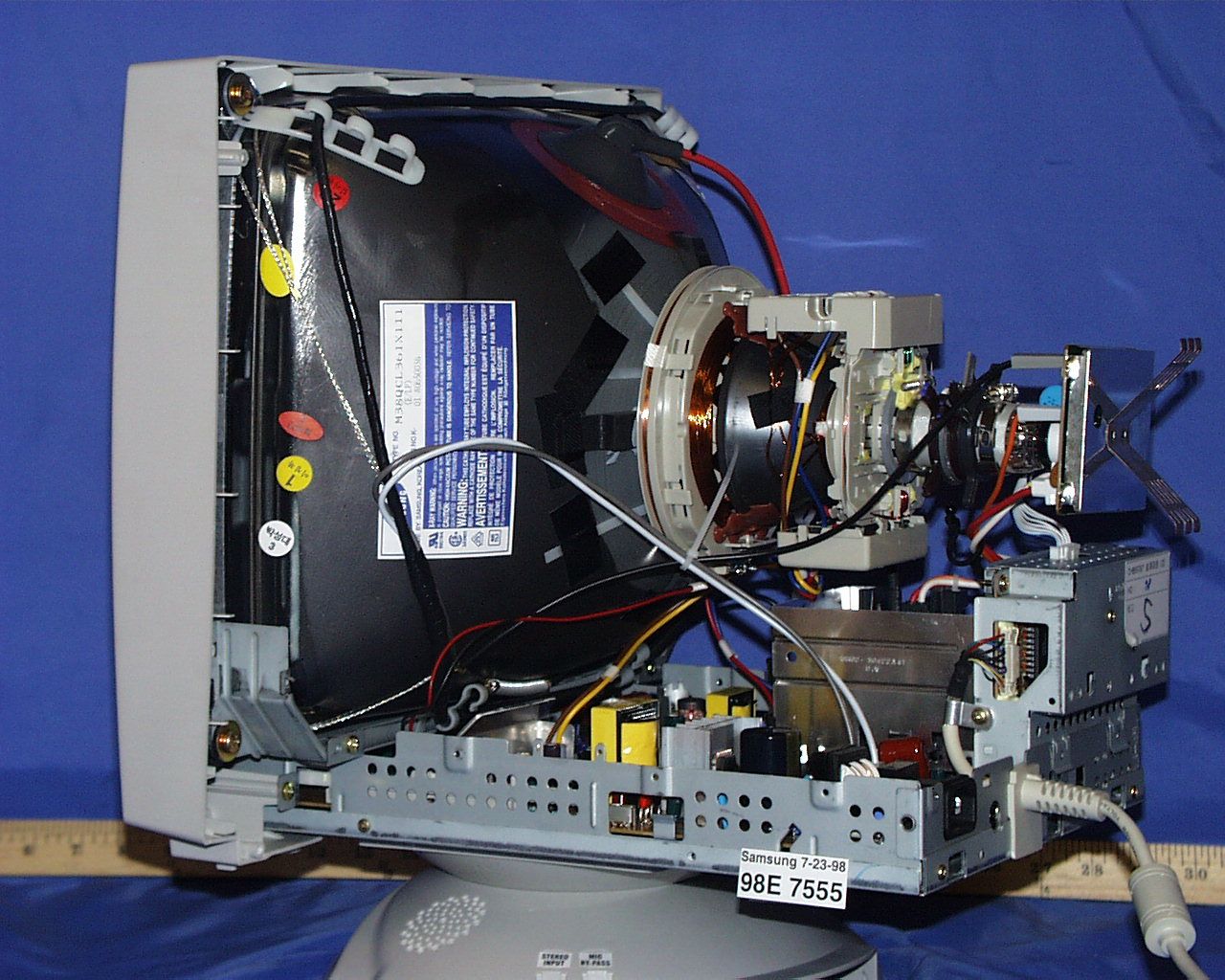
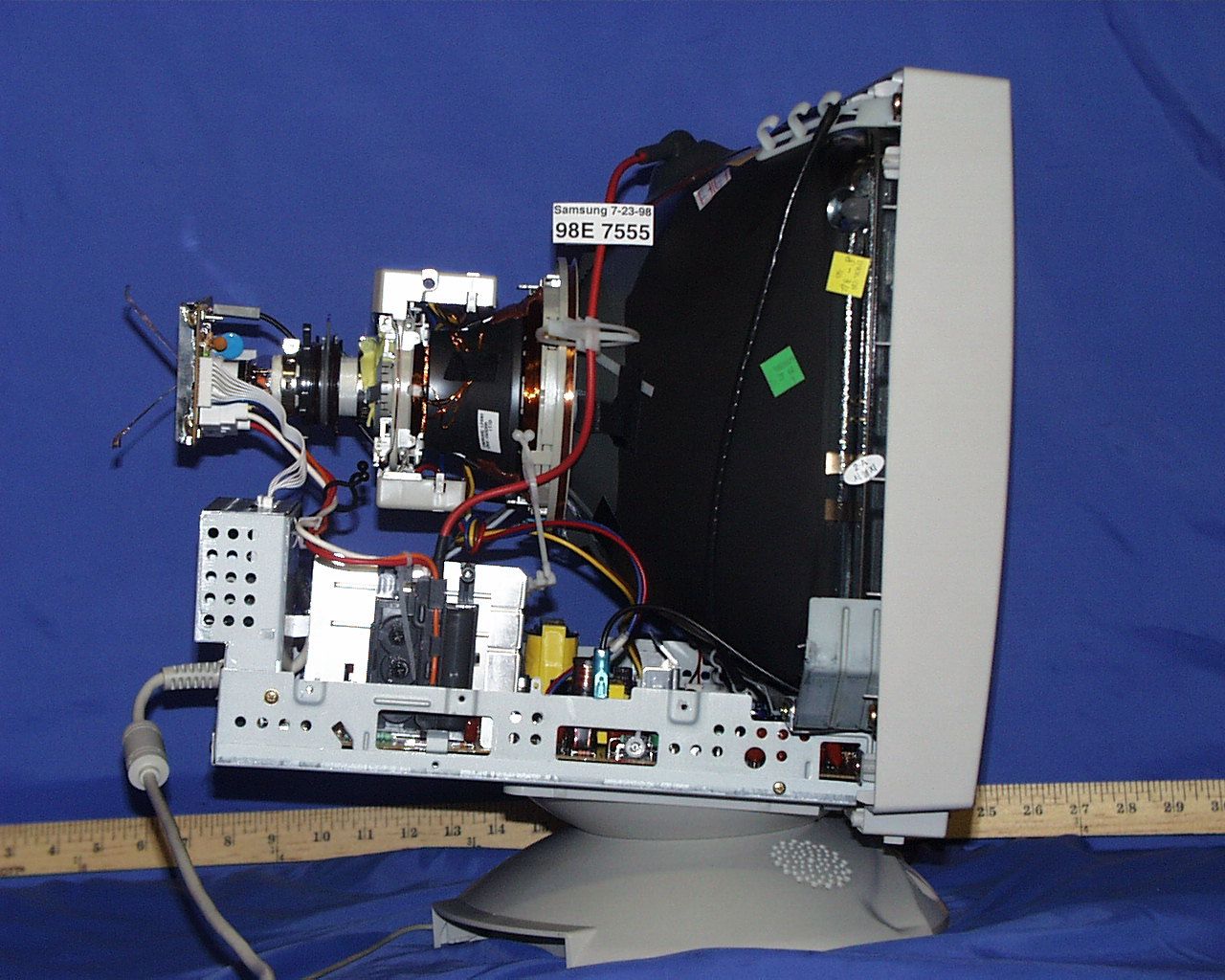
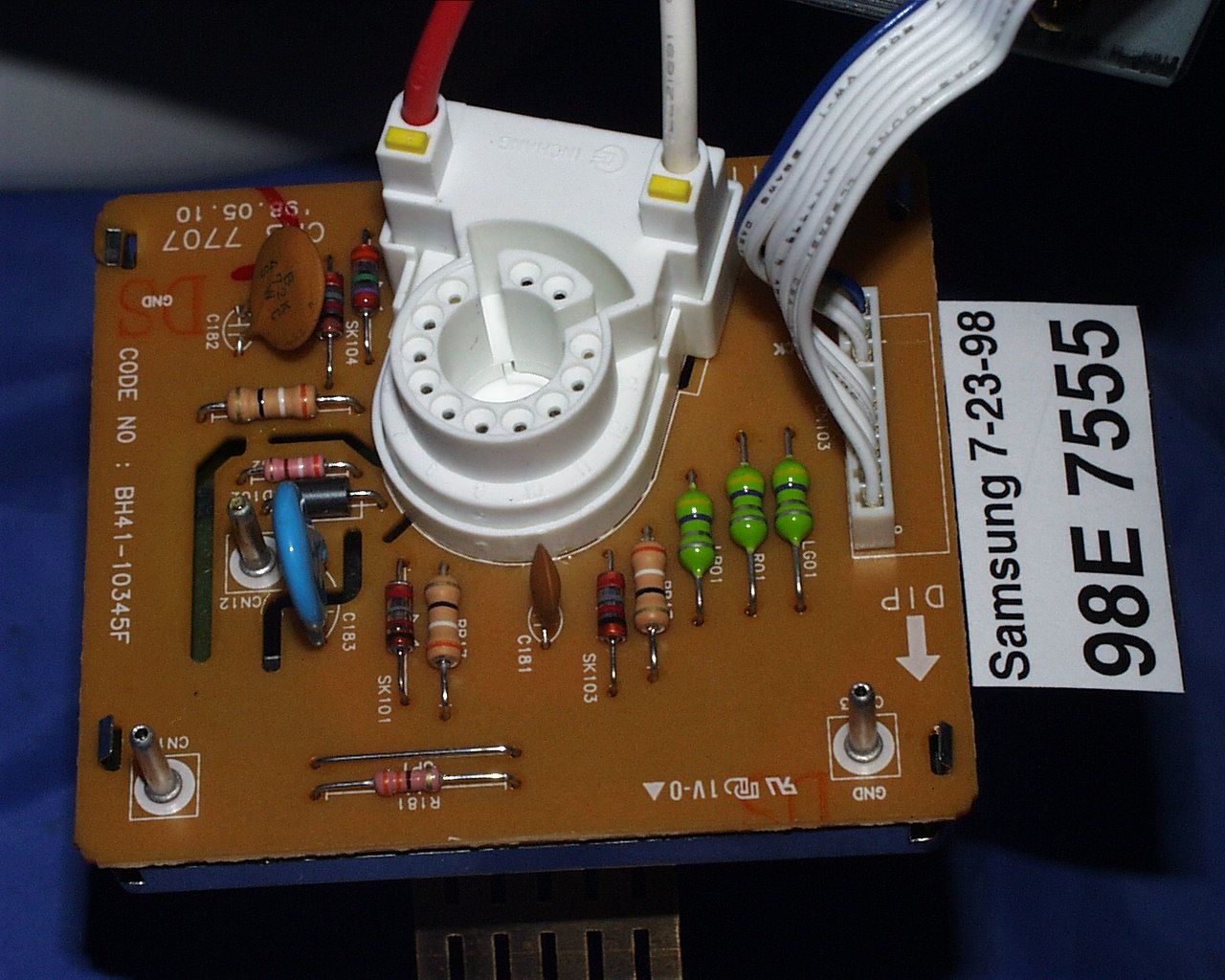
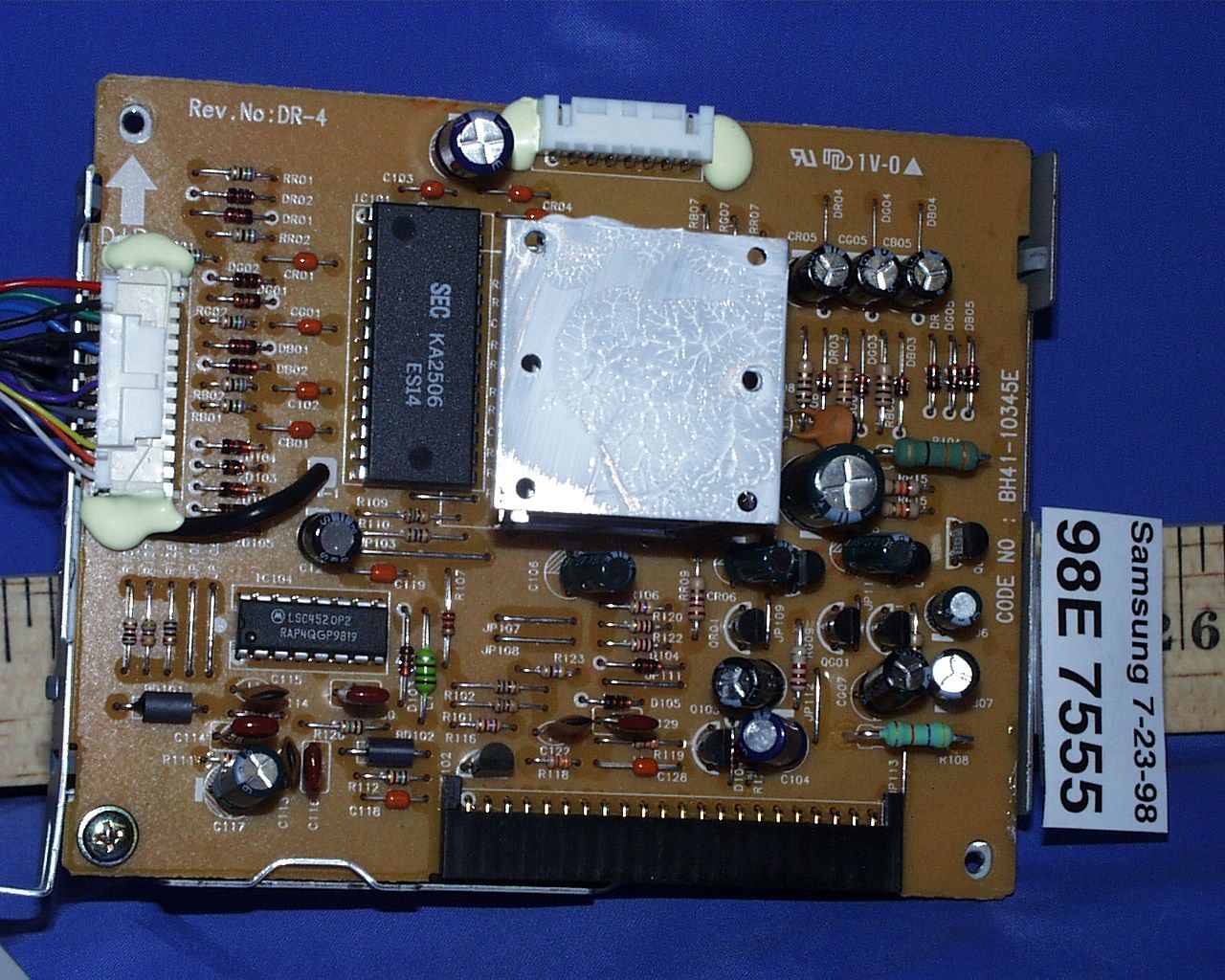
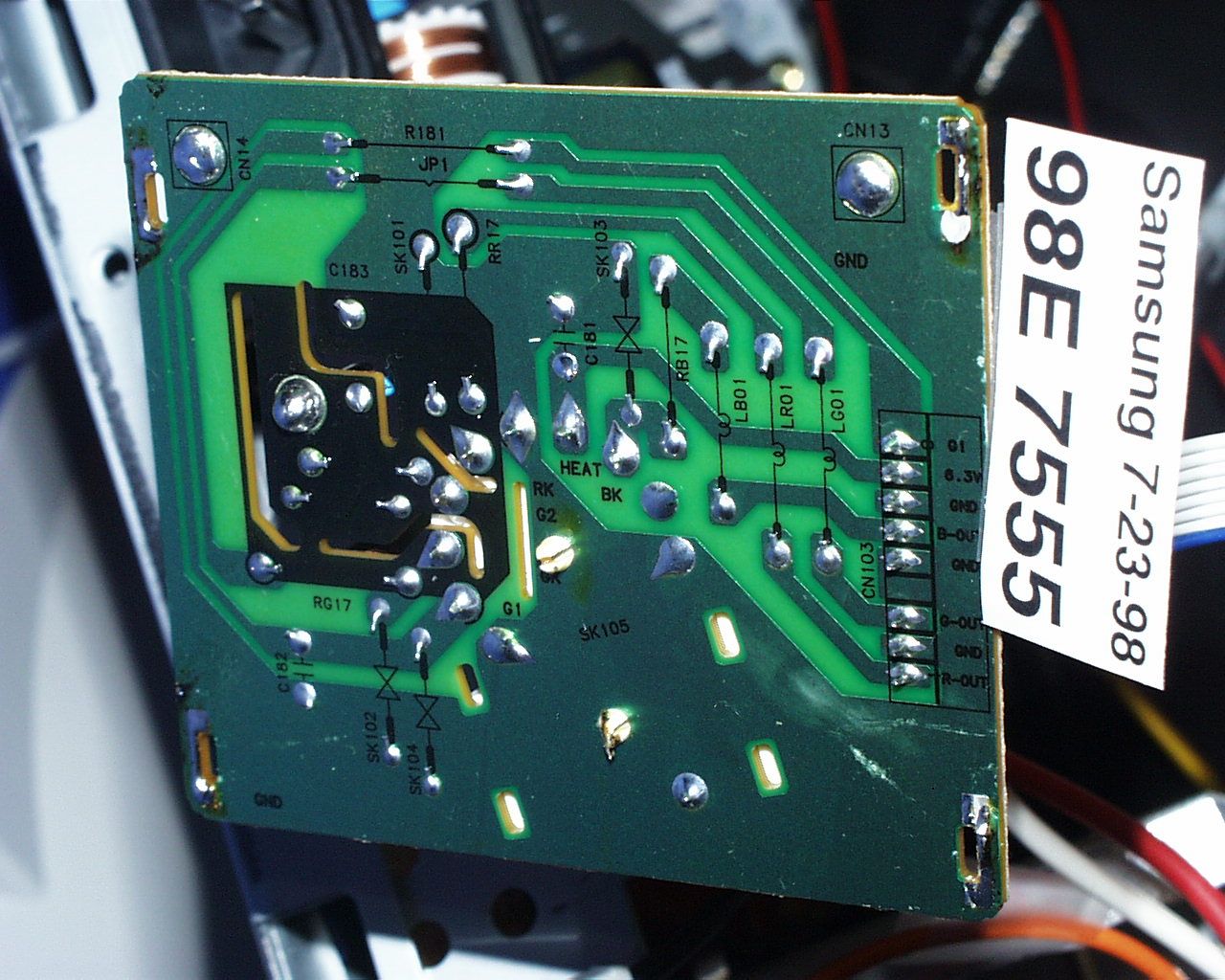
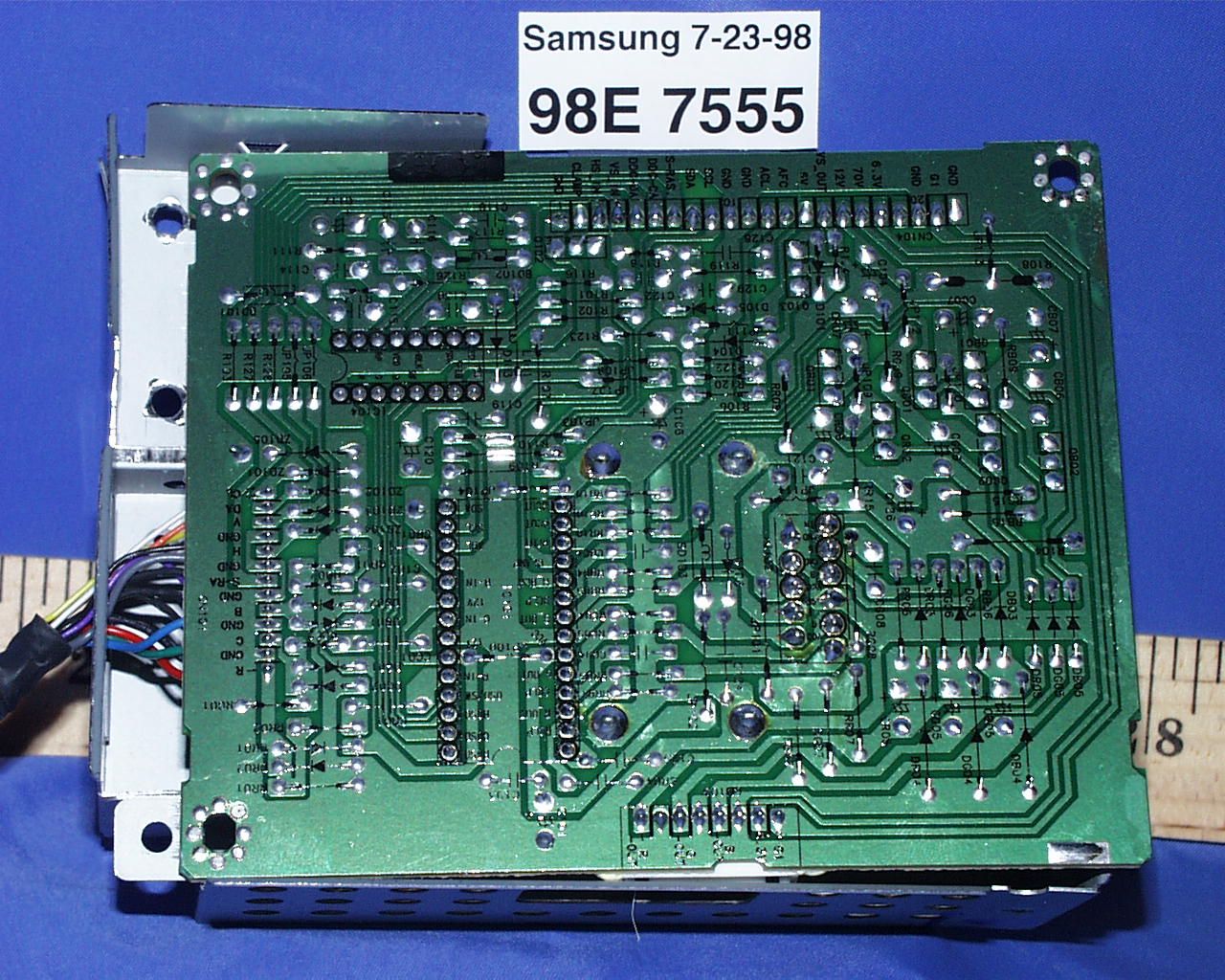
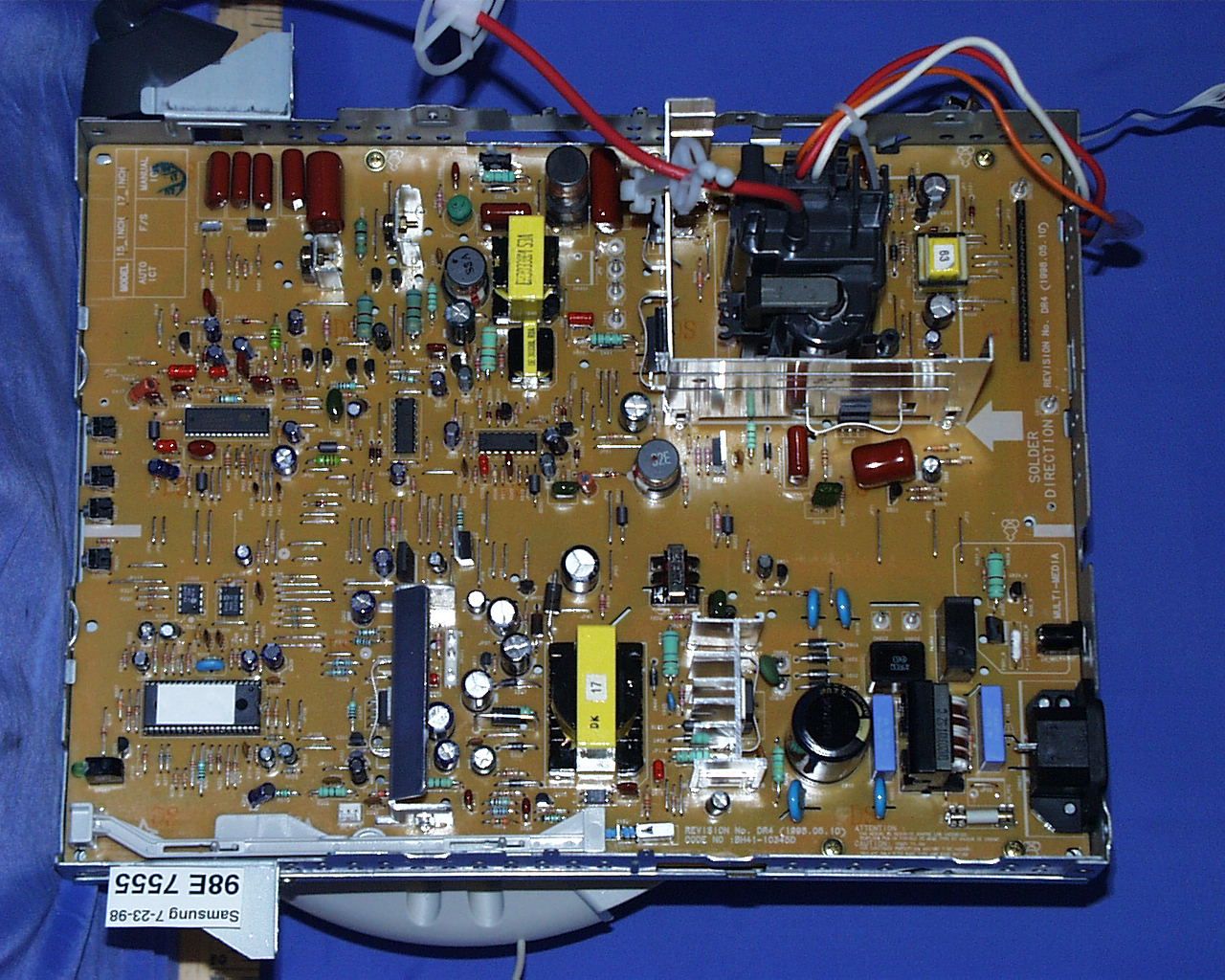
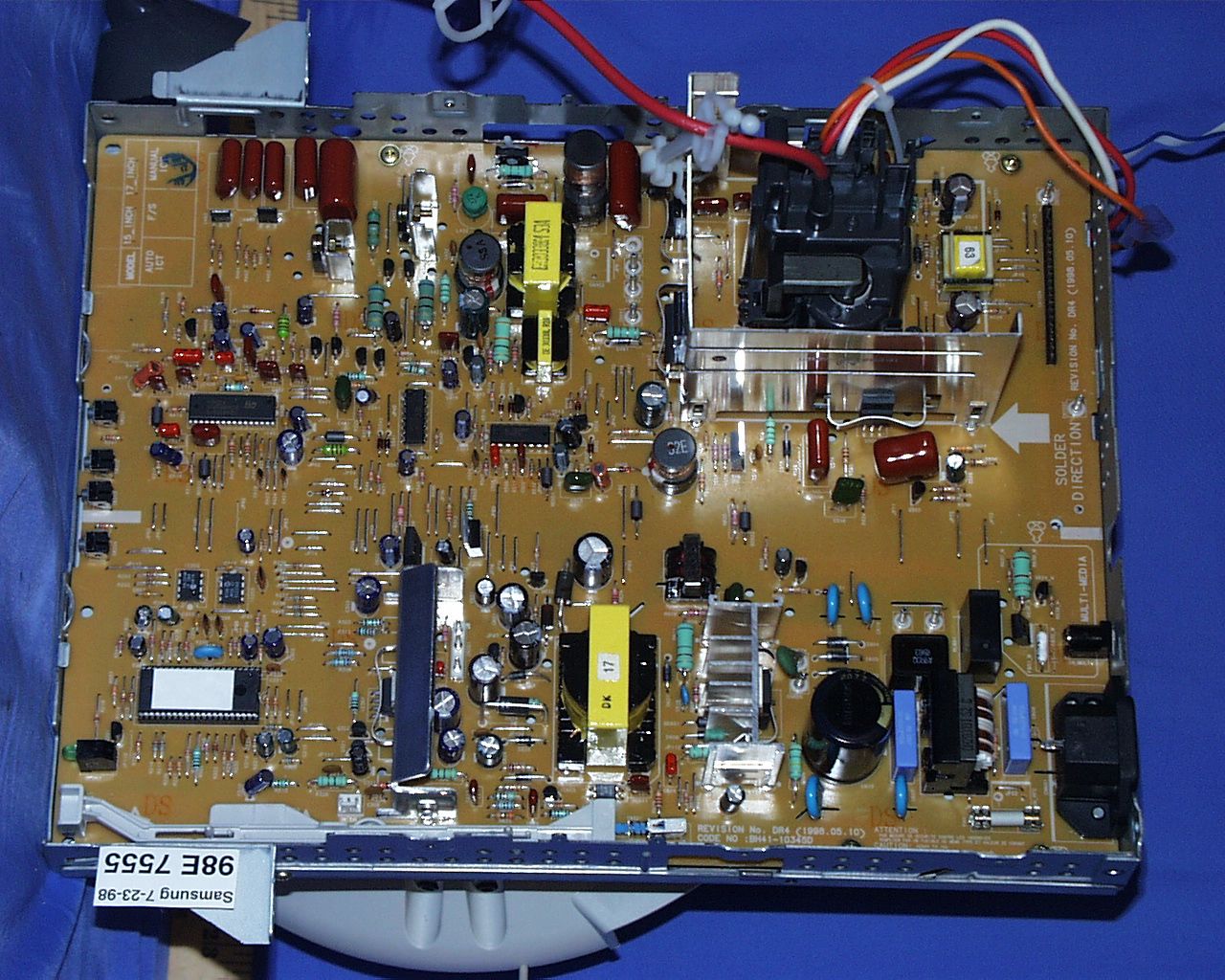
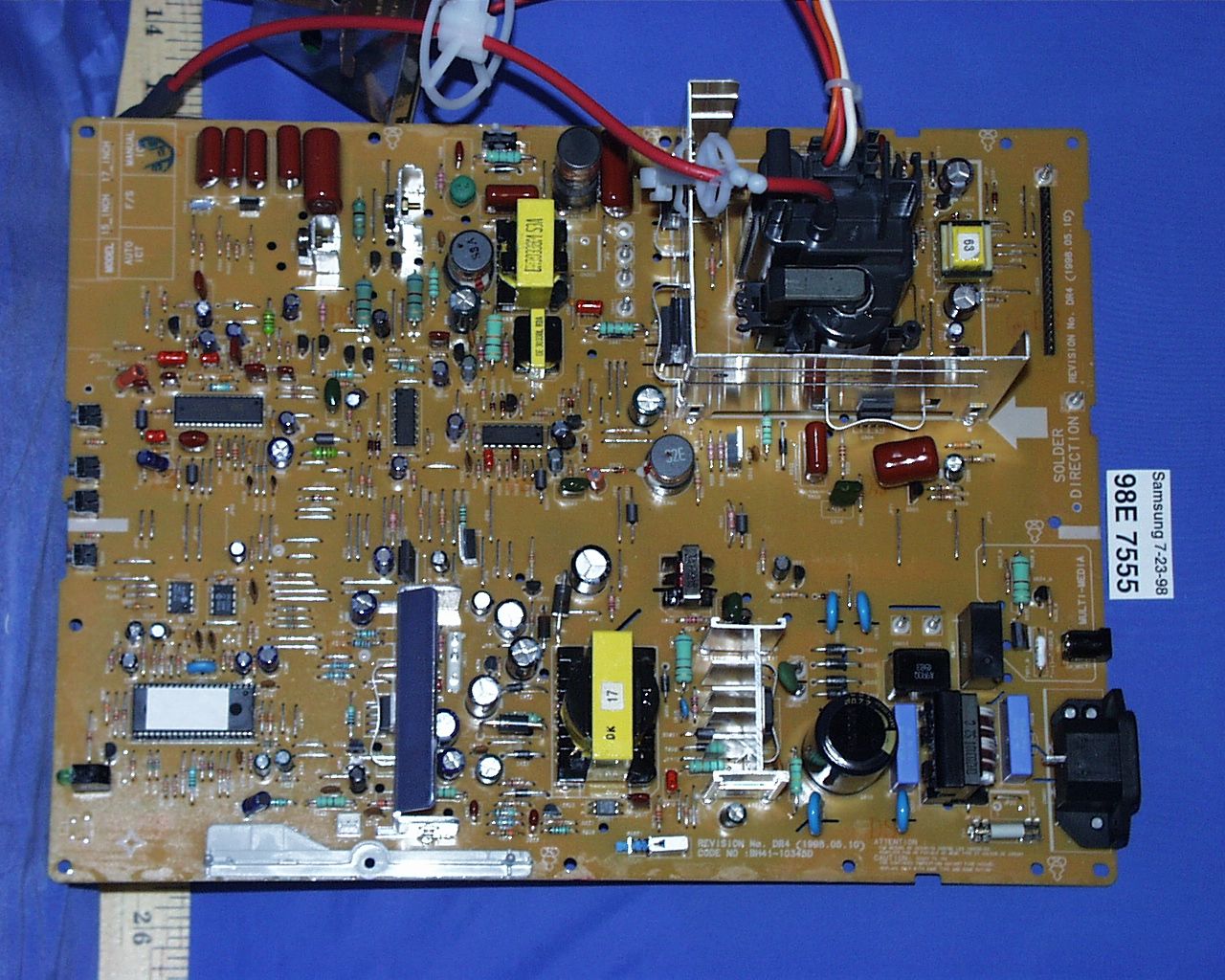
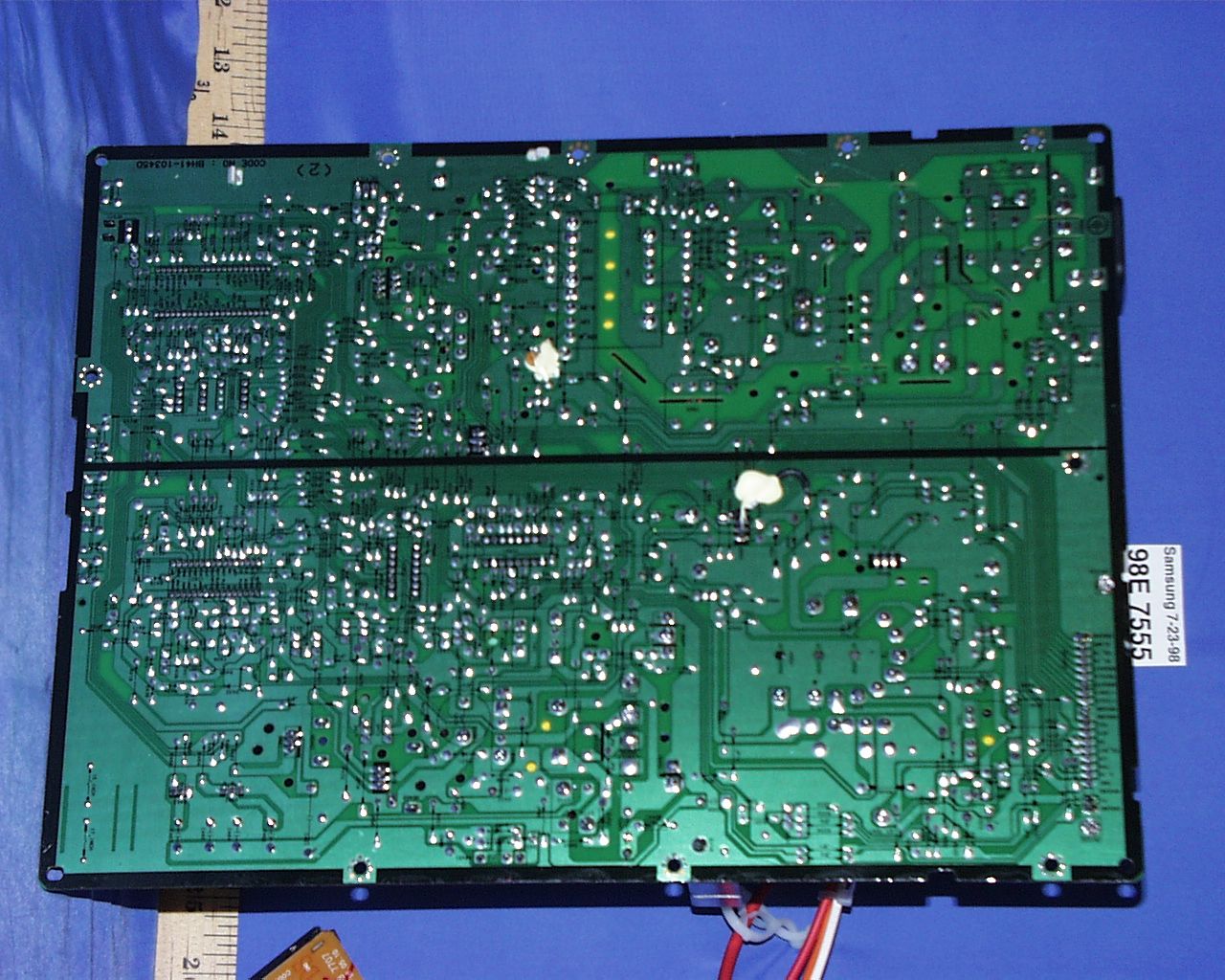
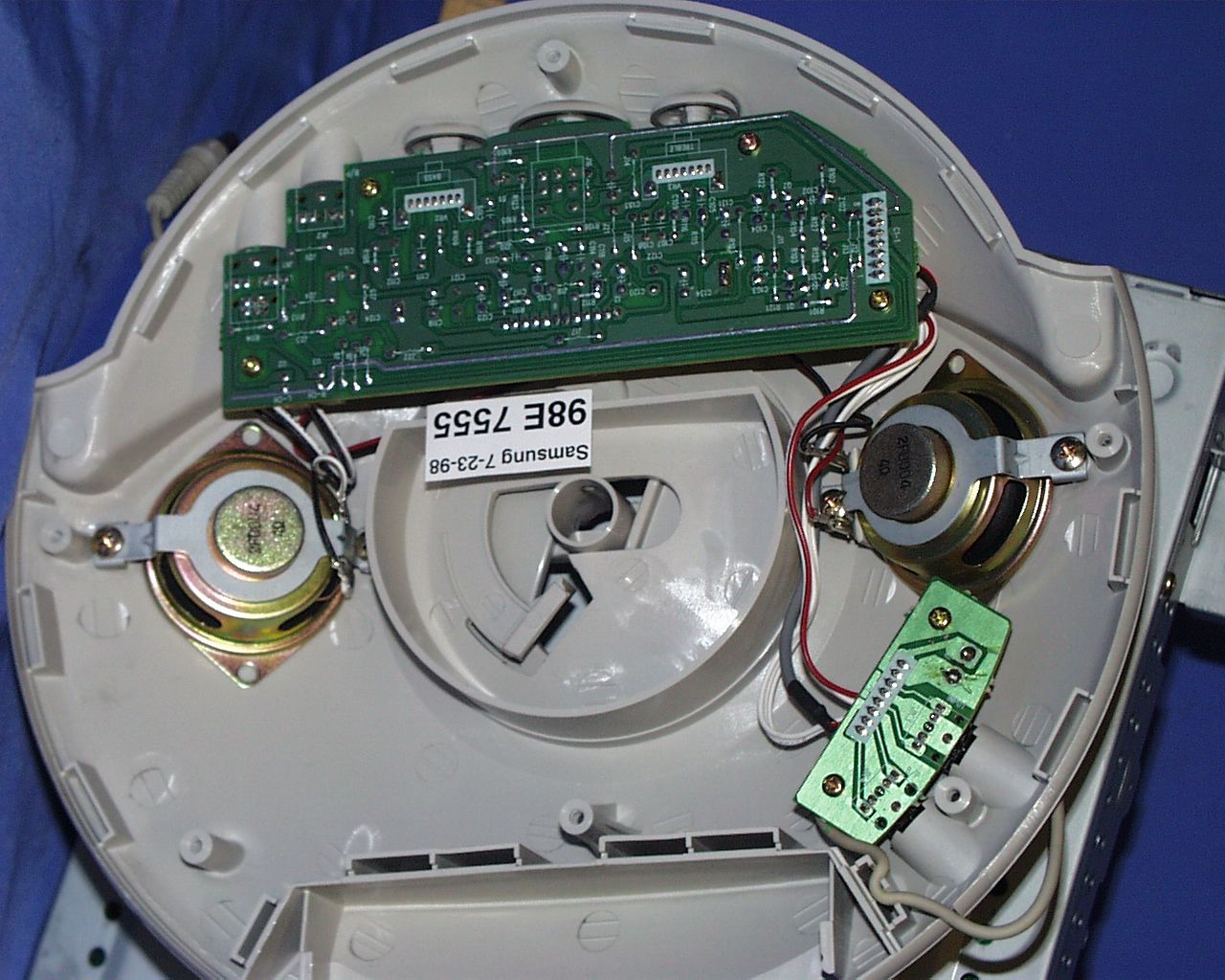
Document Text
Text extracted from the exhibit documents filed with the FCC. Open a document above to read the original.
Users Manual
SyncMaster 610b Color Monitor Owner’s Instructions 610bMonitor 7/21/98 3:35 PM Page i i 3 Safety Instructions A 1 Before connecting the AC power cord to an outlet, make sure the voltage designation on your monitor corre- sponds to the local electrical supply. 2 Never insert anything metallic into the monitor openings. Doing so may cre- ate the danger of electric shock. 3 To avoid electric shock, never touch the inside of the monitor. Only a quali- fied technician should open the moni- tor’s case. 4 Never use your monitor if the power cord has been damaged. Do not allow anything to rest on the power cord , and keep the cord away from are a s where people can trip over it. 5 Be sure to hold the plug, not the cord, when disconnecting the monitor from an electric socket. 6 Openings in the monitor cabinet are p rovided for ventilation. To pre v e n t o v e rheating, these openings should n ot be b loc ke d o r co ver ed. A lso , avoid using the monitor on a bed, sofa, rug, or other soft surface. Doing so may block the ventilation openings in the bottom of the cabinet. If you put the monitor in a bookcase or some other enclosed space, be sure to pro- vide adequate ventilation. 7 Put your monitor in a location with low humidity and a minimum of dust. 8 Do not expose the monitor to rain or use it near water (in kitchens, near swimming pools, etc.). If the monitor accidentally gets wet, unplug it and contact an authorized dealer immedi- ately. You can clean the monitor with a damp cloth when necessary, but be sure to unplug the monitor first. 9 Place the monitor on a solid surf a c e and treat it care f u l l y. The screen is made of glass and can be damaged if dropped, hit or scratched. 10 Locate your monitor near an easily accessible AC outlet. 11 If your monitor does not operate nor- mally – in part i c u l a r, if there are any un usual sound s or smells c oming f rom it – unplug it immediately and contact an authorized dealer or ser- vice center. 12 High temperatures can cause pro b- lems. Don’t use your monitor in direct s unl ig ht, an d k ee p it aw ay fro m heaters, stoves, fireplaces, and other sources of heat. 13 Unplug the monitor when it is going to be left unused for an extended period of time. 14 Unplug your monitor from the AC out- let before any service. C A U T I O N RISK OF ELECTRIC SHOCK DO NOT OPEN CAUTION: TO REDUCE THE RISK OF ELECTRIC SHOCK, DO NOT REMOVE COVER (OR BACK). NO USER-SERVICEABLE PARTS INSIDE. REFER SERVICING TO QUALIFIED SERVICE PERSONNEL. 610bMonitor 7/21/98 3:35 PM Page ii 1 Table of Contents Safety Instructions ..................................................................................................................i Your New Monitor ..................................................................................................................2 Connecting Your Monitor ................................................................................................................2 Front Panel ........................................................................................................................................3 Direct Access Buttons ....................................................................................................................3 Operation .................................................................................................................................4 On-screen Menu System ................................................................................................................4 Monitor Function Control ................................................................................................................5 Brightness ..........................................................................................................................5 Contrast ..............................................................................................................................5 Horizontal Position ...........................................................................................................5 Vertical Position ................................................................................................................5 Horizontal Size ...................................................................................................................5 Vertical Size ........................................................................................................................5 Pincushion ..........................................................................................................................5 Display Timing ....................................................................................................................5 Advanced Features ...........................................................................................................6 Color Temperature......................................................................................................6 Language .....................................................................................................................6 Half tone .......................................................................................................................6 Moire ...................................................................................................................................6 Degauss ..............................................................................................................................6 Recall ...................................................................................................................................6 Geometry.............................................................................................................................6 Pinbalance ...................................................................................................................6 Parallelogram ..................................................…
Text truncated - open the document above for the full version.
Block Diagram
10 Block Diagrams 10-2CHB5**7L/6**7L/7**7L TO D - COILON THE CRT CRT -210V( FROM FBT) +12V –210V +30V FOCUS1,2 SCREEN R G B H/V VIDEO BOARD MAIN BOARD VER.-BLANKING GENERATOR (Q301) High VoltageCONTROL OUTPUT G1 ACL CIRCUIT G1 VOLTAGE CONTROL DEGAUSSING BLOCK RL601 AC-INLET SOCKET CN601 LINE FILTER L601 CRT SOCKET BOARD SOCKET SK1 G1 HEATER R G B S/Cable INPUT Video Pre-Amp IC101(KA2506) VIDEO OUTPUT IC102(LM2407T) R G B - CUTOFF CONTROL H-SYNC, V-SYNC V-MUTES-CORRECTIONLEDPS-1 (SUSPEND)PS-2 (POWER-OFF) PWM CONTROL & SWITCHING FET IC601 RECTIFIER(D602, D603,D604,D605) SWITCHING TRANS. T601 +75V+13V -10V +7V +13V TO VIDEO +12V REGULATION CRT HEATER To Audio Stand +46V +12V HEATER PS-2 POWER-OFF MODE CONTROL (Q621, Q622) 2 EPROM(24LC04B) IC202 FRONT CONTROL BOARD V-SYNC H-SYNC, HOR./VER. OSC PROCESSOR (TDA9109S) IC401 MICOMIC201 HOR.-DY CN441CN443 VER. - DY CN301 High Voltage CONTROL IC501 FBTT501 HOR.- OUT Q447 H-DEF. TRANS T402 HOR.-DEF. STEP-UP VER. OUTPUT IC301 High Volt.-DRIVE Q503 HOR.-DRIVE Q443 TILT H-SYNC1V-SYNC1SDASCLH-SIZE MENU EXITBRIGHTNESSCONTRASTENTERLEDPOWER I-SENSEREGIN OSD DRIVE CONTROL IC104(MC4320, MC4322 MC4326) DDC IC (24LC21A) IC203 H_Linearity VER. OUTPUT, TILT & H_LIN. CONTROL CHB6**7L
ID Label/Location Info
PROPOSED FCC ID LABEL LOCATION Applicant : Samsung Electronics Co., Ltd. FCC ID: A3LCHB610 FCC ID LABEL AREA
Test Report
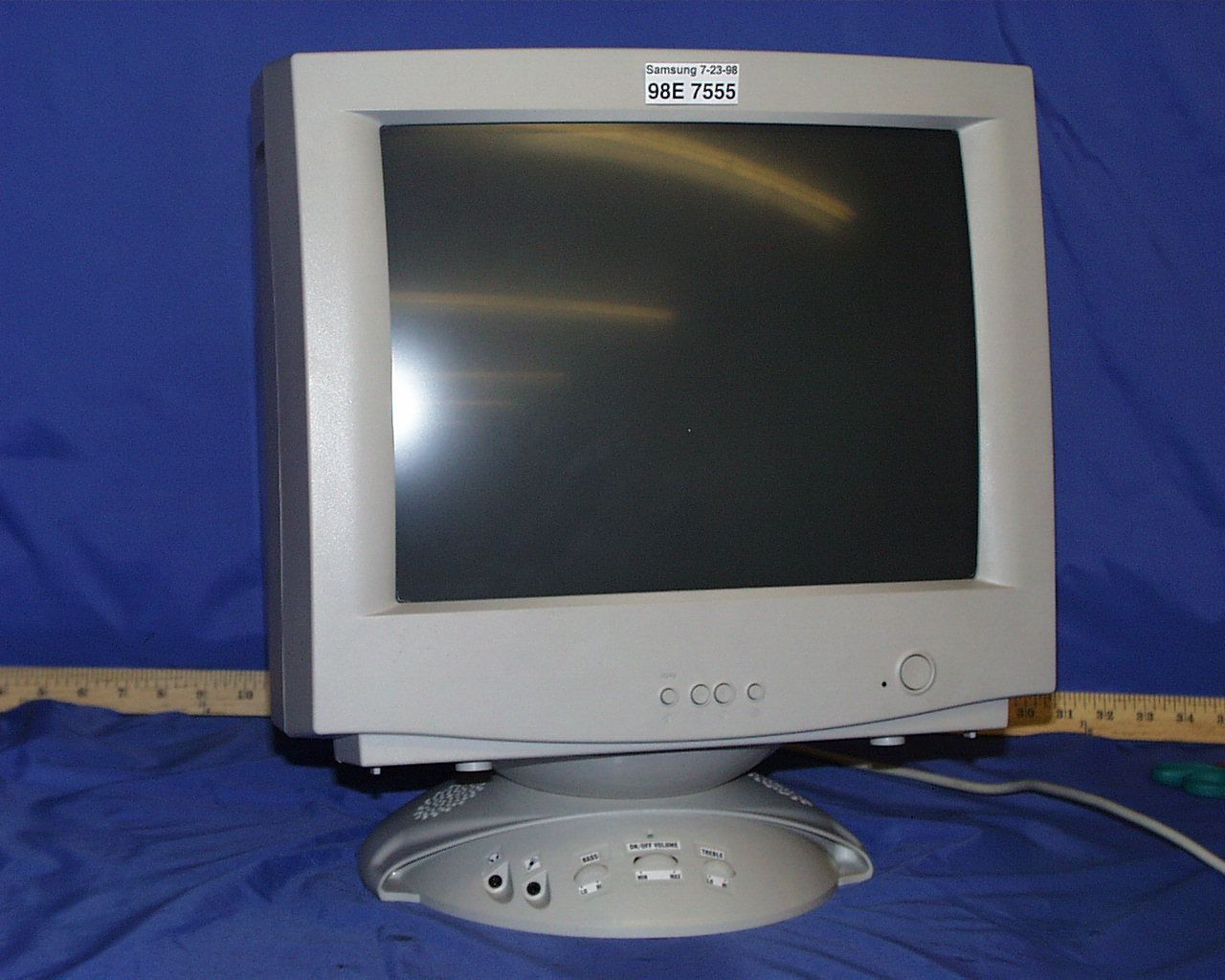
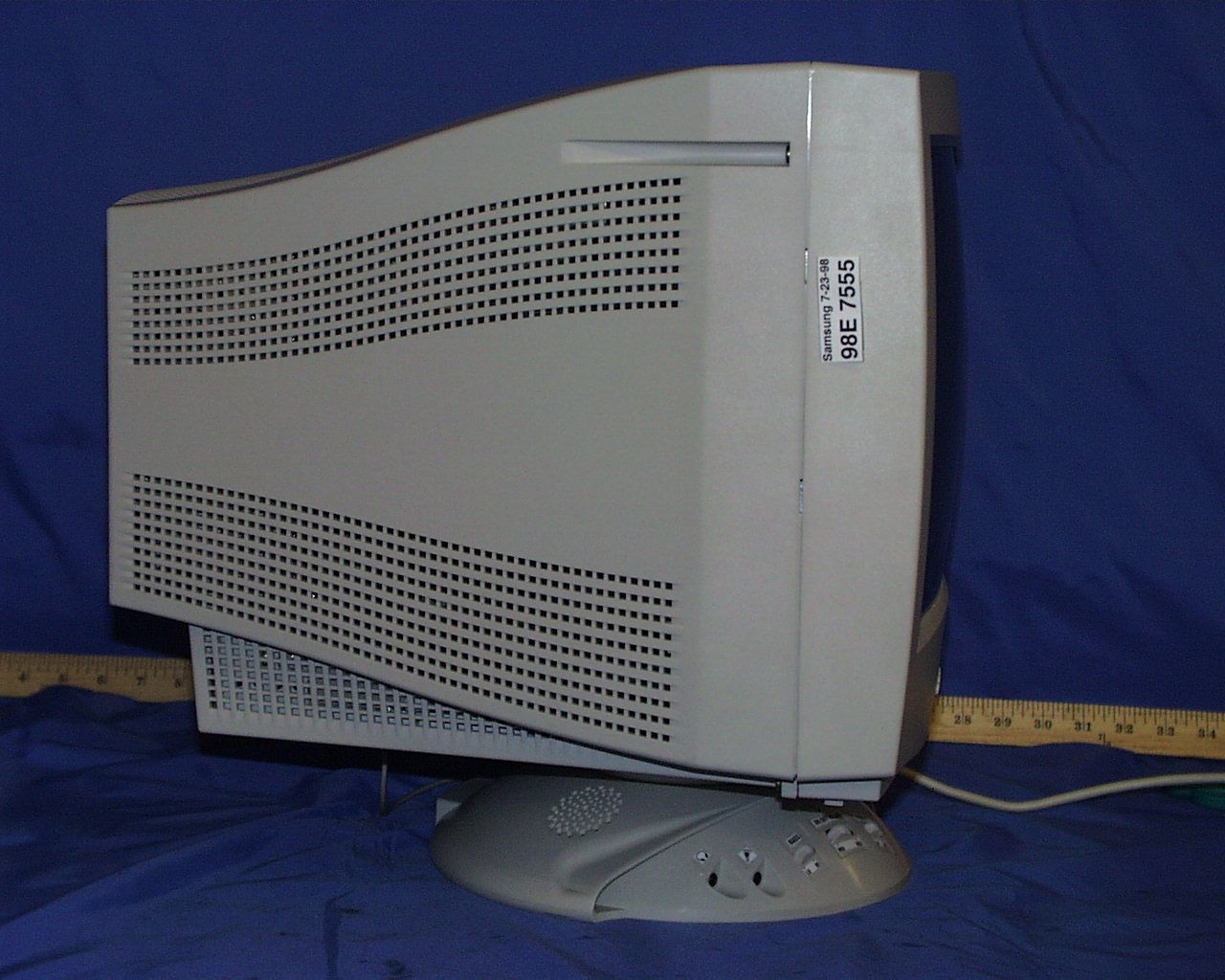
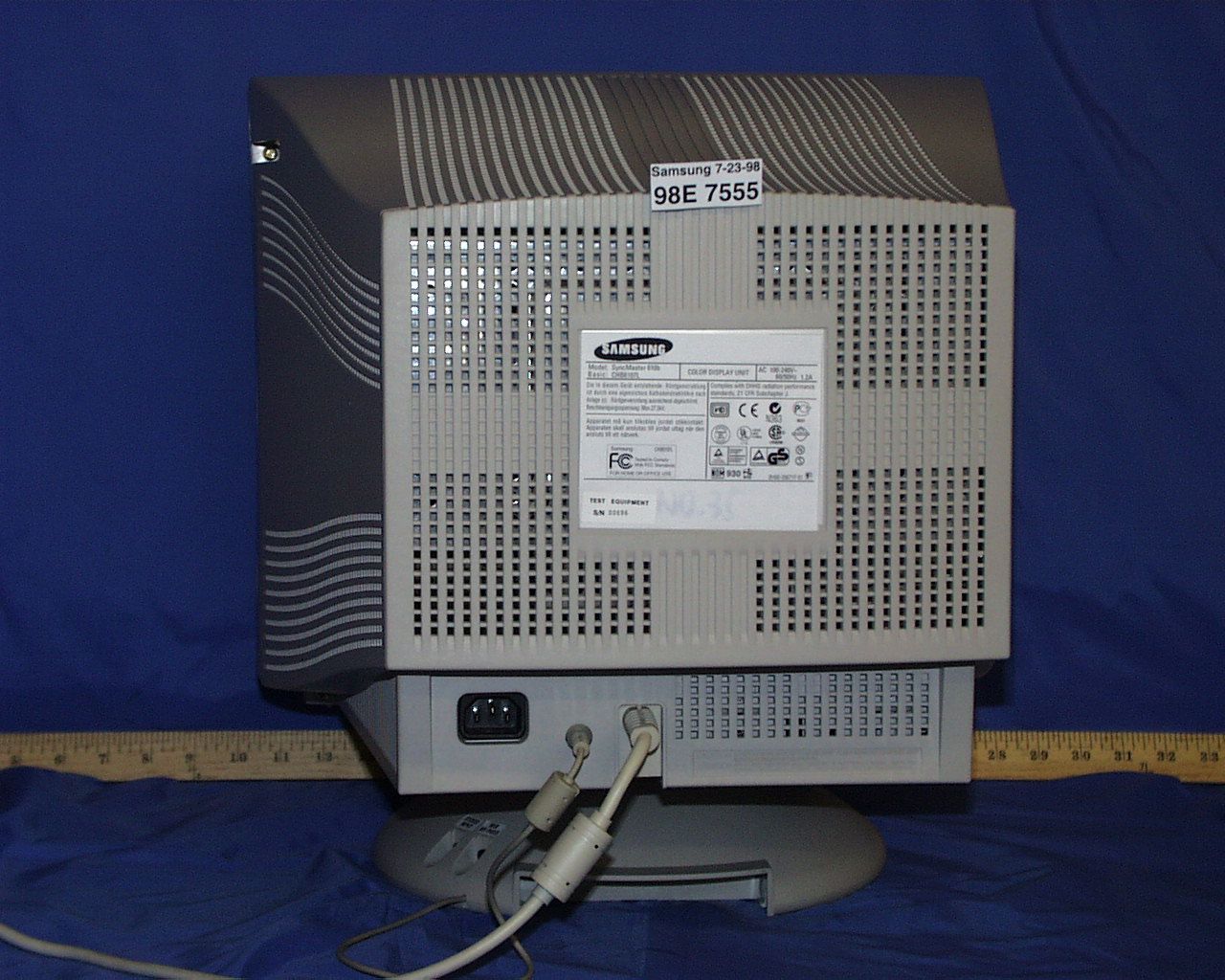
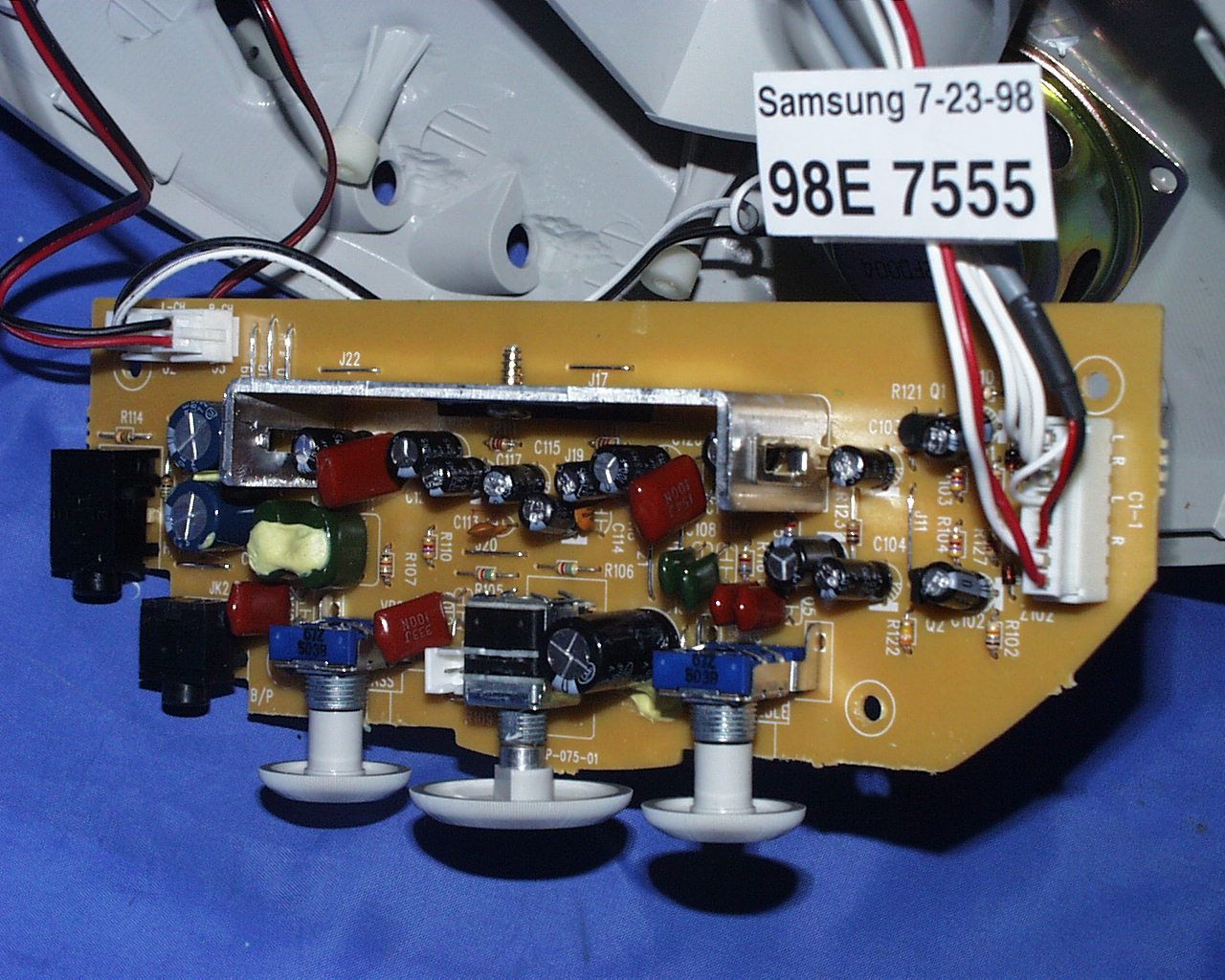
FCC CFR47 PART 15 DIGITAL DEVICE TEST REPORT FOR 17" COLOR MONITOR W/ MAX. RESOLUTION OF 1280X1024 NON-INTERLACED (64 KHz) MODEL: CHB 6107L , CHB61*7L FCC ID: A3LCHB610 REPORT NUMBER: 98E7555 ISSUE DATE: JULY 15, 1998 Prepared for SAMSUNG ELECTRONICS CO., LTD. 416 MAETAN DONG, PALDAL GU SUWON SHI, KOREA Prepared by COMPLIANCE ENGINEERING SERVICES, INC. 1366 BORDEAUX DRIVE SUNNYVALE, CA 94089, USA TEL: (408) 752-8166 FAX: (408) 752-8168 EPORT NO:98E7555DATE:JULY 15, 1998FCC ID:A3LCHB610 EUT: 17" COLOR MONITOR W/ MAX. RESOLUTION OF 1280X1024 NON-INTERLACED (64 KHz) COMPLIANCE CONSULTING SERVICESDOCUMENT NO:CCSUP4002B2 1366 BORDEAUX DRIVE SUNNYVALE, CA 94089 USA TEL:(408) 752-8166 FAX:(408) 752-8168 This report shall not be reproduced except in full, without the written approval of CCS. TABLE OF CONTENTS PAGE 1.VERIFICATION OF COMPLIANCE.......................................................................................................1 2.PRODUCT DESCRIPTION.......................................................................................................................2 3.TESTED SYSTEM DETAILS....................................................................................................................2 4.TEST FACILITY........................................................................................................................................3 5.ACCREDITATION AND LISTING.............................................................................................................3 6.MEASUREMENT INSTRUMENTATION................................................................................................3 7.MEASURING INSTRUMENT CALIBRATION.......................................................................................4 8.UNITS OF MEASUREMENT....................................................................................................................4 9.ANTENNAS................................................................................................................................................5 10.CLASSIFICATION OF DIGITAL DEVICE.............................................................................................5 11. RADIATED EMISSION LIMITS...............................................................................................................5 12. CONDUCTED EMISSION LIMITS...........................................................................................................6 13.CONDUCTED EMISSION TEST PROCEDURE.....................................................................................8 14. RADIATED EMISSION TEST PROCEDURE..........................................................................................8 15.AMBIENT CONDITIONS.........................................................................................................................9 16.SYSTEM TEST CONFIGURATION.........................................................................................................9 17.EQUIPMENT MODIFICATIONS...........................................................................................................10 18.EUT SETUP PHOTOS.............................................................................................................................11 19. TEST EQUIPMENT LIST........................................................................................................................12 20.TEST RESULT SUMMARY....................................................................................................................13 APPENDICES....................................................................................................................................................15 .EXTERNAL I/O CABLE CONSTRUCTION DESCRIPTION .CONFIGURATION BLOCK DIAGRAM .EUT PHOTOGRAPHS REPORT NO:98E7555DATE:JULY 15, 1998FCC ID:A3LCHB610 EUT: 17" COLOR MONITOR W/ MAX. RESOLUTION OF 1280X1024 NON-INTERLACED (64 KHz) 1 OF 15 COMPLIANCE CONSULTING SERVICESDOCUMENT NO:CCSUP4002B2 1366 BORDEAUX DRIVE SUNNYVALE, CA 94089 USA TEL:(408) 752-8166 FAX:(408) 752-8168 This report shall not be reproduced except in full, without the written approval of CCS. 1.VERIFICATION OF COMPLIANCE COMPANY NAME:SAMSUNG ELECTRONICS CO., LTD. 416 MAETAN DONG, PALDAL GU SUWON SHI, KOREA CONTACT PERSON:BEN KIM / MANAGER TELEPHONE NO:408-544-5124 MODEL NO/NAME:CHB 6107L, CHB 61*7L SERIAL NO:N/ADATE TESTED:JULY 15, 1998 TYPE OF EQUIPMENT:INFORMATION TECHNOLOGY EQUIPMENT (ITE) MEASUREMENT DISTANCE:( ) 3 METER (X) 10 METER TECHNICAL LIMIT:CLASS B FCC RULES:PART 15 MEASUREMENT PROCEDUREANSI C63.4:92 / EN 55022 EQUIPMENT AUTHORIZATION PROCEDURE CERTIFICATION MODIFICATIONS MADE ON EUT YES NO DEVIATIONS FROM MEASUREMENT PROCEDURE YES (refer to section 21 for comments) NO RADIATED EMISSION TEST RESULT-5.85 dB @ 432.7 MHz/VERTICAL CONDUCTED EMISSION TEST RESULT-11.0 dB @ 0.191 MHz/L2 The above equipment was tested by Compliance Consulting Services for compliance with the requirements set forth in the FCC CFR 47, PART 15. The results of testing in this report apply to the product/system which was tested only. Other similar equipment will not necessarily produce the same results due to production tolerance and measurement uncertainties. Approved By MIKE C.I. KUO / VICE PRESIDENT COMPLIANCE CONSULTING SERVICES REPORT NO:98E7555DATE:JULY 15, 1998FCC ID:A3LCHB610 EUT: 17" COLOR MONITOR W/ MAX. RESOLUTION OF 1280X1024 NON-INTERLACED (64 KHz) 2 OF 15 COMPLIANCE CONSULTING SERVICESDOCUMENT NO:CCSUP4002B2 1366 BORDEAUX DRIVE SUNNYVALE, CA 94089 USA TEL:(408) 752-8166 FAX:(408) 752-8168 This report shall not be reproduced except in full, without the written approval of CCS. 2.PRODUCT DESCRIPTION CHASSIS TYPEPLASTIC LIST OF EACH OSC. OR XTAL. FREQ. (FREQ.>=1 MHz) 24 MHz POWER SUPPLY/NAME/MODEL/S.N.BUILT-IN NUMBER OF PCB LAYERS1 BOARD REVISION NO01 POWER REQUIREMENTS100-240 V AC, 50/60 Hz NO. OF EXTERNAL I/O CONNECTORS5 MAX. RESOLUTION1280 X 1024 NON-INTERLACED MAX…
Text truncated - open the document above for the full version.
Contact Information
Applicant
Jenni Chun(General Manager)
Technical Contact
COMPLIANCE ENGINEERING SERVICES,INC.MIKE C KUO
[email protected]408-752-8166
1366 BORDEAUX DRIVE · SUNNYVALE, California · United States
Non-Technical Contact
COMPLIANCE ENGINEERING SERVICES, INC.MIKE C KUO
[email protected]408-752-8166
Test Firm
Compliance Certification Services IncSteve Cheng
Technical Specifications
| # | Rule Parts | Frequency Range | Power Output | Tolerance |
|---|---|---|---|---|
| 1 | 15B | - | - | % |
Other Applications from Samsung Electronics Co Ltd
A3LSMS741B
Aug 05, 2026Portable Handset
Equipment Class
6VL - 15E 6 GHZ Very Low Power DeviceA3LSMX940
Jul 31, 2026BT,BLE Tablet DTS,UNII a,b,g,n,ac,ax,be and digitizer
Equipment Class
DTS - Digital Transmission SystemA3LSMS741U
Jul 30, 2026Portable Handset
Equipment Class
6CD - 15E 6 GHz Low Power Dual ClientA3LSMX840
Jul 27, 2026BT,BLE Tablet DTS,UNII a,b,g,n,ac,ax and Digitizer
Equipment Class
DSS - Part 15 Spread Spectrum TransmitterA3LSMX848U
Jul 27, 2026WCDMA, LTE, 5G NR Tablet BT,BLE, DTS,UNII a b g n ac ax and Digitizer
Equipment Class
JBP - Part 15 Class B Computing Device Peripheral