A3LCSM920
Samsung Electronics Co Ltd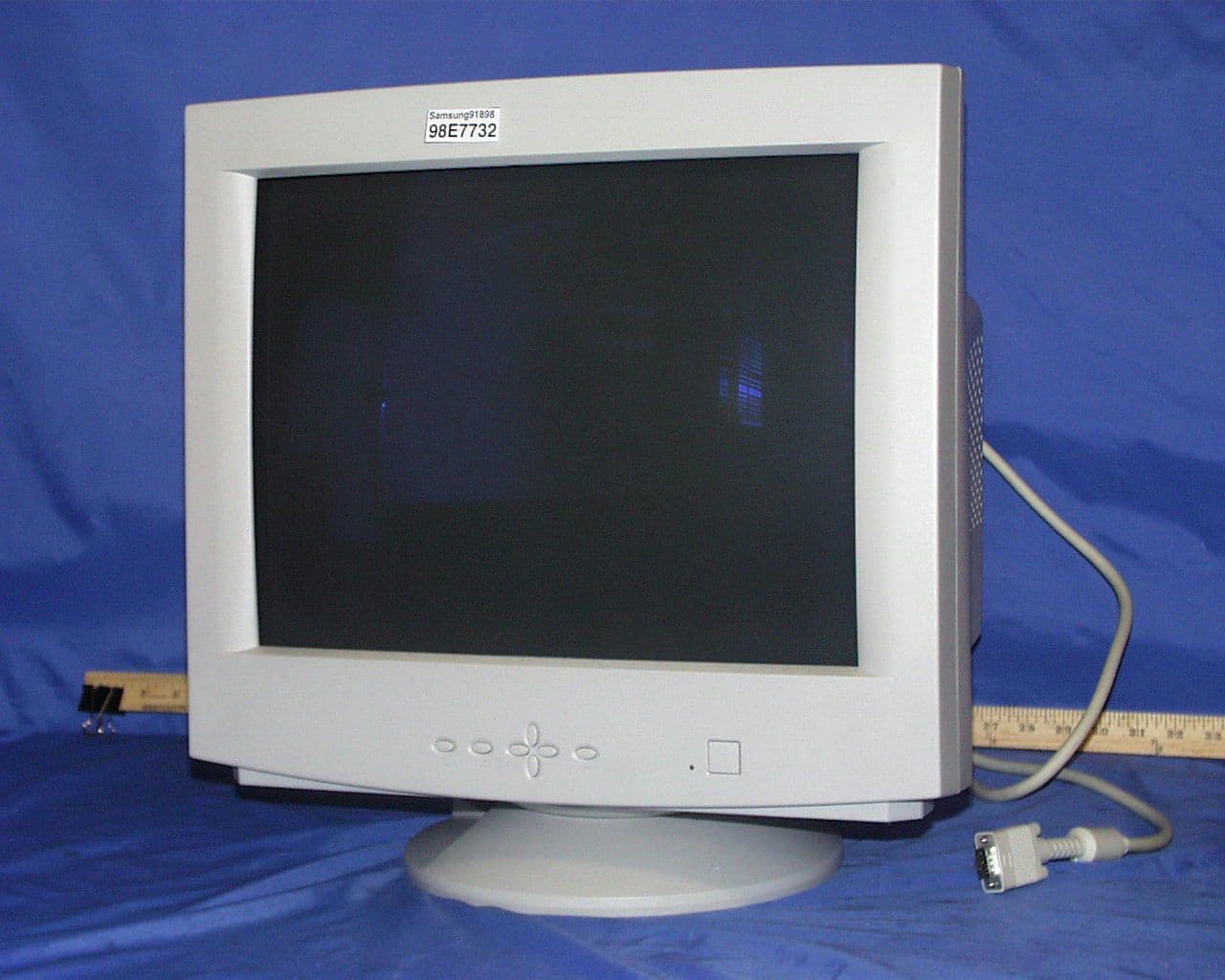
Click to zoom
Application Details
- Equipment Class
- JBP - Part 15 Class B Computing Device Peripheral
- Date of Grant
- Oct 14, 1998
- Application Purpose
- Original Equipment
- Date of Application
- Sep 20, 1998
- Company
- Samsung Electronics Co Ltd
- Country
- United States
Documents & Files
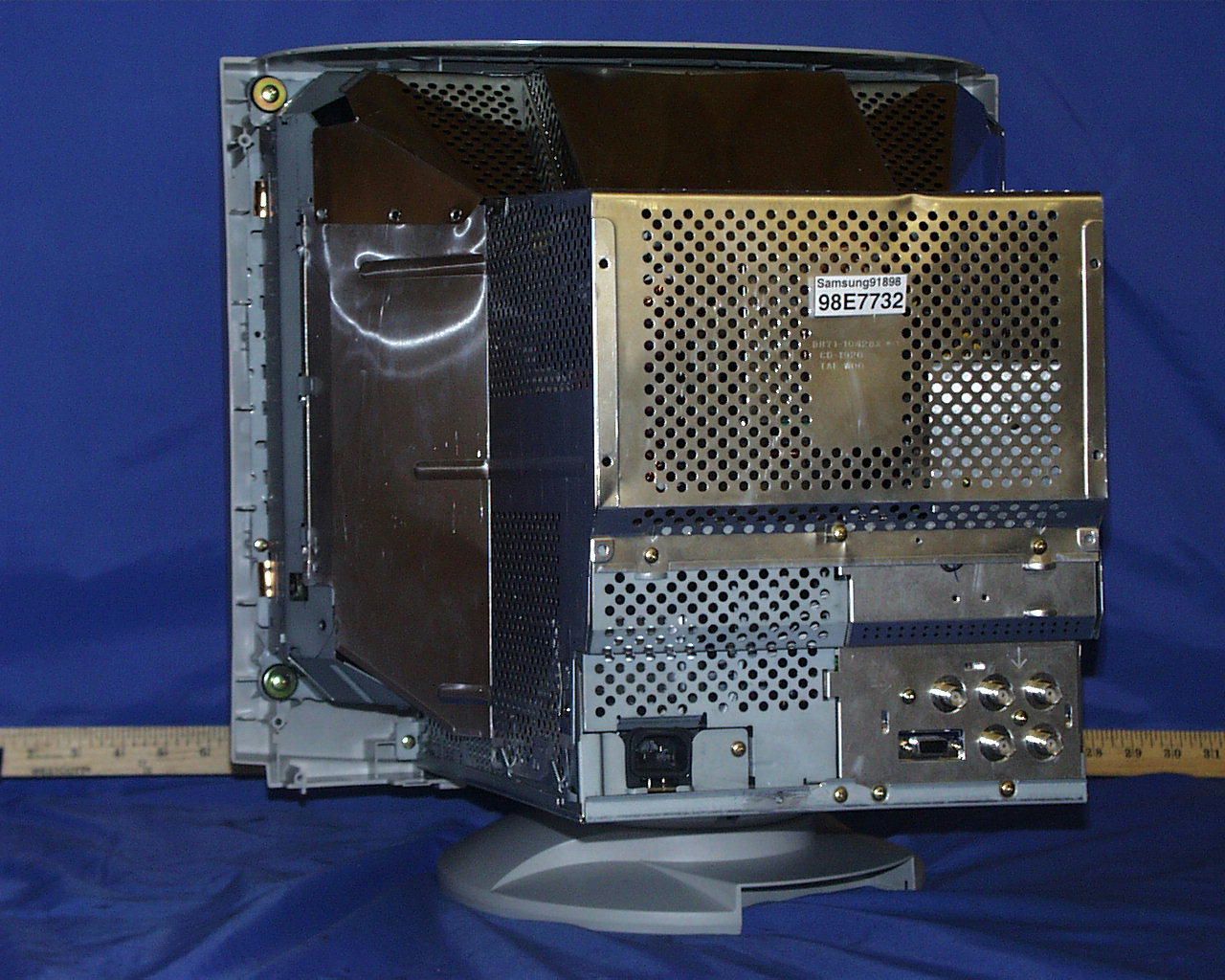
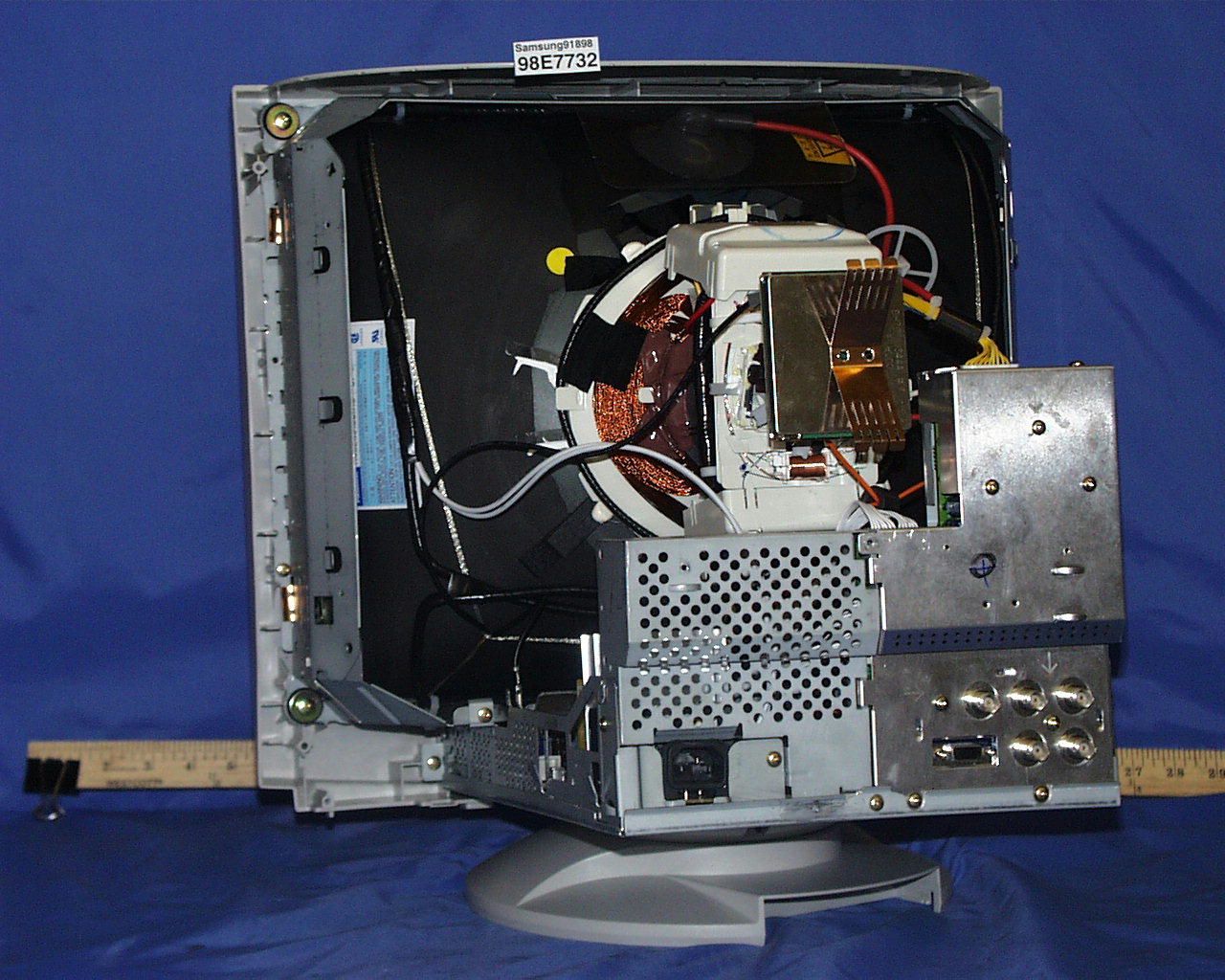
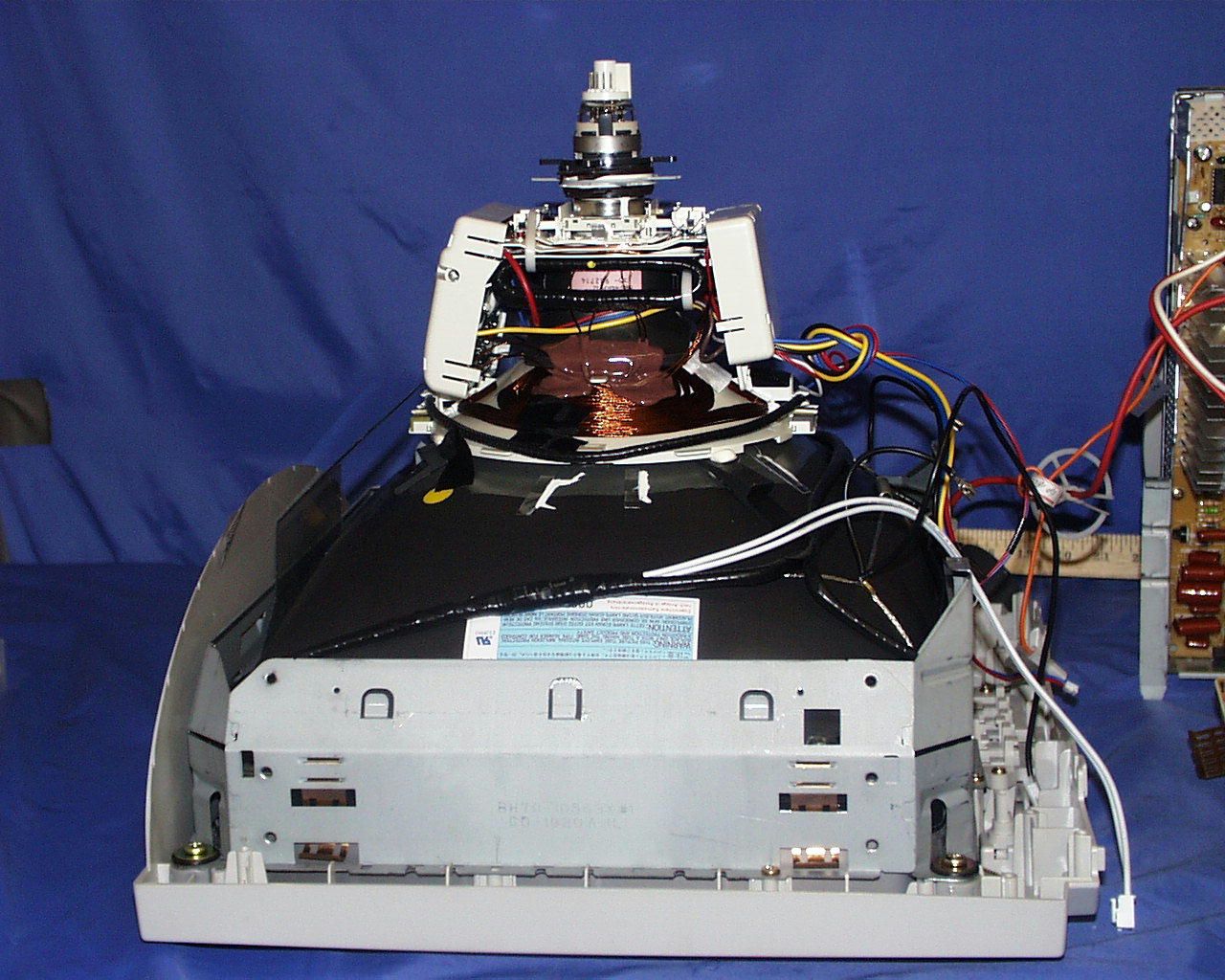
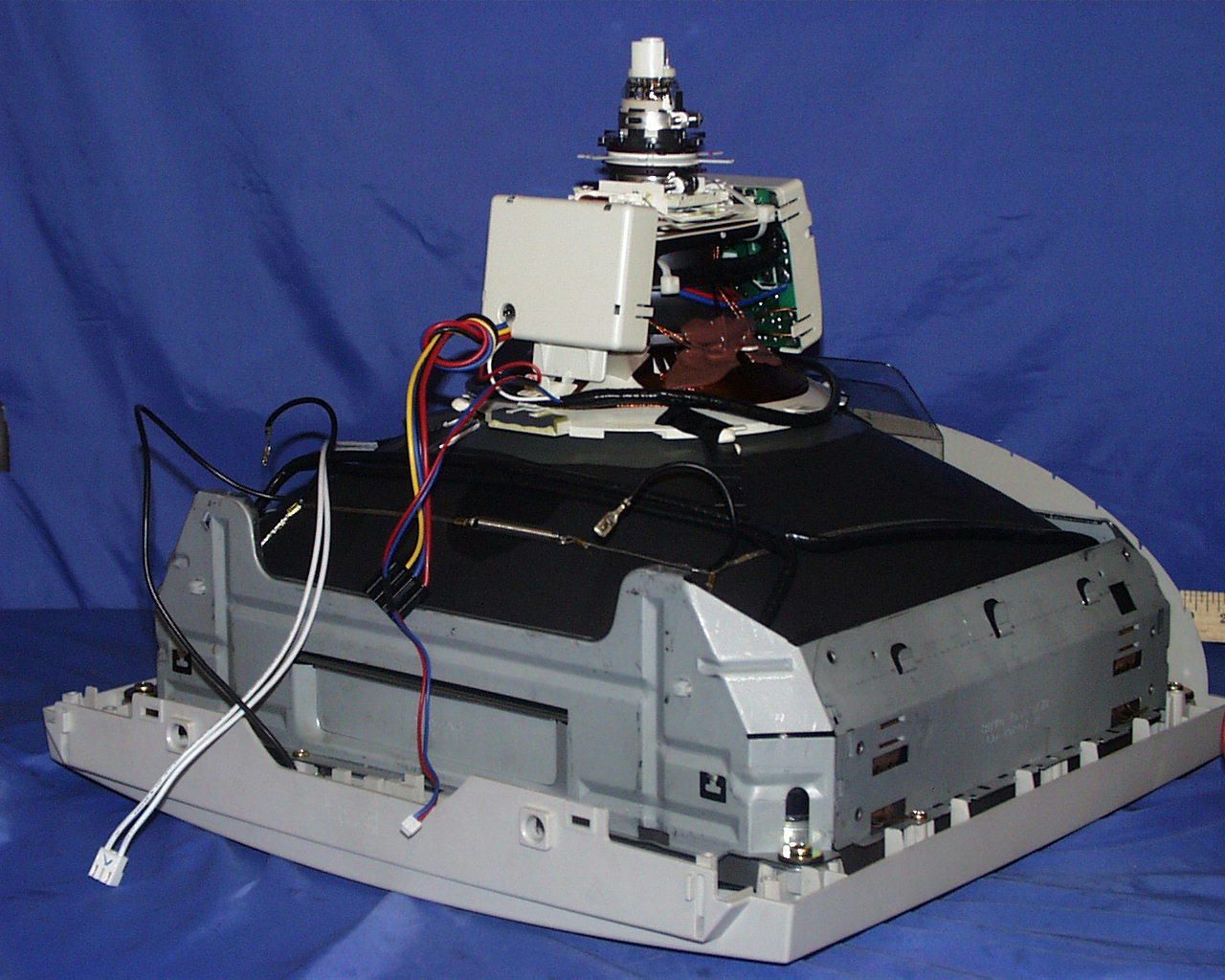
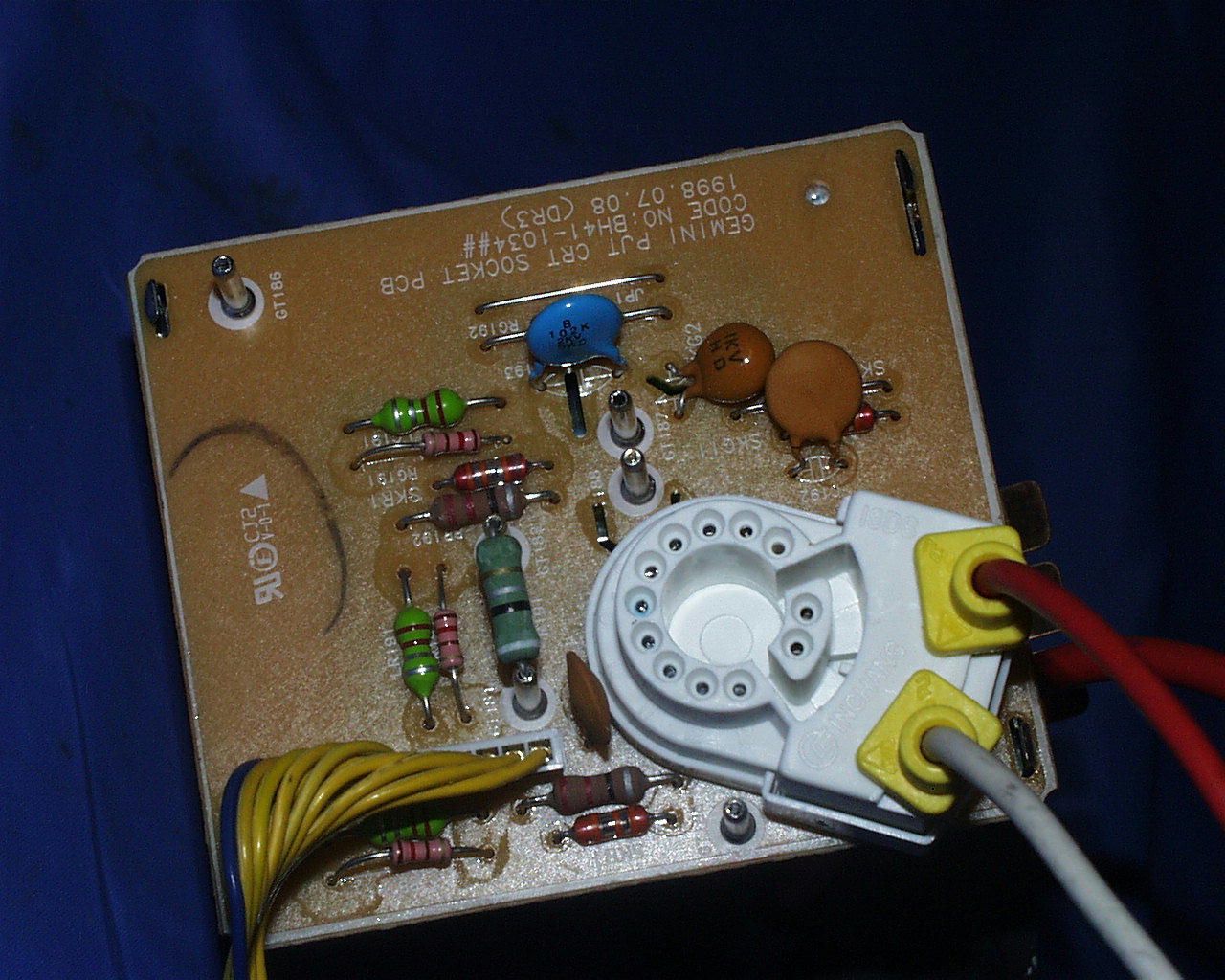
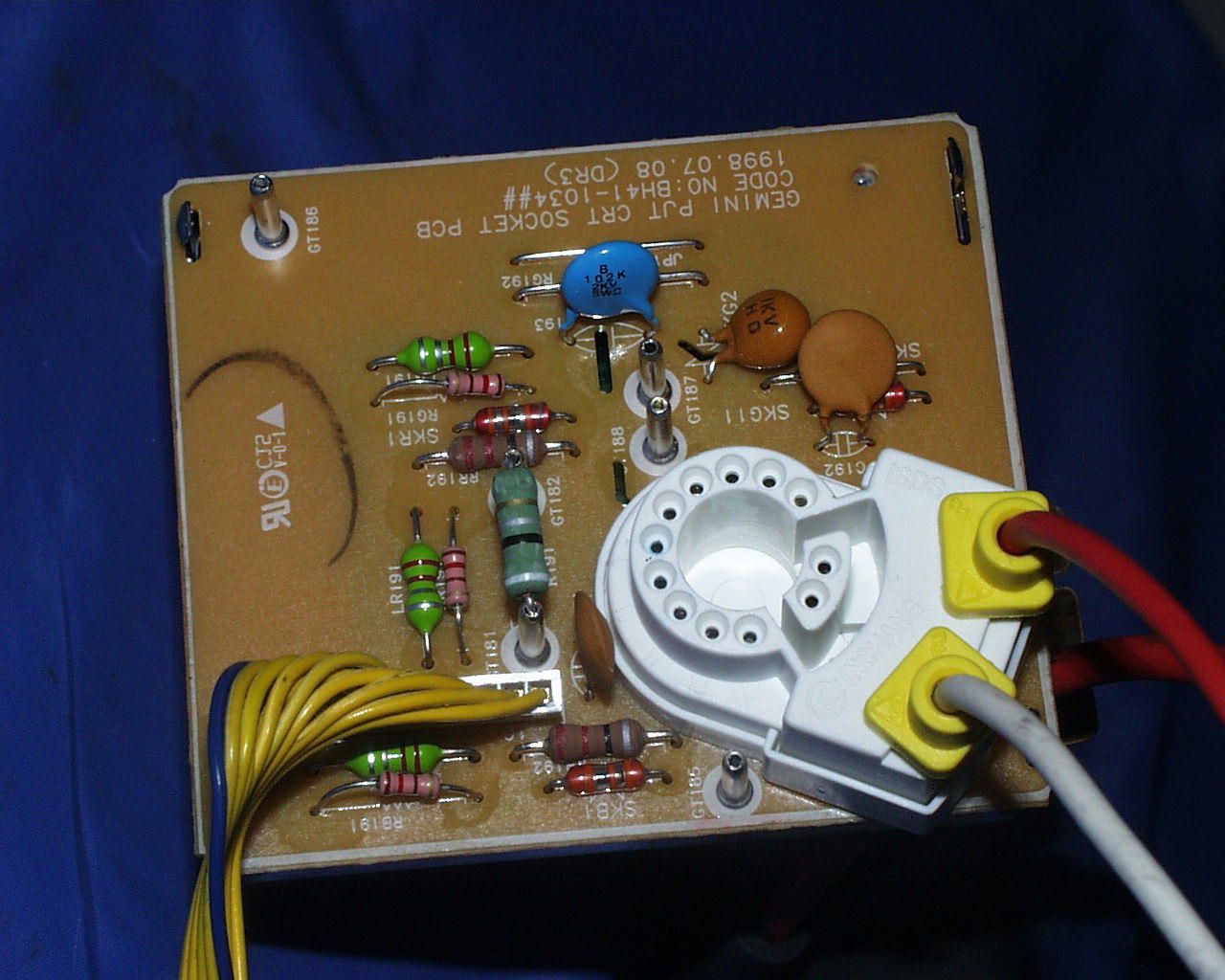
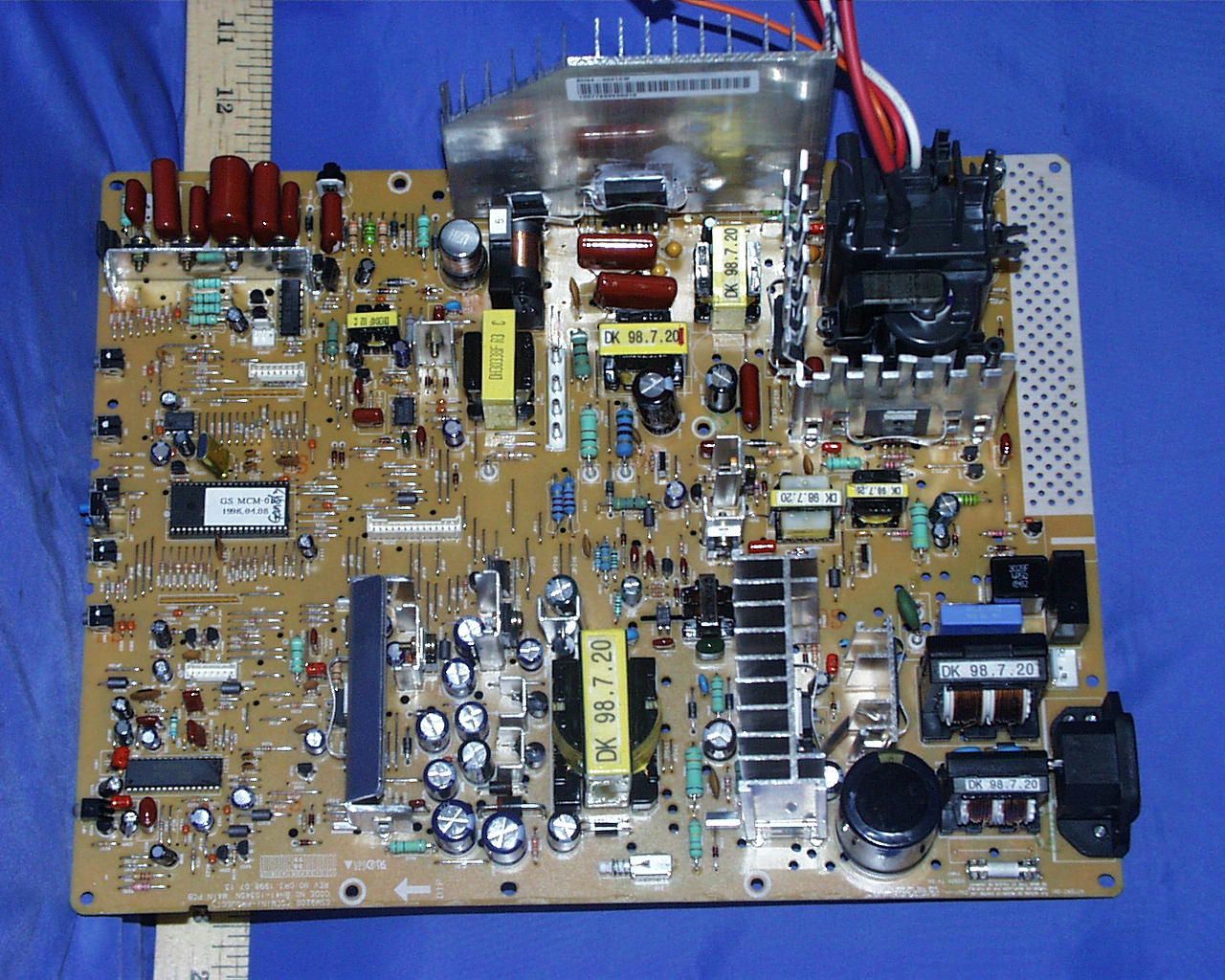
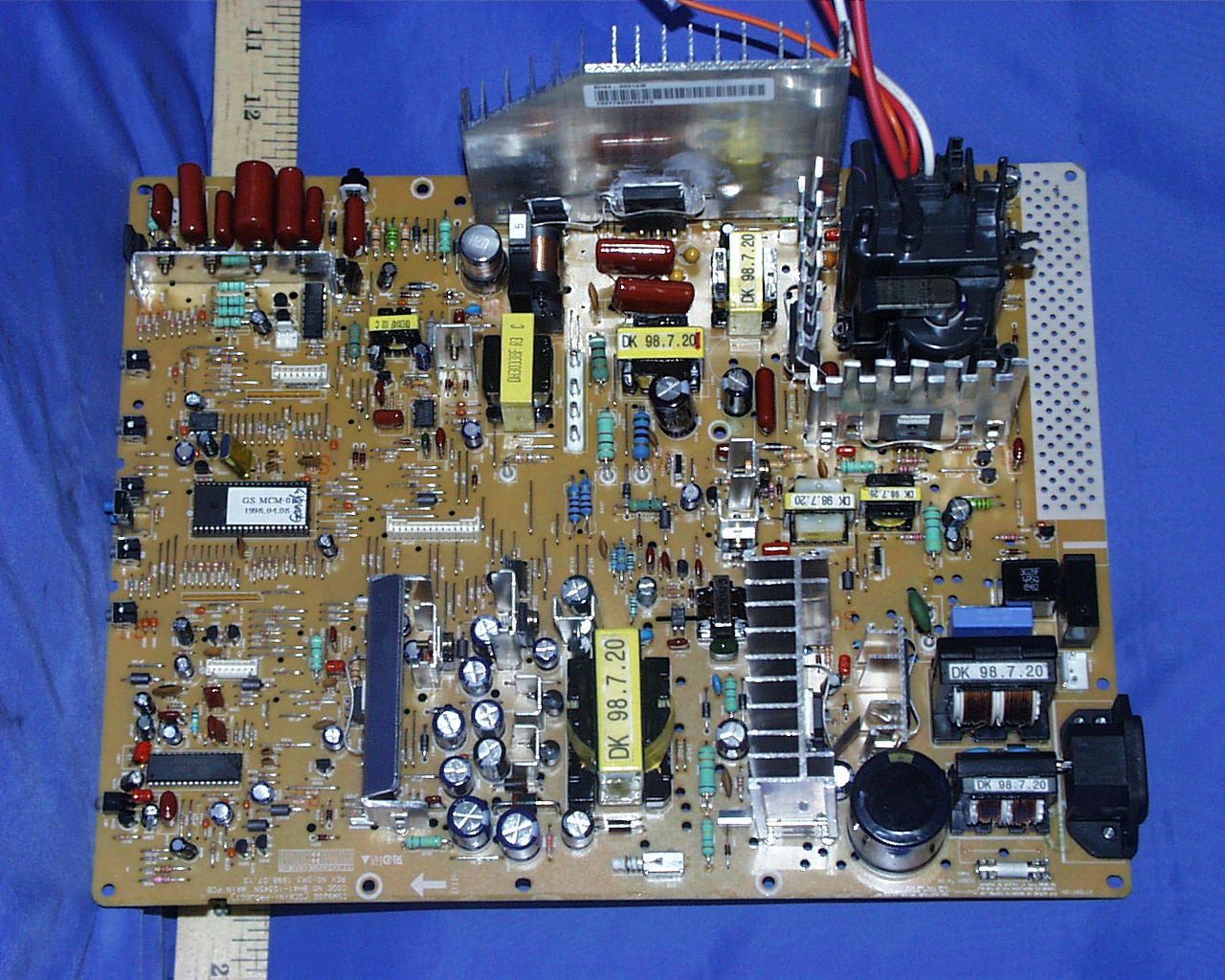
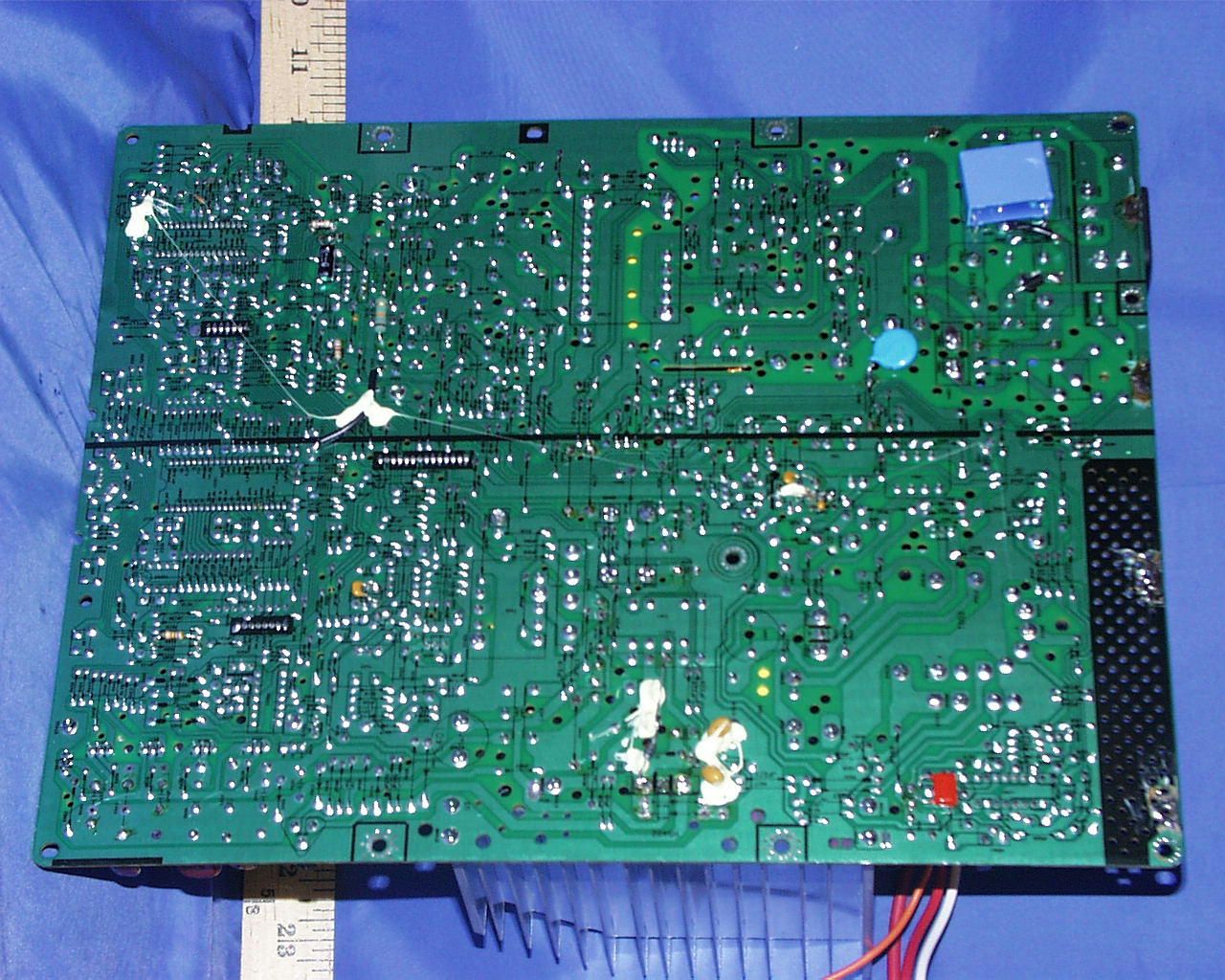
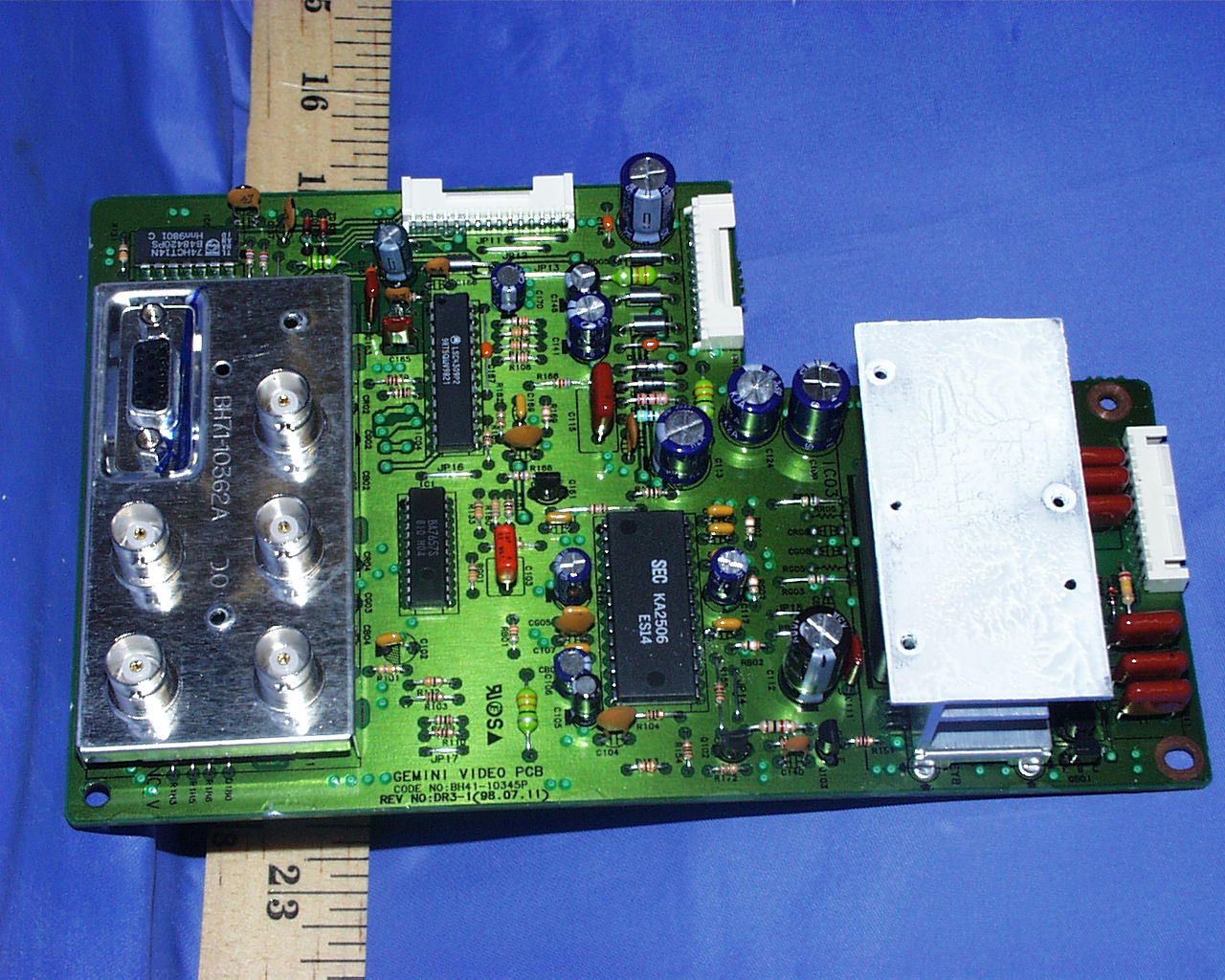
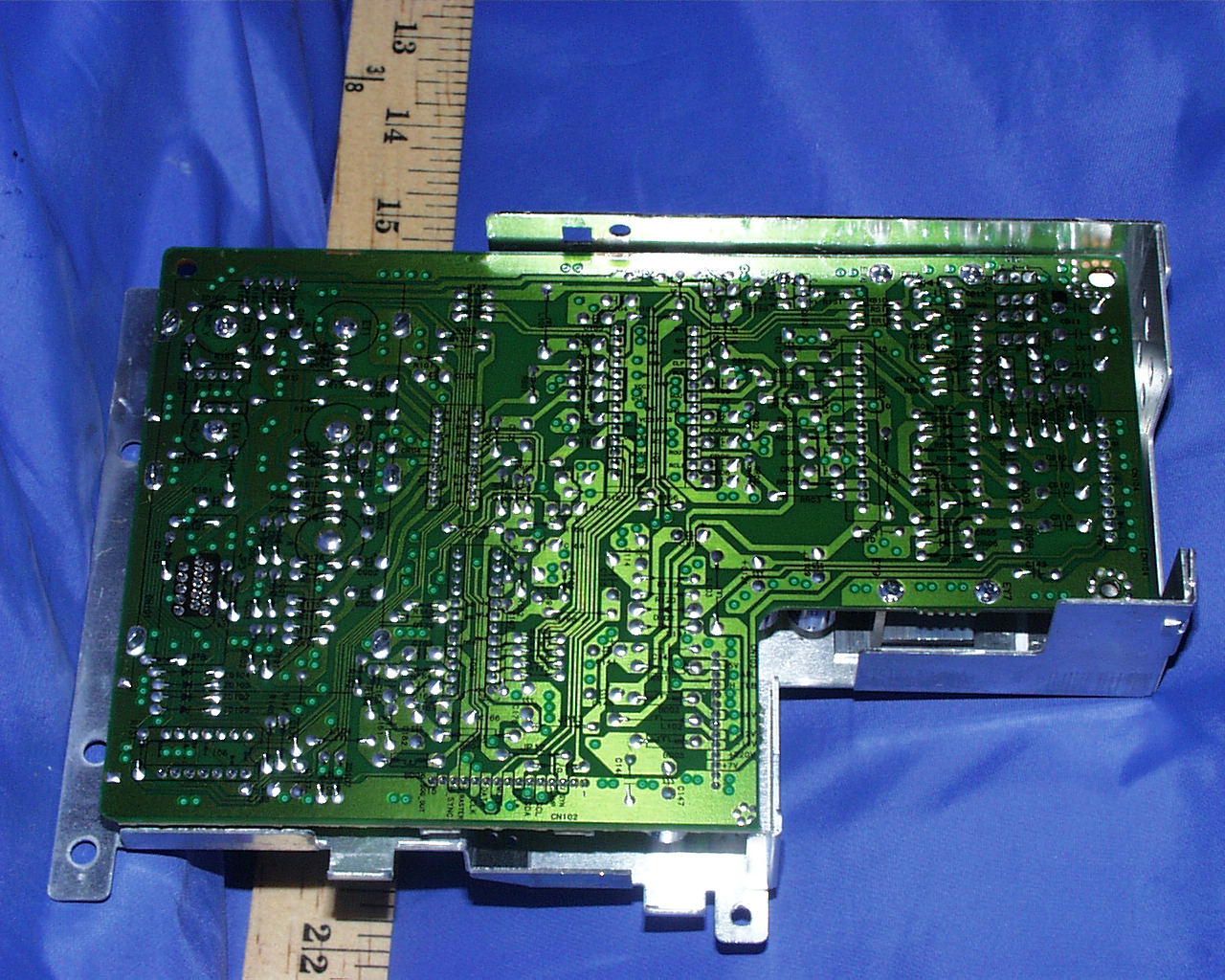
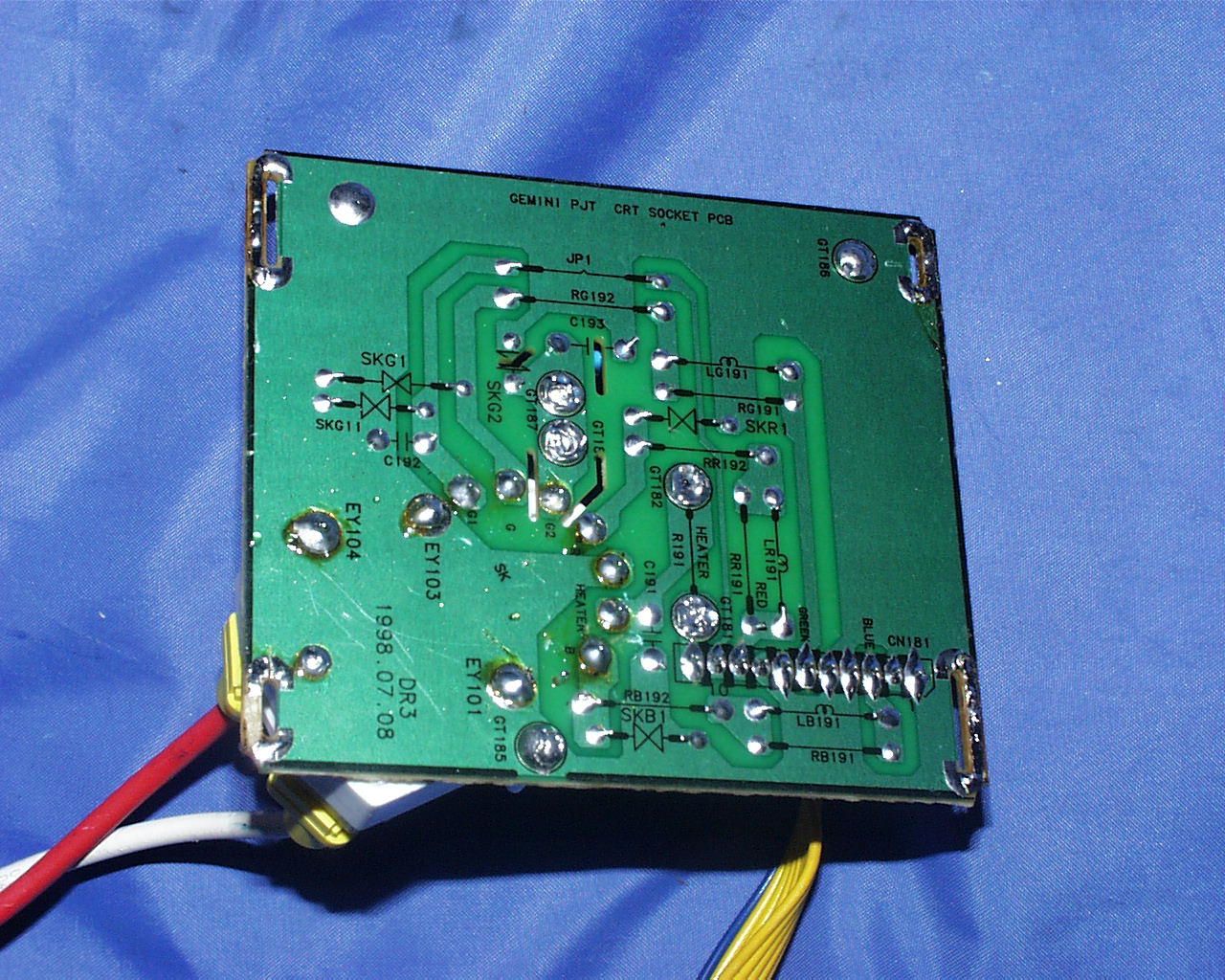
Document Text
Text extracted from the exhibit documents filed with the FCC. Open a document above to read the original.
Users Manual
Owner’s Instructions Color Monitor Gemine-basic 8/20/98 11:48 AM Page i C A U T I O N RISK OF ELECTRIC SHOCK DO NOT OPEN CAUTION: TO REDUCE THE RISK OF ELECTRIC SHOCK, DO NOT REMOVE COVER (OR BACK). NO USER-SERVICEABLE PARTS INSIDE. REFER SERVICING TO QUALIFIED SERVICE PERSONNEL. The lightning flash with arrowhead symbol, within an equilateral triangle, is intended to alert the user to the presence of uninsulated “dangerous voltage” within the product’s enclosure that may be of sufficient magnitude to constitute a risk of electric shock. The exclamation point within an equilateral triangle is intended to alert the user to the presence of important operating and servicing instructions in the literature accompanying the appliance. Unpacking your Monitor Please make sure the following items are included with your computer monitor: ii Monitor and StandPower Cable This Manual Warranty Card Signal Cable Gemine-basic 8/20/98 11:48 AM Page ii Table of Contents 1 Preface: Safety Information . . . . . . . . . .2 Chapter One: Overview of Your Monitor 3 Front Panel.....................................................................................3 Rear Panel......................................................................................4 Chapter Two: Installation . . . . . . . . . . . . .5 Connecting Your Monitor to a Computer ..................................5 Chapter Three: Adjusting Your Monitor . .6 Overview ........................................................................................6 Brightness......................................................................................6 Contrast ..........................................................................................6 Direct Access Features ...............................................................7 Position....................................................................................7 Size ...........................................................................................7 Pincushion/Trapezoid............................................................7 Parallel/Rotation ....................................................................8 Menu Features ..............................................................................8 Color temperature .................................................................8 Color Control...........................................................................9 Degauss...................................................................................9 Recall .....................................................................................10 Menu Position ......................................................................10 Menu Duration .....................................................................11 Pinbalance ............................................................................11 Clear Moire ...........................................................................11 Language ..............................................................................12 Display Timing ......................................................................12 Video Input Level .................................................................12 Sync. Input Type...................................................................13 Exit ..........................................................................................13 PowerSaver .................................................................................14 Troubleshooting ..........................................................................15 A p p e n d i x . . . . . . . . . . . . . . . . . . . . . . . . .1 6 Specifications..............................................................................16 Pin Assignments .........................................................................17 Display Modes Timing Chart .....................................................18 FCC Information...........................................................................19 IC Compliance Notice ................................................................20 Index . . . . . . . . . . . . . . . . . . . . . . . . . . . .21 Gemine-basic 8/20/98 11:48 AM Page 1 Preface: Safety Information 2 Please read and follow these instruc- tions when connecting and using your computer monitor. 1 Before connecting the AC power cord to an outlet, make sure the voltage designation on your moni- tor corresponds to the local elec- trical supply. 2 Never insert anything metallic into the monitor openings. Doing so may create the danger of electric shock. 3 To avoid electric shock, never touch the inside of the monitor. Only a qualified technician should open the monitor’s case. 4 Never use your monitor if the power cord has been damaged. Do not allow anything to rest on the power cord, and keep the cord away from where people could trip over it. 5 Be sure to hold the plug, not the cord, when disconnecting the monitor from an electric socket. 6 Openings in the monitor cabinet are provided for ventilation. To prevent overheating, these open- ings should not be blocked or cov- ered. Also, avoid using the monitor on a bed, sofa, rug, or other soft surface. Doing so may block the ventilation openings in the bottom of the cabinet. If you put the moni- tor in a bookcase or some other enclosed space, be sure to pro- vide adequate ventilation. 7 Put your monitor in a location with low humidity and a minimum of dust. Avoid places like damp basements or dusty hallways. 8 Do not expose the monitor to rain or use it near water (in kitchens, next to swimming pools, etc.). If the monitor accidentally gets wet, unplug it and contact an autho- rized dealer immediately. You can clean the monitor with a damp cloth when necessary, but be sure to unplug the monitor first. 9 Place the monitor on a solid sur- face and treat it carefully. The screen is made of glass and can be damaged if dropped or sharply hit. 10 Locate your moni…
Text truncated - open the document above for the full version.
Block Diagram
10 Block Diagram CSM920B10-1 VIDEOOUTPUT VPS14 BNC/D-SUB SELECT BA7657S COLOR ADJUSTCONTROL (JIG) COLOR CONTROL VIDEO CUTOFF CONTROL HORIZONTAL BLANK CONTRAST CONTROL BRIGHTNESSCONTROL HORIZONTAL BLANK VIDEO MUTE AC INLET SOCKET LINE FILTER RECTIFIER AC INPUT90-264VAC 60/50Hz DEGAUSSOPERATION D-COIL SWITCHINGTRANS +35V +14V 8V-14V +14V_I +80V+210V H-DRIVE CRT HEATER VERT OUT SUSPEND DEGAUSS DDC S-RASTER H-SYNC/ V-SYNC OUT SDA/SCA VIDEO MUTE G1 R G B CRT R G B MICROPROCESSOR ST7275 D D CCONTROL 24LC211 S-CORRECTION LED VIDEO PRE-AMP K2506 OSDLSC4309 SOG ERROR DETECT & FEED BACK POWER SYNC H-SYNC TRIGGER PWM CONTROL &SWITCHING FET S12650(SEC) BNC/D-SUB INPUT H-SYNC V-SYNC POWER OFFCONTROL VIDEO OUTPUT VOLTAGEREGULATOR KA78R12 VOLTAGEREGULATOR KA7805 +5V SOG 24MCrystal HOR.VER. OSC PROCESSING SAM922G H/V DRIVE DYNAMIC FOCUS HORIZONTALFOCUS CIRCUIT H-AFC HOR. OUTPUT MJL16218 H-DY HORIZONTALREGULATION CONTROL HOR. REGULATION OUTPUT (PWM CONTROL) REGULATION SENSER HOR. DRIVE S-CORRECTION FBT H/V OUTPUT 2SC5296 H/V REGULATION ERRORFEEDBACK X-RAYPROTECTOR VERTICAL BLANKING GENERATOR VERTICAL OUTPUT TDA8172 V-DY VERTICAL FOCUS CIRCUIT HIGH VOLTAGE SCREEN G2 FOCUS1, 2 H_LIN. MOIRE ACL CONTROL BUTTONOSD CALL/ENTER POSITION/SIZE PIN/TRAPPARALL/ROTATION CHOOSE OR ADJUST MENU BUTTONPOWER BUTTON CONTRAST BRIGHTNESSTILT
Cover Letter(s)
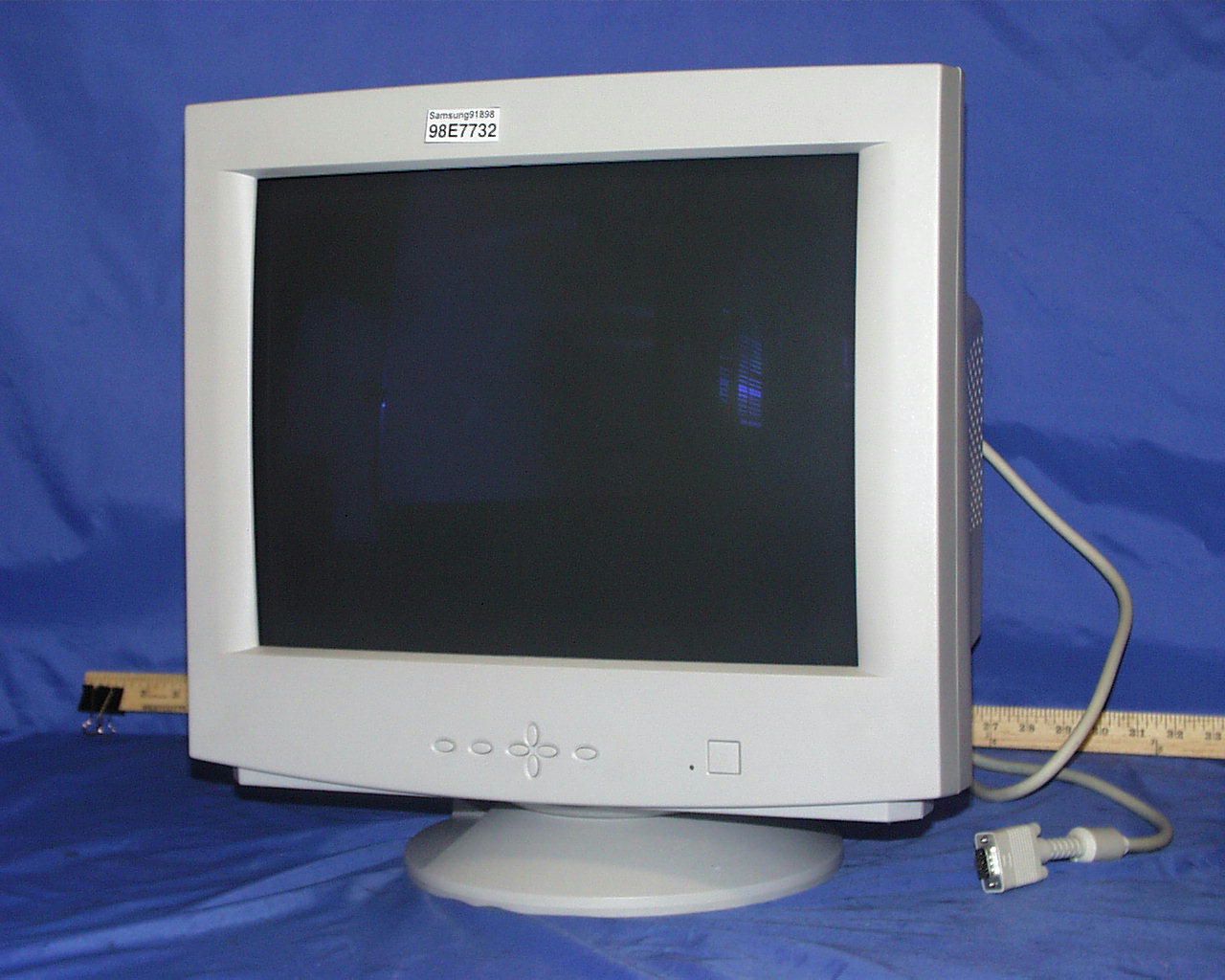
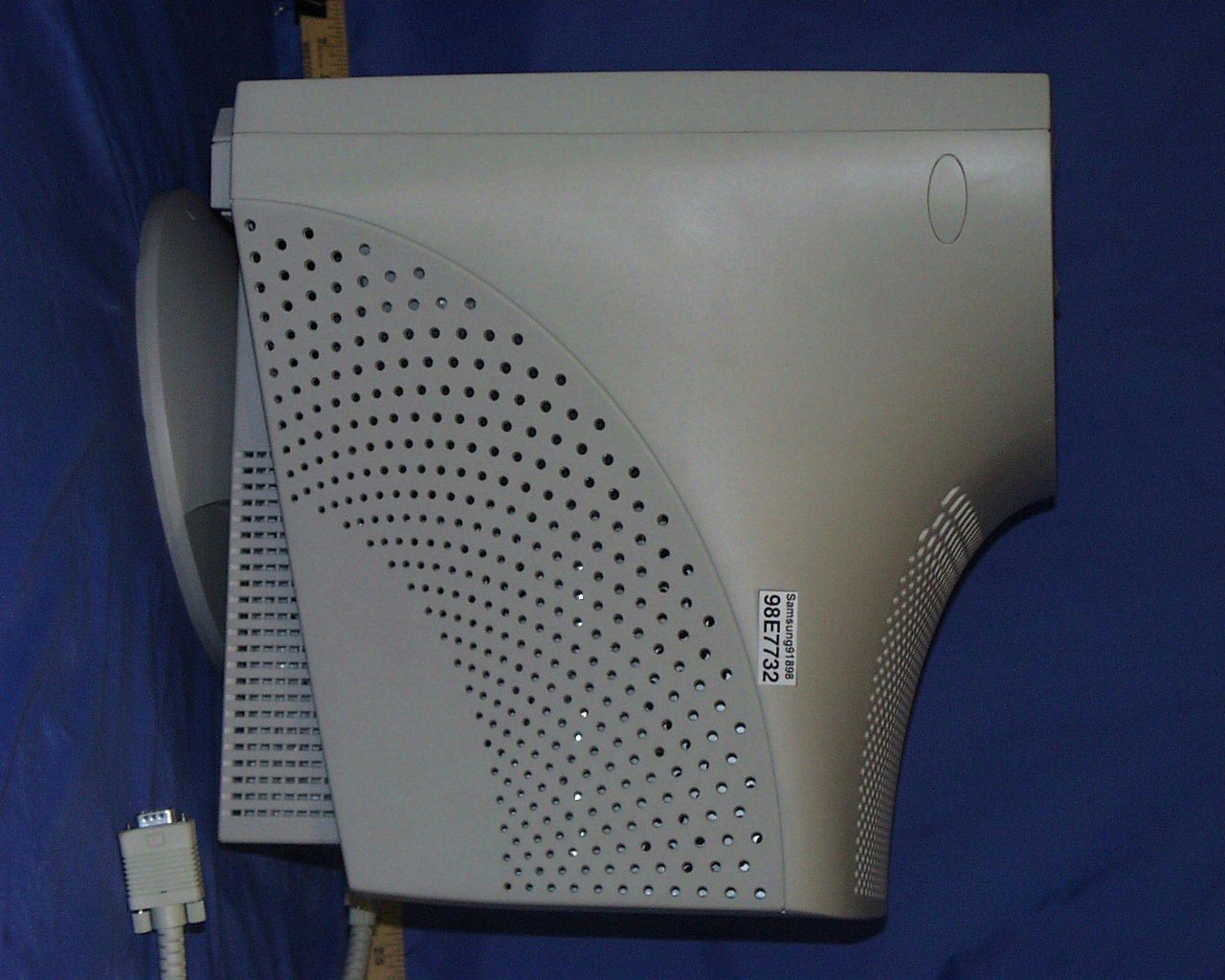
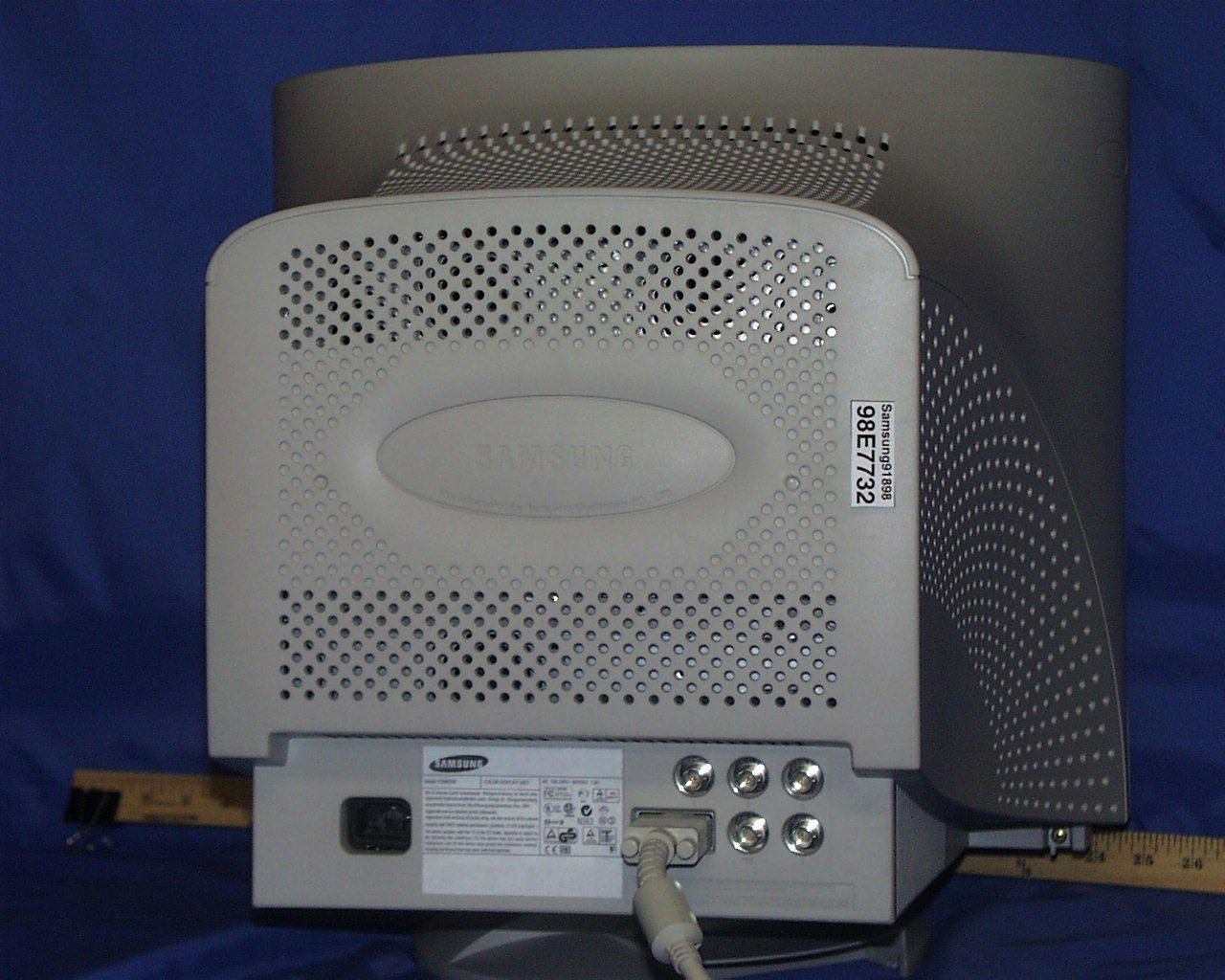
Federal Communication Commission Equipment Authorization Branch 7435 Oakland Mills Road Columbia MD 21046 Attention:Application Examiner Subject :Application for Certification Reference:FCC ID:A3LCSM920 Dear Application Examiner : On behalf of Samsung Electronics Co.,Ltd., I, the undersigned, hereby submit the application for certification per FCC Part 15 rules. EUT is an unintentional radiator to be classified as computing device peripherals. The following attachments are included in the electronic filling : Attachment A:This letter Attachment B: Agent authorization letter Attachment C: FCC ID label format and location Attachment D: Block Diagram Attachment E: Technical report w/ setup photo Attachment F: Internal photo X 12 Attachment G:External Photo X3 Attachment H: User Manual If you have any question, please feel free to contact me. Best Regards Mike C.I. Kuo / Vice President Compliance Engineering Services, Inc. 1366 Bordeaux Drive Sunnyvale CA 94089 Tel(408)752-8166 x:105 E-Mail :[email protected]
ID Label/Location Info
FCC ID LABEL LOCATION Applicant :Samsung Electronics Co., Ltd. FCC ID:A3LCSM920 FCC ID LABEL AREA
Test Report
FCC CFR47 PART 15 DIGITAL DEVICE TEST REPORT FOR 19" COLOR MONITOR W/ MAX. RESOLUTION OF 1600X1200 NON-INTERLACED (92 KHz) MODEL: CSM920B FCC ID: A3LCSM920 REPORT NUMBER: 98E7732 ISSUE DATE: SEPTEMBER 09, 1998 Prepared for SAMSUNG ELECTRONICS CO., LTD. 416 MAETAN DONG, PALDAL GU SUWON SHI, KOREA Prepared by COMPLIANCE ENGINEERING SERVICES, INC. 1366 BORDEAUX DRIVE SUNNYVALE, CA 94089, USA TEL: (408) 752-8166 FAX: (408) 752-8168 REPORT NO:98E7732 DATE:SEPTEMBER 09, 1998 FCC ID: A3LCSM920 EUT: 19" COLOR MONITOR W/ MAX. RESOLUTION OF 1600X1200 NON-INTERLACED (92 KHz) COMPLIANCE CONSULTING SERVICESDOCUMENT NO:CCSUP4002C 1366 BORDEAUX DRIVE SUNNYVALE, CA 94089 USA TEL:(408) 752-8166 FAX:(408) 752-8168 This report shall not be reproduced except in full, without the written approval of CCS. TABLE OF CONTENTS PAGE 1. VERIFICATION OF COMPLIANCE ..............................................1 2. PRODUCT DESCRIPTION. ....................................................2 3. TESTED SYSTEM DETAILS ...................................................2 4. TEST FACILITY ...........................................................3 5. ACCREDITATION AND LISTING... ............................................3 6. MEASUREMENT INSTRUMENTATION .............................................3 7. MEASURING INSTRUMENT CALIBRATION ........................................3 8. UNITS OF MEASUREMENT... .................................................4 9. ANTENNAS.................... ............................................4 10. CLASSIFICATION OF DIGITAL DEVICE. .......................................5 11. RADIATED EMISSION LIMITS ................................................5 12. CONDUCTED EMISSION LIMITS ...............................................6 13. CONDUCTED EMISSION TEST PROCEDURE .......................................8 14. RADIATED EMISSION TEST PROCEDURE ........................................8 15. AMBIENT CONDITIONS... ...................................................9 16. SYSTEM TEST CONFIGURATION ...............................................9 17. EQUIPMENT MODIFICATIONS...... ..........................................10 18. EUT SETUP PHOTOS..... ..................................................11 19. TEST EQUIPMENT LIST ....................................................12 20. TEST RESULT SUMMARY ....................................................13 APPENDICES ..................................................................15 .EXTERNAL I/O CABLE CONSTRUCTION DESCRIPTION .CONFIGURATION BLOCK DIAGRAM .EUT PHOTOGRAPHS REPORT NO:98E7732 DATE:SEPTEMBER 09, 1998 FCC ID: A3LCSM920 EUT: 19" COLOR MONITOR W/ MAX. RESOLUTION OF 1600X1200 NON-INTERLACED (92 KHz) 1 OF 15 COMPLIANCE CONSULTING SERVICESDOCUMENT NO:CCSUP4002D 1366 BORDEAUX DRIVE SUNNYVALE, CA 94089 USA TEL:(408) 752-8166 FAX:(408) 752-8168 This report shall not be reproduced except in full, without the written approval of CCS. 1. VERIFICATION OF COMPLIANCE COMPANY NAME: SAMSUNG ELECTRONICS CO., LTD. 416 MAETAN DONG, PALDAL GU SUWON SHI, KOREA CONTACT PERSON: BEN KIM / MANAGER TELEPHONE NO: 408-544-5124 MODEL NO/NAME: CSM920B SERIAL NO: N/A DATE TESTED: SEPTEMBER 09, 1998 TYPE OF EQUIPMENT: INFORMATION TECHNOLOGY EQUIPMENT (ITE) MEASUREMENT DISTANCE: ( ) 3 METER (X) 10 METER TECHNICAL LIMIT: CLASS B FCC RULES: PART 15 MEASUREMENT PROCEDURE ANSI C63.4:92 / EN 55022 EQUIPMENT AUTHORIZATION PROCEDURE CERTIFICATION MODIFICATIONS MADE ON EUT YES NO DEVIATIONS FROM MEASUREMENT PROCEDURE YES (refer to section 20 for comments) NO RADIATED EMISSION TEST RESULT -5.98 dB @ 419.98 MHz/HORIZONTAL CONDUCTED EMISSION TEST RESULT -8.8 dB @ 0.458 MHz/L2 The above equipment was tested by Compliance Consulting Services for compliance with the requirements set forth in the FCC CFR 47, PART 15. The results of testing in this report apply to the product/system which was tested only. Other similar equipment will not necessarily produce the same results due to production tolerance and measurement uncertainties. Approved By MIKE C.I. KUO / VICE PRESIDENT COMPLIANCE CONSULTING SERVICES REPORT NO:98E7732 DATE:SEPTEMBER 09, 1998 FCC ID: A3LCSM920 EUT: 19" COLOR MONITOR W/ MAX. RESOLUTION OF 1600X1200 NON-INTERLACED (92 KHz) 2 OF 15 COMPLIANCE CONSULTING SERVICESDOCUMENT NO:CCSUP4002D 1366 BORDEAUX DRIVE SUNNYVALE, CA 94089 USA TEL:(408) 752-8166 FAX:(408) 752-8168 This report shall not be reproduced except in full, without the written approval of CCS. 2. PRODUCT DESCRIPTION CHASSIS TYPE PLASTIC CPU SPEEDS TESTED 133 MHz PENTIUM LIST OF EACH OSC. OR XTAL. FREQ. (FREQ.>=1 MHz) 24 MHz POWER SUPPLY/NAME/MODEL/S.N. BUILT-IN NUMBER OF PCB LAYERS 1 BOARD REVISION NO 02 LINE FILTER NAME AND MODEL BUILT-IN POWER REQUIREMENTS 100-240 V AC, 60/50 Hz NO. OF EXTERNAL I/O CONNECTORS 6 MAX. RESOLUTION 1600 X 1200 NI MAX. HOR/VERT FREQUENCY 92 KHz, 72 Hz 3. TESTED SYSTEM DETAILS The Model names for all equipment, plus descriptions of all cables used in the tested system (including inserted cards) are: External Peripheral Devices Device Type ManufacturerModel NumberSerial No.FCC ID / DoC KEYBOARD DIGITAL RT6656TW 62051025 AQ6-MTN4XZ15 MOUSE DIGITAL M-S35 LT54402451 DZL210472 MODEM HAYES 4007AM A00840073172 BFJ4000AM PRINTER HP 2225C 2511S41679 BS46XU2225C COMPUTER DIGITAL 963WW TA551T2397 A09-96XWW REPORT NO:98E7732 DATE:SEPTEMBER 09, 1998 FCC ID: A3LCSM920 EUT: 19" COLOR MONITOR W/ MAX. RESOLUTION OF 1600X1200 NON-INTERLACED (92 KHz) 3 OF 15 COMPLIANCE CONSULTING SERVICESDOCUMENT NO:CCSUP4002D 1366 BORDEAUX DRIVE SUNNYVALE, CA 94089 USA TEL:(408) 752-8166 FAX:(408) 752-8168 This report shall not be reproduced except in full, without the written approval of CCS. 4. TEST FACILITY The open area test sites and conducted measurement facilities used to collect the radiated data are located at 561F Monterey Road, Morgan Hill, California, USA. The sites are constructed in conformance with the requirements of ANSI C63.7, ANSI C63.4 and CISPR Publication 22. 5. ACCREDITATION AND LISTING The…
Text truncated - open the document above for the full version.
Contact Information
Applicant
Jenni Chun(General Manager)
Technical Contact
COMPLIANCE ENGINEERING SERVICES, INC.MIKE KUO
[email protected]408-752-8166
1366 BORDEAUX DRIVE · SUNNYVALE, California · United States
Non-Technical Contact
COMPLIANCE ENGINEERING SERVICES, INC.MIKE KUO
[email protected]408-752-8166
Test Firm
Compliance Certification Services IncSteve Cheng
Technical Specifications
| # | Rule Parts | Frequency Range | Power Output |
|---|---|---|---|
| 1 | 15B | - | - |
Other Applications from Samsung Electronics Co Ltd
A3LSMS741B
Aug 05, 2026Portable Handset
Equipment Class
6VL - 15E 6 GHZ Very Low Power DeviceA3LSMX940
Jul 31, 2026BT,BLE Tablet DTS,UNII a,b,g,n,ac,ax,be and digitizer
Equipment Class
DTS - Digital Transmission SystemA3LSMS741U
Jul 30, 2026Portable Handset
Equipment Class
6CD - 15E 6 GHz Low Power Dual ClientA3LSMX840
Jul 27, 2026BT,BLE Tablet DTS,UNII a,b,g,n,ac,ax and Digitizer
Equipment Class
DSS - Part 15 Spread Spectrum TransmitterA3LSMX848U
Jul 27, 2026WCDMA, LTE, 5G NR Tablet BT,BLE, DTS,UNII a b g n ac ax and Digitizer
Equipment Class
JBP - Part 15 Class B Computing Device Peripheral