A3LLXB310
Samsung Electronics Co Ltd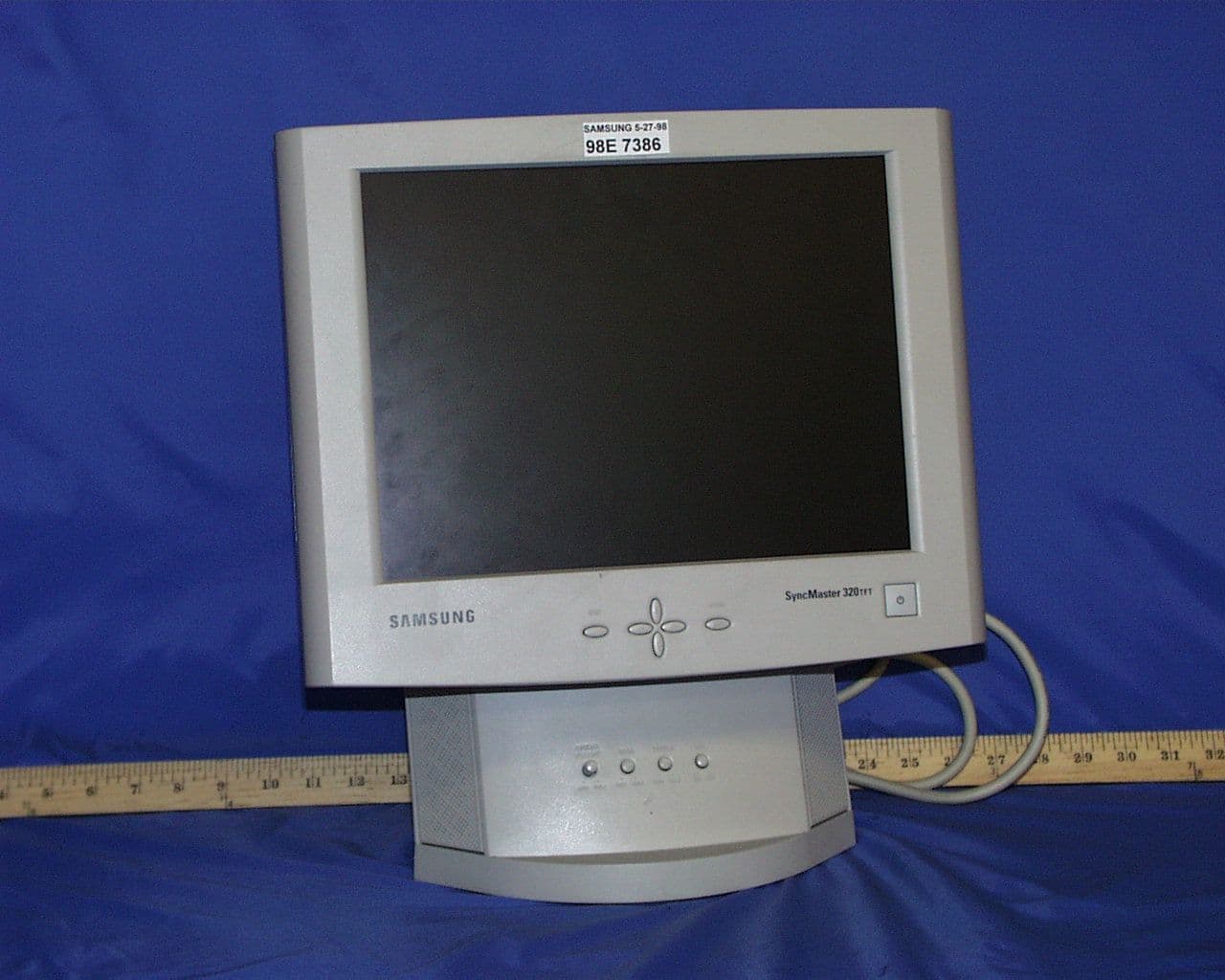
Click to zoom
Application Details
- Equipment Class
- JBP - Part 15 Class B Computing Device Peripheral
- Date of Grant
- Oct 22, 1998
- Application Purpose
- Original Equipment
- Date of Application
- Aug 19, 1998
- Company
- Samsung Electronics Co Ltd
- Country
- United States
Documents & Files
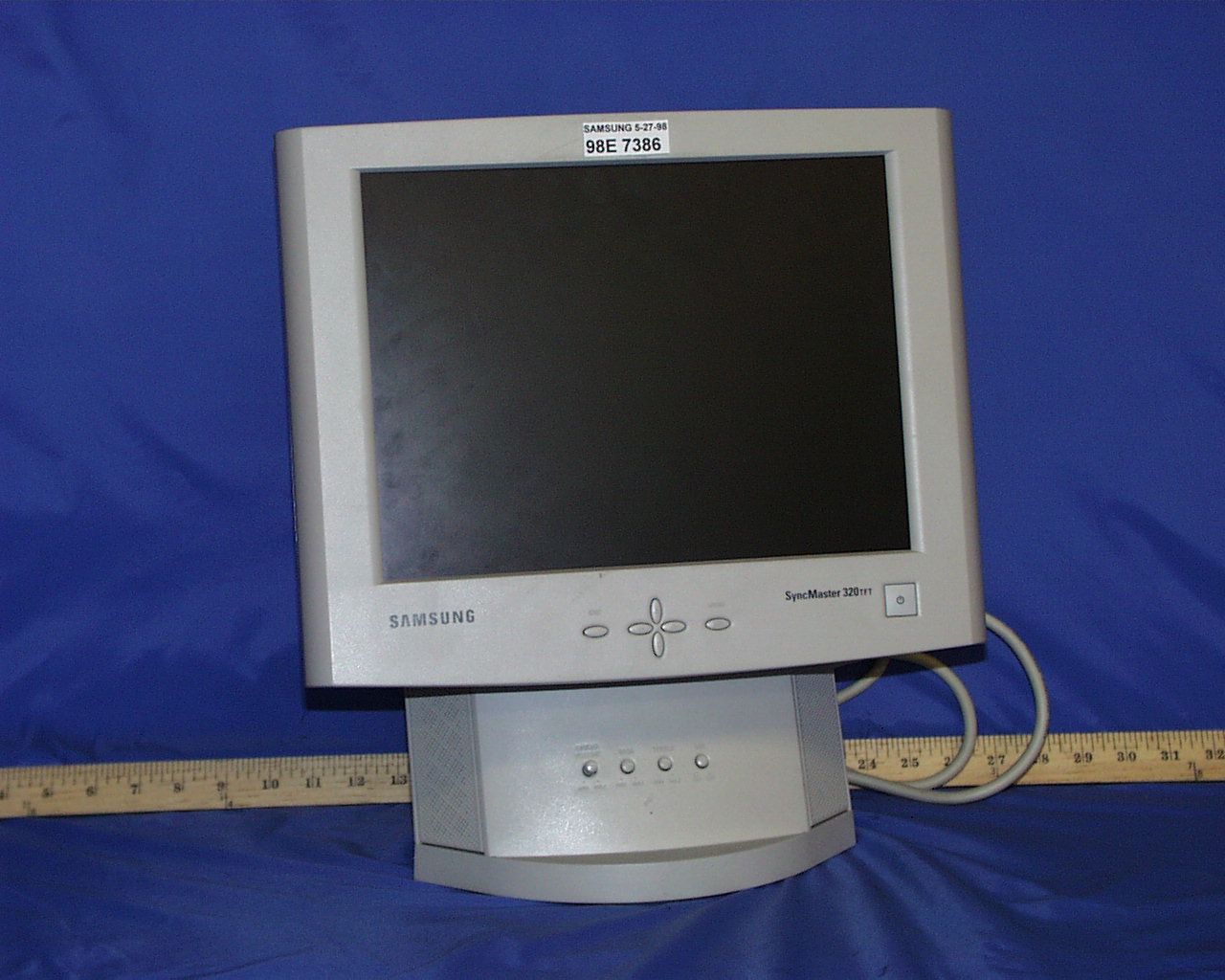
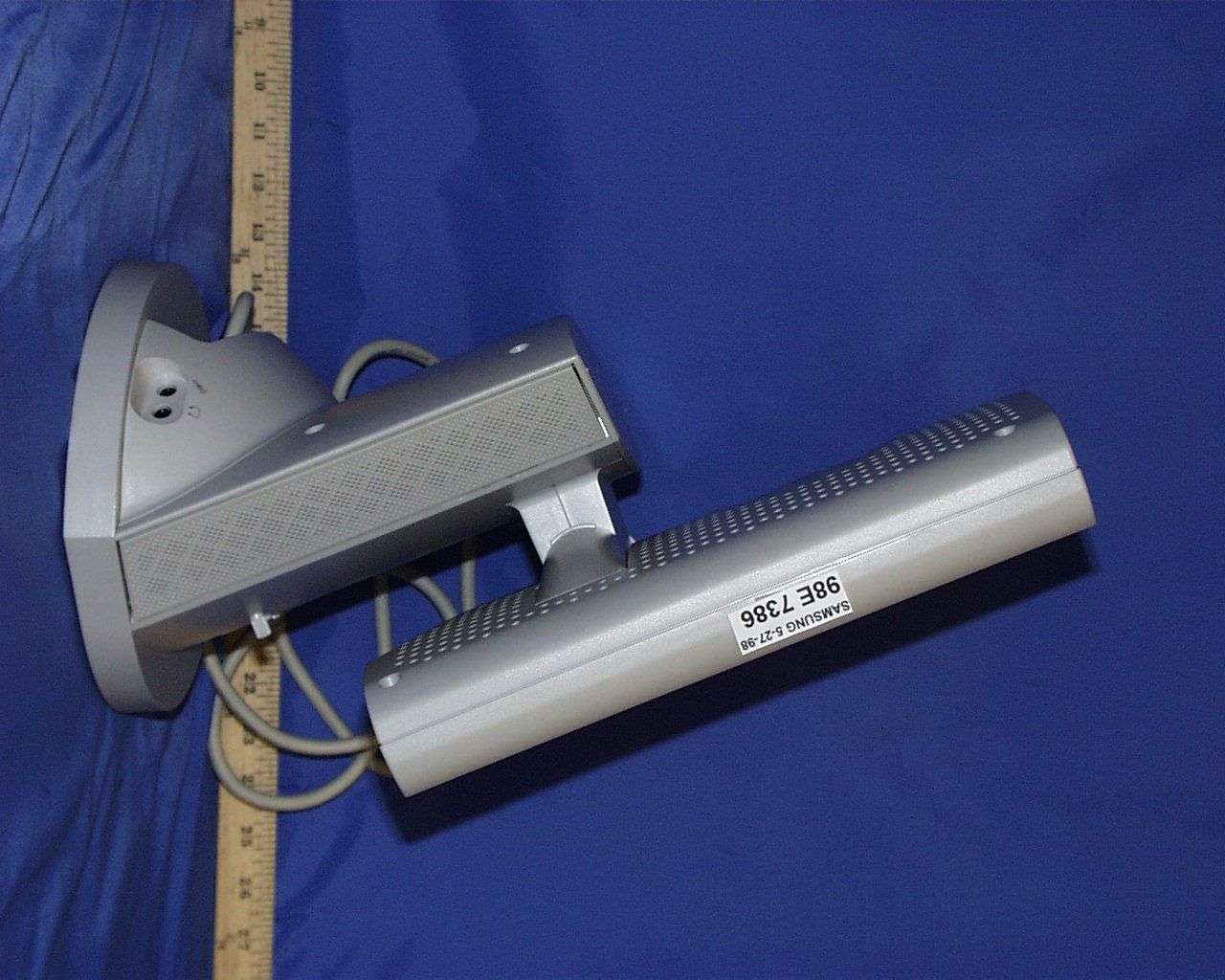
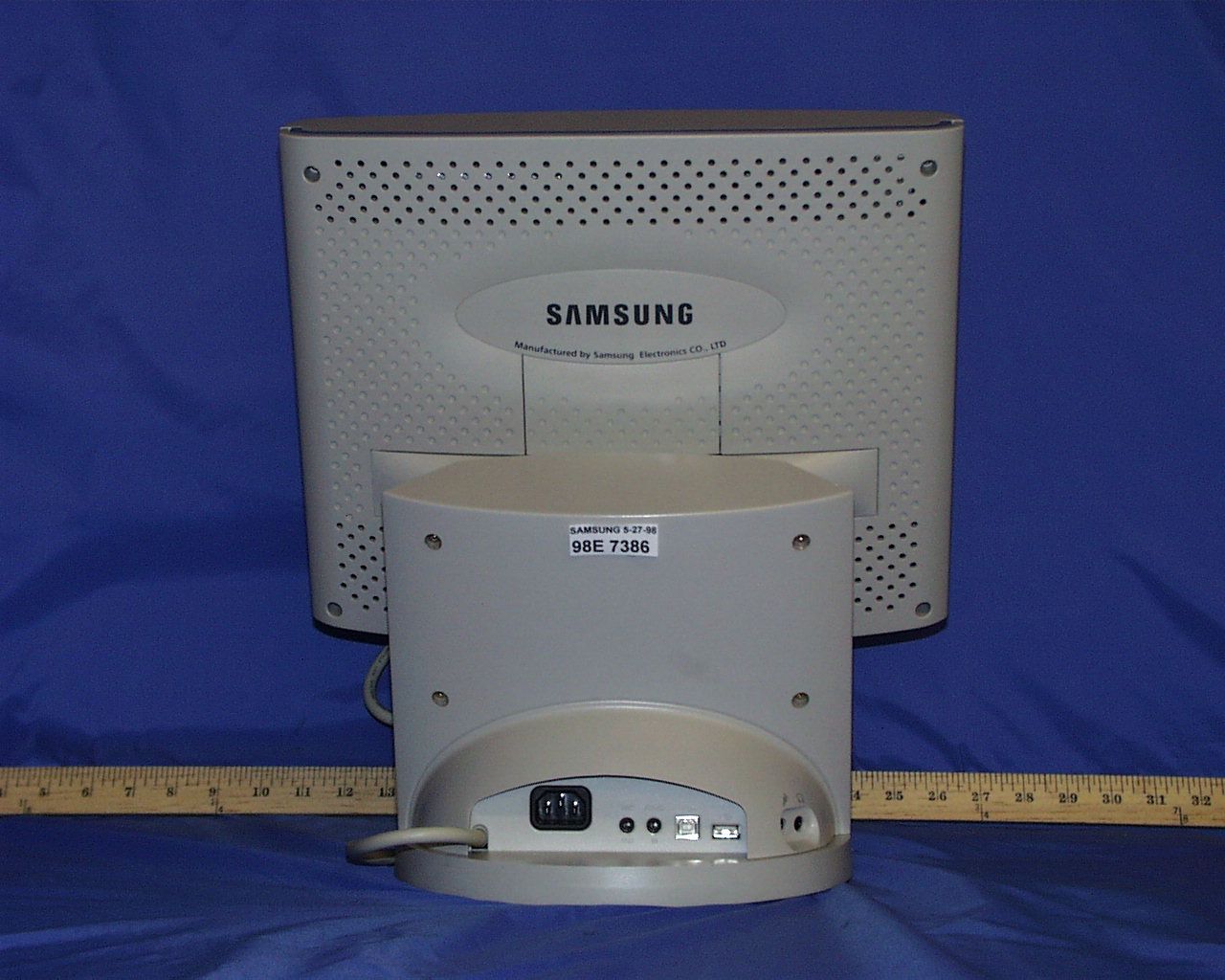
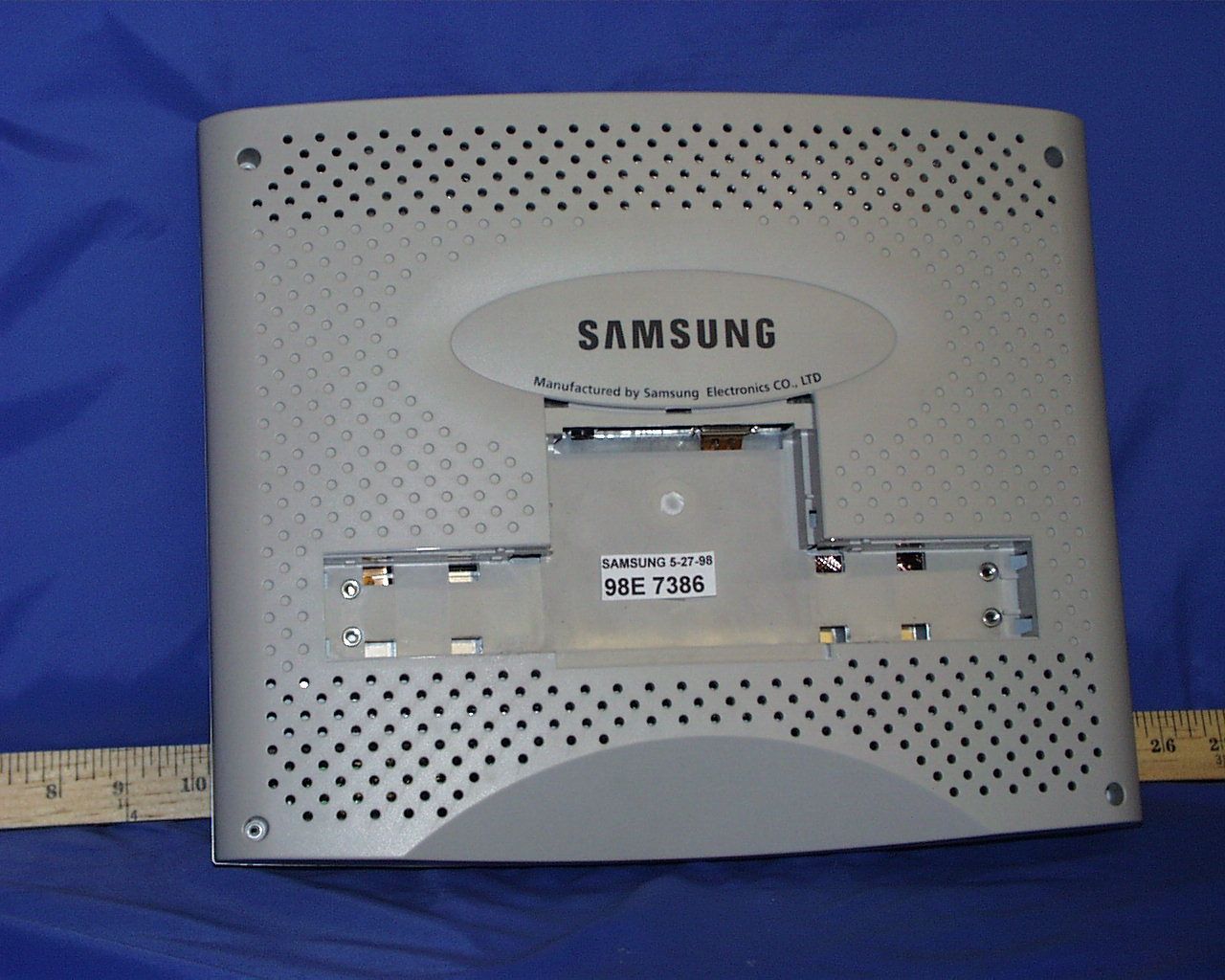
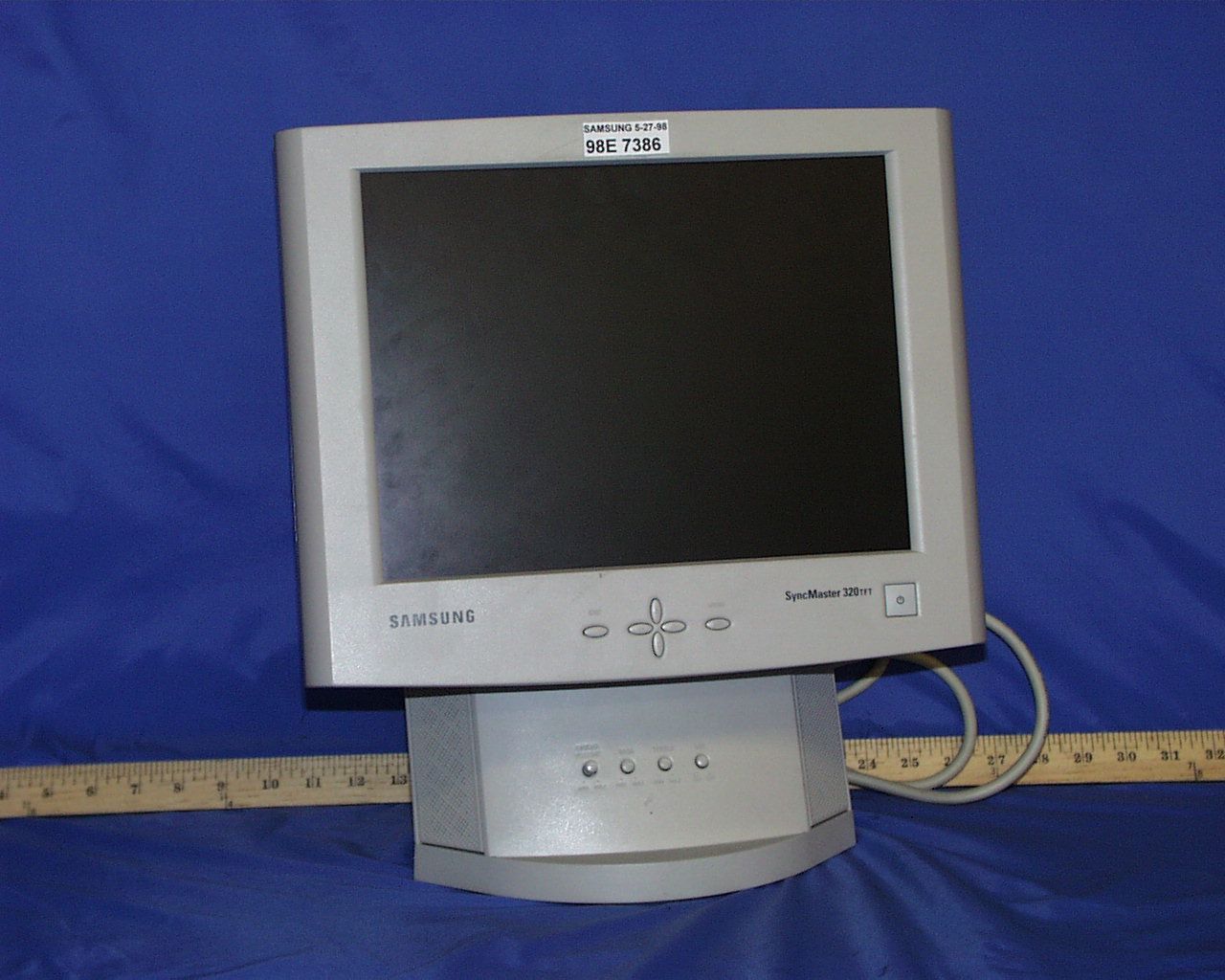
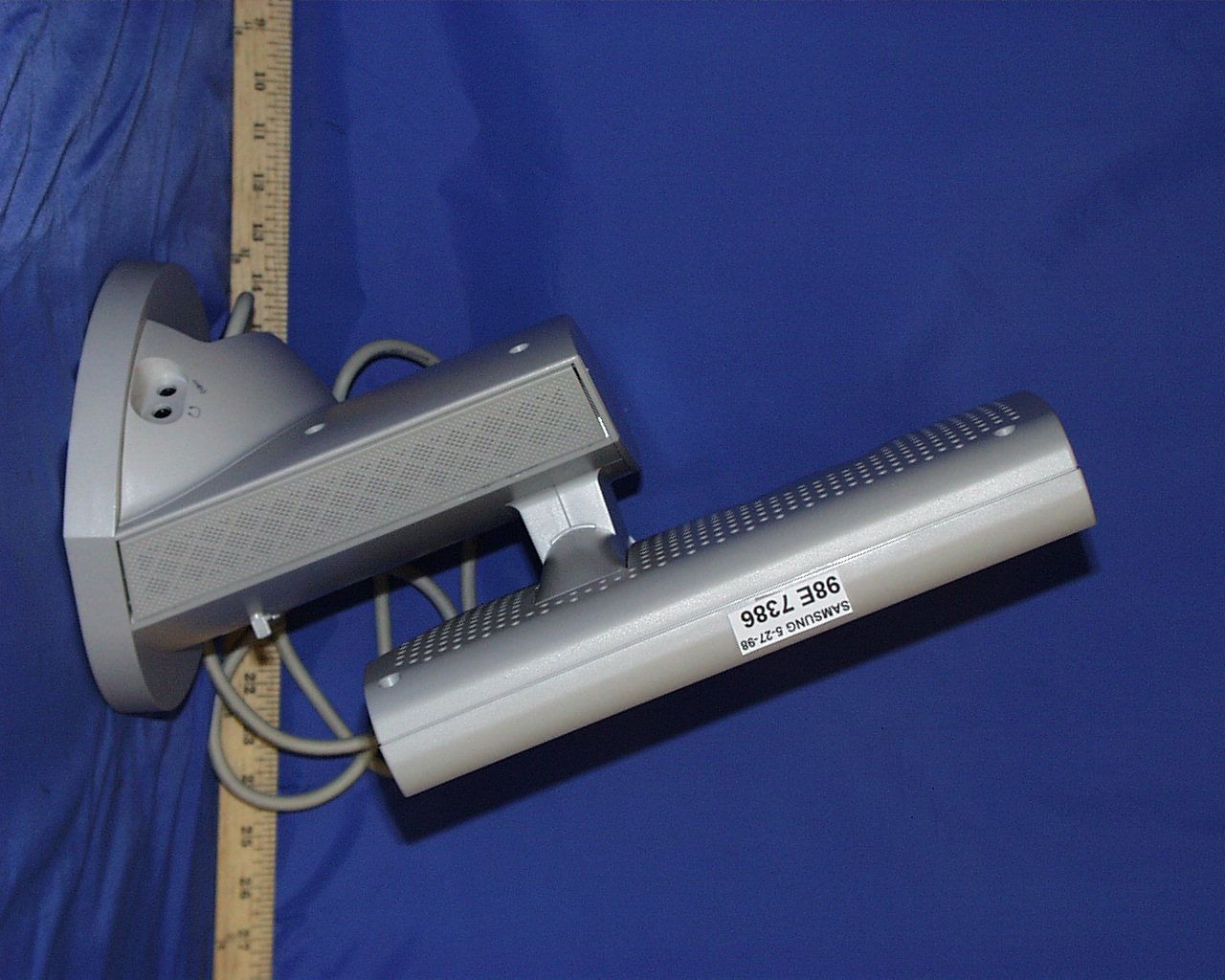
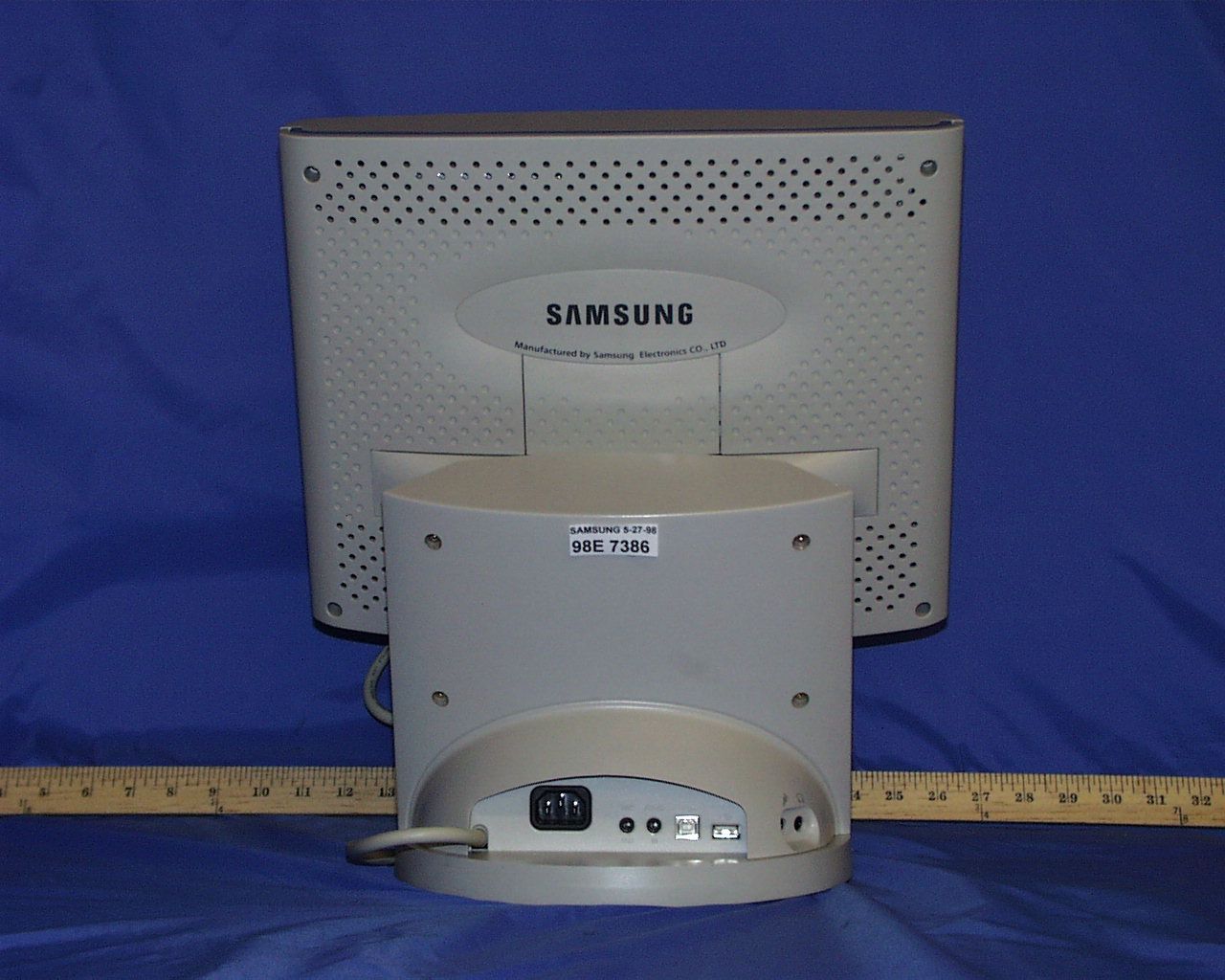
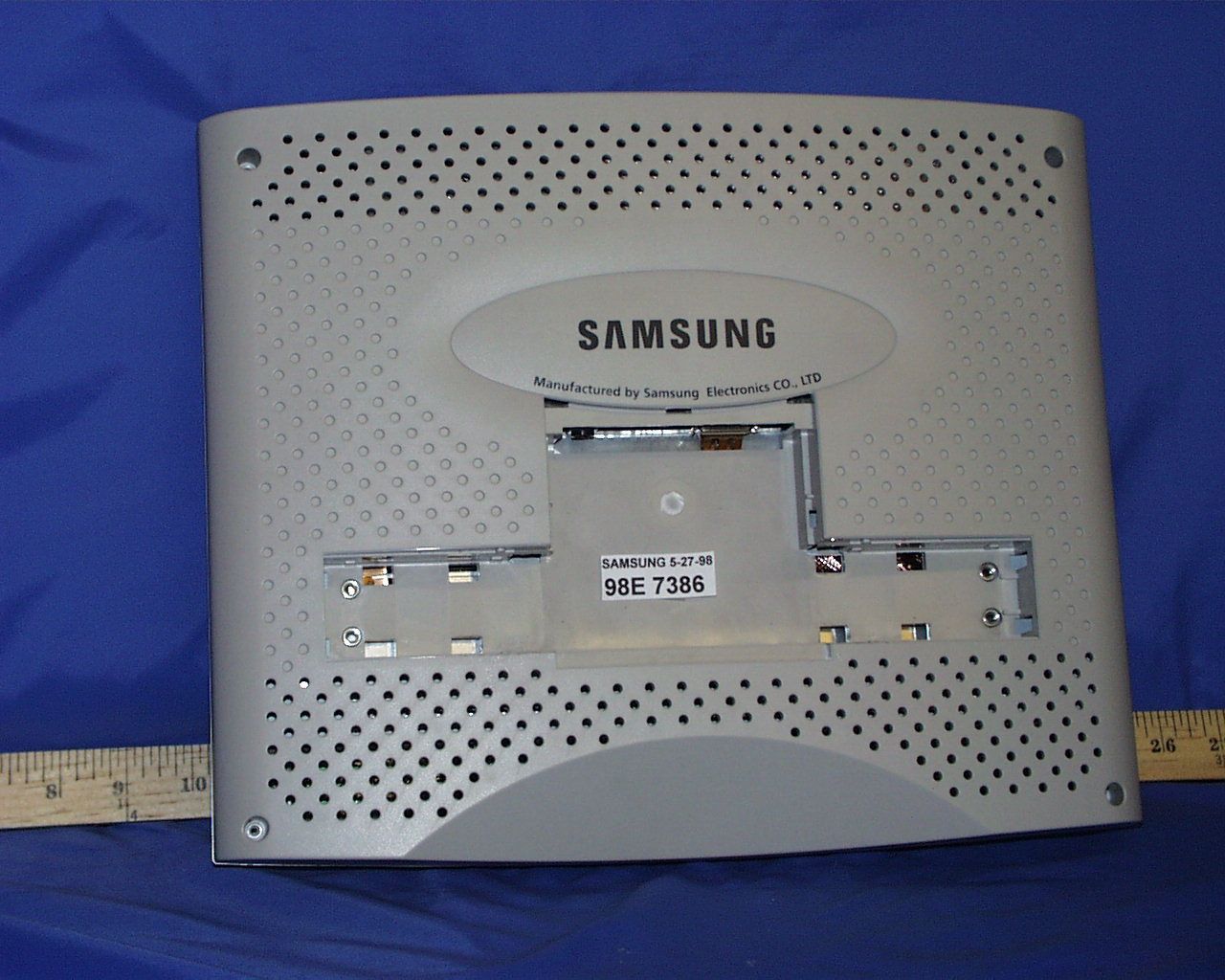
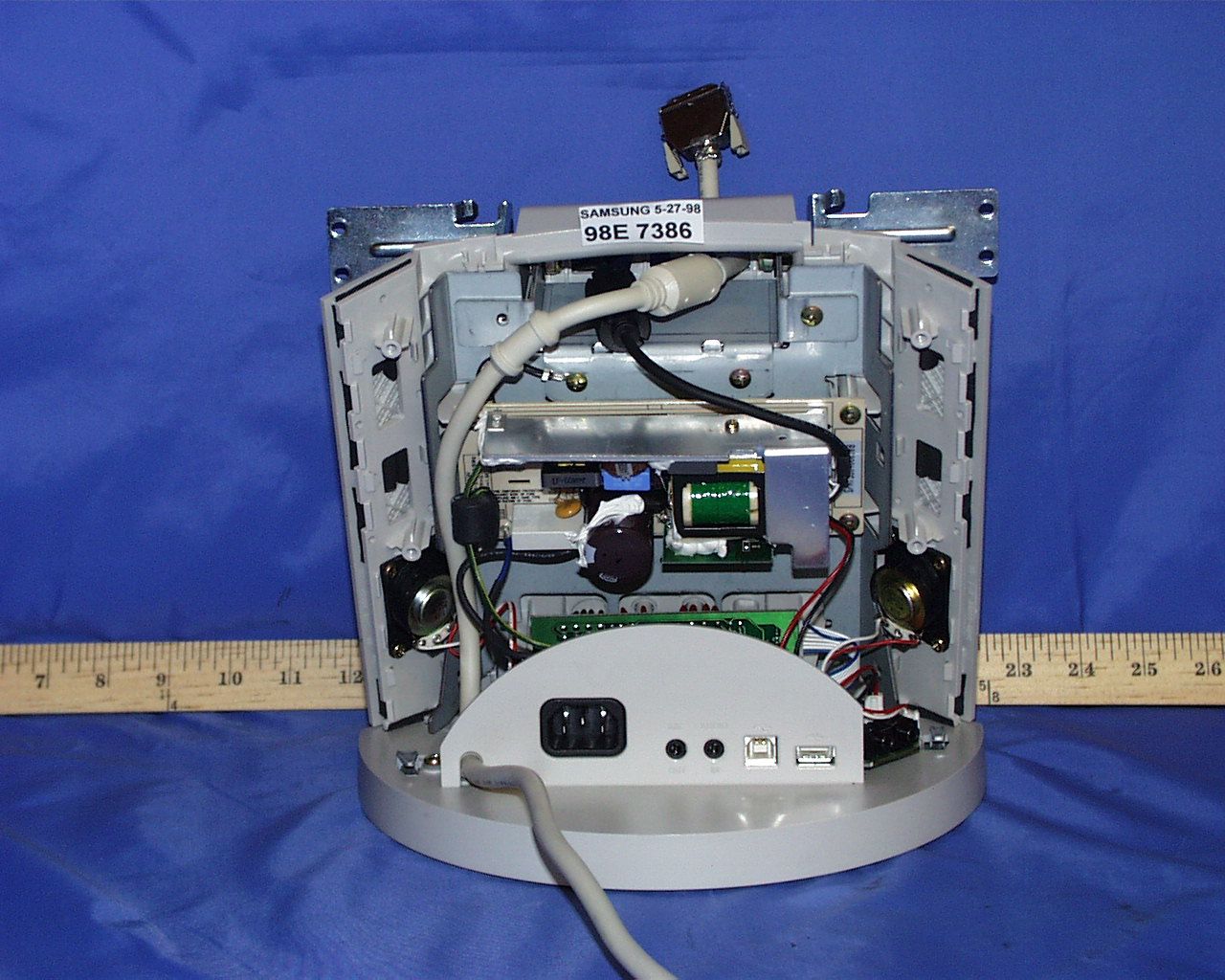
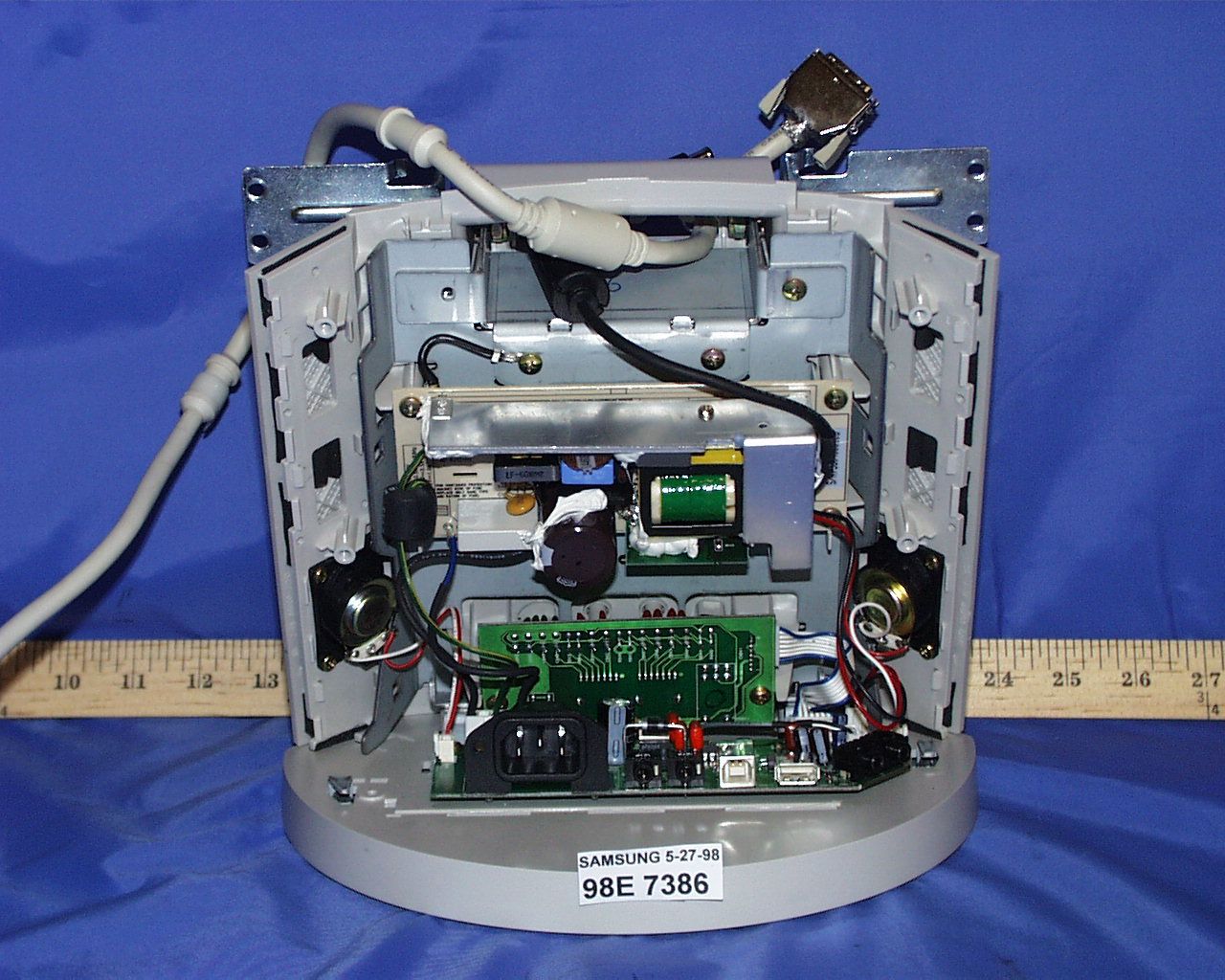
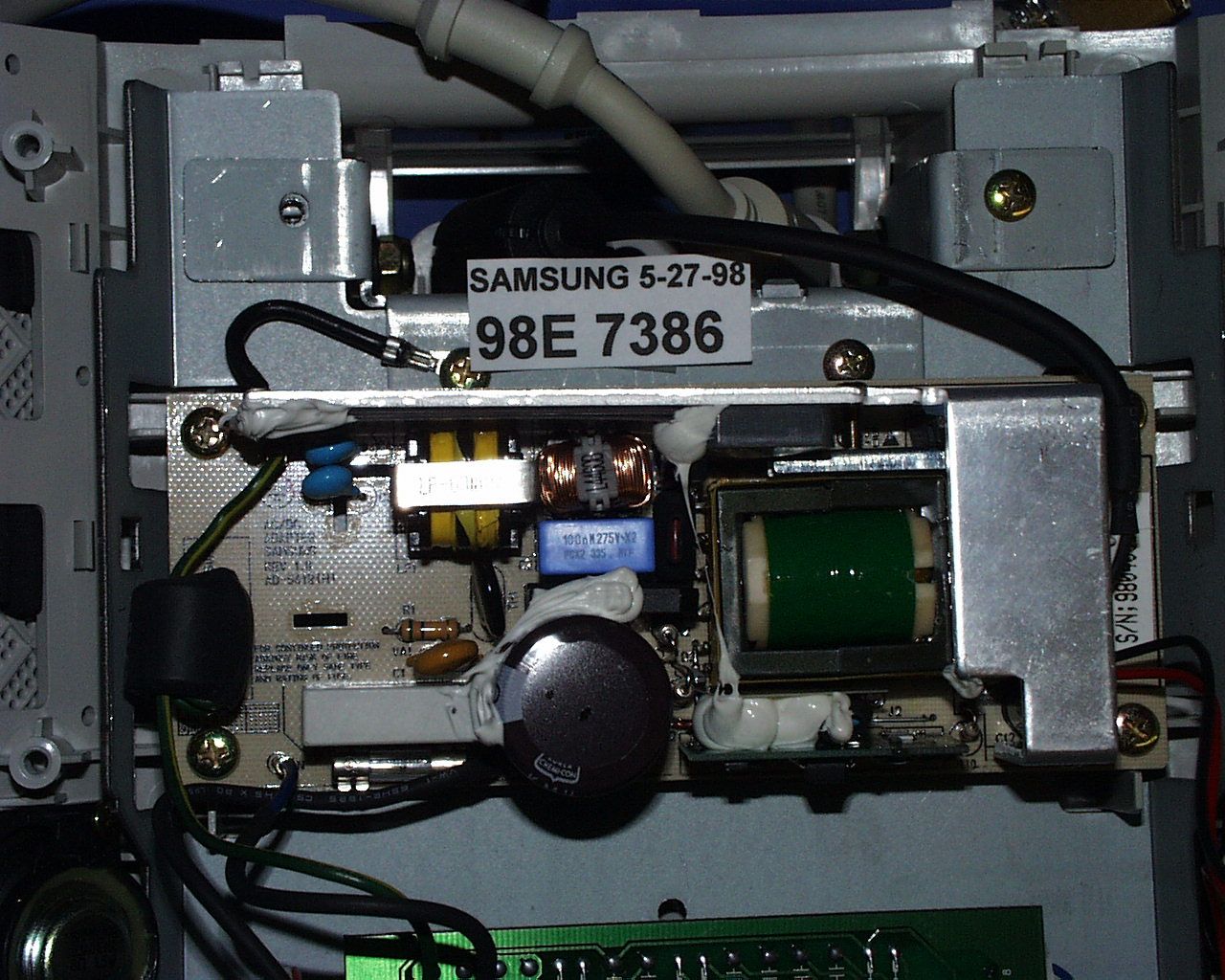
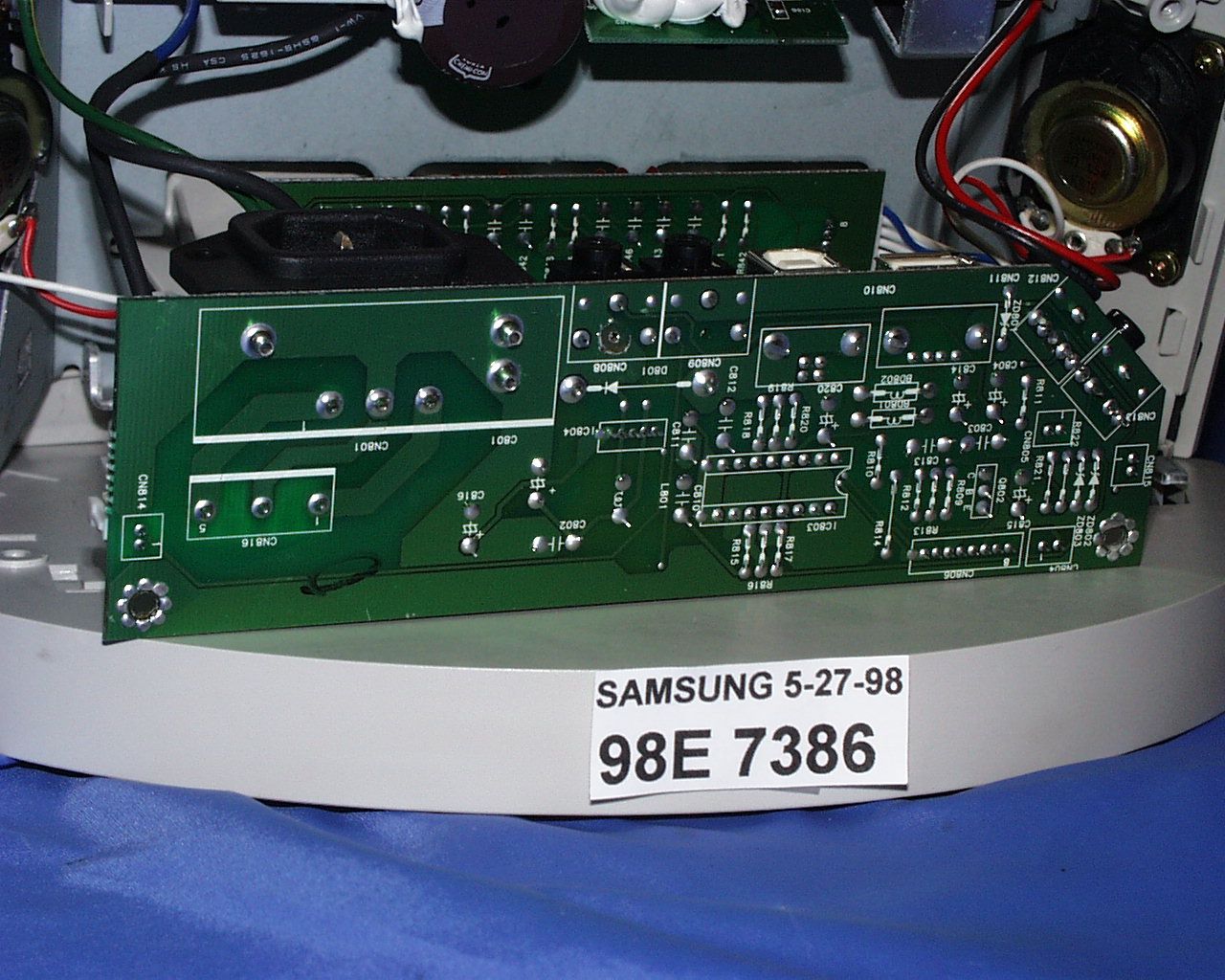
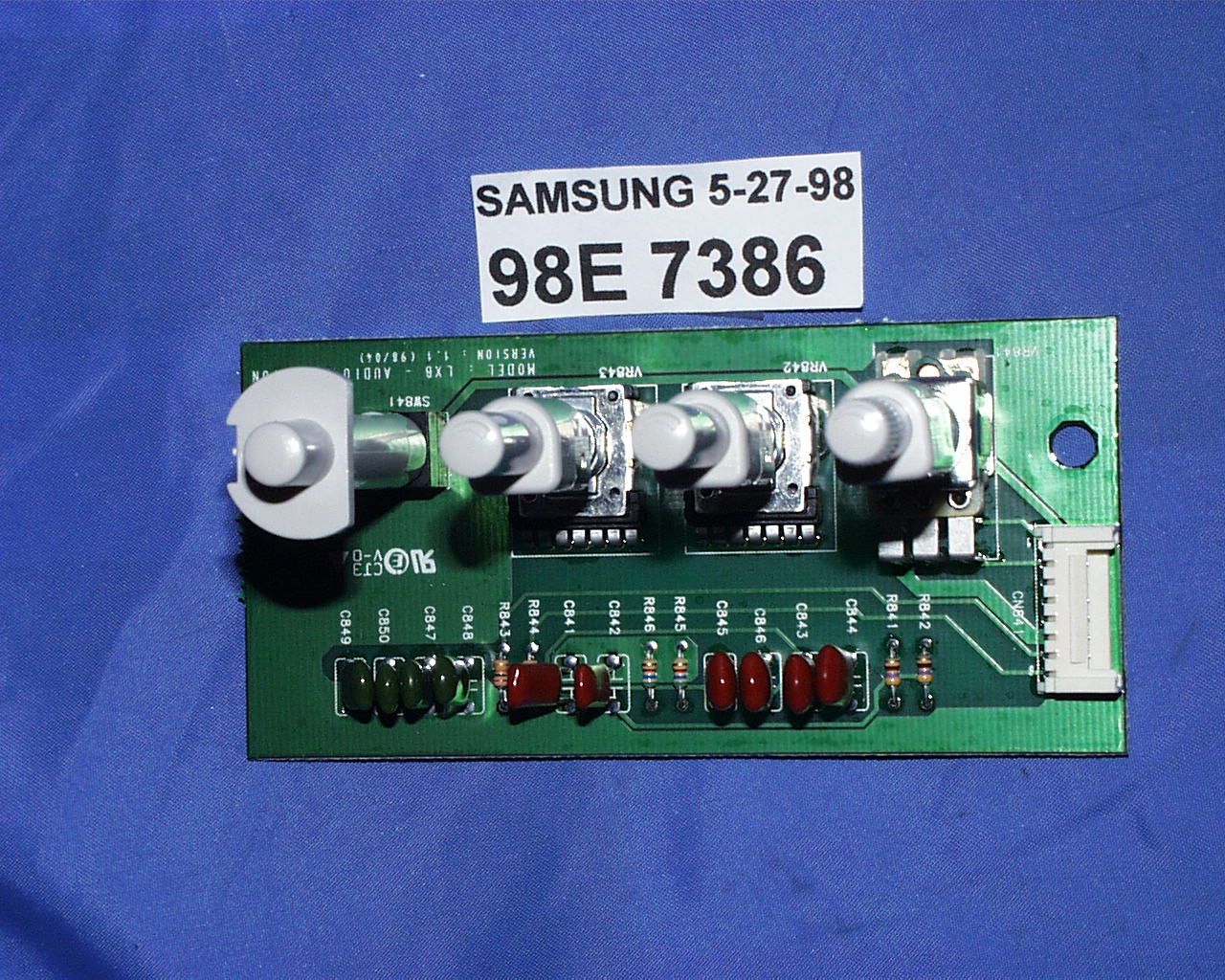
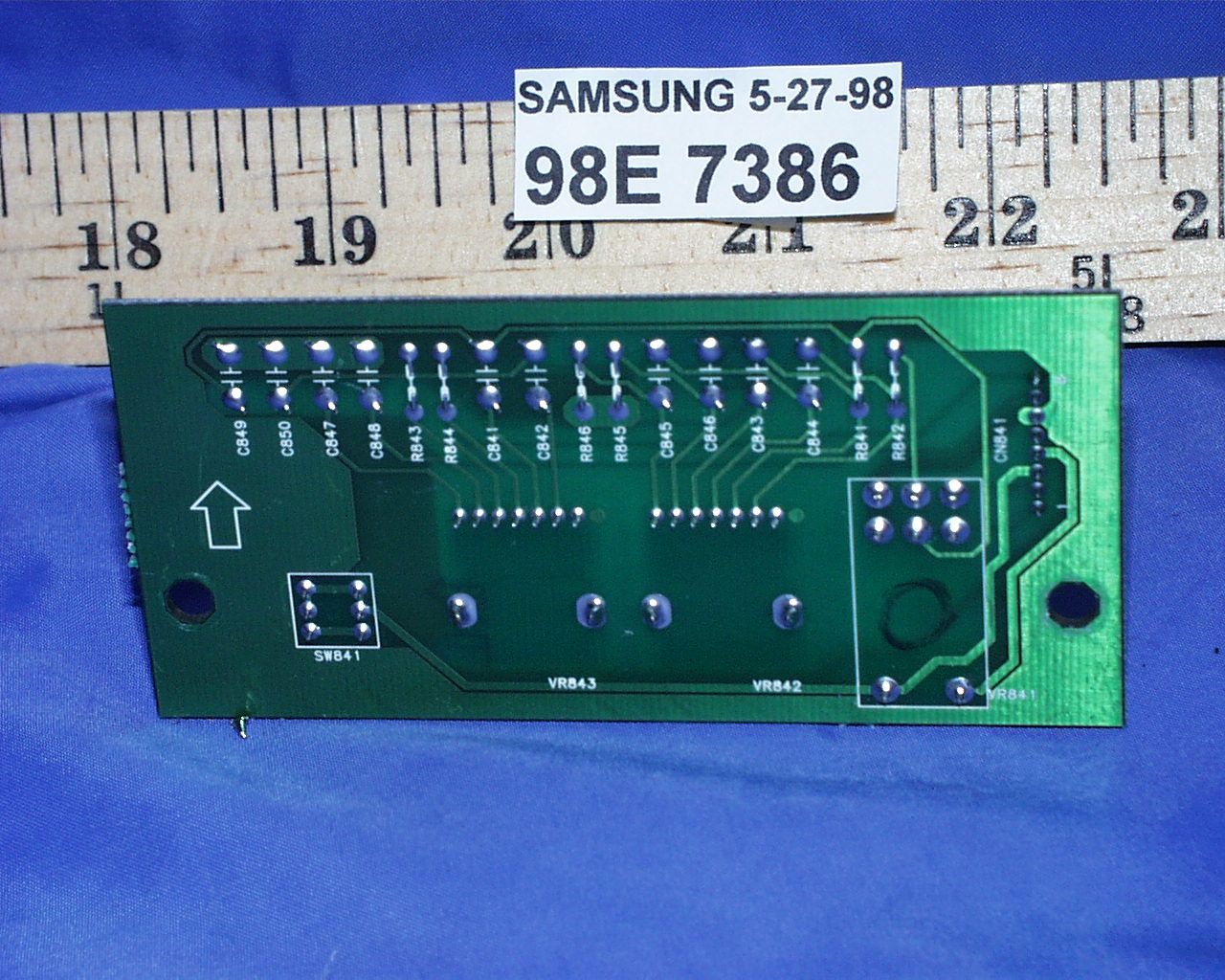
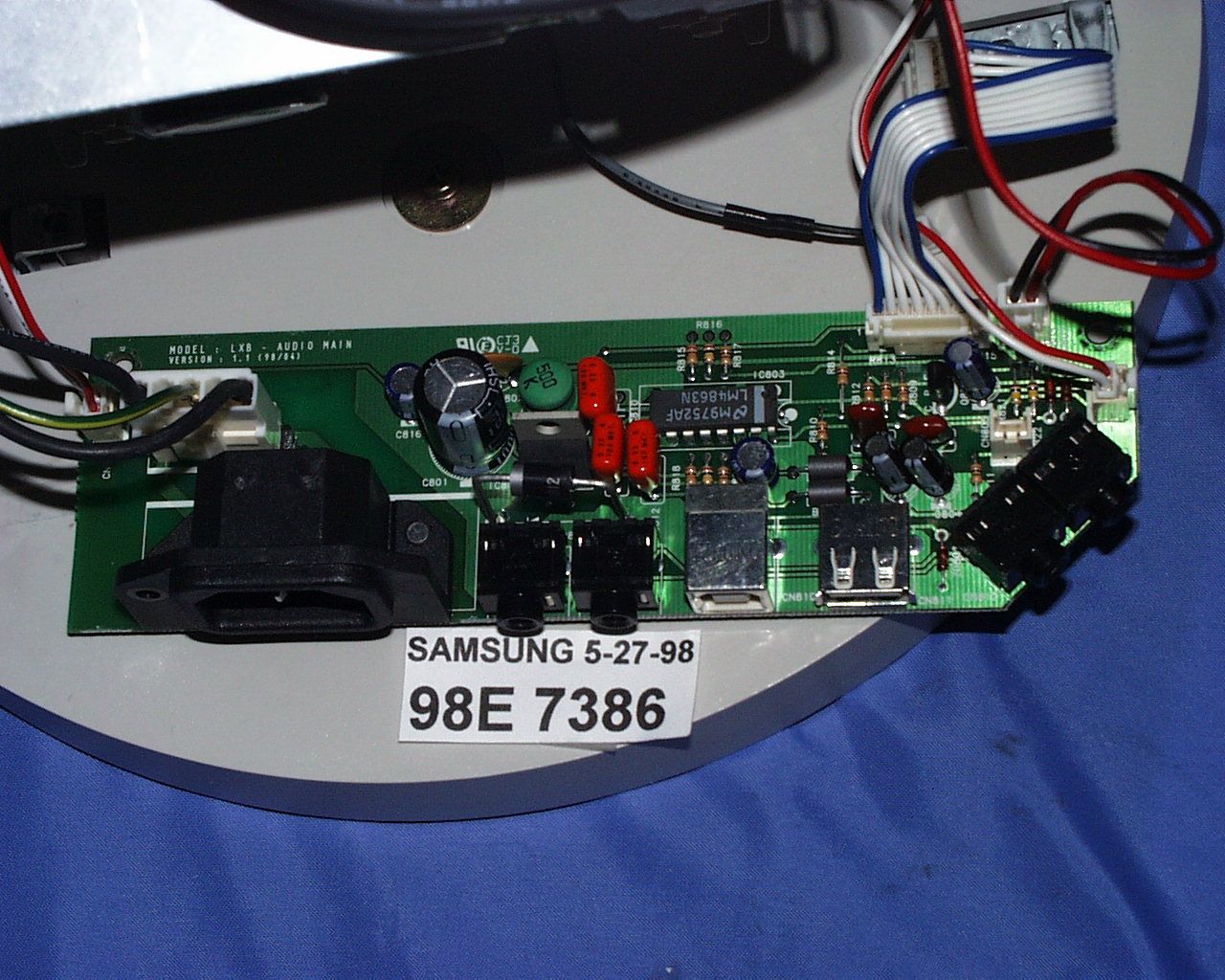
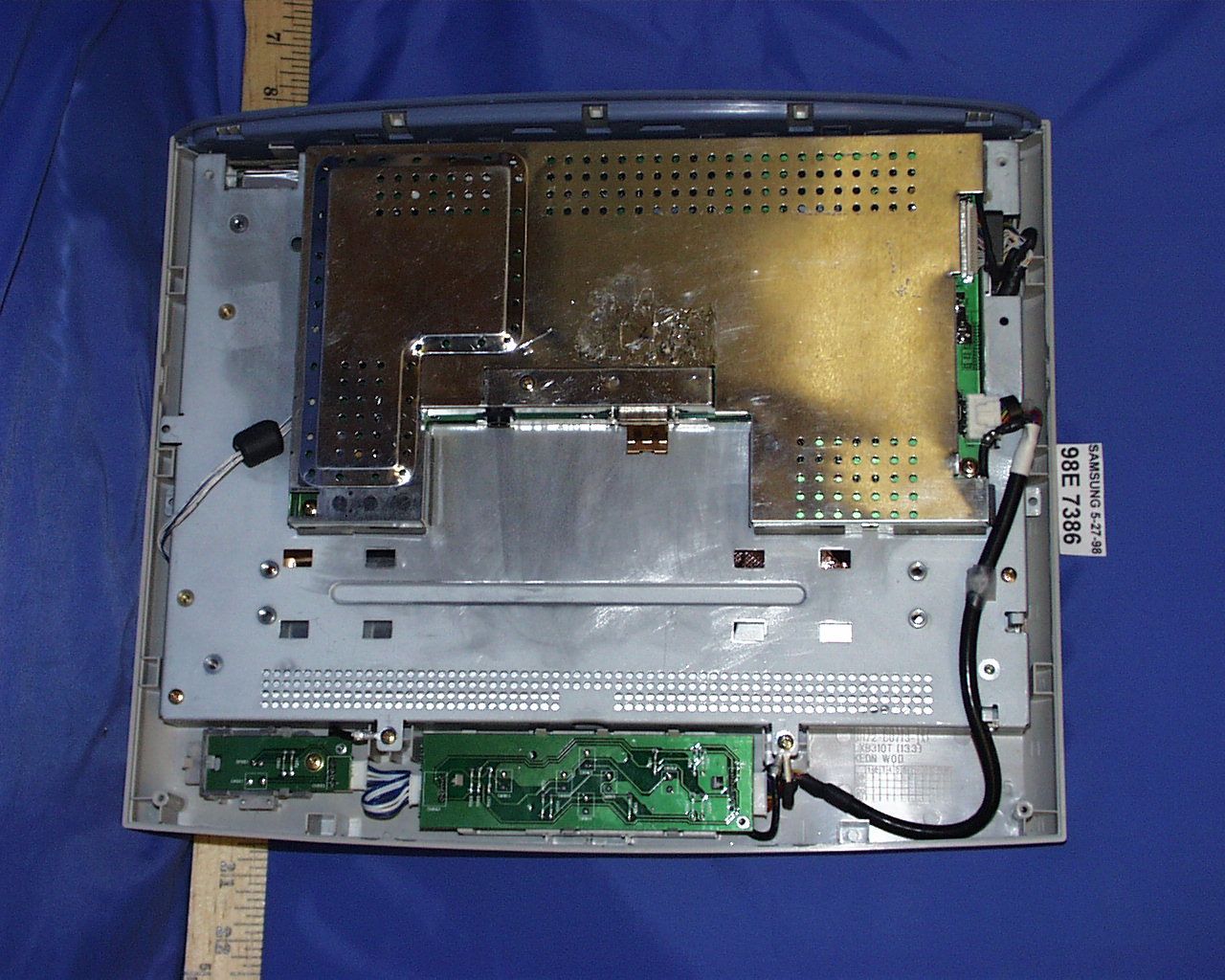
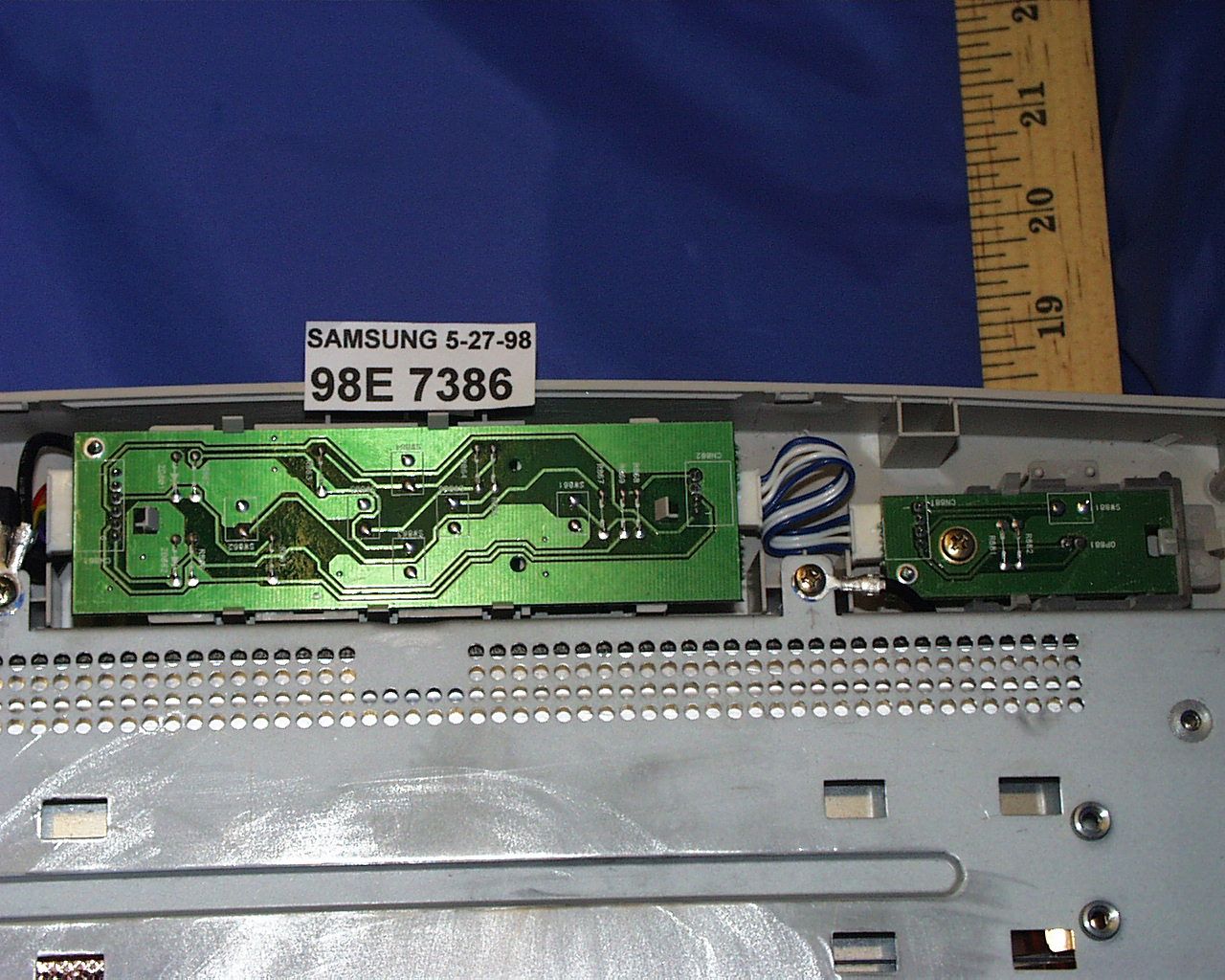
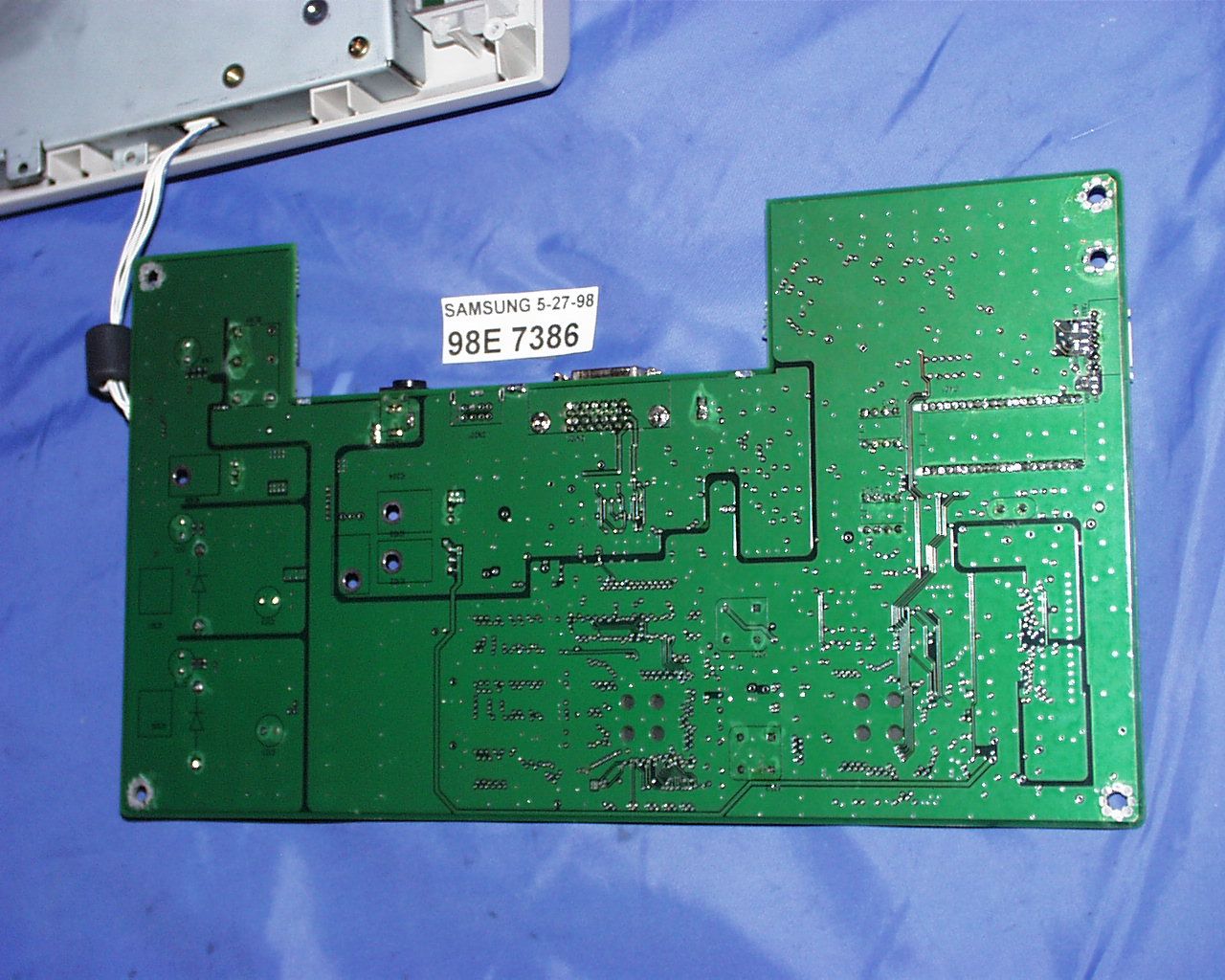
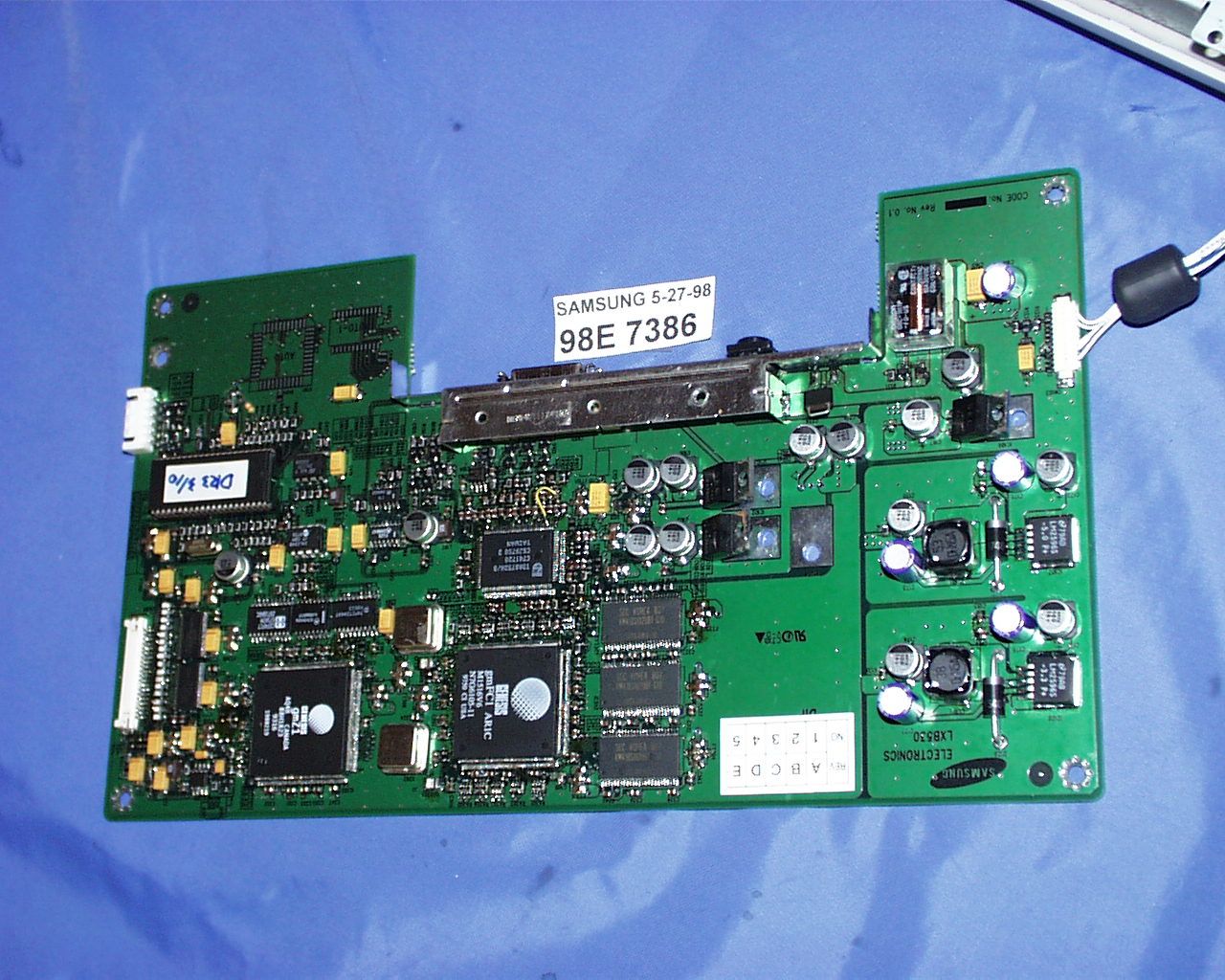
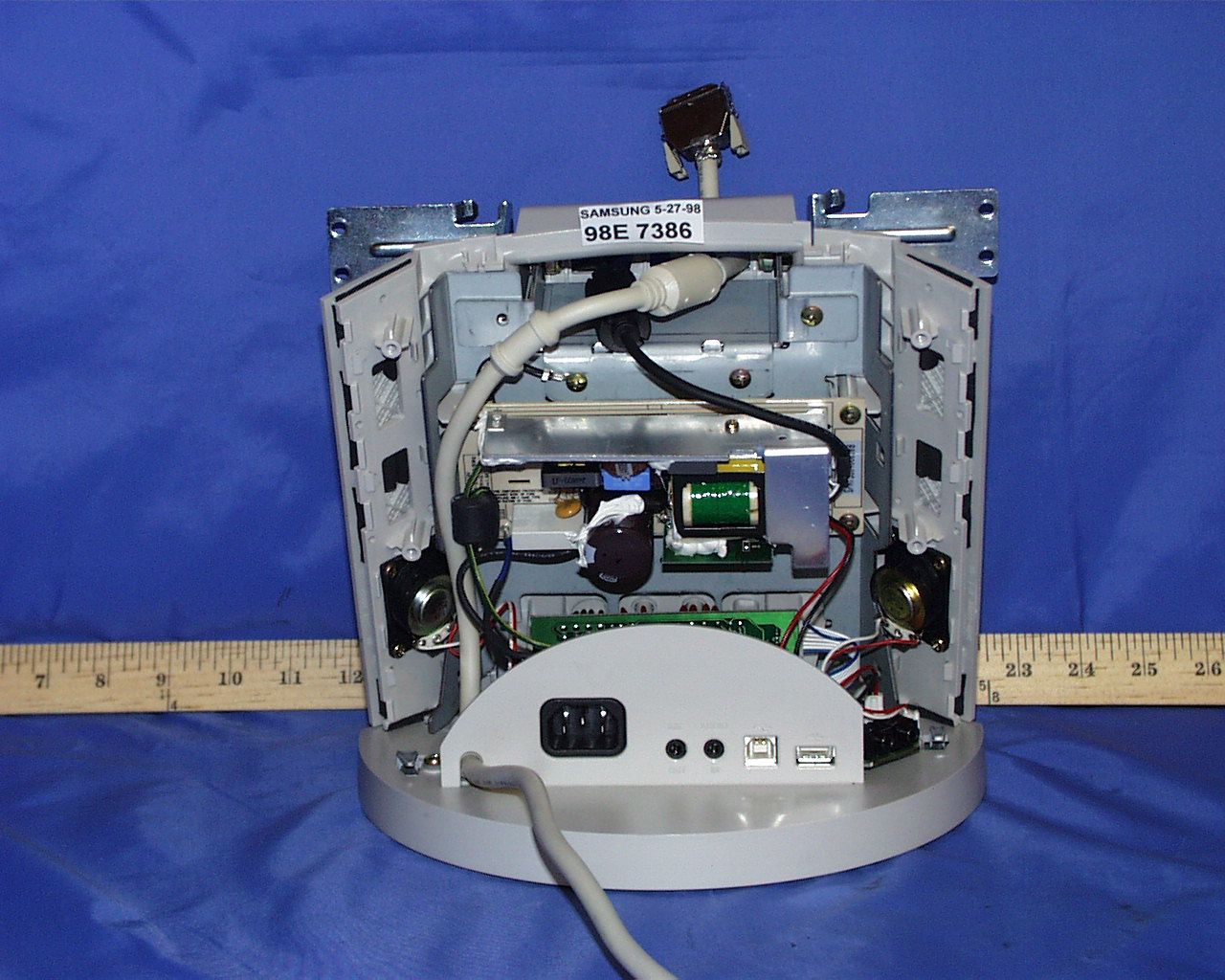
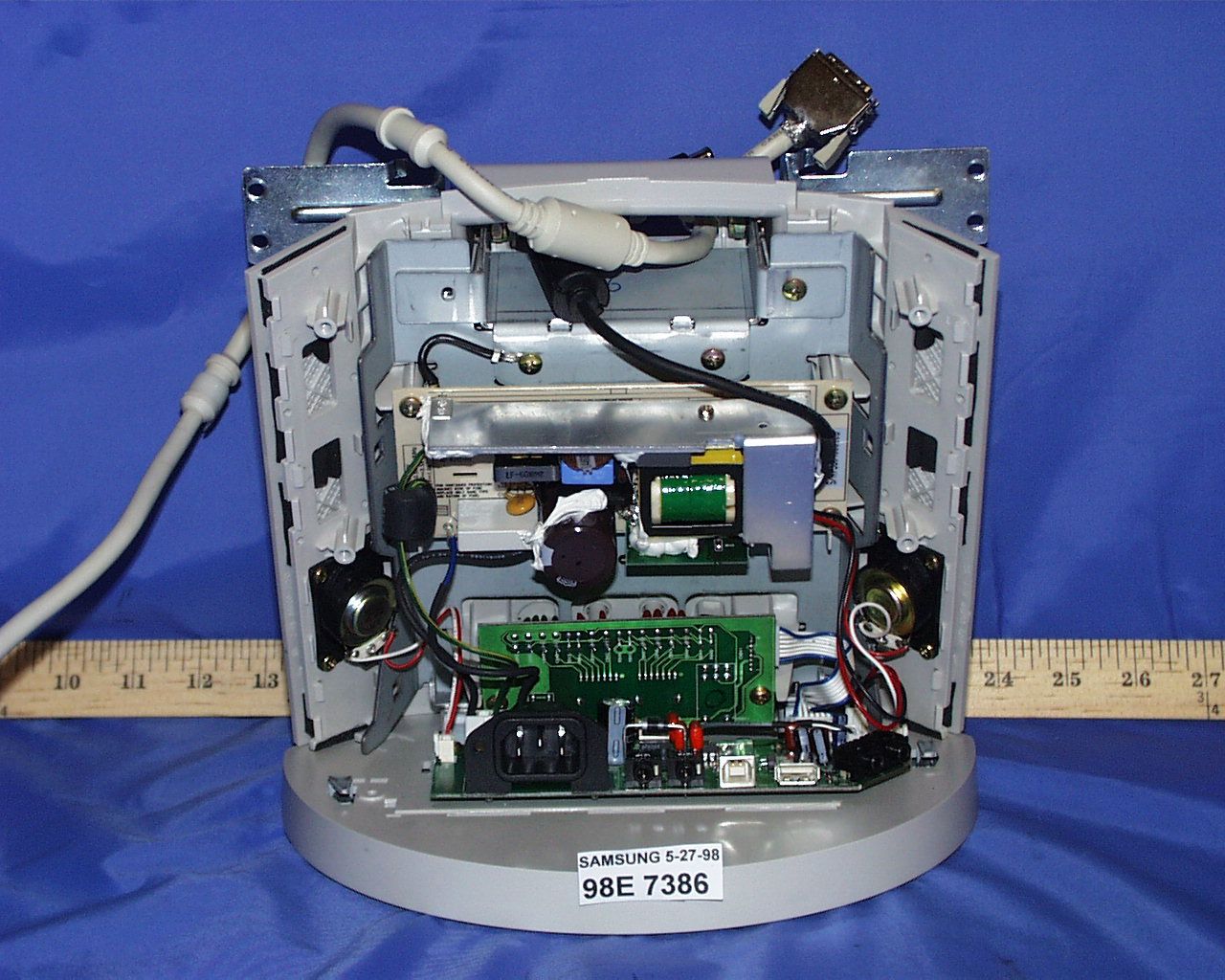
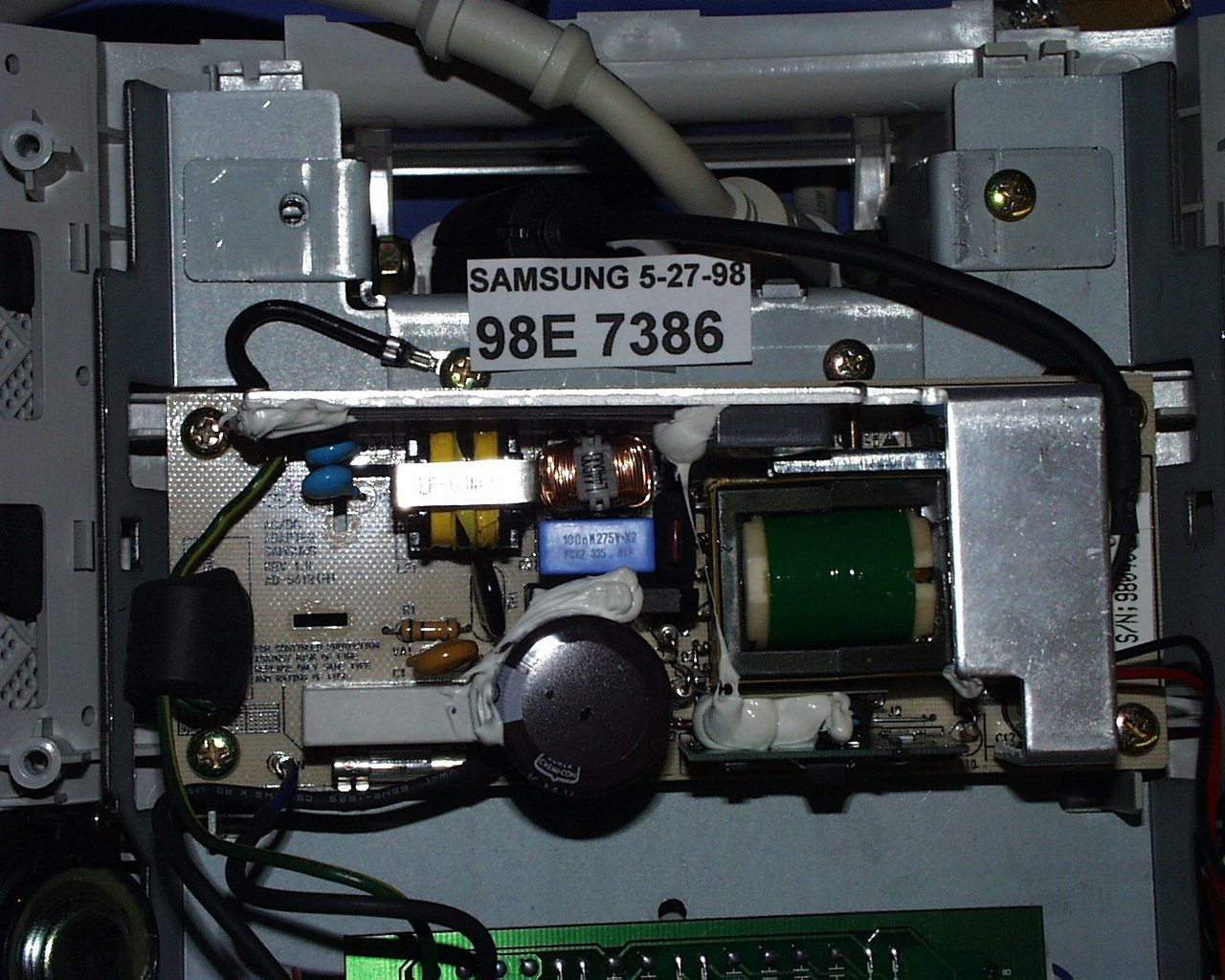
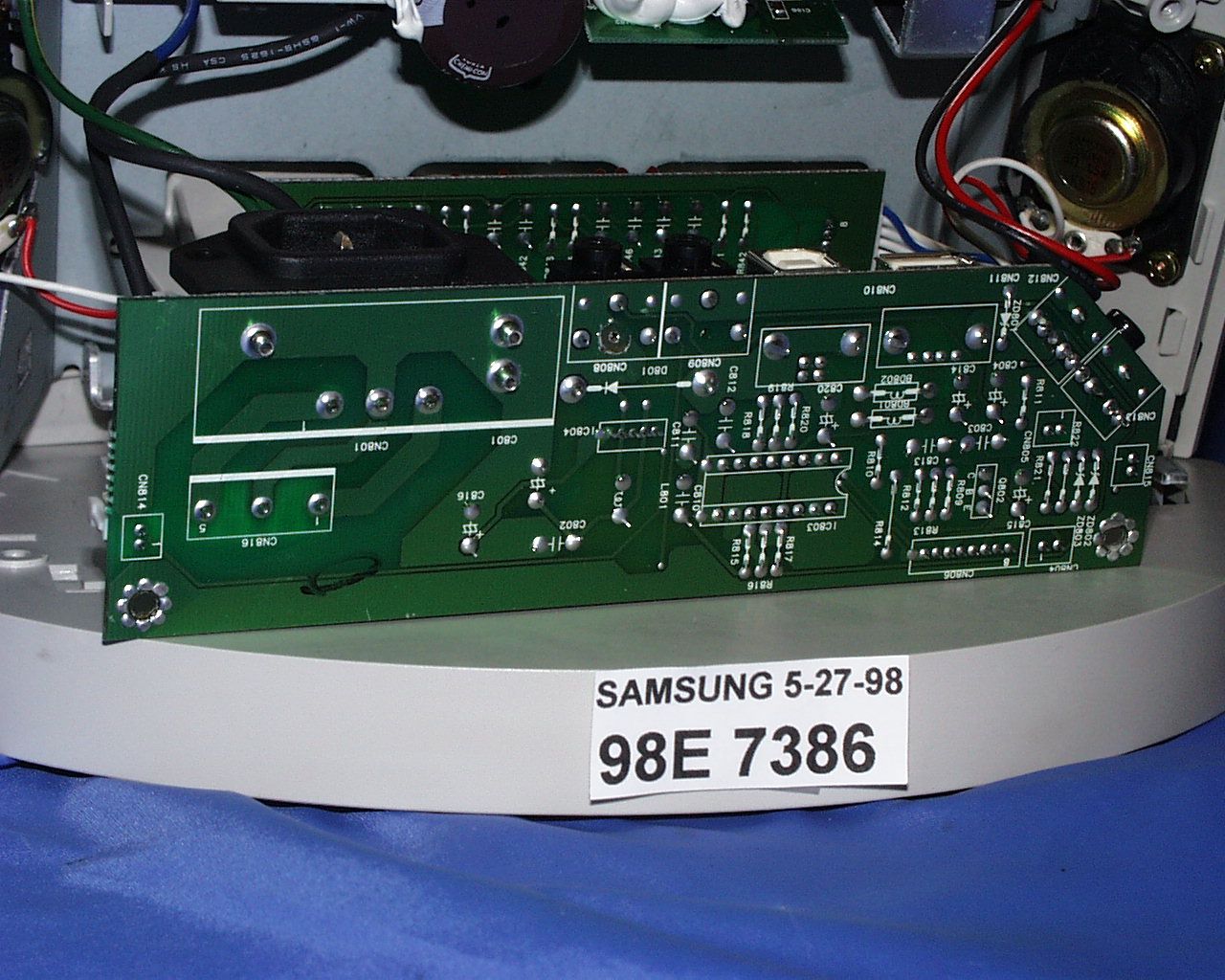
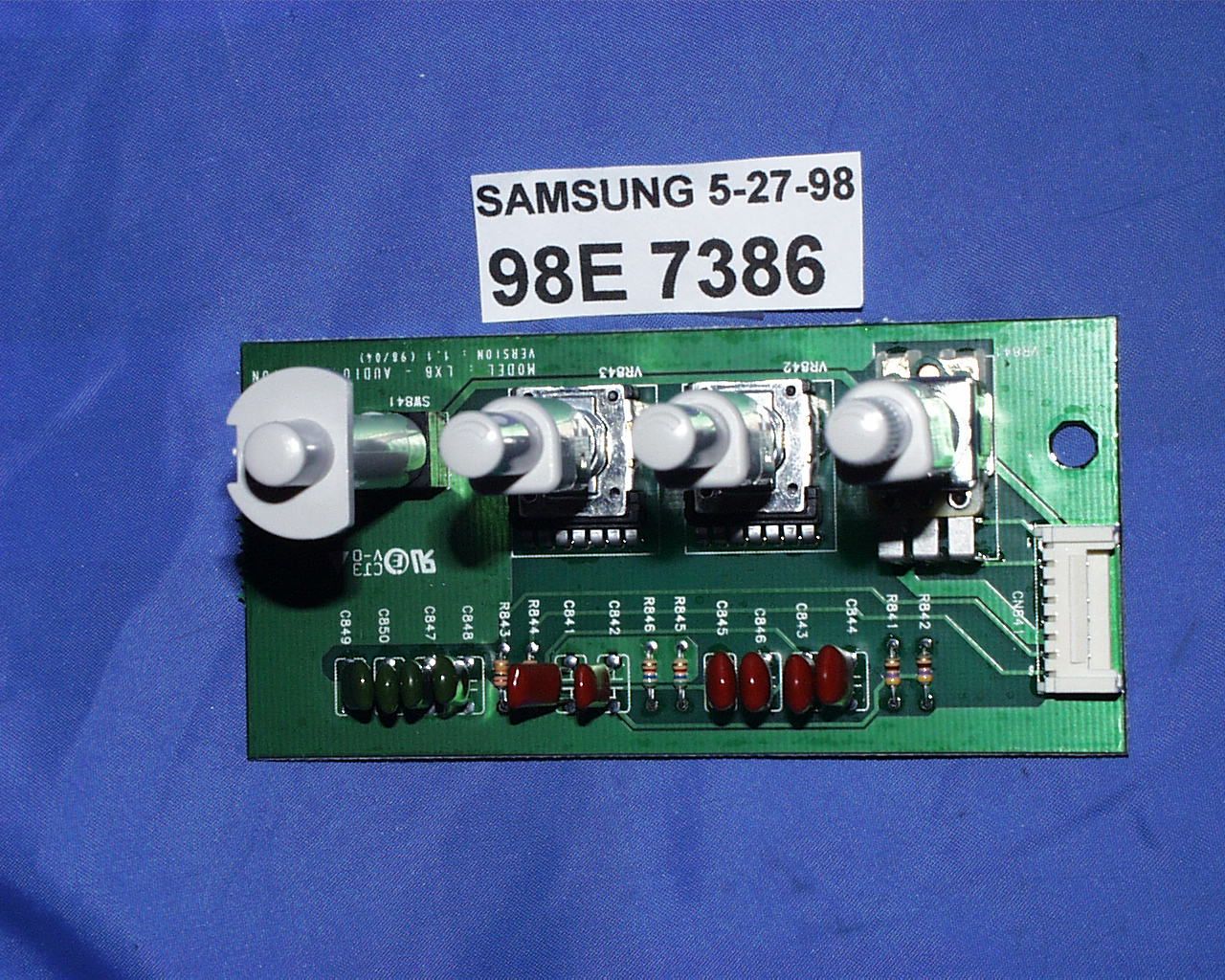
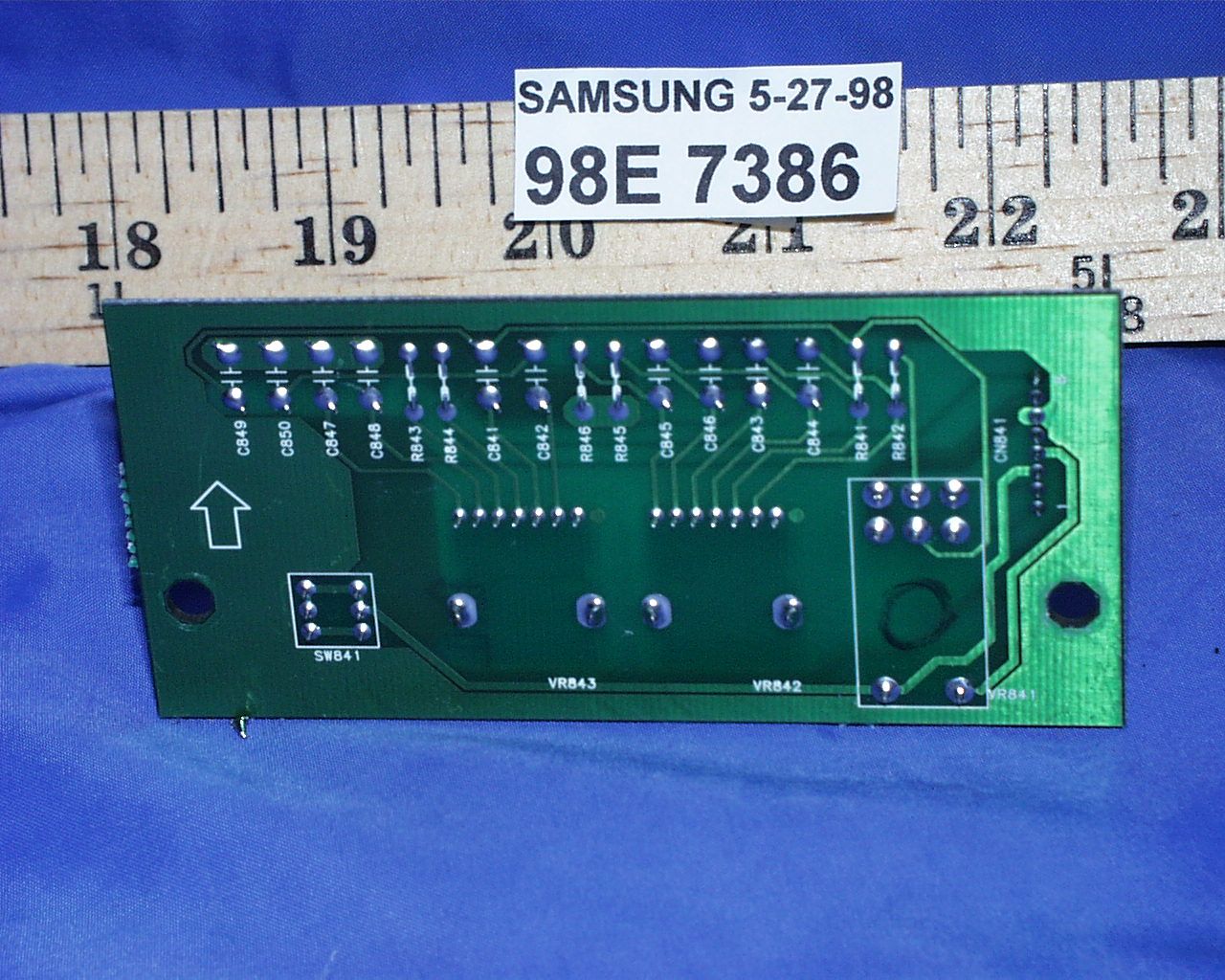
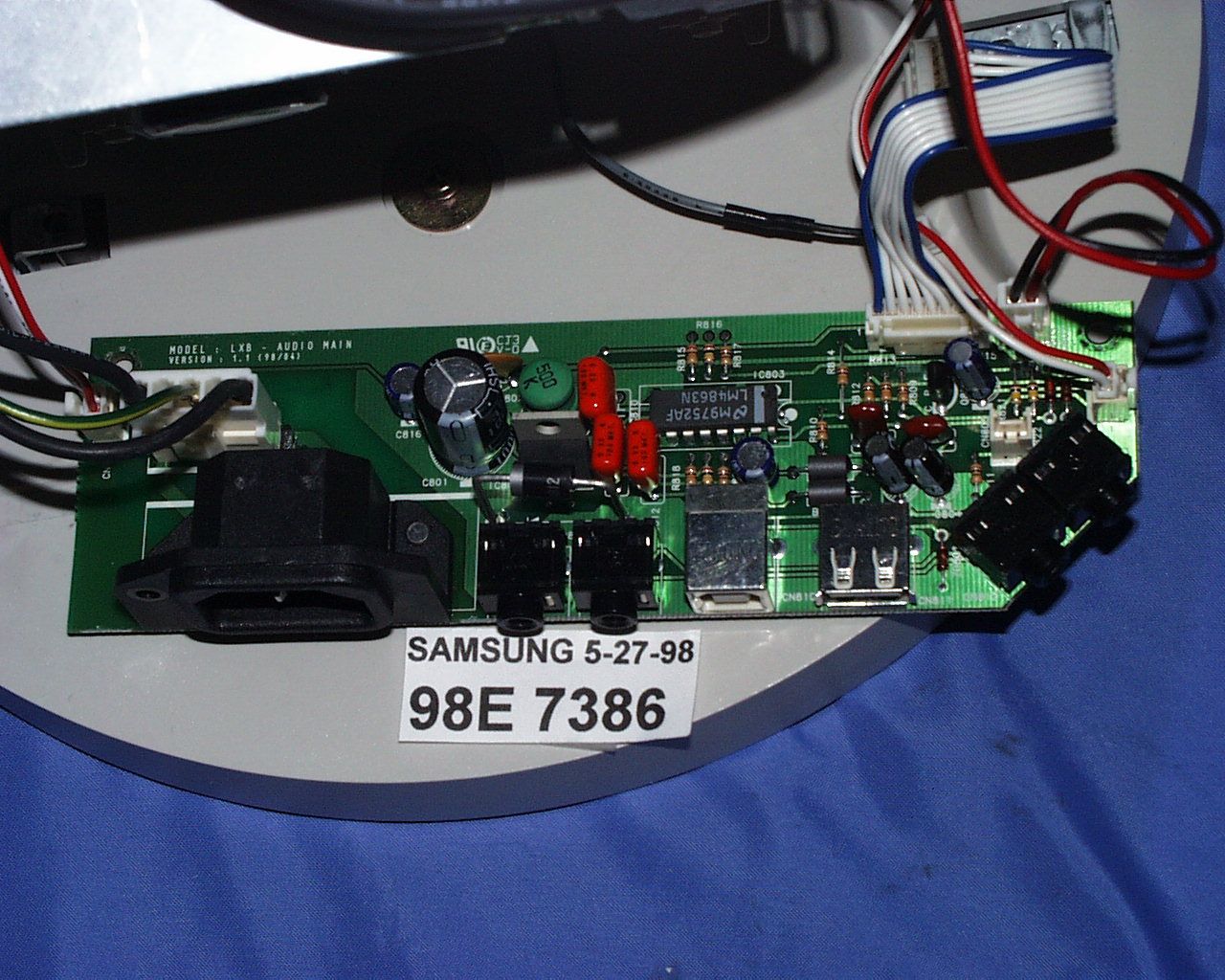
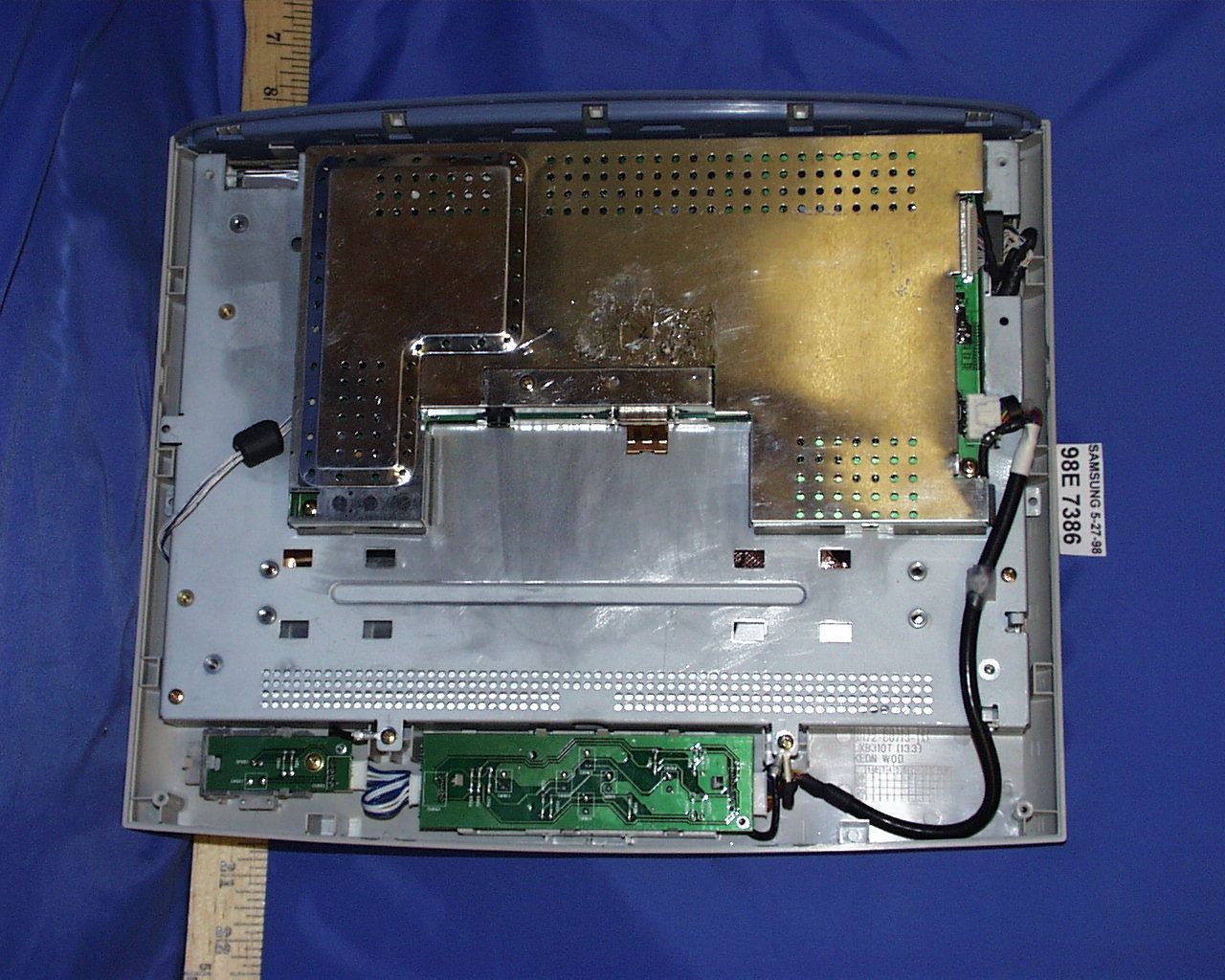
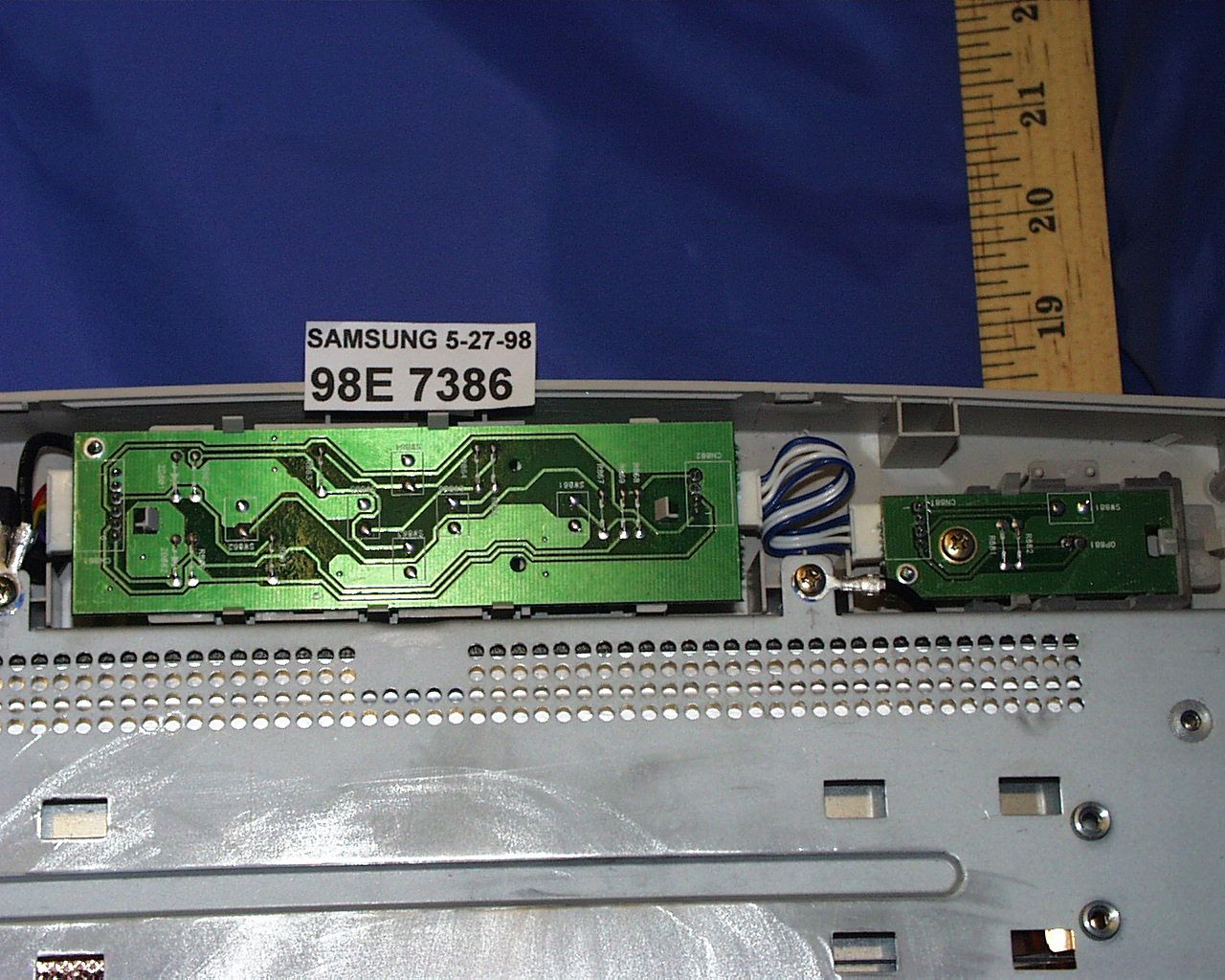
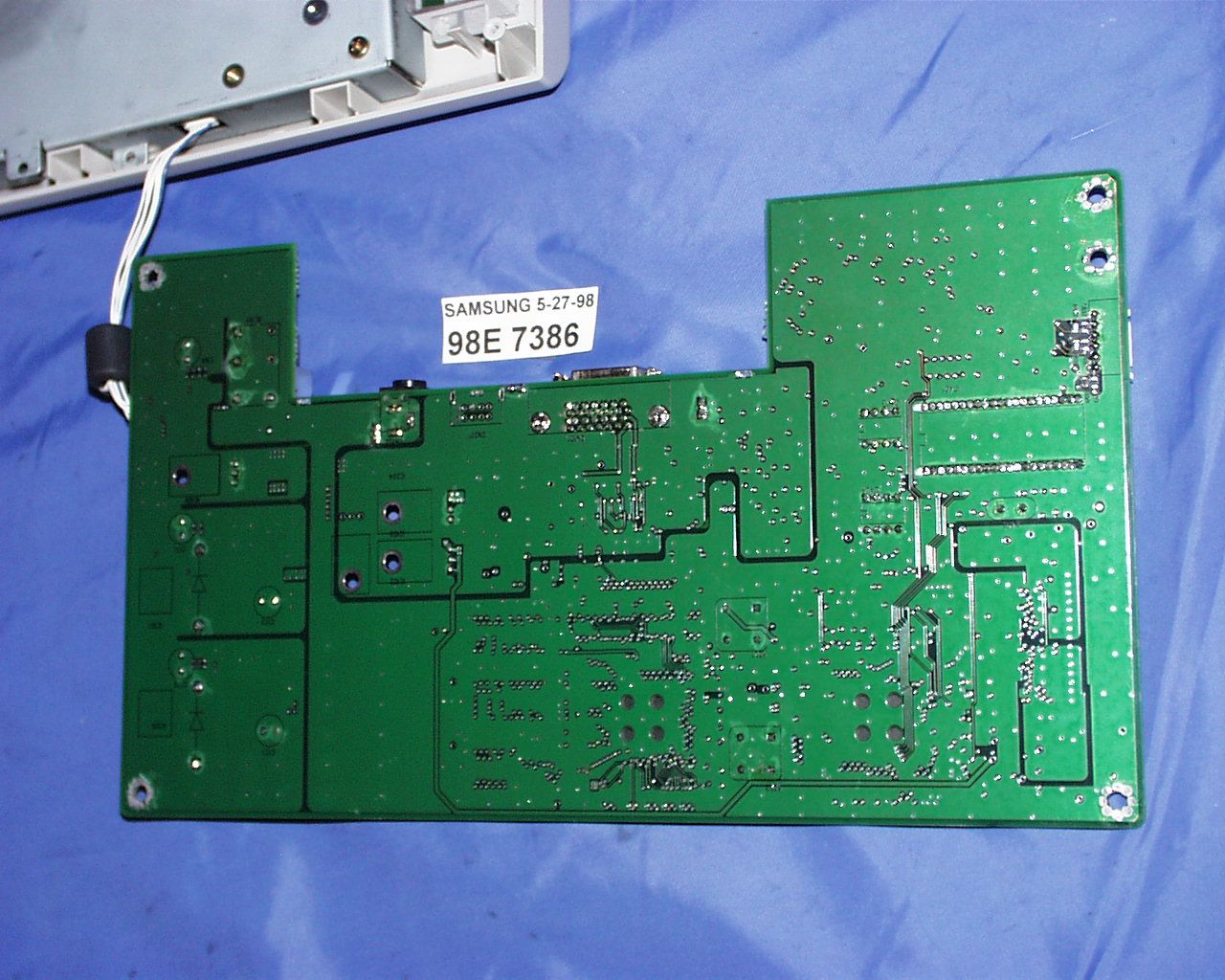
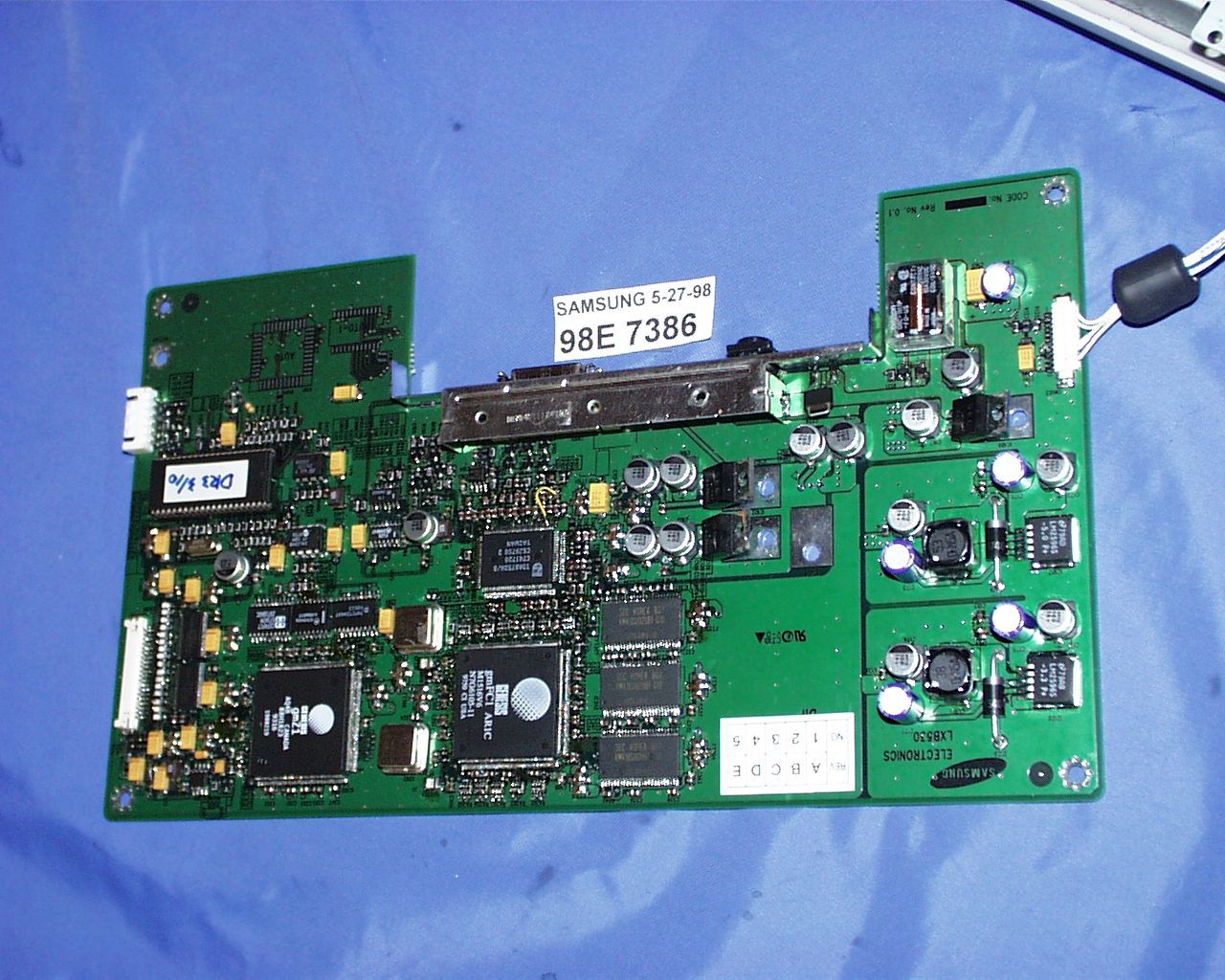
Document Text
Text extracted from the exhibit documents filed with the FCC. Open a document above to read the original.
Users Manual
Color Monitor Owner’s Instructions 320+520-E 7/21/98 11:33 AM Page i C A U T I O N RISK OF ELECTRIC SHOCK DO NOT OPEN CAUTION: TO REDUCE THE RISK OF ELECTRIC SHOCK, DO NOT REMOVE COVER (OR BACK). NO USER-SERVICEABLE PARTS INSIDE. REFER SERVICING TO QUALIFIED SERVICE PERSONNEL. The lightning flash with arrowhead symbol, within an equilateral triangle, is intended to alert the user to the presence of uninsulat- ed “dangerous voltage” within the product’s enclosure that may be of sufficient magnitude to constitute a risk of electric shock. The exclamation point within an equilateral triangle is intended to alert the user to the presence of important operating and servicing instructions in the literature accompanying the appliance. About this Manual This manual shows the precautions, features, specifications, installation, and opea- ration of your LCD monitor. Unpacking your Monitor Please make sure the following items are included with your computer monitor: ii Monitor and Stand-base Power Cable Signal Cable This Manual Warranty Card (not available in all areas) Diskette DC Adapter (Optional) Sound Cable Microphone Output Cable Note: You can connect the LCD monitor to a Macintosh computer using an optional adapter. For the optional adapter, please contact your LCD monitor dealer. 320+520-E 7/21/98 11:33 AM Page ii 1 Table of Contents Precautions . . . . . . . . . . . . . . . . . . . . . . .2 Overview of LCD Monitor . . . . . . . . . . . .3 Frontview........................................................................................3 Rearview ........................................................................................4 Installation . . . . . . . . . . . . . . . . . . . . . . . .5 Connecting Your LCD Monitor ....................................................5 Adjusting Your LCD Monitor . . . . . . . . . .6 Screen Image Adjustment...........................................................6 Automatic Adjustment ..........................................................7 Manual Adjustments .............................................................8 Non-OSD Controls ...............................................................12 Audio Controls......................................................................13 Audio Adjustment ................................................................13 Power Saver.................................................................................14 Troubleshooting ..........................................................................15 A p p e n d i x . . . . . . . . . . . . . . . . . . . . . . . . .1 8 Electrical Specifications............................................................18 Mechanical Specifications .......................................................19 Pin Assignments .........................................................................20 Display Modes Timing Chart .....................................................21 320+520-E 7/21/98 11:33 AM Page 1 Precautions 2 Please read and follow these instructions when connecting and using your LCD monitor. Do not touch the surface of the LCD monitor panel with objects having sharp tips or edges. Although the surface of the TFT-LCD monitor has been coated to have scratch resistance, touching the surface with sharp objects can damage the panel. Do not press hard or allow heavy objects to fall onto the sur face of the LCD monitor. Keep the LCD monitor away fr om direct sunlight and other heat sour ces. Setting up the LCD monitor under direct sunlight can significantly decrease the contrast and increase glare. Also, if the ambient temperature is out of the guaranteed operation specifi- cation, the panel can show residual images that will overlap other images. This ghost-like residual image will gradually disappear as time passes, but for some extreme cases this residual image means that the LCD panel has been permanently dam- aged. When you set up the LCD monitor, allow enough r oom for ventilation ar ound the back of the LCD monitor cabinet. The LCD monitor has guaranteed operation temperature specifications. Reserving ample space for ventilation and not blocking the ventilation holes on the back of the monitor is essential for the safe and stable operation of the LCD monitor. Use the enclosed power cor d and optional adapter. The enclosed power cord and optional adapter are specifically designed for the LCD monitor you just purchased. Connecting a different power cord and adapter can cause a fire or equipment damage. Keep liquids away fr om the LCD monitor. Although the LCD panel is especially coated to protect it from scratches, dust and moisture, it is not waterproof. Spillage onto the LCD panel or cabinet can result in electric shock and/or permanent equipment damage. When you spill liquid on the cabinet, unplug the LCD monitor immediately and have it checked by a qualified technician. Do not use any strong solvents or abrasive cleansers to clean the LCD panel. The use of any strong solvents or abrasive cleansers can damage the very thin coating layer. This coating improves the screen quality of the LCD monitor. Use a soft cloth to protect the surface of the LCD monitor when removing dust or any stains. 320+520-E 7/21/98 11:33 AM Page 2 3 Overview of LCD Monitor Frontview Screen Controls 1.Menu [] button.Use this button to activate the on-screen display or to enter a selection in the on-screen display. 2. Exit button. Use this button to exit the on-screen display. 3. Up [ s] / Down [ t] and –/+ buttons. Use these buttons to choose or adjust items in the on-screen display. 4. Power button and Indicator. Use this button to turn the monitor On and Off. The indicator light in the middle of the button glows green during normal operation and glows amber while the monitor is in the power saving mode or if the signal cable is disconnected. Audio Controls 5. Audio On/Off and Volume. Use this button to turn the sound On and Off and to control the sound volume. 6. Bass.…
Text truncated - open the document above for the full version.
Cover Letter(s)
Federal Communication Commission Equipment Authorization Branch 7435 Oakland Mills Road Columbia MD 21046 Attention:Application Examiner Subject :Application for Certification Reference:FCC ID:A3LLXB310 Dear Application Examiner : On behalf of Samsung Electronics Co.,Ltd., I, the undersigned, hereby submit the application for certification per FCC Part 15 rules. EUT is an unintentional radiator to be classified as computing device peripherals. The following attachments are included in the electronic filling : Attachment A:This letter Attachment B: Agent authorization letter Attachment C: FCC ID label format and location Attachment D: Block Diagram Attachment E: Technical report w/ setup photo Attachment F: Internal / External photo Attachment G: User Manual If you have any question, please feel free to contact me. Best Regards Mike C.I. Kuo / Vice President Compliance Engineering Services, Inc. 1366 Bordeaux Drive Sunnyvale CA 94089 Tel(408)752-8166 x:105 E-Mail :[email protected]
ID Label/Location Info
FCC ID LABEL LOCATION Applicant:Samsung Electronics Co.,Ltd. FCC ID:A3LLXB310 FCC ID LABEL LOCATION
Test Report
FCC CFR47 PART 15 DIGITAL DEVICE TEST REPORT FOR 13.3" TFT MONITOR W/ MAX. RESOLUTION OF 1024X768 NON-INTERLACED (60 KHz) MODEL: SYNCMASTER 320 TFT, LXB 310 TL, LXB 340 TL, LXB 350 TL, LXB 5** TL FCC ID: A3LLXB310 REPORT NUMBER: 98E7386 ISSUE DATE: MAY 27, 1998 Prepared for SAMSUNG ELECTRONICS CO., LTD. 416 MAETAN DONG, PALDAL GU SUWON SHI, KOREA Prepared by COMPLIANCE ENGINEERING SERVICES, INC. 1366 BORDEAUX DRIVE SUNNYVALE, CA 94089, USA TEL: (408) 752-8166 FAX: (408) 752-8168 TABLE OF CONTENTS PAGE 1.VERIFICATION OF COMPLIANCE..............................................1 2.PRODUCT DESCRIPTION.....................................................2 3.TESTED SYSTEM DETAILS...................................................2 4.TEST FACILITY...........................................................3 5.ACCREDITATION AND LISTING...............................................3 6.MEASUREMENT INSTRUMENTATION.............................................3 7.MEASURING INSTRUMENT CALIBRATION........................................3 8.UNITS OF MEASUREMENT....................................................4 9.ANTENNAS................................................................4 10.CLASSIFICATION OF DIGITAL DEVICE........................................5 11.RADIATED EMISSION LIMITS................................................5 12.CONDUCTED EMISSION LIMITS...............................................6 13.CONDUCTED EMISSION TEST PROCEDURE.......................................8 14.RADIATED EMISSION TEST PROCEDURE........................................8 15.AMBIENT CONDITIONS......................................................9 16.SYSTEM TEST CONFIGURATION...............................................9 17.EQUIPMENT MODIFICATIONS................................................10 18.EUT SETUP PHOTOS.......................................................11 19.TEST EQUIPMENT LIST....................................................12 20.TEST RESULT SUMMARY....................................................13 APPENDICES ..................................................................15 .EXTERNAL I/O CABLE CONSTRUCTION DESCRIPTION .CONFIGURATION BLOCK DIAGRAM .EUT PHOTOGRAPHS REPORT NO:98E7386DATE:MAY 27, 1998FCC ID:A3LLXB310 EUT: 13.3" TFT MONITOR W/ MAX. RESOLUTION OF 1024X768 NON-INTERLACED (60 KHz) 1 OF 15 COMPLIANCE CONSULTING SERVICESDOCUMENT NO:CCSUP4002D 1366 BORDEAUX DRIVE SUNNYVALE, CA 94089 USA TEL:(408) 752-8166 FAX:(408) 752-8168 This report shall not be reproduced except in full, without the written approval of CCS. 1.VERIFICATION OF COMPLIANCE COMPANY NAME:SAMSUNG ELECTRONICS CO., LTD. 416 MAETAN DONG, PALDAL GU SUWON SHI, KOREA CONTACT PERSON:BEN KIM / MANAGER TELEPHONE NO:408-544-5124 MODEL NO/NAME:SYNCMASTER 320 TFT, LXB 310 TL, LXB 340 TL, LXB 350 TL, LXB 5** TL SERIAL NO:N/A DATE TESTED:MAY 27, 1998 TYPE OF EQUIPMENT:INFORMATION TECHNOLOGY EQUIPMENT (ITE) MEASUREMENT DISTANCE:( ) 3 METER (X) 10 METER TECHNICAL LIMIT: CLASS B FCC RULES:PART 15 MEASUREMENT PROCEDUREANSI C63.4:92 / EN 55022 EQUIPMENT AUTHORIZATION PROCEDURE CERTIFICATION MODIFICATIONS MADE ON EUT YES NO DEVIATIONS FROM MEASUREMENT PROCEDURE YES (refer to section 20 for comments) NO RADIATED EMISSION TEST RESULT-0.84 dB@ 129.99 MHz/VERTICAL CONDUCTED EMISSION TEST RESULT-10.9 dB @ 0.205 MHz/L2 The above equipment was tested by Compliance Consulting Services for compliance with the requirements set forth in the FCC CFR 47, PART 15. The results of testing in this report apply to the product/system which was tested only. Other similar equipment will not necessarily produce the same results due to production tolerance and measurement uncertainties. Approved By MIKE C.I. KUO / VICE PRESIDENT COMPLIANCE CONSULTING SERVICES REPORT NO:98E7386DATE:MAY 27, 1998FCC ID:A3LLXB310 EUT: 13.3" TFT MONITOR W/ MAX. RESOLUTION OF 1024X768 NON-INTERLACED (60 KHz) 2 OF 15 COMPLIANCE CONSULTING SERVICESDOCUMENT NO:CCSUP4002D 1366 BORDEAUX DRIVE SUNNYVALE, CA 94089 USA TEL:(408) 752-8166 FAX:(408) 752-8168 This report shall not be reproduced except in full, without the written approval of CCS. 2.PRODUCT DESCRIPTION CHASSIS TYPEPLASTIC CPU SPEEDS TESTED133 MHz PENTIUM LIST OF EACH OSC. OR XTAL. FREQ. (FREQ.>=1 MHz) 24, 65, AND 85 MHz CHIPSET BRAND AND PART NO.GENESIS GMZ1 POWER SUPPLY/NAME/MODEL/S.N.BUILT-IN NUMBER OF PCB LAYERS6 BOARD REVISION NO01 POWER REQUIREMENTS100-240 V AC, 60/50 Hz NO. OF EXTERNAL I/O CONNECTORS7 MAX. RESOLTUION1024 X 768 NON-INTERLACED MAX. HOR/VERT FREQUENCY60 KHz, 75 Hz Model Differences: Model NameDifferencesTested (Checked) SYNCMASTER 320 TFT ORIGINAL MODEL LXB 310 TL FOR MARKETING PURPOSES LXB 340 TL FOR MARKETING PURPOSES LXB 350 TL FOR MARKETING PURPOSES LXB 5** TL FOR MARKETING PURPOSES 3.TESTED SYSTEM DETAILS The Model names for all equipment, plus descriptions of all cables used in the tested system (including inserted cards) are: External Peripheral Devices Device Type ManufacturerModel NumberSerial No.FCC ID / DoC COMPUTERDIGITAL963WWTA551T2397A09-96XWW MICROPHONEPACKARD BELLN/AN/AN/A KEYBOARDDIGITALRT6656TW62051025AQ6-MTN4XZ15 MOUSEDIGITALM-S35LT54402451DZL210472 MODEMDATATRONICS1200CKN/AE2050V1200CK PRINTERHP2225C2930S52630DSI6XU2225 HEADPHONEKOSSHP/6N/AN/A REPORT NO:98E7386DATE:MAY 27, 1998FCC ID:A3LLXB310 EUT: 13.3" TFT MONITOR W/ MAX. RESOLUTION OF 1024X768 NON-INTERLACED (60 KHz) 3 OF 15 COMPLIANCE CONSULTING SERVICESDOCUMENT NO:CCSUP4002D 1366 BORDEAUX DRIVE SUNNYVALE, CA 94089 USA TEL:(408) 752-8166 FAX:(408) 752-8168 This report shall not be reproduced except in full, without the written approval of CCS. 4.TEST FACILITY The open area test sites and conducted measurement facilities used to collect the radiated data are located at 561F Monterey Road, Morgan Hill, California, USA. The sites are constructed in conformance with the requirements of ANSI C63.7, ANSI C63.4 and CISPR Publication 22. 5.ACCREDITATION AND LISTING The test facilities used to perform radiated and conducted emissions te…
Text truncated - open the document above for the full version.
Contact Information
Applicant
Jenni Chun(General Manager)
Technical Contact
COMPLIANCE ENGINEERING SERVICES, INC.MIKE KUO
[email protected]408-752-8166
1366 BORDEAUX DRIVE · SUNNYVALE, California · United States
Non-Technical Contact
COMPLIANCE ENGINEERING SERVICES, INC.MIKE KUO
[email protected]408-752-8166
Test Firm
Compliance Certification Services IncSteve Cheng
Technical Specifications
| # | Rule Parts | Frequency Range | Power Output | Tolerance |
|---|---|---|---|---|
| 1 | 15B | - | - | % |
Other Applications from Samsung Electronics Co Ltd
A3LSMS741B
Aug 05, 2026Portable Handset
Equipment Class
6VL - 15E 6 GHZ Very Low Power DeviceA3LSMX940
Jul 31, 2026BT,BLE Tablet DTS,UNII a,b,g,n,ac,ax,be and digitizer
Equipment Class
DTS - Digital Transmission SystemA3LSMS741U
Jul 30, 2026Portable Handset
Equipment Class
6CD - 15E 6 GHz Low Power Dual ClientA3LSMX840
Jul 27, 2026BT,BLE Tablet DTS,UNII a,b,g,n,ac,ax and Digitizer
Equipment Class
DSS - Part 15 Spread Spectrum TransmitterA3LSMX848U
Jul 27, 2026WCDMA, LTE, 5G NR Tablet BT,BLE, DTS,UNII a b g n ac ax and Digitizer
Equipment Class
JBP - Part 15 Class B Computing Device Peripheral