A3LML5100A
Samsung Electronics Co Ltd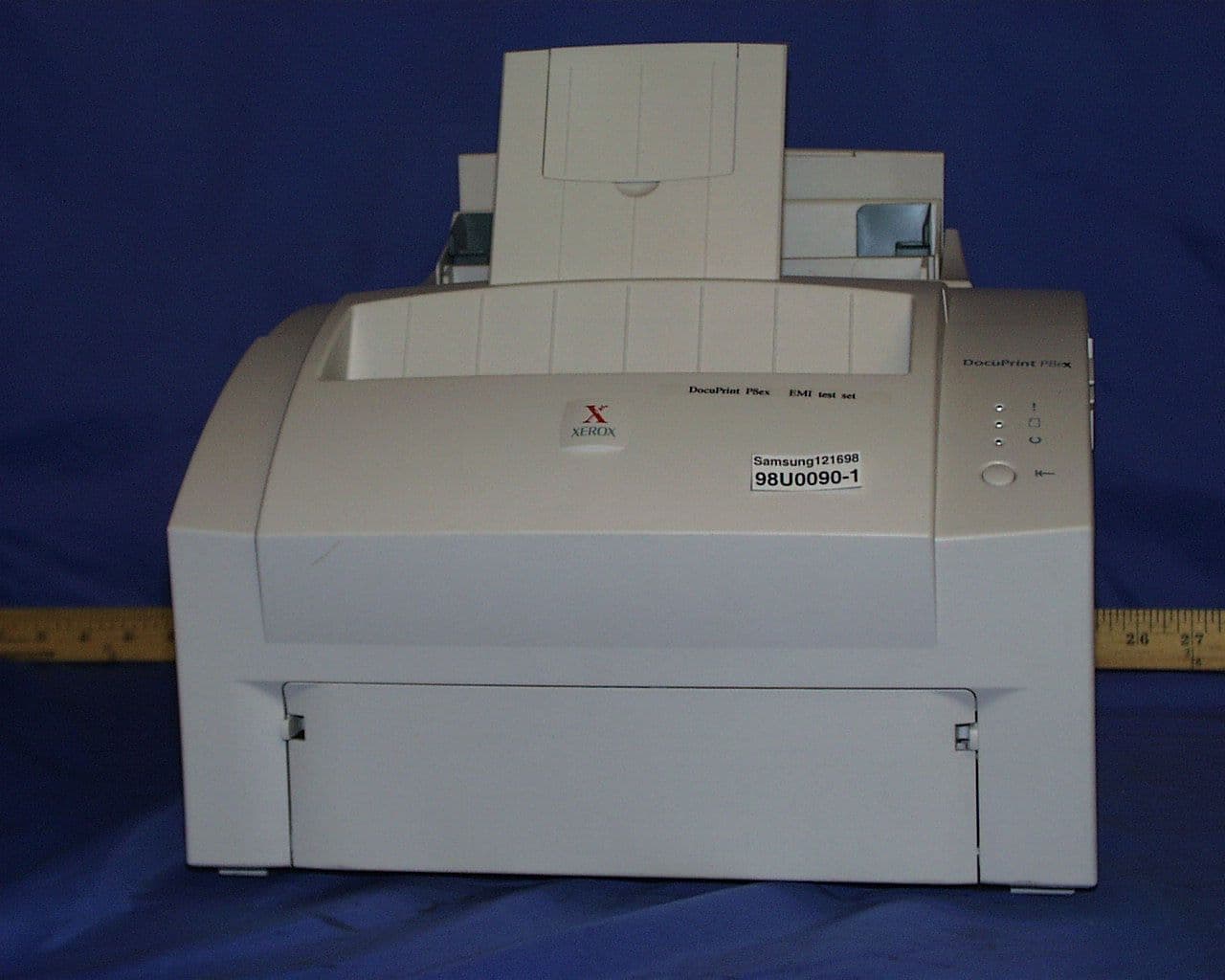
Click to zoom
Application Details
- Equipment Class
- JBP - Part 15 Class B Computing Device Peripheral
- Date of Grant
- Feb 24, 1999
- Application Purpose
- Original Equipment
- Date of Application
- Jan 06, 1999
- Company
- Samsung Electronics Co Ltd
- Country
- United States
Documents & Files
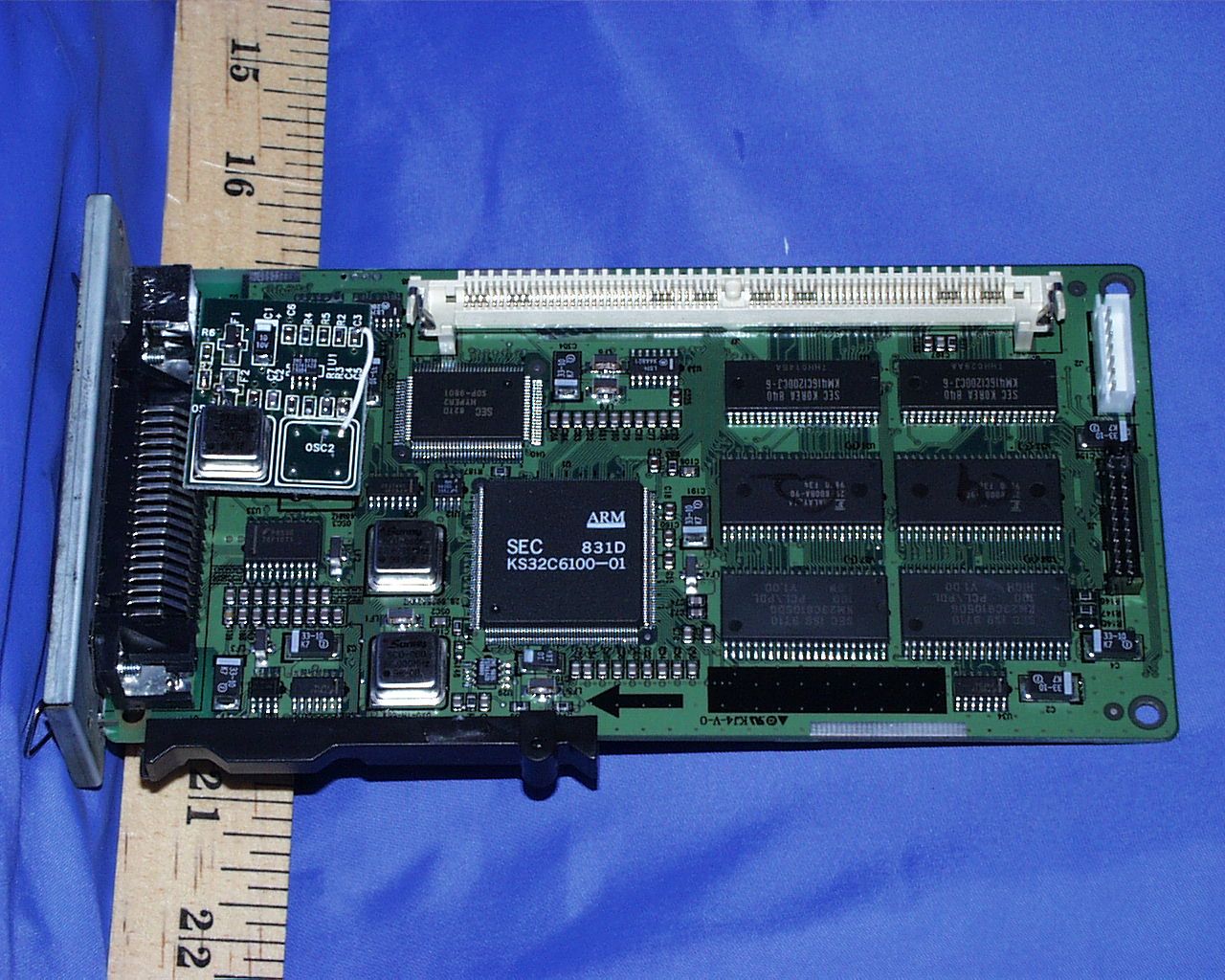
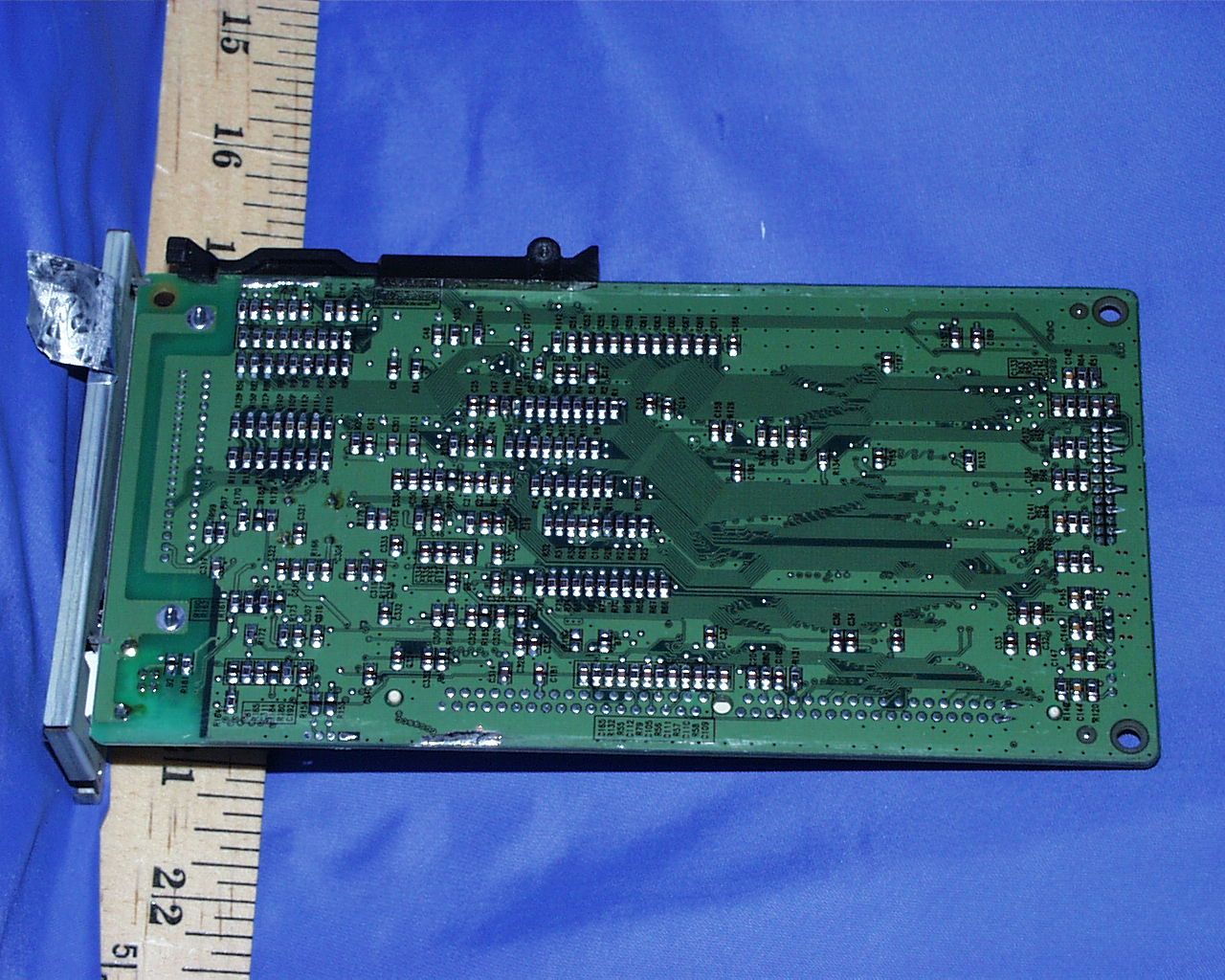
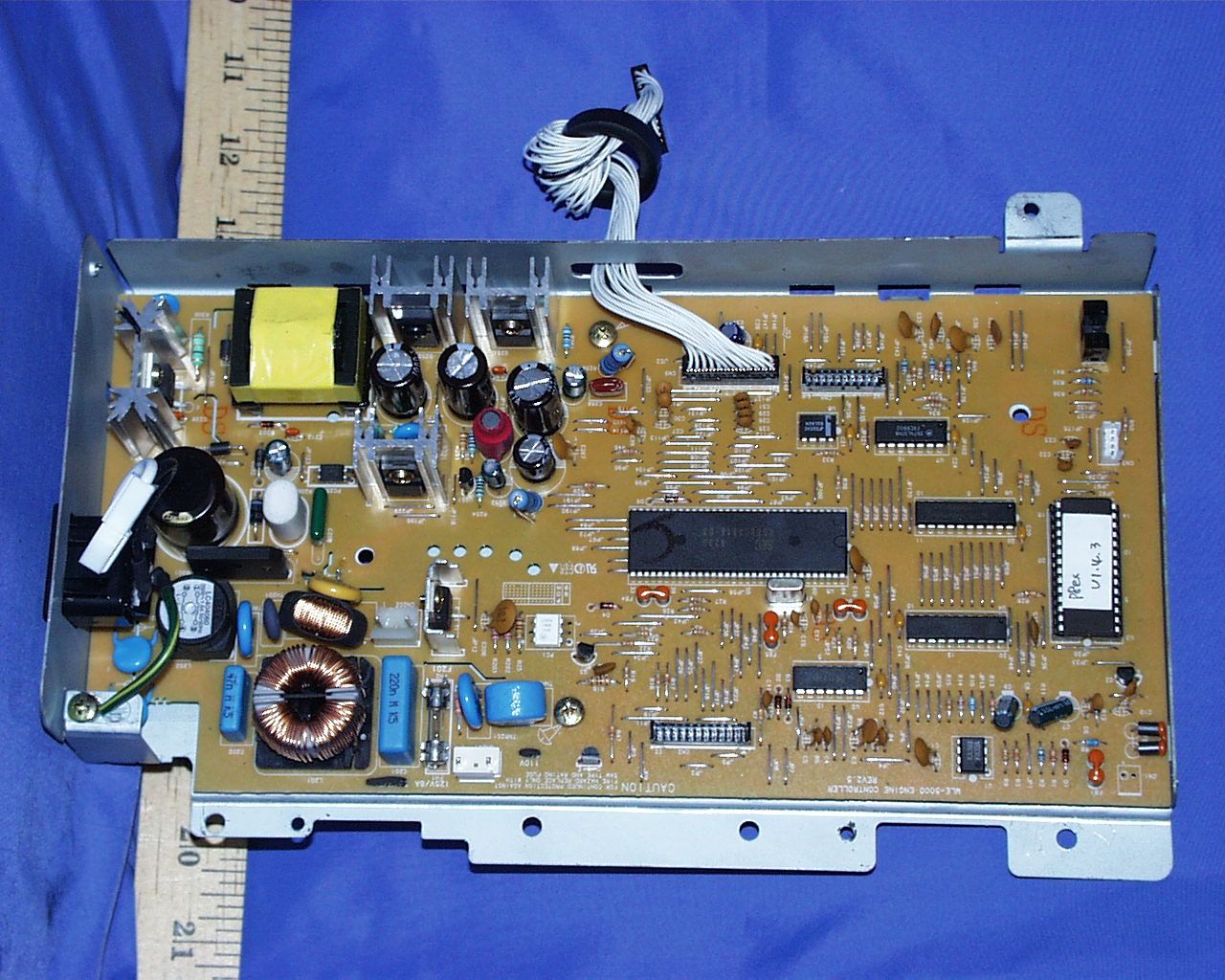
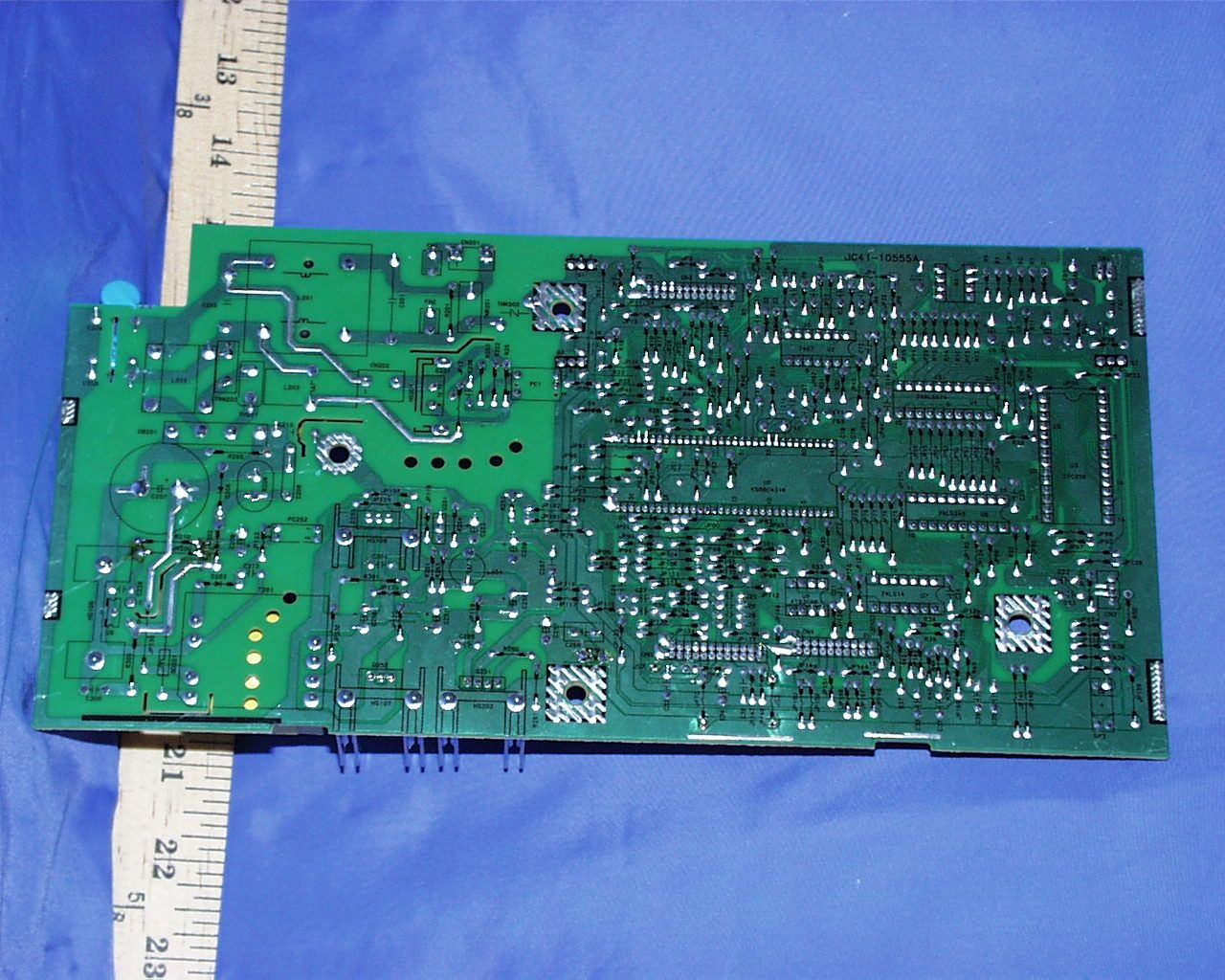
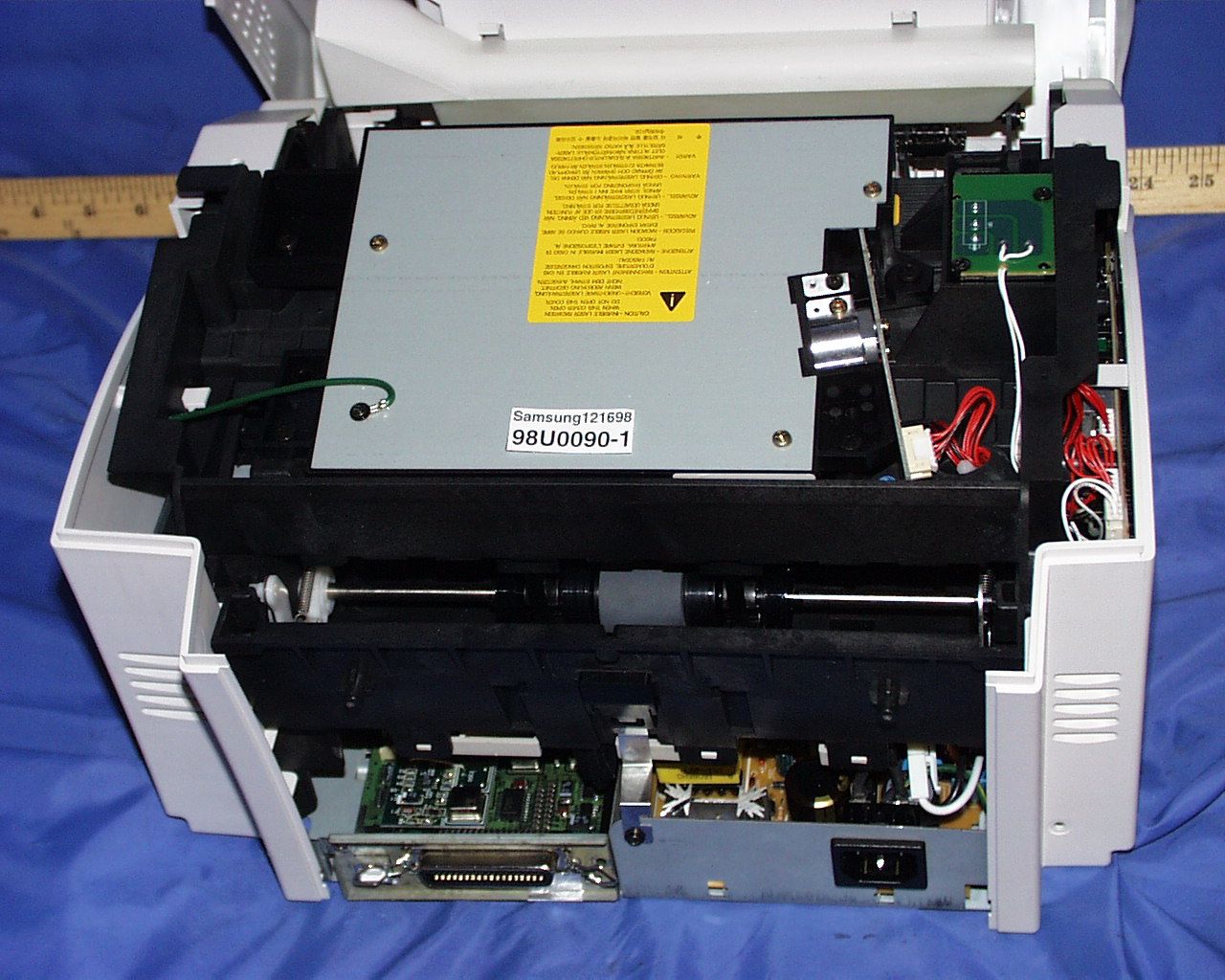
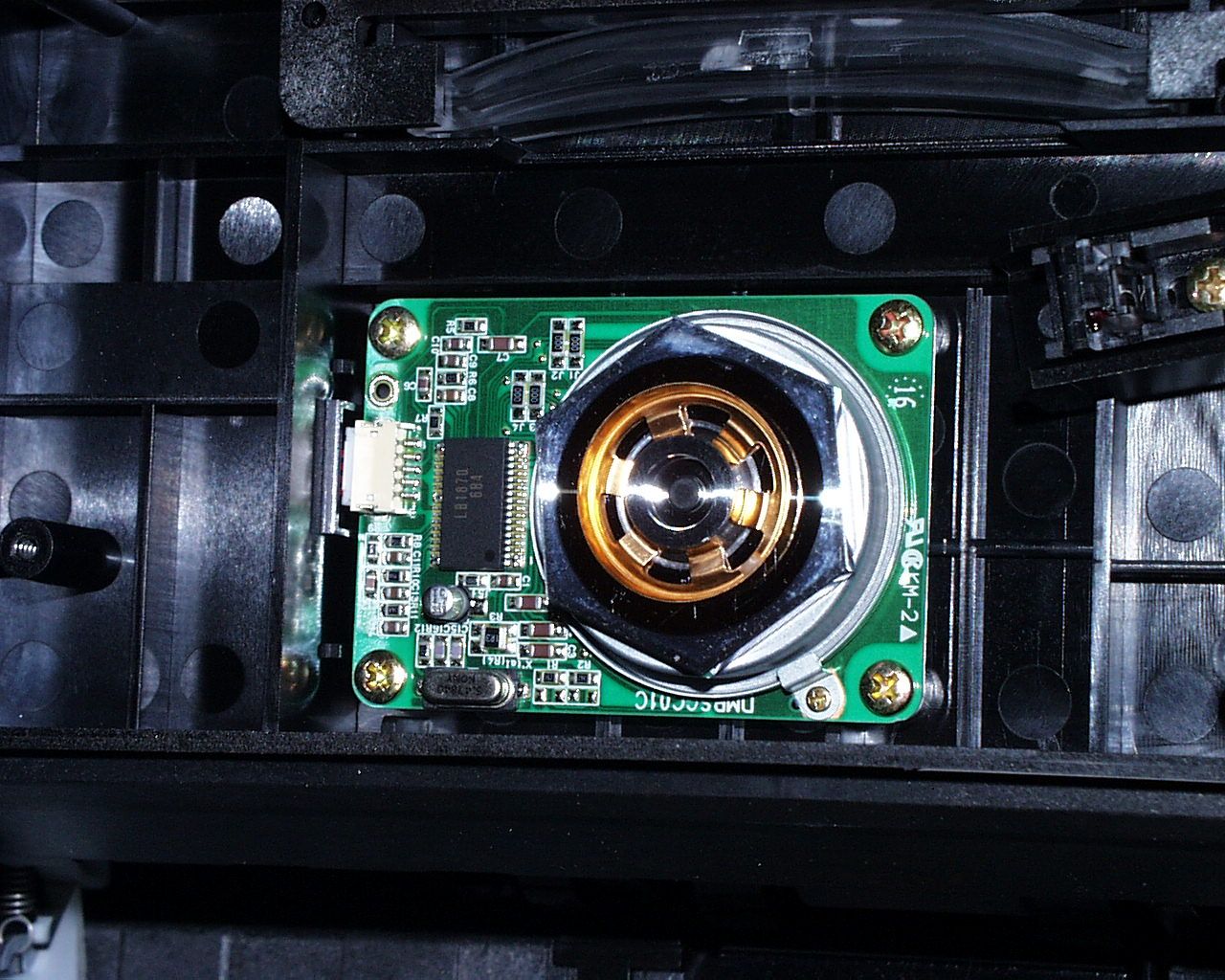
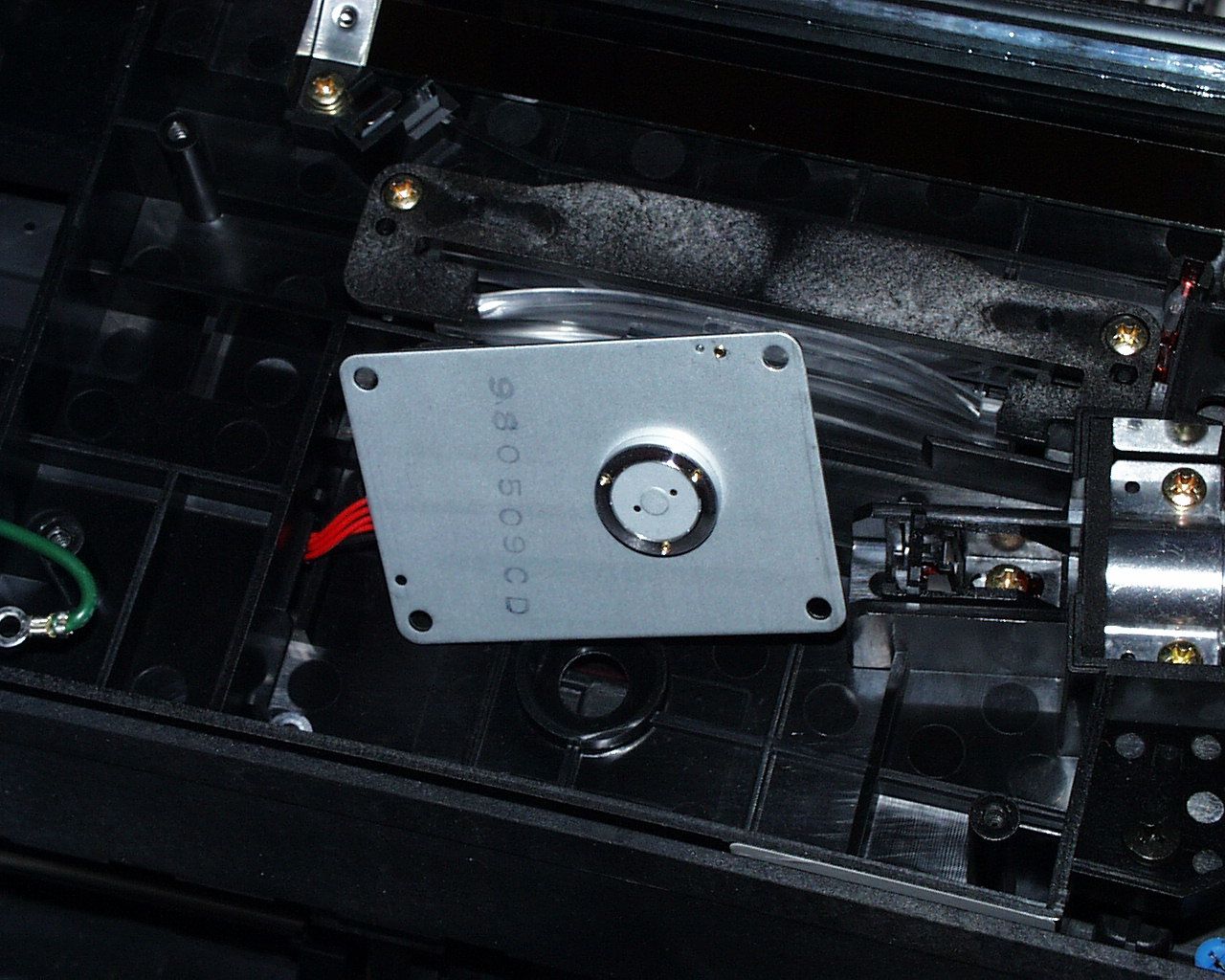
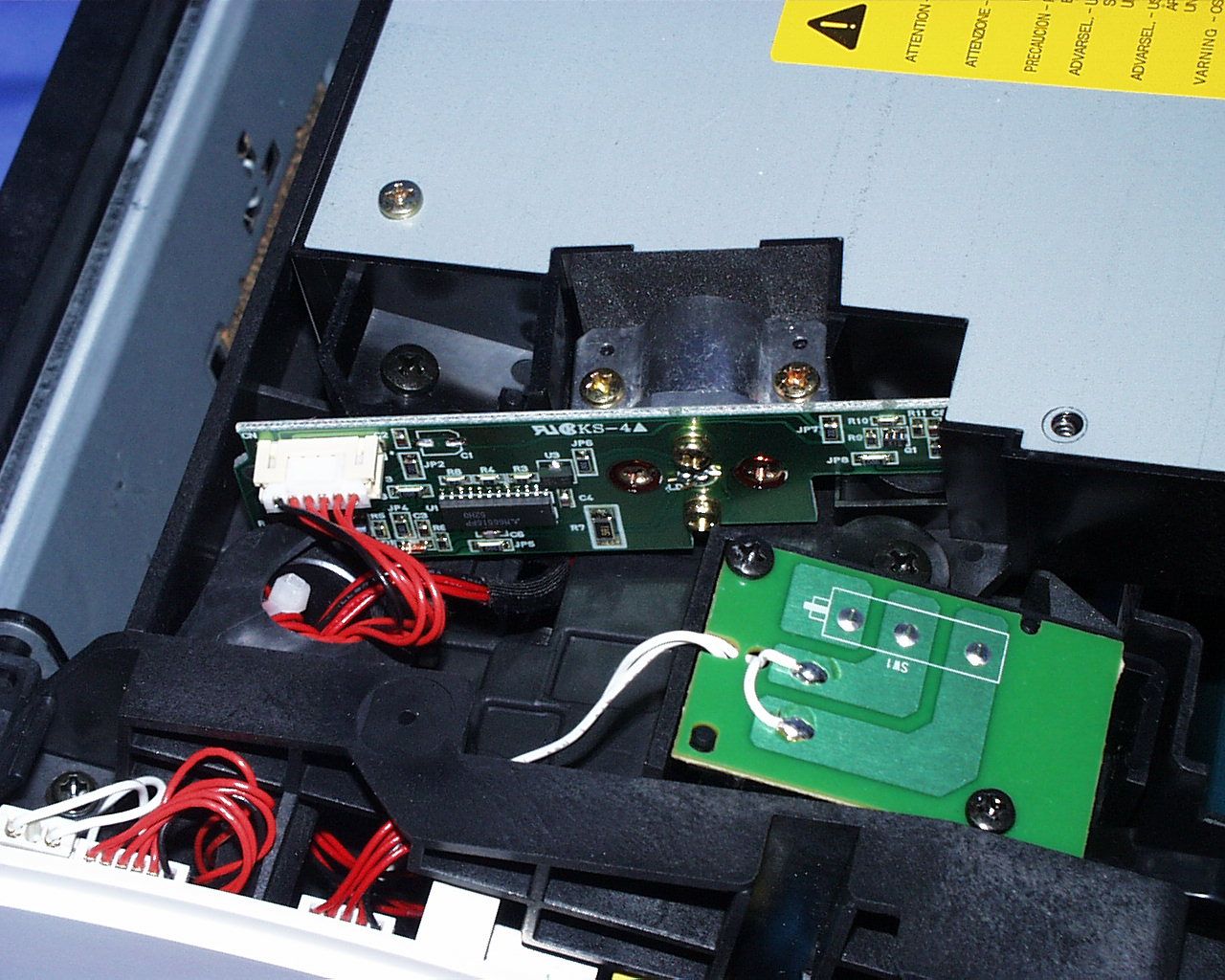
Document Text
Text extracted from the exhibit documents filed with the FCC. Open a document above to read the original.
Users Manual
LASER PRINTER ML-5100A User’s Manual Unpacking––––––––––––––––––––––––––––––––––– 2 Selecting a Location––––––––––––––––––––––––––– 2 Control Locations and Functions–––––––––––––––– 3 Front View –––––––––––––––––––––––––––––––––– 3 Rear View ––––––––––––––––––––––––––––––––––– 4 Inside––––––––––––––––––––––––––––––––––––––– 4 Installing the Toner Cartridge–––––––––––––––––– 5 Loading Paper–––––––––––––––––––––––––––––––– 6 Connecting to Your Computer–––––––––––––––––– 8 Using Parallel Port ––––––––––––––––––––––––––– 8 Using The USB Port –––––––––––––––––––––––––– 9 Powering On the Printer–––––––––––––––––––––– 10 Installing Software––––––––––––––––––––––––––– 11 Installing Printer Driver–––––––––––––––––––––– 12 System Requirement ––––––––––––––––––––––––– 12 Windows 95/98/NT4.0 Installation –––––––––––– 12 Windows 95/98 Plug and Play –––––––––––––––– 13 If Windows Does Not Run the CD-ROM ––––––– 13 Windows 3.1x Installation –––––––––––––––––––– 14 Uninstalling the Printer Driver –––––––––––––––– 15 Installing Printer Utilities––––––––––––––––––––– 15 Windows 95/98/NT 4.0 Installation ––––––––––– 15 Windows 3.x Installation ––––––––––––––––––––– 15 Printing on Network Printer––––––––––––––––––– 16 Setting Up Host PC Printer ––––––––––––––––––– 16 Client PC Sharing Setup–––––––––––––––––––––– 16 Chapter 1Setting Up Your Printer Selecting Paper Types and Feed Source –––––––– 18 Loading Print Material––––––––––––––––––––––– 19 Feeding Manually––––––––––––––––––––––––––– 23 Using Face-up Stacker ––––––––––––––––––––––– 24 Paper Guidelines –––––––––––––––––––––––––––– 25 Chapter 2Paper Handling Contents Chapter 3Operating Your Printer Chapter 4Troubleshooting and Maintenance FCC Regulations––––––––––––––––––––––––––––– 54 Canadian Radio Interference Regulations–––––– 54 EC Declaration of Conformity ––––––––––––––––– 55 Laser Safety Statement ––––––––––––––––––––––– 56 Safety Information ––––––––––––––––––––––––––– 57 Specifications –––––––––––––––––––––––––––––– 58 Appendix Operator Panel –––––––––––––––––––––––––––––– 28 Indicator Lights –––––––––––––––––––––––––––– 28 Button Function –––––––––––––––––––––––––––– 29 Selecting Your Printer –––––––––––––––––––––––– 30 Windows 95 / 98 / NT –––––––––––––––––––––– 30 Windows 3.x ––––––––––––––––––––––––––––––– 30 Printing a Document ––––––––––––––––––––––––– 31 Print Settings –––––––––––––––––––––––––––––––– 32 Using Printer Utilities –––––––––––––––––––––––– 35 Status Monitor ––––––––––––––––––––––––––––– 35 Remote Control Panel ––––––––––––––––––––––– 35 Poor Print Quality––––––––––––––––––––––––––– 38 Paper Problems –––––––––––––––––––––––––––––– 39 Printing Problems––––––––––––––––––––––––––– 40 Software Problems –––––––––––––––––––––––––– 41 Before You Call For Service –––––––––––––––––– 42 Clearing Paper Jams–––––––––––––––––––––––––– 43 Tips for Avoiding Paper Jams –––––––––––––––– 45 Cartridge Maintenance ––––––––––––––––––––––– 46 Replacing Toner Cartridge –––––––––––––––––––– 46 Cleaning OPC Drum ––––––––––––––––––––––––– 47 Chapter 5Printer Options Optional Memory Card ––––––––––––––––––––––– 50 Setting Up Your Printer Chapter 1 2 Setting Up Your Printer Unpacking Remove the printer and all accessories from the packing carton. Save the carton and packing materials in case you need to repack the printer. Make sure you have the following items: • Toner cartridge • Power cord • Setup CD-ROM • This manual Notes: • If you need help during setup, or if any items are missing or damaged, notify your dealer immediately. • You need a Centronics-compatible parallel printer cable. The cable is not shipped with your printer. You can purchase this cable from your dealer or retailer. Make sure the cable is IEEE 1284-compliant. Selecting a Location Place your printer on a flat, stable surface near your workstation. Leave enough space around the printer, so that you can easily: • open the printer cover • load the paper • retrieve the paper • open the front output tray and retrieve the paper from the front output tray • allow air circulation around the vents to prevent the printer from overheating Do not place the printer: • In direct sunlight • Near heat sources or air conditioners • In dusty or dirty environments 3 Setting Up Your Printer Automatic Paper Feeder Holds 150 sheets of paper. Paper Guides Adjust to the width of paper. Face-down Stacker Holds printed documents. If printed on plain paper, a maximum of 100 sheets can be held. Stacker Extender Supports paper stacked in the paper output bin. Face-up Stacker Holds a single sheet of special media (transparency, label, envelope, and heavy weight paper) with print side facing up. Operator Panel Tray Extender Supports paper stacked in the automatic paper feeder. Manual Paper Feeder Used to feed a single sheet of paper. Control Locations and Functions Front View 4 Setting Up Your Printer Rear View Inside Power Switch Power Cord Connector USB Port Printer Cable Connector Front Cover Toner Cartridge 5 Setting Up Your Printer Installing the Toner Cartridge 1. To open the printer cover, hold the cover using hands and pull it toward you. 2. Unpack the Toner Cartridge. Carefully remove the sealing tape. 3. Rock the Cartridge 5 or 6 times to distribute the toner. 4. Find the cartridge slots inside the printer, one on each side. 5. Grasp the handle and slide the Cartridge down between the toner cartridge slots, until it drops into place. 6. Close the cover. 6 Setting Up Your Printer 2. Before loading the paper, flex the sheets back and forth to loosen them, then fan them.Tap the edges on a table top to straighten them. Doing this before you load paper helps prevent paper jams. Don’t load too much. This feeder holds up to 150 sheets. 3. Insert the paper in the paper feeder. If the paper has a preferred print side, place the print side facing you. If you use letterhead paper, load the paper with the letter-head edge down and facing you. Loading Paper For best results, use high quality 75g/m 2 (20 lb) xerograp…
Text truncated - open the document above for the full version.
ID Label/Location Info
FCC ID LABEL LOCATION Applicant:SAMSUNG ELECTRONICS CO., LTD. FCC ID:A3LML5100A FCC ID LABEL AREA
Test Report
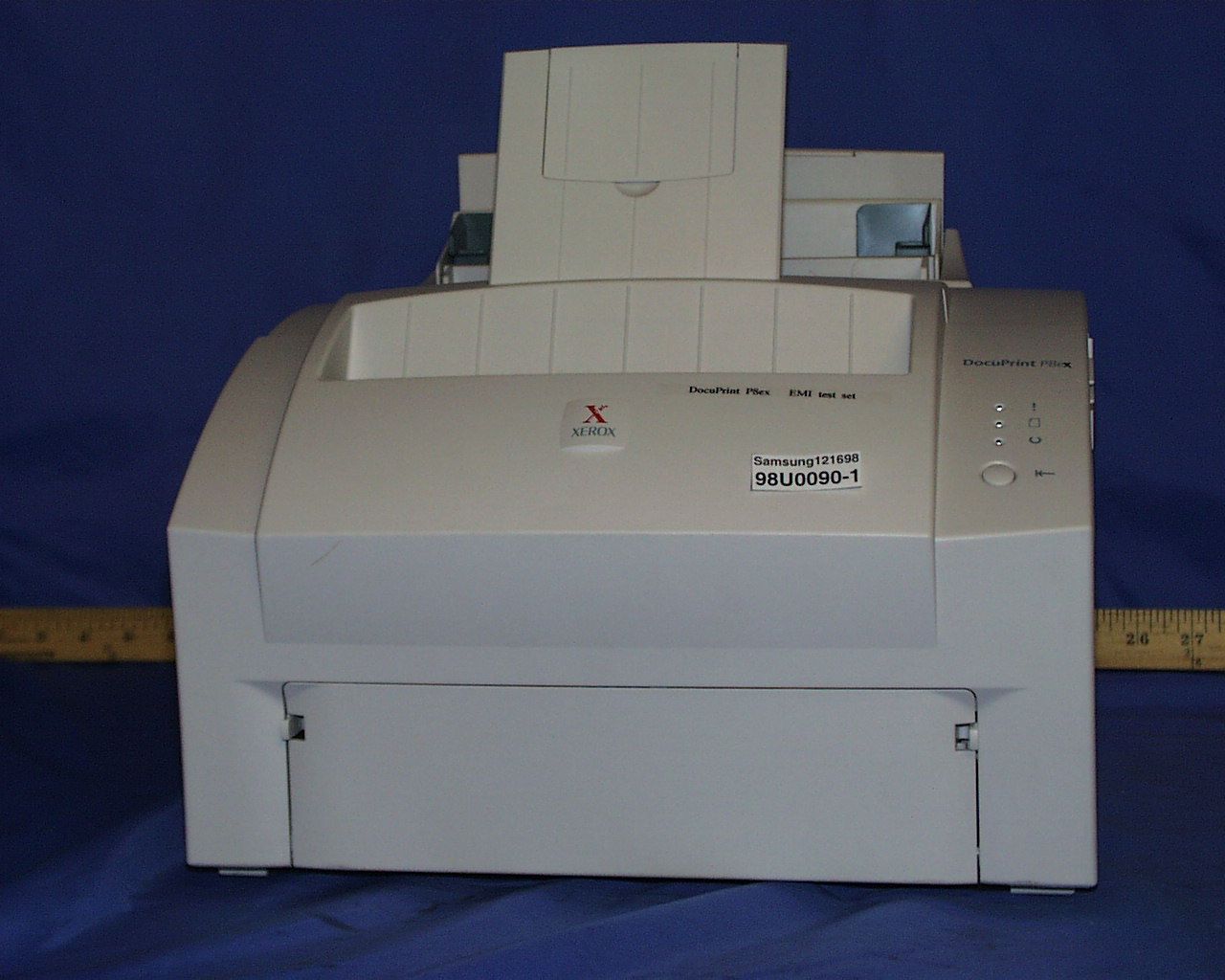
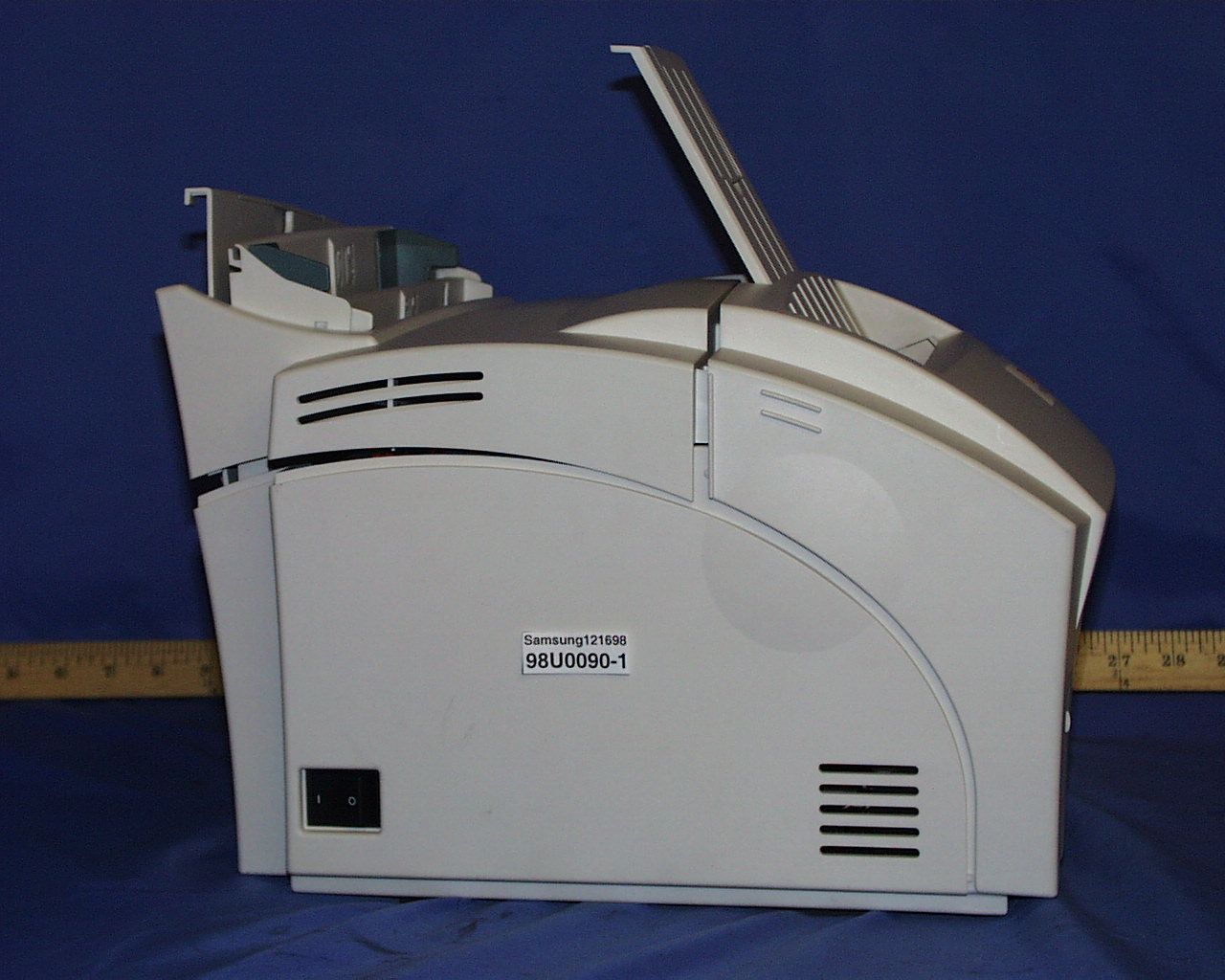
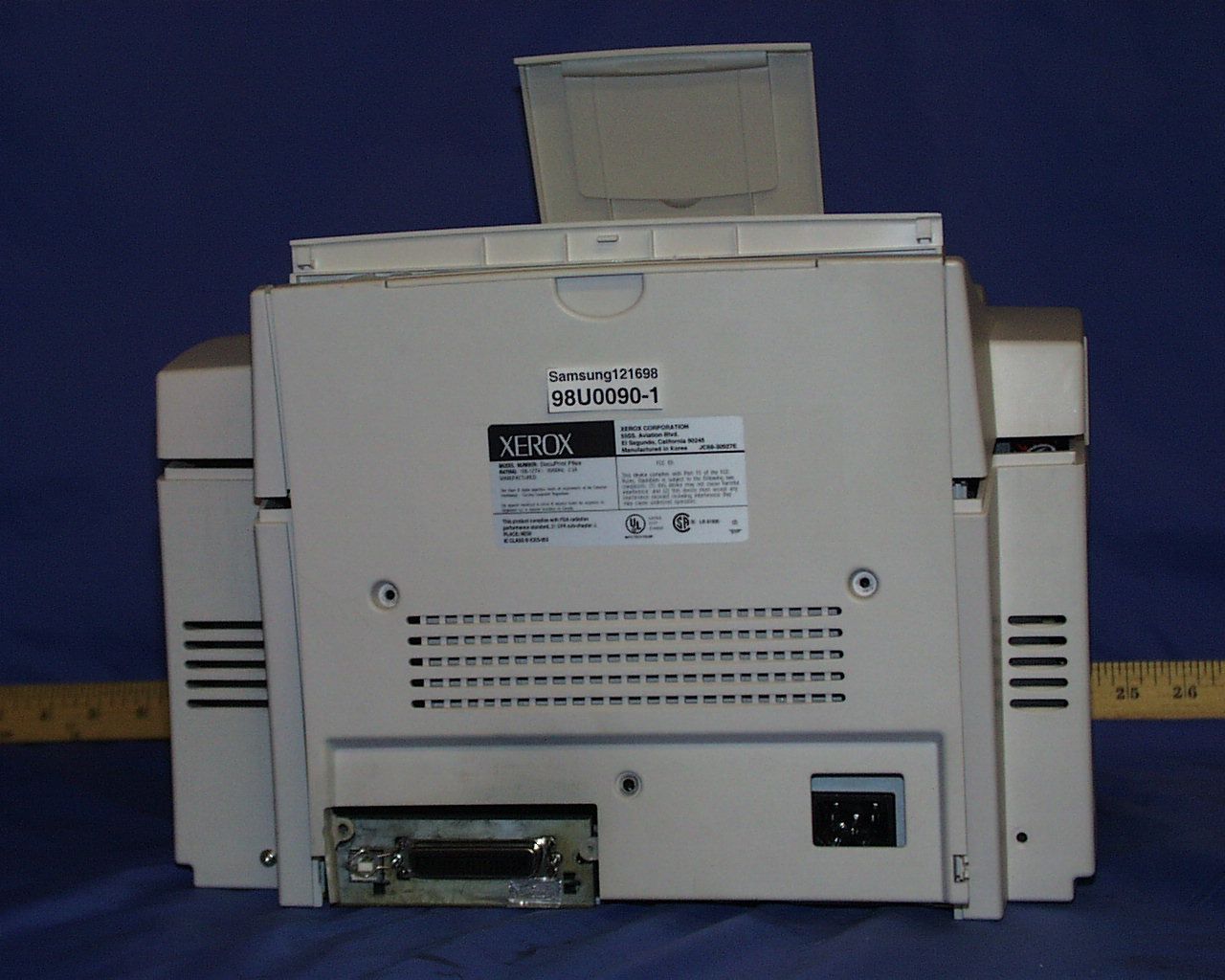
FCC CFR47 PART 15 DIGITAL DEVICE TEST REPORT FOR LASER PRINTER MODEL : ML 5100A, DocuPrint P8ex, QwikLaser 5100A FCC ID: A3LML5100A REPORT NUMBER: 98U0090 ISSUE DATE: DECEMBER 11, 1998 Prepared for SAMSUNG ELECTRONICS CO., LTD. 416 MAETAN DONG, PALDAL GU SUWON SHI, KOREA Prepared by COMPLIANCE ENGINEERING SERVICES, INC. d.b.a. COMPLIANCE CERTIFICATION SERVICES 1366 BORDEAUX DRIVE SUNNYVALE, CA 94089, USA TEL: (408) 752-8166 FAX: (408) 752-8168 REPORT NO: 98U0090 DATE: DECEMBER 11, 1998 FCC ID A3LML5100A EUT: LASER PRINTER COMPLIANCE CONSULTING SERVICESDOCUMENT NO:CCSUP4002C 1366 BORDEAUX DRIVE SUNNYVALE, CA 94089 USA TEL:(408) 752-8166 FAX:(408) 752-8168 This report shall not be reproduced except in full, without the written approval of CCS. TABLE OF CONTENTS PAGE 1. VERIFICATION OF COMPLIANCE ..............................................1 2. PRODUCT DESCRIPTION. ....................................................2 3. TESTED SYSTEM DETAILS ...................................................2 4. TEST FACILITY ...........................................................3 5. ACCREDITATION AND LISTING... ............................................3 6. MEASUREMENT INSTRUMENTATION .............................................3 7. MEASURING INSTRUMENT CALIBRATION ........................................3 8. UNITS OF MEASUREMENT... .................................................4 9. ANTENNAS.................... ............................................4 10. CLASSIFICATION OF DIGITAL DEVICE. .......................................5 11. RADIATED EMISSION LIMITS ................................................5 12. CONDUCTED EMISSION LIMITS ...............................................6 13. CONDUCTED EMISSION TEST PROCEDURE .......................................8 14. RADIATED EMISSION TEST PROCEDURE ........................................8 15. AMBIENT CONDITIONS... ...................................................9 16. SYSTEM TEST CONFIGURATION ...............................................9 17. EQUIPMENT MODIFICATIONS...... ..........................................10 18. EUT SETUP PHOTOS..... ..................................................11 19. TEST EQUIPMENT LIST ....................................................12 20. TEST RESULT SUMMARY ....................................................13 APPENDICES ..................................................................15 .EXTERNAL I/O CABLE CONSTRUCTION DESCRIPTION .CONFIGURATION BLOCK DIAGRAM .EUT PHOTOGRAPHS REPORT NO: 98U0090 DATE: DECEMBER 11, 1998 FCC ID A3LML5100A EUT: LASER PRINTER 1 OF 18 COMPLIANCE CERTIFICATION SERVICESDOCUMENT NO:CCSUP4002D 1366 BORDEAUX DRIVE SUNNYVALE, CA 94089 USA TEL:(408) 752-8166 FAX:(408) 752-8168 This report shall not be reproduced except in full, without the written approval of CCS. 1. VERIFICATION OF COMPLIANCE COMPANY NAME: SAMSUNG ELECTRONICS CO., LTD. 416 MAETAN DONG, PALDAL GU SUWON SHI, KOREA CONTACT PERSON: BEN KIM / MANAGER TELEPHONE NO: 408-544-5124 MODEL NO/NAME: ML 5100A, DocuPrint P8ex, QwikLaser 5100A SERIAL NO: N/A DATE TESTED: DECEMBER 11, 1998 TYPE OF EQUIPMENT: INFORMATION TECHNOLOGY EQUIPMENT (ITE) MEASUREMENT DISTANCE: (X) 3 METER ( ) 10 METER TECHNICAL LIMIT: CLASS B FCC RULES: PART 15 MEASUREMENT PROCEDURE ANSI C93.2: 92 EQUIPMENT AUTHORIZATION PROCEDURE CERTIFICATION MODIFICATIONS MADE ON EUT YES NO DEVIATIONS FROM MEASUREMENT PROCEDURE YES (refer to section 20 for comments) NO RADIATED EMISSION TEST RESULT -4.41 dB @ 144 MHz/HORIZONTAL CONDUCTED EMISSION TEST RESULT -2.9 dB @ 14.39 MHz/L1 The above equipment was tested by Compliance Certification Services for compliance with the requirements set forth in the FCC CFR 47, PART 15. The results of testing in this report apply to the product/system which was tested only. Other similar equipment will not necessarily produce the same results due to production tolerance and measurement uncertainties. Approved By MIKE C.I. KUO / VICE PRESIDENT 2. PRODUCT DESCRIPTION CHASSIS TYPE PLASTIC LIST OF EACH OSC. OR XTAL. FREQ. (FREQ.>=1 MHz) 66, 28.69, 48, 6.947 MHz REPORT NO: 98U0090 DATE: DECEMBER 11, 1998 FCC ID A3LML5100A EUT: LASER PRINTER 2 OF 18 COMPLIANCE CERTIFICATION SERVICESDOCUMENT NO:CCSUP4002D 1366 BORDEAUX DRIVE SUNNYVALE, CA 94089 USA TEL:(408) 752-8166 FAX:(408) 752-8168 This report shall not be reproduced except in full, without the written approval of CCS. POWER SUPPLY/NAME/MODEL/S.N. BUILT-IN NUMBER OF PCB LAYERS 4 BOARD REVISION NO. 01 LINE FILTER NAME AND MODEL BUILT-IN POWER REQUIREMENTS 110 Vac, 60 Hz NO. OF EXTERNAL I/O CONNECTORS 2 PARALLEL USB Model Differences: Model NameDifferencesTested (Checked) ML 5100A ORIGIANL MODEL DocuPrint P8ex FOR MARKETING PURPOSES QwikLaser 5100AFOR MARKETING PURPOSES 3. TESTED SYSTEM DETAILS The Model names for all equipment, plus descriptions of all cables used in the tested system (including inserted cards) are: External Peripheral Devices Device Type ManufacturerModel NumberSerial No.FCC ID / DoC PC COMPAQ PRESARIO 4704 N/A CNT75NEZ6 MONITOR GATEWAY 2000 GATEWAY 7000- 069CS 17021B003088 BJCS789 MODEM DATATRONICS 1200CK 07-349211 E2050V1200CK KEYBOARD COMPAQ KPQ-299ZC-13 N/A CNTKTQ7285 MOUSE COMPAQ MUS9J N/A ENJMUSJJ 4. TEST FACILITY The open area test sites and conducted measurement facilities used to collect the radiated data are located at 561F Monterey Road, Morgan Hill, California, USA. The sites are constructed in conformance with the requirements of ANSI C63.7, ANSI C63.4 and CISPR Publication 22. 5. ACCREDITATION AND LISTING REPORT NO: 98U0090 DATE: DECEMBER 11, 1998 FCC ID A3LML5100A EUT: LASER PRINTER 3 OF 18 COMPLIANCE CERTIFICATION SERVICESDOCUMENT NO:CCSUP4002D 1366 BORDEAUX DRIVE SUNNYVALE, CA 94089 USA TEL:(408) 752-8166 FAX:(408) 752-8168 This report shall not be reproduced except in full, without the written approval of CCS. The test facilities used to perform radiated and conducted emissions tests are accredited by National Voluntary Laboratory Accreditatio…
Text truncated - open the document above for the full version.
Contact Information
Applicant
Jenni Chun(General Manager)
Technical Contact
COMPLIANCE ENGINEERING SERVICES, INC.MIKE KUO
[email protected]408-752-8166
1366 BORDEAUX DRIVE · SUNNYVALE, California · United States
Non-Technical Contact
COMPLIANCE ENGINEERING SERVICES, INC.MIKE KUO
[email protected]408-752-8166
Test Firm
Compliance Certification Services IncSteve Cheng
Technical Specifications
| # | Rule Parts | Frequency Range | Power Output | Tolerance |
|---|---|---|---|---|
| 1 | 15B | - | - | % |
Other Applications from Samsung Electronics Co Ltd
A3LSMS741B
Aug 05, 2026Portable Handset
Equipment Class
6VL - 15E 6 GHZ Very Low Power DeviceA3LSMX940
Jul 31, 2026BT,BLE Tablet DTS,UNII a,b,g,n,ac,ax,be and digitizer
Equipment Class
DTS - Digital Transmission SystemA3LSMS741U
Jul 30, 2026Portable Handset
Equipment Class
6CD - 15E 6 GHz Low Power Dual ClientA3LSMX840
Jul 27, 2026BT,BLE Tablet DTS,UNII a,b,g,n,ac,ax and Digitizer
Equipment Class
DSS - Part 15 Spread Spectrum TransmitterA3LSMX848U
Jul 27, 2026WCDMA, LTE, 5G NR Tablet BT,BLE, DTS,UNII a b g n ac ax and Digitizer
Equipment Class
JBP - Part 15 Class B Computing Device Peripheral