ALEIS901Bluetooth Headset
FreeTek International Co.,Ltd.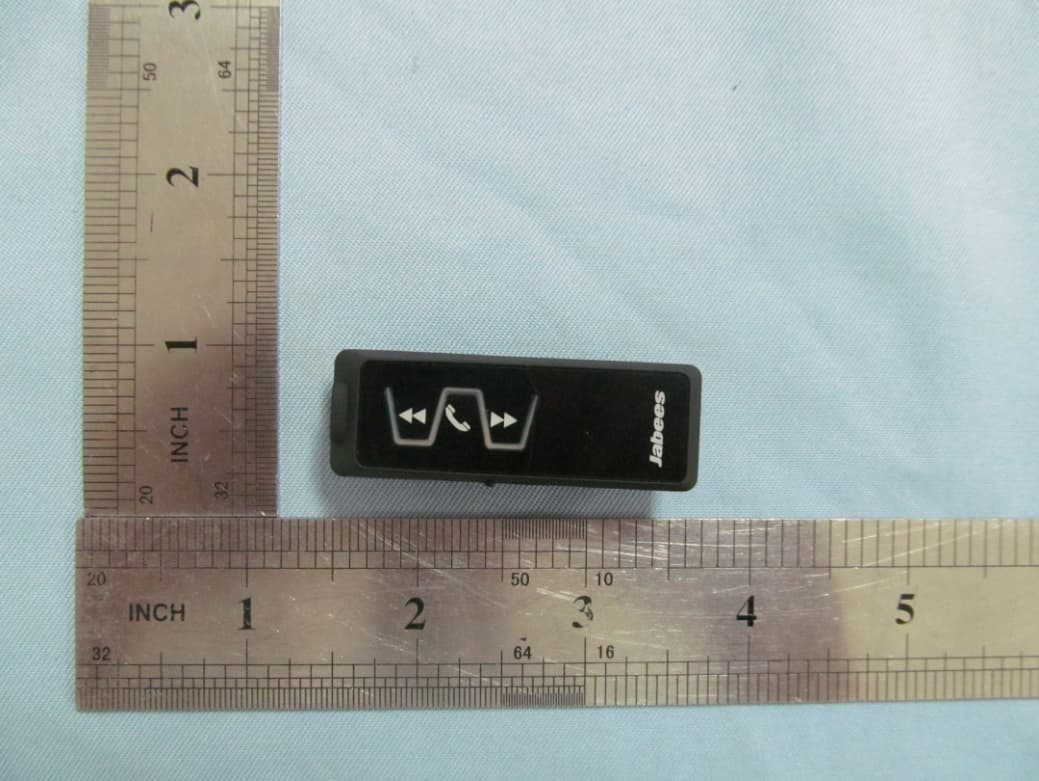
Click to zoom
Application Details
- Equipment Class
- DSS - Part 15 Spread Spectrum Transmitter
- Date of Grant
- Nov 13, 2012
- Application Purpose
- Original Equipment
- Date of Application
- Nov 13, 2012
- Equipment Note
- Bluetooth Headset
- Frequency Range
- 2402.00000000 - 2480.00000000
- Country
- Hong Kong
Documents & Files
Document Text
Text extracted from the exhibit documents filed with the FCC. Open a document above to read the original.
Users Manual
CHARGING THE BATTERY 1.Plug the AC charger into the headset. 2.Plug the other end of the AC charger into your wall power socket. 3.The red indicator on the headset will be on. 4.When the battery is fully charged, the red indicator will turn off and the blue indicator will turn on. Important • For first time use, please charger the headset fully before using. MULTIFUNCTIONAL BUTTON Power on/off, Pairing, Answer / End / Reject / Transfer calls, Voice dialing, Redial, Play/Pause. TURNING HEADSET ON / OFF To turn the headset on: Press and hold the MF-button for 3 seconds. The blue indicator of the headset flashes 3 times with a notification tone. The headset is now turned on. To turn the headset off: Press and hold the MF-button for 3 seconds. The red indicator of the headset flashes 1 time with a notification tone. The headset is now turned off. PAIRING THE HEADSET You are required to pair the headset with your mobile phone once before using it. 1. Press and hold the MF-button for 5 seconds until the indicator light flashes in blue , and then, go into the pairing mode. 2. Activate Bluetooth® on your mobile phone. 3. Set your phone to discover ‘IS901’ and follow the instruction. 4. If your phone asks for passkey or PIN-code, confirm with “0000”. 5. When the Bluetooth® device and “IS901” are paring, the blue indicator light flashes fast, and then change to Red. 6. Your IS901 will confirm when pairing is completed by showing a blue indicator light flashes once every 3 seconds. Note: 1. If IS901 headset is not in pairing mode, your mobile phone won’t find the headset. Please set the headset into pairing mode before making your mobile phone search for IS901. 2. If no pairing is possible for a period of time (approximately 2 minutes), the headset will automatically leave pairing mode and go to the idle mode, the blue indicator change to red and flashes. MAKING CALLS Once the headset is successfully paired with your mobile phone, you can use it to make and receive calls. The headset can be used with voice dialing if your mobile phone supports this feature. Please consult your mobile phone’s manual for more information. 1.Using voice dialing: Press and hold the MF-button for 5 seconds, wait for a voice prompt and say the name of the person you want to call. 2. Using the phone keys to make a call: Enter and dial the number on the mobile phone as you normally do. Once the call has been set up, the sound will be transmitted to your headset automatically. 3. Redial: Press & Hold the MF-button 2 seconds to redial the last number you called. ANSWERING / ENDING /REJECTING CALLS When the headset is turned on and there is an incoming call, you will hear a musical tone. - Press the MF-button to answer the call. - Press the MF-button to end the call. - Press the MF-button for 2 seconds to reject the call. PUT THE CALL ON HOLD In call state: Press and hold the MF-button for 2 seconds to put the active call on hold. In call wait state: Press and hold the MF-button for 2 seconds to put the current call on hold and accept the call waiting. Press the MF-button once to end the call waiting. TRANSFERRING CALLS To transfer a call to the mobile phone and back: During both incoming call and outgoing call state, you can double click the MF-button to transfer the call to the mobile phone. If you want to transfer the call back to the headset, double click the MF-button again. Some mobile phones may require more con rmation. ADJUST THE VOLUME You can increase/decrease the volume by increasing/decreasing the volume of your mobile phone or “IS901”. WHEN THE BATTERY IS LOW The red indicator light will ash when the battery is low. At the same time, you can hear the beep. At this time, please charge your headset. PLAYING MUSIC Press MF button to play or pause music. Press & Hold “Pre” button for 2 seconds to play last song. Press & Hold “Next” button for 2 seconds to play next song. Connecting with the multimedia audio devices IS901 is compatible with most of the audio devices, including your home hi-fi, car speaker, portable speaker and so on. You can use the 3.5-to-3.5mm audio cable or RCA cable to connect IS901 with these audio devices. When the audio connection is set up, you can play the music of your Bluetooth® device wirelessly from the audio device. Remark: Before the audio connection sets up, IS901 should be paired and connected with your Bluetooth® device. Due to the different specification of each audio device, IS901 might not be compatible with all audio devices. Noted: RCA audio cable & 3.5 to 3.5 cables are not the standardized supply, it only be provided by IS901 Premium. CONNECTING WITH A PC OR PDA You are allowed to connect the headset with a Bluetooth® enabled PC or PDA that is supported with headset and/or handsfree profiles. Please refer to the user manual of your Bluetooth® enabled PC or PDA for setup information. FACTORY RESET To factory reset the headset, you will have to turn off the headset firstly. And then press and hold the MF-button for 8 seconds, you will see the red indicator light turns on in solid red for 2 seconds, the factory reset is successful. The headset will go into pairing mode automatically (Please refer to the ‘PAIRING THE HEADSET’ instruction above.). GUARANTEE Jabees is a registered trademark of FreeTek International Co.,Ltd. Other brands and product names are trademarks of their respective owners.Jabees warrants this product against all defects in material and workmanship for a period of twelve (12) months from the date of original purchase of the product.The conditions of this guarantee and the extent of responsibility of Jabees under this guarantee can be read in the Warranty Card. Warn reminder: Jabees IS901 is of Bluetooth® V3.0. If you are buying this to use with the Bluetooth® -enabled device which is of version lower than V3.0, there might be compatibility problems. But no worries, Jabees has other Bluetooth® Mono Headsets of lower version which are compatible with any of yo…
Text truncated - open the document above for the full version.
Cover Letter(s)
Nov Fed Aut FCC Re: Pur s requ 1: B 2: C 3: O 4: P Th e rele app Th e all a app Sin c Fr e Con v.14, 2012 deral Comm thorization C ID: ALEI : Confiden suant to Se uests confid Block Diagra Circuit Diagra Operational D Parts List e above mat ased to the licant and p e Applicant u accompanyi lication. cerely, eeTek Inter ntact Perso 2 munication and Evalu S901 ntiality Re ctions 0.457 ential treatm m am Description terials conta e public. The rovide unjus understands ng docume n nation Co. on: Louisa n Commiss uation Divis quest 7 and 0.459 ment of infor ain trade se e public dis stified benef that pursua ntation will , Ltd Zheng sion sion 9 of the Com rmation appl ecrets and p sclosure of t fits to its com nt to Rules 0 not be mad mmission’s R ied this app proprietary these matte mpetitors. 0.457, disclo e before th Rules, the a lication as o information ers might be osure of this e date of th applicant he outlined belo not custom e harmful to s Application he Grant for ereby ow: marily o the n and r this
External Photos
PHOTOGRAPHS OF THE EUT PART VIEW-1 OF EUT PART VIEW-2 OF EUT PART VIEW-3 OF EUT PART VIEW-4 OF EUT PART VIEW-5 OF EUT PART VIEW-6 OF EUT
ID Label/Location Info
FCC Label Location Bluetooth Stereo Music Receiver Brand Name: Jabees Model Name: IS901 FCC ID: ALEIS901
Internal Photos
OPEN VIEW OF EUT-1 OPEN VIEW OF EUT-2 FRONT VIEW OF PCB BACK VIEW OF PCB Bluetooth Antenna
Test Report
FCC Test Report Report No.: AGC18V121101F2 FCC ID : ALEIS901 PRODUCT DESIGNATION : Bluetooth Stereo Music Receiver BRAND NAME : Jabees TEST MODEL : IS901 CLIENT : FreeTek Internation Co., Ltd DATE OF ISSUE : Nov.13,2012 STANDARD(S) : FCC Part 15 Rules REPORT VERSION : V1.0 Attestation of Global Compliance Co., Ltd. CAUTION: This report shall not be reproduced except in full without the written permission of the test laboratory and shall not be quoted out of context. Report No.: AGC18V121101F2 Page 1 of 41 VERIFICATION OF COMPLIANCE Applicant FreeTek Internation Co., Ltd 4th Floor, Building 15, Phrase II, Fuan Industrial Park, Dayantian,Fuyong, Bao’an District, Shenzhen, Guangdong, China Manufacturer FreeTek Internation Co., Ltd 4th Floor, Building 15, Phrase II, Fuan Industrial Park, Dayantian,Fuyong, Bao’an District, Shenzhen, Guangdong, China Product Designation Bluetooth Stereo Music Receiver Brand Name Jabees Model Name IS901 FCC ID ALEIS901 Report Number AGC18V121101F2 Date of Test Nov.07, 2012 to Nov.13, 2012 WE HEREBY CERTIFY THAT: The above equipment was tested by Attestation of Global Compliance Co., Ltd. The test data, data evaluation, test procedures, and equipment configurations shown in this report were made in accordance with the procedures given in ANSI C63.4 (2003) and the energy emitted by the sample EUT tested as described in this report is in compliance with radiated emission limits of FCC Rules Part 15.247. Tested By: Jane Wu Nov.13, 2012 Reviewed By: Forrest Lei Nov.13, 2012 Approved By: Solger Zhang Nov.13, 2012 Report No.: AGC18V121101F2 Page 2 of 41 TABLE OF CONTENTS 1 GENERAL INFORMATION ..................................................................................................................................................... 4 1.1 PRODUCT DESCRIPTION ........................................................................................................................................ 4 1.2 TABLE OF CARRIER FREQUENCYS .................................................................................................................... 4 1.3 RECEIVER INPUT BANDWIDTH ............................................................................................................................. 5 1.4 EXAMPLE OF A HOPPING SEQUENCY IN DATA MODE .................................................................................. 6 1.5 EQUALLY AVERAGE USE OF FREQUENCIES AND BEHAVIOUR ................................................................. 6 1.6 RELATED SUBMITTAL(S) / GRANT (S) ................................................................................................................ 6 1.7 TEST METHODOLOGY ............................................................................................................................................. 6 1.8 TEST FACILITY ........................................................................................................................................................... 7 1.9 SPECIAL ACCESSORIES ......................................................................................................................................... 7 1.10 EQUIPMENT MODIFICATIONS ................................................................................................................................ 7 2 SYSTEM TEST CONFIGURATION ....................................................................................................................................... 8 2.1 CONFIGURATION OF TESTED SYSTEM .............................................................................................................. 8 2.2 EQUIPMENT USED IN TESTED SYSTEM ............................................................................................................. 8 3 SUMMARY OF TEST RESULTS ............................................................................................................................................ 9 4. DESCRIPTION OF TEST MODES ....................................................................................................................................... 9 5 PEAK OUTPUT POWER ....................................................................................................................................................... 10 5.1 MEASUREMENT PROCEDURE .................................................................................................................................. 10 5.2 TEST SET-UP (BLOCK DIAGRAM OF CONFIGURATION) ................................................................................... 10 5.3 MEASUREMENT EQUIPMENT USED ........................................................................................................................ 11 5.4 LIMITS AND MEASUREMENT RESULT .................................................................................................................... 11 6 20 DB BANDWIDTH ............................................................................................................................................................. 12 6.1 MEASUREMENT PROCEDURE .................................................................................................................................. 12 6.2 TEST SET-UP (BLOCK DIAGRAM OF CONFIGURATION) ................................................................................... 12 6.3 MEASUREMENT EQUIPMENT USED ........................................................................................................................ 12 6.4 LIMITS AND MEASUREMENT RESULTS .................................................................................................................. 12 7. CONDUCTED SPURIOUS EMISSION .............................................................................................................................. 14 7.1 MEASUREMENT PROCEDURE .......................................................................................................................…
Text truncated - open the document above for the full version.
Test Setup Photos
PHOTOGRAPHS OF THE TEST SETUP RADIATED SPURIOUS EMISSION
Contact Information
Applicant
Louisa Zheng
Test Firm
Attestation of Global Compliance Shenzhen Co. Ltd.Forrest Lei
Technical Specifications
| # | Rule Parts | Frequency Range | Power Output |
|---|---|---|---|
| 1 | 15C | 2.40 GHz - 2.48 GHz | 2.30 mW |
Other Applications from FreeTek International Co.,Ltd.
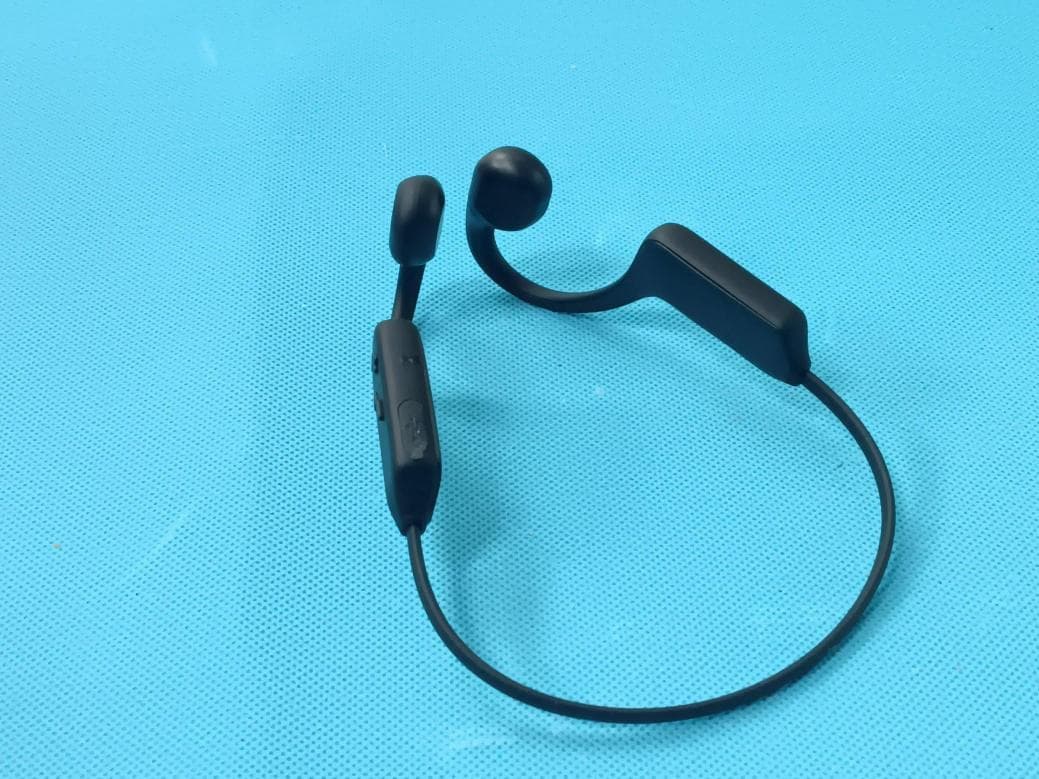
ALE12045
Jul 09, 2026Bone conduction headphones
Equipment Class
DSS - Part 15 Spread Spectrum Transmitter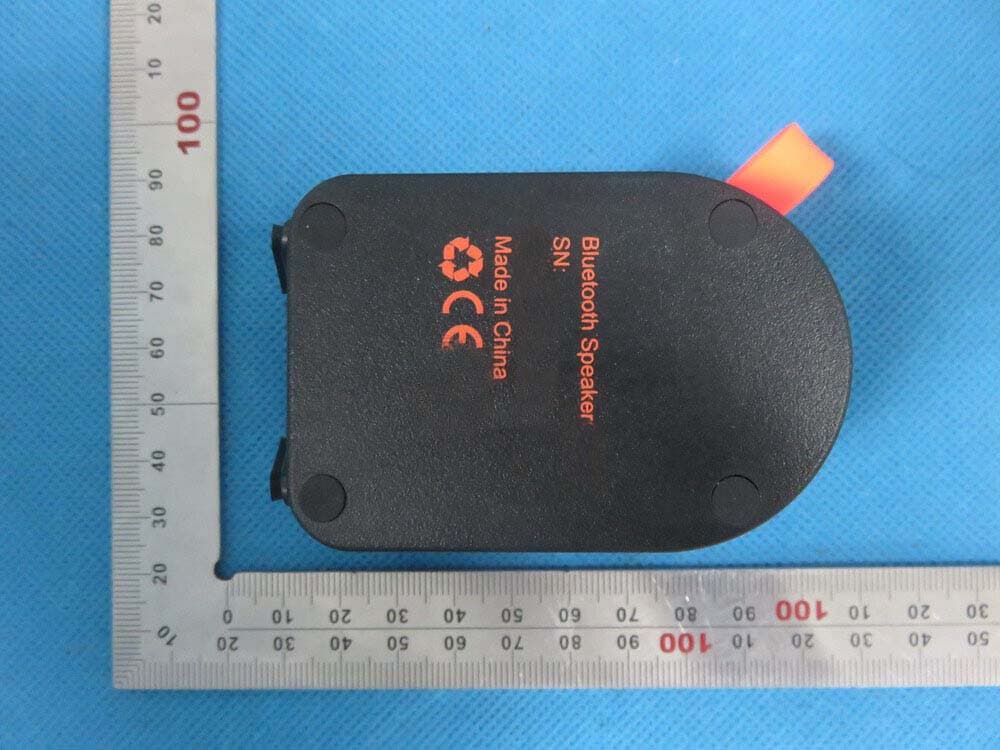
ALE21010
Jun 16, 2015Bluetooth Speaker
Equipment Class
DXX - Part 15 Low Power Communication Device Transmitter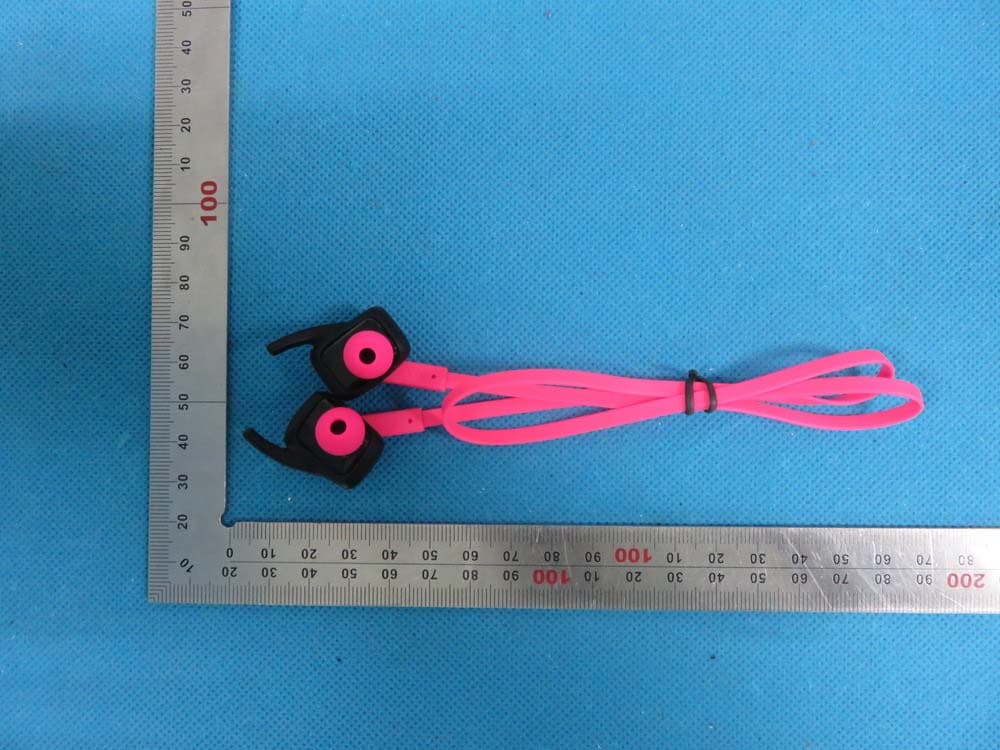
ALE12009
Jun 07, 2015Bluetooth headset
Equipment Class
DXX - Part 15 Low Power Communication Device Transmitter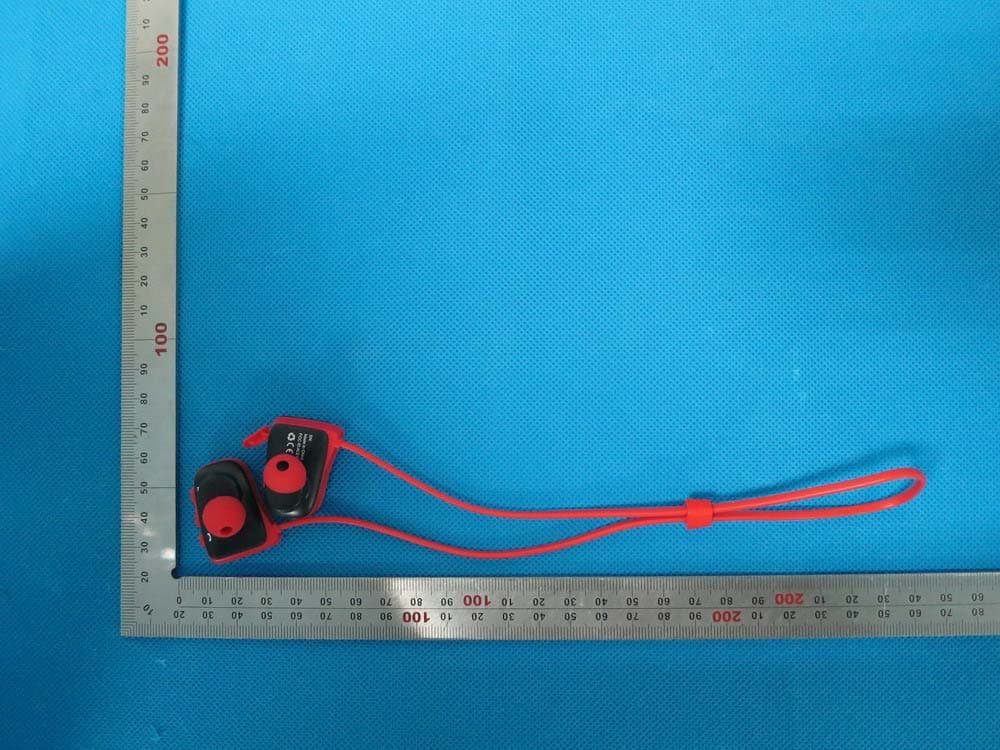
ALE12005
Oct 23, 2014Bluetooth Headset
Equipment Class
DSS - Part 15 Spread Spectrum Transmitter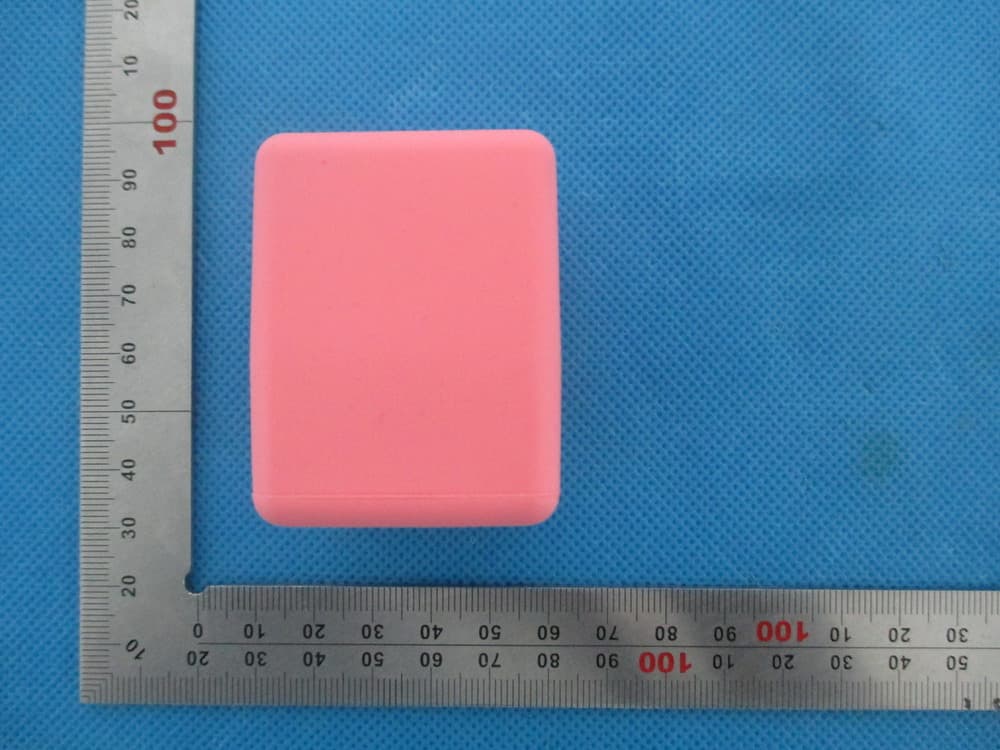
ALEBOB
Dec 17, 2013Bluetooth Speaker
Equipment Class
DSS - Part 15 Spread Spectrum Transmitter