BMWTFY7400P2.4GHz FHSS Baby Monitor Parent Unit
TOMY International, Inc.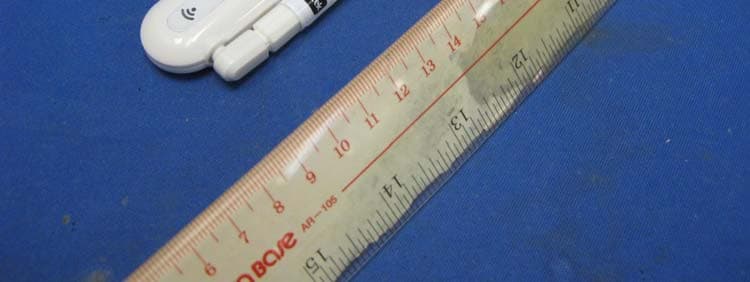
Click to zoom
Application Details
- Equipment Class
- DXX - Part 15 Low Power Communication Device Transmitter
- Date of Grant
- Apr 27, 2011
- Application Purpose
- Original Equipment
- Date of Application
- Apr 26, 2011
- Equipment Note
- 2.4GHz FHSS Baby Monitor Parent Unit
- Frequency Range
- 2407.50000000 - 2475.00000000
- Company
- TOMY International, Inc.
- Country
- United States
Documents & Files
Document Text
Text extracted from the exhibit documents filed with the FCC. Open a document above to read the original.
Users Manual
Before returning this product to the store for any reason, please contact our Parent Service Center at 1-800-704-8697 or [email protected] Often, we can provide helpful tips and instructions to resolve your problem quickly over the phone or by e-mail. Y 74 0 0 get ready for thefirstyears.com ™ Home & Away Computer-Connect ™ Digital Video Monitor 2 get ready for thefirstyears.com ™ get ready for thefirstyears.com ™ 3 Home & Away Computer-Connect ™ Digital Video Monitor English Safety InStructIonS t his symbol is intended to warn the user of potential safety hazards. this symbol is intended to alert the user to a potential risk of electric shock and other electrical safety issues. WarnInG: • to prevent electric shock or strangling by the cord, KeeP out of cHILD’S reacH. never place monitor or cord within 3 feet of child or attach to a crib or playpen. • never place these units within a child’s reach. • this product is not a toy; do not allow children to play with it. • the product is designed to assist in the monitoring of children, not as a prevention for injury to or loss of a child. • this product is not a substitute for proper adult supervision. all children should be supervised at all times by responsible adults. WarnInG To reduce the risk of fire or electrical shock, do not open this product or expose the product to: • Water and Moisture: this product should not be used near water, for example, near a bathtub or sink, in a wet basement or near a swimming pool. • Heat: this product should be situated away from heat sources such as radiators, heat registers, stoves, or other appliances that produce heat. IMPortant • the user should not attempt to service this product. read all safety and operating instructions before operating this product. • retain these instructions for future reference. • observe all warnings. • follow all operating instructions. • Do not tamper with the plug under any circumstances. • Power Source – this product should be connected only to the power supply provided. • cleaning —Before cleaning, be sure to unplug. clean only as recommended in these instructions. • object and Liquid entry—care should be taken so that objects do not fall and liquids are not spilled into the enclosure through the openings. • Damage or Malfunction—Please contact our Parent Service center at 800-704-8697 or [email protected] if: a. the power supply cord or plug has been damaged b. objects have fallen or liquid has been spilled into it c. the product has been exposed to rain d. the product does not appear to operate normally or exhibits a marked change in its performance e. the product has been dropped or the enclosure damaged. Wall Mounting—the child unit should be mounted to a wall only as recommended in these instructions. WarnInG Do not mount the child unit in a location where the unit or the adapter cord is within the child’s reach. never place monitor or cord within 3 feet of child or attach to a crib or playpen. to prevent injury, this apparatus must be securely attached to the wall in accordance with the installation instructions. 4 get ready for thefirstyears.com ™ get ready for thefirstyears.com ™ 5 Home & Away Computer-Connect ™ Digital Video Monitor English The First Years Home and Away Computer-Connect ™ Video Monitor With The First Years ® Home & Away Computer-Connect ™ you can turn your home computer into your video monitor. The USB connector creates a wireless connection between your computer and the camera in baby’s room. With the supplied software you can easily see, hear and even talk to your baby right from the computer. You can also take quick snapshots or long videos and store them to your hard drive. Also, when your computer is connected to the internet you open a world of connectivity to your video monitor. You can use free programs such as Skype ® or Google ™ Chat to tap into your monitor from anywhere in the world. This is a great way to check in from work and travel or let the grandparents check in on the little one. Of course you get complete control over this and it works like any Skype call or phone call. With the Home & Away Computer-Connect Video Monitor you will always have a simple way of connecting your family! Contents Safety Instructions Parts Diagram USB Connector Child Unit Quick Start Instructions To Set Up—Child Unit To U s e Baby Viewer Software Setup and Usage Child Unit Indicators and Controls Recharging/Replacing Batteries Care (To Clean/Storage) Using Your Home and Away Baby Video Monitor with Skype Troubleshooting FCC Statement Warranty 2 6 6 6 7 8 10 10 11 17 18 19 20 22 24 25 6 get ready for thefirstyears.com ™ get ready for thefirstyears.com ™ 7 Home & Away Computer-Connect ™ Digital Video Monitor English 1 2 3 4 5 6 7 8 Cap Antenna Connection Indicator USB Plug 1 2 3 1 4 3 1 2 3 4 4 5 6 7 8 Antenna Microphone Power button Nightlight button Talkback volume switch (not pictured) Connection indicator Camera Adjustable-angle camera base Wall mount slots (not pictured) Cord channel (not pictured) Nightlight Battery cover (not pictured) Power jack (not pictured) Also Included AC adapter (1) (not pictured) Software disk (not pictured) Parts DiagramQuick Start Instructions You’ll find detailed instructions on the pages that follow. Please read the Safety Instructions on pages 2–3. Set up the Computer Install baby viewer software from included CD into your computer. See detailed instructions on page 10 if needed. Set up the Child Unit • Place unit 4 to 6 feet from child’s crib or play area. • Connect remaining AC adapter to unit and plug into wall outlet. To u s e 1. Hold down power button on Child Unit until connection indicator lights up and blinks to turn it on . 2. Move antenna to full upright position. 3. Lift camera to upright position. 4. Insert USB connector into computer with software installed. 5. Connection indicators on both units should glow blue indicating they are connected. 6. Launch Baby Viewer software. 7. Adjust camera pos…
Text truncated - open the document above for the full version.
External Photos
INTERTEK TESTING SERVICES External Photos FCC ID: BMWTFY7400P IC: 6195A-TFY7400P external photos - 1 of 1 External Photo - Front External Photo - Rear
ID Label/Location Info
100.92 mm 32.37 mm TOP BOTTOM 2010 Learning Curve Brands, Inc Model: Y7400P FCC ID: BMWTFY7400P IC: 6195A - TFY7400P Date Code: XXXXTDXX Y7400 Video Monitor - PC Dongle 09/01/2010Revision 04miked / mwinters / dwodarcyk2 Y7400 Video Monitor | PC Dongle Secure ConnectionRear Printed Clear Graphics/ Labels Color/ Finish Antenna ABS White* Matte Finish USB Cap ABS White* Gloss Finish TFY Logo Printed Pantone 2935 C (BLUE) USB Plug Reset Button ABS White* Gloss Finish Housing ABS White* Gloss Finish Legal Engraving Insert Area Top Panel PC Clear (high gloss) Rear Printed White Legal Information Engraved** Reset Engraved** Made n China Engraved** Various icons Engraved** ** Engraving to be raised in plastic 0.010 inches (0.25 mm) Date Code label, printing or stamped * Color to reference Y7289 Audio monitor B 01 02 03 AB Icons 1:1 Scale DE 010203 0405 06 AB CD F 07 04 05 06 07 A C D E G RESET RESET F XXDate Code:XXXXTD G M ade in C hina M ade in C hina Model: Y7400P FCC ID: BMWTFY7400P IC: 6195A - TFY7400P 2010 Learning Curve Brands, Inc C F EG Y7400 Video Monitor Engraved Text on Bottom Housing 69 mm 9.25 mm
Internal Photos
INTERTEK TESTING SERVICES Internal Photos FCC ID: BMWTFY7400P IC: 6195A-TFY7400P Internal photos - 1 of 3 Internal Photo - 1 Internal Photo - 2 INTERTEK TESTING SERVICES Internal Photos FCC ID: BMWTFY7400P IC: 6195A-TFY7400P Internal photos - 2 of 3 Internal Photo - 3 Internal Photo - 4 INTERTEK TESTING SERVICES Internal Photos FCC ID: BMWTFY7400P IC: 6195A-TFY7400P Internal photos - 3 of 3 Internal Photo - 5
Test Report
INTERTEK TESTING SERVICES Radiated Emission on the Bandedge Plots FCC ID: BMWTFY7400P IC:6195A-TFY7400P be - 1 of 1 Parent unit, Lowest channel Parent unit, Highest channel
Test Report
- The test report only allows to be revised within the retention period unless further standard or the requirement was noticed. - This report is for the exclusive use of Intertek's Client and is provided pursuant to the agreement between Intertek and its Client. Intertek's responsibility and liability are limited to the terms and conditions of the agreement. Intertek assumes no liability to any party, other than to the Client in accordance with the agreement, for any loss, expense or damage occasioned by the use of this report. Only the Client is authorized to permit copying or distribution of this report and then only in its entirety. Any use of the Intertek name or one of its marks for the sale or advertisement of the tested material, product or service must first be approved in writing by Intertek. The observations and test results in this report are relevant only to the sample tested. This report by itself does not imply that the material, product, or service is or has ever been under an Intertek certification program. Intertek Testing Services Hong Kong Ltd. 2/F., Garment Centre, 576 Castle Peak Road, Kowloon, Hong Kong. Tel: (852) 2173 8888 Fax: (852) 2785 5487 Website: www.hk.intertek-etlsemko.com TEST REPORT Report Number: HK11020796-1 Application for Original Grant of 47 CFR Part 15 Certification Single New of RSS-210 Issue 8 Equipment Certification 2.4GHz Frequency Hopping Spread Spectrum Baby Monitor - Parent Unit FCC ID: BMWTFY7400P IC: 6195A-TFY7400P Prepared and Checked by: Approved by: Koo Wai Ip Nip Ming Fung, Melvin Lead Engineer Supervisor April 01, 2011 April 01, 2011 INTERTEK TESTING SERVICES Test Report Number: HK11020796-1 Page 1 of 29 FCC ID: BMWTFY7400P IC: 6195A-TFY7400P GENERAL INFORMATION Applicant Name: Learning Curve Brands, Inc. Applicant Address: 1111 W. 22 nd Street, Suite 320 Oak Brook, Illinois 60523 United States. FCC Specification Standard: FCC Part 15, October 1, 2009 Edition FCC ID: BMWTFY7400P FCC Model(s): Y7400P IC Specification Standard: RSS-210 Issue 8, December 2010 RSS-Gen Issue 3, December 2010 RSS-102 Issue 4, March 2010 RSS-310 Issue 3, December 2010 IC: 6195A-TFY7400P IC Model(s): Y7400P Type of EUT: Transceiver / Class B Personal Computers and Peripherals Description of EUT: 2.4GHz Frequency Hopping Spread Spectrum Baby Monitor - Parent Unit Serial Number: N/A Sample Receipt Date: February 25, 2011 Date of Test: Radiated Emission Test: March 03, 2011 Conducted Emission Test: March 02, 2011 Report Date: April 01, 2011 Environmental Conditions: Temperature: +10 to 40°C Humidity: 10 to 90% INTERTEK TESTING SERVICES Test Report Number: HK11020796-1 Page 2 of 29 FCC ID: BMWTFY7400P IC: 6195A-TFY7400P Table of Contents 1.0 Test Results Summary & Statement of Compliance.............................................. 4 1.1 Summary of Test Results ........................................................................................ 4 1.2 Statement of Compliance ........................................................................................ 4 2.0 General Description................................................................................................. 6 2.1 Product Description ................................................................................................. 6 2.2 Test Methodology.................................................................................................... 6 2.3 Test Facility............................................................................................................. 6 3.0 System Test Configuration...................................................................................... 8 3.1 Justification ............................................................................................................. 8 3.2 EUT Exercising Software......................................................................................... 9 3.3 Details of EUT and Description of Accessories...................................................... 10 3.4 Measurement Uncertainty ..................................................................................... 10 4.0 Test Results............................................................................................................ 12 4.1 Field Strength Calculation...................................................................................... 12 4.2 Radiated Emissions............................................................................................... 13 4.2.1 Radiated Emission Configuration Photograph ..................................................... 13 4.2.2 Radiated Emission Data ..................................................................................... 13 4.2.3 Transmitter Duty Cycle Calculation ..................................................................... 14 4.3 Radiated Emissions from Receiver ........................................................................ 19 4.3.1 Radiated Emission Configuration Photograph ..................................................... 19 4.3.2 Radiated Emission Data ..................................................................................... 19 4.4 Radiated Emission on the Bandedge..................................................................... 21 4.5 AC Power Line Conducted Emission ..................................................................... 22 4.5.1 AC Power Line Conducted Emission Configuration Photograph.......................... 22 4.5.2 AC Power Line Conducted Emission Data .......................................................... 22 4.6 Radio Frequency Exposure Compliance................................................................ 27 5.0 Equipment List...................................................................................................... 29 Appendix – Exhibits for Application of Certification INTERTEK TESTING SERVICES Test Report Number: HK11020796-1 Page 3 of 29 FCC ID: BMWTFY7400P IC: 6195A-TFY7400P EXHI…
Text truncated - open the document above for the full version.
Test Report
INTERTEK TESTING SERVICES Transmitter Duty Cycle Calculation and Measurement Plots FCC ID: BMWTFY7400P IC: 6195A-TFY7400P timing - 1 of 1 Parent unit, traffic signal
Test Setup Photos
INTERTEK TESTING SERVICES The Worst Case Configuration Photographs – Mode: Talk FCC ID: BMWTFY7400P IC: 6195A-TFY7400P config photos (radiated emission – parent unit) - 1 of 1 Radiated Emission – Parent Unit Front View Rear View INTERTEK TESTING SERVICES The Worst Case Configuration Photographs – Mode: TX with PC (PC’s AC Mains) FCC ID: BMWTFY7400P IC: 6195A-TFY7400P config photos (conducted emission) - 1 of 2 Conducted Emission Front View Right Side View INTERTEK TESTING SERVICES The Worst Case Configuration Photographs – Mode: TX with PC (PC’s AC Mains) FCC ID: BMWTFY7400P IC: 6195A-TFY7400P config photos (conducted emission) - 2 of 2 Conducted Emission Left Side View
Contact Information
Applicant
Paul Mello Jr(Product Integrity Manager)
Technical Contact
Intertek Testing Services Hong Kong LtdMelvin Nip
[email protected]852-2173-8888
Flat D 5/F Garment Centre · Kowloon · Hong Kong
Non-Technical Contact
Intertek Testing Services Hong Kong LtdMelvin Nip
[email protected]852-2173-8888
Test Firm
Intertek Testing Services Hong Kong Ltd.Billy Chow
Technical Specifications
| # | Rule Parts | Frequency Range | Power Output |
|---|---|---|---|
| 1 | 15C | 2.41 GHz - 2.48 GHz | - |
Other Applications from TOMY International, Inc.
BMW-L61112
Mar 17, 2015The Console
Equipment Class
DXX - Part 15 Low Power Communication Device Transmitter
BMW-46315TX27
Aug 11, 2014JD RC Fix- It Up Johnny
Equipment Class
DXX - Part 15 Low Power Communication Device Transmitter
BMW-12978TX27
Jan 14, 2014MT truck
Equipment Class
DXX - Part 15 Low Power Communication Device Transmitter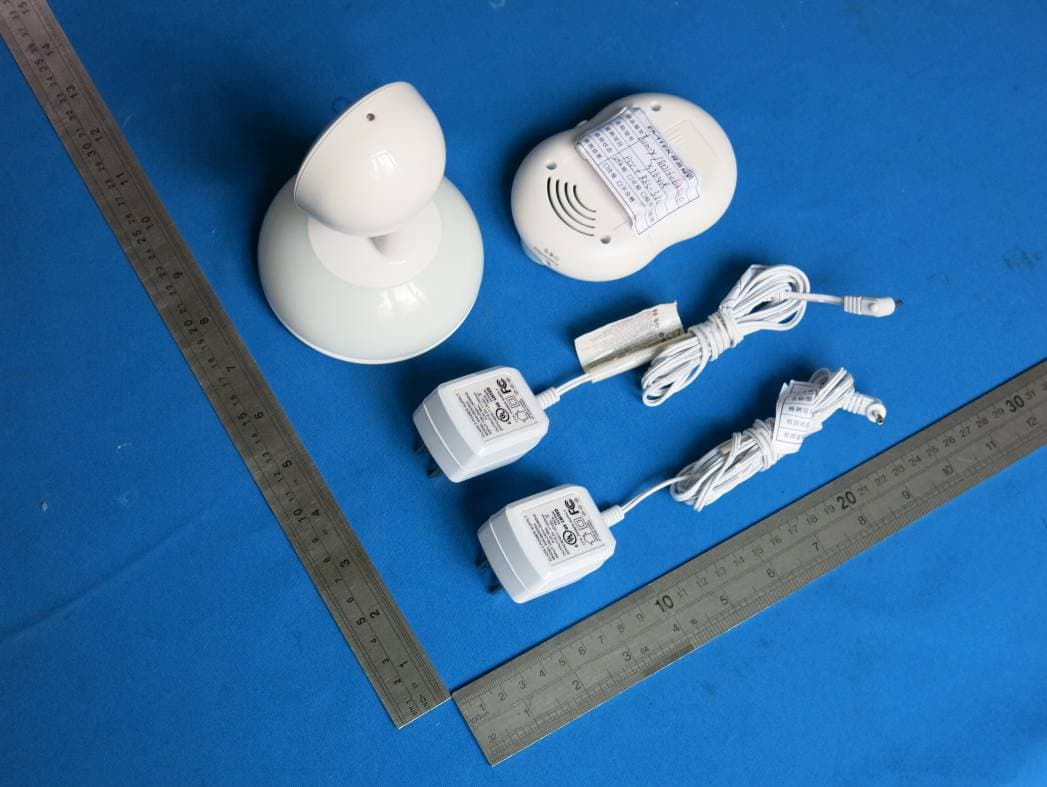
BMWTFY7648C
Jul 28, 2013Talk and Soothe Vid Monitor
Equipment Class
DSS - Part 15 Spread Spectrum Transmitter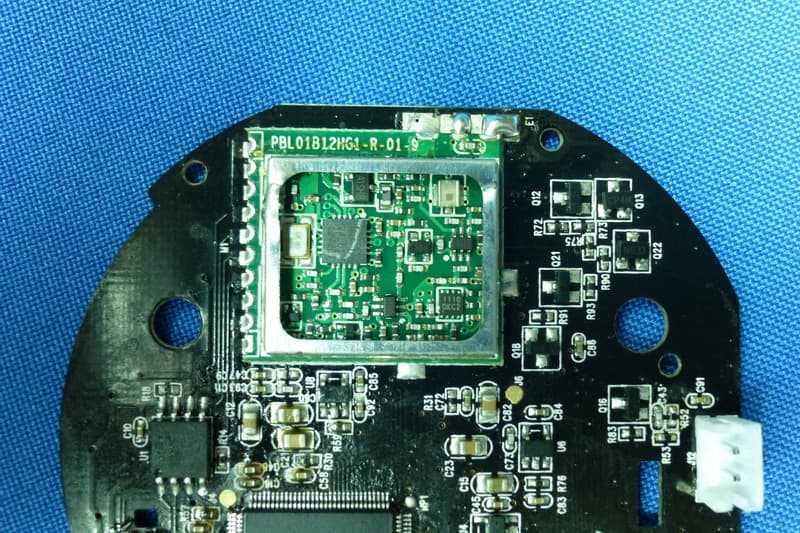
BMWTFY7648P
Jul 25, 2013Talk and Soothe Video Monitor
Equipment Class
DSS - Part 15 Spread Spectrum Transmitter