EMOB24ABluetooth Microphone
SDI Technologies Inc.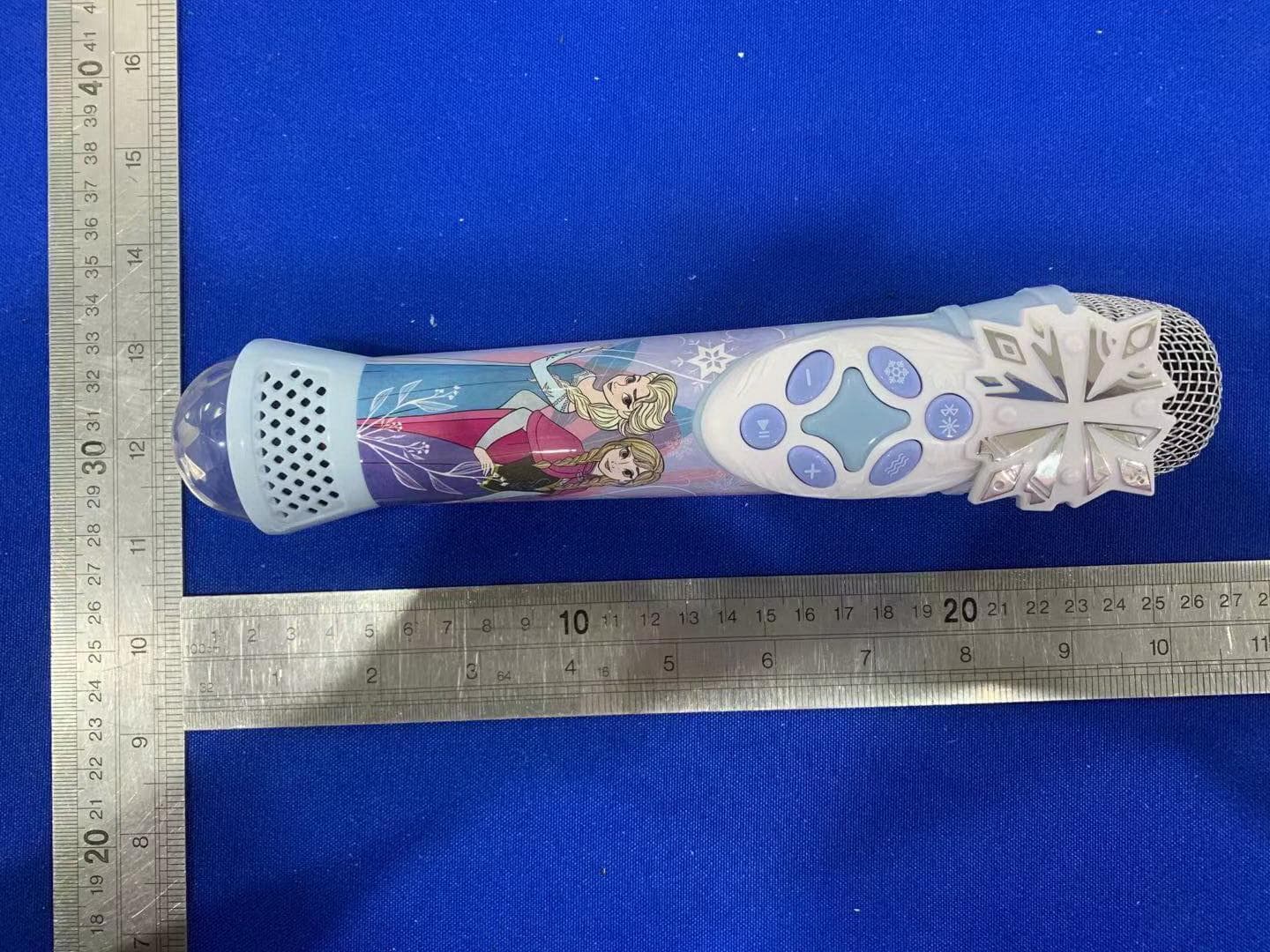
Click to zoom
Application Details
- Equipment Class
- DSS - Part 15 Spread Spectrum Transmitter
- Date of Grant
- Jun 06, 2021
- Application Purpose
- Original Equipment
- Date of Application
- Jun 06, 2021
- Equipment Note
- Bluetooth Microphone
- Frequency Range
- 2402.00000000 - 2480.00000000
- Company
- SDI Technologies Inc.
- Country
- United States
Documents & Files
Document Text
Text extracted from the exhibit documents filed with the FCC. Open a document above to read the original.
Users Manual
Questions or Comments For questions or comments regarding this or other eKids products, please visit our website: www.ekids.com Maintenance It is important to keep the unit as dry and clean as possible. Clean the unit with a soft cloth moistened only with mild soap and water. Stronger cleaning agents, such as thinner or similar materials are not recommended, as they may damage the surface of the case. Limited 1 Year Warranty Information ekids warrants this product to be free from defects in workmanship and materials, under normal use and conditions, for a period of one year from the date of original purchase. Should this product fail to function in a satisfactory manner, it is best to first return it to the store where it was originally purchased. Should this fail to resolve the matter and service still be required by reason of any defect or malfunction during the warranty period, ekids will repair or, at its discretion, replace this product without charge. This decision is subject to verification of the defect or malfunction upon delivery of this product to the Factory Service Center authorized by Customer Service. If service is required, please contact Customer Service at ekids.com/support to obtain a Return Authorization Number and shipping instructions. Disclaimer of Warranty NOTE: This warranty is valid only if the product is used for the purpose for which it was designed. It does not cover (i) products which have been damaged by negligence or willful actions, misuse or accident, or which have been modified or repaired by unauthorized persons; (ii) cracked or broken cabinets, or units damaged by excessive heat; (iii) damage to digital media players, CD’s or tape cassettes (if applicable); (iv) the cost of shipping this product to the Factory Service Center and its return to the owner. This warranty is valid only in the United States of America and does not extend to owners of the product other than to the original purchaser. In no event will ekids or any of its affiliates, contractors, resellers, their officers, directors, shareholders, members or agents be liable to you or any third party for any consequential or incidental damages, any lost profits, actual, exemplary or punitive damages. (Some states do not allow limitations on implied warranties or exclusion of consequential damages, so these restrictions may not apply to you.) This warranty gives you specific legal rights, and you may also have other rights which vary from state to state. Your acknowledgement and agreement to fully and completely abide by the above mentioned disclaimer of warranty is contractually binding to you upon your transfer of currency (money order, cashier's check, or credit card) for purchase of your ekids product. Questions? Visit www.ekids.com ©2021 All Rights Reserved. B24-043021-A(EN) Printed in China B24 IB (English) Size: 165 x 180 mm Printing color: Black 85gsm WF paper, 1C + 1C May 5. 21. Controls Charging The Battery: Model: Di-B24EN.EXv1M Series For further information and to see the latest instructions, visit www.ekids.com Bluetooth Karaoke Microphone with EZ Link Technology Charge via USB AC adaptor, computer USB port, or other powered USB port Computer connected to working outlet Computer USB port OR USB Adaptor (not included) 1. Connect the included micro USB cord to the micro USB charging port on the back of the unit. 2. Connect the standard USB plug end of the cord to a power USB port on a computer or other USB charging device. Connecting to Bluetooth •Turn on your Bluetooth device and enable Bluetooth mode (check in Options or Settings). •Press and hold the Bluetooth Pairing Button on the microphone to enter pairing mode. • Using your Bluetooth device, select the Bluetooth pairing name for your product: - For Disney Princess: “EZ-Link B24DP” - For Encanto: “EZ-Link B24EN” - For Frozen: “EZ-Link B24FR” • A tone will sound to confirm once your device is paired. Put your Bluetooth device in play mode to play audio. • Use the “Forward”, “Reverse” and “Play/Pause” buttons on the microphone to navigate tracks. Use the EZ Link Setup app to access your favorite Disney playlists on a variety of different music streaming services. This function will need to be activated before use. To set up the app: • Download the free EZ Link Setup app from the Apple Store or Google Play, and install it on your Bluetooth-enabled iOS or Android device. • Make sure your Bluetooth device is powered on and connected to the microphone. • Follow the prompts in the EZ Link Setup app to choose a preferred music streaming service, and complete setup. • Keep the EZ Link Setup app open and running on your Bluetooth enabled device to use the EZ Link feature seamlessly. Once the app is enabled, use the EZ Link Button on the microphone to access Disney playlists: • Press the EZ Link Button once to connect to your selected streaming service, and enjoy a custom Disney playlist themed to your product. •Press and hold the EZ Link Button to connect to the Disney Hits playlists, and enjoy even more great music! Note: Product must be paired to an iOS or Android device that is running the EZ Link Setup app. It may take a few seconds to connect to your streaming service and playlist. Some streaming services require you to press ‘Play’ on your Blueooth device. No user information is gathered when using the app. Installing EZ Link Setup App Using EZ Link Button If the unit does not respond: • Make sure unit is completely charged. • To re-pair your device, press the Bluetooth Pairing Button on the front of the unit. Note: The rechargeable battery can be replaced only by eKids Consumer Repair Department. App Troubleshooting: If you press the EZ Link Button, but a playlist does not open: - Confirm your Bluetooth device is connected to the unit. - Make sure the EZ Link Setup app is installed and running on your Bluetooth device. - Make sure the EZ Link Button is enabled (via EZ Link Setup app). Light Show/ Bluetooth Pairing Echo Vocal Effe…
Text truncated - open the document above for the full version.
Cover Letter(s)
Rev 11/20/07 SDI Technologies Inc. Federal Communications Commission Authorization and Evaluation Division Confidentiality Request regarding application for certification of FCC ID: EMOB24A Pursuant to Sections 0.457 and 0.459 of the Commission’s Rules, we hereby request confidential treatment of information accompanying this application as outlined below: Exhibit Type Block Diagram Schematics Operational Description File Name Block Diagram Schematics Operational Description The above materials contain trade secrets and proprietary information not customarily released to the public. The public disclosure of these materials may be harmful to the applicant and provide unjustified benefits to its competitors. The applicant understands that pursuant to Section 0.457 of the Rules, disclosure of this application and all accompanying documentation will not be made before the date of the Grant for this application. Pursuant to DA04-1705 June 15, 2004 of the Commission’s public notice, We also requesting the commission to grant short-term confidentiality request on the following attachments until180 days after the Grant Date of Equipment Authorizations. Exhibit Type Manual External Photos Internal photos File Name User manual External Photo Internal photo Sincerely, David Stetin 2021-06-03 Setup photos Setup photo
Cover Letter(s)
SDI Technologies Inc. Declaration on model difference We the undersigned hereby confirm that these models are identical, and all models have the same RFmodule and antenna, PCB layout , schematics and component.Only different on model number and color of appearance. Production nameTrademarkFCC IDModel no. Bluetooth MicrophoneeKidsEMOB24ADi-B24EN.EXv1M M1 – B24 M2M3M4M5M6M7M8M9M10 (M1–M10, please refer to model no. table) Confirmed by: David Stetin 2021-06-03
Cover Letter(s)
SDI Technologies Inc. Federal Communications Commission Authorization and Evaluation Division 1435 Oakland Mills Road Columbia, MD 21046 Date: 2021-06-03 SUBJECT: FCC Application for (FCC ID: EMOB24A) To Whom It May Concern: We, the undersigned, hereby authorize Sam Lv at EMTEK(DONGGUAN) CO., LTD. on our behalf, to apply to the Federal Communications Commission on our equipment. Any and all acts carried out by EMTEK(DONGGUAN) CO., LTD.on our behalf shall have the same effect as acts of our own. This is to advise that we are in full compliance with the Anti- Drug Abuse Act. We, the applicant, are not subject to a denial of federal benefits pursuant to Section 5301 of the Anti-Drug Act of 1988, 21 USC853a, and no party to the application is subject to a denial of federal benefits pursuant to that section. Regards, Sincerely, David Stetin 2021-06-03
External Photos
FCC ID: EMOB24A
ID Label/Location Info
Di-B24 series Model info GAW Feb. 26, 2021. Model: Di-B24EN.EXv1M XXXXXX Model: Di-B24DP.EXv1 XXXXXX Model: Di-B24EN.EXv1M XXXXXX Model: Di-B24FR.EXv1 XXXXXX Model number and Date Code tampo XXXXXX = 6 digits date code Printing color: White This device complies with Part 15 of the FCC Rules. Operation is subject to the following two conditions: (1) this device may not cause harmful interference, and (2) this device must accept any interference received, including interference that may cause undesired operation. CAN ICES-3 (B)/NMB-3(B) FCC ID: EMOB24A IC: 986B-B24A HVIN: B24a Charging Voltage: DC 5V, 500mA © Disney eKids, LLC 1-800-288-2792 www.ekids.com iHome is a registered trademark of SDI Technologies Inc., used under license. Made in China Embossed 0.3 mm
Internal Photos
FCC ID: EMOB24A ANT
RF Exposure Info
RFEXPOSUREEVALUATION EUTSpecification EUTBluetoothMicrophone ModelNumberDi-B24EN.EXv1MM1–B24 M2M3M4M5M6M7M8M9M10(M1–M10,pleasereferto modelno.table) FCCIDEMOB24A Antennagain(Max)0dBi OperationFrequency2402-2480MHz InputRatingDC5V ClassificationPer StipulatedTestStandard §15.247(i),§2.1093 KindofDevice:BluetoothVer.5.0 ModulationDSS:GFSK,π/4-DQPSK,8DPSKDTS:GFSK Max.outputpower-0.52dBm(0.000887W) TestRequirement: Accordingto§15.247(i)and§1.1307(b)(1),systemsoperatingunderthe provisionsofthissectionshallbeoperatedinamannerthatensuresthatthe publicisnotexposedtoradiofrequencyenergylevelinexcessofthe Commission’sguidelines. RoutineSARevaluationreferstothatspecificallyrequiredby§2.1093,using measurementsorcomputersimulation.WhenroutineSARevaluationisnot required,portabletransmitterswithoutputpowergreaterthantheapplicable lowthresholdrequireSARevaluationtoqualityforTCBapproval. OneantennaisavailablefortheEUT.Theminimumseparationdistanceis 5mm. DSS: Transmit Frequency (MHz) Mode Measure dPower (dBm) Tune upPower (dBm) Maxtuneup power(dBm) Calculation Result 1-g SAR 2.402GFSK-3.58 -4±1 -3 0.1553519 3 2.441GFSK-2.61 -3±1 -2 0.1971578 3 2.480GFSK-1.92-3±1-10.25018193 2.402 Π/4-DQ PSK -2.57 -3±1 -2 0.19557643 2.441 Π/4-DQ PSK -1.63 -2±1 -1 0.24820693 2.480 Π/4-DQ PSK -0.94 -2±1 0 0.3149603 3 2.4028DPSK-2.15 -3±1 -2 0.1955764 3 2.4418DPSK-1.2 -2±1 -1 0.2482069 3 2.4808DPSK-0.52-0±100.31496033 AccordingtoKDB447498,nostand-alonerequiredforBTantenna,andno simultaneousSARmeasurementisrequired. Signature: SamLv Date:2021-06-03
Test Report
ReportNo. ED210416007WPage 1 of 61 Ver.1.0 TEST REPORT ProductName :BluetoothMicrophone ModelNumber : Di-B24EN.EXv1MM1 – B24 M2M3M4M5M6M7M8M9M10 (M1–M10, pleaserefer to modelno. table) FCC ID : EMOB24A Preparedfor:SDI TechnologiesInc. Address:1299,MainStreet,Rahway,NJ 07065,U.S.A. Preparedby:EMTEK(DONGGUAN)CO., LTD . Address:-1&2/F.,Building2, ZoneA, ZhongdaMarineBiotechnology Reserchand DevelopmentBase,No.9,XinchengAvenue, SongshanhuHigh-technologyIndustrialDevelopmentZone, Dongguan,Guangdong,China TEL:+86- 0769-22807078 FAX:+86- 0769-22807079 ReportNumber:ED210416007W Date(s)of Tests:April 16, 2021to June2, 2021 Dateof issue:June2, 2021 $二维码$ ReportNo. ED210416007WPage 2 of 61 Ver.1.0 Tableof Contents TESTREPORT................................................................................................................................................................................1 1 TEST RESULTCERTIFICATION................................................................................................................................................3 2 EUT TECHNICALDESCRIPTION..............................................................................................................................................4 3 SUMMARYOF TEST RESULT...................................................................................................................................................5 4 TEST METHODOLOGY...............................................................................................................................................................6 4.1 GENERALDESCRIPTIONOF APPLIEDSTANDARDS...................................................................................................6 4.2 MEASUREMENTEQUIPMENTUSED ................................................................................................................................6 4.3 DESCRIPTIONOF TEST MODES........................................................................................................................................7 5 FACILITIESAND ACCREDITATIONS......................................................................................................................................8 5.1 FACILITIES............................................................................................................................................................................8 5.2 LABORATORYACCREDITATIONSAND LISTINGS......................................................................................................8 6 TEST SYSTEMUNCERTAINTY.................................................................................................................................................9 7 SETUPOF EQUIPMENTUNDERTEST ...................................................................................................................................10 7.1 RADIOFREQUENCYTEST SETUP1...............................................................................................................................10 7.2 RADIOFREQUENCYTEST SETUP2...............................................................................................................................10 7.3 CONDUCTEDEMISSIONTEST SETUP...........................................................................................................................12 7.4 BLOCKDIAGRAMCONFIGURATIONOF TEST SYSTEM...........................................................................................13 7.5 SUPPORTEQUIPMENT......................................................................................................................................................13 8 FREQUENCYHOPPINGSYSTEMREQUIREMENTS............................................................................................................14 8.1 STANDARDAPPLICABLE.........................................................................................................................................................14 8.2 EUT PSEUDORANDOMFREQUENCYHOPPINGSEQUENCE.....................................................................................................14 8.3 EQUALHOPPINGFREQUENCYUSE.........................................................................................................................................15 8.4 FREQUENCYHOPPINGSYSTEM..............................................................................................................................................15 9 TEST REQUIREMENTS.............................................................................................................................................................16 9.1 20D B BANDWIDTH............................................................................................................................................................16 9.2 CARRIERFREQUENCYSEPARATION...........................................................................................................................23 9.3 NUMBEROF HOPPINGFREQUENCIES..........................................................................................................................29 9.4 AVERAGETIME OF OCCUPANCY(DWELLTIME) ......................................................................................................31 9.5 MAXIMUMPEAK CONDUCTEDOUTPUTPOWER......................................................................................................34 9.6 CONDUCTEDSUPRIOUSEMISSION...............................................................................................................................40 9.7 RADIATEDSPURIOUSEMISSION...................................................................................................................................47 9.8 CONDUCTEDEMISSIONTEST .........................................................................................................................................56 9.9 ANTENNAAPPLICATION..............................................…
Text truncated - open the document above for the full version.
Test Setup Photos
FCC ID: EMOB24A
Contact Information
Applicant
David Stetin(Compliance Officer)
Test Firm
EMTEK (Dongguan) Co., Ltd.Sam Lv
[email protected]886-0769-22807078
Technical Specifications
| # | Rule Parts | Frequency Range | Power Output |
|---|---|---|---|
| 1 | 15C | 2.40 GHz - 2.48 GHz | 887.00 µW |
Other Applications from SDI Technologies Inc.
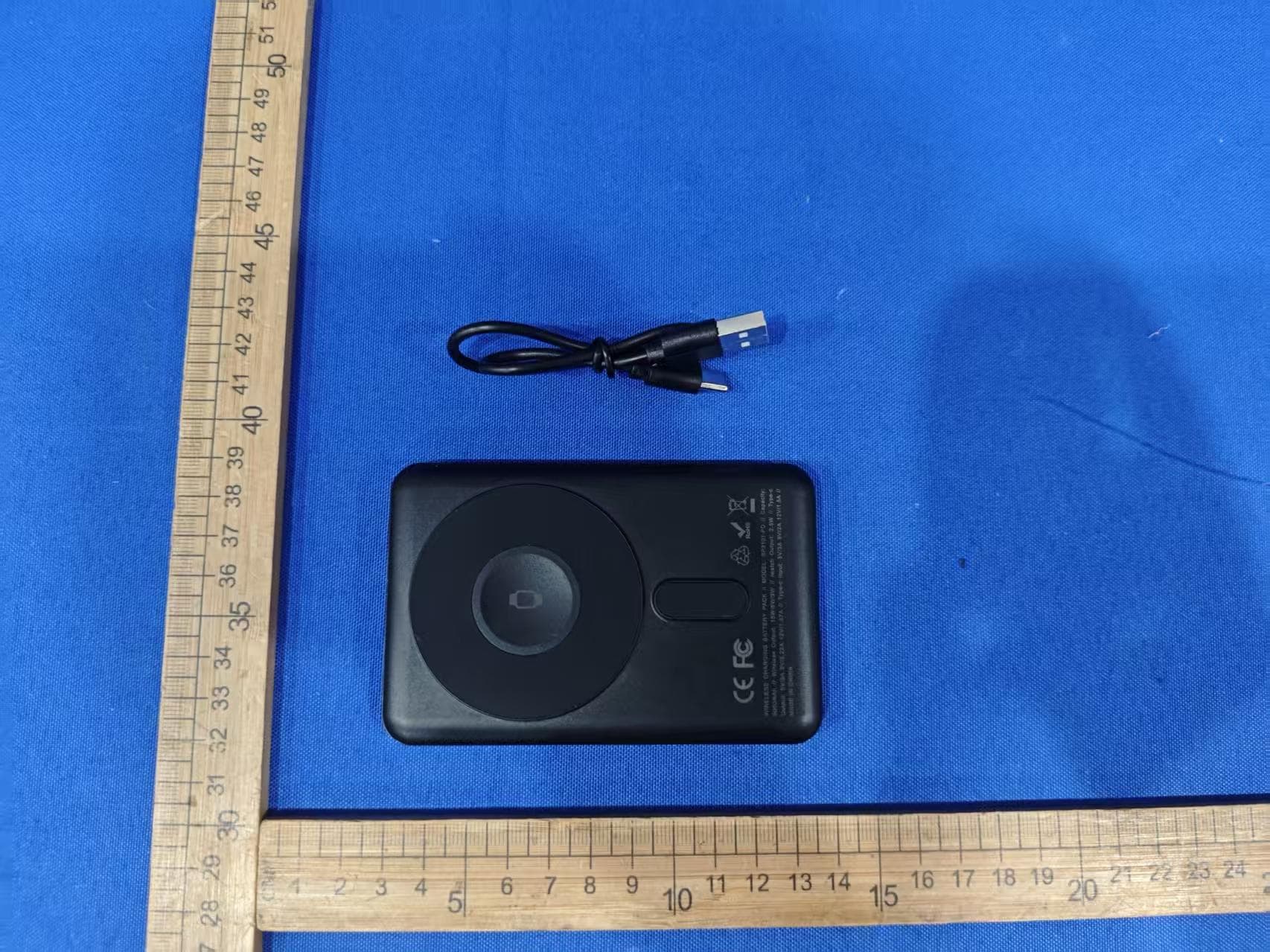
EMOIPCV3A
May 27, 2026Magnetic Wallet Power Bank
Equipment Class
DCD - Part 15 Low Power Transmitter Below 1705 kHz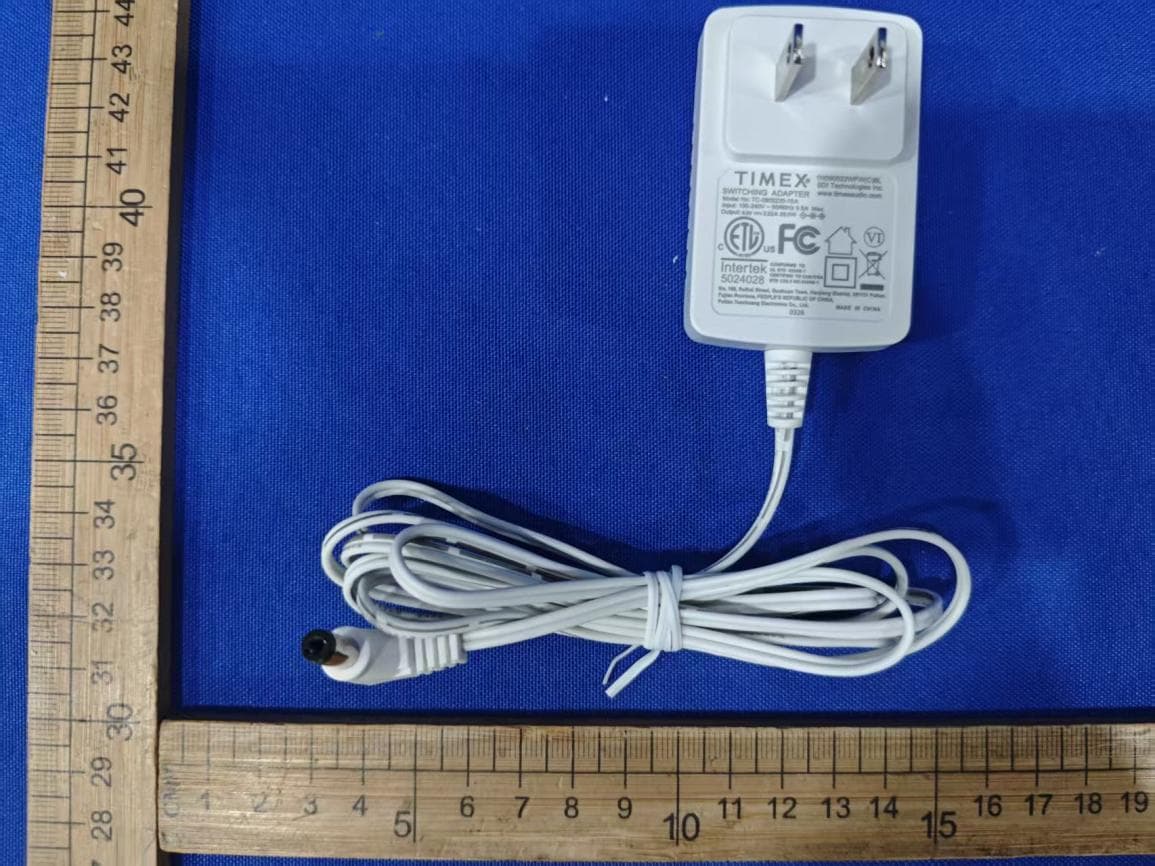
EMOTW502A
Apr 22, 2026ALARM CLOCK WITH NIGHTLIGHT AND FAST WIRELESS CHARGING
Equipment Class
DCD - Part 15 Low Power Transmitter Below 1705 kHz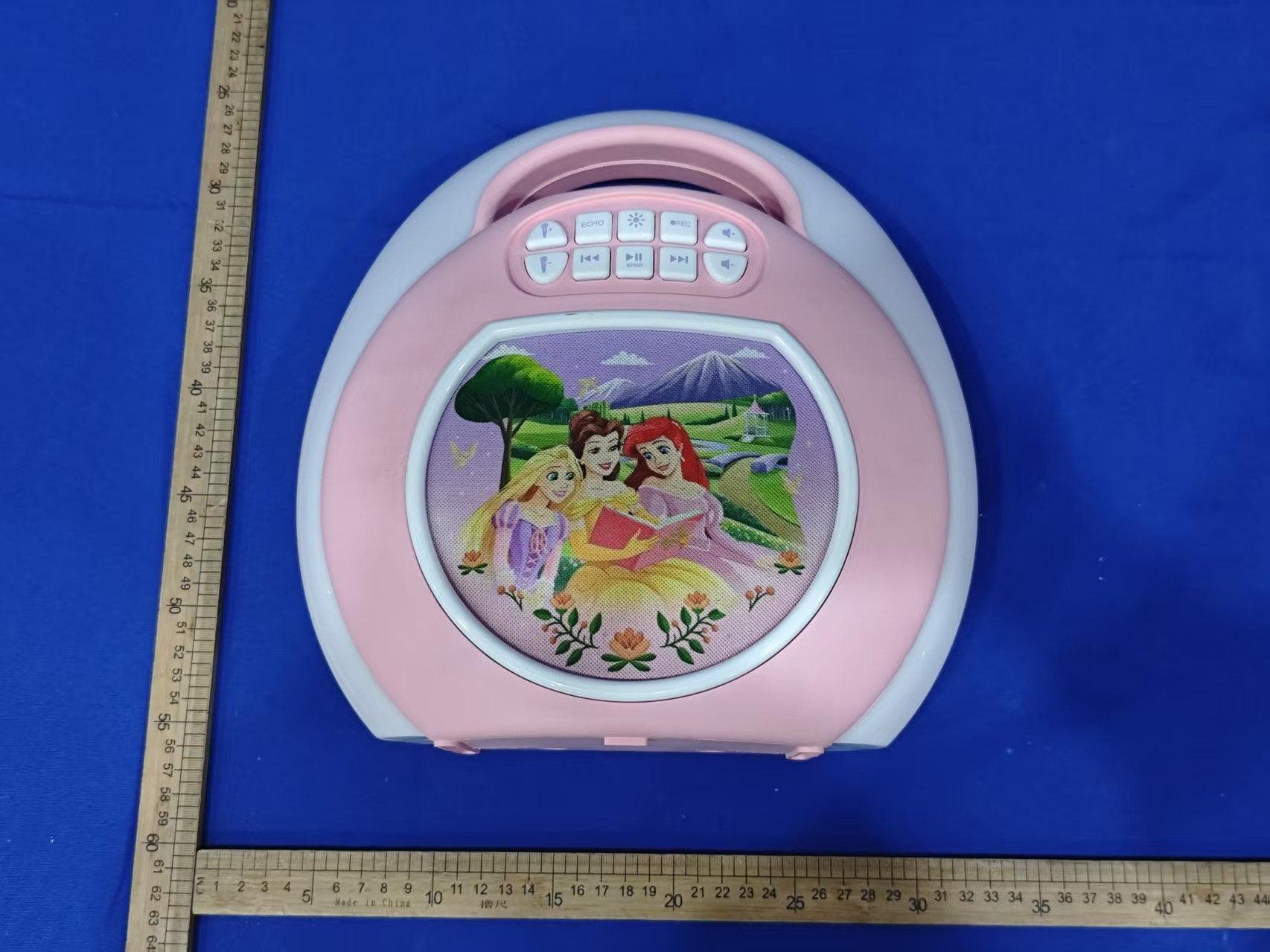
EMO555B
Nov 23, 2025Bluetooth Karaoke
Equipment Class
DSS - Part 15 Spread Spectrum Transmitter
EMO555BM
Nov 23, 2025Bluetooth Karaoke
Equipment Class
DTS - Digital Transmission System
EMOIBTW112A
Sep 07, 2024Bluetooth Alarm Clock with wireless and USB charging
Equipment Class
DSS - Part 15 Spread Spectrum Transmitter