EMOIB75Bluetooth Wireless Earbuds
SDI Technologies Inc.
Click to zoom
Application Details
- Equipment Class
- DSS - Part 15 Spread Spectrum Transmitter
- Date of Grant
- Jul 18, 2013
- Application Purpose
- Original Equipment
- Date of Application
- Jul 18, 2013
- Equipment Note
- Bluetooth Wireless Earbuds
- Frequency Range
- 2402.00000000 - 2480.00000000
- Company
- SDI Technologies Inc.
- Country
- United States
Documents & Files
Document Text
Text extracted from the exhibit documents filed with the FCC. Open a document above to read the original.
Users Manual
Model: iB75 (Front) Print color : Black text on white paper Size of manual: 180W x 270H (mm) Date: Jul 12, 2013 The two earpieces are marked ‘L’ and ‘R’. All of the controls and the Mini 8-pin USB charging port are located on the ‘R’ earpiece. Place the ‘R’ earpiece in your right ear and the ‘L’ earpiece in your left ear. The cable connecting the two earpieces should be behind your neck. Using Your Headphones Note: Some of the functions described below may not be supported on your specific smartphone. Check with your smartphone owner’s manual to confirm the features supported by your phone. Your headphones must be paired with your phone and turned on to perform any of the following operations. Receiving/Ending A Call When you receive an incoming call, press the Multi-function button once to answer the call through the headphones. When you are finished speaking press the Multi-function button once more to end the call. Making A Call When you make a call on your smartphone the call may be automatically transferred to the headphones if your smartphone supports this automatic transfer function. If not, press the Multi-function button once to transfer the call to the headphones. Voice Activated Calling If your smartphone supports this feature with the headphones, press and hold the Multi-function button for about 2 seconds to initiate the voice activated calling function, then follow the instructions supplied with your phone. Last Number Redial If your phone supports this feature, press the Multi-function twice to redial the last number you called. Declining A Call If you receive a call that you would rather not accept (indicated by the caller ID on your phone) press the Multi-function button twice to decline the call. Volume Control Press the Volume “ + ” or “ – ” to adjust the volume of the incoming calls or the music volume level. Introduction Your new iHome Bluetooth stereo headphones are designed to link with your Bluetooth enabled smartphone or music player to allow you to wirelessly listen to music and answer phone calls within the normal 10 meter (30 feet) Bluetooth operating range. What’s Included Specifications Bluetooth specification: Supports V2.1 + EDR with Handsfree Profile 1.5, Headset Profile 1.1 and A2DP profile 1.2 (Class ll) Standby time: 100 hours (with fully charged battery) Talk time: 8 hours (with fully charged battery) Music Playing Time: 7 hours (with fully charged battery) Operating Distance: up to 10 meters / 30 feet Weight: 16 grams Certifications: CE, FCC, RoHS, BQB Switching the Power On and Off 1. Press and hold the Multi-function button for approximately 3 seconds until a ‘beep’ is heard. The LED indicator turns blue and begins flashing slowly. This indicates that the power is ‘On’. 2. When the power is ‘On’ press and hold the Multi-function button for approximately 3 seconds until a ‘beep’ is heard. The LED indicator turns red, flashes for a few seconds and then shuts off. This indicates that the power is ‘Off’. Pairing With a Bluetooth Enabled Smartphone or Music Player If your smartphone or music player, such as the iPod touch, is Bluetooth enabled (supports the A2DP Bluetooth Profile) you may pair these iHome headphones with your phone or music player to listen to music and make or receive calls as long as the two devices are within the Bluetooth operating range of approximately 33-feet of each other. 1. Make sure that your iHome iB75 headphones are in the Power Off mode. Make sure that your smartphone or music player is ‘On’. 2. Press and hold the Multi-function button on your iB75 headphones for about 5 seconds until the LED indicator alternately flashes red and blue to indicate it is trying to pair with a compatible device. 3. If necessary, turn on the Bluetooth function of your phone or music player so that it begins searching for a compatible device. 4. “iHome iB75” should appear on your phone or music player’s compatible devices list. You may also see a message such as “Not Paired”. Tap on that message to complete the pairing process. If your phone or music player asks for a ‘password’ to complete the pairing process, enter ‘0000’ on the keypad of your phone or music player. 5. When pairing is successful the screen on your phone should show “iHome iB75 Connected” or similar message and the blue LED indicator on the iB75 headphones should flash repeatedly. Your headphones are now ready for use. Wearing Your Headphones Your iHome Bluetooth headphones are supplied with 3 different sizes of silicon ear cushions (tips) and three different sizes of soft rubber stabilizer ‘fins’ designed to prevent the headphones from falling out of your ears during periods of strenuous physical activity. Refer to the following illustration showing the proper way to fit the headphones in your ears with the stabilizer fins installed. Although you must use the headphones with the silicon cushions to form a proper seal in your ear canals, using the stabilizer fins is optional. The medium (M) size cushions and ‘fins’ were installed at our factory. If you find that the M size cushions and fins are either too big or too small for you, you may change to the S or L size cushions and fins. Start by removing the cushions simply by pulling them off the plastic tubes. Then remove the rubber ‘fins’ from the speaker housing. Install either the S of L fins on the speaker housings first, then install either the S or L cushions by pushing them onto the plastic posts as far as they will go. Make sure that the cushions are securely fixed on the posts so that a cushion does not remain in your ear when you remove the headphones. Model: iB75 Bluetooth wireless earbuds with mic + remote and pouch iB75 Bluetooth Wireless Headphones USB Cable Silicon Tips Stabilizer Fins L x 2 SIZE M x 2 SIZE S x 2 SIZE L x 1set SIZE M x 1set SIZE S x 1set SIZE Controls and Indicators 1. Multi-function button: Power On/Off, Answer/End, Pair, Play, and Pause 2. Speakers 3. Back button 4. Forward button 5. Mini 8-pin …
Text truncated - open the document above for the full version.
External Photos
Neutron Engineering Inc. Project No.: 1305C162 Page 2 of 12 Neutron Engineering Inc. Project No.: 1305C162 Page 3 of 12 Neutron Engineering Inc. Project No.: 1305C162 Page 4 of 12 Neutron Engineering Inc. Project No.: 1305C162 Page 5 of 12 Neutron Engineering Inc. Project No.: 1305C162 Page 6 of 12
ID Label/Location Info
3.5*18.5mm3.5*18.5mm Color: PMS 430 Left Model: iB75FCC ID: EMOIB75IC: 986B-IB75 iB75 FCC Silkscreen (Jul 4, 2013)
Internal Photos
Neutron Engineering Inc. Project No.: 1305C162 Page 7 of 12 Neutron Engineering Inc. Project No.: 1305C162 Page 8 of 12 Neutron Engineering Inc. Project No.: 1305C162 Page 9 of 12 Neutron Engineering Inc. Project No.: 1305C162 Page 10 of 12 Neutron Engineering Inc. Project No.: 1305C162 Page 11 of 12 Neutron Engineering Inc. Project No.: 1305C162 Page 12 of 12
Test Report
Neutron Engineering Inc. Report No.: NEI-FICP-1-1305C162 Page 1 of 103 FCC/IC Radio Test Report FCC ID: EMOIB75 IC: 986B-IB75 This report concerns (check one): Original Grant Class II Change Issued Date : May. 31, 2013 Project No. : 1305C162 Equipment : Bluetooth Wireless Earbuds Model Name for FCC : iB75; iB75BR; iB75X; iB75XX Model Name for IC : iB75 Applicant : SDI TECHNOLOGIES INC. Address : 1299 Main Street, Rahway, NJ 07065, U.S.A Manufacturer : SDI TECHNOLOGIES INC. Address : 1299 Main Street, Rahway, NJ 07065, U.S.A Tested by: Neutron Engineering Inc. EMC Laboratory Date of Receipt: May. 24, 2013 Date of Test: May. 24, 2013 ~ May. 30, 2013 Testing Engineer : (David Mao) Technical Manager : (Leo Hung) Authorized Signatory: (Steven Lu) Neutron Engineering Inc. No.3,Jinshagang 1st Road, ShiXia, Dalang Town, Dong Guan, China. TEL : (0769) 8318-3000 FAX : (0769) 8319-6000 Neutron Engineering Inc. Report No.: NEI-FICP-1-1305C162 Page 2 of 103 Declaration Neutron represents to the client that testing is done in accordance with standard procedures as applicable and that test instruments used has been calibrated with the standards traceable to National Measurement Laboratory (NML) of CHINA, or National Institute of Standards and Technology (NIST) of U.S.A. Neutron's reports apply only to the specific samples tested under conditions. It is manufacture’s responsibility to ensure that additional production units of this model are manufactured with the identical electrical and mechanical components. Neutron shall have no liability for any declarations, inferences o r generalizations drawn by the client or others from Neutron issued reports. Neutron’s reports must not be used by the client to claim product endorsement by the authorities or any agency of the Government. This report is the confidential property of the client. As a mutual protection to the clients, the public and Neutron-self, extracts from the test report shall not be reproduced except in full with Neutron’s authorized written approval. Neutron’s laboratory quality assurance procedures are in compliance with the ISO Guide 17025 requirements, and accredited by the conformity assessment authorities listed in this test report. Limitation For the use of the authority's logo is limited unless the Test Standard(s)/Scope(s)/Item(s) mentioned in this test report is (are) included in the conformity assessment authorities acceptance respective. Neutron Engineering Inc. Report No.: NEI-FICP-1-1305C162 Page 3 of 103 Table of Contents Page 1 . CERTIFICATION 5 2 . SUMMARY OF TEST RESULTS 6 2.1 TEST FACILITY 7 2.2 MEASUREMENT UNCERTAINTY 7 3 . GENERAL INFORMATION 8 3.1 GENERAL DESCRIPTION OF EUT 8 3.2 DESCRIPTION OF TEST MODES 10 3.3 TABLE OF PARAMETERS OF TEXT SOFTWARE SETTING 10 3.4 BLOCK DIGRAM SHOWING THE CONFIGURATION OF SYSTEM TESTED 11 3.5 DESCRIPTION OF SUPPORT UNITS 12 4 . EMC EMISSION TEST 13 4.1 CONDUCTED EMISSION MEASUREMENT 13 4.1.1 POWER LINE CONDUCTED EMISSION LIMITS 13 4.1.2 MEASUREMENT INSTRUMENTS LIST AND SETTING 13 4.1.3 TEST PROCEDURE 14 4.1.4 DEVIATION FROM TEST STANDARD 14 4.1.5 TEST SETUP 14 4.1.6 EUT OPERATING CONDITIONS 14 4.1.7 TEST RESULTS 15 4.2 RADIATED EMISSION MEASUREMENT 18 4.2.1 RADIATED EMISSION LIMITS 18 4.2.2 MEASUREMENT INSTRUMENTS LIST ANS SETTING 19 4.2.3 TEST PROCEDURE 20 4.2.4 DEVIATION FROM TEST STANDARD 20 4.2.5 TEST SETUP 21 4.2.6 EUT OPERATING CONDITIONS 22 4.2.7 TEST RESULTS (BELOW 30MHZ) 23 4.2.8 TEST RESULTS (BETWEEN30 – 1000 MHZ) 24 4.2.9 TEST RESULTS (ABOVE 1000 MHZ) 31 5 . NUMBER OF HOPPING CHANNEL 55 5.1 APPLIED PROCEDURES / LIMIT 55 5.1.1 MEASUREMENT INSTRUMENTS LIST AND SETTING 55 5.1.2 TEST PROCEDURE 55 5.1.3 DEVIATION FROM STANDARD 55 5.1.4 TEST SETUP 55 5.1.5 EUT OPERATION CONDITIONS 55 5.1.6 TEST RESULTS 56 6 . AVERAGE TIME OF OCCUPANCY 58 Neutron Engineering Inc. Report No.: NEI-FICP-1-1305C162 Page 4 of 103 Table of Contents Page 6.1 APPLIED PROCEDURES / LIMIT 58 6.1.1 MEASUREMENT INSTRUMENTS LIST 58 6.1.2 TEST PROCEDURE 58 6.1.3 DEVIATION FROM STANDARD 58 6.1.4 TEST SETUP 59 6.1.5 EUT OPERATION CONDITIONS 59 6.1.6 TEST RESULTS 60 7 . HOPPING CHANNEL SEPARATION MEASUREMENT 72 7.1 APPLIED PROCEDURES / LIMIT 72 7.1.1 MEASUREMENT INSTRUMENTS LIST AND SETTING 72 7.1.2 TEST PROCEDURE 72 7.1.3 DEVIATION FROM STANDARD 72 7.1.4 TEST SETUP 72 7.1.5 EUT OPERATION CONDITIONS 72 7.1.6 TEST RESULTS 73 8 . BANDWIDTH TEST 77 8.1 APPLIED PROCEDURES / LIMIT 77 8.1.1 MEASUREMENT INSTRUMENTS LIST AND SETTING 77 8.1.2 TEST PROCEDURE 77 8.1.3 DEVIATION FROM STANDARD 77 8.1.4 TEST SETUP 77 8.1.5 EUT OPERATION CONDITIONS 77 8.1.6 TEST RESULTS 78 9 . PEAK OUTPUT POWER TEST 82 9.1 APPLIED PROCEDURES / LIMIT 82 9.1.1 MEASUREMENT INSTRUMENTS LIST AND SETTING 82 9.1.2 TEST PROCEDURE 82 9.1.3 DEVIATION FROM STANDARD 82 9.1.4 TEST SETUP 82 9.1.5 EUT OPERATION CONDITIONS 82 9.1.6 TEST RESULTS 83 10 . ANTENNA CONDUCTED SPURIOUS EMISSION 87 10.1 APPLIED PROCEDURES / LIMIT 87 10.1.1 MEASUREMENT INSTRUMENTS LIST AND SETTING 87 10.1.2 TEST PROCEDURE 87 10.1.3 DEVIATION FROM STANDARD 87 10.1.4 TEST SETUP 87 10.1.5 EUT OPERATION CONDITIONS 87 10.1.6 TEST RESULTS 88 11 . EUT TEST PHOTO 100 Neutron Engineering Inc. Report No.: NEI-FICP-1-1305C162 Page 5 of 103 1. CERTIFICATION Equipment : Bluetooth Wireless Earbuds Brand Name : iHome Model Name for FCC : iB75; iB75BR; iB75X; iB75XX Model Name for IC : iB75 Applicant : SDI TECHNOLOGIES INC. Factory : Shenzhen Chengyan Science & Technology Co., Ltd Address : Room 1808, Shenhua Commercial Building, Jiabin Road., Luohu district, Shenzhen, P. R. China Date of Test : May. 24, 2013 ~ May. 30, 2013 Test Item : ENGINEERING SAMPLE Standards : FCC Part15, Subpart C(15.247) / ANSI C63.4 : 2009 FCC Public Notice DA 00-705, March 30, 2000. Canada RSS-210:2010 RSS-GEN Issue 3, Dec 2010 The above equipment has been tested and found compliance with the requirement of the relative standards by Neutron Engineering Inc. EMC Laboratory. The test data, data evaluation, and equipment configuratio…
Text truncated - open the document above for the full version.
Test Setup Photos
Neutron Engineering Inc. Report No.: NEI-FICP-1-1305C162 Page 100 of 103 11. EUT TEST PHOTO Conducted Measurement Photos Neutron Engineering Inc. Report No.: NEI-FICP-1-1305C162 Page 101 of 103 Radiated Measurement Photos 9K~30MHz Neutron Engineering Inc. Report No.: NEI-FICP-1-1305C162 Page 102 of 103 Radiated Measurement Photos 30M~1000MHz Neutron Engineering Inc. Report No.: NEI-FICP-1-1305C162 Page 103 of 103 Radiated Measurement Photos Above 1000MHz
Contact Information
Applicant
David Stetin(Compliance Officer)
Test Firm
BTL Inc.Daisy Dai
Technical Specifications
| # | Rule Parts | Frequency Range | Power Output |
|---|---|---|---|
| 1 | 15C | 2.40 GHz - 2.48 GHz | 2.00 mW |
Other Applications from SDI Technologies Inc.
EMOIPCV3A
May 27, 2026Magnetic Wallet Power Bank
Equipment Class
DCD - Part 15 Low Power Transmitter Below 1705 kHz
EMOTW502A
Apr 22, 2026ALARM CLOCK WITH NIGHTLIGHT AND FAST WIRELESS CHARGING
Equipment Class
DCD - Part 15 Low Power Transmitter Below 1705 kHz
EMO555B
Nov 23, 2025Bluetooth Karaoke
Equipment Class
DSS - Part 15 Spread Spectrum Transmitter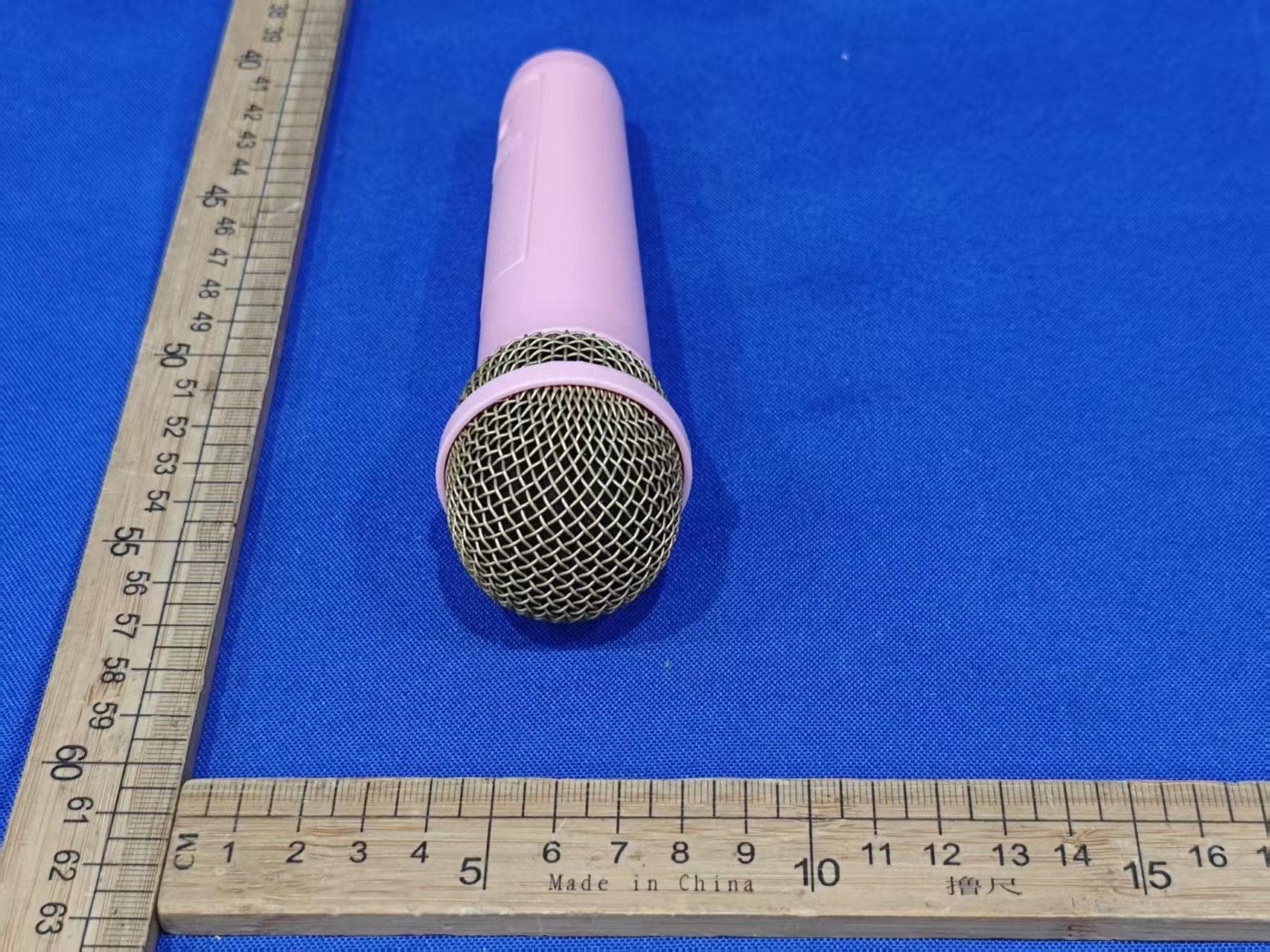
EMO555BM
Nov 23, 2025Bluetooth Karaoke
Equipment Class
DTS - Digital Transmission System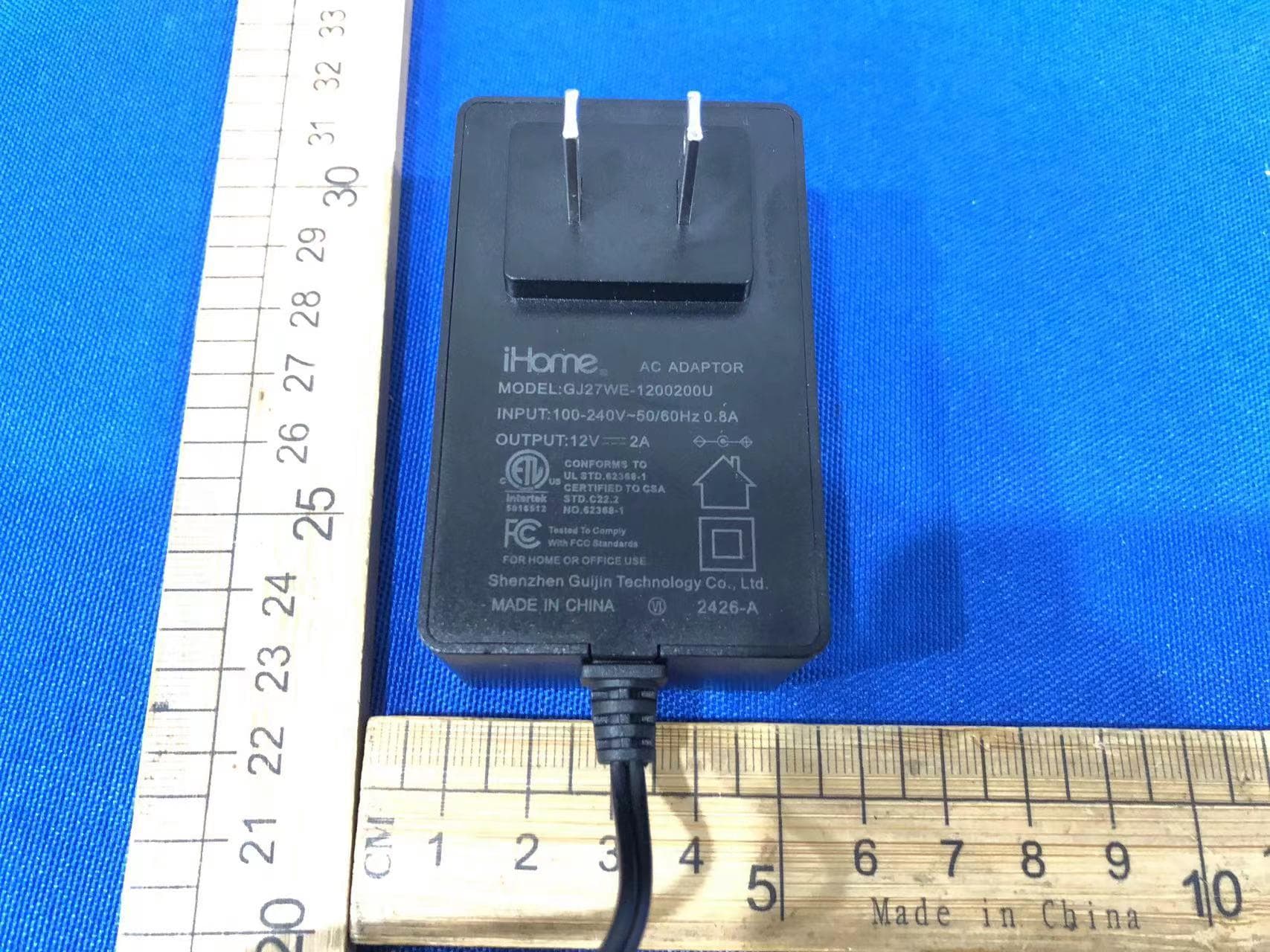
EMOIBTW112A
Sep 07, 2024Bluetooth Alarm Clock with wireless and USB charging
Equipment Class
DSS - Part 15 Spread Spectrum Transmitter