EMOIBT29ABluetooth Color Changing Dual Alarm Clock Radio with USB Charging for Mobile Devices
SDI Technologies Inc.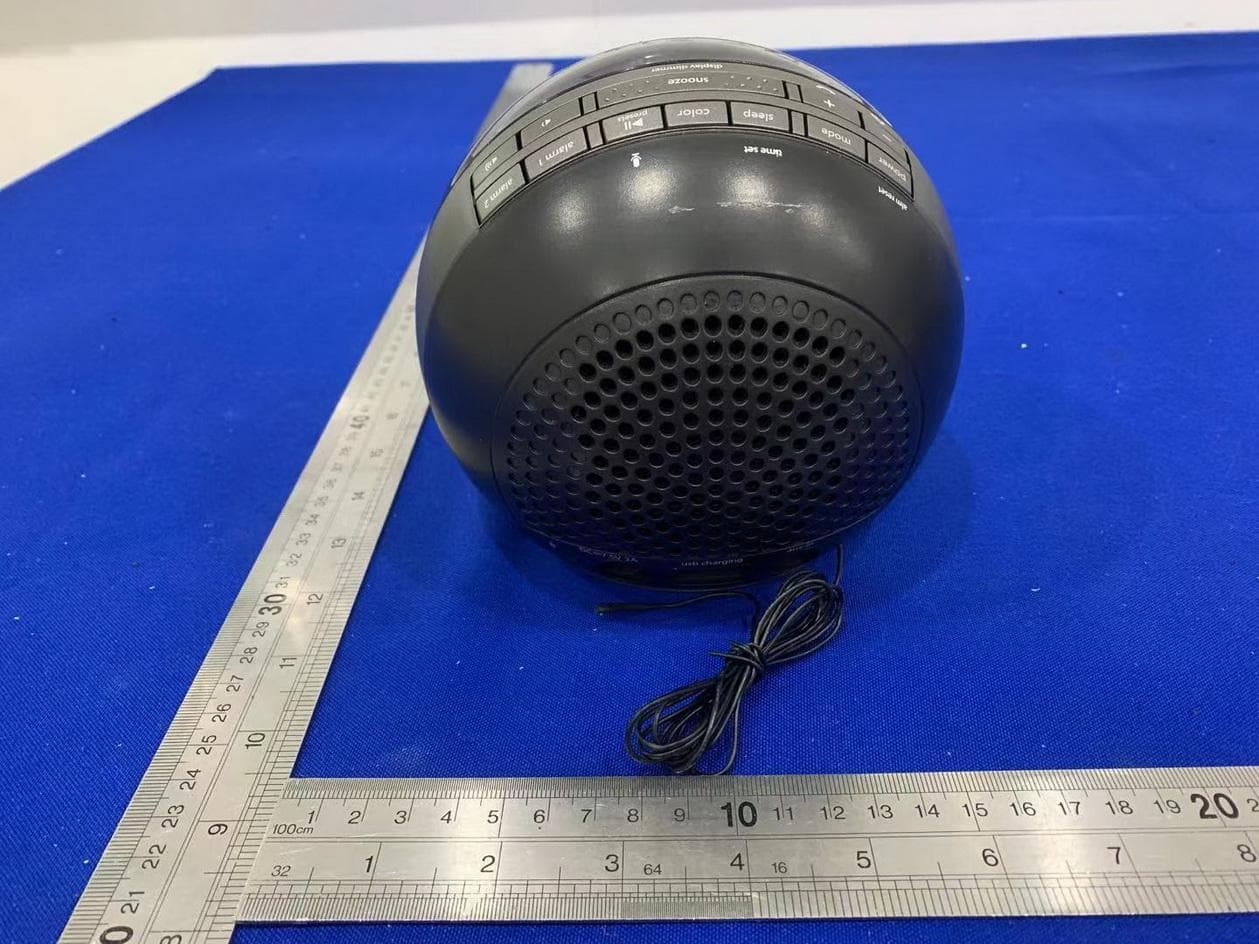
Click to zoom
Application Details
- Equipment Class
- DSS - Part 15 Spread Spectrum Transmitter
- Date of Grant
- May 27, 2021
- Application Purpose
- Original Equipment
- Date of Application
- May 27, 2021
- Equipment Note
- Bluetooth Color Changing Dual Alarm Clock Radio with USB Charging for Mobile Devices
- Frequency Range
- 2402.00000000 - 2480.00000000
- Company
- SDI Technologies Inc.
- Country
- United States
Documents & Files
Document Text
Text extracted from the exhibit documents filed with the FCC. Open a document above to read the original.
Users Manual
6 2 54 3 1 BACK PANEL FEATURES & FUNCTIONS iBT29BX-030521-B Printed in China Model: iBT29 GETTING STARTED Connecting the Unit Step One Setting Your Clock Step Two SETTING THE ALARM BATTERY BACK-UP iBT29 - QSG (US English) Size: 408 x 150 mm (folded: 102 x 150 mm) Date: Mar. 5, 2021. Dual Alarm Clock + USB Charging with FM Radio and Speakerphone For warranty visit: www.ihome.com/support Questions? Contact Customer Service at 1-800-288-2792 Quick Start Guide Answer Call/ Plus Settings Button Mode ButtonColor Mode Button Volume Down Volume Up Alarm 1 Alarm 2 Time Set/Sleep Button Power/ Alarm Reset End Call/ Minus Settings Presets/Play/Pause/Voice Control Snooze/Display Dimmer Backup Battery Compartment Pull Tab Remove before use DC Jack (7.5V/2000mA) USB Charging Port (5V/1A) FM AntennaBluetooth Pairing AUX-IN TOP PANEL BOTTOM PANEL Connect the included AC adapter to the DC jack located on the back of the unit and connect the other end to a working wall outlet. RESET RESET TEST TEST • Press and hold the Time Set Button until the display flashes. • Press the – or + Buttons to adjust time and tap Time Set to confirm. • All done! Bluetooth Pairing/Playing Audio Step Three • Turn on your Bluetooth device and make it ‘discoverable’ by turning on Bluetooth mode. • When the unit is ON, press the Mode Button on the iBT29 until ‘BLUETOOTH’ appears on the display. • Press and hold the Bluetooth Pairing Button on the back of the unit for 2 seconds. • Select ‘iHome iBT29’ on your device’s Bluetooth menu to connect! • Press the Play/Pause/Presets Button and the – or + Buttons to play, pause, and navigate tracks. • Press the or Buttons to adjust the volume on the unit. You may need to adjust the volume on your device, too. 2s iHome iBT29 Press and release the Color Mode Button as needed to cycle to the desired color mode light setting. Indicators on the display show the current light mode for 5 seconds: SLOW FADE: Gradually fades from one color into the next FAST: Fades quickly from color to color 1-COLOR: Pauses on the last color from Fast Change mode PULSE: Pulses to the beat of music if volume is up SKY: Matches color of the sky at the current time of day OFF: Turns cabinet lights OFF COLOR CHANGING MODE This unit features dual alarms which can be set to di erent times and alarm sources. Each is set in the same way. Instructions are given as “Alarm Button”; use Alarm 1 or Alarm 2 to set respective alarms. Each step must be completed while display is flashing or setting will time-out. 1. Press and hold the Alarm Button for 2 seconds until the alarm time display and alarm icon flash. A beep sounds. 2. Press the – or + Buttons to adjust the alarm time to the desired time (hold for rapid setting). Make sure you set the correct AM/PM alarm time. The AM and PM indicators appear to the left of the display. 3. Press the Alarm Button to confirm the alarm time setting. The wake-to source will flash. 4. Press the – or + Buttons to select the desired wake-to alarm source: Bluetooth, FM radio or tone: Wake to Bluetooth: Wake to the currently linked Bluetooth device. If no device is detected, the alarm will default to tones. Wake to FM radio: Press the Alarm Button to confirm. Press the Presets Button to select an FM preset to wake to, or press the – or + Buttons to select a station. Wake to Tone: Press the Alarm Button to confirm. Press the – or + Buttons to select a wake-to tone (Tone 1 -Tone 4). 5. Press the Alarm Button to confirm wake-to source. 6. Press the – or + Buttons to adjust the alarm volume. 7. Press the Alarm Button to confirm alarm volume and enter wake-to light selection. 8. Press the – or + Buttons to select the desired wake-to light mode: Slow fade, Fast Change, One Color (selects current color), Pulse to Music, Sky Gradient or O (no change to light mode that is active when alarm sounds). 9. Press the Alarm Button to confirm the alarm settings and exit alarm setting mode. 2 beeps will confirm alarm setting is complete. The alarm icon will remain on the display, indicating the alarm is armed. 10. To turn o a sounding alarm and reset it to come on the next day at the same time, press the Power/Alarm Reset Button or the associated alarm button (Alarm 1 Button or Alarm 2 Button). Press the desired Alarm Button to preview the alarm time and to turn the alarm ON (alarm icon on display) or OFF (no alarm icon). (remove before use) DISPLAY ICONS Alarm Active Indicator Set Wake-to Sleep Mode Bluetooth/ Pairing Indicator PM/AM Indicators Color Mode: Fade, Fast, Color, Pulse, Sky, O Time/Alarm Time/Radio Frequency Display Low Backup Battery Indicator Mode: (Aux, Bluetooth, FM Radio) 1. To program Snooze, press and hold the Snooze/Display Dimmer Button for 2 seconds during normal operation (when no alarm is sounding). 2. Press the – or + Buttons to select the desired snooze time (between 01 and 29 minutes). 3. Press the Snooze/Display Dimmer Button to confirm Snooze setting. • While the alarm is sounding, press the Snooze/Display Dimmer Button to temporarily silence the alarm for the set duration (9 minutes is the default). • To adjust the brightness of the display, press the Snooze/Display Dimmer Button during normal operation (when no alarm is sounding) to cycle through the brightness display settings, including OFF. SNOOZE/DISPLAY DIMMER SLEEP MODE Sleep to the current sound source for a set time before turning the unit o : 1. To set Sleep time, press and release the Sleep Button to cycle to the desired sleep duration: 120, 90, 60, 30 or 15 minutes or OFF (turns the unit o ). The sleep icon will appear on the display. 2. Press the or Buttons to adjust the sleep volume on the unit. Note that the sleep volume setting is stored separately from other volume settings. When Sleep mode is active, press and release the Sleep Button to display remaining sleep time. 1. Press and release the Mode Button as needed until the FM indicator icon and current FM radio frequency appear on the display. 2. Press the – or +…
Text truncated - open the document above for the full version.
Attestation Statements
Supplier'sDeclarationofConformity ProductDetails: ProductName: BluetoothColorChangingDualAlarmClockRadiowithUSB ChargingforMobileDevices ModelNumber: iBT29,iBT29BX6,iBT29a(acouldbesingleormultipledigitsbyany alphabetsdenotedifferentcabinetcolor) TradeMark:iHome ReportNo: ED210412072E ResponsibleParty–U.S.ContactInformation CompanyName: SDITechnologiesInc. Address:1299,MainStreet,Rahway,NJ07065,U.S.A. ContactPerson:DavidStetin E-mail: [email protected] PhoneNo.: 732574-9000 FaxNo.: 732574-2634 AppliedStandards Part15SubpartB-Section15.107and15.109 ANSIC63.4:2014 ClassB ThisdevicecomplieswithPart15oftheFCCRules.Operationissubjecttothe followingtwoconditions:(1)Thisdevicemaynotcauseharmfulinterference,and(2) thisdevicemustacceptanyinterferencereceived,includinginterferencethatmay causeundesiredoperation. Signature: Printname:DavidStetin Dateofissue:2021/04/17
Cover Letter(s)
Rev11/20/07 SDITechnologiesInc. FederalCommunicationsCommission AuthorizationandEvaluationDivision ConfidentialityRequestregardingapplicationforcertificationofFCCID:EMOIBT29A PursuanttoSections0.457and0.459oftheCommission’sRules,weherebyrequestconfidential treatmentofinformationaccompanyingthisapplicationasoutlinedbelow: ExhibitTypeFileName BlockDiagram Schematics OperationalDescription Block SCH OperationalDescription Theabovematerialscontaintradesecretsandproprietaryinformationnotcustomarilyreleasedto thepublic.Thepublicdisclosureofthesematerialsmaybeharmfultotheapplicantandprovide unjustifiedbenefitstoitscompetitors. TheapplicantunderstandsthatpursuanttoSection0.457oftheRules,disclosureofthis applicationandallaccompanyingdocumentationwillnotbemadebeforethedateoftheGrant forthisapplication. PursuanttoDA04-1705June15,2004oftheCommission’spublicnotice,Wealsorequestingthe commissiontograntshort-termconfidentialityrequestonthefollowingattachmentsuntil180 daysaftertheGrantDateofEquipmentAuthorizations. ExhibitTypeFileName ManualUsermanual ExternalPhotosExternalPhotos InternalphotosInternalphotos SetupphotoSetupphoto Sincerely, DavidStetin 2021-05-24
Cover Letter(s)
SDITechnologiesInc. Declarationonmodeldifference Wetheundersignedherebyconfirmthatthesemodelsareidentical,andallmodelshavethe sameRFmoduleandantenna,PCBlayout,schematicsandcomponent.Onlydifferentonmodel numberandcolorofappearance. ProductionnameTrademarkFCCIDModelno. BluetoothColorChanging DualAlarmClockRadio withUSBChargingfor MobileDevices iHomeEMOIBT29AiBT29,iBT29BX6,iBT29a (acouldbesingleormultiple digitsbyanyalphabetsdenote differentcabinetcolor) Confirmedby: DavidStetin 2021-05-24
Cover Letter(s)
SDITechnologiesInc. FederalCommunicationsCommission AuthorizationandEvaluationDivision 1435OaklandMillsRoad Columbia,MD21046 Date:2021-05-24 SUBJECT:FCCApplicationfor(FCCID:EMOIBT29A) ToWhomItMayConcern: We,theundersigned,herebyauthorizeSamLvatEMTEK(DONGGUAN)CO.,LTD.on ourbehalf,toapplytotheFederalCommunicationsCommissiononourequipment.Any andallactscarriedoutbyEMTEK(DONGGUAN)CO.,LTD.onourbehalfshallhave thesameeffectasactsofourown. ThisistoadvisethatweareinfullcompliancewiththeAnti-DrugAbuseAct.We,the applicant,arenotsubjecttoadenialoffederalbenefitspursuanttoSection5301ofthe Anti-DrugActof1988,21USC853a,andnopartytotheapplicationissubjecttoadenial offederalbenefitspursuanttothatsection. Regards, Sincerely, DavidStetin 2021-05-24
External Photos
FCCID:EMOIBT29A
ID Label/Location Info
Title: Bluetooth Color Changing Alarm Clock Radio Speaker Version: v3 Designer: Eric Holzer Date: Mar. 09, 2021 Model #: iBT29BX6 CONFIDENTIAL and PROPRIETARY: The information contained herein including, but not limited to the products, renderings, concepts and designs comprise intellectual property of SDI Technolo- gies Inc. and shall be kept confidential and shall not be used or disclosed by the recipient without the written authority of SDI Technologies Inc. GAW FLAT VIEW OF REAR JACK ARTWORK usb chargingaux-inDC 7.5V 2A UNDER BATTERY DOOR Area for Date Code Stamp FLAT VIEW OF TOP BUTTONS See DL for color See DL for color Adjusted mic icon and Play/Pause/Presets button 04.28.2017 C R 2 4 5 0 D C 7 . 5 V , 2 A F r e q u e n c y R a n g e : F M 8 7 . 5 - 1 0 7 . 9 M H z iB T29 model plate Grey (PMS cool grey 9C) t ext on black PVC sheet Mar. 04, 2021 U S B O u t p u t : D C 5 V , 1 A H V I N : i B T 2 9 a
Internal Photos
FCCID:EMOIBT29A ANT
RF Exposure Info
RFEXPOSUREEVALUATION EUTSpecification EUTBluetoothColorChangingDualAlarmClockRadiowith USBChargingforMobileDevices ModelNumberiBT29,iBT29BX6,iBT29a(acouldbesingleormultiple digitsbyanyalphabetsdenotedifferentcabinetcolor);here weprepareiBT29forthealltest. FCCIDEMOIBT29A Antennagain(Max)0dBi OperationFrequency2.4G:2408MHz-2480MHz InputRatingAC120V60Hz ClassificationPer StipulatedTestStandard §15.247(i),§2.1093 ModulationGFSK,pi/4-DQPSK,8-DPSK Max.outputpower5.24dBm(0.00334W) EvaluationappliedMPEEvaluation SAREvaluation TestRequirement: RFEXPOSUREEVALUATION AccordingtoFCC1.1310:Thecriterialistedinthefollowingtableshallbeusedto evaluatetheenvironmentimpactofhumanexposuretoradiofrequency(RF)Radiationas specifiedin§1.1307(b) LimitsforMaximumPermissibleExposure(MPE) Frequency Range(MHz) ElectricField Strength(V/m) MagneticField Strength(A/m) Power Density(mW/cm 2 ) Average Time (A)LimitsforOccupational/ControlExposures 300-1500----F/3006 1500-100000----56 (B)LimitsforGeneralPopulation/UncontrolExposures 300-1500----F/15006 1500-100000----130 1Friistransmissionformula:Pd=(Pout*G)\(4*pi*R 2 ) Where Pd=PowerdensityinmW/cm 2 Pout=outputpowertoantennainmW G=Numericgainoftheantennarelativetoisotropicantenna Pi=3.1416 R=distancebetweenobservationpointandcenteroftheradiatorincm PdthelimitofMPE,1mW/cm 2 .Ifweknowthemaximumgainofthendtotalpowerinputto theantenna,throughthecalculation,wewillknowthedistancewheretheMPElimitis reached. 2MeasurementResult Antennagain:0dBi Operation Mode Chan nel Frequ ency (MHz ) Output Power (dBm) Target Power W/tolera nce (dBm) Maxtune uppower tolerance (dBm) Maxtune uppower tolerance (mW) Power Densityat R=20cm (mW/cm 2 ) Limit (mW/c m 2 ) Verdict GFSK 24022.572±132.000.0003981.0PASS 24414.664±153.160.0006291.0PASS 24805.245±163.980.0007921.0PASS pi/4-DQPSK 2402-1.13-1±101.000.0001991.0PASS 24411.511±121.580.0003141.0PASS 24802.062±132.000.0003981.0PASS 8-DPSK 2402-0.400±111.260.0002511.0PASS 24412.182±132.000.0003981.0PASS 2480 2.69 2±132.000.0003981.0PASS Signature: SamLv Date:2021-05-13
Test Report
ReportNo.ED210412070WPage 1 of 61 Ver.1.0 TESTREPORT ProductName : BluetoothColorChangingDualAlarmClock RadiowithUSBChargingforMobileDevices ModelNumber : iBT29,iBT29BX6,iBT29a (acouldbesingleormultipledigitsbyany alphabetsdenotedifferentcabinetcolor) FCCID : EMOIBT29A Preparedfor:SDITechnologiesInc. Address:1299,MainStreet,Rahway,NJ07065,U.S.A. Preparedby:EMTEK(DONGGUAN)CO.,LTD. Address:-1&2/F.,Building2,ZoneA,ZhongdaMarineBiotechnology ReserchandDevelopmentBase,No.9,XinchengAvenue, SongshanhuHigh-technologyIndustrialDevelopmentZone, Dongguan,Guangdong,China TEL:+86-0769-22807078 FAX:+86-0769-22807079 ReportNumber:ED210412070W Date(s)ofTests:April12,2021toMay13,2021 Dateofissue:May13,2021 $二维码$ ReportNo.ED210412070WPage 2 of 61 Ver.1.0 TableofContents TESTREPORT................................................................................................................................................................................1 1TESTRESULTCERTIFICATION................................................................................................................................................3 2EUTTECHNICALDESCRIPTION..............................................................................................................................................4 3SUMMARYOFTESTRESULT...................................................................................................................................................5 4TESTMETHODOLOGY...............................................................................................................................................................6 4.1GENERALDESCRIPTIONOFAPPLIEDSTANDARDS...................................................................................................6 4.2MEASUREMENTEQUIPMENTUSED................................................................................................................................6 4.3DESCRIPTIONOFTESTMODES........................................................................................................................................7 5FACILITIESANDACCREDITATIONS......................................................................................................................................8 5.1FACILITIES............................................................................................................................................................................8 5.2LABORATORYACCREDITATIONSANDLISTINGS......................................................................................................8 6TESTSYSTEMUNCERTAINTY.................................................................................................................................................9 7SETUPOFEQUIPMENTUNDERTEST...................................................................................................................................10 7.1RADIOFREQUENCYTESTSETUP1...............................................................................................................................10 7.2RADIOFREQUENCYTESTSETUP2...............................................................................................................................10 7.3CONDUCTEDEMISSIONTESTSETUP...........................................................................................................................12 7.4BLOCKDIAGRAMCONFIGURATIONOFTESTSYSTEM...........................................................................................13 7.5SUPPORTEQUIPMENT......................................................................................................................................................13 8FREQUENCYHOPPINGSYSTEMREQUIREMENTS............................................................................................................14 8.1STANDARDAPPLICABLE.........................................................................................................................................................14 8.2EUTPSEUDORANDOMFREQUENCYHOPPINGSEQUENCE.....................................................................................................14 8.3EQUALHOPPINGFREQUENCYUSE.........................................................................................................................................15 8.4FREQUENCYHOPPINGSYSTEM..............................................................................................................................................15 9TESTREQUIREMENTS.............................................................................................................................................................16 9.120DBBANDWIDTH............................................................................................................................................................16 9.2CARRIERFREQUENCYSEPARATION...........................................................................................................................23 9.3NUMBEROFHOPPINGFREQUENCIES..........................................................................................................................29 9.4AVERAGETIMEOFOCCUPANCY(DWELLTIME)......................................................................................................31 9.5MAXIMUMPEAKCONDUCTEDOUTPUTPOWER......................................................................................................34 9.6CONDUCTEDSUPRIOUSEMISSION...............................................................................................................................40 9.7RADIATEDSPURIOUSEMISSION...................................................................................................................................47 9.8CONDUCTEDEMISSIONTEST.........................................................................................................................................56 9.9ANTENNAAPPLICATION.........................................................…
Text truncated - open the document above for the full version.
Test Setup Photos
FCCID:EMOIBT29A
Contact Information
Applicant
David Stetin(Compliance Officer)
Test Firm
EMTEK (Dongguan) Co., Ltd.Sam Lv
[email protected]886-0769-22807078
Technical Specifications
| # | Rule Parts | Frequency Range | Power Output |
|---|---|---|---|
| 1 | 15C | 2.40 GHz - 2.48 GHz | 3.34 mW |
Other Applications from SDI Technologies Inc.
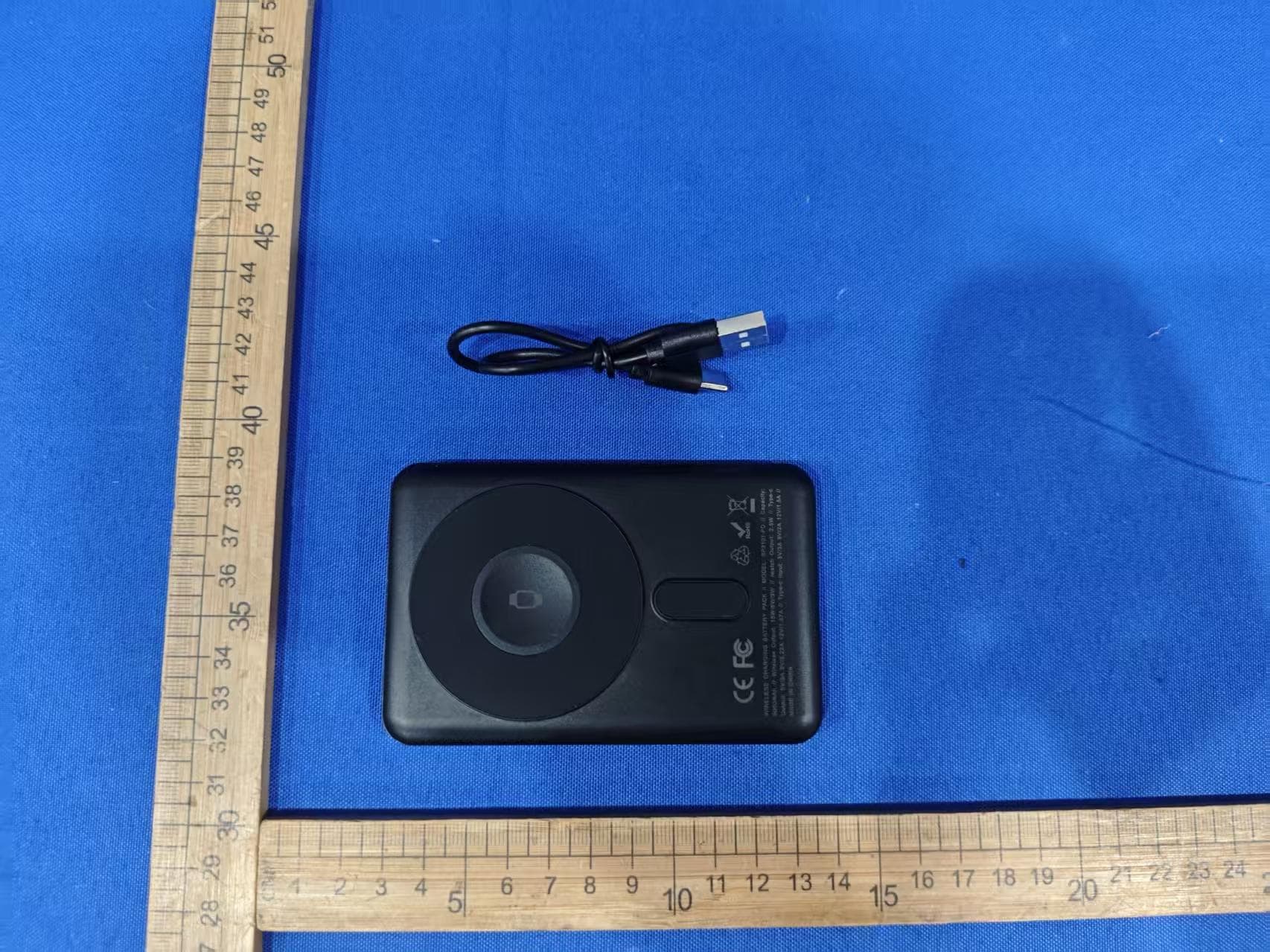
EMOIPCV3A
May 27, 2026Magnetic Wallet Power Bank
Equipment Class
DCD - Part 15 Low Power Transmitter Below 1705 kHz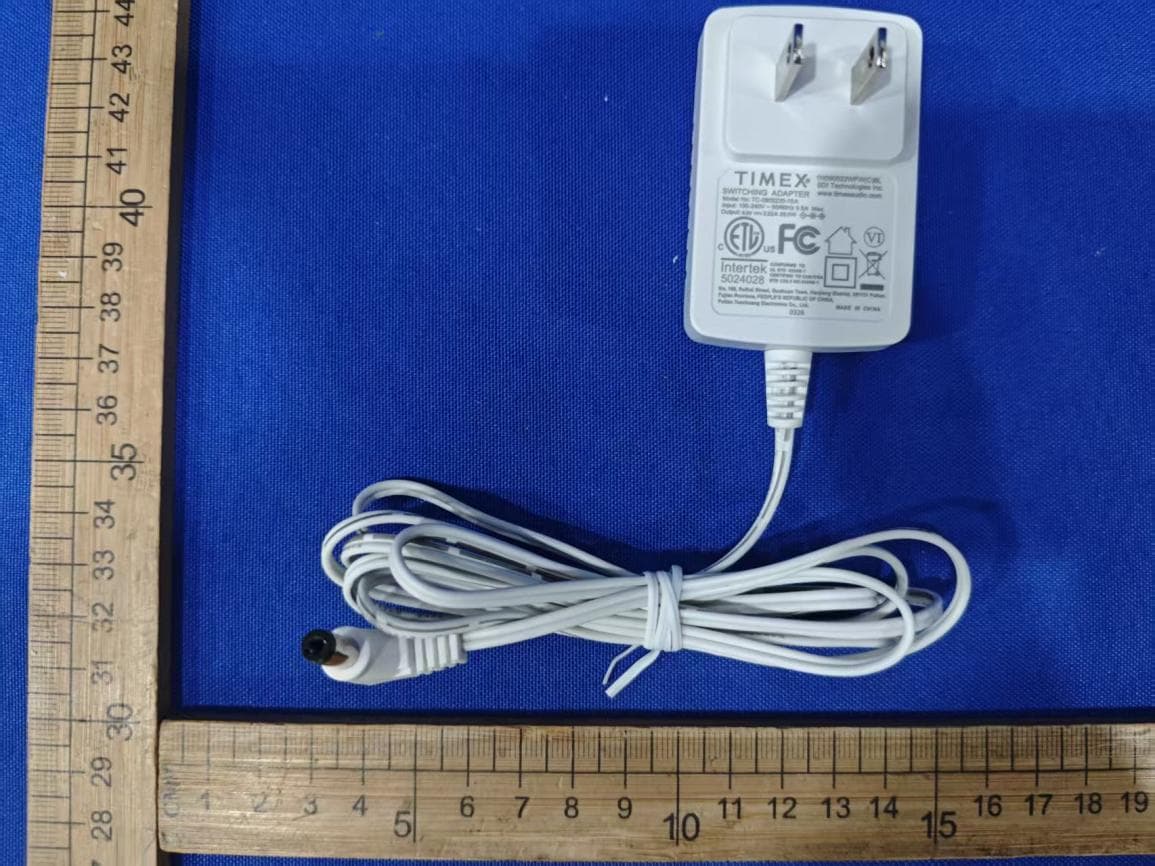
EMOTW502A
Apr 22, 2026ALARM CLOCK WITH NIGHTLIGHT AND FAST WIRELESS CHARGING
Equipment Class
DCD - Part 15 Low Power Transmitter Below 1705 kHz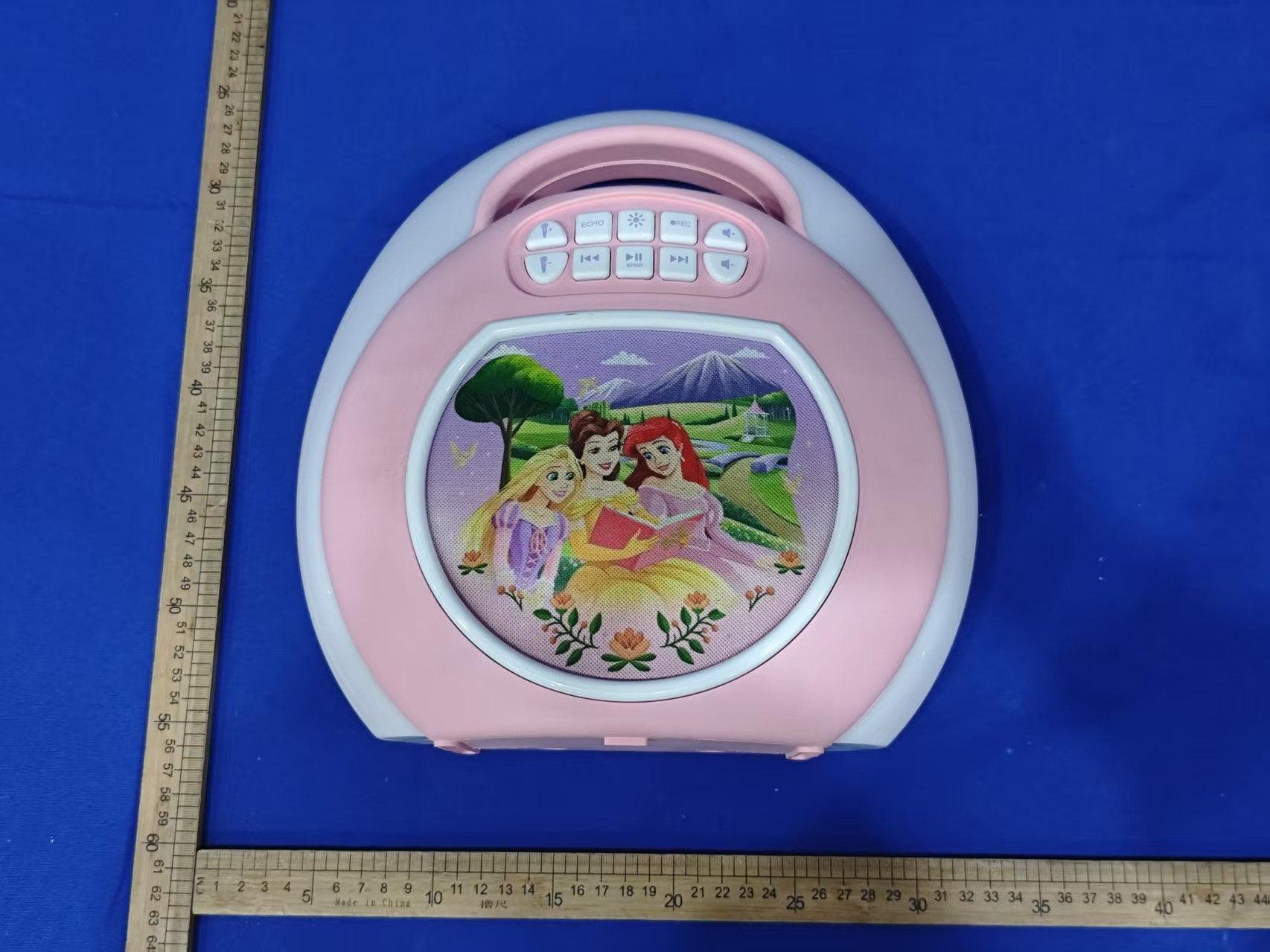
EMO555B
Nov 23, 2025Bluetooth Karaoke
Equipment Class
DSS - Part 15 Spread Spectrum Transmitter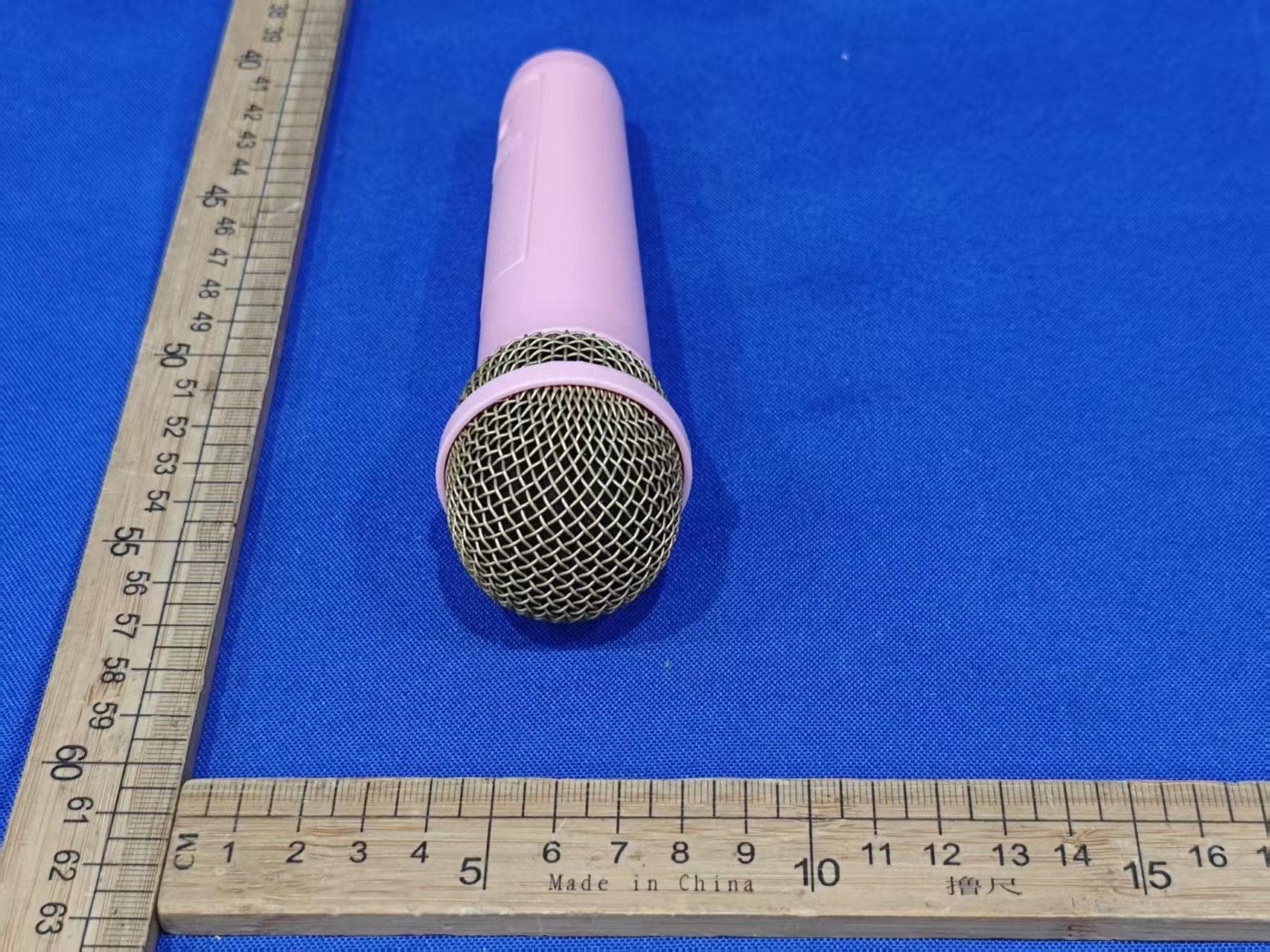
EMO555BM
Nov 23, 2025Bluetooth Karaoke
Equipment Class
DTS - Digital Transmission System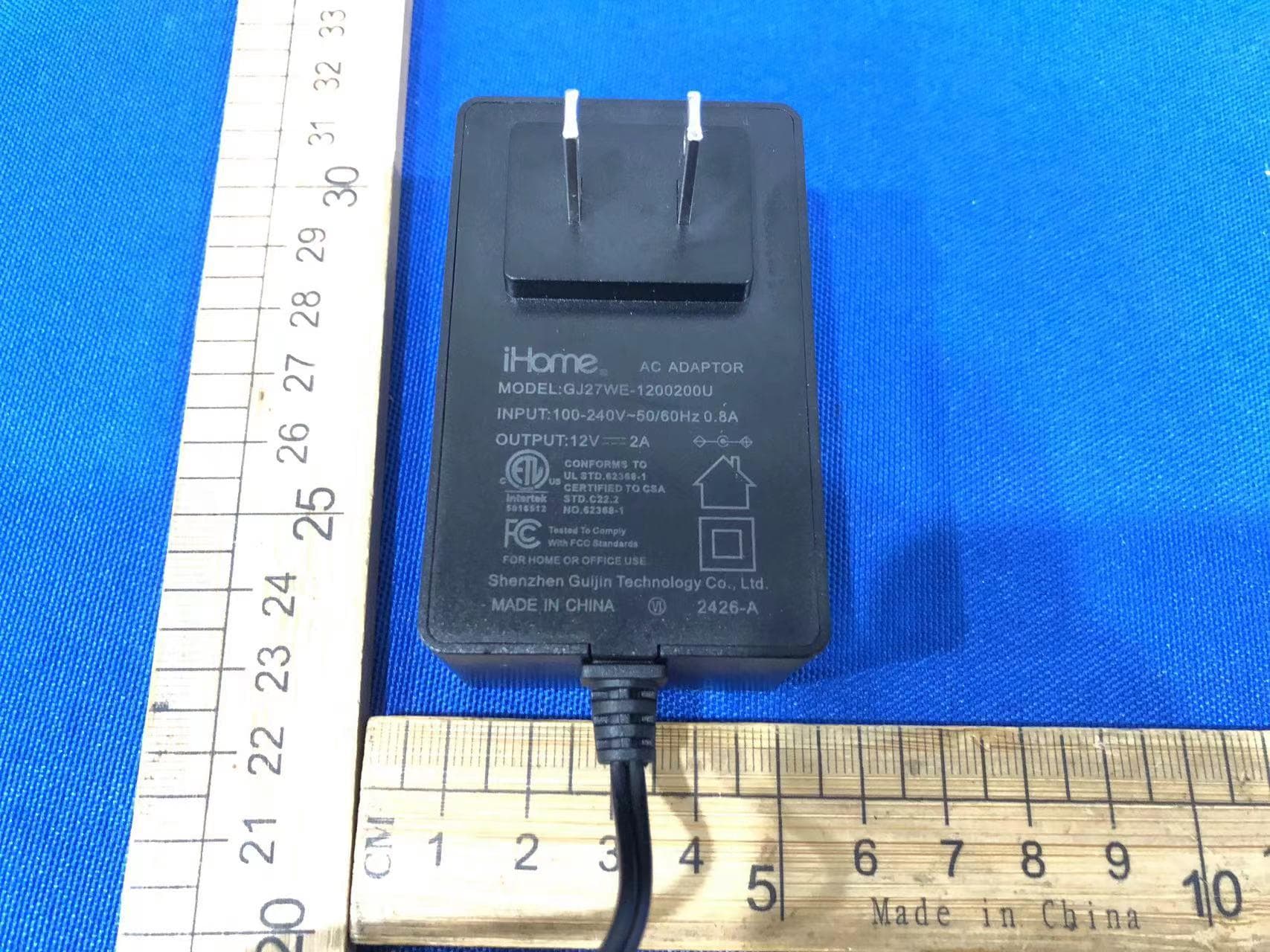
EMOIBTW112A
Sep 07, 2024Bluetooth Alarm Clock with wireless and USB charging
Equipment Class
DSS - Part 15 Spread Spectrum Transmitter