EMOIBT33Portable Rechargeable Bluetooth Stereo Speaker
SDI Technologies Inc.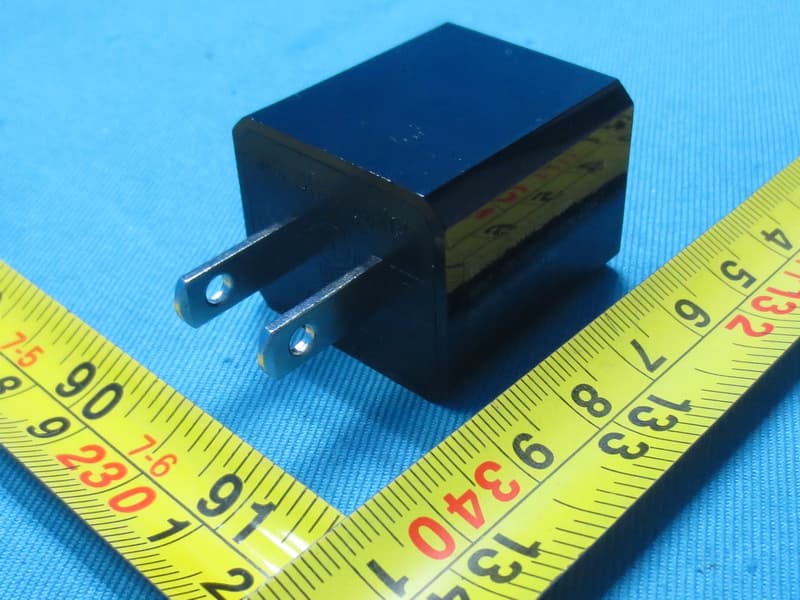
Click to zoom
Application Details
- Equipment Class
- DSS - Part 15 Spread Spectrum Transmitter
- Date of Grant
- Mar 05, 2015
- Application Purpose
- Original Equipment
- Date of Application
- Mar 05, 2015
- Equipment Note
- Portable Rechargeable Bluetooth Stereo Speaker
- Frequency Range
- 2402.00000000 - 2480.00000000
- Company
- SDI Technologies Inc.
- Country
- United States
Documents & Files
Document Text
Text extracted from the exhibit documents filed with the FCC. Open a document above to read the original.
Users Manual
Model: iBT33 Go+ Arc instruction manual iBT33 IB (English ) Size: 153mm x 120mm Printing color: Black Mar 03, 2015 P1 Portable Rechargeable Bluetooth Stereo Speaker CHARGE BEFORE USE Questions? Contact Customer Service at 1-800-288-2792 Go+ Arc Introduction 1 P2 Thank you for purchasing the iHome Go+ Arc. This product is designed to provide high quality wireless sound for your iPad, iPhone, iPod, computer, PDA or other Bluetooth audio device. This instruction booklet explains the basic operation and care of the unit. Please read carefully and keep for future reference. Maintenance • Place the unit on a level surface away from sources of direct sunlight or excessive heat. • Protect your furniture when placing your unit on a natural wood and lacquered finish. A cloth or other protective material should be placed between it and the furniture. • Clean your unit with a soft cloth moistened only with mild soap and water. Stronger cleaning agents, such as benzene, thinner or similar materials can damage the surface of the unit. Go+ Arc Table of Contents 2 Included ............................................................................................................................ 3 Meet Your Go+ Arc............................................................................................................. 4 Charging the Unit ................................................................................................................ 5 Pairing Your Device.............................................................................................................. 6 Pairing with a Different Device............................................................................................... 7 Playing Audio Via Bluetooth................................................................................................... 7 Speakerphone Operation...................................................................................................... 8 Playing Audio Via Aux In ...................................................................................................... 9 Internal Rechargeable Lithium-ion Battery................................................................................ 10 Consumer Product Safety Guide .......................................................................................11-12 FCC Information................................................................................................................ 13 Troubleshooting ................................................................................................................. 14 Warranty......................................................................................................................... 15 P3 Go+ Arc 3 Included • Go+ Arc unit • Micro USB to USB cable • audio cable P4 micro USB to USB cable Go+ Arcaudio cable Meet Your Go+ Arc Go+ Arc 4 P5 Back Top Panel Front Volume – /Volume + Buttons Battery Level Meter Microphone (behind grille) Power Button REV/FWD End/Answer Call Buttons Play/Pause/Pairing Button Bluetooth Status Indicator Light Aux-in Jack Reset port Micro USB Charging/ Audio-in Port Charging the Unit CHARGE UNIT BEFORE USE 1. Connect the micro USB plug to the micro USB charging port on the back of the unit. 2. Connect the standard USB plug end of the cable to a power USB port on a computer or other USB charging device. For first time use, charge unit for about 8 hours. 3. The Battery Level Meter on the front of the unit flashes while the unit is charging and turns solid once the unit is fully charged. See table above for charge status information. 5 Using the Go+ Arc P6 NOTE: The white, 4 segment Battery Level Meter on the front of the unit is activated when the unit is ON or when connected to a charging source via the USB cable. iHome Go+ Arc USB port Charge via computer USB port, USB AC adaptor or other powered USB port Computer connected to working outlet Computer USB port USB AC adaptor (not included) Battery Charge Status 100% charged dead, needs charge low, needs charge 60 - 99% charged 46 - 60% charged Pairing is the set-up process to introduce your Bluetooth-capable device to the Go+ Arc. Once your device is paired, the Go+ Arc can recognize it and you can play your audio through it. 1. Make sure your Bluetooth device is fully charged. Turn on your Bluetooth device and make it “discoverable” by turning on Bluetooth mode (check in Options or Settings). 2. Press the Power Button to turn on the Go+ Arc. The first time the unit is powered on, it will enter auto-pairing mode and attempt to connect to a Bluetooth device (if so, skip to step 4). Otherwise, follow step 3 to begin pairing. 3. Press and hold the Play/Pause/Pairing Button for 2 seconds. The Go+ Arc will beep and the Bluetooth status indicator light on front of the unit will flash quickly. 4. “iHome Go+ Arc” should appear in your device’s Bluetooth menu. If “Not Paired”, “Not Connected” or similar message appears, select “iHome Go+ Arc” to connect it. If prompted for a passcode, enter “1234” on your device’s keypad. Using the Go+ Arc iHome Go+ Arc 6 P7 5. If pairing is successful, 1 beep will sound and the Bluetooth status indicator light will appear solid blue, indicating the Go+ Arc is ready to play music. There should also be an indication on your device. If no device is successfully paired within 3 minutes the Go+ Arc will default to previous mode. Once the Go+ Arc is paired to a device, it will attempt to autolink when the device is within range (about 30 feet). Pairing Your Device For iPhone iHome Go+ ArciHome Go+ Arc iHome Go+ Arc iHome Go+ Arc For other iHome Go+ Arc Pairing with a Different Device When you power ON the unit, it will automatically link with the previously paired Bluetooth device as long as that device is still within range (approx. 30 feet). To pair with a different device follow steps 1 - 4 under ”Pairing Your Device” on previous page. Playing Audio Via Bluetooth 1. Press the …
Text truncated - open the document above for the full version.
External Photos
Project No.: 1501C083 Page 2 of 13 Project No.: 1501C083 Page 3 of 13 Project No.: 1501C083 Page 4 of 13 Project No.: 1501C083 Page 5 of 13
ID Label/Location Info
Dec 12, 2014 M o de l : i B T3 4 C h a r g ing V o l t ag e: D C 5 V, 50 0 m A T o l l F r e e : 1 - 8 0 0 - 2 8 8-2 7 9 2 DATE STAMP M a nu f ac tu r e d a n d S e r v ic e d b y S DI T e c hn o l o gi e s I n c. De s i g n e d i n t h e U S A www . i h o m e . c o m M a d e I n C h i na F C C I D : E M O I BT 3 3 I C : 9 86 B- I B T 3 3 w w w .i ho m e . c o m / p a t e n t s S e r v i c e Nu m b e r: i BT 3 4 -A - A IBT34 Silkscreen Mar 2, 2015: NJ removed the “Go+ Arc” Bottom Date code location reference no need to print it M o de l : i B T3 3 C h a r g in g V o l t ag e: D C 5 V, 50 0 m A T o l l F r e e : 1 - 8 0 0 - 2 8 8-2 7 9 2 DATE STAMP M a nu f ac tu r e d a n d S e r v ic e d b y S DI T e c hn o l o gi e s I n c. De s i g n e d i n t h e U S A www . i h o m e . c o m M a d e I n C h i na F C C I D : E M O I BT 3 3 I C : 9 86 B- I B T 3 3 w w w .i ho m e . c o m / p a t e n t s S e r v i c e Nu m b e r: i BT 3 3 -A - A IBT33 Silkscreen Mar 2, 2015: NJ removed the “Go+ Arc” Bottom Date code location reference no need to print it
Internal Photos
Project No.: 1501C083 Page 6 of 13 Project No.: 1501C083 Page 7 of 13 Project No.: 1501C083 Page 8 of 13 Project No.: 1501C083 Page 9 of 13 Project No.: 1501C083 Page 10 of 13 Project No.: 1501C083 Page 11 of 13 Project No.: 1501C083 Page 12 of 13 Project No.: 1501C083 Page 13 of 13
Test Report
Report No.: BTL-FICP-1-1501C083 Page 1 of 109 FCC&IC Radio Test Report FCC ID: EMOIBT33 IC: 986B-IBT33 This report concerns (check one): Original Grant Class II Change Project No. : 1501C083 Equipment : Portable Rechargeable Bluetooth Stereo Speaker Model Name For FCC : iBT34,iBT33, iBT34X, iBT33X,iBT34XC, iBT33XC, iHome Go+Arc (“X” =A-Z, denote as color of cabinet) Model Name For IC : iBT34, iBT33 Applicant : SDI TECHNOLOGIES INC. Address : 1299 Main Street, Rahway, NJ 07065, U.S.A Date of Receipt : Jan.12, 2015 Date of Test : Jan.12, 2015~Feb.02, 2015 Issued Date : Feb.03, 2015 Tested by : BTL Inc. Testing Engineer : (David Mao) Technical Manager : (Leo Hung) Authorized Signatory : (Steven Lu) BTL INC. No.3, Jinshagang 1st Road, Shixia, Dalang Town, Dongguan, Guangdong, China. TEL: +86-769-8318-3000 FAX: +86-769-8319-6000 Report No.: BTL-FICP-1-1501C083 Page 2 of 109 Declaration BTL represents to the client that testing is done in accordance with standard procedures as applicable and that test instruments used has been calibrated with the standards traceable to National Measurement Laboratory (NML) of CHINA, or National Institute of Standards and Technology (NIST) of U.S.A. BTL's reports apply only to the specific samples tested under conditions. It is manufacture’s responsibility to ensure that additional production units of this model are manufactured with the identical electrical and mechanical components. BTL shall have no liability for any declarations, inferences or generalizations drawn by the client or others from BTL issued reports. BTL’s reports must not be used by the client to claim product endorsement by the authorities or an y agency of the Government. This report is the confidential property of the client. As a mutual protection to the clients, the public and BTL-self, extracts from the test report shall not be reproduced except in full with BTL’s authorized written approval. BTL’s laboratory quality assurance procedures are in compliance with the ISO Guide 17025 requirements, and accredited by the conformity assessment authorities listed in this test report. Limitation For the use of the authority's logo is limited unless the Test Standard(s)/Scope(s)/Item(s) mentioned in this test report is (are) included in the conformity assessment authorities acceptance respective. Report No.: BTL-FICP-1-1501C083 Page 3 of 109 Table of Contents Page 1 . CERTIFICATION 7 2 . SUMMARY OF TEST RESULTS 8 2.1 TEST FACILITY 9 2.2 MEASUREMENT UNCERTAINTY 9 3 . GENERAL INFORMATION 10 3.1 GENERAL DESCRIPTION OF EUT 10 3.2 DESCRIPTION OF TEST MODES 12 3.3 TABLE OF PARAMETERS OF TEXT SOFTWARE SETTING 12 3.4 BLOCK DIAGRAM SHOWING THE CONFIGURATION OF SYSTEM TESTED 13 3.5 DESCRIPTION OF SUPPORT UNITS 13 4 . EMC EMISSION TEST 14 4.1 CONDUCTED EMISSION MEASUREMENT 14 4.1.1 POWER LINE CONDUCTED EMISSION LIMITS 14 4.1.2 TEST PROCEDURE 14 4.1.3 DEVIATION FROM TEST STANDARD 14 4.1.4 TEST SETUP 15 4.1.5 EUT OPERATING CONDITIONS 15 4.1.6 EUT TEST CONDITIONS 15 4.1.7 TEST RESULTS 15 4.2 RADIATED EMISSION MEASUREMENT 16 4.2.1 RADIATED EMISSION LIMITS 16 4.2.2 TEST PROCEDURE 17 4.2.3 DEVIATION FROM TEST STANDARD 17 4.2.4 TEST SETUP 18 4.2.5 EUT OPERATING CONDITIONS 19 4.2.6 EUT TEST CONDITIONS 19 4.2.7 TEST RESULTS (9KHZ TO 30MHZ) 19 4.2.8 TEST RESULTS (BETWEEN 30MHZ TO 1000 MHZ) 20 4.2.9 TEST RESULTS (ABOVE 1000 MHZ) 20 5 . NUMBER OF HOPPING CHANNEL 21 5.1 APPLIED PROCEDURES 21 5.1.1 TEST PROCEDURE 21 5.1.2 DEVIATION FROM STANDARD 21 5.1.3 TEST SETUP 21 5.1.4 EUT OPERATION CONDITIONS 21 5.1.5 EUT TEST CONDITIONS 21 5.1.6 TEST RESULTS 21 Report No.: BTL-FICP-1-1501C083 Page 4 of 109 Table of Contents Page 6 . AVERAGE TIME OF OCCUPANCY 22 6.1 APPLIED PROCEDURES / LIMIT 22 6.1.1 TEST PROCEDURE 22 6.1.2 DEVIATION FROM STANDARD 22 6.1.3 TEST SETUP 22 6.1.4 EUT OPERATION CONDITIONS 23 6.1.5 EUT TEST CONDITIONS 23 6.1.6 TEST RESULTS 23 7 . HOPPING CHANNEL SEPARATION MEASUREMENT 24 7.1 APPLIED PROCEDURES / LIMIT 24 7.1.1 TEST PROCEDURE 24 7.1.2 DEVIATION FROM STANDARD 24 7.1.3 TEST SETUP 24 7.1.4 EUT TEST CONDITIONS 24 7.1.5 TEST RESULTS 24 8 . BANDWIDTH TEST 25 8.1 APPLIED PROCEDURES 25 8.1.1 TEST PROCEDURE 25 8.1.2 DEVIATION FROM STANDARD 25 8.1.3 TEST SETUP 25 8.1.4 EUT OPERATION CONDITIONS 25 8.1.5 EUT TEST CONDITIONS 25 8.1.6 TEST RESULTS 25 9 . PEAK OUTPUT POWER TEST 26 9.1 APPLIED PROCEDURES / LIMIT 26 9.1.1 TEST PROCEDURE 26 9.1.2 DEVIATION FROM STANDARD 26 9.1.3 TEST SETUP 26 9.1.4 EUT OPERATION CONDITIONS 26 9.1.5 EUT TEST CONDITIONS 26 9.1.6 TEST RESULTS 26 10 . ANTENNA CONDUCTED SPURIOUS EMISSION 27 10.1 APPLIED PROCEDURES / LIMIT 27 10.1.1 TEST PROCEDURE 27 10.1.2 DEVIATION FROM STANDARD 27 10.1.3 TEST SETUP 27 10.1.4 EUT OPERATION CONDITIONS 27 10.1.5 EUT TEST CONDITIONS 27 10.1.6 TEST RESULTS 27 11 . MEASUREMENT INSTRUMENTS LIST 28 Report No.: BTL-FICP-1-1501C083 Page 5 of 109 Table of Contents Page 12 . EUT TEST PHOTO 30 ATTACHMENT A - CONDUCTED EMISSION 34 ATTACHMENT B - RADIATED EMISSION (9KHZ-30MHZ) 37 ATTACHMENT C - RADIATED EMISSION (30MHZ TO 1000MHZ) 39 ATTACHMENT D - RADIATED EMISSION (ABOVE 1000MHZ) 46 ATTACHMENT E - NUMBER OF HOPPING CHANNEL 71 ATTACHMENT F - AVERAGE TIME OF OCCUPANCY 73 ATTACHMENT G - HOPPING CHANNEL SEPARATION MEASUREMENT 86 ATTACHMENT H - BANDWIDTH 91 ATTACHMENT I - PEAK OUTPUT POWER 96 ATTACHMENT J - ANTENNA CONDUCTED SPURIOUS EMISSION 101 Report No.: BTL-FICP-1-1501C083 Page 6 of 109 REPORT ISSUED HISTORY Issued No. Description Issued Date BTL-FICP-1-1501C083 Original Issue. Feb.03, 2015 Report No.: BTL-FICP-1-1501C083 Page 7 of 109 1. CERTIFICATION Equipment : Portable Rechargeable Bluetooth Stereo Speaker Brand Name : iHome Model Name For FCC : iBT34,iBT33, iBT34X, iBT33X,iBT34XC, iBT33XC, iHome Go+Arc (“X” =A-Z, denote as color of cabinet) Model Name For IC : iBT34, iBT33 Applicant SDI TECHNOLOGIES INC. Manufacturer : SDI TECHNOLOGIES INC. Address : 1299 Main Street, Rahway, NJ 07065, U.S.A Factory : DongGuan Synst Electronics CO.,Ltd. Address : The Science&Technolo…
Text truncated - open the document above for the full version.
Test Setup Photos
Report No.: BTL-FICP-1-1501C083 Page 30 of 109 12. EUT TEST PHOTO Conducted Measurement Photos Report No.: BTL-FICP-1-1501C083 Page 31 of 109 Radiated Measurement Photos 9KHz to 30MHz Report No.: BTL-FICP-1-1501C083 Page 32 of 109 Radiated Measurement Photos 30MHz to 1000MHz Report No.: BTL-FICP-1-1501C083 Page 33 of 109 Radiated Measurement Photos Above 1000MHz
Contact Information
Applicant
David Stetin(Compliance Officer)
Test Firm
BTL Inc.Daisy Dai
Technical Specifications
| # | Rule Parts | Frequency Range | Power Output |
|---|---|---|---|
| 1 | 15C | 2.40 GHz - 2.48 GHz | 1.70 mW |
Other Applications from SDI Technologies Inc.
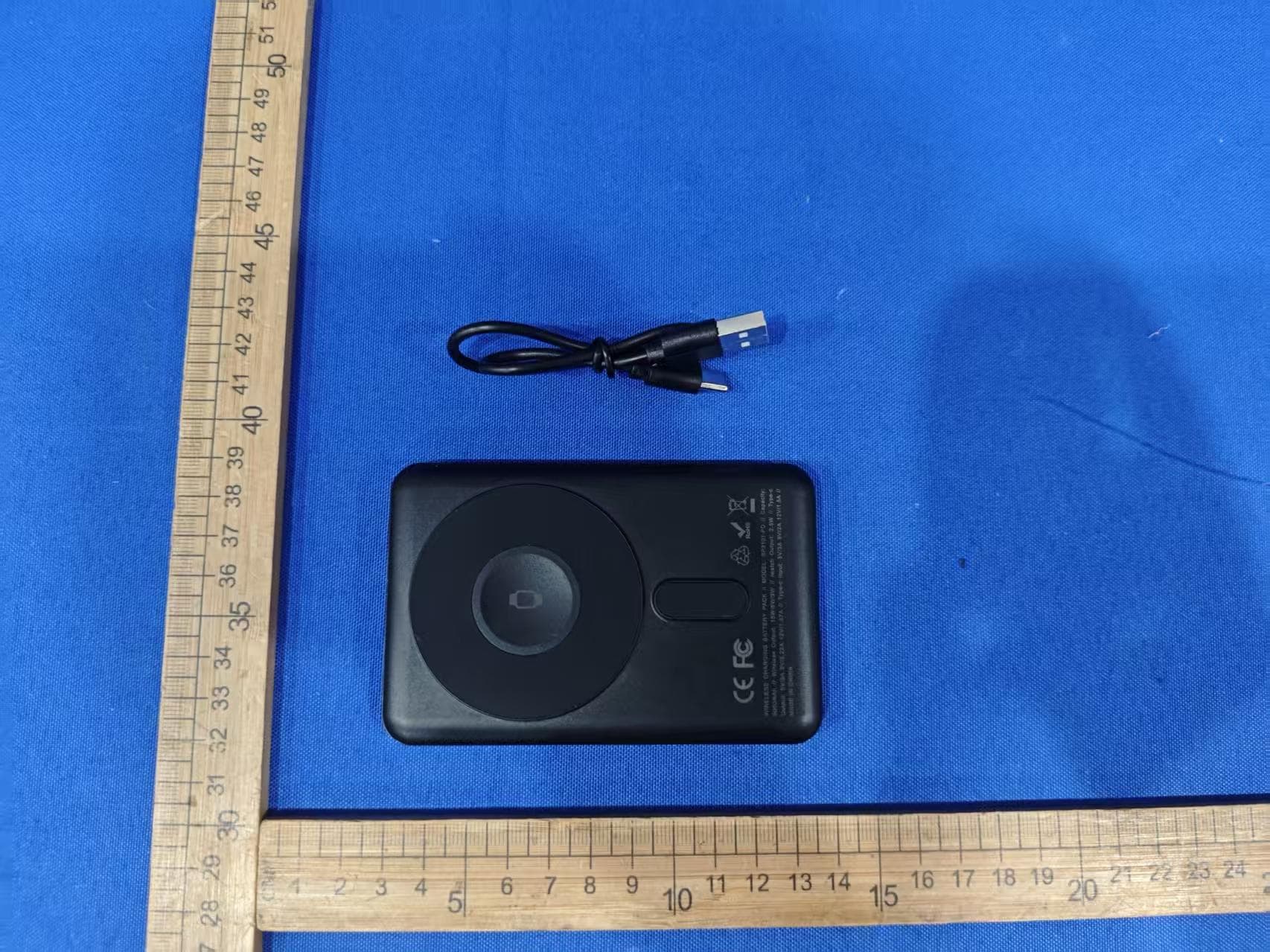
EMOIPCV3A
May 27, 2026Magnetic Wallet Power Bank
Equipment Class
DCD - Part 15 Low Power Transmitter Below 1705 kHz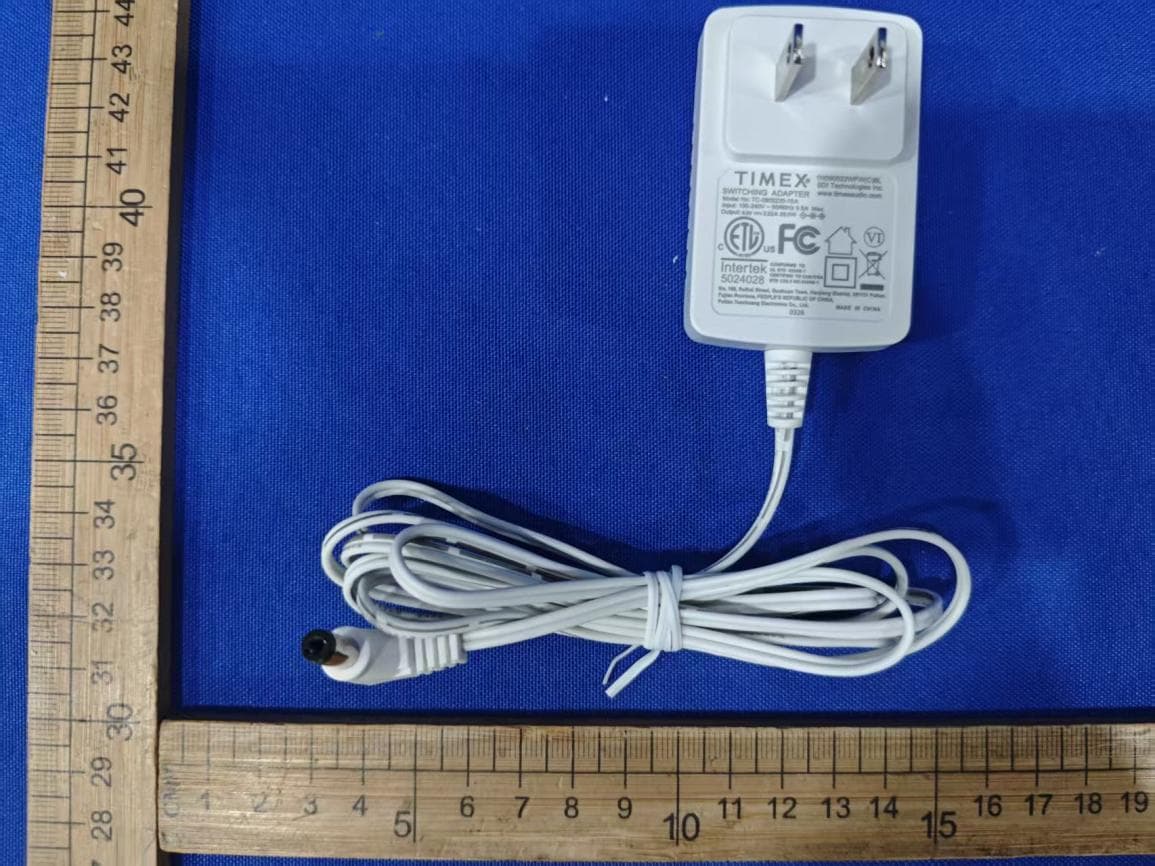
EMOTW502A
Apr 22, 2026ALARM CLOCK WITH NIGHTLIGHT AND FAST WIRELESS CHARGING
Equipment Class
DCD - Part 15 Low Power Transmitter Below 1705 kHz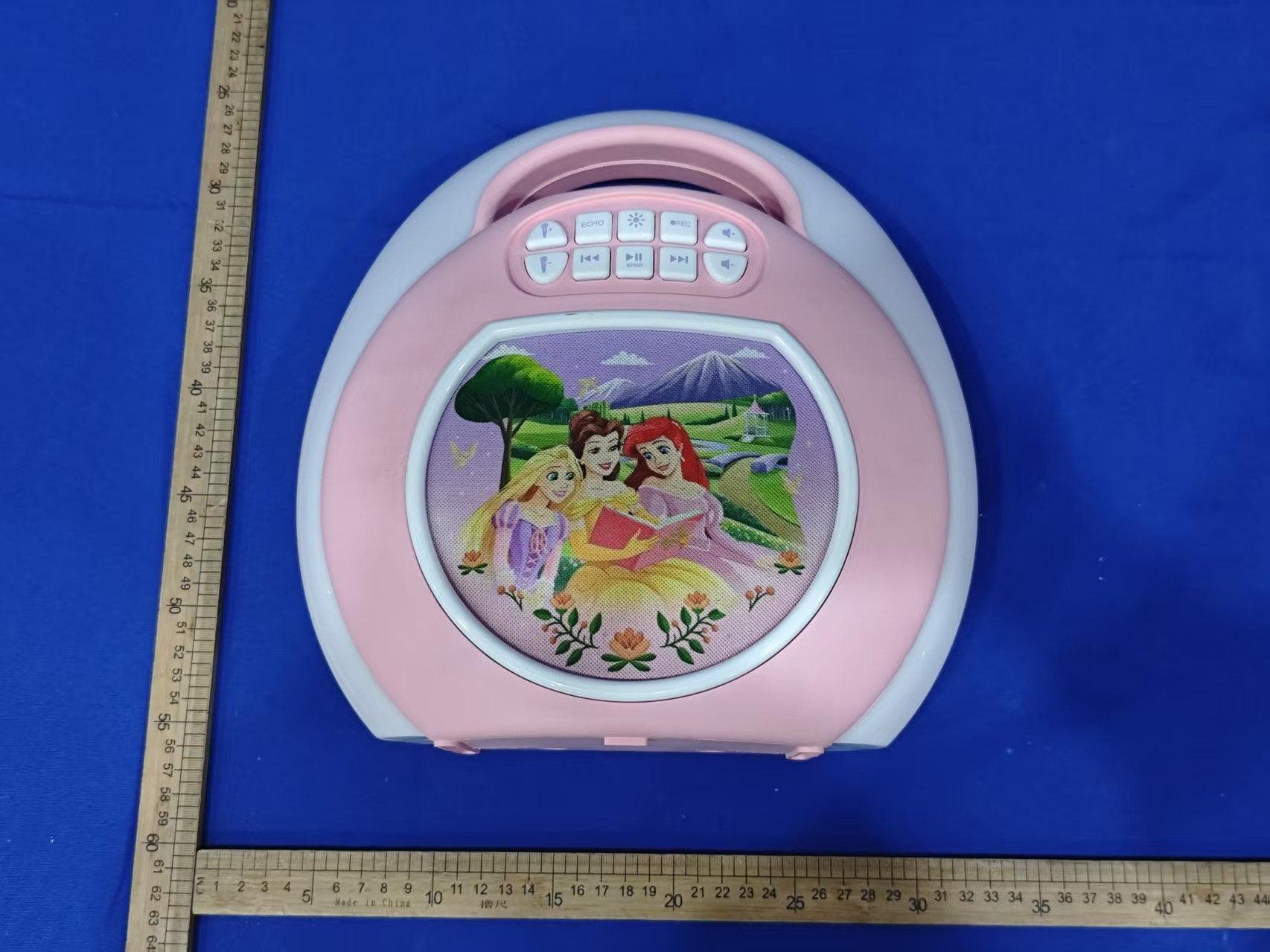
EMO555B
Nov 23, 2025Bluetooth Karaoke
Equipment Class
DSS - Part 15 Spread Spectrum Transmitter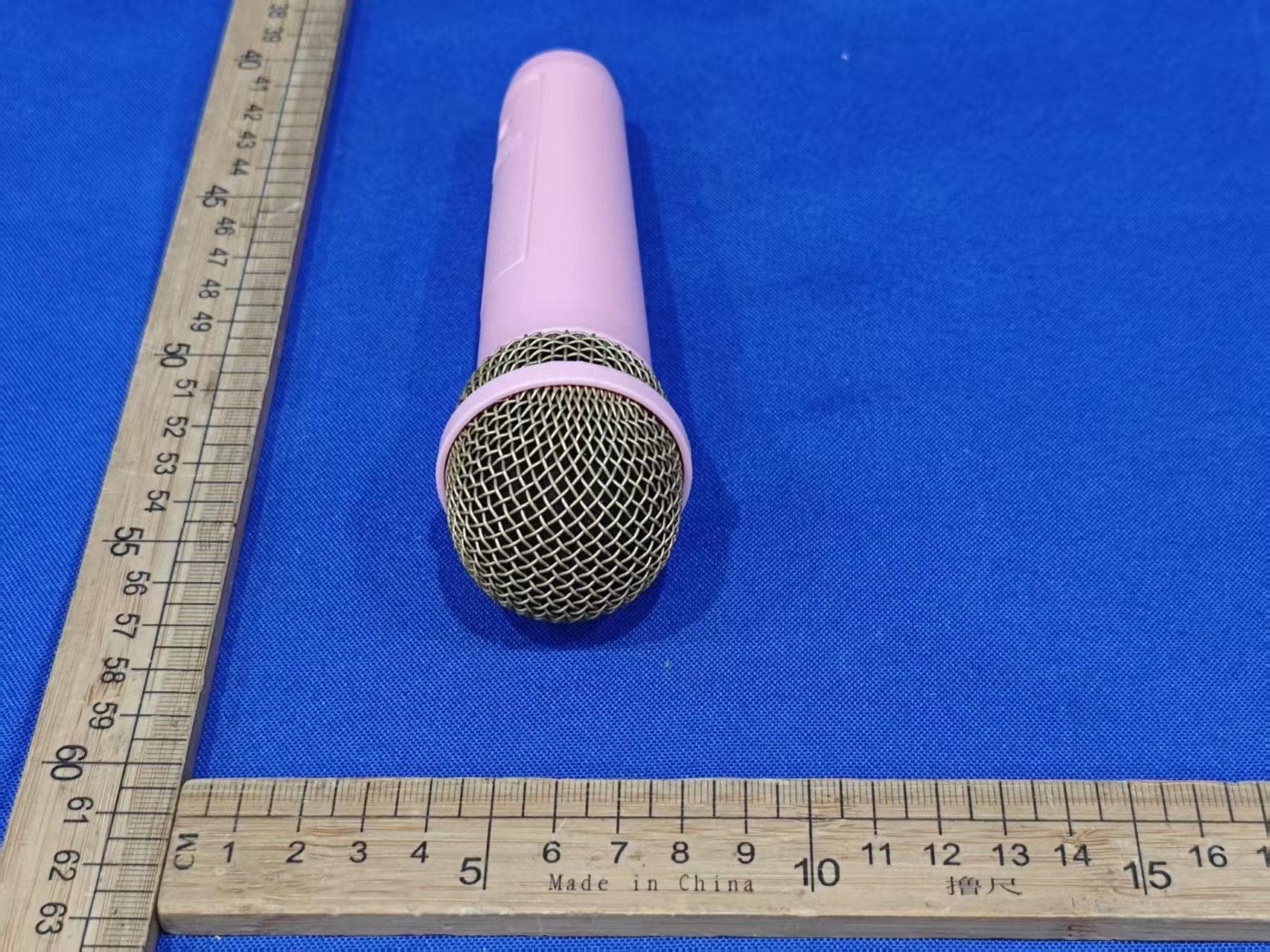
EMO555BM
Nov 23, 2025Bluetooth Karaoke
Equipment Class
DTS - Digital Transmission System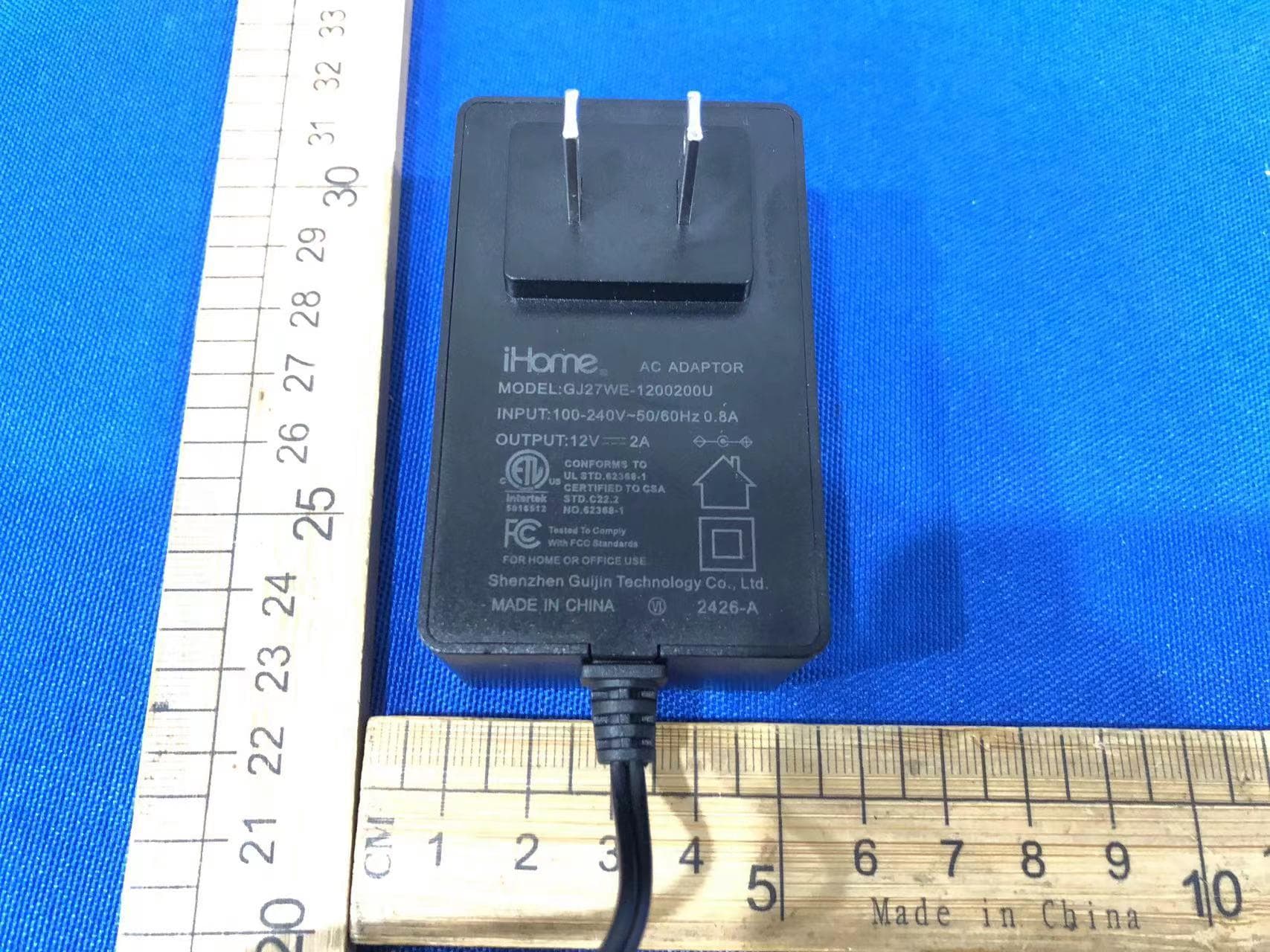
EMOIBTW112A
Sep 07, 2024Bluetooth Alarm Clock with wireless and USB charging
Equipment Class
DSS - Part 15 Spread Spectrum Transmitter