EMOIBT4Portable Stereo Bluetooth Speaker with FM Radio
SDI Technologies Inc.
Click to zoom
Application Details
- Equipment Class
- DSS - Part 15 Spread Spectrum Transmitter
- Date of Grant
- Jan 09, 2013
- Application Purpose
- Original Equipment
- Date of Application
- Jan 09, 2013
- Equipment Note
- Portable Stereo Bluetooth Speaker with FM Radio
- Frequency Range
- 2402.00000000 - 2480.00000000
- Company
- SDI Technologies Inc.
- Country
- United States
Documents & Files
Document Text
Text extracted from the exhibit documents filed with the FCC. Open a document above to read the original.
Users Manual
iBT4 instruction manual iBT4 IB Size: 153mm x 120mm Printing color: Black Dec 14, 2012. P1 Bluetooth Wireless Boombox with FM Radio and Rechargeable Battery iBT4 Introduction Thank you for purchasing the iHome iBT4. This product is designed to provide high quality wireless sound for your iPad, iPhone, iPod, computer, PDA or other Bluetooth audio device. Along with the included Quick Bluetooth Connection Guide this instruction booklet explains the basic operation and care of the unit. Please read them carefully and keep for future reference. Maintenance • Place the unit on a level surface away from sources of direct sunlight or excessive heat. • Protect your furniture when placing your unit on a natural wood and lacquered finish. A cloth or other protective material should be placed between it and the furniture. • Clean your unit with a soft cloth moistened only with mild soap and water. Stronger cleaning agents, such as benzene, thinner or similar materials can damage the surface of the unit. P2 iBT4 P3 FCC ID: EMOIBT4 IC: 986B-IBT4 QDID:B020169 • Warning: Changes or modifications to this unit not expressly approved by the party responsible for compliance could void the user’s authority to operate the equipment. • NOTE: This equipment has been tested and found to comply with the limits for a Class B digital device, pursuant to Part 15 of the FCC Rules. These limits are designed to provide reasonable protection against harmful interference in a residential installation. This equipment generates, uses and can radiate radio frequency energy and, if not installed and used in accordance with the instructions, may cause harmful interference to radio communications. However, there is no guarantee that interference will not occur in a particular installation. If this equipment does cause harmful interference to radio or television reception, which can be determined by turning the equipment off and on, the user is encouraged to try to correct the interference by one or more of the following measures: • Reorient or relocate the receiving antenna. • Increase the separation between the equipment and receiver. • Connect the equipment into an outlet on a circuit different from that to which the receiver is connected. • Consult the dealer or an experienced radio/TV technician for help. This Class B digital apparatus complies with Canadian ICES-003. Cet appareil numérique de la classe B est conforme à la norme NMB-003 du Canada This device complies with Part 15 of the FCC Rules, operation is subject to the following two conditions: (1) This device may not cause harmful interference, and (2) this device must accept any interference received, including interference that may cause undesired operation. FCC Information FCC Radiation Exposure Statement This equipment complies with FCC RF radiation exposure limits set forth for an uncontrolled environment. This transmitter must not be co-located or operating in conjunction with any other antenna or transmitter. This Device complies with RSS-102 of the IC Rules; Operation is subject to the following two conditions: (1) This device may not cause harmful interference and (2) This device must accept any interference received, including interference that may cause undesired operation. The device meets the exemption from the routine evaluation limits in section 2.5 of RSS 102 and compliance with RSS-102 RF exposure, users can obtain Canadian information on RF exposure and compliance. iBT4 Table of Contents Meet Your iBT4.............................................................................................................1-2 Setting Up the Unit/Charging the Unit..................................................................................3 Using Bluetooth:Pairing Your Device.....................................................................................4 Playing Audio Via Bluetooth................................................................................................5 Playing Audio Via Aux-in/ Playing Audio Via Aux-out..............................................................6 FM Radio/ Using FM Radio in Other Countries......................................................................7 Resetting the Unit..............................................................................................................8 Internal Rechargeable Lithium-ion Battery...............................................................................9 Consumer Product Safety Guide...................................................................................10-11 Troubleshooting..............................................................................................................12 Warranty......................................................................................................................13 P4 Meet Your iBT4 iBT4 1 DC Jack Line-out JackLine-in Jack P5 Back Bottom Top Power/Mode DialVolume Dial Play/Pause and Pairing Button Reverse/Forward/Setting Buttons Display iBT4 2 Included • iBT4 system • 100V-240V universal AC adaptor P6 power adaptor The handle of the unit can be placed in two positions, upright for carrying, or back for general use or tilt-back play. iBT4 Using the 3 P7 Fully charged Needs charging Battery Indicator (charge status) Setting Up the Unit The unit can be operated using the included AC adaptor or on the internal rechargeable lithium ion battery for portable use. Connect the included AC adaptor to the DC jack located on the back of the unit and connect the other end to a working wall outlet. Charging the Unit The internal lithium ion battery charges when connected to power via the AC adaptor. For first time use, charge the battery completely (for about 6 hours). The battery indicator on the display shows the battery/charging status. RESET RESET TEST TEST iBT4 Using the 4 P8 Using Bluetooth: Pairing Your Device 1. Turn on your Bluetooth-enabled device and turn on Bluetooth capability as described in the dev…
Text truncated - open the document above for the full version.
External Photos
Neutron Engineering Inc. Project No.: 1212C069 Page 2 of 13 Neutron Engineering Inc. Project No.: 1212C069 Page 3 of 13 Neutron Engineering Inc. Project No.: 1212C069 Page 4 of 13
ID Label/Location Info
iBT4 Model plate Nov 09, 2012 Frequency Range : FM 87.5 - 107.9 MHz FM 76 - 90 MHz (for Japan only) AC Adaptor: DC 12V,2.5A Built-in Rechargable Battery: DC 3.7V,2200mAh Service No: iBT4-A-A Model: iBT4 Mfd & Serviced by SDI Technologies Inc. www.ihomeaudio.com Toll Free: 1-800-288-2792 Patents: www.ihomeaudio.com/patents Made in China FCC ID: EMOIBT4 IC: 986B-IBT4
Internal Photos
Neutron Engineering Inc. Project No.: 1212C069 Page 5 of 13 Neutron Engineering Inc. Project No.: 1212C069 Page 6 of 13 Neutron Engineering Inc. Project No.: 1212C069 Page 7 of 13 Neutron Engineering Inc. Project No.: 1212C069 Page 8 of 13 Neutron Engineering Inc. Project No.: 1212C069 Page 9 of 13 Neutron Engineering Inc. Project No.: 1212C069 Page 10 of 13 Neutron Engineering Inc. Project No.: 1212C069 Page 11 of 13 Neutron Engineering Inc. Project No.: 1212C069 Page 12 of 13 Neutron Engineering Inc. Project No.: 1212C069 Page 13 of 13
Contact Information
Applicant
David Stetin(Compliance Officer)
Test Firm
BTL Inc.Daisy Dai
Technical Specifications
| # | Rule Parts | Frequency Range | Power Output |
|---|---|---|---|
| 1 | 15C | 2.40 GHz - 2.48 GHz | 2.00 mW |
Other Applications from SDI Technologies Inc.
EMOIPCV3A
May 27, 2026Magnetic Wallet Power Bank
Equipment Class
DCD - Part 15 Low Power Transmitter Below 1705 kHz
EMOTW502A
Apr 22, 2026ALARM CLOCK WITH NIGHTLIGHT AND FAST WIRELESS CHARGING
Equipment Class
DCD - Part 15 Low Power Transmitter Below 1705 kHz
EMO555B
Nov 23, 2025Bluetooth Karaoke
Equipment Class
DSS - Part 15 Spread Spectrum Transmitter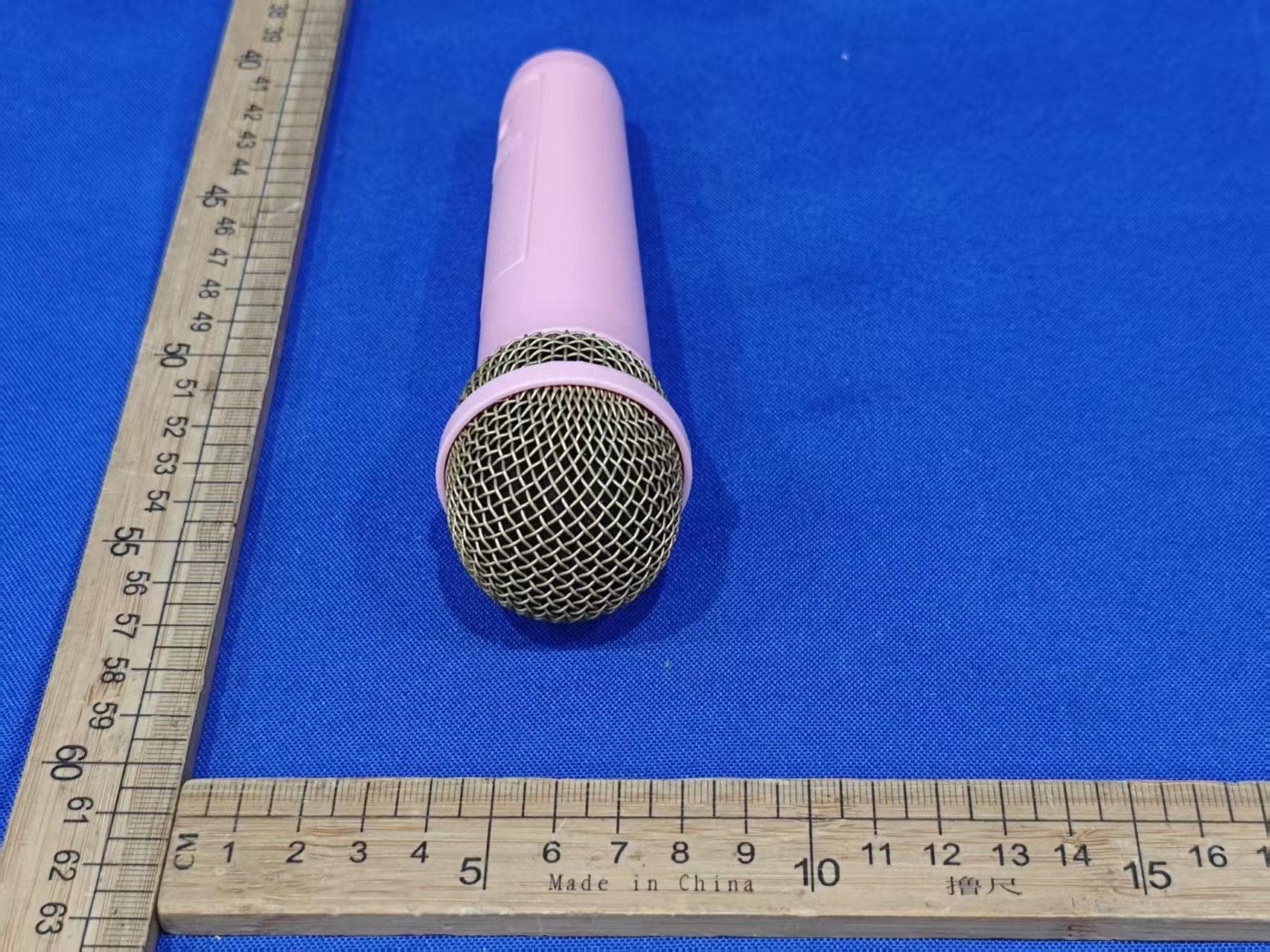
EMO555BM
Nov 23, 2025Bluetooth Karaoke
Equipment Class
DTS - Digital Transmission System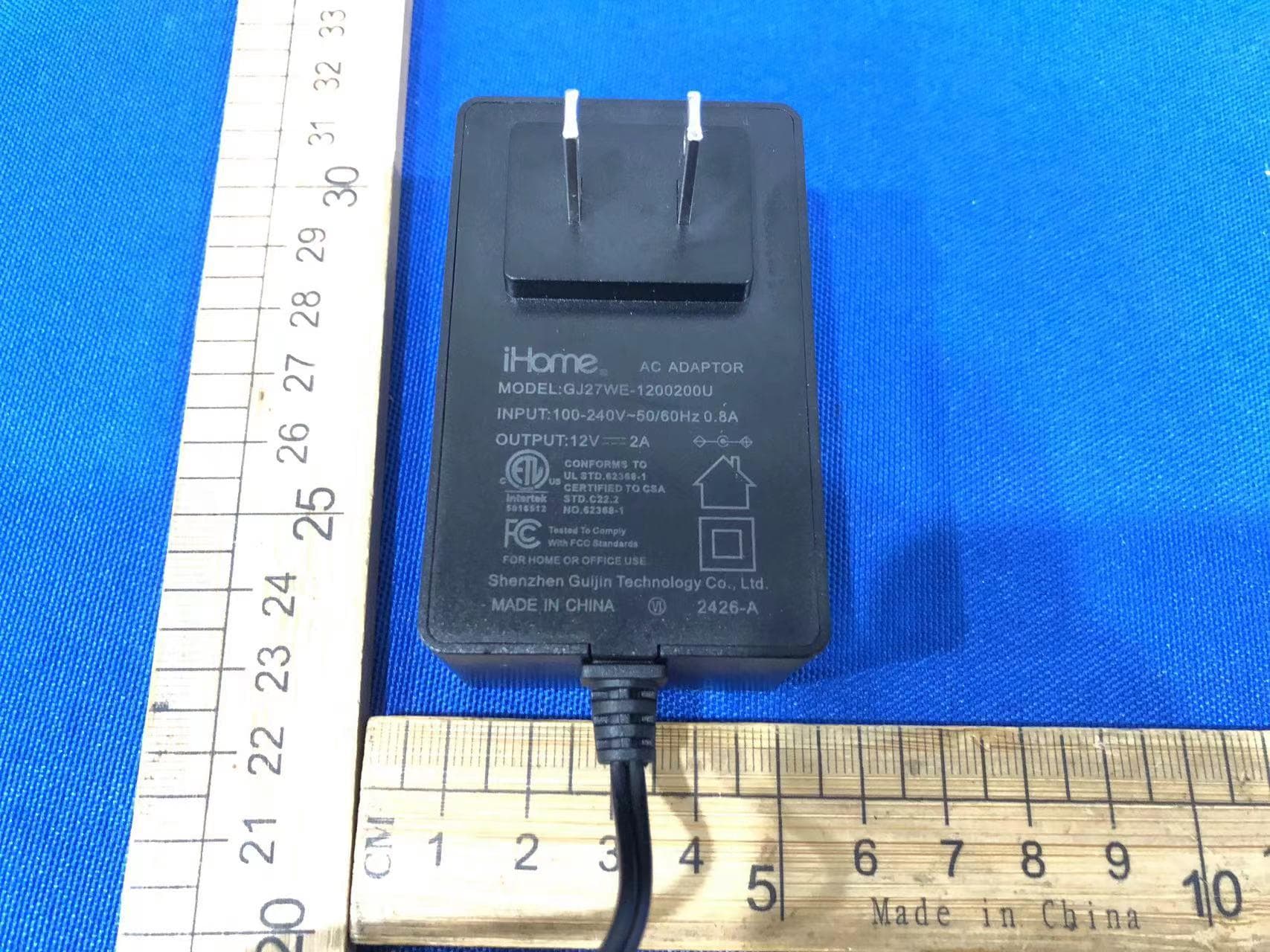
EMOIBTW112A
Sep 07, 2024Bluetooth Alarm Clock with wireless and USB charging
Equipment Class
DSS - Part 15 Spread Spectrum Transmitter