EMOIBT69Bluetooth Rechargeable Speaker
SDI Technologies Inc.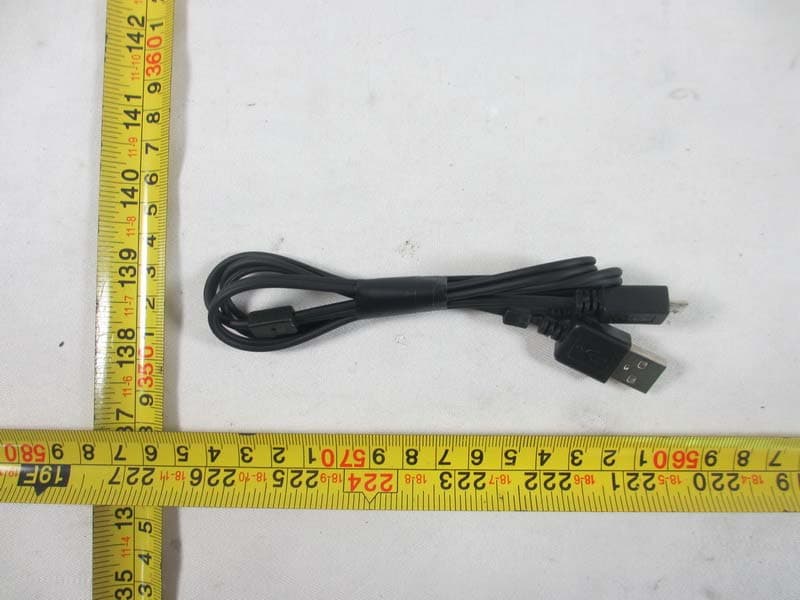
Click to zoom
Application Details
- Equipment Class
- DSS - Part 15 Spread Spectrum Transmitter
- Date of Grant
- Jan 27, 2014
- Application Purpose
- Original Equipment
- Date of Application
- Jan 27, 2014
- Equipment Note
- Bluetooth Rechargeable Speaker
- Frequency Range
- 2402.00000000 - 2480.00000000
- Company
- SDI Technologies Inc.
- Country
- United States
Documents & Files
Document Text
Text extracted from the exhibit documents filed with the FCC. Open a document above to read the original.
Users Manual
FCC ID:EMOiBT69 FCC IC:986B-iBT69 Model iBT69 Bluetooth Rechargeable Speaker Charging the iBT69 Using Bluetooth with the iBT63 Speaker Bottom of Speaker Off/Play/Pair Switch LED USB Audio/Charging Jack Charging the iBT63 Bluetooth Mode Aux-in Mode mobile phonePSPiPod Laptop PC MP3/MP4 • Slide the Off/Play/Pair Switch on the speaker to the PAIR position. Tones will sound and the light will flash blue and red to indicate pairing attempt. • Place your audio device in Bluetooth mode (often found in the device’s Settings or Options menu) and make it “discoverable”. “iHome iBT69” should appear on your device. If “Not Connected” or similar message appears, select “iHome iBT69” to connect. If prompted for a password, enter “1234” on your device’s keypad. • Once paired, the light will glow solid blue and a confirmation beep will sound and you can then stream audio. If pairing is not successful, turn the power OFF on the speaker and repeat pairing procedure. • To listen to Bluetooth audio in the future, slide the Off/Play/Pair Switch on the speaker to the PLAY position. The light will flash blue as the speaker attempts to auto-link with the last previously linked unit in range (30 feet). • Control Bluetooth audio from your device. Remember to turn off the speaker and your device after listening. NOTE: When unit is charging, the blue light will appear solid red. Using Bluetooth with the iBT69 The iBT69 is powered by a rechargeable battery in the speaker. Make sure to charge the speaker before using. • Connect the micro-USB plug to the USB Audio/Charging jack on the speaker. • Connect the larger USB plug to a powered USB port, such as that on a computer. The light on the speaker will turn to solid red while charging and turn off when fully charged. When the light flashes red, or if you start to notice sound distortion at higher volumes, it's time to recharge the batteries. Charging the iBT69 • Connect the micro-USB plug to the USB Audio/Charging jack on the speaker. • Connect the stereo 3.5mm audio plug to the headphone jack or line-out of any audio device. • Slide the Off/Play/Pair Switch on the speaker to the PLAY (middle) position. The blue power light will flash as the speaker attempts to auto-link. • Press play on your audio device and adjust its volume to listen to audio. NOTE: Do not play a Bluetooth device and an audio device connected via the USB audio/charging jack at the same time or you will hear both at once. Using the iBT69 with Aux Devices Micro USB plug Standard USB plug 3.5mm audio plug Combination cable Note: Charge speaker before use. Computer USB port Note: When not in use, turn speaker OFF to save battery power iHome Products, a division of SDI Technologies Inc. (hereafter referred to as SDI), warrants this product to be free from defects in workmanship and materials, under normal use and conditions, for a period of one (1) year from the date of original purchase. Should this product fail to function in a satisfactory manner, it is best to first return it to the store where it was originally purchased. Should this fail to resolve the matter and service still be required by reason of any defect or malfunction during the warranty period, SDI will repair or, at its discretion, replace this product without charge. This decision is subject to verification of the defect or malfunction upon delivery of this product to the Factory Service Center authorized by SDI Customer Service. The product must include proof of purchase, including date of purchase. An out-of-warranty fee for service will be charged for units that are received without proof of purchase. Before returning this product for service, please first replace the batteries (if applicable) with fresh ones, as exhausted or defective batteries are the most common cause of problems encountered. If service is still required: 1. Call SDI Customer Service at 1-800-288-2792 for Return Authorization and for the address of the Factory Service Center. 2. Remove the batteries (if applicable) and pack the unit in a well padded, heavy corrugated box. SDI is not responsible for damage that occurs during shipping to the Factory Service Center. 3. Enclose a photocopy of your sales receipt, credit card statement, or other proof of the date of purchase, if within the warranty period. Also include your name and address information, a brief description for why the unit is being returned, and the return authorization number. No unit can be processed without a return authorization number. 4. Write the return authorization number on the side of the shipping package and send the unit prepaid and insured to the Factory Service Center address authorized by SDI Customer Service. Disclaimer of Warranty NOTE: This warranty is valid only if the product is used for the purpose for which it was designed. It does not cover (i) products which have been damaged by negligence or willful actions, misuse or accident, or which have been modified or repaired by unauthorized persons; (ii) cracked or broken cabinets, or units damaged by excessive heat; (iii) damage to digital media players, CD’s or tape cassettes (if applicable); (iv) the cost of shipping this product to the Factory Service Center and its return to the owner. This warranty is valid only in the United States of America and does not extend to owners of the product other than to the original purchaser. In no event will SDI or any of its affiliates, contractors, resellers, their officers, directors, shareholders, members or agents be liable to you or any third party for any consequential or incidental damages, any lost profits, actual, exemplary or punitive damages. (Some states do not allow limitations on implied warranties or exclusion of consequential damages, so these restrictions may not apply to you.) This warranty gives you specific legal rights, and you may also have other rights which vary from state to state. Your acknowledgment and agreement to fully and completely abide by the above mentioned di…
Text truncated - open the document above for the full version.
External Photos
Neutron Engineering Inc. Project No.: 1312C285 Page 2 of 9 Neutron Engineering Inc. Project No.: 1312C285 Page 3 of 9 Neutron Engineering Inc. Project No.: 1312C285 Page 4 of 9
ID Label/Location Info
Model: iBT69 Model Plate Scale : 1:1 Date: Dec 18, 2013 Silk Screen see DL for color Model: iBT69 (Front View) Top cabinet Scale : 1:1 Date: Dec 18, 2013 Silk Screen see DL for color Model: iBT69 (Back View) Top cabinet Scale : 1:1 Date: Dec 18, 2013 Silk Screen see DL for color
Internal Photos
Neutron Engineering Inc. Project No.: 1312C285 Page 5 of 9 Neutron Engineering Inc. Project No.: 1312C285 Page 6 of 9 Neutron Engineering Inc. Project No.: 1312C285 Page 7 of 9 Neutron Engineering Inc. Project No.: 1312C285 Page 8 of 9 Neutron Engineering Inc. Project No.: 1312C285 Page 9 of 9
Test Report
Neutron Engineering Inc. Report No.: NEI-FICP-1-1312C285 Page 1 of 94 FCC&IC Radio Test Report FCC ID: EMOIBT69 IC: 986B-IBT69 This report concerns (check one): Original Grant Class II Change Issued Date : Jan. 17, 2014 Project No. : 1312C285 Equipment : Bluetooth Rechargeable Speaker Model Name for FCC : iBT69; iBT69X(“X” denote as color of cabinet) Model Name for IC iBT69 Applicant : SDI TECHNOLOGIES INC. Address : 1299 Main Street, Rahway, NJ 07065, U.S.A Tested by: Neutron Engineering Inc. EMC Laboratory Date of Receipt: Jan. 07, 2014 Date of Test: Jan. 07, 2014~ Jan. 16, 2014 Testing Engineer : (David Mao) Technical Manager : (Leo Hung) Authorized Signatory: (Steven Lu) Neutron Engineering Inc. No.3,Jinshagang 1st Road, ShiXia, Dalang Town, Dong Guan, China. TEL: 0769-8318-3000 FAX: 0769-8319-6000 Neutron Engineering Inc. Report No.: NEI-FICP-1-1312C285 Page 2 of 94 Declaration Neutron represents to the client that testing is done in accordance with standard procedures as applicable and that test instruments used has been calibrated with the standards traceable to National Measurement Laboratory (NML) of CHINA, or National Institute of Standards and Technology (NIST) of U.S.A. Neutron's reports apply only to the specific samples tested under conditions. It is manufacture’s responsibility to ensure that additional production units of this model are manufactured with the identical electrical and mechanical components. Neutronshall have no liability for any declarations, inferences o r generalizations drawn by the client or others from Neutron issued reports. Neutron’s reports must not be used by the client to claim product endorsement by the authorities or any agency of the Government. This report is the confidential property of the client. As a mutual protection to the clients, the public and Neutron-self, extracts from the test report shall not be reproduced except in full with Neutron’s authorized written approval. Neutron’s laboratory quality assurance procedures are in compliance with the ISO Guide 17025 requirements, and accredited by the conformity assessment authorities listed in this test report. Limitation For the use of the authority's logo is limited unless the Test Standard(s)/Scope(s)/Item(s) mentioned in this test report is (are) included in the conformity assessment authorities acceptance respective. Neutron Engineering Inc. Report No.: NEI-FICP-1-1312C285 Page 3 of 94 Table of Contents Page REPORT ISSUED HISTORY 6 1 . CERTIFICATION 7 2 . SUMMARY OF TEST RESULTS 8 2.1 TEST FACILITY 9 2.2 MEASUREMENT UNCERTAINTY 9 3 . GENERAL INFORMATION 10 3.1 GENERAL DESCRIPTION OF EUT 10 3.2 DESCRIPTION OF TEST MODES 12 3.3 TABLE OF PARAMETERS OF TEXT SOFTWARE SETTING 12 3.4 BLOCK DIAGRAM SHOWING THE CONFIGURATION OF SYSTEM TESTED 13 3.5 DESCRIPTION OF SUPPORT UNITS 14 4 . EMC EMISSION TEST 15 4.1 CONDUCTED EMISSION MEASUREMENT 15 4.1.1 POWER LINE CONDUCTED EMISSION LIMITS 15 4.1.2 TEST PROCEDURE 15 4.1.3 DEVIATION FROM TEST STANDARD 15 4.1.4 TEST SETUP 16 4.1.5 EUT OPERATING CONDITIONS 16 4.1.6 EUT TEST CONDITIONS 16 4.1.7 TEST RESULTS 16 4.2 RADIATED EMISSION MEASUREMENT 19 4.2.1 RADIATED EMISSION LIMITS 19 4.2.2 TEST PROCEDURE 20 4.2.3 DEVIATION FROM TEST STANDARD 20 4.2.4 TEST SETUP 21 4.2.5 EUT OPERATING CONDITIONS 22 4.2.6 EUT TEST CONDITIONS 22 4.2.7 TEST RESULTS (BELOW 30MHZ) 23 4.2.8 TEST RESULTS: 30MHZ - 1000MHZ 24 4.2.9 TEST RESULTS (ABOVE 1000 MHZ) 31 5 . NUMBER OF HOPPING CHANNEL 46 5.1 APPLIED PROCEDURES 46 5.1.1 TEST PROCEDURE 46 5.1.2 DEVIATION FROM STANDARD 46 5.1.3 TEST SETUP 46 5.1.4 EUT OPERATION CONDITIONS 46 5.1.5 EUT TEST CONDITIONS 46 Neutron Engineering Inc. Report No.: NEI-FICP-1-1312C285 Page 4 of 94 Table of Contents Page 5.1.6 TEST RESULTS 47 6 . AVERAGE TIME OF OCCUPANCY 48 6.1 APPLIED PROCEDURES / LIMIT 48 6.1.1 TEST PROCEDURE 48 6.1.2 DEVIATION FROM STANDARD 48 6.1.3 TEST SETUP 48 6.1.4 EUT OPERATION CONDITIONS 49 6.1.5 EUT TEST CONDITIONS 49 6.1.6 TEST RESULTS 50 7 . HOPPING CHANNEL SEPARATION MEASUREMENT 62 7.1 APPLIED PROCEDURES / LIMIT 62 7.1.1 TEST PROCEDURE 62 7.1.2 DEVIATION FROM STANDARD 62 7.1.3 TEST SETUP 62 7.1.4 EUT TEST CONDITIONS 62 7.1.5 TEST RESULTS 63 8 . BANDWIDTH TEST 67 8.1 APPLIED PROCEDURES 67 8.1.1 TEST PROCEDURE 67 8.1.2 DEVIATION FROM STANDARD 67 8.1.3 TEST SETUP 67 8.1.4 EUT OPERATION CONDITIONS 67 8.1.5 EUT TEST CONDITIONS 67 8.1.6 TEST RESULTS 68 9 . PEAK OUTPUT POWER TEST 72 9.1 APPLIED PROCEDURES / LIMIT 72 9.1.1 TEST PROCEDURE 72 9.1.2 DEVIATION FROM STANDARD 72 9.1.3 TEST SETUP 72 9.1.4 EUT OPERATION CONDITIONS 72 9.1.5 EUT TEST CONDITIONS 72 9.1.6 TEST RESULTS 73 10 . ANTENNA CONDUCTED SPURIOUS EMISSION 77 10.1 APPLIED PROCEDURES / LIMIT 77 10.1.1 TEST PROCEDURE 77 10.1.2 DEVIATION FROM STANDARD 77 10.1.3 TEST SETUP 78 10.1.4 EUT OPERATION CONDITIONS 78 10.1.5 EUT TEST CONDITIONS 78 10.1.6 TEST RESULTS 79 Neutron Engineering Inc. Report No.: NEI-FICP-1-1312C285 Page 5 of 94 Table of Contents Page 11 . MEASUREMENT INSTRUMENTS LIST AND SETTING 89 12 . EUT TEST PHOTO 91 Neutron Engineering Inc. Report No.: NEI-FICP-1-1312C285 Page 6 of 94 REPORT ISSUED HISTORY Issued No. Description Issued Date NEI-FICP-1-1312C285 Original Issue. Jan. 17, 2014 Neutron Engineering Inc. Report No.: NEI-FICP-1-1312C285 Page 7 of 94 1. CERTIFICATION Equipment : Bluetooth Rechargeable Speaker Brand Name : iHome Model Name for FCC : iBT69; iBT69X (“X” denote as color of cabinet) Model Name for IC : iBT69 Applicant : SDI TECHNOLOGIES INC. Manufacturer : SDI TECHNOLOGIES INC. Address : 1299 Main Street, Rahway, NJ 07065, U.S.A Factory : Hing Yip Electronic & Plastic Mfty. Address : Ann Tian, Feng Gang, Dongguan, Guangdong Province, China Date of Test : Jan. 07, 2014~ Jan. 16, 2014 Test Item : ENGINEERING SAMPLE Standard(s) : FCC Part15, Subpart C : 2012 (15.247) / ANSI C63.4 : 2009 / FCC Public Notice DA 00-705, March 30, 2000. Canada RSS-210:2010 RSS-GEN Issue 3, Dec 2010 The above equipment has been tested and found compliance with the requireme…
Text truncated - open the document above for the full version.
Test Setup Photos
Neutron Engineering Inc. Report No.: NEI-FICP-1-1312C285 Page 91 of 94 12. EUT TEST PHOTO Conducted Measurement Photos Neutron Engineering Inc. Report No.: NEI-FICP-1-1312C285 Page 92 of 94 Radiated Measurement Photos 9K~30MHz Neutron Engineering Inc. Report No.: NEI-FICP-1-1312C285 Page 93 of 94 Radiated Measurement Photos 30~1000MHz Neutron Engineering Inc. Report No.: NEI-FICP-1-1312C285 Page 94 of 94 Radiated Measurement Photos Above 1000MHz
Contact Information
Applicant
David Stetin(Compliance Officer)
Test Firm
BTL Inc.Daisy Dai
Technical Specifications
| # | Rule Parts | Frequency Range | Power Output |
|---|---|---|---|
| 1 | 15C | 2.40 GHz - 2.48 GHz | 1.80 mW |
Other Applications from SDI Technologies Inc.
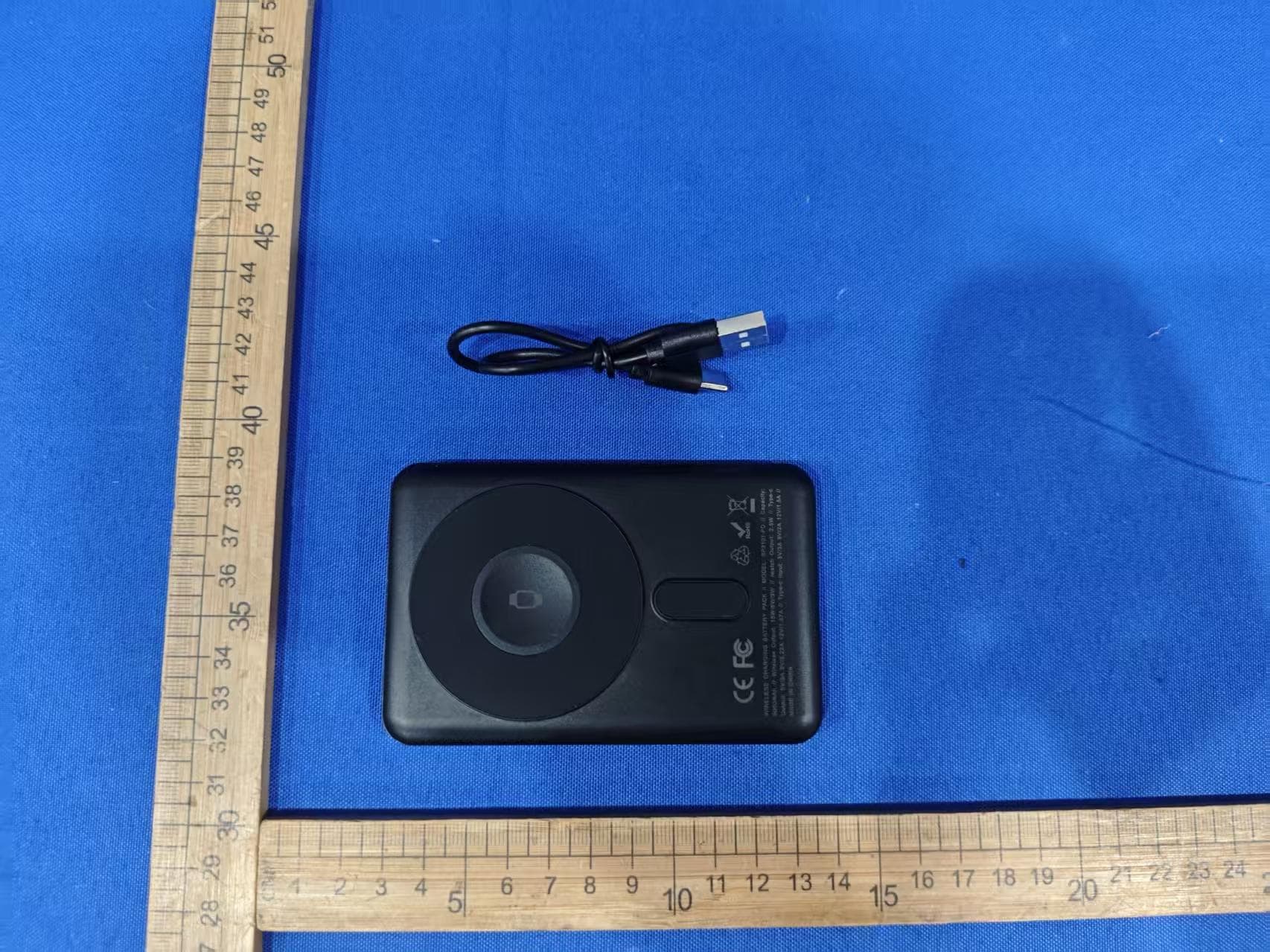
EMOIPCV3A
May 27, 2026Magnetic Wallet Power Bank
Equipment Class
DCD - Part 15 Low Power Transmitter Below 1705 kHz
EMOTW502A
Apr 22, 2026ALARM CLOCK WITH NIGHTLIGHT AND FAST WIRELESS CHARGING
Equipment Class
DCD - Part 15 Low Power Transmitter Below 1705 kHz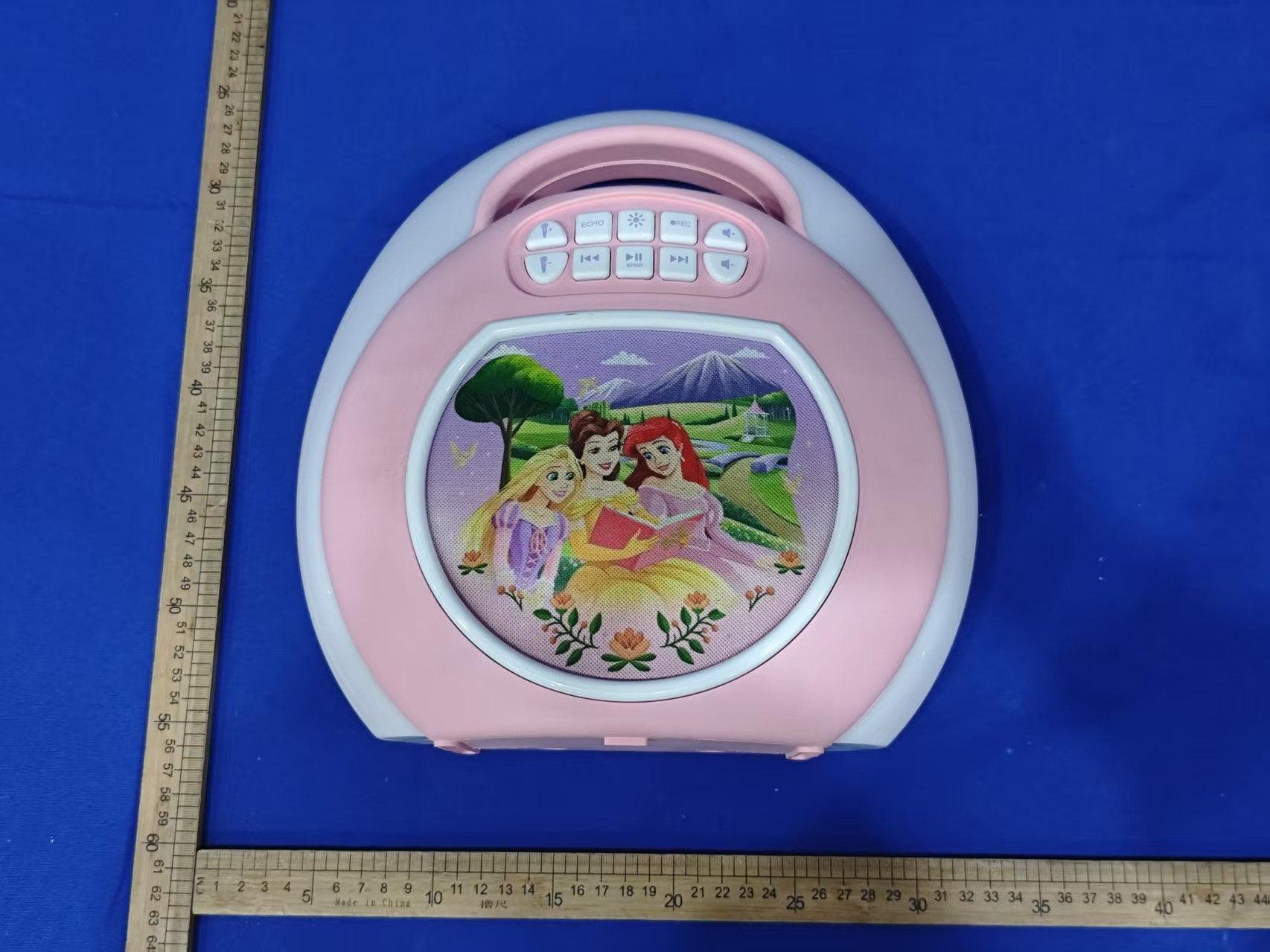
EMO555B
Nov 23, 2025Bluetooth Karaoke
Equipment Class
DSS - Part 15 Spread Spectrum Transmitter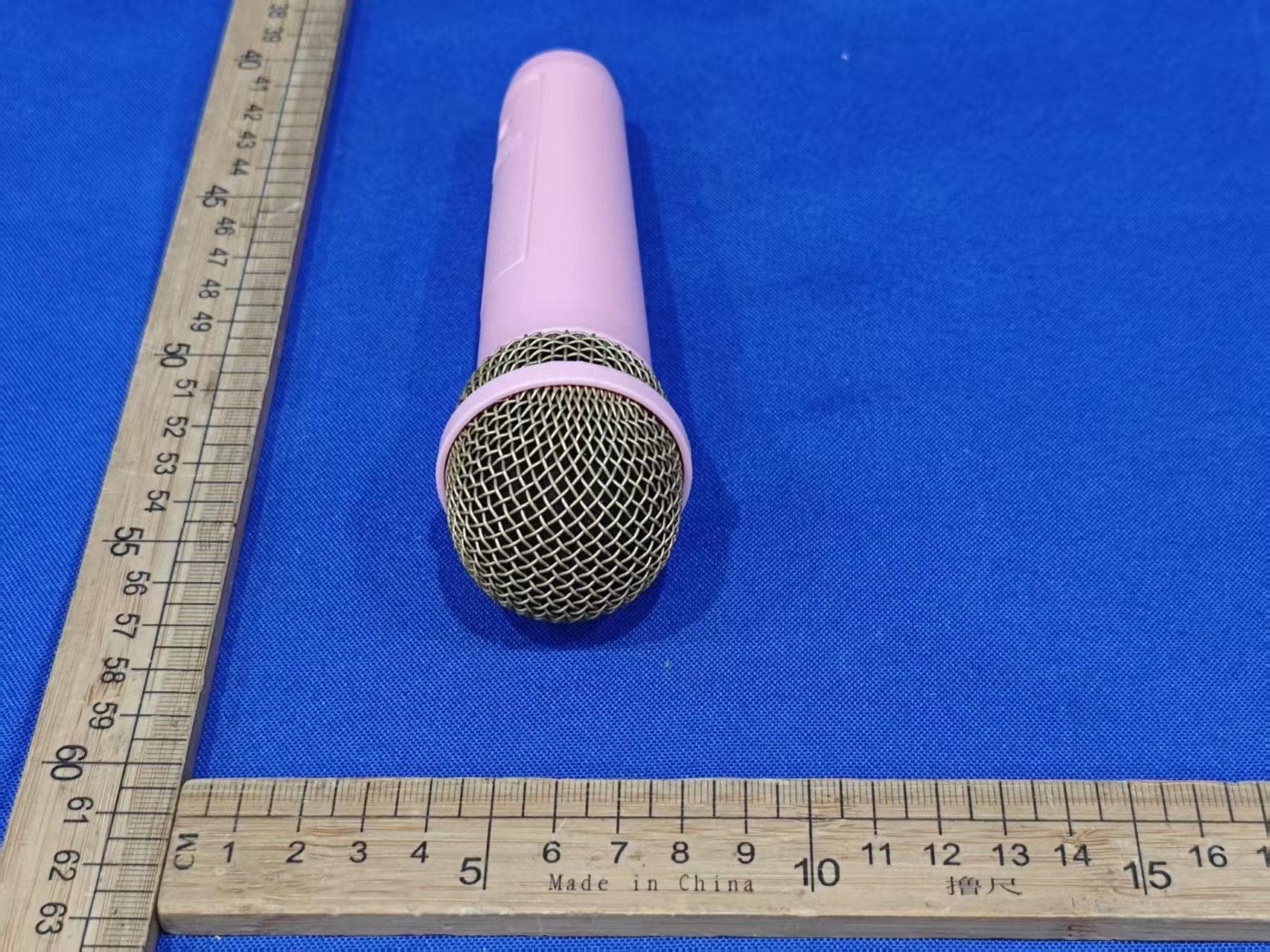
EMO555BM
Nov 23, 2025Bluetooth Karaoke
Equipment Class
DTS - Digital Transmission System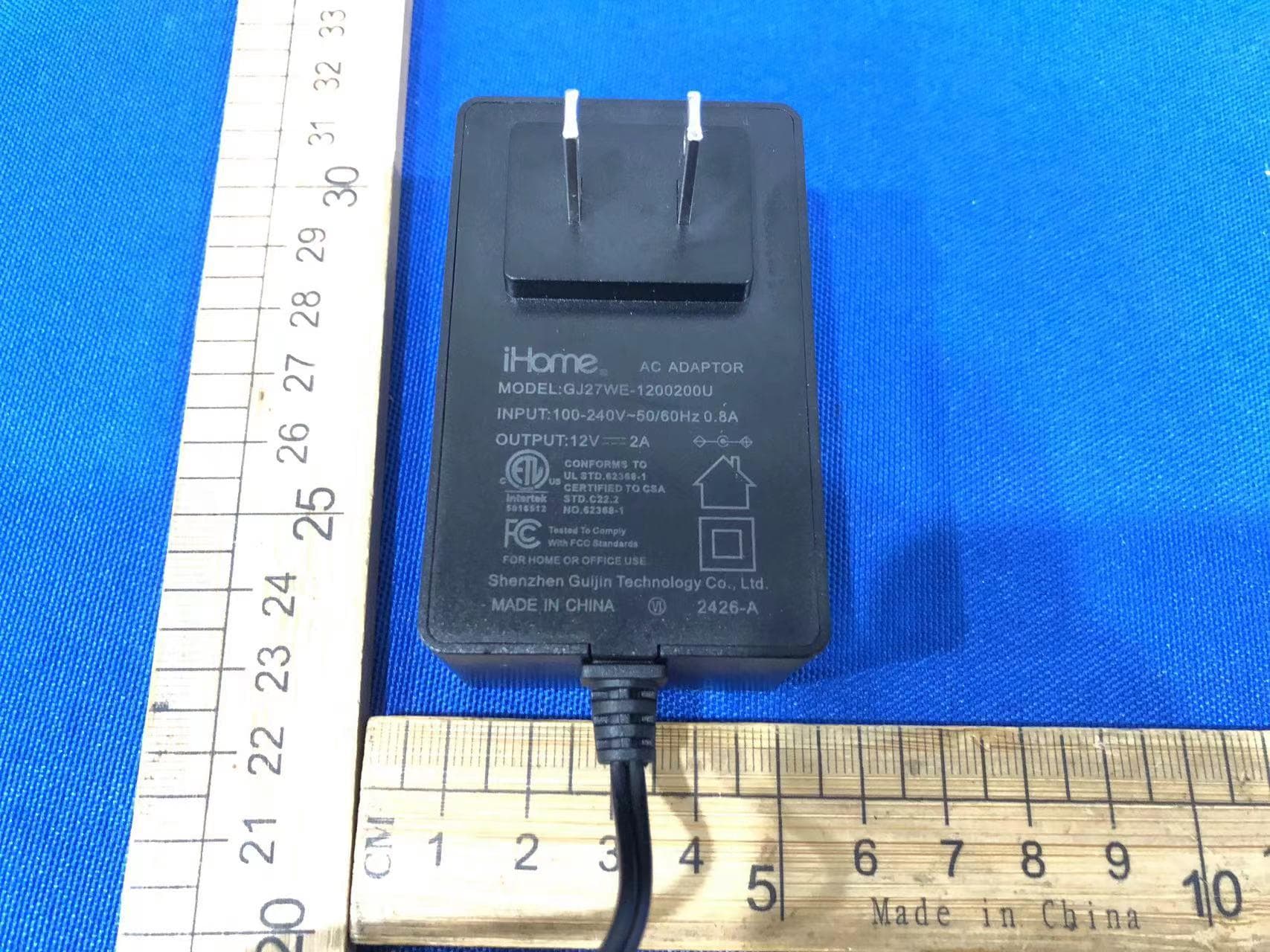
EMOIBTW112A
Sep 07, 2024Bluetooth Alarm Clock with wireless and USB charging
Equipment Class
DSS - Part 15 Spread Spectrum Transmitter