EMOIBTW281V2AColor Changing Bluetooth Alarm Clock Speaker with Qi Wireless Charging and USB Charging
SDI Technologies Inc.
Click to zoom
Application Details
- Equipment Class
- DSS - Part 15 Spread Spectrum Transmitter
- Date of Grant
- Mar 24, 2020
- Application Purpose
- Original Equipment
- Date of Application
- Mar 24, 2020
- Equipment Note
- Color Changing Bluetooth Alarm Clock Speaker with Qi Wireless Charging and USB Charging
- Frequency Range
- 2402.00000000 - 2480.00000000
- Company
- SDI Technologies Inc.
- Country
- United States
Documents & Files
Document Text
Text extracted from the exhibit documents filed with the FCC. Open a document above to read the original.
Users Manual
iBTW281v2 - QSG (English) Size: 700 x 160 mm (unfold), 140 x 160 mm (folded) Color: 1C + 1C material: 154gsm, art card, 1C + 1C, Feb 19, 2020 Front Cover Quick Start Guide What’s Included: Meet Your iBTW281v2 AC adapter iBTW281v2 unit Quick Set-Up: The Display For warranty visit: www.ihome.com/support Model: iBTW281v2 Wireless Charging Dual Alarm Clock Speaker System Back To p DC 9V 3.3A iHome iBTW281V2 + Connect the included AC adapter to the DC jack located on the back of the unit and connect the other end to a working wall outlet. Connecting the Unit Step One Bluetooth Pairing Step Two Setting Your Clock Step Three • Turn on your Bluetooth device and make it ‘discoverable’ by turning on Bluetooth mode. • Press the Power Button on the iBTW281v2. The first time the unit is powered on, it will automatically enter pairing mode. • Select ‘iHome iBTW281V2’ on your device’s Bluetooth menu to connect! • Press and hold the Time Set Button until the display flashes. • Press the – or + Buttons to adjust selections and tap Time Set to confirm (make sure you set the correct AM/PM time). • Do this for time, year, month and date. • All done! Daylight Savings Time: By default, the DST Switch in the battery compartment is set to Auto and will automatically adjust the time in March and November. PM Indicator Pairing Icon Wireless Charging Alarm 1 Alarm 2 Wake To Low Battery Hands Free Icon Sleep Icon Bluetooth Dimmer Icon Voice Icon Using Qi Wireless Charging This unit will wirelessly charge Qi compatible wireless charging phones. Place Qi compatible device face up on charging rest. Check the lightning icon on the iBTW281v2 display for charging status: Slow blinking icon: Device is charging properly. Solid icon: Device is charged. Rapid blinking icon: Device is not charging properly. Reposition device. Note: The lightning icon may continue to blink slowly when iOS devices are fully charged. CAUTION: Remove metal protective or magnetic case from phone before charging. When charging phone, do not place magnetic-striped or other metal objects on the charger. Doing so could damage the object or this unit. Qi compatible phones with metallic looking finishes will charge normally. Charge Your Phone Here Snooze/Display Dimmer Snooze: When the alarm is sounding, press the Dimmer/ZZZ Button to snooze for 9 minutes. Dimmer: Press the Dimmer/ZZZ Button (when alarm is NOT sounding) to adjust display brightness. Programmable Snooze and Dimmer Adjust the snooze duration and set a schedule for your clock backlight to automatically dim and brighten at certain times of the day. 1. Press and hold the Dimmer/ZZZ Button. 2. Use the + or - Buttons to adjust the snooze duration from 1-29 minutes. Press the Dimmer/ZZZ Button again to confirm. Now it’s time to set the display dimmer schedule: 3. Default is set to OFF. Toggle to ON by pressing the + Button and then the ZZZ Button to confirm. (Note: Choosing OFF will simply exit the setting.) 4. Now choose the brightness level for daytime hours using the +/- Buttons. Press ZZZ again to confirm. 5. Now set the time you want the daytime dimmer to take e ect. Use the +/- Buttons and press ZZZ again to confirm. 6. Now choose the brightness level for nighttime hours. Use the +/- Buttons and press ZZZ again to confirm. 7. Finally, set the time you want the nighttime dimmer to take e ect. Use the +/- Buttons and press ZZZ again to confirm. 8. Done! The icon will appear on the display when Dimmer Schedule is active. Manual Bluetooth Pairing 1. Press and hold the Bluetooth Button on the top of the iBTW281v2 for 2 seconds. 2. Select ‘iHome iBTW281’ on your device’s Bluetooth menu to connect. 3. If pairing is successful, a voice prompt will announce “CONNECTED”, then Bluetooth indicator appears solid blue, indicating the iBTW281v2 is ready to play music. 4. To reset Bluetooth settings, press and hold the Bluetooth Button for 10 seconds. Playing Audio Via Bluetooth 1. Press the Play/Pause/Speakerphone Button on the unit to play or pause audio from your linked Bluetooth device. 2. Press the – or + Buttons to adjust the volume on the unit. Using the Speakerphone feature The iBTW281v2 must be ON and connected to a Bluetooth device in order to receive calls. • Press the Play/Pause/Speakerphone Button to accept an incoming call. • Press and hold to end or ignore a call. Color Modes Press the Color Button repeatedly to cycle through 8 di erent modes: • Slow Fade • Pulse to Music • Fast Change • Sky Gradient • Favorite Color • Nightlight • Twinkle • OFF Favorite Color Mode: When the unit is in stand-by, press +/- to cycle through the color spectrum. Charging Devices Via USB Port 1. Connect the standard size end of a USB cable (not included) to the USB port on the back of the unit and connect the other end to the charging port on your device. 2. Monitor the charging on your device. Some devices use a proprietary charging method and will not charge using the USB port. If this happens, you must charge your device using the charger that came with it. NOTE: Unit must be plugged into working outlet to charge devices. Battery Back-Up The unit comes with a CR-2450 back-up battery installed to provide continuous alarm operation and clock settings in the event of a temporary power failure. Remove the battery pull tab before use. When the battery icon on the clock display is flashing, it is time to replace the back-up battery. The battery compartment is located on the bottom of the unit. 1. Make sure the AC adapter is connected, or you will lose your time and alarm settings during battery replacement. 2. Use a Phillips screwdriver to open the battery compartment door. 3. Remove the exhausted battery from the compartment and insert 1 CR-2450 battery, checking that the + side is facing you. Replace the compartment door. Do not overtighten. WARNING: Lithium batteries can explode or cause burns if disassembled, shorted, recharged, exposed to water, fire, or high temperatures. Do not place loose batteries in a po…
Text truncated - open the document above for the full version.
Cover Letter(s)
Rev 11/20/07 SDI TECHNOLOGIES INC. Federal Communications Commission Authorization and Evaluation Division Confidentiality Request regarding application for certification of FCC ID: EMOIBTW281V2A Pursuant to Sections 0.457 and 0.459 of the Commission’s Rules, we hereby request confidential treatment of information accompanying this application as outlined below: Exhibit Type File Name Block Diagram Schematics Operational Description Block SCH Operational Description The above materials contain trade secrets and proprietary information not customarily released to the public. The public disclosure of these materials may be harmful to the applicant and provide unjustified benefits to its competitors. The applicant understands that pursuant to Section 0.457 of the Rules, disclosure of this application and all accompanying documentation will not be made before the date of the Grant for this application. Pursuant to DA04-1705 June 15, 2004 of the Commission’s public notice, We also requesting the commission to grant short-term confidentiality request on the following attachments until 180 days after the Grant Date of Equipment Authorizations. Exhibit Type File Name Manual User manual Sincerely, David Stetin 2020-03-19
Cover Letter(s)
SDI Technologies Inc. Declaration on model difference We the undersigned hereby confirm that these models are identical, and all models have the same RFmodule and antenna, PCB layout , schematics and component.Only different on model number and color of appearance. Production name Trademark FCC Model no. Color Changing Bluetooth Alarm Clock Speaker with Qi Wireless Charging and USB Charging iHome EMOIBTW281V2 A iBTW281v2, iBTW281v2B, iBTW281v2X (X could be any alphabet denotes different cabinet color) Confirmed by: David Stetin 2020-03-19
Cover Letter(s)
W:\案件资料\案件数据图片\罗工\ED200117051E KID iBTW281v2 FCC ID\work\POA_Letter_140225.docx SDI TECHNOLOGIES INC. Federal Communications Commission Authorization and Evaluation Division 1435 Oakland Mills Road Columbia, MD 21046 Date: 2020/03/19 SUBJECT: FCC Application for (FCC ID: EMOIBTW281V2A) To Whom It May Concern: We, the undersigned, hereby authorize EMTEK (DONGGUAN) CO., LTD. at Sam Lv on our behalf, to apply to the Federal Communications Commission on our equipment. Any and all acts carried out by EMTEK (DONGGUAN) CO., LTD. on our behalf shall have the same effect as acts of our own. This is to advise that we are in full compliance with the Anti- Drug Abuse Act. We, the applicant, are not subject to a denial of federal benefits pursuant to Section 5301 of the Anti-Drug Act of 1988, 21 USC853a, and no party to the application is subject to a denial of federal benefits pursuant to that section. Regards, Sincerely, David Stetin 2020-03-19
External Photos
FCC ID: EMOIBTW281V2A
ID Label/Location Info
Title: Qi Charging Bluetooth Bedside Clock Radio Version: 1 Designer: Eric Holzer Date: 12.03.2019 Model #: iBTW281v2 CONFIDENTIAL and PROPRIETARY: The information contained herein including, but not limited to the products, render- ings, concepts and designs comprise intellectual property of SDI Technologies Inc. and shall be kept confidential and shall not be used or disclosed by the recipient without the written authority of SDI Technologies Inc. GAW PINK - silkscreen *FOLLOW /DL COLOR SPECIFIED PRINT FOR ALL PRINTED ICONS ON PRODUCT. BLUE - deboss 0.3mm GREEN - Lasercut and backlit PURPLE - Emboss 0.3mm PINK - silkscreen *FOLLOW /DL COLOR SPECIFIED PRINT FOR ALL PRINTED ICONS ON PRODUCT. BLUE - deboss 0.3mm GREEN - Lasercut and backlit PURPLE - Emboss 0.3mm iHome logo = debossed 0.3mm with glossy finish match POP label of iAV2v2 SINGLE USB VERSION DUAL USB VERSION BACKUP BATTERY PULL TAB BACKUP BATTERY PULL TAB BATTERY DOOR POP Label for wireless charging C - 63 M - 0 Y - 0 K - 0 0.58mm 0.31mm Dec 13, 2019Dec 13, 2019 Dec 13, 2019Dec 13, 2019 Dec 13, 2019Dec 13, 2019 Dec 4, 2019 it is new artwork Dec 4, 2019 it is new artwork DC 9V 3.3A iBTW281v2 MODEL: iBTW281v2-A-A Service #: DC 5V, 1A USB Output DC 3V, CR2450 x 1 Clock Backup DC 9V, 3.3A AC Adaptor: FCC ID: EMOIBTW281V2A IC: 986B-IBTW281V2A CAN RSS-216/CNR-216 Patents: www.ihome.com/patents Made in China www.ihome.com HVIN: iBTW281v2a Designed and Engineered in the USA Mfd. & Srvcd. by SDI Technologies, Inc. Do not place metal phone cases or metal objects in the wireless charging area. WIRELESS CHARGER: Supports 5W Charging and Samsung 9W fast charge iBTW281v2 MODEL: iBTW281v2-A-A Service #: DC 5V, 1A x 2 USB Output DC 3V, CR2450 x 1 Clock Backup DC 9V, 3.3A AC Adaptor: FCC ID: EMOIBTW281V2A IC: 986B-IBTW281V2A CAN RSS-216/CNR-216 Patents: www.ihome.com/patents Made in China www.ihome.com HVIN: iBTW281v2a Designed and Engineered in the USA Mfd. & Srvcd. by SDI Technologies, Inc. Do not place metal phone cases or metal objects in the wireless charging area. WIRELESS CHARGER: Supports 5W Charging and Samsung 9W fast charge DC 9V 3.3A Battery pull tab Dec 4, 2019 Material: clear PVC 0.25 thickness, Colour: PMS185C May 14, 2019 (fixed)
Internal Photos
FCC ID: EMOIBTW281V2A BT ANT WPT ANT
RF Exposure Info
RF EXPOSURE EVALUATION EUT Specification EUT Color Changing Bluetooth Alarm Clock Speaker with Qi Wireless Charging and USB Charging Model Number iBTW281v2, iBTW281v2B, iBTW281v2X (X could be any alphabet denotes different cabinet color) FCC ID EMOIBTW281V2A Antenna gain (Max) 0dBi Operation Frequency 2402-2480MHz Input Rating AC 120V/60Hz for adapter Classification Per Stipulated Test Standard §15.247(i), §2.1093 Kind of Device: Bluetooth Ver.5.0 Modulation BT:(GFSK, π/4-DQPSK,8DPSK) Max. output power 0.56dBm(0.001138W) Test Requirement: RF EXPOSURE EVALUATION According to FCC 1.1310: The criteria listed in the following table shall be used to evaluate the environment impact of human exposure to radio frequency(RF) Radiation as specified in §1.1307(b) Limits for Maximum Permissible Exposure (MPE) Frequency Range(MHz) Electric Field Strength(V/m) Magnetic Field Strength(A/m) Power Density(mW/cm 2 ) Average Time (A) Limits for Occupational/Control Exposures 300-1500 -- -- F/300 6 1500-100000 -- -- 5 6 (B) Limits for General Population/Uncontrol Exposures 300-1500 -- -- F/1500 6 1500-100000 -- -- 1 30 1 Friis transmission formula: Pd= (Pout*G)\ (4*pi*R 2 ) Where Pd= Power density in mW/cm 2 Pout=output power to antenna in mW G= Numeric gain of the antenna relative to isotropic antenna Pi=3.1416 R= distance between observation point and center of the radiator in cm Pd the limit of MPE, 1mW/cm 2 . If we know the maximum gain of the nd total power input to the antenna, through the calculation, we will know the distance where the MPE limit is reached. 2 Measurement Result Antenna gain:0 dBi BT DSS: Transmit Frequen cy(MHz) Mode Measur ed Power (dBm) Tune upPowe r (dBm) Max tune up power( dBm) Output Peak power (mW) Ant. Gain (dBi) Ant. Gain (nume ric) Power density at 20cm (mW/ cm2 ) Power densit y Limits (mW/ cm2 ) 2.402 GFSK -1.23 -1±1 0 1.000 0 1.000 0.0001989 1 2.441 GFSK 0.54 0±1 0 1.000 0 1.000 0.0001989 1 2.480 GFSK 0.56 0±1 1 1.259 0 1.000 0.0002505 1 2.402 Π/4-DQP SK -1.49 -1±1 0 1.000 0 1.000 0.0001989 1 2.441 Π/4-DQP SK 0.45 0±1 -1 0.794 0 1.000 0.0001580 1 2.480 Π/4-DQP SK 0.53 0±1 1 1.259 0 1.000 0.0002505 1 2.402 8DPSK -3.48 -3±1 -2 0.631 0 1.000 0.0001255 1 2.441 8DPSK -1.52 -1±1 0 1.000 0 1.000 0.0001989 1 2.480 8DPSK -1.26 -1±1 0 1.000 0 1.000 0.0001989 1 Signature: Sam Lv Date: 2020-03-19
Test Report
Report No. ES200117068E2 Page 1 of 83 Ver.1.0 TEST REPORT Product Name : Color Changing Bluetooth Alarm Clock Speaker with Qi Wireless Charging and USB Charging Model Number : iBTW281v2, iBTW281v2B, iBTW281v2X (X could be any alphabet denotes different cabinet color) FCC ID : EMOIBTW281V2A Prepared for : SDI Technologies Inc. Address : 1299, Main Street, Rahway, NJ 07065, U.S.A. Prepared by : EMTEK (DONGGUAN) CO., LTD. Address : -1&2/F.,Building 2, Zone A, Zhongda Marine Biotechnology Reserch and Development Base, No.9, Xincheng Avenue, Songshanhu High-technology Industrial Development Zone, Dongguan, Guangdong, China TEL: +86-0769-22807078 FAX: +86-0769-22807079 Report Number : ES200117068E2 Date(s) of Tests : January 17, 2020 to March 11, 2020 Date of issue : March 11, 2020 Report No. ES200117068E2 Page 2 of 83 Ver.1.0 VERIFICATION OF COMPLIANCE Applicant: SDI Technologies Inc. 1299,Main Street,Rahway,NJ 07065,U.S.A Manufacturer: SDI Technologies Inc. 1299, Main Street, Rahway, NJ 07065, U.S.A Product Description: Color Changing Bluetooth Alarm Clock Speaker with Qi Wireless Charging and USB Charging Trade Mark: iHome Model Number: iBTW281v2, iBTW281v2B, iBTW281v2X (X could be any alphabet denotes different cabinet color) (note: The models are the same except color of appearance and model number, here we prepare iBTW281v2 for test) We hereby certify that: The above equipment was tested by EMTEK(SHENZHEN) CO., LTD. The test data, data evaluation, test procedures, and equipment configurations shown in this report were made in accordance with the procedures given in ANSI C63.10-2013 and the energy emitted by the sample EUT tested as described in this report is in compliance with conducted and radiated emission limits of FCC Rules Part 15.247(2019). Date of Test : January 17, 2020 to March 11, 2020 Prepared by : Loren Luo /Editor Reviewer : Tim Dong / Supervisor Approved & Authorized Signer : Lisa Wang / Manager Report No. ES200117068E2 Page 3 of 83 Ver.1.0 Modified Information Version Summary Revision Date Report No. Ver.1.0 Original Report / ES200117068E2 Report No. ES200117068E2 Page 4 of 83 Ver.1.0 Table of Contents 1. GENERAL INFORMATION ............................................................................................................ 6 1.1PRODUCT DESCRIPTION ........................................................................................................................ 6 1.2TEST FACILITY ....................................................................................................................................... 7 2. SYSTEM TEST CONFIGURATION ............................................................................................. 8 2.1EUT CONFIGURATION ........................................................................................................................... 8 2.2EUT EXERCISE ...................................................................................................................................... 8 2.3TEST PROCEDURE ................................................................................................................................. 8 2.4CONFIGURATION OF TESTED SYSTEM ................................................................................................... 9 3. SUMMARY OF TEST RESULTS ............................................................................................... 10 4. DESCRIPTION OF TEST MODES ............................................................................................. 11 5. TEST SYSTEM UNCERTAINTY ................................................................................................ 13 6. CONDUCTED EMISSIONS TEST ............................................................................................. 14 6.1 MEASUREMENT PROCEDURE: .............................................................................................................14 6.2 TEST SET-UP (BLOCK DIAGRAM OF CONFIGURATION) ......................................................................14 6.3 MEASUREMENT EQUIPMENT USED: ....................................................................................................14 6.4 MEASUREMENT RESULT: .....................................................................................................................14 6.5 CONDUCTED MEASUREMENT PHOTOS: ..............................................................................................17 7. RADIATED EMISSION TEST ..................................................................................................... 18 7.1 MEASUREMENT PROCEDURE ...............................................................................................................18 7.2 TEST SET-UP (BLOCK DIAGRAM OF CONFIGURATION) ......................................................................20 7.3 MEASUREMENT EQUIPMENT USED: .....................................................................................................21 7.4 RADIATED EMISSION LIMIT ...................................................................................................................22 7.5 MEASUREMENT RESULT ......................................................................................................................23 7.5 RADIATED MEASUREMENT PHOTOS: ...................................................................................................28 8. CHANNEL SEPARATION TEST................................................................................................ 29 8.1 MEASUREMENT PROCEDURE ..............................................................................................................29 8.2 TEST SET-UP (BLOCK DIAGRAM OF CONFIGURATION) ......................................................................29 8.3 MEASUREMENT EQUIPMENT USED: .....................................................................................................29 8.4 MEASUREMENT RESULTS:......................…
Text truncated - open the document above for the full version.
Test Setup Photos
FCC ID: EMOIBTW281V2A
Contact Information
Applicant
David Stetin(Compliance Officer)
Test Firm
EMTEK (Shenzhen) Co., Ltd.Lisa Wang
[email protected]86 755 26954280
Technical Specifications
| # | Rule Parts | Frequency Range | Power Output |
|---|---|---|---|
| 1 | 15C | 2.40 GHz - 2.48 GHz | 1.14 mW |
Other Applications from SDI Technologies Inc.
EMOIPCV3A
May 27, 2026Magnetic Wallet Power Bank
Equipment Class
DCD - Part 15 Low Power Transmitter Below 1705 kHz
EMOTW502A
Apr 22, 2026ALARM CLOCK WITH NIGHTLIGHT AND FAST WIRELESS CHARGING
Equipment Class
DCD - Part 15 Low Power Transmitter Below 1705 kHz
EMO555B
Nov 23, 2025Bluetooth Karaoke
Equipment Class
DSS - Part 15 Spread Spectrum Transmitter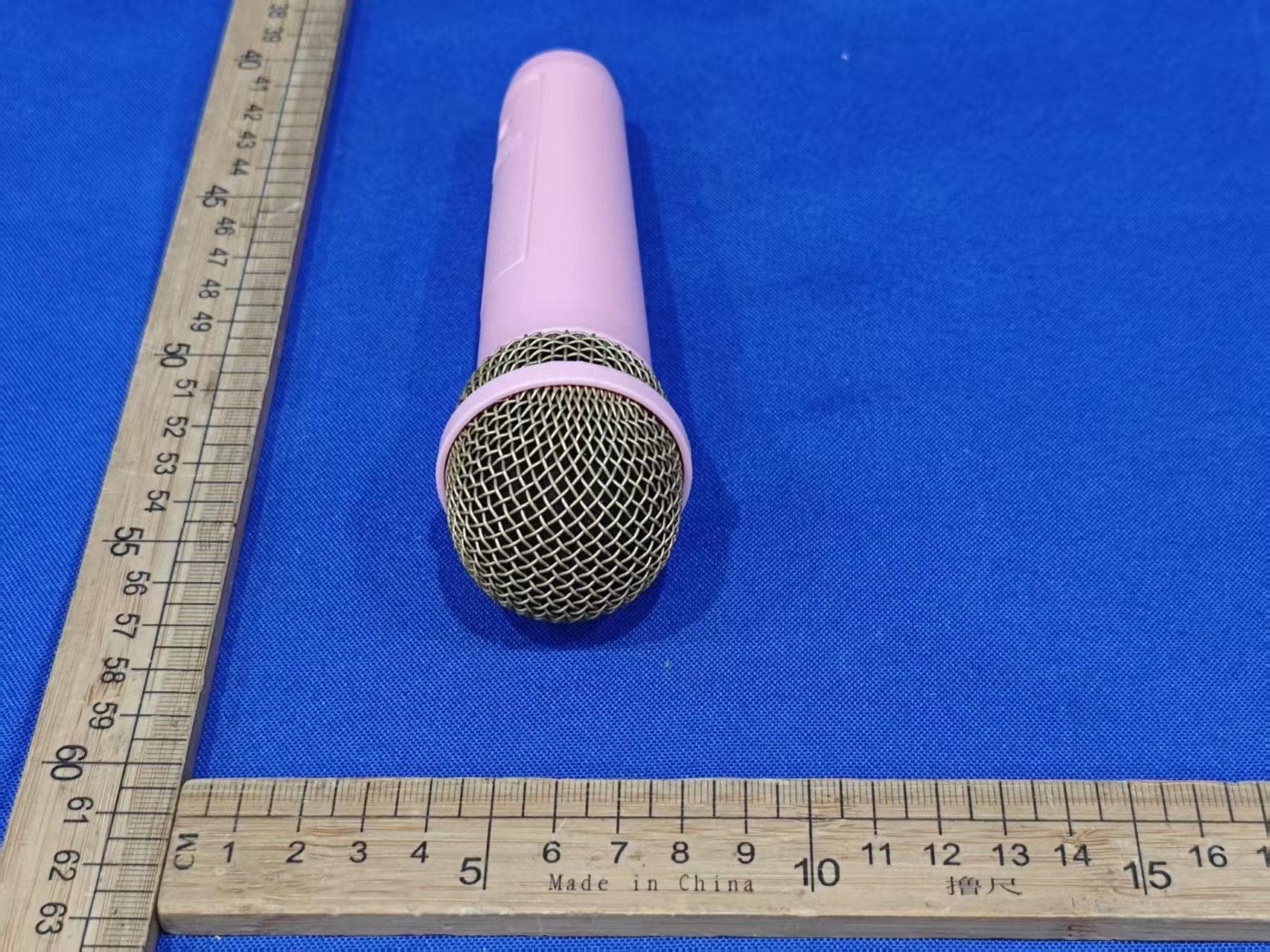
EMO555BM
Nov 23, 2025Bluetooth Karaoke
Equipment Class
DTS - Digital Transmission System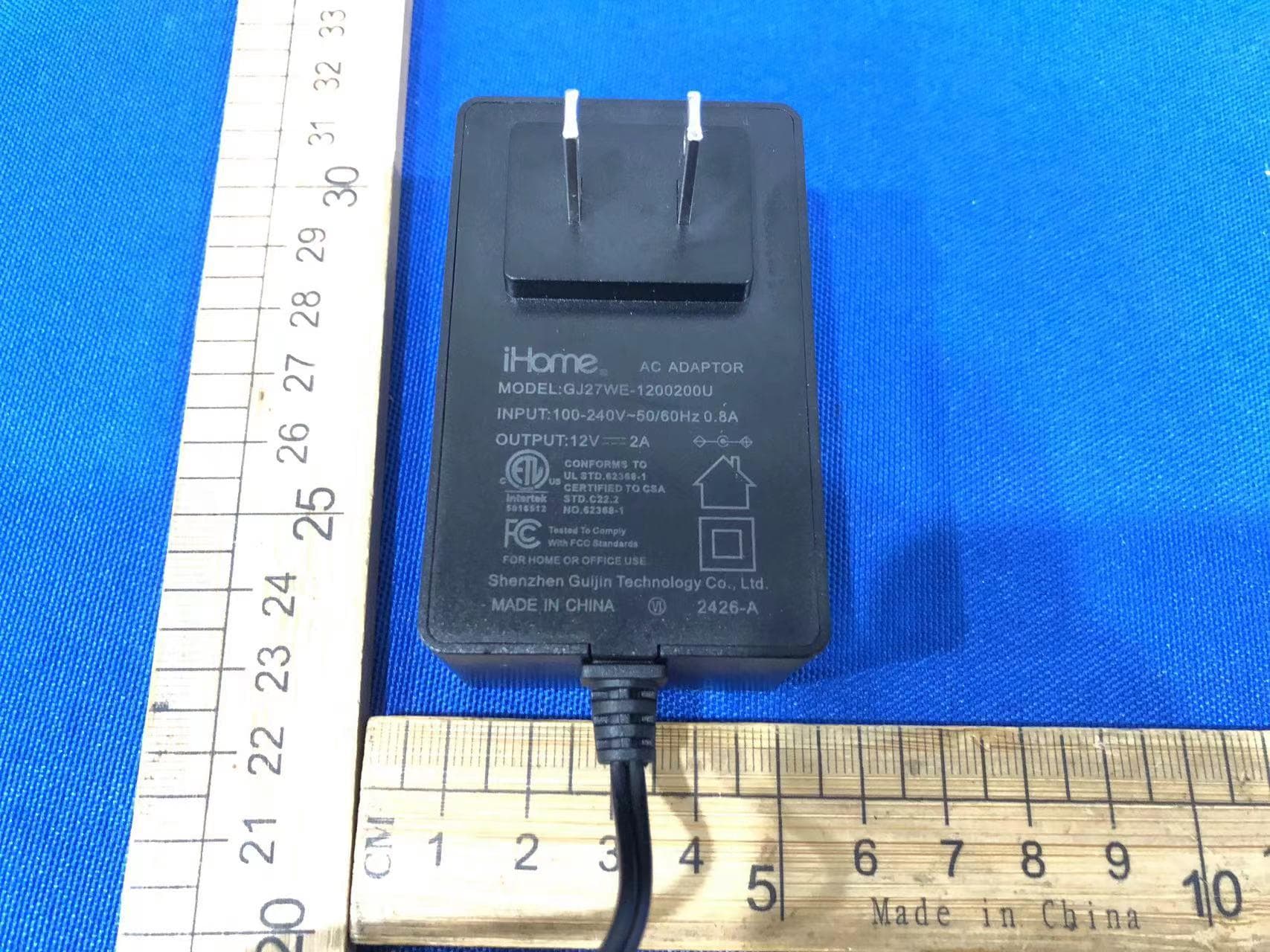
EMOIBTW112A
Sep 07, 2024Bluetooth Alarm Clock with wireless and USB charging
Equipment Class
DSS - Part 15 Spread Spectrum Transmitter