EMOIBTW281V2BColor Changing Bluetooth Alarm Clock Speaker with Qi Wireless Charging and USB Charging
SDI Technologies Inc.
Click to zoom
Application Details
- Equipment Class
- DSS - Part 15 Spread Spectrum Transmitter
- Date of Grant
- Aug 24, 2021
- Application Purpose
- Original Equipment
- Date of Application
- Aug 24, 2021
- Equipment Note
- Color Changing Bluetooth Alarm Clock Speaker with Qi Wireless Charging and USB Charging
- Frequency Range
- 2402.00000000 - 2480.00000000
- Company
- SDI Technologies Inc.
- Country
- United States
Documents & Files
Document Text
Text extracted from the exhibit documents filed with the FCC. Open a document above to read the original.
Users Manual
iBTW281v2 - QSG (English) Size: 700 x 160 mm (unfold), 140 x 160 mm (folded) Color: 1C + 1C material: 154gsm, art card, 1C + 1C, June 28, 2021 V3 Front Cover Quick Start Guide What’s Included: Meet Your iBTW281v2 AC adapter iBTW281v2 unit Quick Set-Up: The Display For warranty visit: www.ihome.com/support Model: iBTW281v2 Back To p iHome iBTW281V2 + Connect the included AC adapter to the DC jack located on the back of the unit and connect the other end to a working wall outlet. Connecting the Unit Step One Bluetooth Pairing Step Two Setting Your Clock Step Three • Turn on your Bluetooth device and make it ‘discoverable’ by turning on Bluetooth mode. • Press the Power Button on the iBTW281v2. The first time the unit is powered on, it will automatically enter pairing mode. • Select ‘iHome iBTW281V2’ on your device’s Bluetooth menu to connect! • Press and hold the Time Set Button until the display flashes. • Press the – or + Buttons to adjust selections and tap Time Set to confirm (make sure you set the correct AM/PM time). • Do this for time, year, month and date. • All done! Daylight Savings Time: By default, the DST Switch in the battery compartment is set to Auto and will automatically adjust the time in March and November. PM Indicator Pairing Icon Wireless Charging Alarm 1 Alarm 2 Wake To Low Battery Hands Free Icon Sleep Icon Bluetooth Dimmer Icon Voice Icon Using Qi Wireless Charging This unit will wirelessly charge Qi compatible wireless charging phones. Place Qi compatible device face up on charging rest. Check the lightning icon on the iBTW281v2 display for charging status: Slow blinking icon: Device is charging properly. Solid icon: Device is charged. Rapid blinking icon: Device is not charging properly. Reposition device. Note: The lightning icon may continue to blink slowly when iOS devices are fully charged. CAUTION: Remove metal protective or magnetic case from phone before charging. When charging phone, do not place magnetic-striped or other metal objects on the charger. Doing so could damage the object or this unit. Qi compatible phones with metallic looking finishes will charge normally. Charge Your Phone Here Snooze/Display Dimmer Snooze: When the alarm is sounding, press the Dimmer/ZZZ Button to snooze for 9 minutes. Dimmer: Press the Dimmer/ZZZ Button (when alarm is NOT sounding) to adjust display brightness. Programmable Snooze and Dimmer Adjust the snooze duration and set a schedule for your clock backlight to automatically dim and brighten at certain times of the day. 1. Press and hold the Dimmer/ZZZ Button. 2. Use the + or - Buttons to adjust the snooze duration from 1-29 minutes. Press the Dimmer/ZZZ Button again to confirm. Now it’s time to set the display dimmer schedule: 3. Default is set to OFF. Toggle to ON by pressing the + Button and then the ZZZ Button to confirm. (Note: Choosing OFF will simply exit the setting.) 4. Now choose the brightness level for daytime hours using the +/- Buttons. Press ZZZ again to confirm. 5. Now set the time you want the daytime dimmer to take e ect. Use the +/- Buttons and press ZZZ again to confirm. 6. Now choose the brightness level for nighttime hours. Use the +/- Buttons and press ZZZ again to confirm. 7. Finally, set the time you want the nighttime dimmer to take e ect. Use the +/- Buttons and press ZZZ again to confirm. 8. Done! The icon will appear on the display when Dimmer Schedule is active. Manual Bluetooth Pairing 1. Press and hold the Bluetooth Button on the top of the iBTW281v2 for 2 seconds. 2. Select ‘iHome iBTW281’ on your device’s Bluetooth menu to connect. 3. If pairing is successful, a voice prompt will announce “CONNECTED”, then Bluetooth indicator appears solid blue, indicating the iBTW281v2 is ready to play music. 4. To reset Bluetooth settings, press and hold the Bluetooth Button for 10 seconds. Playing Audio Via Bluetooth 1. Press the Play/Pause/Speakerphone Button on the unit to play or pause audio from your linked Bluetooth device. 2. Press the – or + Buttons to adjust the volume on the unit. Using the Speakerphone feature The iBTW281v2 must be ON and connected to a Bluetooth device in order to receive calls. • Press the Play/Pause/Speakerphone Button to accept an incoming call. • Press and hold to end or ignore a call. Color Modes Press the Color Button repeatedly to cycle through 8 di erent modes: • Slow Fade • Pulse to Music • Fast Change • Sky Gradient • Favorite Color • Nightlight • Twinkle • OFF Favorite Color Mode: When the unit is in stand-by, press +/- to cycle through the color spectrum. Charging Devices Via USB Port 1. Connect the standard size end of a USB cable (not included) to the USB port on the back of the unit and connect the other end to the charging port on your device. 2. Monitor the charging on your device. Some devices use a proprietary charging method and will not charge using the USB port. If this happens, you must charge your device using the charger that came with it. NOTE: Unit must be plugged into working outlet to charge devices. Battery Back-Up The unit comes with a CR-2450 back-up battery installed to provide continuous alarm operation and clock settings in the event of a temporary power failure. Remove the battery pull tab before use. When the battery icon on the clock display is flashing, it is time to replace the back-up battery. The battery compartment is located on the bottom of the unit. 1. Make sure the AC adapter is connected, or you will lose your time and alarm settings during battery replacement. 2. Use a Phillips screwdriver to open the battery compartment door. 3. Remove the exhausted battery from the compartment and insert 1 CR-2450 battery, checking that the + side is facing you. Replace the compartment door. Do not overtighten. WARNING: Lithium batteries can explode or cause burns if disassembled, shorted, recharged, exposed to water, fire, or high temperatures. Do not place loose batteries in a pocket, purse, or other container containing metal objects,…
Text truncated - open the document above for the full version.
Attestation Statements
Supplier'sDeclarationofConformity ProductDetails: ProductName: ColorChangingBluetoothAlarmClockSpeakerwithQi WirelessChargingandUSBCharging ModelNumber:iBTW281v2,iBTW281v2B,iBTW281v2X(Xcouldbesingle ormultipledigitsbyanyalphabetsdenotedifferentcabinet color) TradeMark:iHome FCCID:EMOIBTW281V2B ReportNo:EDG2108030108E001 ResponsibleParty–U.S.ContactInformation CompanyName: SDITechnologiesInc. Address: 1299MainStreet,Rahway,NJ07065,U.S.A ContactPerson:DavidStetin E-mail:[email protected] PhoneNo.:732574-9000 FaxNo.:732574-2634 AppliedStandards Part15SubpartB-Section15.107and15.109 ANSIC63.4:2014 ClassB ThisdevicecomplieswithPart15oftheFCCRules.Operationissubjecttothe followingtwoconditions:(1)Thisdevicemaynotcauseharmfulinterference,and(2) thisdevicemustacceptanyinterferencereceived,includinginterferencethatmay causeundesiredoperation. Signature: Printname:DavidStetin Dateofissue:2021/08/20
Cover Letter(s)
Rev11/20/07 SDITechnologiesInc. FederalCommunicationsCommission AuthorizationandEvaluationDivision ConfidentialityRequestregardingapplicationforcertificationofFCCID:EMOIBTW281V2B PursuanttoSections0.457and0.459oftheCommission’sRules,weherebyrequestconfidential treatmentofinformationaccompanyingthisapplicationasoutlinedbelow: ExhibitTypeFileName BlockDiagram Schematics OperationalDescription BlockDiagram Schematics OperationalDescription Theabovematerialscontaintradesecretsandproprietaryinformationnotcustomarilyreleasedto thepublic.Thepublicdisclosureofthesematerialsmaybeharmfultotheapplicantandprovide unjustifiedbenefitstoitscompetitors. TheapplicantunderstandsthatpursuanttoSection0.457oftheRules,disclosureofthis applicationandallaccompanyingdocumentationwillnotbemadebeforethedateoftheGrant forthisapplication. PursuanttoDA04-1705June15,2004oftheCommission’spublicnotice,Wealsorequestingthe commissiontograntshort-termconfidentialityrequestonthefollowingattachmentsuntil180 daysaftertheGrantDateofEquipmentAuthorizations. ExhibitTypeFileName ManualUsermanual InternalphotoInternalphoto Sincerely, DavidStetin 2021-08-25
Cover Letter(s)
SDITechnologiesInc. Declarationonmodeldifference Wetheundersignedherebyconfirmthatthesemodelsareidentical,andallmodelshavethe sameRFmoduleandantenna,PCBlayout,schematicsandcomponent.Onlydifferentonmodel numberandcolorofappearance. ProductionnameTrademarkFCCModelno. ColorChangingBluetooth AlarmClockSpeakerwith Qi WirelessChargingandUSB Charging iHomeEMOIBTW281V2 B iBTW281v2,iBTW281v2B, iBTW281v2X(Xcouldbesingleor multipledigitsbyanyalphabets denotedifferentcabinetcolor) Confirmedby: DavidStetin 2021-08-25
Cover Letter(s)
W:\案件资料\案件数据图片\罗工\ED191107034EKIDiBT235FCCIDReport\work\POA_Letter_140225.docx SDITechnologiesInc. FederalCommunicationsCommission AuthorizationandEvaluationDivision 1435OaklandMillsRoad Columbia,MD21046 Date:2021-08-25 SUBJECT:FCCApplicationfor(FCCID:EMOIBTW281V2B) ToWhomItMayConcern: We,theundersigned,herebyauthorizeEMTEK(DONGGUAN)CO.,LTD.atSamLv onourbehalf,toapplytotheFederalCommunicationsCommissiononourequipment. AnyandallactscarriedoutbyEMTEK(DONGGUAN)CO.,LTD.onourbehalfshall havethesameeffectasactsofourown. ThisistoadvisethatweareinfullcompliancewiththeAnti-DrugAbuseAct.We,the applicant,arenotsubjecttoadenialoffederalbenefitspursuanttoSection5301ofthe Anti-DrugActof1988,21USC853a,andnopartytotheapplicationissubjecttoadenial offederalbenefitspursuanttothatsection. Regards, Sincerely, DavidStetin 2021-08-25
External Photos
FCCID:EMOIBTW281V2B
ID Label/Location Info
Title: Qi Charging Bluetooth Bedside Clock Radio Version: 1 Designer: Eric Holzer Date: 12.03.2019 Model #: iBTW281v2 CONFIDENTIAL and PROPRIETARY: The information contained herein including, but not limited to the products, render- ings, concepts and designs comprise intellectual property of SDI Technologies Inc. and shall be kept confidential and shall not be used or disclosed by the recipient without the written authority of SDI Technologies Inc. GAW PINK - silkscreen *FOLLOW /DL COLOR SPECIFIED PRINT FOR ALL PRINTED ICONS ON PRODUCT. BLUE - deboss 0.3mm GREEN - Lasercut and backlit PURPLE - Emboss 0.3mm PINK - silkscreen *FOLLOW /DL COLOR SPECIFIED PRINT FOR ALL PRINTED ICONS ON PRODUCT. BLUE - deboss 0.3mm GREEN - Lasercut and backlit PURPLE - Emboss 0.3mm iHome logo = debossed 0.3mm with glossy finish match POP label of iAV2v2 SINGLE USB VERSION DUAL USB VERSION BACKUP BATTERY PULL TAB BACKUP BATTERY PULL TAB BATTERY DOOR POP Label for wireless charging C - 63 M - 0 Y - 0 K - 0 0.58mm 0.31mm Dec 13, 2019Dec 13, 2019 June 25, 2021June 25, 2021 Dec 13, 2019Dec 13, 2019 Dec 4, 2019 it is new artwork Dec 4, 2019 it is new artwork DC 9V 3.3A iBTW281v2 MODEL: iBTW281v2-A-B Service #: DC 5V, 1A x 2 USB Output DC 3V, CR2450 x 1 Clock Backup DC 9V, 3.3A AC Adaptor: FCC ID: EMOIBTW281V2B IC: 986B-IBTW281V2B CAN RSS-216/CNR-216 Patents: www.ihome.com/patents Made in China www.ihome.com HVIN: iBTW281v2b Designed and Engineered in the USA Mfd. & Srvcd. by SDI Technologies, Inc. Do not place metal phone cases or metal objects in the wireless charging area. WIRELESS CHARGER: Supports 5W Charging and Samsung 9W fast charge DC 9V 3.3A Battery pull tab- v1 Mar 2, 2020 May 12, 2020 Material: clear PVC 0.15 thickness, Colour: PMS185C May 14, 2019 (fixed)
Internal Photos
FCC ID: EMO IBTW281V2B BTANT Coil ANT
RF Exposure Info
RFEXPOSUREEVALUATION EUTSpecification EUTColorChangingBluetoothAlarmClockSpeakerwithQi WirelessChargingandUSBCharging ModelNumberiBTW281v2,iBTW281v2B,iBTW281v2X(Xcouldbesingle ormultipledigitsbyanyalphabetsdenotedifferentcabinet color) FCCIDEMOIBTW281V2B Antennagain(Max)0dBi OperationFrequency2402MHz-2480MHz InputRatingAC120V/60Hz ClassificationPer StipulatedTestStandard §15.247(i),§2.1091 ModulationGFSK,pi/4-DQPSK,8-DPSK Max.outputpower2.6dBm(0.00182W) EvaluationappliedMPEEvaluation SAREvaluation TestRequirement: RFEXPOSUREEVALUATION AccordingtoFCC1.1310:Thecriterialistedinthefollowingtableshallbeusedto evaluatetheenvironmentimpactofhumanexposuretoradiofrequency(RF)Radiationas specifiedin§1.1307(b) LimitsforMaximumPermissibleExposure(MPE) Frequency Range(MHz) ElectricField Strength(V/m) MagneticField Strength(A/m) Power Density(mW/cm 2 ) Average Time (A)LimitsforOccupational/ControlExposures 300-1500----F/3006 1500-100000----56 (B)LimitsforGeneralPopulation/UncontrolExposures 300-1500----F/15006 1500-100000----130 1Friistransmissionformula:Pd=(Pout*G)\(4*pi*R 2 ) Where Pd=PowerdensityinmW/cm 2 Pout=outputpowertoantennainmW G=Numericgainoftheantennarelativetoisotropicantenna Pi=3.1416 R=distancebetweenobservationpointandcenteroftheradiatorincm PdthelimitofMPE,1mW/cm 2 .Ifweknowthemaximumgainofthendtotalpowerinputto theantenna,throughthecalculation,wewillknowthedistancewheretheMPElimitis reached. 2MeasurementResult Antennagain:0dBi ModeFrequ ency (MHz) Output Power (dBm) Target Power W/tolera nce (dBm) Max tune up power toleranc e (dBm) Max tune up power toleranc e (mW) Power Densityat R=20cm (mW/cm 2 ) Limit (mW/c m 2 ) Verdict GFSK 2402-0.750±111.2590.0002501.0PASS 2441-0.230±111.2590.0002501.0PASS 24800.160±111.2590.0002501.0PASS pi/4-DQPSK 24021.322±131.9950.0003971.0PASS 24411.852±131.9950.0003971.0PASS 24802.162±131.9950.0003971.0PASS 8-DPSK 24021.812±131.9950.0003971.0PASS 24412.282±131.9950.0003971.0PASS 2480 2.60 2±131.9950.0003971.0PASS Signature: SamLv Date:2021-08-20
Test Report
Report No.EDG2108030108E00301RPage 1 of 60Ver.1.0 TEST REPORT Product Name: Color Changing Bluetooth Alarm Clock Speaker with Qi Wireless Charging and USB Charging Model Number: iBTW281v2, iBTW281v2B, iBTW281v2X(X could be single or multiple digits by any alphabets denote different cabinet color) FCC ID:EMOIBTW281V2B Prepared for:SDI Technologies Inc. Address:1299 Main Street, Rahway, NJ 07065, U.S.A Prepared by:EMTEK (DONGGUAN) CO., LTD. Address:-1&2/F.,Building 2, Zone A, Zhongda Marine Biotechnology Reserch and Development Base, No.9, Xincheng Avenue, Songshanhu High-technology Industrial Development Zone, Dongguan, Guangdong, China TEL: +86-0769-22807078 FAX: +86-0769-22807079 Report Number:EDG2108030108E00301R Date(s) of Tests:August 02, 2021 to August 20, 2021 Date of issue:August 20, 2021 $ 二维码 $ Report No.EDG2108030108E00301RPage 2 of 60Ver.1.0 Table of Contents TEST REPORT......................................................................................................................................................... 1 1 TEST RESULT CERTIFICATION..........................................................................................................................3 2 EUT TECHNICAL DESCRIPTION........................................................................................................................4 3 SUMMARY OF TEST RESULT.............................................................................................................................5 4 TEST METHODOLOGY.........................................................................................................................................6 4.1 GENERAL DESCRIPTION OF APPLIED STANDARDS.............................................................................6 4.2 MEASUREMENT EQUIPMENT USED.........................................................................................................6 4.3 DESCRIPTION OF TEST MODES..................................................................................................................7 5 FACILITIES AND ACCREDITATIONS................................................................................................................8 5.1 FACILITIES......................................................................................................................................................8 5.2 LABORATORY ACCREDITATIONS AND LISTINGS................................................................................8 6 TEST SYSTEM UNCERTAINTY...........................................................................................................................9 7 SETUP OF EQUIPMENT UNDER TEST.............................................................................................................10 7.1 RADIO FREQUENCY TEST SETUP 1.........................................................................................................10 7.2 RADIO FREQUENCY TEST SETUP 2.........................................................................................................10 7.3 CONDUCTED EMISSION TEST SETUP.....................................................................................................12 7.4 BLOCK DIAGRAM CONFIGURATION OF TEST SYSTEM....................................................................13 7.5 SUPPORT EQUIPMENT................................................................................................................................13 8 FREQUENCY HOPPING SYSTEM REQUIREMENTS..................................................................................... 14 8.1 Standard Applicable........................................................................................................................................ 14 8.2 EUT Pseudorandom Frequency Hopping Sequence....................................................................................... 14 8.3 Equal Hopping Frequency Use........................................................................................................................15 8.4 Frequency Hopping System.............................................................................................................................15 9 TEST REQUIREMENTS.......................................................................................................................................16 9.1 20DB BANDWIDTH......................................................................................................................................16 9.2 CARRIER FREQUENCY SEPARATION.....................................................................................................22 9.3 NUMBER OF HOPPING FREQUENCIES....................................................................................................28 9.4 AVERAGE TIME OF OCCUPANCY (DWELL TIME)...............................................................................30 9.5 MAXIMUM PEAK CONDUCTED OUTPUT POWER................................................................................34 9.6 CONDUCTED SUPRIOUS EMISSION........................................................................................................40 9.7 RADIATED SPURIOUS EMISSION.............................................................................................................47 9.8 CONDUCTED EMISSION TEST..................................................................................................................56 9.9 ANTENNA APPLICATION...........................................................................................................................59 Report No.EDG2108030108E00301RPage 3 of 60Ver.1.0 1 TEST RESULT CERTIFICATION Applicant:SDI Technologies Inc. Address:1299 Main Street, Rahway, NJ 07065, U.S.A Manufacturer:SDI Technologies Inc. Address:1299 Main Street, Rahway, NJ 07065, U.S.A EUT: Color Changing Bluetooth Alarm Clock Speaker with Qi Wireless Charging and USB Charging Model Name: iBTW281v2, iBTW281v2B, iBTW281v…
Text truncated - open the document above for the full version.
Contact Information
Applicant
David Stetin(Compliance Officer)
Test Firm
EMTEK (Dongguan) Co., Ltd.Sam Lv
[email protected]886-0769-22807078
Technical Specifications
| # | Rule Parts | Frequency Range | Power Output |
|---|---|---|---|
| 1 | 15C | 2.40 GHz - 2.48 GHz | 1.82 mW |
Other Applications from SDI Technologies Inc.
EMOIPCV3A
May 27, 2026Magnetic Wallet Power Bank
Equipment Class
DCD - Part 15 Low Power Transmitter Below 1705 kHz
EMOTW502A
Apr 22, 2026ALARM CLOCK WITH NIGHTLIGHT AND FAST WIRELESS CHARGING
Equipment Class
DCD - Part 15 Low Power Transmitter Below 1705 kHz
EMO555B
Nov 23, 2025Bluetooth Karaoke
Equipment Class
DSS - Part 15 Spread Spectrum Transmitter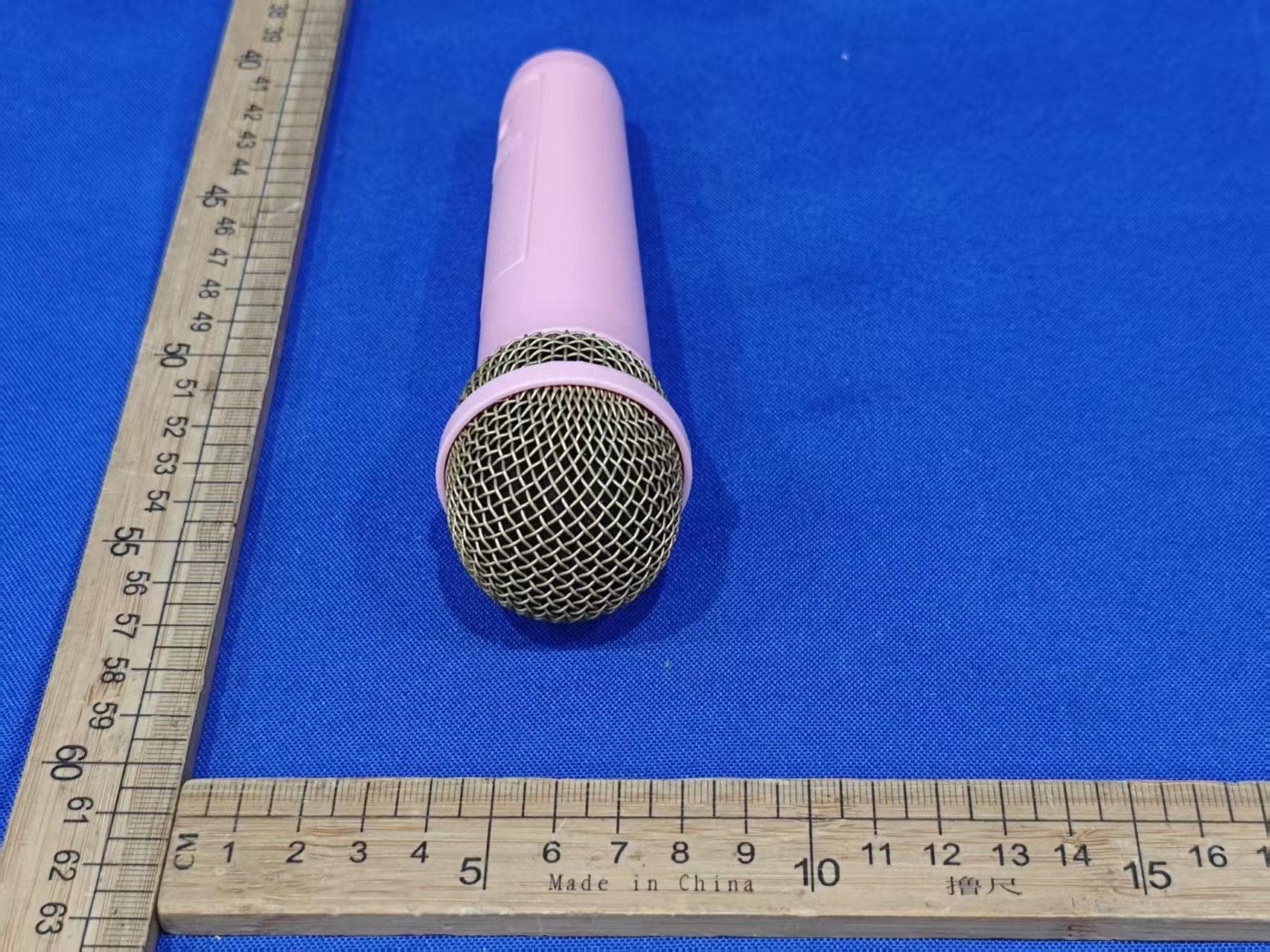
EMO555BM
Nov 23, 2025Bluetooth Karaoke
Equipment Class
DTS - Digital Transmission System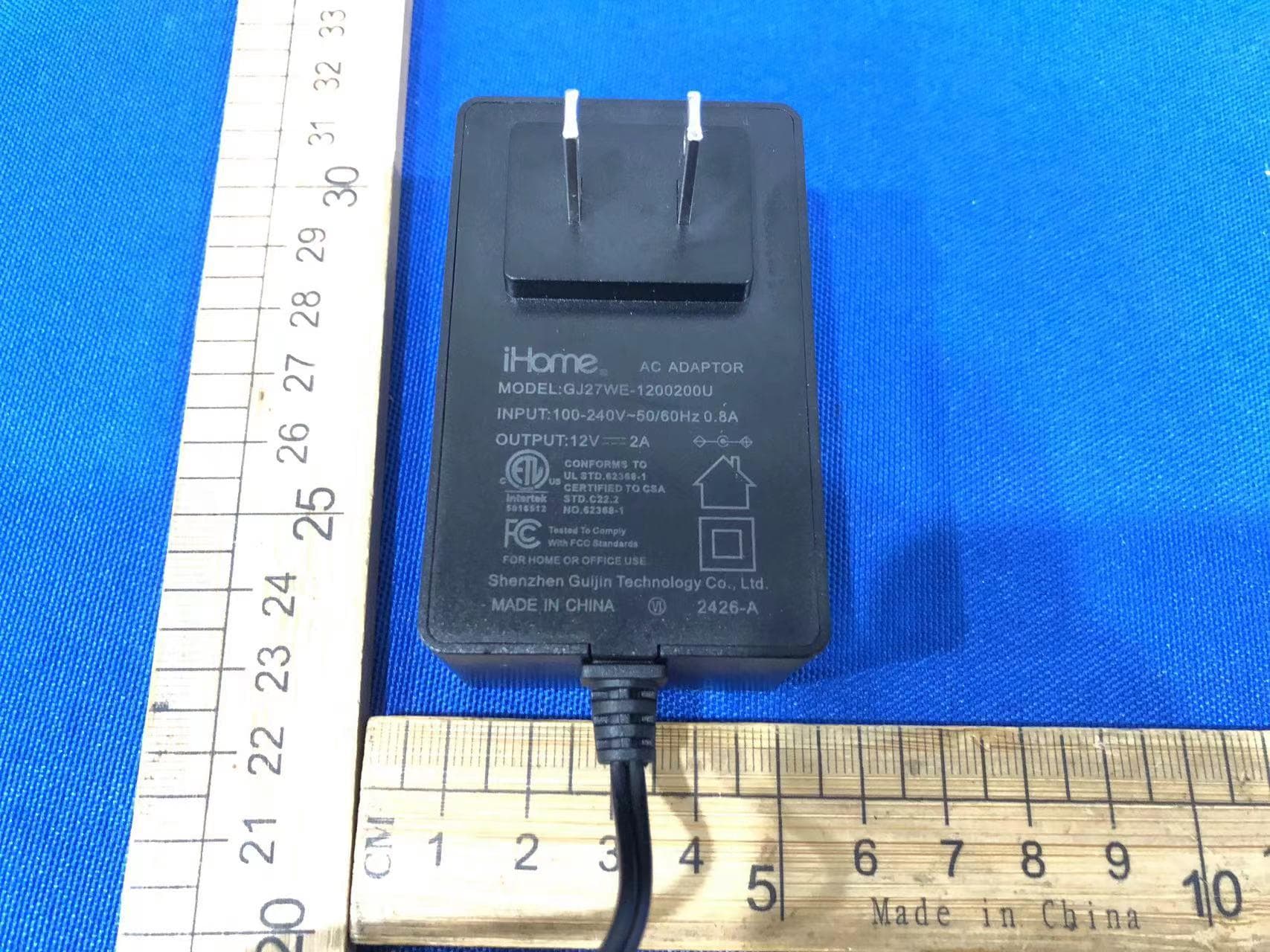
EMOIBTW112A
Sep 07, 2024Bluetooth Alarm Clock with wireless and USB charging
Equipment Class
DSS - Part 15 Spread Spectrum Transmitter