EMOIBTW41ABluetooth Stereo Alarm Clock with Qi Wireless, Speaker Phone and USB Charging
SDI Technologies Inc.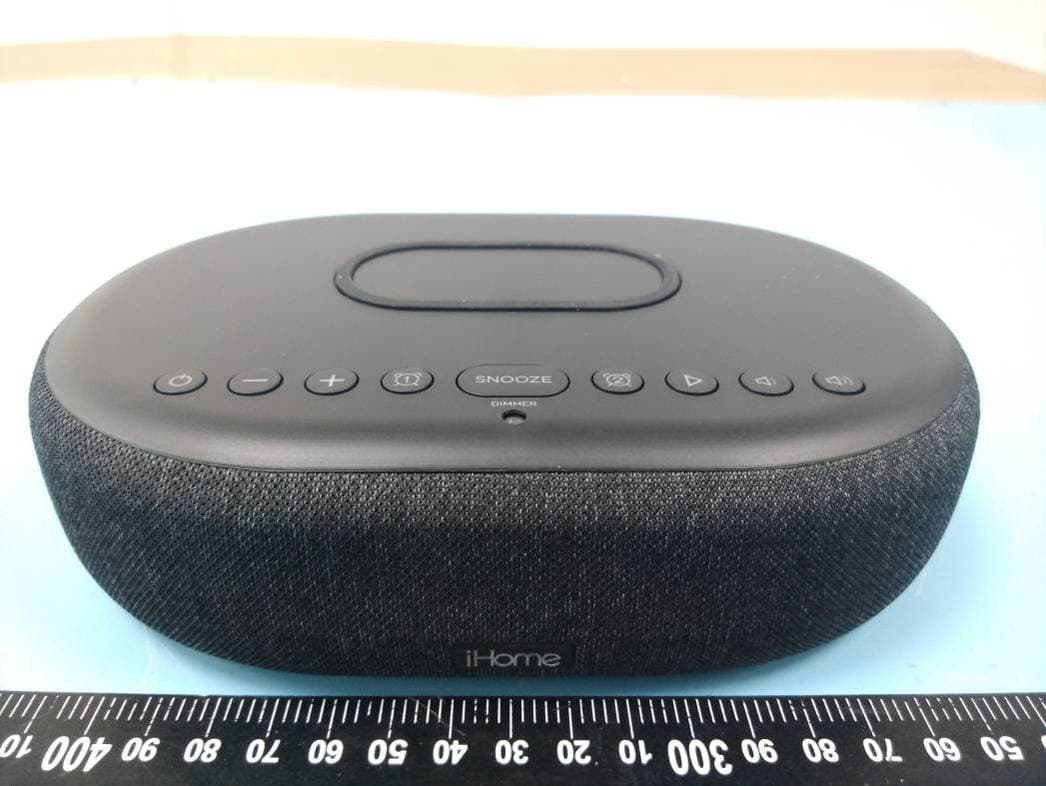
Click to zoom
Application Details
- Equipment Class
- DSS - Part 15 Spread Spectrum Transmitter
- Date of Grant
- Jun 21, 2020
- Application Purpose
- Original Equipment
- Date of Application
- Jun 21, 2020
- Equipment Note
- Bluetooth Stereo Alarm Clock with Qi Wireless, Speaker Phone and USB Charging
- Frequency Range
- 2402.00000000 - 2480.00000000
- Company
- SDI Technologies Inc.
- Country
- United States
Documents & Files
Document Text
Text extracted from the exhibit documents filed with the FCC. Open a document above to read the original.
Users Manual
iBTW41 - QSG (English) Size: 700 x 160 mm (unfold), 140 x 160 mm (folded) Color: 1C + 1C material: 154gsm, art card, 1C + 1C May 25, 2020 Front Cover Quick Start Guide What’s Included: Meet Your iHome TimeBoost iBTW41 AC adapteriBTW41 unit Quick Set-Up: The Display For warranty visit: www.ihome.com/support Model: iBTW41 Bluetooth Speaker + Wireless Charger Back To p iHome iBTW41 Connect the included AC adapter to the DC jack located on the back of the unit and connect the other end to a working wall outlet. Connecting the Unit Step One Bluetooth Pairing Step Two Setting Your Clock Step Three • Turn on your Bluetooth device and make it ‘discoverable’ by turning on Bluetooth mode. • Press the Power Button on the iBTW41. • Press and hold the Bluetooth Pairing Button on the back of the iBTW41 until the Blueooth Pairing Icon flashes to indicate the unit is in pairing mode. • Select ‘iHome Timeboost’ on your device’s Bluetooth menu to connect! • Press and hold the Time Set Button until the display flashes. • Press the – or + Buttons to adjust selections and tap Time Set to confirm (make sure you set the correct AM/PM time). • Do this for time, year, month and date. • All done! Daylight Savings Time: By default, the DST Switch is set to Auto and will automatically adjust the time in March and November. Tip: Press the Alarm 1 Button during clock setting to toggle the clock between 12/24 hour display modes. PM Indicator Wireless Charging Alarm 1 Alarm 2 Low Battery Bluetooth Mode Using Qi Wireless Charging This unit will wirelessly charge Qi compatible wireless charging phones. Place Qi compatible device face up on charging pad. Check the lightning icon on the iBTW41 display for charging status: Slow blinking icon: Device is charging properly. Solid icon: Device is charged. Rapid blinking icon: Device is not charging properly. Reposition device. Note: The lightning icon may continue to blink slowly when iOS devices are fully charged. CAUTION: Remove metal protective or magnetic case from phone before charging. When charging phone, do not place magnetic-striped or other metal objects on the charger. Doing so could damage the object or this unit. Qi compatible phones with metallic looking finishes will charge normally. Snooze/Display Dimmer Snooze: When the alarm is sounding, press the Snooze/Dimmer Button to snooze for 9 minutes. Dimmer: Press the Snooze/Dimmer Button (when alarm is NOT sounding) to adjust display brightness. Programmable Snooze To adjust the snooze duration: 1. Press and hold the Snooze/Dimmer Button. 2. Use the + or - Buttons to adjust the snooze duration from 1-29 minutes. Press the Snooze/Dimmer Button again to confirm. Display Auto-Dimmer This unit is equipped with a sensor that will automatically adjust the brightness of the clock display based on ambient light in your room. When the room is well lit, the display will adjust to Hi brightness for better visibility. In a dark room, it will dim to a lower brightness. You can adjust the “lower limit” of the Auto-dimmer to fit your personal preference of display brightness in a dark room. The 3 options are: “Auto 2” – minimum brightness setting will be level 2 “Auto 1” - minimum brightness setting will be level 1 “Auto 0” – clock display will turn FULLY OFF in a dark room To adjust Dimmer settings: Press the Snooze/Dimmer Button repeatedly to cycle through brightness levels: Auto 1, Auto 2, Auto 0, Hi, 3, 2, 1, or OFF. (Note: choosing Hi, 3, 2, 1, or OFF are fixed settings and will not auto-adjust.) Manual Bluetooth Pairing 1. Press and hold the Bluetooth Pairing Button on the back of the iBTW41 for 2 seconds. 2. Select ‘iHome Timeboost’ on your device’s Bluetooth menu to connect. 3. If pairing is successful, the Bluetooth indicator appears solid on the clock display, indicating the iBTW41 is ready to play music. 4. To reset Bluetooth settings, press and hold the Bluetooth Pairing Button for 10 seconds. Playing Audio Via Bluetooth Press the Play/Pause/Speakerphone Button on the unit to play or pause audio from your linked Bluetooth device. Using the Speakerphone The iBTW41 must be ON and connected to a Bluetooth device in order to receive calls. • Press the Play/Pause/Speakerphone Button to accept an incoming call. • Press and hold to end or ignore a call. Using Voice Commands The iBTW41 must be ON and connected to a Bluetooth device to use voice commands. • Press and hold the Play/Pause/Speakerphone Button for 2 seconds to activate Siri or Google Assistant. Charging Devices Via USB Port 1. Connect the standard size end of a USB cable (not included) to the USB port on the back of the unit and connect the other end to the charging port on your device. 2. Monitor the charging on your device. Some devices use a proprietary charging method and will not charge using the USB port. If this happens, you must charge your device using the charger that came with it. NOTE: Unit must be plugged into working outlet to charge devices. Battery Back-Up The unit comes with a CR-2450 back-up battery installed to provide continuous alarm operation and clock settings in the event of a temporary power failure. Remove the battery pull tab before use. When the battery icon on the clock display is flashing, it is time to replace the back-up battery. The battery compartment is located on the bottom of the unit. 1. Make sure the AC adapter is connected, or you will lose your time and alarm settings during battery replacement. 2. Use a Phillips screwdriver to open the battery compartment door. 3. Remove the exhausted battery from the compartment and insert 1 CR-2450 battery, checking that the + side is facing you. Replace the compartment door. Do not overtighten. WARNING: Lithium batteries can explode or cause burns if disassembled, shorted, recharged, exposed to water, fire, or high temperatures. Do not place loose batteries in a pocket, purse, or other container containing metal objects, mix with used or other battery types, or store with hazardous or com…
Text truncated - open the document above for the full version.
Attestation Statements
SDI Technologies Inc. 1299 Main St. Rahway, NJ 07065, United States Tel: 732 574‐9000 Fax: 735 574‐2634 E‐Mail: [email protected] Date:16/06/2020 FEDERAL COMMUNICATIONS COMMISSION Authorization and Evaluation Division 7435 Oakland Mills Road Columbia, MD 21046 Dear Sir/Madam, We, SDI Technologies Inc., hereby declare that The RF chip, model: ATS2819S, installed in our product named as Bluetooth Stereo Alarm Clock with Qi Wireless, Speaker Phone and USB Charging Model No: iBTW41; FCC ID:EMOIBTW41A , which support Bluetooth BDR (GFSK), EDR (π/4‐DQPSK, 8DPSK), BLE, for use in the US marketing this chip w ill not support/enable the BLE. BLE function has been shielded by the manufacturer by using the software. Sincerely Yours, Signature: Printed Name: David Stetin Title: Compliance Officer
Cover Letter(s)
QA-FR-170-B 7/29/2014 SDI Technologies Inc. ADD: 1299 Main St. Rahway NJ 07065, United States Tel: 732 574-9000 Fax: 732 574-2634 Email: [email protected] FCC Authorization Date: 2020-05-15 FEDERAL COMMUNICATIONS COMMISSIONS Authorization and Evaluation Division 7435 Oakland Mills Road Columbia, MD 21046 Subject: Agent Authorization To whom it may concern: We, SDI Technologies Inc., the undersigned, Hereby authorizes Bay Area Compliance Laboratories Corp to act on its behalf in all matters relating to application for Equipment authorization, including the signing of all documents relating to these matters. All acts carried out by Bay Area Compliance Laboratories Corp on our behalf shall have the same effect as our own action. We, the undersigned, hereby certify that we are not subject to a denial of federal benefits, that includes FCC benefits, pursuant to Section 5301 of the Anti-Drug Abuse Act of 1988, 21 U.S.C. 862. This authorization is valid until further written notice from the applicant. Sincerely Yours, Signature: David Stetin Compliance Officer
Cover Letter(s)
SDI Technologies Inc. ADD: 1299 Main St. Rahway NJ 07065, United States Tel: 732 574-9000 Fax: 732 574-2634 Email: [email protected] FCC Confidential Authorization Date: 2020-05-15 FEDERAL COMMUNICATIONS COMMISSIONS Authorization and Evaluation Division 7435 Oakland Mills Road Columbia, MD 21046 Su bject: Confidentiality Request regarding application for certification of FCC ID: EMOIBTW41A In accordance with Sections 0.457 and 0.459 of the Commission’s Rules, SDI Technologies Inc. , hereby requests long-term confidential treatment of information accompanying this application as outlined below: Block Diagram Schematics Operation Description The above materials contain proprietary and confidential information not customarily released to the public. The public disclosure of these materials provides unjustified benefits to its competitors in the market. Sincerely Yours, Signature: David Stetin Compliance Officer
Cover Letter(s)
SDI Technologies Inc. ADD: 1299 Main St. Rahway NJ 07065, United States Tel: 732 574-9000 Fax: 732 574-2634 Email: [email protected] Pro duct Similarity Declaration 2020-05-15 To Whom It May Concern, We, SDI Technologies Inc., hereby declare that we have a p roduct named as Bluetooth Stereo Alarm Clock with Qi Wireless, Speaker Phone and USB Charging (Mo del nu mber: iBTW41) (FCC ID: EMOIBTW41A ) was tested by BACL, meanwhile, for our marketing purpose, we would like to list series models (iBTW41BG, iBTW41X (where X would be any 1 to 3 alphabets combination denote the color/type of cabinet) on reports and certificate, all the models are electrically identical. Th e only difference is the color. No other changes are made to them. We confirm that all information above is true, and we’ll be responsible for all the consequences. Please contact me if you have any question. Sincerely Yours, Signature: David Stetin Compliance Officer
External Photos
EXHIBIT B - EUT EXTERNAL PHOTOGRAPHS Adapter Adapter Label EUT Label
ID Label/Location Info
EXHIBIT A - FCC ID LABEL AND LOCATION FCC ID Label FCC ID Label Location Information The label shown shall be permanently affixed at a conspicuous location on the device and be readily visible to the user at the time purchase (Labeling requirements per 2.925)
Internal Photos
EXHIBIT C - EUT INTERNAL PHOTOGRAPHS
Test Report
Note: This report must not be used by the customer to claim product certification, approval, or endorsement by A2LA* or any agency of the Federal Government. This report may contain data that are not covered by the A2LA accreditation and are marked with an asterisk “★”. BACL is not responsible for the authenticity of any test data provided by the applicant. Data included from the applicant that may affect test results are marked with an asterisk ’*’. Customer model name, addresses, names, trademarks etc. are not considered data. This report cannot be reproduced except in full, without prior written approval of the Company. Unless otherwise stated the results shown in this test report refer only to the sample(s) tested. This report is valid only with a valid digital signature. The digital signature may be available only under the Adobe software above version 7.0. FCC PART 15.247 TEST REPORT For SDI Technologies Inc. 1299 Main St. Rahway, NJ 07065, United States FCC ID: EMOIBTW41A Report Type: Original Report Product Type: Bluetooth Stereo Alarm Clock with Qi Wireless, Speaker Phone and USB Charging Re port Number: RSZ200504K08-00B Re port Date: 2020-05-26 Reviewed B y: Jimmy Xiao RF En gineer Prepared By: Bay Area Compliance Laboratories Corp. (Shenzhen) 6/F., West Wing, Third Phase of Wanli Industrial Building, Shihua Road, Futian Free Trade Zone, Shenzhen, Guangdong, China Tel: +86-755-33320018 Fax: +86-755-33320008 www.baclcorp.com.cn Bay Area Compliance Laboratories Corp. (Shenzhen) Report No.: RSZ200504K08-00B FCC Part 15.247 Page 2 of 29 TABLE OF CONTENTS GENERAL INFORMATION ....................................................................................................................................... 4 PRODUCT DESCRIPTION FOR EQUIPMENT UNDER TEST (EUT) ..................................................................................... 4 OBJECTIVE ................................................................................................................................................................... 4 RELATED SUBMITTAL(S)/GRANT(S) ............................................................................................................................. 4 TEST METHODOLOGY .................................................................................................................................................. 4 MEASUREMENT UNCERTAINTY .................................................................................................................................... 5 TEST FACILITY ............................................................................................................................................................. 5 SYSTEM TEST CONFIGURATION .......................................................................................................................... 6 DESCRIPTION OF TEST CONFIGURATION ...................................................................................................................... 6 EUT EXERCISE SOFTWARE .......................................................................................................................................... 6 SPECIAL ACCESSORIES ................................................................................................................................................. 6 EQUIPMENT MODIFICATIONS ....................................................................................................................................... 6 SUPPORT EQUIPMENT LIST AND DETAILS .................................................................................................................... 6 EXTERNAL I/O CABLE .................................................................................................................................................. 6 BLOCK DIAGRAM OF TEST SETUP ................................................................................................................................ 7 SUMMARY OF TEST RESULTS ............................................................................................................................... 8 TEST EQUIPMENT LIST ........................................................................................................................................... 9 FCC §15.247 (i) & §2.1091- MAXIMUM PERMISSIBLE EXPOSURE (MPE) ........................................................ 10 APPLICABLE STANDARD ............................................................................................................................................ 10 RESULT ...................................................................................................................................................................... 10 FCC §15.203 – ANTENNA REQUIREMENT .......................................................................................................... 11 APPLICABLE STANDARD ............................................................................................................................................ 11 ANTENNA CONNECTOR CONSTRUCTION .................................................................................................................... 11 FCC §15.207 (a) – AC LINE CONDUCTED EMISSIONS ..................................................................................... 12 APPLICABLE STANDARD ............................................................................................................................................ 12 EUT SETUP ................................................................................................................................................................ 12 EMI TEST RECEIVER SETUP ....................................................................................................................................... 12 TEST PROCEDURE ..................................................................................................................…
Text truncated - open the document above for the full version.
Test Report
Bay Area Compliance Laboratories Corp. (Shenzhen) Report No.: RSZ200504K08-00B AppendixA: 20dB Emission Bandwidth Test Result TestMode Antenna Channel 20db EBW[MHz] Limit[MHz] Verdict DH1 Ant1 2402 0.885 --- PASS 2441 0.822 --- PASS 2480 0.933 --- PASS 2DH1 Ant1 2402 1.266 --- PASS 2441 1.272 --- PASS 2480 1.230 --- PASS 3DH1 Ant1 2402 1.224 --- PASS 2441 1.272 --- PASS 2480 1.230 --- PASS Bay Area Compliance Laboratories Corp. (Shenzhen) Report No.: RSZ200504K08-00B Test Graphs DH1_Ant1_2402 DH1_Ant1_2441 DH1_Ant1_2480 Bay Area Compliance Laboratories Corp. (Shenzhen) Report No.: RSZ200504K08-00B 2DH1_Ant1_2402 2DH1_Ant1_2441 2DH1_Ant1_2480 Bay Area Compliance Laboratories Corp. (Shenzhen) Report No.: RSZ200504K08-00B 3DH1_Ant1_2402 3DH1_Ant1_2441 3DH1_Ant1_2480 Bay Area Compliance Laboratories Corp. (Shenzhen) Report No.: RSZ200504K08-00B AppendixC: Maximum conducted Peak output power Test Result TestMode Antenna Channel Result[dBm] Limit[dBm] Verdict DH1 Ant1 2402 -1.87 <=20.97 PASS 2441 -1.74 <=20.97 PASS 2480 -1.83 <=20.97 PASS 2DH1 Ant1 2402 0.82 <=20.97 PASS 2441 0.84 <=20.97 PASS 2480 0.86 <=20.97 PASS 3DH1 Ant1 2402 1.40 <=20.97 PASS 2441 1.37 <=20.97 PASS 2480 1.43 <=20.97 PASS Bay Area Compliance Laboratories Corp. (Shenzhen) Report No.: RSZ200504K08-00B AppendixD: Carrier frequency separation Test Result TestMode Antenna Channel Result[MHz] Limit[MHz] Verdict DH1 Ant1 Hop 1.000 >=0.548 PASS 2DH1 Ant1 Hop 1.000 >=0.820 PASS 3DH1 Ant1 Hop 1.000 >=0.816 PASS Bay Area Compliance Laboratories Corp. (Shenzhen) Report No.: RSZ200504K08-00B Test Graphs DH1_Ant1_Hop 2DH1_Ant1_Hop 3DH1_Ant1_Hop Bay Area Compliance Laboratories Corp. (Shenzhen) Report No.: RSZ200504K08-00B AppendixE: Time of occupancy Test Result TestMode AntennaChannel BurstWidth [ms] TotalHops [Num] Result[s]Limit[s] Verdict DH1 Ant1 Hop 0.42 320 0.133 <=0.4 PASS DH3 Ant1 Hop 1.65 110 0.181 <=0.4 PASS DH5 Ant1 Hop 2.89 90 0.260 <=0.4 PASS 2DH1 Ant1 Hop 0.40 300 0.119 <=0.4 PASS 2DH3 Ant1 Hop 1.64 90 0.148 <=0.4 PASS 2DH5 Ant1 Hop 2.88 70 0.202 <=0.4 PASS 3DH1 Ant1 Hop 0.40 300 0.119 <=0.4 PASS 3DH3 Ant1 Hop 1.64 100 0.164 <=0.4 PASS 3DH5 Ant1 Hop 2.89 80 0.231 <=0.4 PASS Note 1:A period time=0.4*79=31.6(S), Result=BurstWidth*Totalhops Note 2: Totalhops=Hopping Number in 3.16s*10 Note 3: Hopping Number in 3.16s=Total of highest signals in 3.16s (Second high signals were other channel) Bay Area Compliance Laboratories Corp. (Shenzhen) Report No.: RSZ200504K08-00B Test Graphs DH1_Ant1_Hop DH3_Ant1_Hop Bay Area Compliance Laboratories Corp. (Shenzhen) Report No.: RSZ200504K08-00B DH5_Ant1_Hop Bay Area Compliance Laboratories Corp. (Shenzhen) Report No.: RSZ200504K08-00B 2DH1_Ant1_Hop 2DH3_Ant1_Hop Bay Area Compliance Laboratories Corp. (Shenzhen) Report No.: RSZ200504K08-00B 2DH5_Ant1_Hop Bay Area Compliance Laboratories Corp. (Shenzhen) Report No.: RSZ200504K08-00B 3DH1_Ant1_Hop 3DH3_Ant1_Hop Bay Area Compliance Laboratories Corp. (Shenzhen) Report No.: RSZ200504K08-00B 3DH5_Ant1_Hop Bay Area Compliance Laboratories Corp. (Shenzhen) Report No.: RSZ200504K08-00B AppendixF: Number of hopping channels Test Result TestMode Antenna Channel Result[Num] Limit[Num] Verdict DH1 Ant1 Hop 79 >=15 PASS 2DH1 Ant1 Hop 79 >=15 PASS 3DH1 Ant1 Hop 79 >=15 PASS Bay Area Compliance Laboratories Corp. (Shenzhen) Report No.: RSZ200504K08-00B Test Graphs DH1_Ant1_Hop 2DH1_Ant1_Hop 3DH1_Ant1_Hop Bay Area Compliance Laboratories Corp. (Shenzhen) Report No.: RSZ200504K08-00B AppendixG:Band edge measurements Test Graphs DH1_Ant1_Low_2402 DH1_Ant1_High_2480 Bay Area Compliance Laboratories Corp. (Shenzhen) Report No.: RSZ200504K08-00B DH1_Ant1_Low_Hop_2402 DH1_Ant1_High_Hop_2480 2DH1_Ant1_Low_2402 Bay Area Compliance Laboratories Corp. (Shenzhen) Report No.: RSZ200504K08-00B 2DH1_Ant1_High_2480 2DH1_Ant1_Low_Hop_2402 2DH1_Ant1_High_Hop_2480 Bay Area Compliance Laboratories Corp. (Shenzhen) Report No.: RSZ200504K08-00B 3DH1_Ant1_Low_2402 3DH1_Ant1_High_2480 3DH1_Ant1_Low_Hop_2402 Bay Area Compliance Laboratories Corp. (Shenzhen) Report No.: RSZ200504K08-00B 3DH1_Ant1_High_Hop_2480
Test Setup Photos
EXHIBIT D - TEST SETUP PHOTOGRAPHS Conducted Emissions - Front View Conducted Emissions - Side View Radiated Emissions View (Below 1 GHz) Radiated Emissions View (Above 1 GHz)
Contact Information
Applicant
David Stetin(Compliance Officer)
Test Firm
Bay Area Compliance Laboratories Corp. (Shenzhen)Well Wang
[email protected]+86 (0) 755 33320018
Technical Specifications
| # | Rule Parts | Frequency Range | Power Output |
|---|---|---|---|
| 1 | 15C | 2.40 GHz - 2.48 GHz | 1.00 mW |
Other Applications from SDI Technologies Inc.
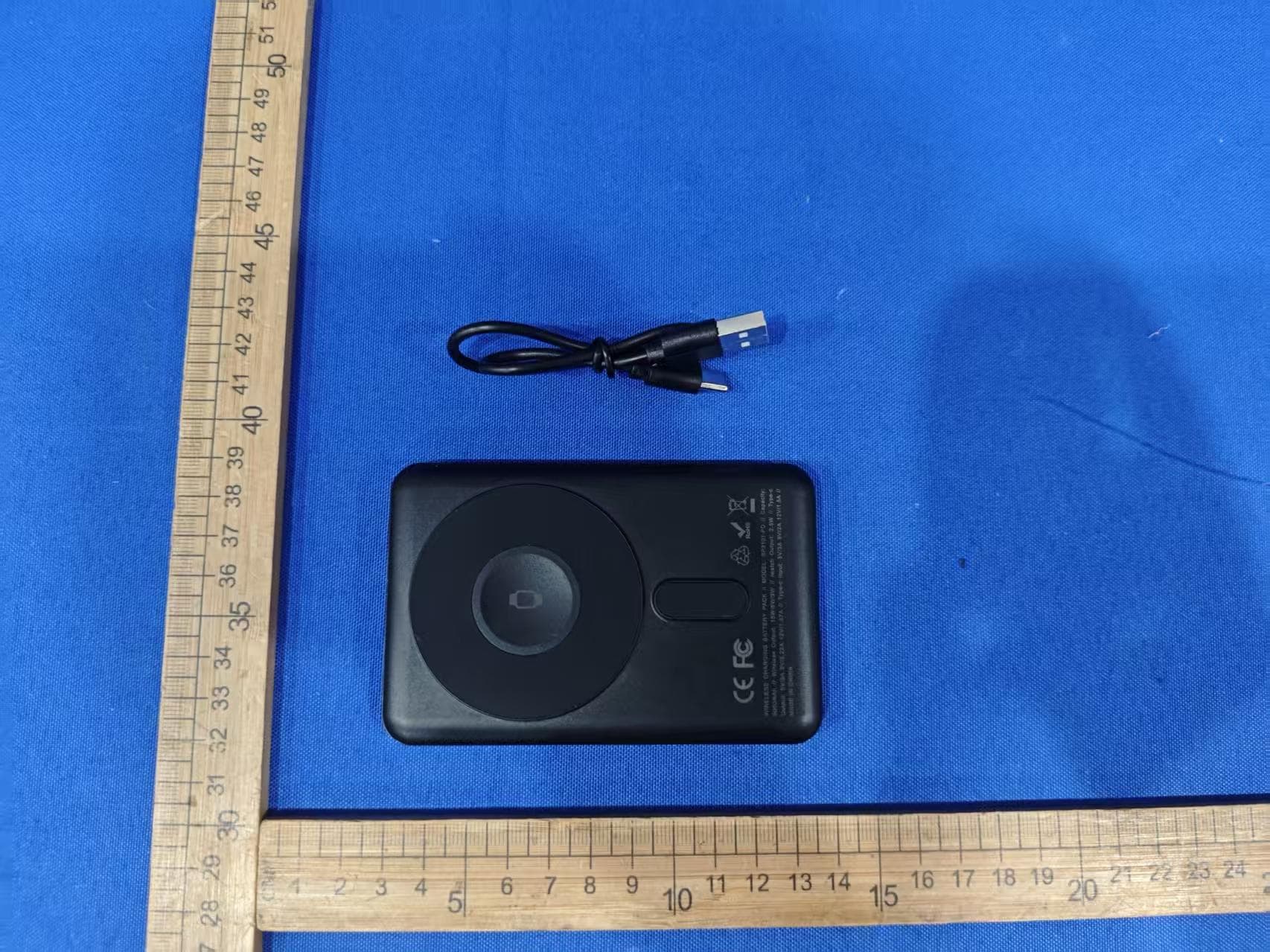
EMOIPCV3A
May 27, 2026Magnetic Wallet Power Bank
Equipment Class
DCD - Part 15 Low Power Transmitter Below 1705 kHz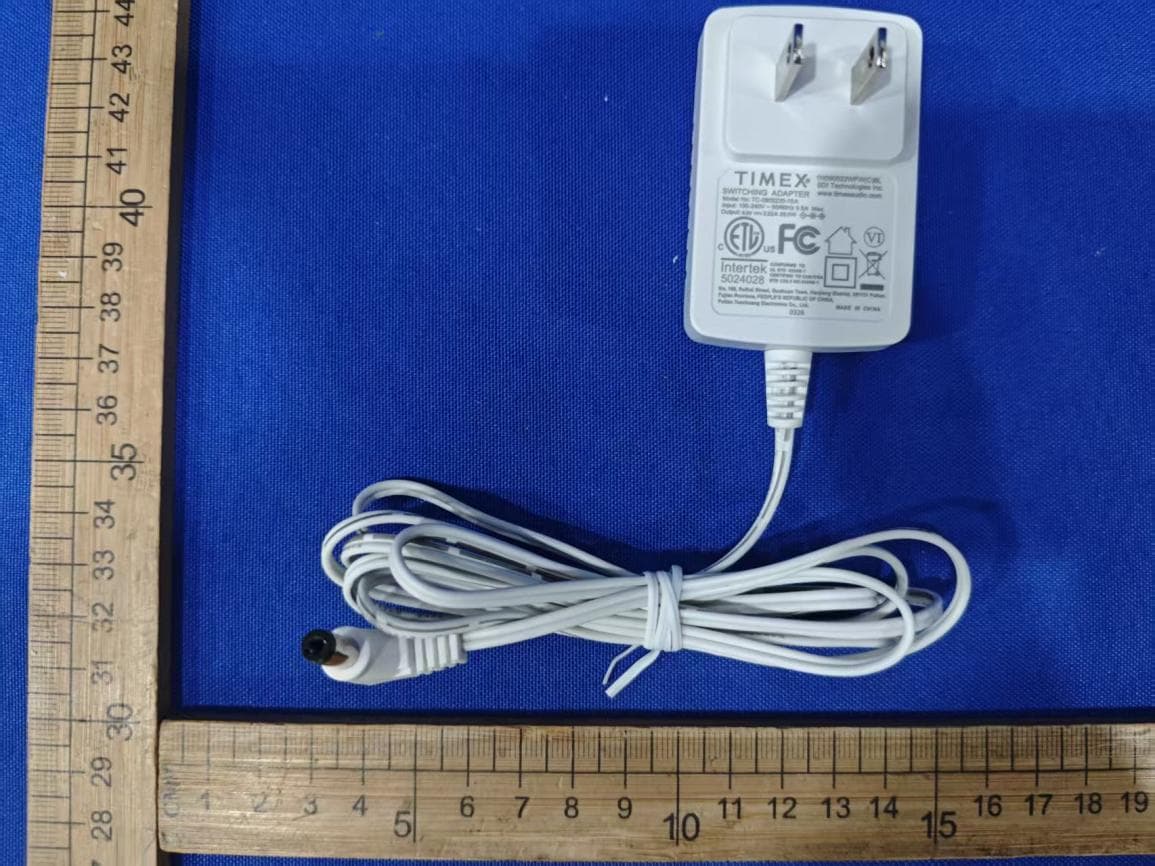
EMOTW502A
Apr 22, 2026ALARM CLOCK WITH NIGHTLIGHT AND FAST WIRELESS CHARGING
Equipment Class
DCD - Part 15 Low Power Transmitter Below 1705 kHz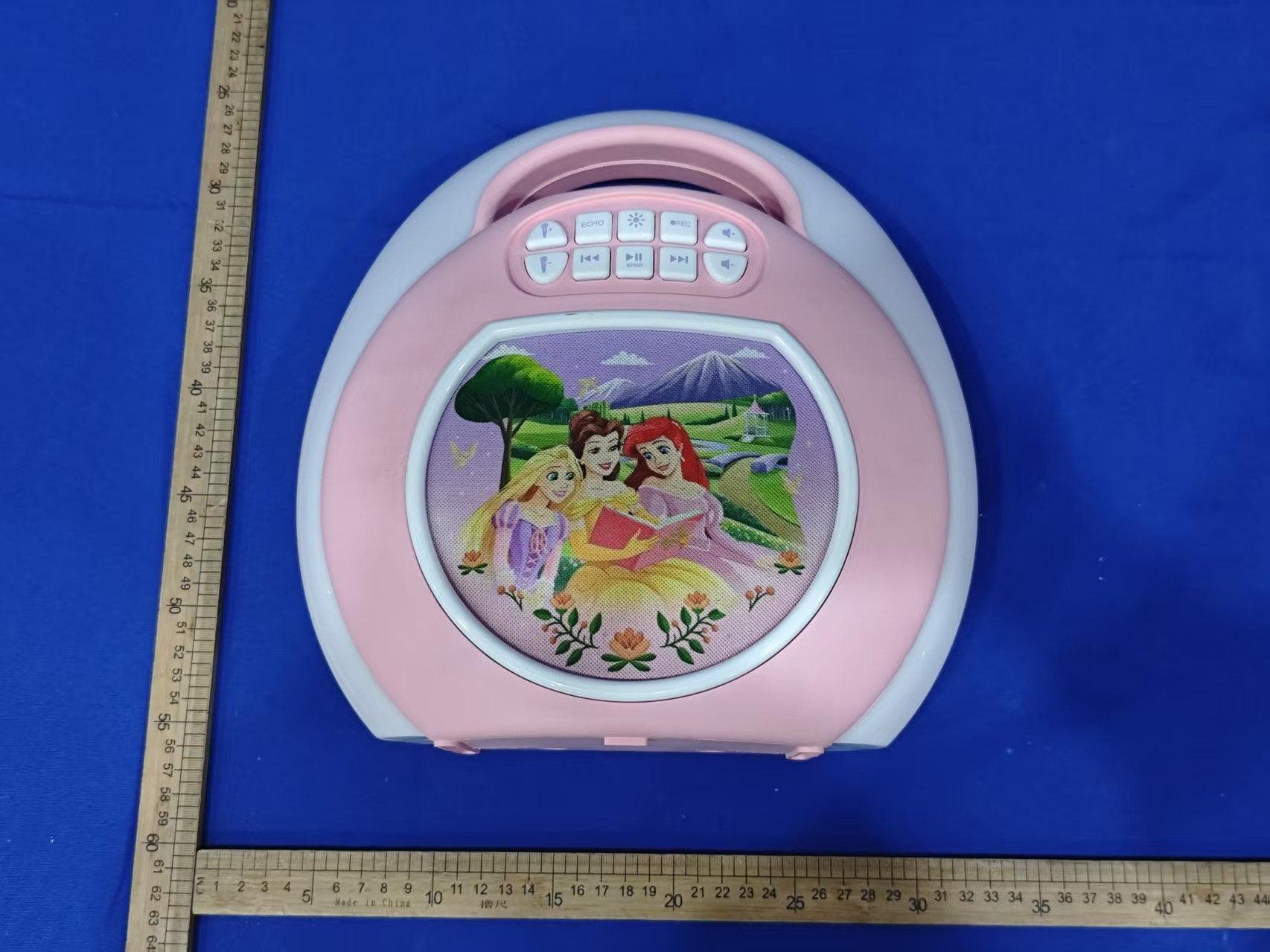
EMO555B
Nov 23, 2025Bluetooth Karaoke
Equipment Class
DSS - Part 15 Spread Spectrum Transmitter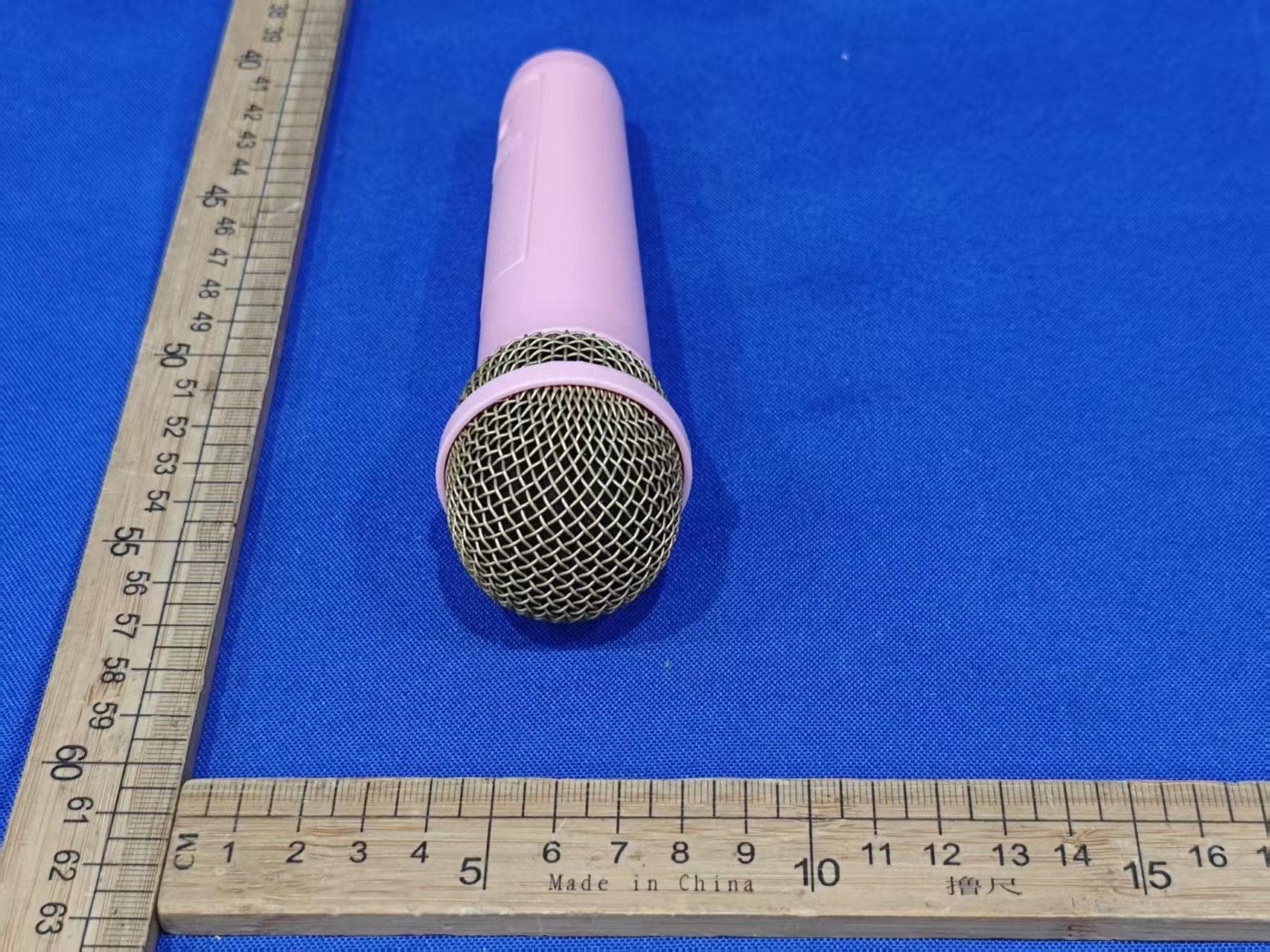
EMO555BM
Nov 23, 2025Bluetooth Karaoke
Equipment Class
DTS - Digital Transmission System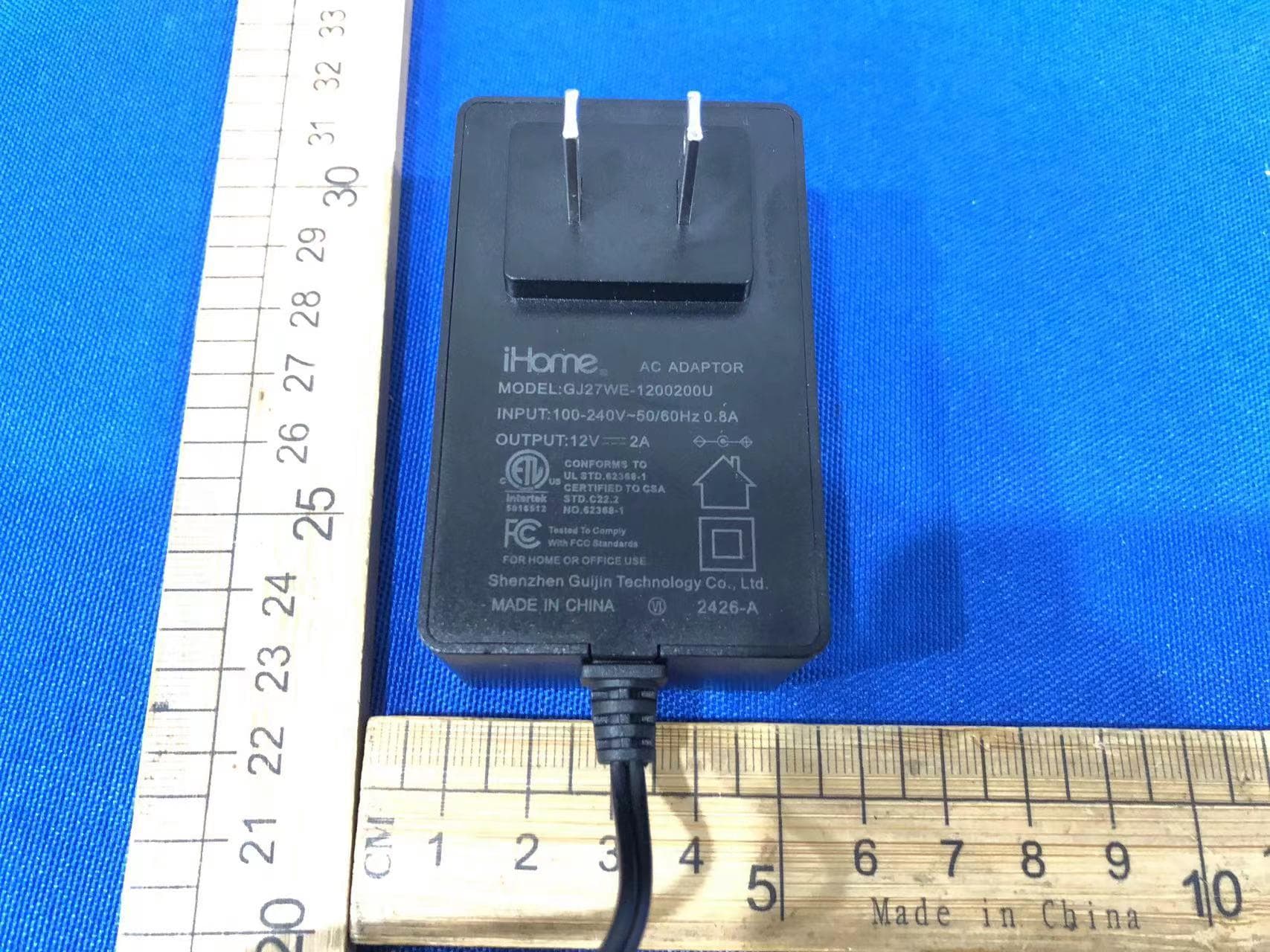
EMOIBTW112A
Sep 07, 2024Bluetooth Alarm Clock with wireless and USB charging
Equipment Class
DSS - Part 15 Spread Spectrum Transmitter