EMOIW3Wireless iHome Speaker System
SDI Technologies Inc.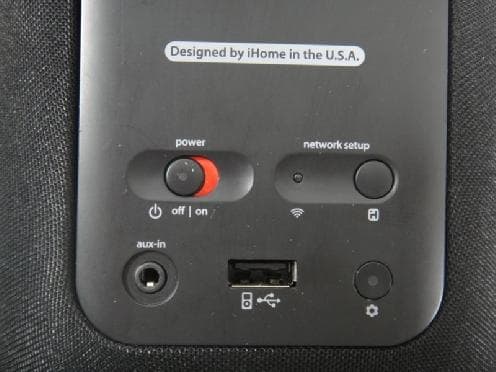
Click to zoom
Application Details
- Equipment Class
- DTS - Digital Transmission System
- Date of Grant
- May 30, 2012
- Application Purpose
- Original Equipment
- Date of Application
- May 30, 2012
- Equipment Note
- Wireless iHome Speaker System
- Frequency Range
- 2412.00000000 - 2462.00000000
- Company
- SDI Technologies Inc.
- Country
- United States
Documents & Files
Document Text
Text extracted from the exhibit documents filed with the FCC. Open a document above to read the original.
Users Manual
Printed in China Important Safety Instructions 1. Water and Moisture – The unit should not be used near water. For example: near a bathtub, washbowl, kitchen sink, laundry tub, swimming pool or in a wet basement. 2. Ventilation – The unit should be situated so that its location or position does not interfere with its proper ventilation. For example, it should not be situated on a bed, sofa, rug or similar surface that may block ventilation openings. Also, it should not be placed in a built-in installation, such as a bookcase or cabinet, which may impede the flow of air through the ventilation openings. 3. Heat – The unit should be situated away from heat sources such as radiators, heat registers, stoves or other appliances (including amplifiers) that produce heat. 4. Power Sources – The unit should be connected to a power supply only of the type described in the operating instructions or as marked on the appliance. 5. Power Cable Protection – Power supply cables should be routed so that they are not likely to be walked on or pinched by items placed upon or against them. It is always best to have a clear area from where the cable exits the unit to where it is plugged into an AC socket. 6. Cleaning – The unit should be cleaned only as recommended. See the Maintenance section of this manual for cleaning instructions. 7. Objects and Liquid Entry – Care should be taken so that objects do not fall and liquids are not spilled into any openings or vents located on the product. 8. Attachments – Do not use attachments not recommended by the product manufacturer. 9. Lightning and Power Surge Protection – Unplug the unit from the wall socket and disconnect the antenna or cable system during a lightning storm or when it is left unattended and unused for long periods of time. This will prevent damage to the product due to lightning and power-line surges. 10. Overloading – Do not overload wall sockets, extension cords, or integral convenience receptacles as this can result in a risk of fire or electric shock. 11. Damage Requiring Service – The unit should be serviced by qualified service personnel when: A. the power supply cable or plug has been damaged. B. objects have fallen into or liquid has been spilled into the enclosure. C. the unit has been exposed to rain. D. the unit has been dropped or the enclosure damaged. E. the unit exhibits a marked change in performance or does not operate normally. 12. Antenna – Do not connect an external antenna to the unit (other than that provided). 13. Periods of None Use – If the unit is to be left unused for an extended period of time, such as a month or longer, the power cable should be unplugged from the unit to prevent damage or corrosion. 14. Servicing – The user should not attempt to service the unit beyond those methods described in the user’s operating instructions. Service methods not covered in the operating instructions should be referred to qualified service personnel. Maintenance • Place the unit on a level surface away from sources of direct sunlight or excessive heat. • Protect your furniture when placing your unit on a natural wood and lacquered finish. A cloth or other protective material should be placed between it and the furniture. • Clean your unit with a soft cloth moistened only with mild soap and water. Stronger cleaning agents, such as Benzine, thinner or similar materials can damage the surface of the unit. iW3 - Consumer Product Safety Guide FCC Statement This equipment has been tested and found to comply with the limits for a Class B digital device, pursuant to part 15 of the FCC Rules. These limits are designed to provide reasonable protection against harmful interference in a residential installation. This equipment generates uses and can radiate radio frequency energy and, if not installed and used in accordance with the instructions, may cause harmful interference to radio communications. However, there is no guarantee that interference will not occur in a particular installation. If this equipment does cause harmful interference to radio or television reception, which can be determined by turning the equipment off and on, the user is encouraged to try to correct the interference by one or more of the following measures: • Reorient or relocate the receiving antenna. • Increase the separation between the equipment and receiver. • Connect the equipment into an outlet on a circuit different from that to which the receiver is connected. • Consult the dealer or an experienced radio/TV technician for help. Modifying or tampering with your system’s internal components can cause a malfunction and might invalidate the system’s warranty and void your FCC authorization to operate it. The separation distance between the equipment and the user shall not be less than 20 cm. This Class B digital apparatus complies with Canadian ICES-003. Cet appareil numérique de la classe B est conforme à la norme NMB-003 du Canada. FCC Radiation Exposure Statement This device complies with FCC radiation exposure limits set forth for an uncontrolled environment and it also complies with Part 15 of the FCC RF Rules. This transmitter must not be co-located or operating in conjunction with any other antenna or transmitter. Operation is subject to the following two conditions: 1. This device may not cause interference and 2. This device must accept any interference received, including interference that may cause undesired operation Caution! The manufacturer is not responsible for any radio or TV interference caused by unauthorized modifications to this equipment. Such modifications could void the user authority to operate the equipment. iW3 - Guide du consommateur concernant la sécurité des produits Canada Statement /Canada Déclaration This device complies with Industry Canada RSS-210. Operation is subject to the following two conditions: (1) this device may not cause interference, and(2) this device must accept any interference, including interference that may caus…
Text truncated - open the document above for the full version.
Users Manual
Reset the iW3 speaker by using a paper clip to press the reset button network setuppower off | on network setup status Connect 10:09 PM Share Wi-Fi Settings? AllowIgnore Do you want to share your Wi-Fi settings so this accessory can connect to the Wi-Fi network? The iW3 speaker must be on the same network as your AirPlay source. iTunes Solutions: 1. 2. 3. 4. iOS device solutions: 1. 2. 3. I’ve selected the iW3 speaker as my AirPlay audio source, but I do not hear any music. Press and hold (3 sec.) Network Setup button on the back of unit. 10:09 PM Livingroom Speaker Change Device Name iW3 Q W E R T Y U I O P A S D F G H J K L Z X C V B N M spaceDone?123 This name will be displayed when selecting your speaker from a list of available AirPlay devices. Wi-Fi Show Details Not Connected iHome iW3 XXXXXX Model: iHome iW3 • Firmware: 8.0.0 Name Search for Update Firmware Update Speaker Name NetworkRefresh 10:09 PM About network setuppower off | on network setup status Visit our website for additional help: www.ihomeaudio.com/support/airplay/ Step 2 - Network Setup for AirPlay 2 Activate Wi-Fi on your iPad, iPhone, or iPod touch (with iOS 5.0 or later) and connect to your preferred network. 3 Connect your iOS device to the iW3 using the included USB sync cable. 4 Press the Network Setup button on the back of the iW3. 1 Verify that the iW3 is powered on. 1 Verify that the iW3 is powered on. Option C - Connecting with your Mac or PC over Wi-Fi A pop-up message will appear on the iOS device asking if you want to share your Wi-Fi settings. Select ‘Allow’. 5 Your iOS device will share current wireless network credentials with the iW3 and a confirma- tion tone will sound. Verify that the Network Status LED is green and then keep reading to learn how to use iW3 to stream your iTunes and iOS audio content using AirPlay. Option B - Manually connecting with the iHome Set app Option A - Connecting via Wi-Fi Sharing with iOS 5.0 (RECOMMENDED) Step 1 - Getting Started What’s in the Box Visit our website for additional help: www.ihomeaudio.com/support/airplay/ Troubleshooting ProblemPossible Solutions I’ve successfully connected the iW3 to my home network, but I cannot select the iW3 speaker from iTunes or my iOS Device. Make sure that you have the latest version if iTunes. Try restarting iTunes. Before you open iTunes, make sure that you have enabled Bonjour service in your PC. Take Windows XP for example: to enable the service, you can click Start->Settings-> Control Panel, and double click Administrative Tools-> Services->Bonjour Service, then click Start followed by OK on the pop-up menu. In order for the iW3 to be able to access track controls in iTunes you need to allow it in iTunes: - In iTunes, go to Preferences. - In the Devices tab, check "Allow iTunes audio control from remote speaker" Make sure the iOS device has the latest software. If your unable to see the Airplay icon on the iOS device, restart your iOS device. Verify that your device is connected to the correct Wi-Fi network. Note: The original iPhone, iPhone 3G, and iPod touch (1st gener- ation) do not support AirPlay. Verify that the adaptor is connected, that the power outlet is live (not controlled by a wall switch), and battery is fully charged. Reset the iW3 speaker using a paper clip to press the Reset Button located on the bottom cabinet. 1. 2. Verify that the volume is not muted or set to 0. Verify that there is not another iTunes library or iOS device connected to the iW3 speaker. Try restarting iTunes or your iOS device. Reset the iW3 using the Reset button and reboot your Wi-Fi router. 1. 2. 3. 4. The iW3 doesn’t respond or doesn’t turn ON. Check list before proceeding to Step 2 Powering on the iW3 To enjoy AirPlay wireless audio, you must have the following: - iTunes or an iOS device (iPod touch, iPhone, or iPad). - A functioning home network with Wi-Fi. Download the latest software updates for iTunes and your iOS device to ensure that you are able to enjoy the latest AirPlay enhancements and compatibility. Download the iHome Set app for iPod touch, iPhone and iPad. Have your Wi-Fi network name (SSID) and password (if applicable) available for reference. If you use security for your network, use WPA/WPA2 security (not WEP or WPA/WPA2 enterprise) Note: AirPlay requires iTunes 10.1 (Mac and PC) or later; OR an iPad (1st, 2nd, and 3rd generations) iPhone 4, iPhone 3GS, iPod touch (4th, 3rd, and 2nd generations) with iOS 4.2 or later. The iHome Set app requires iOS 4.2 or later. Overview Controls and Indicators iW3 Start Guide Visit our website for additional help and how-to videos www.ihomeaudio.com/support/airplay/ allow 20 seconds for the IW3 system to startup AirPlay Wireless Audio Mode Enjoy AirPlay audio anywhere: 1. Press to exit standby mode and power the iW3 ON. 2. Press for AirPlay wireless audio mode. 3. Use buttons on the iW3 to control streaming AirPlay content. Step 4 - Control Local iPod Audio Mode Charge and Play iPad, iPhone and iPod using iPod USB sync cable: 1. Connect USB sync cable to iW3’s USB port. 2. Press Local audio mode button and enjoy iPod and iPhone charging and audio playback. 3. Using buttons on the iW3 in iPod mode will control your iPod music. Note: Use Local Audio mode to play music via USB and Aux-in. (iPhone & sync charge stand not included) iW3- Start Guide (US) size: 740W x 148H (mm) April 12, 2012 (Matte PP coating) iW3- Start Guide (US) size: 740W x 148H (mm) April 12, 2012 (Matte PP coating) OPTIONAL: To rename your iW3 speaker, exit manual network setup, select ‘Speaker Name’ and customize how your iW3 speaker will present itself on your network. Press ‘DONE’ to confirm the new name. Connect your iOS device to the iW3 using the included USB sync cable. 2 Scroll down the app interface and select the ‘Network’ tab interface and then select ‘Manual Setup’ button. Select your preferred Wi-Fi network from the list of available networks and enter password if prompted. 4 5 Connect your iOS device t…
Text truncated - open the document above for the full version.
Cover Letter(s)
SDI Technologies Inc. USA: 1299 Main Street, Rahway, N.J. 07065-0901 HK: Room 504-6, 5/F., Harbour Centre, Tower 2, 8, Hok Cheung Street, Hung Hom, Kowloon Tel: 2773-0225 Fax: 2773-1770 / 2773-1772 (Business) 2333-3839 (Development) Federal Communications Commission 7435 Oakland Mills Road Columbia, MD 21046 Gentlemen: This letter is to comply with Sections 0.457 and 0.459 pertaining to confidential material. SDI Technologies Inc. would like the following documents regarding this submission for FCC ID: EMOIW3 to be kept confidential. 1. Schematic 2. Block diagram 3. Circuit description The above material contains trade secrets or technical data, which would customarily be guarded from competitors. We do not want these documents to be accessible to the general public. Sincerely,
External Photos
Neutron Engineering Inc. Project No.: 1204C106 Page 2 of 19 1204C106 1204C106 1204C106 Neutron Engineering Inc. Project No.: 1204C106 Page 2 of 19 1204C106 1204C106 1204C106 Neutron Engineering Inc. Project No.: 1204C106 Page 3 of 19 1204C106 1204C106 Neutron Engineering Inc. Project No.: 1204C106 Page 3 of 19 1204C106 1204C106 Neutron Engineering Inc. Project No.: 1204C106 Page 4 of 19 1204C106 1204C106 Neutron Engineering Inc. Project No.: 1204C106 Page 4 of 19 1204C106 1204C106
ID Label/Location Info
For USA Patents: www.ihomeaudio.com/patents V Model: iW3 Mfd & Serviced by SDI Technologies Inc. www.ihomeaudio.com Toll Free: 1-800-288-2792 iW3 Model plate April 17, 2012 recess size: 49.5 x 24.5mm color: Black background with white printing material: 0.3 RoHs material thickness FCC ID: EMOIW3 IC: 986B-IW3 Rechargeable battery: DC 7.4V 2200mAh AC Adaptor: DC 12V, 3.5A Service No: iW3-A-A Made in China This device complies with Part 15 of the FCC Rules. Operation is subject to the following two conditions: (1) This device may not cause harmful interference, and (2) this device must accept any interference received, including interference that may cause undesired operation.This Class B digital apparatus complies with Canadian ICES-003.Cet appareil numérique de la classe B est conforme à la norme NMB-003 du Canada. iW3 FCC statement emboss: 0.3mm Dec 15, 2011 V iW3 Mfd & Serviced by SDI Technologies Inc. www.ihomeaudio.com Toll Free: 1-800-288-2792 Made in China iW3 Model plate April 03, 2012 recess size: 49.5 x 24.5mm color: Black background with white printing material: 0.3 RoHs material thickness FCC ID: EMOIW3 IC: 986B-IW3 Patents: www.ihomeaudio.com/patents Rechargeable battery: DC 7.4V 2200mAh AC Adaptor: DC 12V, 3.5A Service No: iW3-A-A Made in China 42 20 Reset hole reset iW3 plate for reset size: 41.5mm x 19.5mm Mar 14, 2012 SilkScreen: Cool gray 6C material: PVC 0.2mm
Internal Photos
Neutron Engineering Inc. Project No.: 1204C106 Page 5 of 19 1204C106 1204C106 Neutron Engineering Inc. Project No.: 1204C106 Page 5 of 19 1204C106 1204C106 Neutron Engineering Inc. Project No.: 1204C106 Page 6 of 19 1204C106 1204C106 Neutron Engineering Inc. Project No.: 1204C106 Page 6 of 19 1204C106 1204C106 Neutron Engineering Inc. Project No.: 1204C106 Page 7 of 19 1204C106 1204C106 Neutron Engineering Inc. Project No.: 1204C106 Page 7 of 19 1204C106 1204C106 Neutron Engineering Inc. Project No.: 1204C106 Page 8 of 19 1204C106 1204C106 Neutron Engineering Inc. Project No.: 1204C106 Page 8 of 19 1204C106 1204C106 Neutron Engineering Inc. Project No.: 1204C106 Page 9 of 19 1204C106 1204C106 Neutron Engineering Inc. Project No.: 1204C106 Page 9 of 19 1204C106 1204C106 Neutron Engineering Inc. Project No.: 1204C106 Page 10 of 19 1204C106 1204C106 Neutron Engineering Inc. Project No.: 1204C106 Page 10 of 19 1204C106 1204C106 Neutron Engineering Inc. Project No.: 1204C106 Page 11 of 19 1204C106 1204C106 Neutron Engineering Inc. Project No.: 1204C106 Page 11 of 19 1204C106 1204C106 Neutron Engineering Inc. Project No.: 1204C106 Page 12 of 19 1204C106 1204C106 Neutron Engineering Inc. Project No.: 1204C106 Page 12 of 19 1204C106 1204C106 Neutron Engineering Inc. Project No.: 1204C106 Page 13 of 19 1204C106 1204C106 Neutron Engineering Inc. Project No.: 1204C106 Page 13 of 19 1204C106 1204C106 Neutron Engineering Inc. Project No.: 1204C106 Page 14 of 19 1204C106 1204C106 Neutron Engineering Inc. Project No.: 1204C106 Page 14 of 19 1204C106 1204C106 Neutron Engineering Inc. Project No.: 1204C106 Page 15 of 19 1204C106 1204C106 Neutron Engineering Inc. Project No.: 1204C106 Page 15 of 19 1204C106 1204C106 Neutron Engineering Inc. Project No.: 1204C106 Page 16 of 19 1204C106 1204C106 Neutron Engineering Inc. Project No.: 1204C106 Page 16 of 19 1204C106 1204C106 Neutron Engineering Inc. Project No.: 1204C106 Page 17 of 19 1204C106 1204C106 Neutron Engineering Inc. Project No.: 1204C106 Page 17 of 19 1204C106 1204C106 Neutron Engineering Inc. Project No.: 1204C106 Page 18 of 19 1204C106 1204C106 Neutron Engineering Inc. Project No.: 1204C106 Page 18 of 19 1204C106 1204C106 Neutron Engineering Inc. Project No.: 1204C106 Page 19 of 19 1204C106 1204C106 Neutron Engineering Inc. Project No.: 1204C106 Page 19 of 19 1204C106 1204C106
Test Report
Neutron Engineering Inc. Report No.: NEI-FICP-1-1204C106 Page 1 of 104 FCC/IC Radio Test Report FCC ID: EMOIW3 IC: 986B-IW3 This report concerns (check one) : Original Grant Class II Change Issued Date : May. 07, 2012 Project No. : 1204C106 Equipment : Wireless iHome Speaker System Model Name For FCC : iW3; iW3X Model Name For IC : iW3 Applicant : SDI TECHNOLOGIES INC. Address : 1299 Main Street, Rahway, NJ 07065, U.S.A Tested by: Neutron Engineering Inc. EMC Laboratory Date of Receipt: Apr. 12, 2012 Date of Test: Apr. 12, 2012 ~ May. 04, 2012 Testing Engineer : (David Mao) Technical Manager : (Leo Hung) Authorized Signatory : (Steven Lu) Neutron Engineering Inc. No.3,Jinshagang 1st Road, ShiXia, Dalang Town, Dong Guan, China. TEL : (0769) 8318-3000 FAX : (0769) 8319-6000 Neutron Engineering Inc. Report No.: NEI-FICP-1-1204C106 Page 2 of 104 Declaration Neutron represents to the client that testing is done in accordance with standard procedures as applicable and that test instruments used has been calibrated with the standards traceable to National Measurement Laboratory (NML) of R.O.C, or National Institute of Standards and Technology (NIST) of U.S.A. Neutron's reports apply only to the specific samples tested under conditions. It is manufacture’s responsibility to ensure that additional production units of this model are manufactured with the identical electrical and mechanical components. Neutron shall have no liability for any declarations, inferences o r generalizations drawn by the client or others from Neutron issued reports. Neutron’s reports must not be used by the client to claim product endorsement by the authorities or any agency of the Government. This report is the confidential property of the client. As a mutual protection to the clients, the public and Neutron-self, extracts from the test report shall not be reproduced except in full with Neutron’s authorized written approval. Neutron’s laboratory quality assurance procedures are in compliance with the ISO Guide 17025 requirements, and accredited by the conformity assessment authorities listed in this test report. Limitation For the use of the authority's logo is limited unless the Test Standard(s)/Scope(s)/Item(s) mentioned in this test report is (are) included in the conformity assessment authorities acceptance respective. Neutron Engineering Inc. Report No.: NEI-FICP-1-1204C106 Page 3 of 104 Table of Contents Page 1 . CERTIFICATION 5 2 . SUMMARY OF TEST RESULTS 6 2.1 TEST FACILITY 7 2.2 MEASUREMENT UNCERTAINTY 7 3 . GENERAL INFORMATION 8 3.1 GENERAL DESCRIPTION OF EUT 8 3.2 DESCRIPTION OF TEST MODES 10 3.3 TABLE OF PARAMETERS OF TEXT SOFTWARE SETTING 11 3.4 BLOCK DIAGRAM SHOWING THE CONFIGURATION OF SYSTEM TESTED 12 3.5 DESCRIPTION OF SUPPORT UNITS 13 4 . EMC EMISSION TEST 14 4.1 CONDUCTED EMISSION MEASUREMENT 14 4.1.1 POWER LINE CONDUCTED EMISSION LIMITS 14 4.1.2 MEASUREMENT INSTRUMENTS LIST AND SETTING 14 4.1.3 TEST PROCEDURE 15 4.1.4 DEVIATION FROM TEST STANDARD 15 4.1.5 TEST SETUP 15 4.1.6 EUT OPERATING CONDITIONS 15 4.1.7 TEST RESULTS 16 4.2 RADIATED EMISSION MEASUREMENT 18 4.2.1 RADIATED EMISSION LIMITS 18 4.2.2 MEASUREMENT INSTRUMENTS LIST ANS SETTING 19 4.2.3 TEST PROCEDURE 20 4.2.4 DEVIATION FROM TEST STANDARD 20 4.2.5 TEST SETUP 21 4.2.6 EUT OPERATING CONDITIONS 22 4.2.7 TEST RESULTS (BELOW 30MHZ) 23 4.2.8 TEST RESULTS (BETWEEN 30 – 1000 MHZ) 24 4.2.9 TEST RESULTS (ABOVE 1000 MHZ) 42 5 . BANDWIDTH TEST 78 5.1 APPLIED PROCEDURES / LIMIT 78 5.1.1 MEASUREMENT INSTRUMENTS LIST 78 5.1.2 TEST PROCEDURE 78 5.1.3 DEVIATION FROM STANDARD 78 5.1.4 TEST SETUP 78 5.1.5 EUT OPERATION CONDITIONS 78 Neutron Engineering Inc. Report No.: NEI-FICP-1-1204C106 Page 4 of 104 Table of Contents Page 5.1.6 TEST RESULTS 79 6 . PEAK OUTPUT POWER TEST 83 6.1 APPLIED PROCEDURES / LIMIT 83 6.1.1 MEASUREMENT INSTRUMENTS LIST 83 6.1.2 TEST PROCEDURE 83 6.1.3 DEVIATION FROM STANDARD 83 6.1.4 TEST SETUP 83 6.1.5 EUT OPERATION CONDITIONS 83 6.1.6 TEST RESULTS 84 7 . ANTENNA CONDUCTED SPURIOUS EMISSION 85 7.1 APPLIED PROCEDURES / LIMIT 85 7.1.1 MEASUREMENT INSTRUMENTS LIST 85 7.1.2 TEST PROCEDURE 85 7.1.3 DEVIATION FROM STANDARD 85 7.1.4 TEST SETUP 85 7.1.5 EUT OPERATION CONDITIONS 85 7.1.6 TEST RESULTS 86 8 . POWER SPECTRAL DENSITY TEST 96 8.1 APPLIED PROCEDURES / LIMIT 96 8.1.1 MEASUREMENT INSTRUMENTS LIST 96 8.1.2 TEST PROCEDURE 96 8.1.3 DEVIATION FROM STANDARD 96 8.1.4 TEST SETUP 96 8.1.5 EUT OPERATION CONDITIONS 96 8.1.6 TEST RESULTS 97 9 . EUT TEST PHOTO 101 Neutron Engineering Inc. Report No.: NEI-FICP-1-1204C106 Page 5 of 104 1. CERTIFICATION Equipment : Wireless iHome Speaker System Brand Name : iHome Model Name For FCC : iW3; iW3X Model Name For IC : iW3 A p p l i c a n t : SDI TECHNOLOGIES INC. F a c t o r y : SHENZHEN ZOWEE TECHNOLOGY CO., LTD. BAOAN SUBSIDIARY CO. Address : ZOWEE Factory, Tongfuyu Industrial Zone, Songgang, Baoan District, Shenzhen 518055 P.R.China. Date of Test : Apr. 12, 2012 ~ May. 04, 2012 Te s t I t e m : ENGINEERING SAMPLE Standards : FCC Part15, Subpart C(15.247) / ANSI C63.4 : 2009; Canada RSS-210:2010 The above equipment has been tested and found compliance with the requirement of the relative standards by Neutron Engineering Inc. EMC Laboratory. The test data, data evaluation, and equipment configuration contained in our test report (Ref No. NEI-FICP-1-1204C106) were obtained utilizing the test procedures, test instruments, test sites that has been accredited by the Authority of NVLAP and TAF according to the ISO-17025 quality assessment standard and technical standard(s). Neutron Engineering Inc. Report No.: NEI-FICP-1-1204C106 Page 6 of 104 2. SUMMARY OF TEST RESULTS FCC Part15 (15.247) , Subpart C / RSS-210: 2010 Standard Section Test Item Judgment Remark RSS-GEN 7.2.2 15.207 Conducted Emission PASS RSS-210 A8.5 15.247 (d) Antenna conducted Spurious EmissionPASS RSS-210 A8.2(a) 15.247 (a)(2) 6dB Bandwidth PASS RSS-210 A8.4(4) 15.247 (b) Peak Output Power PASS RSS-210 A8.2(b) 15.247 (e) Power Spectral …
Text truncated - open the document above for the full version.
Test Setup Photos
Neutron Engineering Inc. Report No.: NEI-FICP-1-1204C106 Page 101 of 104 9. EUT TEST PHOTO Conducted Measurement Photos Neutron Engineering Inc. Report No.: NEI-FICP-1-1204C106 Page 101 of 104 9. EUT TEST PHOTO Conducted Measurement Photos Neutron Engineering Inc. Report No.: NEI-FICP-1-1204C106 Page 102 of 104 Radiated Measurement Photos 9K~30MHz Neutron Engineering Inc. Report No.: NEI-FICP-1-1204C106 Page 102 of 104 Radiated Measurement Photos 9K~30MHz Neutron Engineering Inc. Report No.: NEI-FICP-1-1204C106 Page 103 of 104 Radiated Measurement Photos 30~1000MHz Neutron Engineering Inc. Report No.: NEI-FICP-1-1204C106 Page 103 of 104 Radiated Measurement Photos 30~1000MHz Neutron Engineering Inc. Report No.: NEI-FICP-1-1204C106 Page 104 of 104 Radiated Measurement Photos Above 1000MHz Neutron Engineering Inc. Report No.: NEI-FICP-1-1204C106 Page 104 of 104 Radiated Measurement Photos Above 1000MHz
Contact Information
Applicant
David Stetin(Compliance Officer)
Test Firm
BTL Inc.Daisy Dai
Technical Specifications
| # | Rule Parts | Frequency Range | Power Output |
|---|---|---|---|
| 1 | 15C | 2.41 GHz - 2.46 GHz | 152.00 mW |
Other Applications from SDI Technologies Inc.
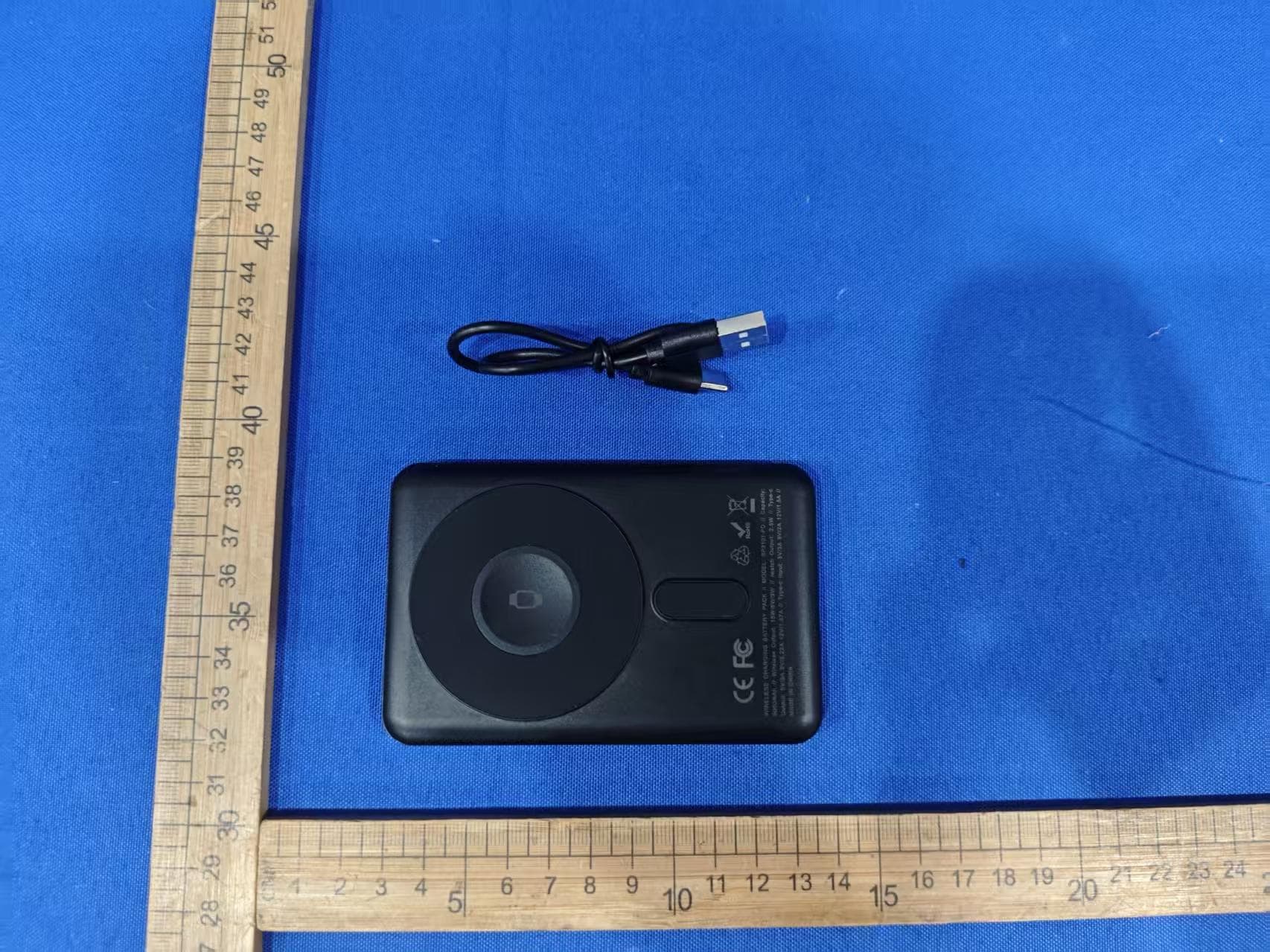
EMOIPCV3A
May 27, 2026Magnetic Wallet Power Bank
Equipment Class
DCD - Part 15 Low Power Transmitter Below 1705 kHz
EMOTW502A
Apr 22, 2026ALARM CLOCK WITH NIGHTLIGHT AND FAST WIRELESS CHARGING
Equipment Class
DCD - Part 15 Low Power Transmitter Below 1705 kHz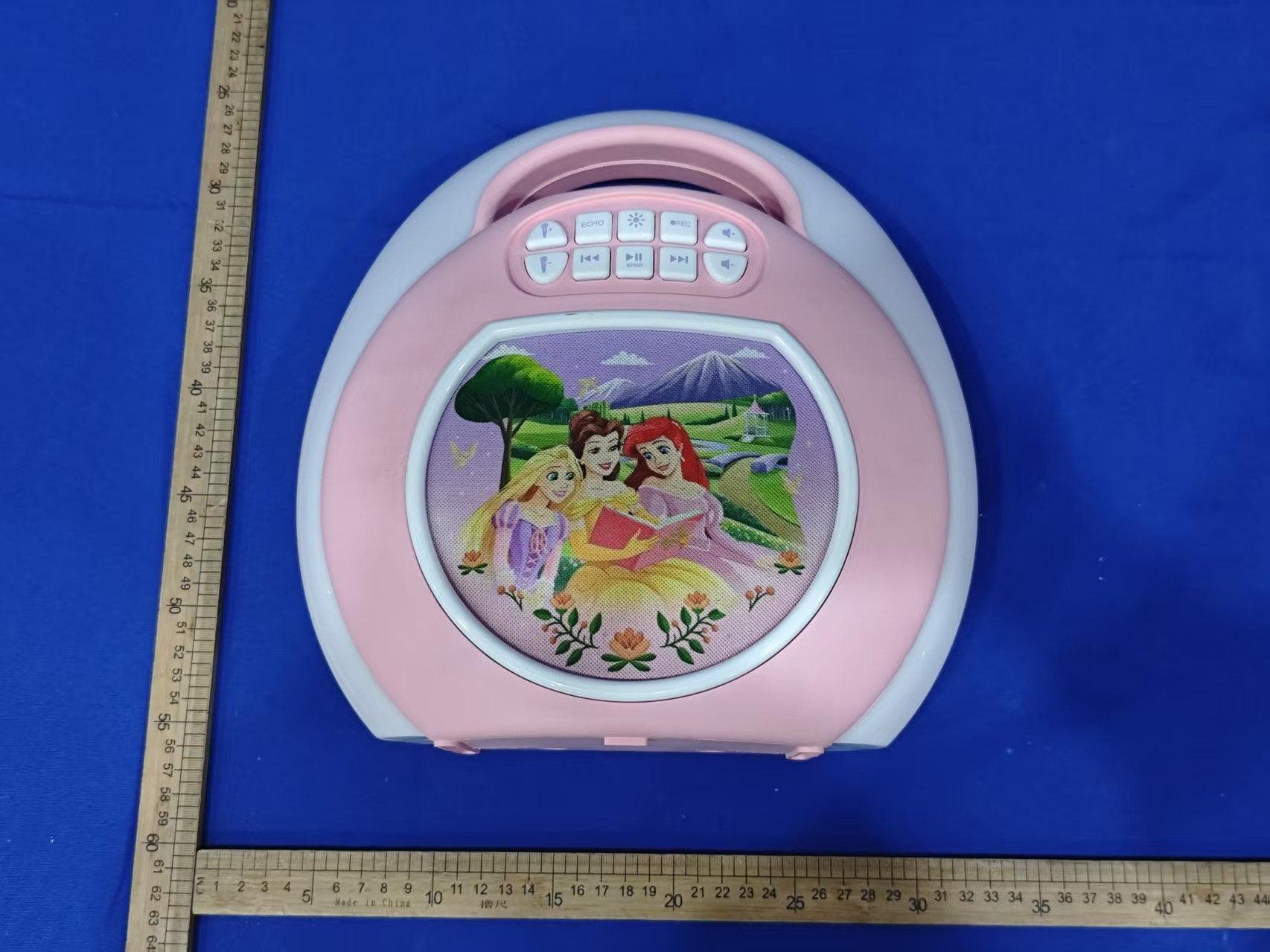
EMO555B
Nov 23, 2025Bluetooth Karaoke
Equipment Class
DSS - Part 15 Spread Spectrum Transmitter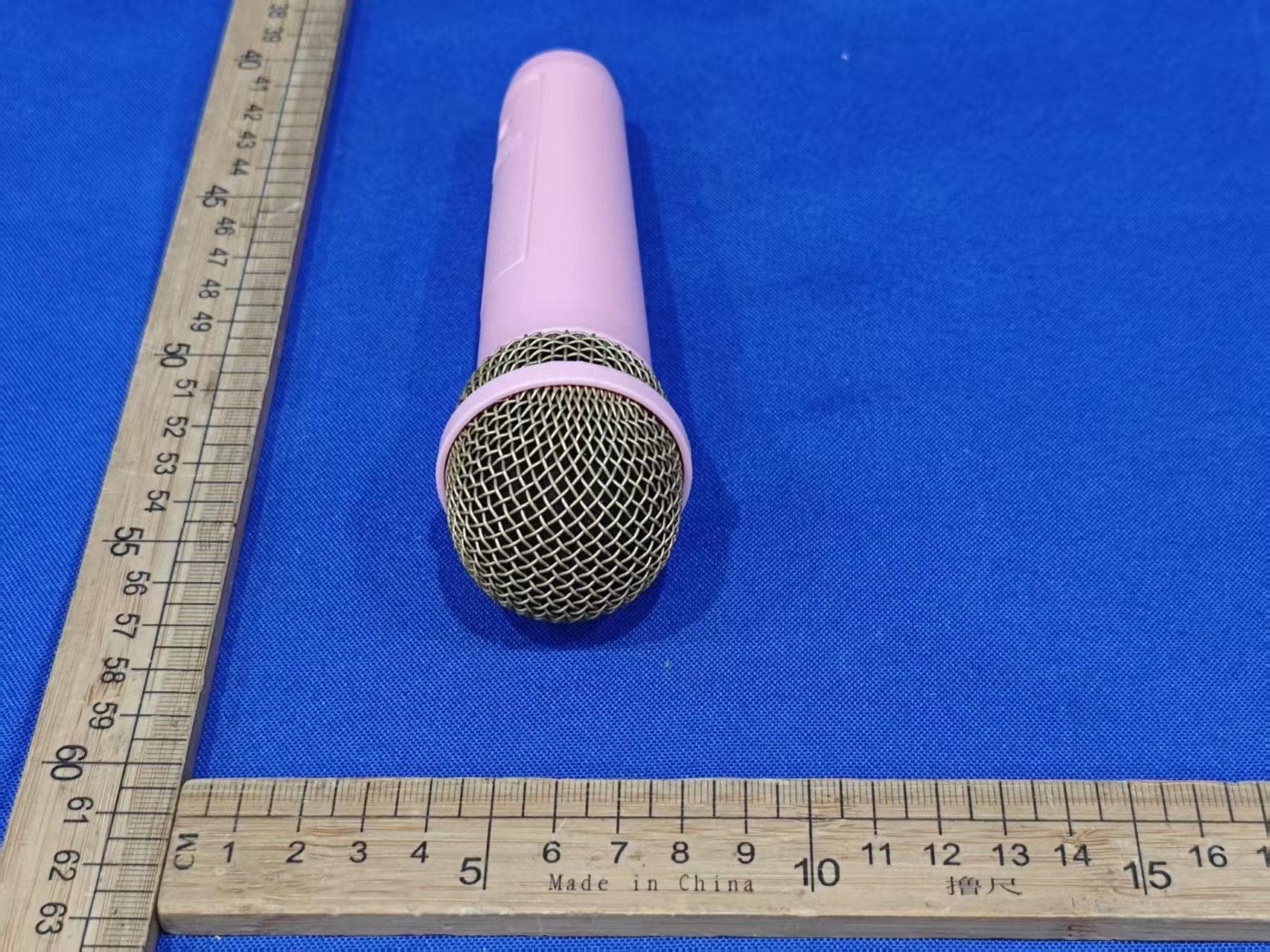
EMO555BM
Nov 23, 2025Bluetooth Karaoke
Equipment Class
DTS - Digital Transmission System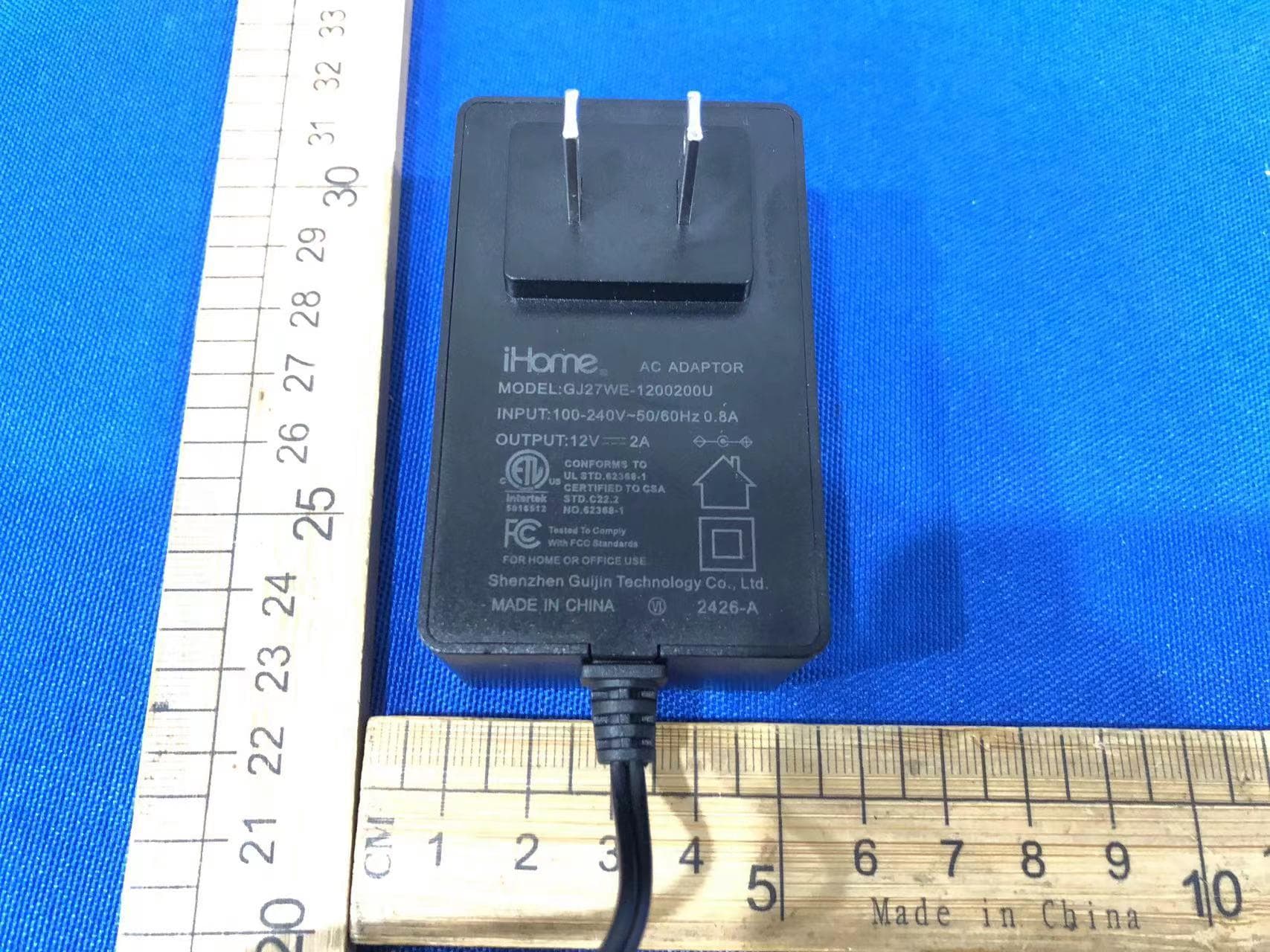
EMOIBTW112A
Sep 07, 2024Bluetooth Alarm Clock with wireless and USB charging
Equipment Class
DSS - Part 15 Spread Spectrum Transmitter