EMOIW4iHome AirPlay Wireless Audio System
SDI Technologies Inc.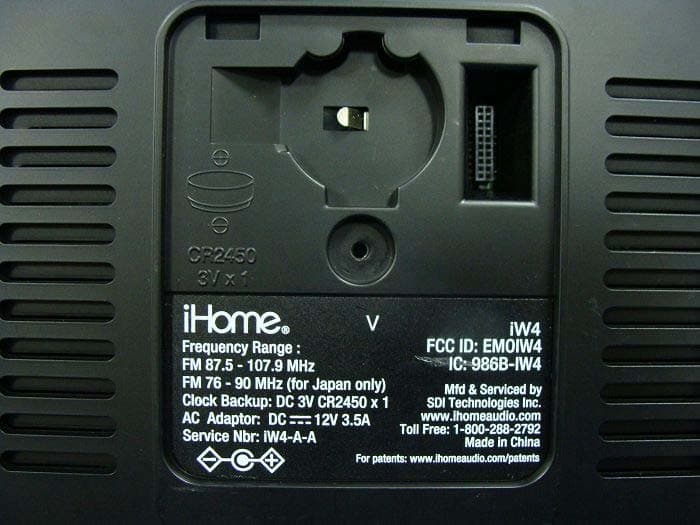
Click to zoom
Application Details
- Equipment Class
- DTS - Digital Transmission System
- Date of Grant
- May 30, 2012
- Application Purpose
- Original Equipment
- Date of Application
- May 23, 2012
- Equipment Note
- iHome AirPlay Wireless Audio System
- Frequency Range
- 2412.00000000 - 2462.00000000
- Company
- SDI Technologies Inc.
- Country
- United States
Documents & Files
Document Text
Text extracted from the exhibit documents filed with the FCC. Open a document above to read the original.
Users Manual
1. The iW4 will automatically sync the clock time when docking an iPad, iPhone, or iPod. 2. Press & hold the Clock Sync button and use the + | - buttons to manually set the time and calendar. 3. Press Alarm 1 or Alarm 2 button during time set for 12|24 hour mode. 4. Press the Snooze | Dimmer button to adjust the brightness of the clock display backlight. Set alarm & wake preferences: 1. Press Alarm 1 or 2 buttons to preview programmed alarm time and press again to turn the alarm ON or OFF. 2. Press & hold Alarm 1 or 2 buttons to set alarm and wake preferences (alarm time, repeat, source and wake volume) 3. Press Wakeup | Alarm Skip or Power buttons to stop and reset a sounding alarm 4. Press Wakeup | Alarm Skip button to skip the next pending programmed alarm time 5. Press & hold Wakeup | Alarm Skip button to adjust the ‘Gentle Wake’ timer (Off, 1-10 minutes) Note: Pressing the + | - buttons will adjust device settings within alarm and time settings. Multi-room audio Add AirPlay-enabled speakers to any room iHome’s AirPlay solutions provide an affordable way to enjoy a truly wireless home audio experience anywhere you want - including kitchen, bedroom, livingroom or patio. Apps Other network Wi-Fi Networks 10:09 PM Your Wi-Fi Network Choose a Network for iW4 Other Wi-Fi Network Settings Other Wi-Fi Network Other Wi-Fi Network Other Wi-Fi Network Wi-Fi Show Details Not Connected iHome iW4 XXXXXX Model: iHome iW4 • Firmware: 8.0.0 Name Search for Update Firmware Update Speaker Name NetworkRefresh NetworksiW4 Quick Wi-Fi Setup Instructions STEP 1: Dock your iOS device to iW4 Share this iPad/iPhone/iPod’s Wi-Fi network logon settings with your AirPlay speaker (This method does not require a special app) iW4AboutManual Setup 10:09 PM 10:09 PM 1. Verify that the iW4 is powered on. 2. Dock your iPad, iPhone or iPod touch with the iW4. 3. Download our free iHome Set app from the App Store and launch. 4. Scroll down the app interface and select the ‘Network’ tab interface and then select ‘Manual Setup’ button. 5. Select your preferred Wi-Fi network from the list of available networks and enter password if prompted. Select ‘Other Network’ to connect to network with a hidden SSID. Note: Connecting to a network may take up to 2 minutes. If network connection is unsuccessful reset the unit or disconnect your iOS device and reconnect and repeat the above steps. 6. To rename your iW4 speaker, exit manual network setup, select ‘Speaker Name’ and customize how your iW4 speaker will present itself on your network. Press ‘DONE’ to confirm the new name. power sync alarm skip alarm 2alarm 1presetseqnap aux-in network setupstatus 12V 3.5A network setup status Connect 10:09 PM Share Wi-Fi Settings? AllowIgnore Do you want to share your Wi-Fi settings so this accessory can connect to the Wi-Fi network? Connect power sync alarm skip alarm 2alarm 1presetseqnap 10:09 PM Livingroom Speaker Change Device Name iW4 QWERTYUIOP ASDFGHJKL ZXCVBNM spaceDone?123 This name will be displayed when selecting your speaker from a list of available AirPlay devices. Wi-Fi Show Details Not Connected iHome iW4 XXXXXX Model: iHome iW4 • Firmware: 8.0.0 Name Search for Update Firmware Update Speaker Name NetworkRefresh 10:09 PM About Audio modes, clock settings, and alarms 1. Verify that the iW4 is powered on. 2. Activate Wi-Fi on your iPad, iPhone, or iPod touch (with iOS 5.0 or later) and connect to your preferred network. 3. Dock your iPad, iPhone or iPod touch with the iW4. 4. Press the Network Setup button on the back of the iW4 5. A pop-up message will appear on the iOS device asking if you want to share your Wi-Fi settings. Select ‘Allow’. power sync alarm skip alarm 2alarm 1presetseqnap Connect Share Wi-Fi Settings? AllowIgnore Do you want to share your Wi-Fi settings so this accessory can connect to the Wi-Fi network? power sync alarm skip alarm 2alarm 1presetseqnap aux-in network setupstatus 12V 3.5A network setup status power sync alarm skip alarm 2alarm 1presetseqnap - Turn iW4 ON and select AirPlay mode - Launch iTunes or use your iPad, iPhone, iPad touch (verify network settings) - Select the ‘iHome iW4 XXXXXX’ speaker as your audio source (look for AirPlay logo) Enjoy AirPlay wireless audio - Press the Power button to switch between power ON and standby - Press & hold the Power button (4 sec.) to turn iW4’s Wi-Fi network OFF/ON I’ve selected the iW4 speaker as my AirPlay audio source, but I do not hear any music. Visit our website for additional network setup instructions: www.ihomeaudio.com/support/airplay/ Network Setup for AirPlay Display Indicators Visit our website for the complete iW4 user manual and help: www.ihomeaudio.com/support/airplay/ ProblemPossible Solutions I’ve successfully connected the iW4 to my home network, but I cannot select the iW4 speaker from iTunes/ iOS Device OR control AirPlay music playback using buttons The iW4 speaker must be on the same network as your AirPlay source. iTunes Solutions: 1. Make sure that you have the latest version of iTunes. 2. Try restarting iTunes. 3. Before you open iTunes, make sure that you have enabled Bonjour service in your PC. Take Windows XP for example: to enable the service, you can click Start->Settings-> Control Panel, and double click Administrative Tools-> Services->Bonjour Service, then click Start followed by OK on the pop-up menu. 4. In order for the iW4 to be able to access track controls in iTunes you need to allow it in iTunes: - In iTunes, go to Preferences. - In the Devices tab, check "Allow iTunes audio control from remote speaker" iOS device solutions: 1. Make sure the iOS device has the latest software. 2. If you are unable to see the Airplay icon on the iOS device, restart your iOS device. 3. Verify that your device is connected to the correct Wi-Fi network. Note: The original iPhone, iPhone 3G, and iPod touch (1st gener- ation) do not support AirPlay. 1. Verify that the adaptor is connected, that the power outlet is ‘live’ (not controlled by …
Text truncated - open the document above for the full version.
Attestation Statements
SDI Technologies Inc. 1299 Main Street, Rahway, NJ 07065, U.S.A TEL No: 732 574-9000 FAX No.: 732 574-3797 Attestation for FCC Declaration of Conformity FCC ID: EMOIW4 Data: May. 11, 2012 Please be notified that we, the undersigned, SDI Technologies Inc. declares that the product which bears the above FCC ID is also compliant with the FCC requirements for DoC. The test report number supporting the DoC is (124525R-ITUSP02V02). Testing in regards to this report was done by QuieTek Corporation, located at 2F, No.345, Xinhu 2nd Rd., Neihu District,, Taipei Taiwan, which has been accredited in accordance to all of the requirements of 47CFR 2.948 (d) and (e) of the FCC rules and KDB349827. Sincerely, Jasjit Singh/ Safety of all matter SDI Technologies Inc. Tel: 732 574-9000 Fax: 732 574-3797 Email: [email protected]
External Photos
Report No.: 124525R-RFUSP42V01 Page : 1 of 24 Attachment 2 : EUT Detailed Photographs (1) EUT Photo (2) EUT Photo Report No.: 124525R-RFUSP42V01 Page : 2 of 24 (3) EUT Photo (4) EUT Photo Report No.: 124525R-RFUSP42V01 Page : 3 of 24 (5) EUT Photo (6) EUT Photo Report No.: 124525R-RFUSP42V01 Page : 4 of 24 (7) EUT Photo (8) EUT Photo Antenna Antenna Report No.: 124525R-RFUSP42V01 Page : 5 of 24 (9) EUT Photo (10) EUT Photo
ID Label/Location Info
SDI Technologies Inc. FCC ID.: EMOIW4 1299 Main Street, Rahway, NJ 07065, U.S.ATel : 732 574-9000 FCC ID Label
ID Label/Location Info
SDI Technologies Inc. FCC ID.: EMOIW4 1299 Main Street, Rahway, NJ 07065, U.S.ATel : 732 574-9000 The FCC ID and will be placed on the equipment as shown in the photograph below. Warning statement was engraved on the product :
Internal Photos
Report No.: 124525R-RFUSP42V01 Page : 6 of 24 (11) EUT Photo (12) EUT Photo Report No.: 124525R-RFUSP42V01 Page : 7 of 24 (13) EUT Photo (14) EUT Photo Report No.: 124525R-RFUSP42V01 Page : 8 of 24 (15) EUT Photo (16) EUT Photo Report No.: 124525R-RFUSP42V01 Page : 9 of 24 (17) EUT Photo (18) EUT Photo Report No.: 124525R-RFUSP42V01 Page : 10 of 24 (19) EUT Photo (20) EUT Photo (RF Module) Report No.: 124525R-RFUSP42V01 Page : 11 of 24 (21) EUT Photo (RF Module) (22) EUT Photo (RF Module) Report No.: 124525R-RFUSP42V01 Page : 12 of 24 (23) EUT Photo (RF Module) (24) EUT Photo (RF Module) Report No.: 124525R-RFUSP42V01 Page : 13 of 24 (25) EUT Photo (RF Module) (26) EUT Photo (RF Module) Report No.: 124525R-RFUSP42V01 Page : 14 of 24 (27) EUT Photo (28) EUT Photo Report No.: 124525R-RFUSP42V01 Page : 15 of 24 (29) EUT Photo (30) EUT Photo Report No.: 124525R-RFUSP42V01 Page : 16 of 24 (31) EUT Photo (32) EUT Photo Report No.: 124525R-RFUSP42V01 Page : 17 of 24 (33) EUT Photo (34) EUT Photo Report No.: 124525R-RFUSP42V01 Page : 18 of 24 (35) EUT Photo (36) EUT Photo Report No.: 124525R-RFUSP42V01 Page : 19 of 24 (37) EUT Photo (38) EUT Photo Report No.: 124525R-RFUSP42V01 Page : 20 of 24 (39) EUT Photo (40) EUT Photo Report No.: 124525R-RFUSP42V01 Page : 21 of 24 (41) EUT Photo (42) EUT Photo Report No.: 124525R-RFUSP42V01 Page : 22 of 24 (43) EUT Photo (44) EUT Photo Report No.: 124525R-RFUSP42V01 Page : 23 of 24 (45) EUT Photo (46) EUT Photo Report No.: 124525R-RFUSP42V01 Page : 24 of 24 (47) EUT Photo (48) EUT Photo
RF Exposure Info
Report No. 124525R-RFUSP42V01 Page: 1 of 3 RF Exposure Evaluation declaration Product Name iHome AirPlay Wireless Audio System Model No. iW4, iW4X FCC ID EMOIW4 Applicant SDI Technologies Inc. Address 1299 Main Street, Rahway, NJ 07065, U.S.A Date of Receipt Apr. 25, 2012 Date of DeclarationMay. 08, 2012 Report No. 124525R-RFUSP42V01 The declaration results relate only to the samples calculated. The declaration shall not be reproduced except in full without the written approval of QuieTek Corporation. This report must not be used to claim product endorsement by NVLAP any agency of the U.S. Government Report No. 124525R-RFUSP42V01 Page: 2 of 3 1. RF Exposure Evaluation 1.1. Limits According to FCC 1.1310: The criteria listed in the following table shall be used to evaluate the environment impact of human exposure to radio frequency (RF) radiation as specified in 1.1307(b) LIMITS FOR MAXIMUM PERMISSIBLE EXPOSURE (MPE) Frequency Range (MHz) Electric Field Strength (V/m) Magnetic Field Strength (A/m) Power Density (mW/cm 2 ) Average Time (Minutes) (A) Limits for Occupational/ Control Exposures 300-1500 -- -- F/300 6 1500-100,000 -- -- 5 6 (B) Limits for General Population/ Uncontrolled Exposures 300-1500 -- -- F/1500 6 1500-100,000 -- -- 1 30 F= Frequency in MHz Friis Formula Friis transmission formula: Pd = (Pout*G)/(4*pi*r 2 ) Where Pd = power density in mW/cm 2 Pout = output power to antenna in mW G = gain of antenna in linear scale Pi = 3.1416 R = distance between observation point and center of the radiator in cm Pd id the limit of MPE, 1 mW/cm 2 . If we know the maximum gain of the antenna and the total power input to the antenna, through the calculation, we will know the distance r where the MPE limit is reached. 1.2. Test Procedure Software provided by client enabled the EUT to transmit and receive data at lowest, middle and highest channel individually. The temperature and related humidity: 18°Cand 78% RH. Report No. 124525R-RFUSP42V01 Page: 3 of 3 1.3. Test Result of RF Exposure Evaluation Product : iHome AirPlay Wireless Audio System Test Item : RF Exposure Evaluation Test Site : No.3 OATS 802.11b (1Mbps) Output Power Into Antenna & RF Exposure Evaluation Distance ( 2dBi): Channel Frequency (MHz) Output Power to Antenna (mW) Power Density at R = 20 cm (mW/cm2) 1 2412.00 86.6962 0.027336 6 2437.00 82.6038 0.026045 11 2462.00 89.9498 0.028362 Power density in column 4 is much lower than the limit (1 mW/cm 2 ). 802.11g (6Mbps) Output Power Into Antenna & RF Exposure Evaluation Distance ( 2dBi): Channel Frequency (MHz) Output Power to Antenna (mW) Power Density at R = 20 cm (mW/cm2) 1 2412.00 152.4053 0.048054 6 2437.00 174.5822 0.055047 11 2462.00 170.6082 0.053794 Power density in column 4 is much lower than the limit (1 mW/cm 2 ).
Test Report
Report No. 124525R-RFUSP42V01 Page : 1 of 77 Test Report Product Name iHome AirPlay Wireless Audio System Model No iW4, iW4X FCC ID. EMOIW4 Applicant SDI Technologies Inc. Address 1299 Main Street, Rahway, NJ 07065, U.S.A Date of Receipt Apr. 25, 2012 Issue Date May. 08, 2012 Report No. 124525R-RFUSP42V01 Report Version V1.0 The test results relate only to the samples tested. The test report shall not be reproduced except in full without the written approval of QuieTek Corporation. This report must not be used to claim product endorsement by NVLAP any agency of the U.S. Government Report No. 124525R-RFUSP42V01 Page : 2 of 77 Test Report Certification Issue Date: May. 08, 2012 Report No.: 124525R-RFUSP42V01 Product Name iHome AirPlay Wireless Audio System Applicant SDI Technologies Inc. Address 1299 Main Street, Rahway, NJ 07065, U.S.A Manufacturer DONG GUAN G-COM COMPUTER CO., LTD Model No. iW4, iW4X FCC ID. EMOIW4 EUT Rated Voltage AC 100-240V, 50-60Hz EUT Test Voltage AC 120V/60Hz Trade Name iHome Applicable Standard FCC CFR Title 47 Part 15 Subpart C: 2010 ANSI C63.4: 2003 Test Result Complied The test results relate only to the samples tested. The test report shall not be reproduced except in full without the written approval of QuieTek Corporation. This report must not be used to claim product endorsement by NVLAP any agency of the U.S. Government Documented By : (Senior Adm. Specialist / Leven Huang ) Tested By : ( Assistant Engineer/ Nowal Kuo ) Approved By : ( Manager / Vincent Lin ) Accredited by NIST (NVLAP) NVLAP Lab Code: 200533-0 Report No. 124525R-RFUSP42V01 Page : 3 of 77 TABLE OF CONTENTS Description Page 1. GENERAL INFORMATION .....................................................................................................5 1.1. EUT Description............................................................................................................................5 1.2. Operational Description ................................................................................................................7 1.3. Tested System Details....................................................................................................................8 1.4. Configuration of Tested System ....................................................................................................9 1.5. EUT Exercise Software .................................................................................................................9 1.6. Test Facility .................................................................................................................................10 2. Conducted Emission.................................................................................................................. 11 2.1. Test Equipment............................................................................................................................11 2.2. Test Setup ....................................................................................................................................11 2.3. Limits ..........................................................................................................................................12 2.4. Test Procedure .............................................................................................................................12 2.5. Uncertainty ..................................................................................................................................12 2.6. Test Result of Conducted Emission.............................................................................................13 3. Peak Power Output ...................................................................................................................15 3.1. Test Equipment............................................................................................................................15 3.2. Test Setup ....................................................................................................................................15 3.3. Limits ..........................................................................................................................................16 3.4. Test Procedure .............................................................................................................................16 3.5. Uncertainty ..................................................................................................................................16 3.6. Test Result of Peak Power Output...............................................................................................17 4. Radiated Emission .....................................................................................................................25 4.1. Test Equipment............................................................................................................................25 4.2. Test Setup ....................................................................................................................................26 4.3. Limits ..........................................................................................................................................27 4.4. Test Procedure .............................................................................................................................28 4.5. Uncertainty ..................................................................................................................................28 4.6. Test Result of Radiated Emission................................................................................................29 5. RF antenna conducted test........................................................................................................37 5.1. Test Equipment............................................................................................................................37 5.2. Test Se…
Text truncated - open the document above for the full version.
Test Report
Report No. 124525R-RFUSP42V01 Page: 51 of 77 6. Band Edge 6.1. Test Equipment RF Radiated Measurement: The following test equipments are used during the band edge tests: Test Site Equipment Manufacturer Model No./Serial No. Last Cal. Bilog Antenna Schaffner Chase CBL6112B/2673 Sep., 2011 X Horn Antenna Schwarzbeck BBHA9120D/D305 Sep., 2011 Horn Antenna Schwarzbeck BBHA9170/208 Jul., 2011 X Pre-Amplifier Agilent 8447D/2944A09549 Sep., 2011 X Spectrum Analyzer Agilent E4407B / US39440758 May, 2012 Test Receiver R & S ESCS 30/ 825442/018 Sep., 2011 X Coaxial Cable QuieTek QTK-CABLE/ CAB5 Feb., 2012 X Controller QuieTek QTK-CONTROLLER/ CTRL3 N/A Site # 3 X Coaxial Switch Anritsu MP59B/6200265729 N/A Note: 1. All instruments are calibrated every one year. 2. The test instruments marked by “X” are used to measure the final test results. 6.2. Test Setup RF Radiated Measurement: EUT FRP Dome The height of broad band or Dipole Antenna was scanned from 1M to 4M. The distance between antenna and turn table was 3M regards to the standard ado pted. 3m 80cm To Receiver Pre- Amplifier Report No. 124525R-RFUSP42V01 Page: 52 of 77 6.3. Limits Emissions radiated outside of the specified frequency bands, except for harmonics, shall be attenuated by at least 20dB below the level of the fundamental or to the general radiated emission limits in paragraph 15.209, whichever is the lesser attenuation. 6.4. Test Procedure The EUT was setup according to ANSI C63.4, 2003 and tested according to DTS test procedure of Jan. 2012 KDB558074 for compliance to FCC 47CFR 15.247 requirements. The EUT is placed on a turn table which is 0.8 meter above ground. The turn table is rotated 360 degrees to determine the position of the maximum emission level. The EUT was positioned such that the distance from antenna to the EUT was 3 meters. The antenna is scanned from 1 meter to 4 meters to find out the maximum emission level. This is repeated for both horizontal and vertical polarization of the antenna. In order to find the maximum emission, all of the interface cables were manipulated according to ANSI C63.4:2003 on radiated measurement. 6.5. Uncertainty ± 3.9 dB above 1GHz ± 3.8 dB below 1GHz Report No. 124525R-RFUSP42V01 Page: 53 of 77 6.6. Test Result of Band Edge Product : iHome AirPlay Wireless Audio System Test Item : Band Edge Data Test Site : No.3 OATS Test Mode : Mode 1: Transmit (802.11b 1Mbps) RF Radiated Measurement (Horizontal): Channel No. Frequency (MHz) Correct Factor (dB) Reading Level (dBuV) Emission Level (dBuV/m) Peak Limit (dBuV/m) Average Limit (dBuV/m) Result 01 (Peak) 2384.600 31.734 25.732 57.467 74.00 54.00 Pass 01 (Peak) 2390.000 31.739 23.741 55.480 74.00 54.00 Pass 01 (Peak) 2413.000 31.775 67.619 99.393 -- -- Pass 01 (Average) 2386.400 31.736 14.485 46.221 74.00 54.00 Pass 01 (Average) 2390.000 31.739 12.360 44.099 74.00 54.00 Pass 01 (Average) 2411.200 31.770 64.001 95.771 -- -- Pass Figure Channel 01: Horizontal (Peak) Figure Channel 01: Horizontal (Average) Note: 1. All readings above 1GHz are performed with peak and/or average measurements as necessary. 2. Peak measurements: RBW = 1MHz, VBW = 3 MHz, Sweep: Auto. 3. Average measurements: RBW = 1MHz, VBW = 10 Hz, Sweep: Auto. 4. “ * ”, means this data is the worst emission level. 5. Measurement Level = Reading Level + Correct Factor. 6. The average measurement was not performed when the peak measured data under the limit of average detection. Report No. 124525R-RFUSP42V01 Page: 54 of 77 Product : iHome AirPlay Wireless Audio System Test Item : Band Edge Data Test Site : No.3 OATS Test Mode : Mode 1: Transmit (802.11b 1Mbps) RF Radiated Measurement (Vertical): Channel No. Frequency (MHz) Correct Factor (dB) Reading Level (dBuV) Emission Level (dBuV/m) Peak Limit (dBuV/m) Average Limit (dBuV/m) Result 01 (Peak) 2385.600 30.298 27.977 58.275 74.00 54.00 Pass 01 (Peak) 2390.000 30.267 26.001 56.268 74.00 54.00 Pass 01 (Peak) 2413.000 30.254 77.147 107.400 -- -- Pass 01 (Average) 2386.600 30.291 19.486 49.777 74.00 54.00 Pass 01 (Average) 2390.000 30.267 15.510 45.777 74.00 54.00 Pass 01 (Average) 2411.200 30.245 73.439 103.684 -- -- Pass Figure Channel 01: Vertical (Peak) Figure Channel 01: Vertical (Average) Note: 1. All readings above 1GHz are performed with peak and/or average measurements as necessary. 2. Peak measurements: RBW = 1MHz, VBW = 3 MHz, Sweep: Auto. 3. Average measurements: RBW = 1MHz, VBW = 10 Hz, Sweep: Auto. 4. “ * ”, means this data is the worst emission level. 5. Measurement Level = Reading Level + Correct Factor. 6. The average measurement was not performed when the peak measured data under the limit of average detection. Report No. 124525R-RFUSP42V01 Page: 55 of 77 Product : iHome AirPlay Wireless Audio System Test Item : Band Edge Data Test Site : No.3 OATS Test Mode : Mode 1: Transmit (802.11b 1Mbps) RF Radiated Measurement (Horizontal): Channel No. Frequency (MHz) Correct Factor (dB) Reading Level (dBuV) Emission Level (dBuV/m) Peak Limit (dBuV/m) Average Limit (dBuV/m) Result 11 (Peak) 2460.900 31.890 70.130 102.020 -- -- Pass 11 (Peak) 2483.500 31.951 23.488 55.438 74.00 54.00 Pass 11 (Peak) 2487.900 31.962 25.534 57.495 74.00 54.00 Pass 11 (Average) 2461.100 31.890 66.552 98.442 -- -- Pass 11 (Average) 2483.500 31.951 12.673 44.623 74.00 54.00 Pass 11 (Average) 2487.900 31.962 14.250 46.211 74.00 54.00 Pass Figure Channel 11: Horizontal (Peak) Figure Channel 11: Horizontal (Average) Note: 1. All readings above 1GHz are performed with peak and/or average measurements as necessary. 2. Peak measurements: RBW = 1MHz, VBW = 3 MHz, Sweep: Auto. 3. Average measurements: RBW = 1MHz, VBW = 10 Hz, Sweep: Auto. 4. “ * ”, means this data is the worst emission level. 5. Measurement Level = Reading Level + Correct Factor. 6. The average measurement was not performed when the peak measured data under the limit of average detection. Report No. 124525R-RFUSP42V01 Page: 56 of 77 Product : iHome AirPlay Wireless Audio System Test Item : Band…
Text truncated - open the document above for the full version.
Test Setup Photos
Report No.: 124525R-RFUSP42V01 Page : 1 of 3 Attachment 1: EUT Test Setup Photographs Front View of Conducted Test Back View of Conducted Test Report No.: 124525R-RFUSP42V01 Page : 2 of 3 Front View of Radiated Test Back View of Radiated Test Report No.: 124525R-RFUSP42V01 Page : 3 of 3 Front View of Radiated Test (Horn) Back View of Radiated Test (Horn)
Contact Information
Applicant
David Stetin(Compliance Officer)
Technical Contact
QuieTek CorporationSabina Chen
[email protected]886-2-8601-3788
No. 5-22, Rueishu Keng, Linkou Dist., · New Taipei City · Taiwan
Test Firm
DEKRA Testing and Certification Co., Ltd.Sky Hsu
Technical Specifications
| # | Rule Parts | Frequency Range | Power Output |
|---|---|---|---|
| 1 | 15C | 2.41 GHz - 2.46 GHz | 174.60 mW |
Other Applications from SDI Technologies Inc.
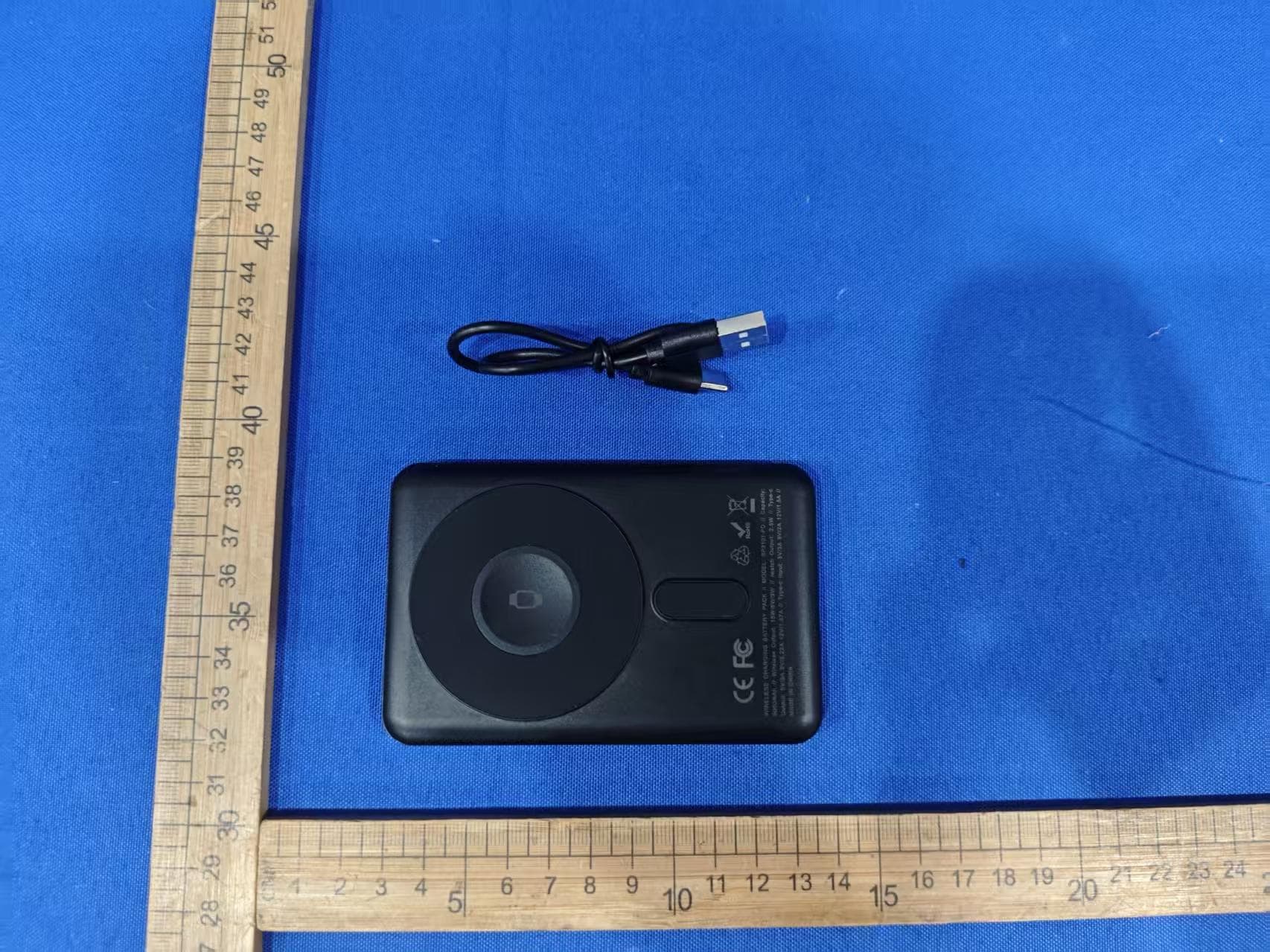
EMOIPCV3A
May 27, 2026Magnetic Wallet Power Bank
Equipment Class
DCD - Part 15 Low Power Transmitter Below 1705 kHz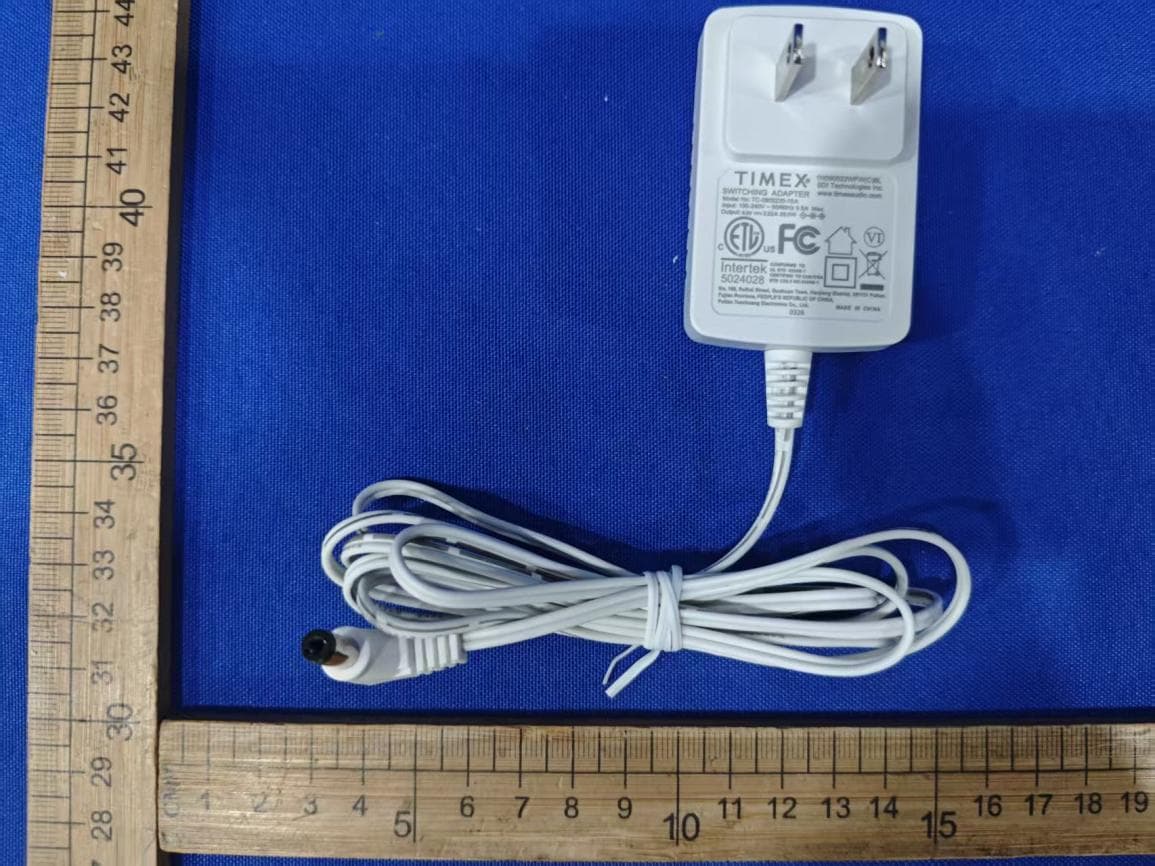
EMOTW502A
Apr 22, 2026ALARM CLOCK WITH NIGHTLIGHT AND FAST WIRELESS CHARGING
Equipment Class
DCD - Part 15 Low Power Transmitter Below 1705 kHz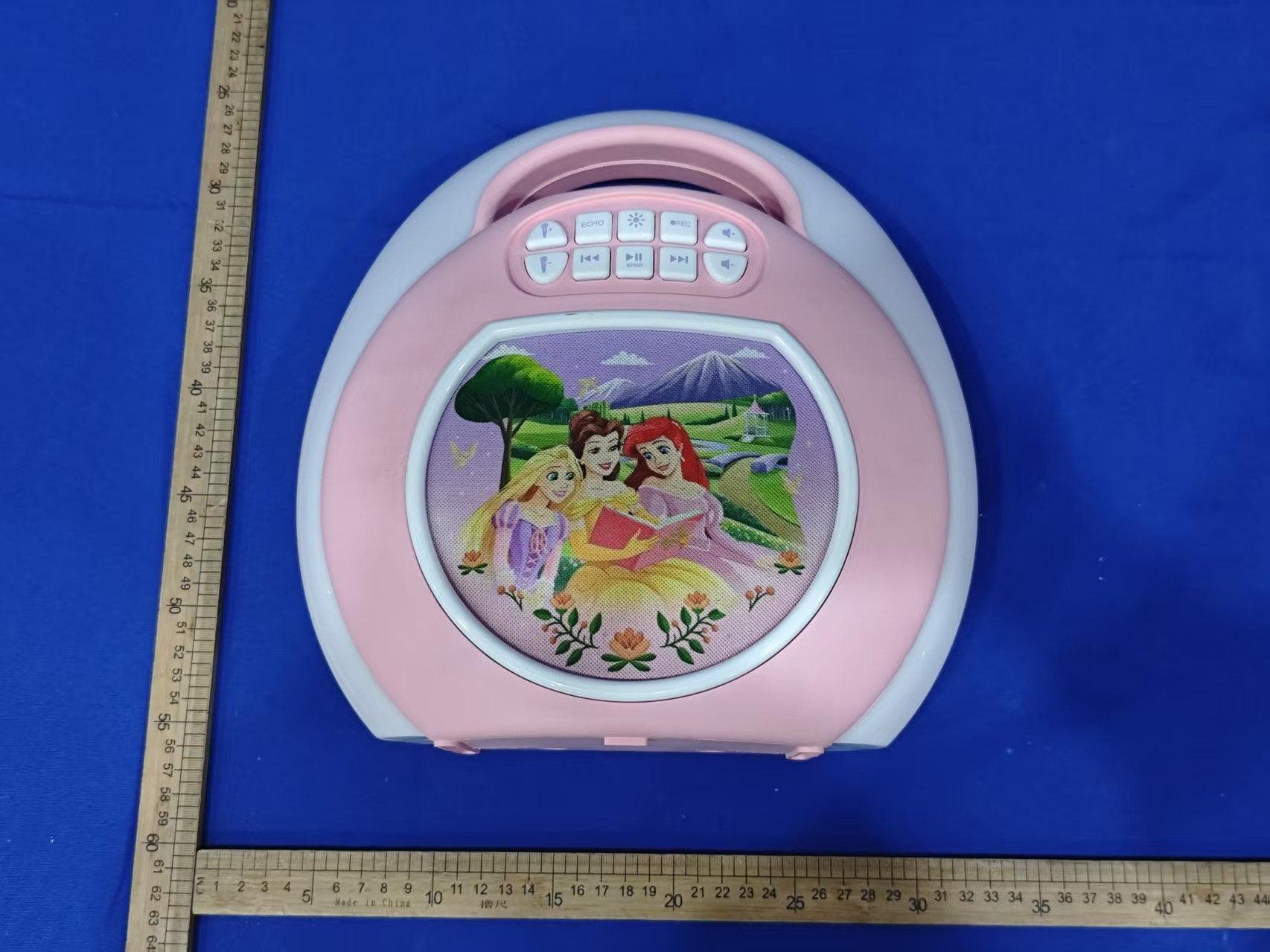
EMO555B
Nov 23, 2025Bluetooth Karaoke
Equipment Class
DSS - Part 15 Spread Spectrum Transmitter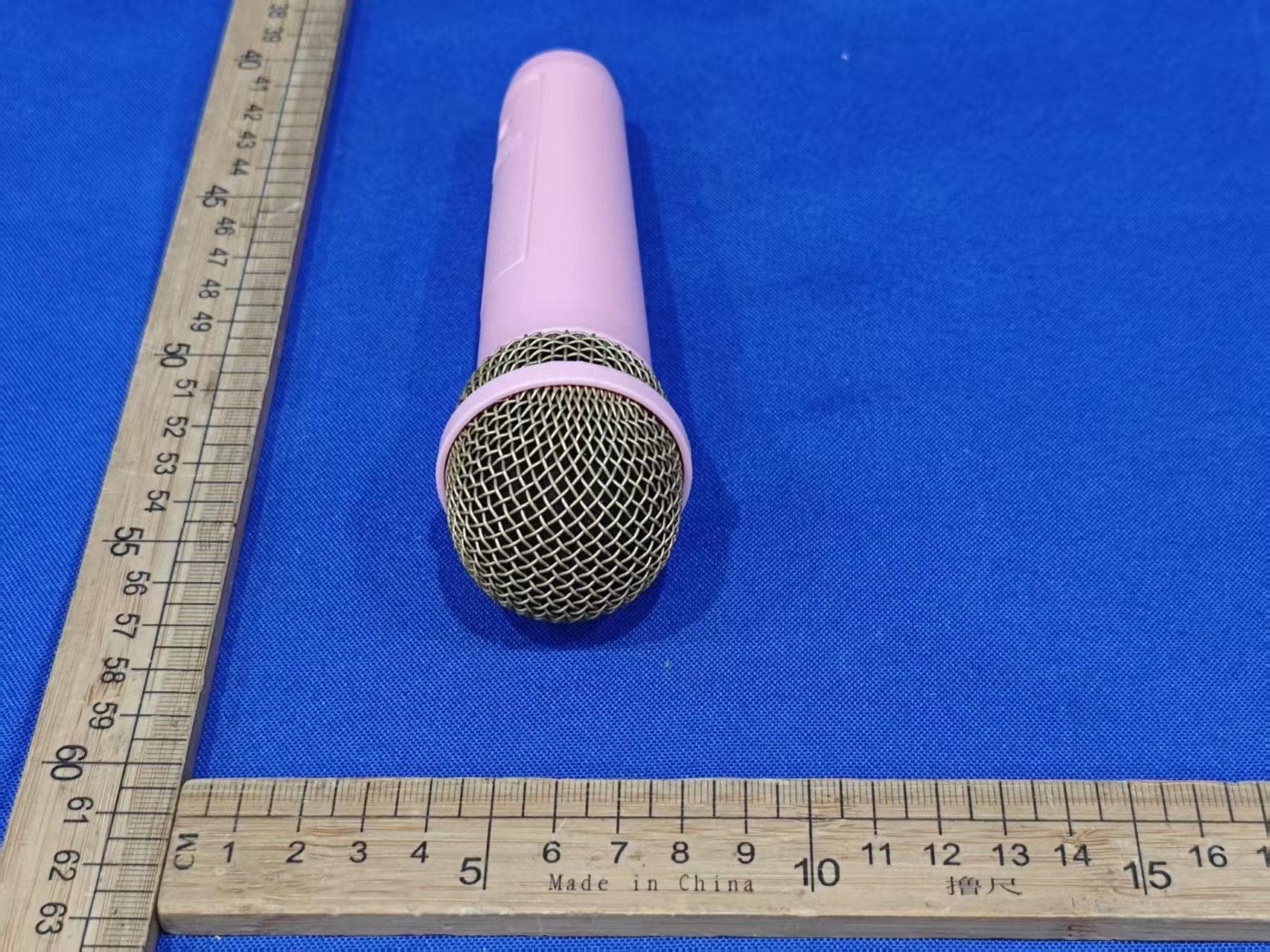
EMO555BM
Nov 23, 2025Bluetooth Karaoke
Equipment Class
DTS - Digital Transmission System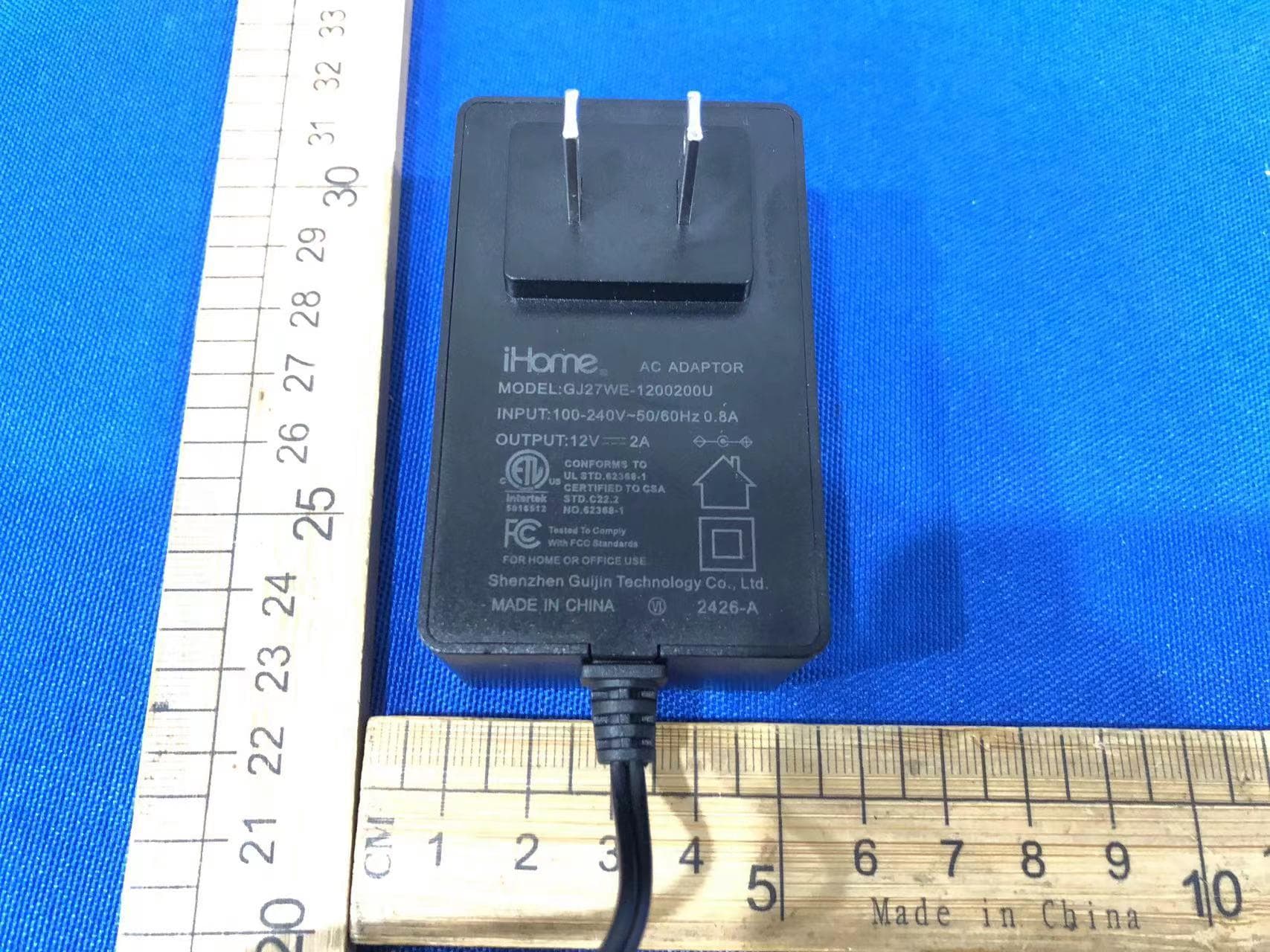
EMOIBTW112A
Sep 07, 2024Bluetooth Alarm Clock with wireless and USB charging
Equipment Class
DSS - Part 15 Spread Spectrum Transmitter