EMOIWBT1Bluetooth Clip-on Speaker
SDI Technologies Inc.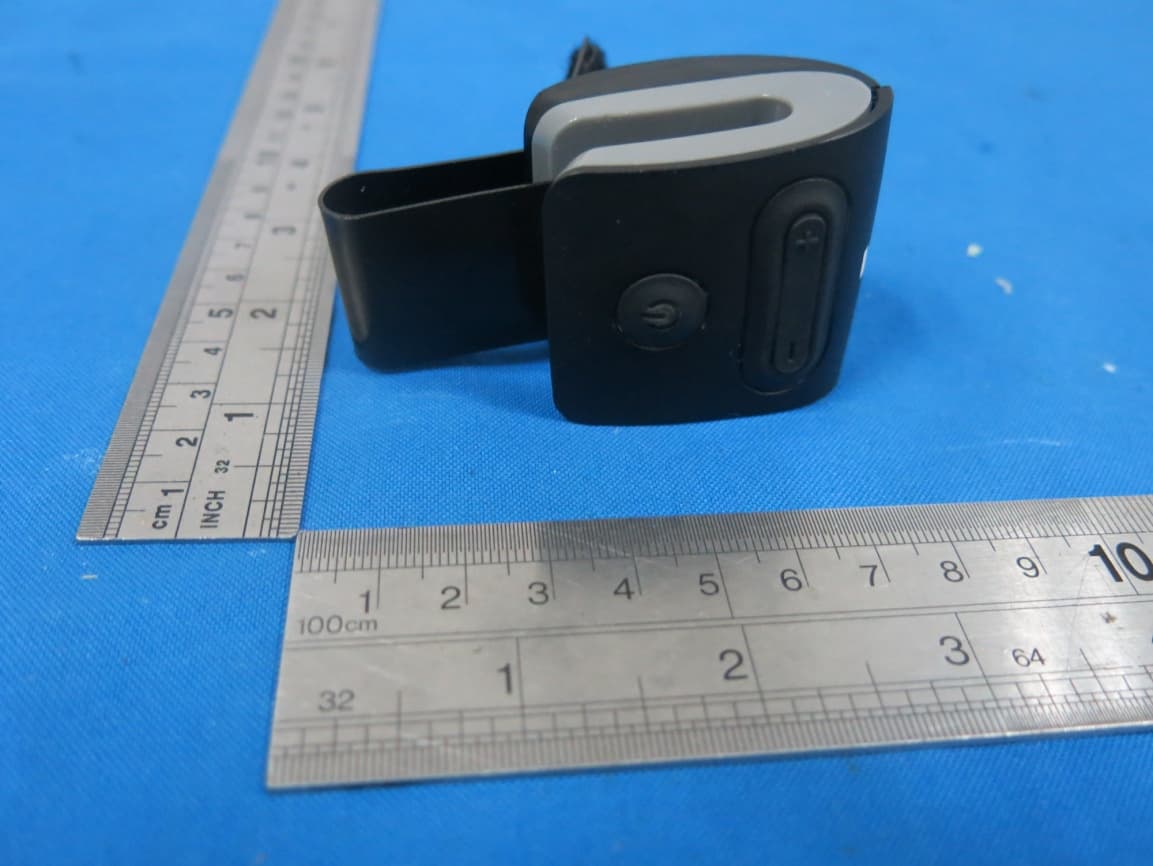
Click to zoom
Application Details
- Equipment Class
- DTS - Digital Transmission System
- Date of Grant
- Nov 03, 2015
- Application Purpose
- Original Equipment
- Date of Application
- Nov 03, 2015
- Equipment Note
- Bluetooth Clip-on Speaker
- Frequency Range
- 2402.00000000 - 2480.00000000
- Company
- SDI Technologies Inc.
- Country
- United States
Documents & Files
Document Text
Text extracted from the exhibit documents filed with the FCC. Open a document above to read the original.
Users Manual
instruction manual Model: iWBT1 Questions? Contact Customer Service at 1-800-288-2792 CHARGE BEFORE USE Bluetooth Clip-On Speaker with rechargeable battery and speakerphone iWBT1 IB (English) Size: 90 x 120 mm Color: 1C + 1C (Black text on white paper) Date: Jun. 11, 2015 1 Contents What’s Included.................................................................2 Controls & Indicators.......................................................3 Getting Started: Charging............................................4 Using the Universal Bracket.........................................5 Pairing a Device.............................................................6-7 Listening to Bluetooth Audio......................................7 Aux-out Audio via Bluetooth......................................8 Using the Speakerphone...............................................9 Consumer Product Safety......................................10-11 FCC Information...............................................................12 Troubleshooting...............................................................13 Warranty..............................................................................14 2 Introduction Thank you for purchasing the iHome iWBT1 Bluetooth rechargeable clip-on speaker. This product is designed for high quality wireless audio on the go. Please read these instructions fully and save for future reference. What’s included • iWBT1 Bluetooth Clip-On Speaker • USB charge cable • Universal bracket • Travel pouch USB charging cable iWBT1 Bluetooth Clip-on Speaker Universal bracket Travel pouch 3 Controls and indicators TOP BOTTOM RIGHT Multi Function Button Volume Up/ Next Track Button Volume Down/ Previous Track Button LED Indicator Microphone Speaker Audio out/ Charge Port 4 Getting Started CHARGING Charge unit before use. For first time use, charge for about 3 hours. 1. Move the cover from the Audio/Charging Port and connect the 3.5mm plug on the included charging cable. 2. Connect the USB end of the charging cable to a USB power source, such as a computer or USB adaptor. The LED indicator turns RED while the unit is charging then turns off when charging is complete. Unit can operate up to 8 hours once fully charged. Computer USB port Computer connected to working outlet NOTE: to save battery power, the unit will power off automatically after 5 minutes if no audio is detected. 5 Getting Started USING THE UNIVERSAL BRACKET 1. Insert Universal Bracket into opening slot of unit as shown 2. Clip unit with bracket inserted to desired flat surface (car visor, etc.) making sure controls are accessible. 6 Using Bluetooth PAIRING A DEVICE Pairing is the set-up process to introduce your Bluetooth-capable device to the iWBT1. Once your device is paired, the iWBT1 can recognize it and you can play your audio through it. 1. Turn on your Bluetooth device and make it discoverable by turning on Bluetooth mode (check in Options or Settings on device). 2. Make sure unit is OFF. Press and hold the Multi-function Button for 8 seconds. The LED indicator will flash blue and red and tones will sound, indicating pairing attempt. 3. “iHome iWBT1” should appear on your device’s Bluetooth menu. Tap to select. If prompted for a password, enter “1234”. 4. When pairing is successful, 2 beeps will sound and the LED indicator will flash 3 times every 4 seconds indicating the iWBT1 is ready to play music. There should also be an indication on your device. 8 SECS 7 Using Bluetooth PAIRING A DEVICE (continued) LISTENING TO BLUETOOTH AUDIO • If no device is paired within 3 minutes the iWBT1 will default to previous mode. • Once the iWBT1 is paired to a device, it will attempt to connect to the most recently paired device when the device is within range (about 30 feet). • If no device is connected, press the Multi-function Button to attempt to connect to last connected device. • To pair with other devices, follow steps above. 1. Press and hold the Multi-function Button for 4 seconds to turn the iWBT1 ON. The LED indicator will flash blue and a tone will sound. 2. Tap the Multi-function Button to play the current track on your device, and again to pause. 3. Tap the – or + Buttons to lower or raise speaker volume. Hold longer for previous or next track. 4. Press and hold the Multi-function Button for 4 seconds to turn the iWBT1 OFF. The LED indicator will flash red and a tone will sound. 4 SECS 4 SECS ON PLAY OFF 8 Using Bluetooth AUX OUT AUDIO VIA BLUETOOTH Stream audio to iWBT1 connected via audio cable to speaker The iWBT1 allows you to play music from your paired Bluetooth device through any speaker or audio device that has a standard 3.5mm aux line-in jack. 1. Connect a standard 3.5 mm audio cable (not included) from the Audio Out/Charge Port on the iWBT1 to the aux/line-in jack on the speaker. Turn on the speaker and adjust volume to mid level. 2. Follow directions under “Listening to Bluetooth Audio” on the preceding page to play, pause and navigate tracks. You may be able to use controls on your speaker, too. 3. Press and hold the Multi-function Button for 4 seconds to turn the iWBT1 OFF. The LED indicator will flash red and a tone will sound. TIP: Plug in any headphone for stereo audio 9 USING THE SPEAKERPHONE The iWBT1 allows you to answer, end and ignore calls, mute calls, transfer calls between a paired phone and the unit, and to switch between calls. 1. Press and hold the Multi-function Button for 4 seconds to turn the iWBT1 ON. The LED indicator will flash blue and a tone will sound. • To answer a call, tap the Multi-function Button. Tap again to end the call. • To ignore a call, press and hold the Multi-function Button for 2 seconds • To transfer an active call from iWBT1 to your phone, press and hold the Multi-function Button for 2 seconds. Repeat to transfer it back to iWBT1. • Call waiting: To place a current call on hold and answer a new one, double click the Multi-function Button. Repeat to switch back to the first …
Text truncated - open the document above for the full version.
ID Label/Location Info
Label on EUT
ID Label/Location Info
Made in China Silkscreen Colour: Black iWBT1 iWBT1-A-A DC 5V, 500mA Model No: Service Number: Charging Voltage: FCC ID: EMOIWBT1 IC: 986B-IWBT1
Internal Photos
Antenna
Test Report
TRF No. FCC Part 15.247/A Page 1 of 49 Report No. KAD150528149E2 Ver.1.0 ELECTROMAGNETIC EMISSIONS COMPLIANCE REPORT INTENTIONAL RADIATOR CERTIFICATION TO FCC PART 15 SUBPART C REQUIREMENT OF Bluetooth Clip-on Speaker Model No.: iWBT1, iWBT1X(X denotes as color of cabinet) Trademark: iHome FCC ID: EMOIWBT1 Report No.: KAD150528149E2 Issue Date: October 31, 2015 Prepared for SDI Technologies Inc 1299, Main Street, Rahway, NJ 07065, U.S.A. Prepared by DONGGUAN EMTEK CO., LTD. No.281, Guantai Road, Nancheng District, Dongguan, Guangdong, China TEL: 86-769-22807078 FAX: 86-769-22807079 This report shall not be reproduced, except in full, without the written approval of DONGGUAN EMTEK CO., LTD. TRF No. FCC Part 15.247/A Page 2 of 49 Report No. KAD150528149E2 Ver.1.0 VERIFICATION OF COMPLIANCE Applicant: SDI Technologies Inc 1299, Main Street, Rahway, NJ 07065, U.S.A. Manufacturer: SDI Technologies Inc 1299, Main Street, Rahway, NJ 07065, U.S.A. Product Description: Bluetooth Clip-on Speaker Trade Mark: iHome Model Number: iWBT1, iWBT1X(X denotes as color of cabinet) (Note: The samples are the same except difference color and model number. So iWBT1 was selected for full test.) We hereby certify that: The above equipment was tested by DONGGUAN EMTEK CO., LTD. The test data, data evaluation, test procedures, and equipment configurations shown in this report were made in accordance with the procedures given in ANSI C63.10-2013 and the energy emitted by the sample EUT tested as described in this report is in compliance with conducted and radiated emission limits of FCC Rules Part 15.247(2015). Date of Test : May 28, 2015 to August 20, 2015 Prepared by : Ivy Huang/Editor Reviewer : Alan He/Supervisor Approved & Authorized Signer : Sam Lv/Manager TRF No. FCC Part 15.247/A Page 3 of 49 Report No. KAD150528149E2 Ver.1.0 Modified Information Version Summary Revision Date Report No. Ver.1.0 Original Report / KAD150528149E2 TRF No. FCC Part 15.247/A Page 4 of 49 Report No. KAD150528149E2 Ver.1.0 Table of Contents 1. GENERAL INFORMATION ................................................................................................ 6 1.1 PRODUCT DESCRIPTION ................................................................................................................... 6 1.2 TEST METHODOLOGY ....................................................................................................................... 6 1.3 SUPPORT EQUIPMENT ...................................................................................................................... 6 2. TEST FACILITY ................................................................................................................. 7 3. DESCRIPTION OF TEST MODES ..................................................................................... 8 4. SUMMARY OF TEST RESULTS ....................................................................................... 9 5. TEST SYSTEM UNCERTAINTY ...................................................................................... 10 6. CONDUCTED EMISSIONS TEST .................................................................................... 11 6.1 MEASUREMENT PROCEDURE: ........................................................................................................ 11 6.2 TEST SET-UP (BLOCK DIAGRAM OF CONFIGURATION) ................................................................... 11 6.3 MEASUREMENT EQUIPMENT USED: ................................................................................................ 11 6.4 CONDUCTED EMISSION LIMIT ......................................................................................................... 11 6.5 MEASUREMENT RESULT: ................................................................................................................ 12 4.6 CONDUCTED MEASUREMENT PHOTOS: .......................................................................................... 15 7. RADIATED EMISSION TEST ........................................................................................... 16 7.1 MEASUREMENT PROCEDURE ......................................................................................................... 16 7.2 TEST SET-UP (BLOCK DIAGRAM OF CONFIGURATION) ................................................................... 18 7.3 MEASUREMENT EQUIPMENT USED: ................................................................................................ 19 7.4 RADIATED EMISSION LIMIT .............................................................................................................. 20 7.5 MEASUREMENT RESULT ................................................................................................................. 21 7.6 RADIATED MEASUREMENT PHOTOS: .............................................................................................. 27 8. 6DB BANDWIDTH MEASUREMENT ............................................................................... 28 8.1 MEASUREMENT PROCEDURE ......................................................................................................... 28 8.2 TEST SET-UP (BLOCK DIAGRAM OF CONFIGURATION) ................................................................... 28 8.3 MEASUREMENT EQUIPMENT USED: ................................................................................................ 28 8.4 LIMIT .............................................................................................................................................. 28 8.5 MEASUREMENT RESULTS: .............................................................................................................. 28 9. MAXIMUM PEAK OUTPUT POWER TEST ..................................................................... 31 9.1 MEASUREMENT PROCEDURE ......................................................................................................... 31 9.2 TEST SET-UP (BLOCK DIAGRAM OF CONFIGURATION) ...................…
Text truncated - open the document above for the full version.
Contact Information
Applicant
David Stetin(Compliance Officer)
Test Firm
EMTEK (DONGGUAN) CO.,LTDSam Lv
Technical Specifications
| # | Rule Parts | Frequency Range | Power Output |
|---|---|---|---|
| 1 | 15C | 2.40 GHz - 2.48 GHz | 1.30 mW |
Other Applications from SDI Technologies Inc.
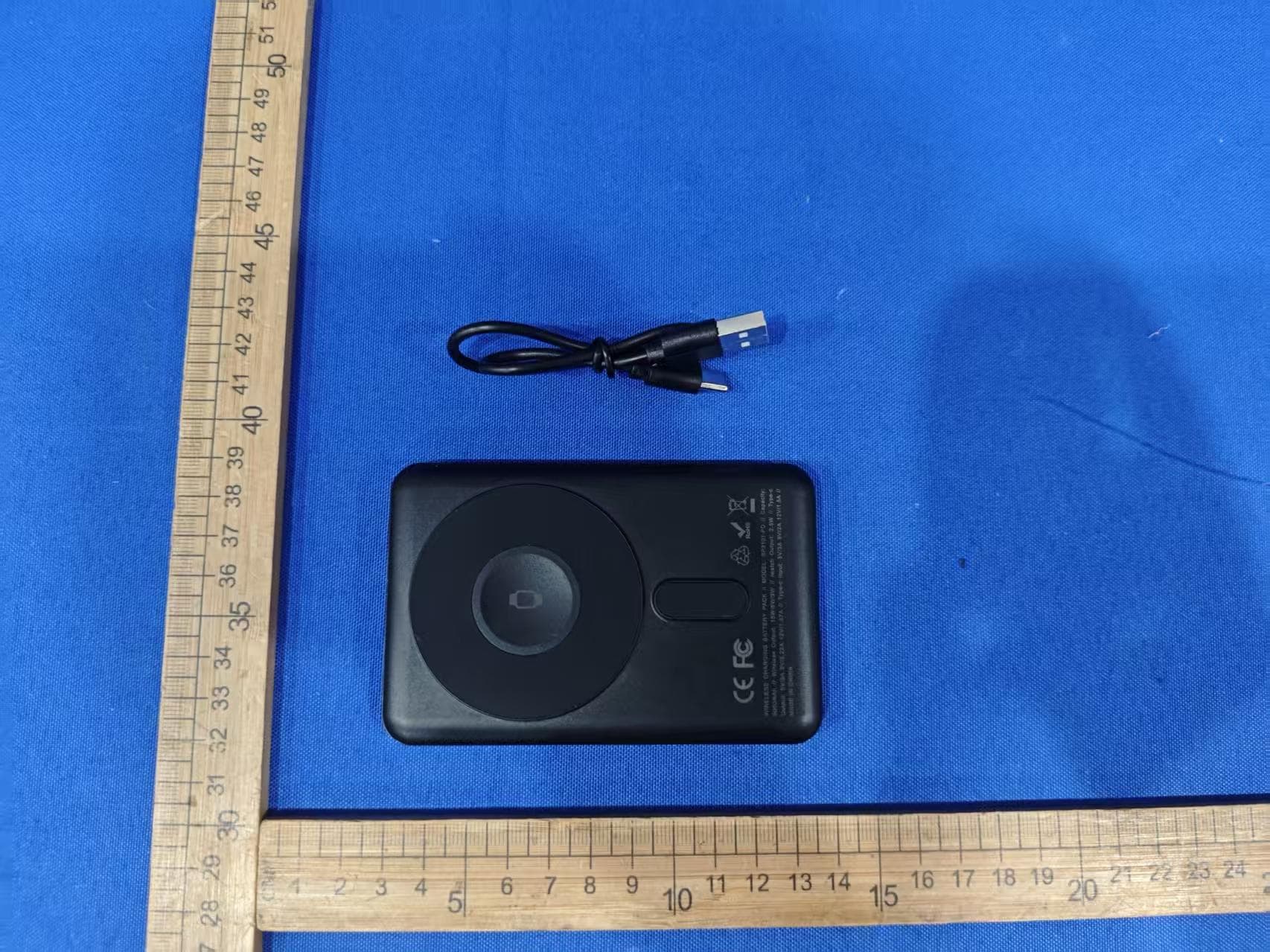
EMOIPCV3A
May 27, 2026Magnetic Wallet Power Bank
Equipment Class
DCD - Part 15 Low Power Transmitter Below 1705 kHz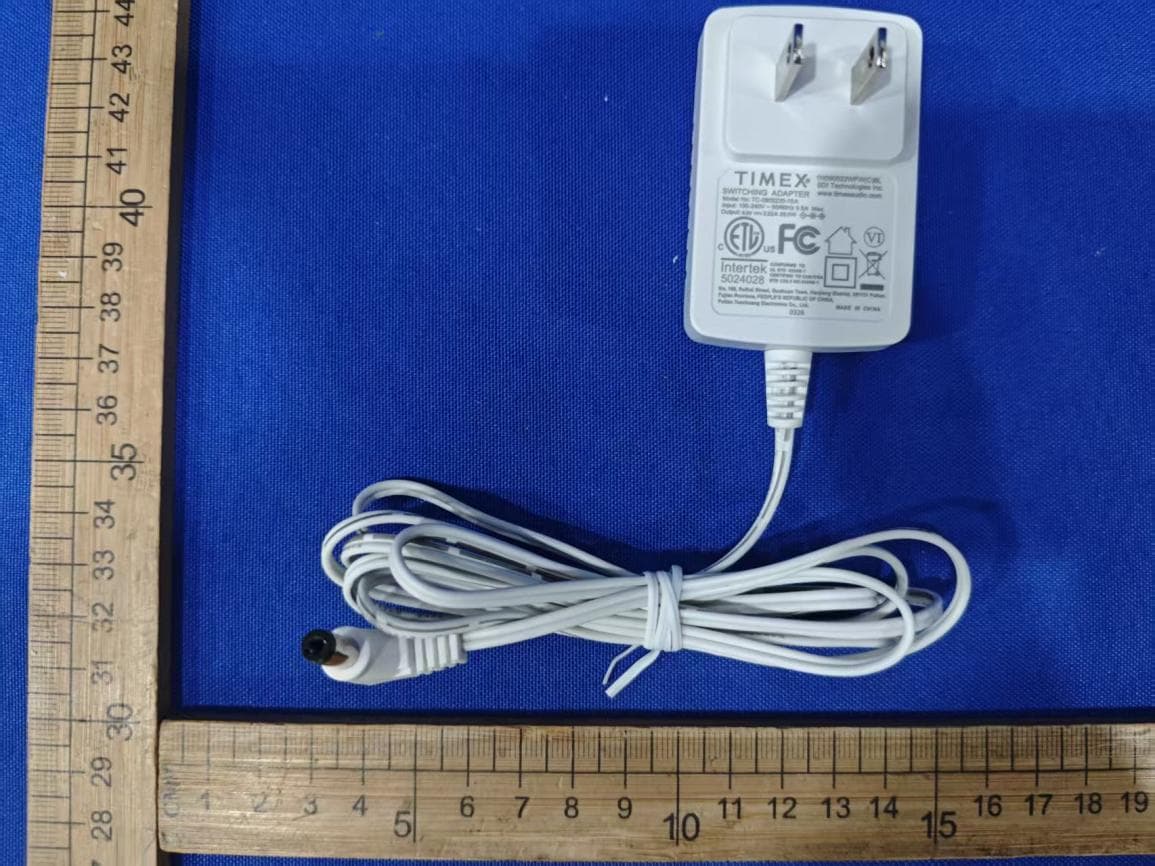
EMOTW502A
Apr 22, 2026ALARM CLOCK WITH NIGHTLIGHT AND FAST WIRELESS CHARGING
Equipment Class
DCD - Part 15 Low Power Transmitter Below 1705 kHz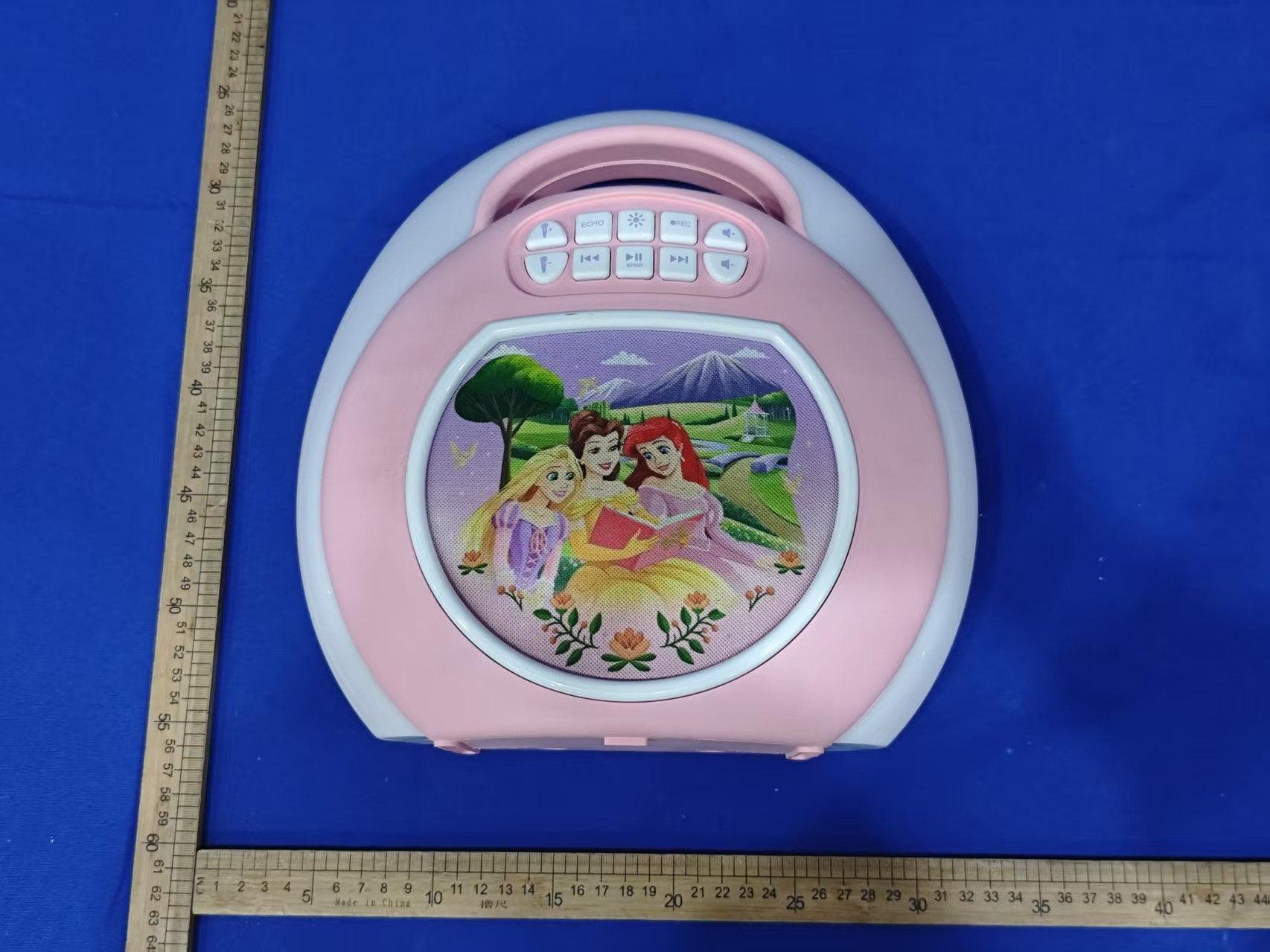
EMO555B
Nov 23, 2025Bluetooth Karaoke
Equipment Class
DSS - Part 15 Spread Spectrum Transmitter
EMO555BM
Nov 23, 2025Bluetooth Karaoke
Equipment Class
DTS - Digital Transmission System
EMOIBTW112A
Sep 07, 2024Bluetooth Alarm Clock with wireless and USB charging
Equipment Class
DSS - Part 15 Spread Spectrum Transmitter