HBOHX-P530Jam Splash
SHENZHEN FENDA TECHNOLOGY CO., LTD.
Click to zoom
Application Details
- Equipment Class
- DSS - Part 15 Spread Spectrum Transmitter
- Date of Grant
- Jul 08, 2013
- Application Purpose
- Original Equipment
- Date of Application
- Jul 08, 2013
- Equipment Note
- Jam Splash
- Frequency Range
- 2402.00000000 - 2480.00000000
- Country
- China
Documents & Files
Document Text
Text extracted from the exhibit documents filed with the FCC. Open a document above to read the original.
Users Manual
One Year Limited WarrantyFor detailed Warranty Instructions and Information visit: http://www.hmdxaudio.com/products/jam-wireless-portable-speaker.html. To obtain warranty service on your HMDX product, contact a Consumer Relations Representative by telephone at 1-800-753-3000 or email [email protected] for assistance. Please make sure to have the model number of the product available. Representatives are available 8:30am–7:00pm EST Monday–Friday.Por manual de instrucciones e Información de garantía en español visítenos en www.hmdxaudio.comHMDX Jam and HMDX are trademarks of HMDX.©2013 HMDX. All Rights Reserved.IB-HXP530 SHOWER SPEAKER AND SPEAKERPHONE USER GUIDE AND WARRANTY INFORMATION PLEASE TAKE A MOMENT NOW AND REGISTER YOUR PRODUCT AT:www.hmdxaudio.comYour valuable input will help us create even better products in the future. SPLASHSPLASHSPLASH Thank you for spreading the Jam and purchasing the HMDX Jam Splash Wireless Shower Speaker. Be sure to check out the entire JAM product line on our website: www.hmdxaudio.com — Where there’s a Jam there’s a party!Package Contents Jam Splash User Manual USB Cord 3 Suction Cups Showerhead Hangcord & Grip 2 Fasteners Holster Charging the UnitBe sure to remove product from holster and allow approximately 3 hours for a full charge. Can be charged by using the USB to Micro USB cord (included) through computer or AC adapter with USB jack (not included).NOTE: Battery will last up to 4 hours when connected wirelessly. Indicators Battery Indicator Status Dancing BLUE Slow Blinking BLUE Charging Low Battery Quickly Flashes BLUE Solid BLUE Pairing Mode Paired Bluetooth ® Indicator Status NOTE: When unit is fully charged, indicator lights will be solid BLUE. Controls1. Charging Port2. Bluetooth ® Indicator 3. Volume Down4. Reverse Track5. Play/Pause 6. Volume Up7. Forward Track8. Battery Status Indicator9. Power Button 98 4 76 23 1 5 Pairing the Jam Splash SpeakerTo listen to your music over the Bluetooth ® wireless connection, you need to pair your device with the Jam Splash:1. Make sure your device has Bluetooth ® capability. 2. Press and hold power button for 5 seconds; indicator will begin to flash.3. Follow the instructions of your device to pair the unit.4. Pair your device by selecting JAM Splash from your Bluetooth ® listings on your device or selecting YES. 5. Press play on your device and use controls on the unit to adjust desired volume. NOTE:• Once you have successfully paired your device, you may not need to repeat the above steps. • When pairing with a computer, please consult your computer manufacturer for Bluetooth ® pairing instructions and/or the latest Bluetooth ® Drivers. • Keep all non-water-resistant devices (phones, mp3 players, etc.) in a dry place where they will not come in contact with water. • A pairing code is not required. Built-In SpeakerphoneThe Jam Splash is equipped with a built-in speakerphone, for easy hands free talking:1. Make sure the Jam Splash is successfully paired with your device.2. To answer or end a call, simply press any button when you hear a ringtone. 3. To reject an incoming call, press and hold (5 sec.) any button.NOTE: When an incoming call is detected, the Splash will pause the music and a ringtone will sound. After the call is terminated, the music will resume to play automatically where it left off. When making a call, use your phone to dial and the Splash will automatically go into hands free mode. Mounting OptionsKickstand (Fig. 1): Simply pull kickstand out fully and the Jam Splash will stand upright. This is perfect for taking the Splash to the beach or pool side.Suction Cup (Fig. 2): 1. Attach the 3 suction cups (provided) in the cut outs on back of holster. 2. Gently slide the Jam Splash into the holster.3. Find a clean, dry surface and press the Jam Splash in its holster to shower wall or glass door. NOTE: For an airtight seal, attach suction cups to a solid, non-porous surface such as glass, metal, smooth tile or polished wood surfaces. For best results, ensure that the shower surface is thoroughly clean and dry. Fig. 1 Fig. 2 Hang From Showerhead (Fig. 3): 1. Thread one end of the cord into the hole on the side of the holster and attach one of the spring fasteners to the cord by inserting it into the hole in the fastener. Repeat this process on opposite side of the holster. 2. Lift the holster up by the cord to determine the center. Secure the rubber showerhead grip (provided) to this part of the cord. 3. Insert the Jam Splash into holster and hang off of the shower head pipe close to the wall surface. NOTE: For best results, attach a suction cup to back of holster and press unit against surface.NOTE: This product is splash proof, not waterproof. Never submerge the Jam Splash in water or any other liquid. MaintenanceOnly use a soft dry cloth to clean the enclosure of the unit. NEVER use liquids or abrasive cleaner to clean.Por manual de instrucciones e Información de garantía en español visítenos en www.hmdxaudio.comFCC WarningNOTE: This device complies with part 15 of the FCC Rules. Operation is subject to the following two conditions: (1) This device may not cause harmful interference, and (2) this device must accept any interference received, including interference that may cause undesired operation.NOTE: This equipment has been tested and found to comply with the limits for a Class B digital device, pursuant to part 15 of the FCC Rules. These limits are designed to provide reasonable protection against harmful interference in a residential installation. This equipment generates, uses and can radiate radio Fig. 3 IMPORTANT SAFEGUARDS:When using an electrical product, basic precautions should always be followed, including the following:READ ALL INSTRUCTIONS BEFORE USING• WARNING: Do not place speakers too close to ears. May cause damage to ear drums, especially in young children. • Use this product only for its intended use as described in this manual. Do not use attachments not recomm…
Text truncated - open the document above for the full version.
External Photos
DONGGUAN NTC CO., LTD. FCC ID: HBOHX-P530 Report NO.: NTC1304486F DONGGUAN NTC CO., LTD. FCC ID: HBOHX-P530 Report NO.: NTC1304486F DONGGUAN NTC CO., LTD. FCC ID: HBOHX-P530 Report NO.: NTC1304486F DONGGUAN NTC CO., LTD. FCC ID: HBOHX-P530 Report NO.: NTC1304486F
ID Label/Location Info
DONGGUAN NTC CO., LTD. FCC ID: HBOHX-P530 Report NO.: NTC1304486F Label Location
Internal Photos
DONGGUAN NTC CO., LTD. FCC ID: HBOHX-P530 Report NO.: NTC1304486F DONGGUAN NTC CO., LTD. FCC ID: HBOHX-P530 Report NO.: NTC1304486F DONGGUAN NTC CO., LTD. FCC ID: HBOHX-P530 Report NO.: NTC1304486F Bluetooth Chip Bluetooth Antenna DONGGUAN NTC CO., LTD. FCC ID: HBOHX-P530 Report NO.: NTC1304486F
Test Report
DONGGUAN NTC CO., LTD. Report No.: NTC1304486F FCC ID: HBOHX-P530 Page 2 of 56 Table of Contents 1. GENERAL INFORMATION ................................................................................................ 4 1.1 PRODUCT DESCRIPTION FOR EQUIPMENT UNDER TEST.................................................................... 4 1.2 RELATED SUBMITTAL(S) / GRANT (S)................................................................................................ 5 1.3 TEST METHODOLOGY...................................................................................................................... 5 1.4 EQUIPMENT MODIFICATIONS............................................................................................................ 5 1.5 SUPPORT DEVICE............................................................................................................................ 5 1.6 TEST FACILITY AND LOCATION.......................................................................................................... 5 1.7 SUMMARY OF TEST RESULTS........................................................................................................... 6 2. SYSTEM TEST CONFIGURATION .................................................................................... 7 2.1 EUT CONFIGURATION...................................................................................................................... 7 2.2 SPECIAL ACCESSORIES.................................................................................................................... 7 2.3 DESCRIPTION OF TEST MODES......................................................................................................... 7 2.4 EUT EXERCISE................................................................................................................................7 3. CONDUCTED EMISSIONS TEST ...................................................................................... 8 3.1 TEST SET-UP (BLOCK DIAGRAM OF CONFIGURATION)..................................................................... 8 3.2 TEST CONDITION............................................................................................................................. 8 3.3 MEASUREMENT RESULTS................................................................................................................. 8 4. RADIATED EMISSION TEST........................................................................................... 11 4.1 TEST SET-UP (BLOCK DIAGRAM OF CONFIGURATION)................................................................... 11 4.2 MEASUREMENT PROCEDURE......................................................................................................... 12 4.3 LIMIT.............................................................................................................................................. 13 4.4 MEASUREMENT RESULTS ..................................................................................................... 14 5. CHANNEL SEPARATION TEST ...................................................................................... 18 5.1 MEASUREMENT PROCEDURE......................................................................................................... 18 5.2 TEST SET-UP (BLOCK DIAGRAM OF CONFIGURATION)................................................................... 18 5.3 MEASUREMENT RESULTS............................................................................................................... 18 6. 20DB BANDWIDTH.......................................................................................................... 24 6.1 MEASUREMENT PROCEDURE......................................................................................................... 24 6.2 TEST SET-UP (BLOCK DIAGRAM OF CONFIGURATION)................................................................... 24 6.3 MEASUREMENT RESULTS............................................................................................................... 24 7. HOPPING CHANNEL NUMBER ...................................................................................... 30 7.1 MEASUREMENT PROCEDURE......................................................................................................... 30 7.2 TEST SET-UP (BLOCK DIAGRAM OF CONFIGURATION)................................................................... 30 7.3 MEASUREMENT RESULTS............................................................................................................... 30 DONGGUAN NTC CO., LTD. Report No.: NTC1304486F FCC ID: HBOHX-P530 Page 3 of 56 8. TIME OF OCCUPANCY (DWELL TIME).......................................................................... 32 8.1 MEASUREMENT PROCEDURE......................................................................................................... 32 8.2 MEASUREMENT RESULTS............................................................................................................... 32 9. MAXIMUM PEAK OUTPUT POWER ............................................................................... 32 9.1 MEASUREMENT PROCEDURE......................................................................................................... 38 9.2 MEASUREMENT RESULTS............................................................................................................... 38 10. BAND EDGE ..................................................................................................................38 10.1 MEASUREMENT PROCEDURE....................................................................................................... 44 10.2 LIMIT............................................................................................................................................ 44 10.3 MEASUREMENT RESULTS............................................................................................................. 44 11. ANTENNA APPLICATION .......…
Text truncated - open the document above for the full version.
Test Setup Photos
DONGGUAN NTC CO., LTD. FCC ID: HBOHX-P530 Report NO.: NTC1304486F Conducted Emission Radiated Emission
Contact Information
Applicant
frank Chenzhonghua(engineer)
Test Firm
Dongguan NTC Co.,Ltd.,sunm lv sunm lv
[email protected]86-769-22022444
Technical Specifications
| # | Rule Parts | Frequency Range | Power Output |
|---|---|---|---|
| 1 | 15C | 2.40 GHz - 2.48 GHz | 1.91 mW |
Other Applications from SHENZHEN FENDA TECHNOLOGY CO., LTD.
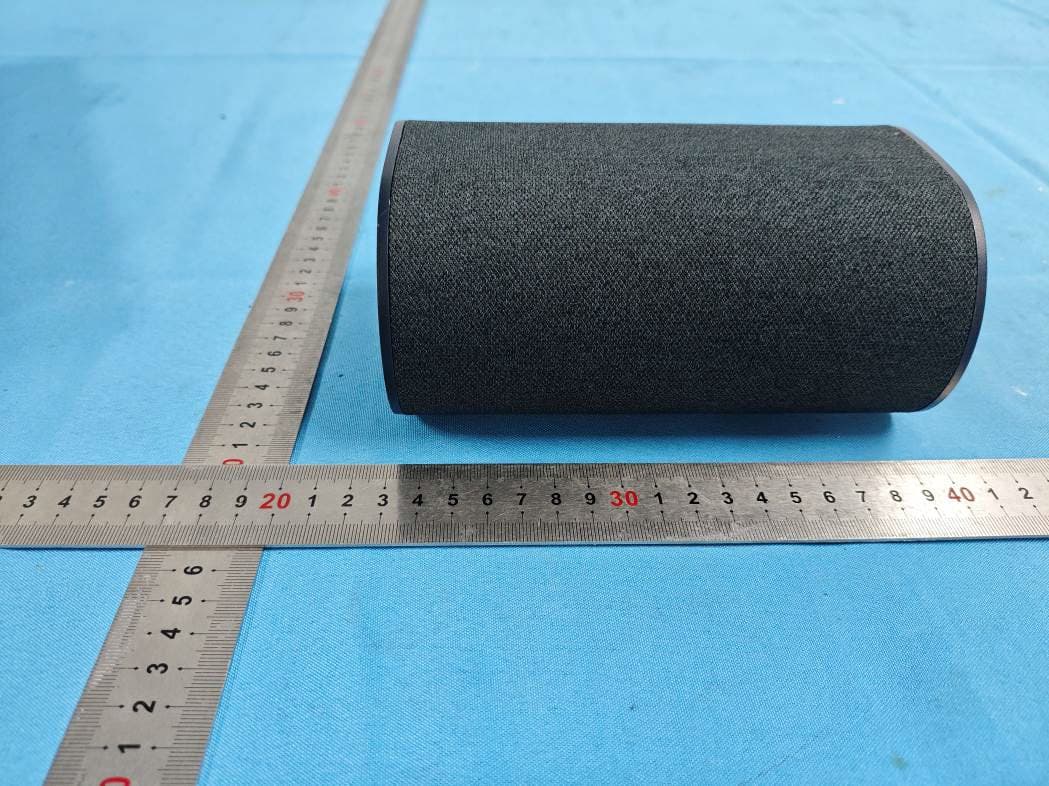
HBOSB2686SU
Aug 20, 20265.1.2 Channel Surround Soundbar
Equipment Class
DTS - Digital Transmission System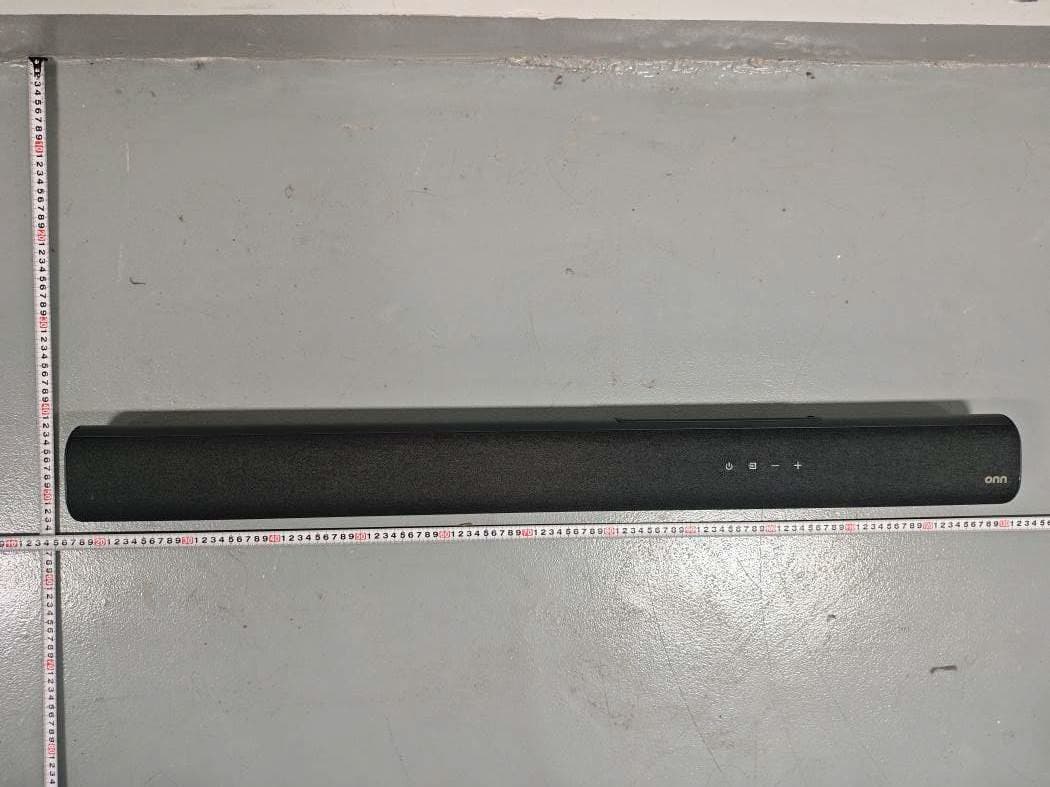
HBOSB2686
Aug 20, 20265.1.2 Channel Surround Soundbar
Equipment Class
DTS - Digital Transmission System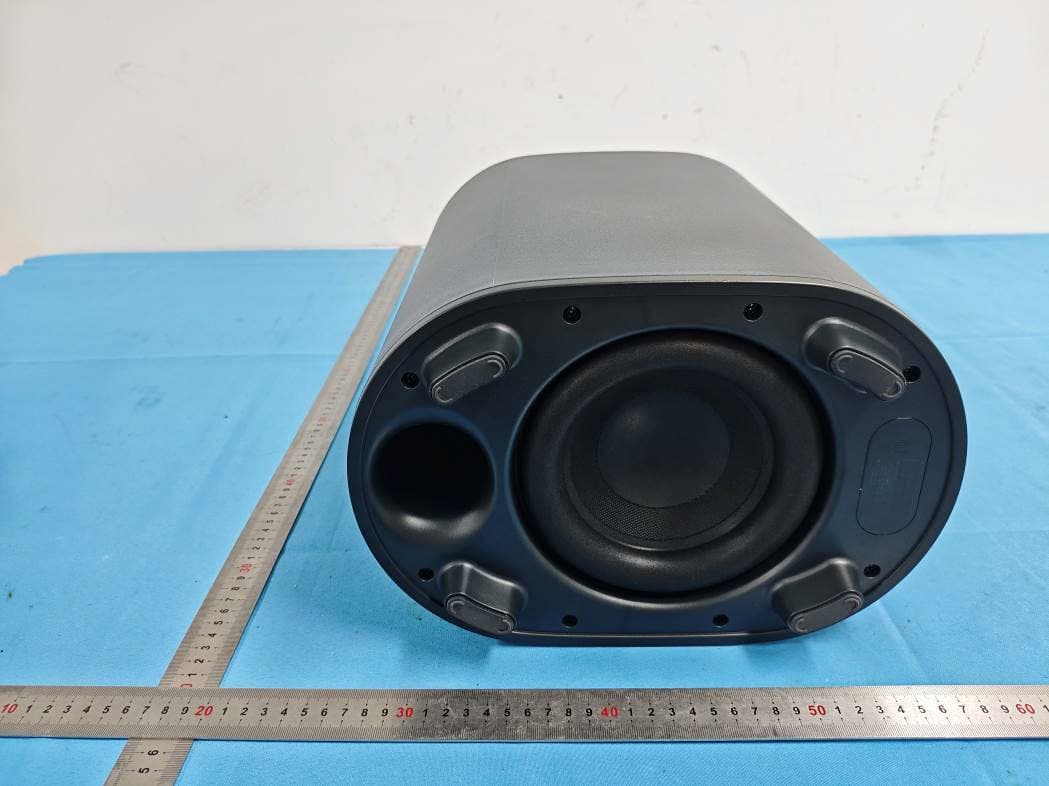
HBOSB2686SW
Aug 20, 20265.1.2 Channel Surround Soundbar
Equipment Class
DTS - Digital Transmission SystemHBOSB2635DDG
Aug 07, 2026Wireless Dongle
Equipment Class
DSS - Part 15 Spread Spectrum TransmitterHBOSB2635DSU
Aug 07, 20262.1ch Standalone Rear Surround Speakers
Equipment Class
DSS - Part 15 Spread Spectrum Transmitter