HBOW260BUniversal Bluetooth Speaker
SHENZHEN FENDA TECHNOLOGY CO., LTD.
Click to zoom
Application Details
- Equipment Class
- DSS - Part 15 Spread Spectrum Transmitter
- Date of Grant
- Feb 23, 2014
- Application Purpose
- Original Equipment
- Date of Application
- Feb 23, 2014
- Equipment Note
- Universal Bluetooth Speaker
- Frequency Range
- 2402.00000000 - 2480.00000000
- Country
- China
Documents & Files
Document Text
Text extracted from the exhibit documents filed with the FCC. Open a document above to read the original.
Users Manual
THE BLOCK Universal Bluetooth Speaker User Manual QAA14AV008 R 1 Fenda Hi-tech Park, Zhoushi Road, Shiyan, Baoan, Shenzhen, China Email: [email protected] www.ravon-audio.com 2 Warning: Changes or modifications to this unit not expressly approved by the party responsible for compliance could void the user’s authority to operate the equipment. NOTE: This equipment has been tested and found to comply with the limits for a Class B digital device, pursuant to Part 15 of the FCC Rules. These limits are designed to provide reasonable protection against harmful interference in a residential installation. This equipment generates, uses and can radiate radio frequency energy and, if not installed and used in accordance with the instructions, may cause harmful interference to radio communications. However, there is no guarantee that interference will not occur in a particular installation. If this equipment does cause harmful interference to radio or television reception, which can be determined by turning the equipment off and on, the user is encouraged to try to correct the interference by one or more of the following measures: Reorient or relocate the receiving antenna. Increase the separation between the equipment and receiver. Connect the equipment into an outlet on a circuit different from that to which the receiver is connected. Consult the dealer or an experienced radio/TV technician for help. This device complies with Part 15 of the FCC Rules. Operation is subject to the following two conditions: (1) this device may not cause harmful interference, and (2) this device must accept any interference received, including interference that may cause undesired operation. The FCC Wants You To Know 563 1.Power ON/OFF 2.Pair 3.Vol- 4.Vol+ 5.PREVIOUS 6.PLAY/PAUSE/PHONE 7.NEXT 8.AUX IN 9.DC IN 10.USB Charging(2.1A) Speaker Overview Main unit x 1 User Manual x 1 3.5mm audio cable x 1 AC Adaptor x 1 Package Contents 4 Conference Mode Safety Precautions and Maintenance Please read these operating and maintenance (servicing) instructions before installing and operating your speaker. Warning: To reduce the risk of fire or electric shock, do not expose this speaker system to rain or moisture (including swimming pools or objects filled with liquids, such as vases or drinks). Important Safety Instructions 1. Always read Safety and Operation instructions before use. Retain instructions for later reference. 2. For indoor use only. Do not expose the speaker to liquid, moisture or humidity. 3. Do not use abrasive cleaners to clean the speaker case as they may damage the finish. Always unplug the unit before cleaning. 4. Do not expose the speaker to extremely high or low temperatures. 5. Keep the unit away from direct sunlight. 6. Use only accessories and attachments as supplied and designated in the instruction manual. 7. Do not attempt to open or modify the speaker in any way, as it does not contain any serviceable parts. Please refer all servicing to qualified personnel. 8. Please store the unit in a dry place that is free from extreme temperatures and dust. 9. Always operate the speaker on a flat and level surface. 10. Always operate the speaker away from children and small animals as they may play with the power cord and other small parts. 11. Always dispose of the packaging and the unit in accordance with the local regulations and in a responsible manner. R Thank you for purchasing The Block Universal Bluetooth Speaker for smart phones, tablets, notebook computers and other Bluetooth enabled devices. This product combines high-tech innovation with design to provide you with years of dependability and enjoyment. The Bluetooth PAIR indicator light will start blinking rapidly. Bluetooth Bluetooth Devices The Block Press and hold the “ ” button. Bluetooth connect Activate the Bluetooth function on your device and search Bluetooth devices, and select “The Block” to start connecting. Once paired, the Blue LED light will turn on steadily. Play When listening music to “The Block”, press “ ” or “ ” to adjust volume, and press “ ” to Pause or Play, “ ”for next song, “ ” for previous song. 8 9 10 If your device supports Near Field Communication (NFC), make sure that the NFC feature is activated. Touch the NFC area on your device with the NFC area located on the top of your speaker. It can be powered on and paired with your device automatically. Note: if your phone has NFC support but is running an OS below Android 4.1, you will need to download an NFC Bluetooth APP from Google Play or a similar online store. If your device does not support Near Field Communication (NFC). When receiving an incoming call on your cell phone via Bluetooth linked with the speaker, tap “ ”to answer. Press“ ” “ ”to obtain the desired sound level. To end the call, just tap the PHONE“ ” on the speaker. To ignore an incoming call, simply press and hold the “ ”on the speaker for about 2 seconds. Use the 3.5mm cable (included) to connect the speaker to another audio source, then play music. Connect one end of the AC adaptor to the DC IN jack on your speaker, and connect the other end into a suitable power oulet. The red POWER light on your speaker will flash rapidly to indicate the internal battery is being charged. Charge Aux in NFC Then simply connect a USB charging cable (not included) to the USB Charging Port on the back of your speaker. Features Seamlessly stream music from any Bluetooth-enabled device. Easy touch to connect with Near Field Communication (NFC). Hands-free Bluetooth speakerphone. Class-D digital amplifier offers high energy efficiency and superior sound. Supports Bluetooth protocol BT3.0 audio streaming profile. Connect an iPod or an MP3 player via 3.5mm port. Charge Smartphones or tablets by connecting them to the built in (5V 2.1A) USB port. DSP sound technology for an extraordinary audio experience. Built in rechargeable lithium battery with up to 6 hours of battery life. Technical Specifications Transducers: 2x 2…
Text truncated - open the document above for the full version.
External Photos
DONGGUAN NTC CO., LTD. FCC ID: HBOW260B Report NO.: NTC1402135F DONGGUAN NTC CO., LTD. FCC ID: HBOW260B Report NO.: NTC1402135F DONGGUAN NTC CO., LTD. FCC ID: HBOW260B Report NO.: NTC1402135F DONGGUAN NTC CO., LTD. FCC ID: HBOW260B Report NO.: NTC1402135F DONGGUAN NTC CO., LTD. FCC ID: HBOW260B Report NO.: NTC1402135F
ID Label/Location Info
MODEL: W260B FCC ID: HBOW260B 2.0 Wireless Bluetooth Speaker System This device complies with Part 15 of the FCC Rules. Operation is subject to the following two conditions: (1) this device may not cause harmful interference, and (2) this device must accept any interference received, including interference that may cause undesired operation. Made in China 12V 1.6A AUX IN 5V 2.1A USB CHARGING 335.5 15mm 15mm
Internal Photos
DONGGUAN NTC CO., LTD. FCC ID: HBOW260B Report NO.: NTC1402135F DONGGUAN NTC CO., LTD. FCC ID: HBOW260B Report NO.: NTC1402135F DONGGUAN NTC CO., LTD. FCC ID: HBOW260B Report NO.: NTC1402135F Bluetooth Chip Bluetooth Antenna DONGGUAN NTC CO., LTD. FCC ID: HBOW260B Report NO.: NTC1402135F DONGGUAN NTC CO., LTD. FCC ID: HBOW260B Report NO.: NTC1402135F
Test Report
Dongguan Nore Test Center Co., Ltd. Report No.: NTC1402135F FCC ID: HBOW260B Page 2 of 56 Table of Contents 1. GENERAL INFORMATION ................................................................................................ 4 1.1 PRODUCT DESCRIPTION FOR EQUIPMENT UNDER TEST.................................................................... 4 1.2 RELATED SUBMITTAL(S) / GRANT (S)................................................................................................ 5 1.3 TEST METHODOLOGY...................................................................................................................... 5 1.4 EQUIPMENT MODIFICATIONS............................................................................................................ 5 1.5 SUPPORT DEVICE............................................................................................................................ 5 1.6 TEST FACILITY AND LOCATION.......................................................................................................... 5 1.7 SUMMARY OF TEST RESULTS........................................................................................................... 6 2. SYSTEM TEST CONFIGURATION .................................................................................... 7 2.1 EUT CONFIGURATION...................................................................................................................... 7 2.2 SPECIAL ACCESSORIES.................................................................................................................... 7 2.3 DESCRIPTION OF TEST MODES......................................................................................................... 7 2.4 EUT EXERCISE................................................................................................................................7 3. CONDUCTED EMISSIONS TEST ...................................................................................... 8 3.1 TEST SET-UP (BLOCK DIAGRAM OF CONFIGURATION)..................................................................... 8 3.2 TEST CONDITION............................................................................................................................. 8 3.3 MEASUREMENT RESULTS................................................................................................................. 8 4. RADIATED EMISSION TEST........................................................................................... 11 4.1 TEST SET-UP (BLOCK DIAGRAM OF CONFIGURATION)................................................................... 11 4.2 MEASUREMENT PROCEDURE......................................................................................................... 12 4.3 LIMIT.............................................................................................................................................. 13 4.4 MEASUREMENT RESULTS ..................................................................................................... 14 5. CHANNEL SEPARATION TEST ...................................................................................... 18 5.1 MEASUREMENT PROCEDURE......................................................................................................... 18 5.2 TEST SET-UP (BLOCK DIAGRAM OF CONFIGURATION)................................................................... 18 5.3 MEASUREMENT RESULTS............................................................................................................... 18 6. 20DB BANDWIDTH.......................................................................................................... 24 6.1 MEASUREMENT PROCEDURE......................................................................................................... 24 6.2 TEST SET-UP (BLOCK DIAGRAM OF CONFIGURATION)................................................................... 24 6.3 MEASUREMENT RESULTS............................................................................................................... 24 7. HOPPING CHANNEL NUMBER ...................................................................................... 25 7.1 MEASUREMENT PROCEDURE......................................................................................................... 30 7.2 TEST SET-UP (BLOCK DIAGRAM OF CONFIGURATION)................................................................... 30 7.3 MEASUREMENT RESULTS............................................................................................................... 30 Dongguan Nore Test Center Co., Ltd. Report No.: NTC1402135F FCC ID: HBOW260B Page 3 of 56 8. TIME OF OCCUPANCY (DWELL TIME).......................................................................... 32 8.1 MEASUREMENT PROCEDURE......................................................................................................... 32 8.2 MEASUREMENT RESULTS............................................................................................................... 32 9. MAXIMUM PEAK OUTPUT POWER ............................................................................... 32 9.1 MEASUREMENT PROCEDURE......................................................................................................... 38 9.2 MEASUREMENT RESULTS............................................................................................................... 38 10. BAND EDGE ..................................................................................................................38 10.1 MEASUREMENT PROCEDURE....................................................................................................... 44 10.2 LIMIT............................................................................................................................................ 44 10.3 MEASUREMENT RESULTS............................................................................................................. 44 11. ANTEN…
Text truncated - open the document above for the full version.
Test Setup Photos
DONGGUAN NTC CO., LTD. FCC ID: HBOW260B Report NO.: NTC1402135F Conducted Emission Radiated Emission
Contact Information
Applicant
frank Chenzhonghua(engineer)
Test Firm
Dongguan NTC Co.,Ltd.,sunm lv sunm lv
[email protected]86-769-22022444
Technical Specifications
| # | Rule Parts | Frequency Range | Power Output |
|---|---|---|---|
| 1 | 15C | 2.40 GHz - 2.48 GHz | 1.20 mW |
Other Applications from SHENZHEN FENDA TECHNOLOGY CO., LTD.
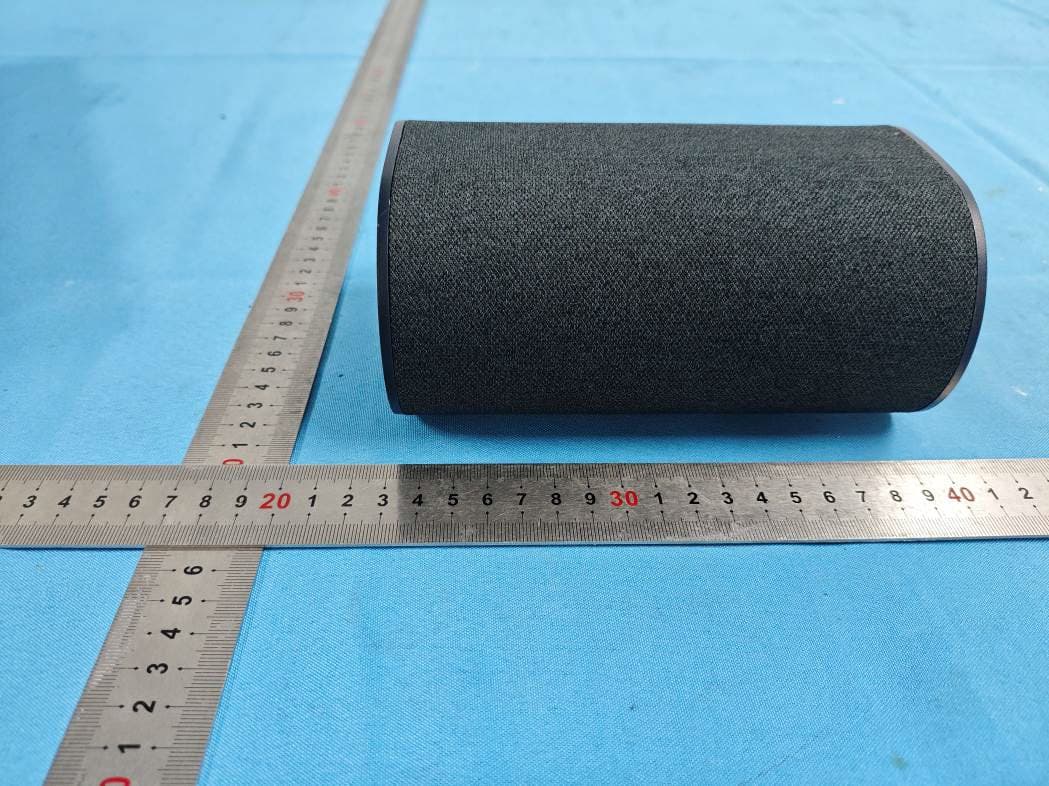
HBOSB2686SU
Aug 20, 20265.1.2 Channel Surround Soundbar
Equipment Class
DTS - Digital Transmission System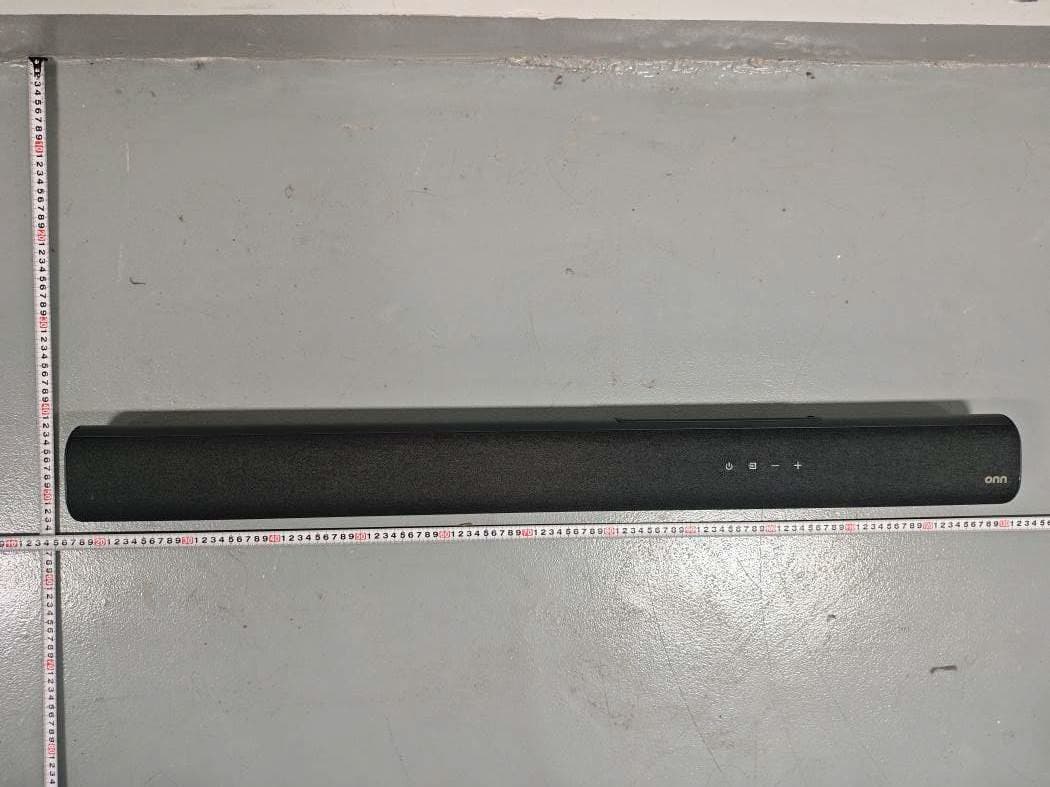
HBOSB2686
Aug 20, 20265.1.2 Channel Surround Soundbar
Equipment Class
DTS - Digital Transmission System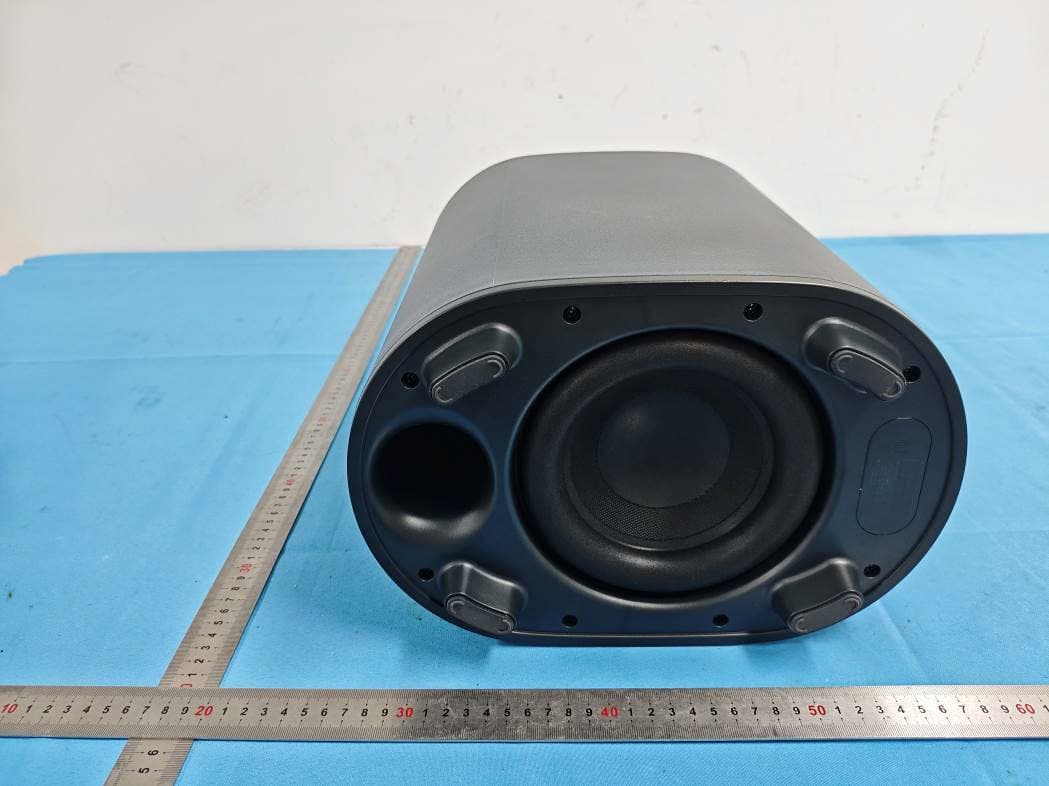
HBOSB2686SW
Aug 20, 20265.1.2 Channel Surround Soundbar
Equipment Class
DTS - Digital Transmission SystemHBOSB2635DDG
Aug 07, 2026Wireless Dongle
Equipment Class
DSS - Part 15 Spread Spectrum TransmitterHBOSB2635DSU
Aug 07, 20262.1ch Standalone Rear Surround Speakers
Equipment Class
DSS - Part 15 Spread Spectrum Transmitter