HGO-IBT-04Bluetooth Speaking Mouse
SEENDA TECHNOLOGY CO., LTD.
Click to zoom
Application Details
- Equipment Class
- DSS - Part 15 Spread Spectrum Transmitter
- Date of Grant
- Jul 17, 2013
- Application Purpose
- Original Equipment
- Date of Application
- Jul 17, 2013
- Equipment Note
- Bluetooth Speaking Mouse
- Frequency Range
- 2402.00000000 - 2480.00000000
- Company
- SEENDA TECHNOLOGY CO., LTD.
- Country
- China
Documents & Files
Document Text
Text extracted from the exhibit documents filed with the FCC. Open a document above to read the original.
Users Manual
Aerb® Bluetooth Speaking Mouse User Manual Product:Aerb® Bluetooth Speaking Mouse Model:IBT‐04 Size: 121*70*38mm Version: Bluetooth 3.0 Protocol: HID for Bluetooth mouse & A2DP for Bluetooth speaker Working distance: 10 meters Internal battery capacity: 900 mA Warning function: When the voltage is lower than 3.3V, the warning sound is DUDU. Input: Micro USB in 5V 150MA(red indicates charging, green indicates fully charged) Working hours per charge: 6 hours Speakerphone: pair with your Bluetooth cellphone Speaker: 40mm 3W with stereo output Function keys: volume up/down; next song / previous song; accept / reject incoming calls Weight: 125 grams Function Keys 1. 5V Micro USB Charging Port 2. Power for Mouse 3. Power for Speaker 4. Answer Phone / Call Recent / Play & Pause (while paired with phone, hit shortly to answer incoming calls; hit 2 seconds to reject incoming call. In no phone call status, hit 2 seconds to call the most recent dialed number. While playing music, hit once to pause or play.) 5. Volume Up / Next Song (in music, short press for volume up, long press for next song) 6. Volume Down /Previous song (in music, short press for volume down, long press for previous song) 7. Mouse Left 8. Mouse DPI Button (adjust the sensitivity of your mouse) 9. Scroll Wheel & Mouse Paring (together with Mouse Right Key for 4 seconds) 10. Mouse Right 11. Speaker 12. Microphone Instructions: Before you pair the speaker or the mouse, you will have to make sure your device is Bluetooth enabled to support Bluetooth mouse or speaker. Make sure your tablet or phone supports Bluetooth. For computer without internal Bluetooth adapter, you can purchase and install an external Bluetooth 3.0 dongle. For iPhone / iPad, please be known that they won’t support Bluetooth keyboard. Speaker Paring First Time Pair: Step 1: Turn speaker power off, and then turn power on. For Bluetooth speaker, each time you turn on the power, speaker will go into pair mode automatically. (If it is previous connected to a device, and that device is discoverable, the speaker will automatically pair with the previous device.) Step 2: go to Bluetooth settings of your device, turn on the Bluetooth. Step 3: Your tablet or cellphone will usually discover the Bluetooth devices. For computer, you can select add a device in the Bluetooth settings for the search. After you see “IBT-04”, you can hit on the icon or select “IBT-04” to begin pairing. Pair to another device To pair to another device, you will firstly need to make sure the Bluetooth or Bluetooth adapter for the previous device is completely turned off. Then start from Step 1 for the new pairing. Speaker troubleshooting for your computer: If you pair successfully, still do not hear from the speaker. You will have to check the setting to make sure the Bluetooth speaker is the default audio device. Go to “Control Panel”, find “Hardware and Sound”, and select “manage audio devices” in “Sound”. Find “Playback”, set the Bluetooth speaker as the default device. Mouse Pairing First Time Pair: Step 1: Turn mouse power off, and then turn power on. For Bluetooth mouse, if it is previous connected to a device, and that device is discoverable, the mouse will usually automatically pair with the previous device. Step 2: go to Bluetooth settings of your device, turn off and then turn on the Bluetooth or Bluetooth adapter. Step 3: Your tablet or cellphone will usually discover the Bluetooth devices. For computer, you can select add a device in the Bluetooth settings for the search. After you see “Bluetooth mouse”, you can hit on the icon or select it to begin pairing. (if code needed, please type in 0000) Step 4: If your device does not discover the Bluetooth mouse, please press the “scroll wheel” button and the “mouse right” key together for 4 seconds, the mouse will go into pairing mode as you see the blue led flashes every one second. Go back to Step 2 to start a new pairing. Pair to another device To pair to another device, you will firstly need to make sure the Bluetooth or Bluetooth adapter for the previous device is completely turned off. Then start from Step 1 for the new pairing. Warranty & Support Our products carry 90 days limited warranty from your purchase; for any inquiries or supports, please contact [email protected] directly. Information to Users According to the FCC Part 15.19, 15.21, and 15.105 rule, for this EUT, the instructions or operation manual furnished the user shall include the following or similar statement, placed in a prominent location in the text of the manual: FCC Warning This device complies with Part 15 of the FCC Rules. Operation is subject to the following two conditions: (1) this device may not cause harmful interference, and (2) this device must accept any interference received, including interference that may cause undesired operation. NOTE 1: This equipment has been tested and found to comply with the limits for a Class B digital device, pursuant to part 15 of the FCC Rules. These limits are designed to provide reasonable protection against harmful interference in a residential installation. This equipment generates, uses and can radiate radio frequency energy and, if not installed and used in accordance with the instructions, may cause harmful interference to radio communications. However, there is no guarantee that interference will not occur in a particular installation. If this equipment does cause harmful interference to radio or television reception, which can be determined by turning the equipment off and on, the user is encouraged to try to correct the interference by one or more of the following measures: ‐ Reorient or relocate the receiving antenna. ‐ Increase the separation between the equipment and receiver. ‐Connect the equipment into an outlet on a circuit different from that to which the receiver is connected. ‐Consult the dealer or an experienced radio/TV technician for help. NOTE 2: Any changes or modifications to this unit not expressly …
Text truncated - open the document above for the full version.
Cover Letter(s)
Agents letter SEENDA TECHNOLOGY CO., LTD FCC ID: HGO-IBT-04 Product Name: Bluetooth speaker Model No.: IBT-04 Date (07/15/2013) BABT TCB Forsyth House, Churchfield Road, Walton-on-Thames, Surrey, KT12 2TD Dear Sir or Madam, We, SEENDA TECHNOLOGY CO., LTD and Address of 906-908, DongMing building, Minzhi Avenue, Longhua, Shenzhen, China. 518131 hereby authorize SEM.Test Compliance Service Co., Ltd. And address of 3/F, Jinbao Commerce Building, Xin'an Fanshen Road, Bao'an District, Shenzhen, P.R.C. Jandy so (Telephone: 86-755-33663308), to act as our agent in all matters relating to applications for equipment authorization, including the signing of all documents relating to these matters. This authorization expires on (12/31/2013). Sincerely, Company Officer: HE WEI Telephone Number: 0755-23228711 Email: [email protected]
Cover Letter(s)
SEENDA TEHNOLOGY CO., LTD Date (13/07/2013) BABT TCB Forsyth House, Churchfield Road, Walton-on-Thames, Surrey, KT12 2TD Confidentiality Request FCC ID: HGO-IBT-04 Pursuant to Sections 0.457(d)(1)(ii) and 0.459 of the Commission’s Rules, SEENDA TEHNOLOGY CO., LTD hereby requests permanent confidential treatment of information accompanying this application as outlined below: Schematics Block Diagrams Operational Description The above materials contain trade secrets and proprietary information not customarily released to the public. The public disclosure of these matters might be harmful to the Applicant and provide unjustified benefits to its competitors. The Applicant understands that pursuant to Rule 0.457(d)(1)(ii), disclosure of this Application and all accompanying materials will not be made before the date of the Grant for this Application. Yours sincerely, Company Officer: HEWEI Telephone Number: +86-755-23228711 Email: [email protected]
External Photos
SEENAD TECHNOLOGY CO., LTD Model: IBT-04 REPORT NO.: STR13068101I FCC PART 15.247 EXHIBIT 2 - EUT EXTERNAL PHOTOGRAPHS EUT View 1 EUT View 2 SEENAD TECHNOLOGY CO., LTD Model: IBT-04 REPORT NO.: STR13068101I FCC PART 15.247 EUT View 3 EUT View 4 SEENAD TECHNOLOGY CO., LTD Model: IBT-04 REPORT NO.: STR13068101I FCC PART 15.247 EUT View 5 EUT View 6
ID Label/Location Info
SEENAD TECHNOLOGY CO., LTD Model: IBT-04 REPORT NO.: STR13068101I FCC PART 15.247 EXHIBIT 1 - PRODUCT LABELING Proposed FCC ID Label Format FCC ID: HGO-IBT-04 This device complies with Part 15 of the FCC Rules. Operation is subject to the following two conditions: (1) This device may not cause harmful interference, and (2) this device must accept any interference received, including interference that may cause undesired operation. Specifications : Text is Black in color and justified. Labels are printed in indelible ink on permanent adhesive silk-screened onto the EUT or shall be affixed at a conspicuous location on the EUT. Proposed Label Location on EUT FCC ID Label Location
Internal Photos
SEENAD TECHNOLOGY CO., LTD Model: IBT-04 REPORT NO.: STR13068101I FCC PART 15.247 EXHIBIT 3 - EUT INTERNAL PHOTOGRAPHS EUT Housing and Board View Solder Board-Component View 1 SEENAD TECHNOLOGY CO., LTD Model: IBT-04 REPORT NO.: STR13068101I FCC PART 15.247 Solder Board-Component View 2 Solder Board-Component View 3 SEENAD TECHNOLOGY CO., LTD Model: IBT-04 REPORT NO.: STR13068101I FCC PART 15.247 Solder Board-Component View 4 Antenna View For Mouse BT Ant.2402~2480 MHz SEENAD TECHNOLOGY CO., LTD Model: IBT-04 REPORT NO.: STR13068101I FCC PART 15.247 For Audio BT Ant.2402~2480 MHz
RF Exposure Info
RF Exposure Requirements Reference to Part 2.1093 and KDB 447498 D01 Section 4.3.1 4.3.1. Standalone SAR test exclusion considerations Unless specifically required by the published RF exposure KDB procedures, standalone 1-g head or body and 10-g extremity SAR evaluation for general population exposure conditions, by measurement or numerical simulation, is not required when the corresponding SAR Exclusion Threshold condition, listed below, is satisfied. These test exclusion conditions are based on source-based time-averaged maximum conducted output power of the RF channel requiring evaluation, adjusted for tune-up tolerance, and the minimum test separation distance required for the exposure conditions.15 The minimum test separation distance is determined by the smallest distance from the antenna and radiating structures or outer surface of the device, according to the host form factor, exposure conditions and platform requirements, to any part of the body or extremity of a user or bystander (see section 4.1). To qualify for SAR test exclusion, the test separation distances applied must be fully explained and justified by the operating configurations and exposure conditions of the transmitter and applicable host platform requirements, typically in the SAR measurement or SAR analysis report, according to the required published RF exposure KDB procedures. When no other RF exposure testing or reporting is required, a statement of justification and compliance must be included in the equipment approval, in lieu of the SAR report, to qualify for the SAR test exclusion. When required, the conditions of other published RF exposure KDB procedures must also be applied in conjunction with the SAR test exclusion provisions; for example, handheld PTT two-way radios, handsets, laptops & tablets etc. 1) The 1-g and 10-g SAR test exclusion thresholds for 100 MHz to 6 GHz at test separation distances ≤ 50 mm are determined by: [(max. power of channel, including tune-up tolerance, mW)/(min. test separation distance, mm)] · [√f(GHz)] ≤ 3.0 for 1-g SAR and ≤ 7.5 for 10-g extremity SAR,16 where f(GHz) is the RF channel transmit frequency in GHz Power and distance are rounded to the nearest mW and mm before calculation17 The result is rounded to one decimal place for comparison The test exclusions are applicable only when the minimum test separation distance is ≤ 50 mm and for transmission frequencies between 100 MHz and 6 GHz. When the minimum test separation distance is < 5 mm, a distance of 5 mm is applied to determine SAR test exclusion. 2) At 100 MHz to 6 GHz and for test separation distances > 50 mm, the SAR test exclusion threshold is determined according to the following, and as illustrated in Appendix B:18 a) [Threshold at 50 mm in step 1) + (test separation distance - 50 mm)·( f(MHz)/150)] mW, at 100 MHz to 1500 MHz b) [Threshold at 50 mm in step 1) + (test separation distance - 50 mm)·10] mW at > 1500 MHz and≤ 6 GHz 3) At frequencies below 100 MHz, the following may be considered for SAR test exclusion, and as illustrated in Appendix C:19 a) The threshold at the corresponding test separation distance at 100 MHz in step 2) is multiplied by [1 + log(100/f(MHz))] for test separation distances > 50 mm and < 200 mm b) The threshold determined by the equation in a) for 50 mm and 100 MHz is multiplied by ½ for test separation distances ≤ 50 mm c) SAR measurement procedures are not established below 100 MHz. When SAR test exclusion cannot be applied, a KDB inquiry is required to determine SAR evaluation requirements for any test results to be acceptable. Product Description: Bluetooth Speaking Mouse Model No.: IBT-04 FCC ID: HGO-IBT-04 Bluetooth Tx frequency range: 2402~2480MHz Device category: Portable device (Distance: 5mm) Maximum Conducted Output Power: 0.83 dBm (Audio, 2.480GHz) Maximum Antenna Gain: 0 dBi Maximum EIRP Output Power: 1.21 mW (Audio, 2.480GHz) Limit: [(max. power of channel, including tune-up tolerance, mW)/(min. test separation distance, mm)]·[√f(GHz)] ≤ 3.0 ( 1.21mW max power / 5mm separation ) x (2.48 )½ So = 0.38 < 3.0 So the transmitter complies with the RF exposure requirements and the SAR is not required.
Test Report
SEENDA TECHNOLOGY CO., LTD Model: IBT-04 REPORT NO.: STR13068101I PAGE 1 OF 83 FCC PART 15.247 FCC Part 15C Measurement and Test Report For SEENDA TECHNOLOGY CO., LTD 906-908,DongMing building, Minzhi Avenue, Longhua, Shenzhen, China. 518131 FCC ID: HGO-IBT-04 FCC Rules: FCC Part 15.247 Product Description: Bluetooth Speaking Mouse Tested Model: IBT-04 Report No.: STR13068101I Tested Date: 2013-06-08 to 2013-07-10 Issued Date: 2013-07-11 Tested By: Daniel Liu / Engineer Reviewed By: Lahm Peng / EMC Manager Approved & Authorized By: Jandy so / PSQ Manager Prepared By: SEM.Test Compliance Service Co., Ltd 3/F, Jinbao Commerce Building, Xin'an Fanshen Road, Bao'an District, Shenzhen, P.R.C.(518101) Tel.: +86-755-33663308 Fax.: +86-755-33663309 Website: www.semtest.com.cn Note: This test report is limited to the above client company and the product model only. It may not be duplicated without prior permitted by SEM.Test Compliance Service Co., Ltd SEENDA TECHNOLOGY CO., LTD Model: IBT-04 REPORT NO.: STR13068101I PAGE 2 OF 83 FCC PART 15.247 TABLE OF CONTENTS 1. GENERAL INFORMATION ...................................................................................................................................4 1.1 PRODUCT DESCRIPTION FOR EQUIPMENT UNDER TEST (EUT)...............................................................................4 1.2 TEST STANDARDS...................................................................................................................................................5 1.3 TEST METHODOLOGY.............................................................................................................................................5 1.4 TEST FACILITY.......................................................................................................................................................5 1.5 EUT SETUP AND TEST MODE.................................................................................................................................6 2. SUMMARY OF TEST RESULTS ...........................................................................................................................7 3. RF EXPOSURE .........................................................................................................................................................8 3.1 STANDARD APPLICABLE.........................................................................................................................................8 3.2 TEST RESULT..........................................................................................................................................................8 4. ANTENNA REQUIREMENT ..................................................................................................................................9 4.1 STANDARD APPLICABLE.........................................................................................................................................9 4.2 EVALUATION INFORMATION..................................................................................................................................9 5. FREQUENCY HOPPING SYSTEM REQUIREMENTS ...................................................................................10 5.1 STANDARD APPLICABLE.......................................................................................................................................10 5.2 EUT PSEUDORANDOM FREQUENCY HOPPING SEQUENCE....................................................................................10 5.3 FREQUENCY HOPPING SYSTEM.............................................................................................................................11 6. QUANTITY OF HOPPING CHANNELS AND CHANNEL SEPARATION ...................................................12 6.1 STANDARD APPLICABLE.......................................................................................................................................12 6.2 TEST EQUIPMENT LIST AND DETAILS...................................................................................................................12 6.3 TEST PROCEDURE.................................................................................................................................................12 6.4 ENVIRONMENTAL CONDITIONS............................................................................................................................12 6.5 SUMMARY OF TEST RESULTS/PLOTS....................................................................................................................13 7. DWELL TIME OF HOPPING CHANNEL ..........................................................................................................20 7.1 STANDARD APPLICABLE.......................................................................................................................................20 7.2 TEST EQUIPMENT LIST AND DETAILS...................................................................................................................20 7.3 TEST PROCEDURE.................................................................................................................................................20 7.4 ENVIRONMENTAL CONDITIONS............................................................................................................................20 7.5 SUMMARY OF TEST RESULTS/PLOTS....................................................................................................................21 8. 20DB BANDWIDTH ...............................................................................................................................................41 8.1 STANDARD APPLICABLE.......................................................................................................................................41 8.2 TEST EQUIPMENT LIST AND DETAILS.......................................................................................…
Text truncated - open the document above for the full version.
Test Setup Photos
SEENAD TECHNOLOGY CO., LTD Model: IBT-04 REPORT NO.: STR13068101I FCC PART 15.247 EXHIBIT 4 - TEST SETUP PHOTOGRAPHS Conducted Emission Test Setup Charging Mode Radiation Emission Test Setup (9 kHz~30MHz) Charging Mode SEENAD TECHNOLOGY CO., LTD Model: IBT-04 REPORT NO.: STR13068101I FCC PART 15.247 Transmitting Radiation Emission Test Setup (30MHz to 1GHz) Charging Mode SEENAD TECHNOLOGY CO., LTD Model: IBT-04 REPORT NO.: STR13068101I FCC PART 15.247 Transmitting Radiation Emission Test Setup (Above 1GHz) Transmitting
Contact Information
Applicant
HE WEI
Test Firm
SEM.Test Compliance Service Co., Ltd.Jandy So
Technical Specifications
| # | Rule Parts | Frequency Range | Power Output | Emission |
|---|---|---|---|---|
| 1 | 15C | 2.40 GHz - 2.48 GHz | 1.21 mW | 1M28F7D |
Other Applications from SEENDA TECHNOLOGY CO., LTD.
HGOIBK-03
Mar 17, 2014BLUETOOTH KEYBOARD
Equipment Class
DSS - Part 15 Spread Spectrum Transmitter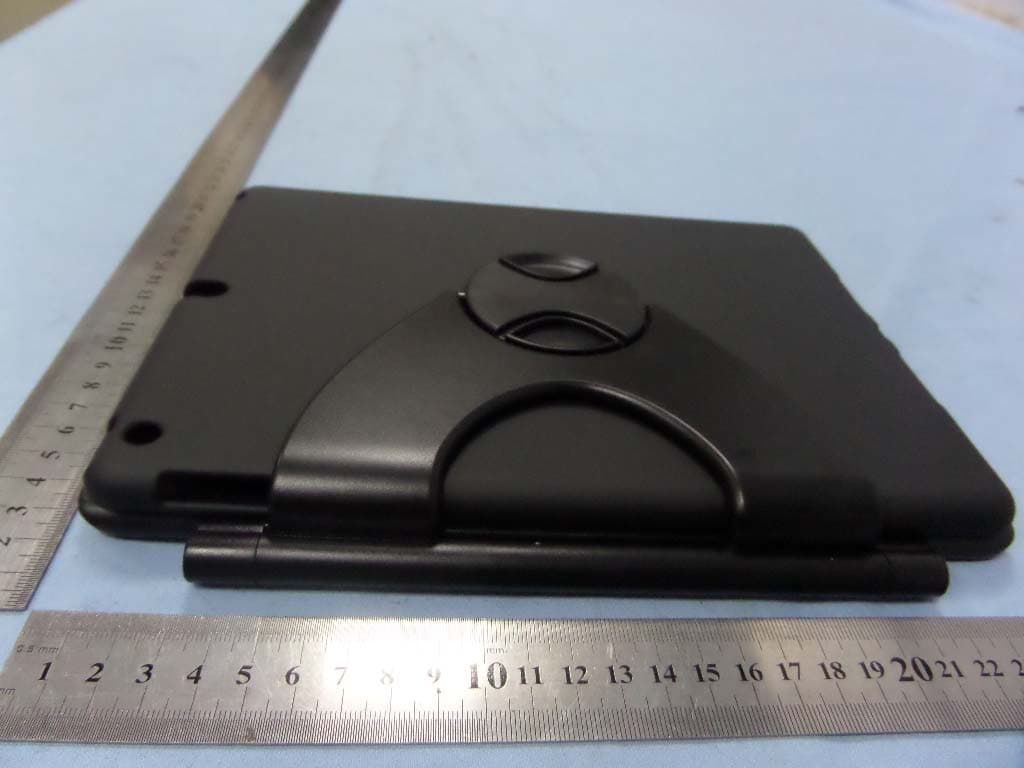
HGOIBK-06
Feb 27, 2014BLUETOOTH KEYBOARD
Equipment Class
DSS - Part 15 Spread Spectrum Transmitter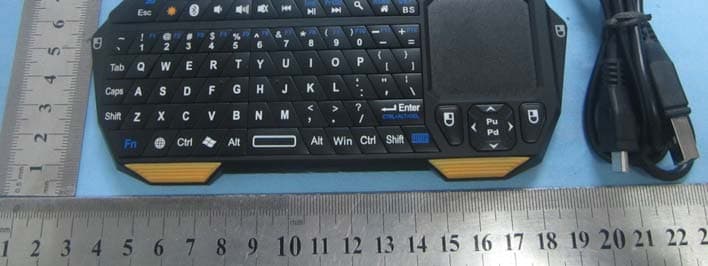
HGOIS11-BT05
Jan 27, 2013Mini Bluetooth Keyboard
Equipment Class
DSS - Part 15 Spread Spectrum Transmitter
HGOIBT-01
Aug 22, 2012Bluetooth Speaker
Equipment Class
DSS - Part 15 Spread Spectrum Transmitter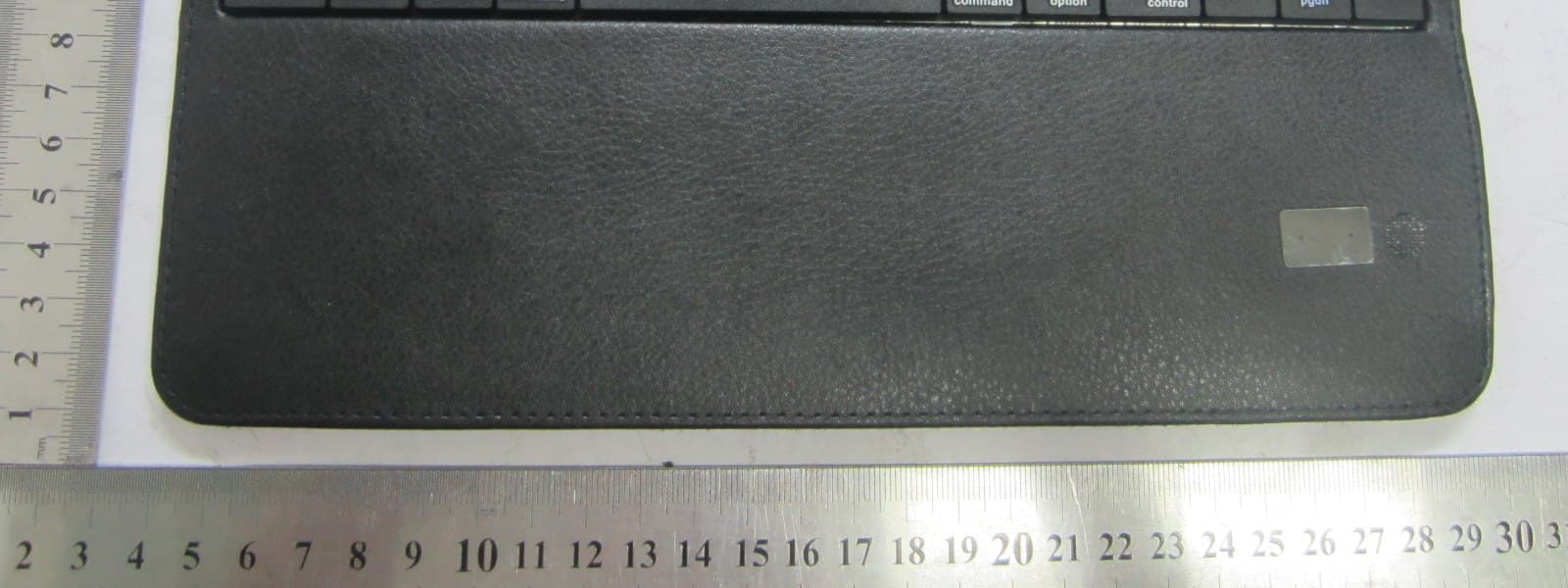
HGOIS11
Apr 29, 2012Bluetooth Keyboard
Equipment Class
DSS - Part 15 Spread Spectrum Transmitter