JCK28713AIREM60Sapphire Blue Optical Mouse
GIGA-BYTE TECHNOLOGY CO., LTD.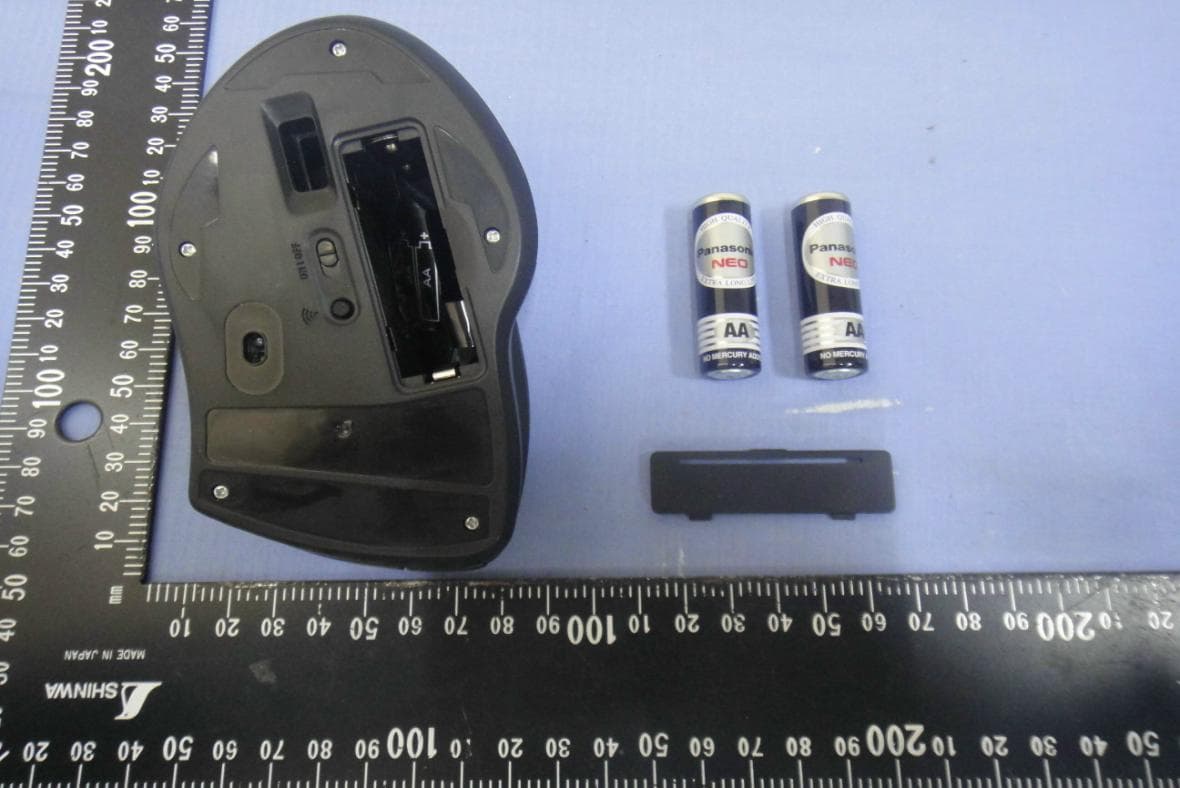
Click to zoom
Application Details
- Equipment Class
- DXX - Part 15 Low Power Communication Device Transmitter
- Date of Grant
- Jul 30, 2015
- Application Purpose
- Original Equipment
- Date of Application
- Jul 30, 2015
- Equipment Note
- Sapphire Blue Optical Mouse
- Frequency Range
- 2408.00000000 - 2474.00000000
- Country
- Taiwan
Documents & Files
Document Text
Text extracted from the exhibit documents filed with the FCC. Open a document above to read the original.
Users Manual
GIGABYTE AIRE M60 Wireless Mouse User’s Manual Model No.: GM-AIRE M60 Product Name: Sapphire Blue Optical Mouse Receiver Model No.: AIREM60RX Product Name: Wireless Receiver All other brands and trademarks are the properties of their respective owners. The product specifications are subject to change without notice. Introduction Congratulations on your purchase of the most innovative wireless optical mouse. With an incredible sensitivity to surface details and high tracking speed than other mice, the wireless optical mouse can track reliably on tricky wood-grain surfaces. It is much more advanced than you imagine and will make you more productive and comfortable. Features Laser tracking engine Accurate 3200DPI 24 months battery life Hardware Installation 1. Insert batteries 1. Remove the battery compartment cover in the case 2. Fit in the batteries accordingly to the diagram indicated in the battery cabinet 3. Close the battery compartment cover properly 4. Make sure the Power on-off switch on the mouse in ON 5. The LED on the bar will blink 3 seconds if the mouse power is on Warning: A wrong battery placement may cause batteries overheat △ Note The unit offers a strong power saving management. Once the mouse accesses sleeping mode, to clip any key on the mouse is compulsory to wake it up. Power on/off: There is a power on/off switch designed to save the batteries power while non-usage of a longer period. Connect the Receiver 1. Turn on your PC 2. Connect the receiver to USB on PC Communication: The mouse & the Receiver The 2.4GHz RF mouse features a dual-way transmission technology which enables the mouse and the receiver auto-communication. Auto-link mode 1. Make sure the Power On/Off switch on the mouse is ON 2. Operate the mouse, and cursor’s movement is mapping mouse movement. Now the mouse and the receiver is auto-linked successfully. Manual-link mode If you find the communication channel does not connect well, you can use the software communication tool to re-connect the mouse & the receiver to reset a new channel ID. You are able to get to software on the website. △Note While the mouse is working, if encountering any interference, the mouse and the receiver will automatically source out and transfer to another channel. During transferring, the cursor movement may have a second delay. Replace the new batteries Please replace a pair of new batteries and follow the previous instructions. △Note The red LED on the scroll wheel is the low batteries power indicator. It indicates that batteries inside the mouse are needed to be replaced. 1. Make sure you have connected the receiver correctly on the PC’s USB port 2. For the best performance, we suggest you to locate the receiver with a distance from other electric devices, such as the computer monitor or external storage devices 3. Make sure you have set the communications between the receiver and the mouse. Refer to the communication section. 4. If you find the communication channel does not work well, you may use the software connection tool to re-connect the mouse & receiver and reset a new channel ID. You are able to get to software on the website. 5. Some system devices might conflict with the mouse. Confirm the IRQ/address settings of these devices for conflicts, and change the settings as required. 6. Make sure that you are not working the mouse on glossy or reflective surfaces. Battery use reminders 1. Remove worn-out batteries from equipment immediately and dispose of promptly 2. Keep all batteries (used or new) out of the reach of children 3. To have the batteries with a regular check and replace new batteries if not used for a long time 4. Never dispose of batteries in fire, as they could explode 5. Always replace all the batteries at the same time. Mixing old and new batteries or mining types (such as alkaline with zinc carbon) will reduce overall performance and could cause leakage or rupture 6. Do not mix different types of batteries (e.g. ni MH, NiCd, alkaline, and etc) in the mouse 7. Remove batteries from the electrical device if the device is not going to be used for a long time 8. If the performance of the batteries decreases substantially, it is time to replace the batteries FCC Statement This equipment has been tested and found to comply with the limits for a class B digital device, pursuant to Part 15 of the FCC Rules. These limits are designed to provide reasonable protection against harmful interference in a residential installation. This equipment generates uses and can radiate radio frequency energy and, if not installed and used in accordance with the instructions, may cause harmful interference to radio communications. However, there is no guarantee that interference will not occur in a particular installation if this equipment does cause harmful interference to radio or television reception, which can be determined by turning the equipment off and on, the user is encouraged to try to correct the interference by one of the following measures: 1. Reorient or relocate the receiving antenna. 2. Increase the separation between the equipment and receiver. 3. Connect the equipment into an outlet on a circuit different from that to which the receiver is connected. To assure continued compliance, any changes or modifications not expressly approved by the party responsible for compliance could void the user's authority to operate this equipment. (Example-use only shielded interface cables when connecting to computer or peripheral devices). FCC ID: JCK28713AIREM60 (mouse) / JCK287137580RX (receiver) This device complies with Part 15 of the FCC Rules. Operation is subject to the following two conditions: (1) This device may not cause harmful interference. and (2) This device must accept any interference received, including interference that may cause undesired operation. This symbol on the product or in the instructions means that your electrical and electronic equipment should be disposed at the end its life separa…
Text truncated - open the document above for the full version.
External Photos
Compliance Certification Services Inc. Report No.: T150526D01-A Date of Issue: June 25, 2015 A1 - 1 / 10 Rev. 00 APPENDIX 1 - PHOTOGRAPHS OF EUT EXTERNAL PHOTOGRAPHS OF EUT Compliance Certification Services Inc. Report No.: T150526D01-A Date of Issue: June 25, 2015 A1 - 2 Rev. 00 Compliance Certification Services Inc. Report No.: T150526D01-A Date of Issue: June 25, 2015 A1 - 3 Rev. 00
ID Label/Location Info
The device complies with part 15 of the FCC rules. Model No.[ 型號 ]:GM-AIRE M60 FCC ID :JCK28713AIREM60 Rating[ 輸入 ] : 1.5V---100mA Made in China 中國製造 The device complies with part 15 of the FCC rules. Model No.[ 型號 ]:GM-AIRE M60 FCC ID :JCK28713AIREM60 Rating[ 輸入 ] : 1.5V---100mA Made in China 中國製造
Internal Photos
Compliance Certification Services Inc. Report No.: T150526D01-A Date of Issue: June 25, 2015 A1 - 4 Rev. 00 INTERNAL PHOTOGRAPHS OF EUT Compliance Certification Services Inc. Report No.: T150526D01-A Date of Issue: June 25, 2015 A1 - 5 Rev. 00 Compliance Certification Services Inc. Report No.: T150526D01-A Date of Issue: June 25, 2015 A1 - 6 Rev. 00 Compliance Certification Services Inc. Report No.: T150526D01-A Date of Issue: June 25, 2015 A1 - 7 Rev. 00 Compliance Certification Services Inc. Report No.: T150526D01-A Date of Issue: June 25, 2015 A1 - 8 Rev. 00 Antenna Compliance Certification Services Inc. Report No.: T150526D01-A Date of Issue: June 25, 2015 A1 - 9 Rev. 00 RF IC Compliance Certification Services Inc. Report No.: T150526D01-A Date of Issue: June 25, 2015 A1 - 10 Rev. 00
RF Exposure Info
Compliance Certification Services Inc. Report No.: T150526D01-A-MF Date of Issue: July 24, 2015 Page 1 Rev.00 This report shall not be reproduced except in full, without the written approval of Compliance Certification Services. FCC ID: JCK28713AIREM60 According to KDB 447498 section 4.3.1, the 1-g SAR test exclusion thresholds at test separation distance ≤ 50 mm are determined by: [(max. power of channel, including tune-up tolerance, mW) / (min. test separation distance, mm)] *·[√f(GHz)] ≤ 3.0 The tune-up power is -10 dBm +/- 2dB, therefore the highest tune-up power is -8 dBm(0.16 mW)@ 2408 MHz When the minimum test separation distance is < 5 mm, a distance of 5 mm according to 5) in section 4.1 is applied to determine SAR test exclusion. So, (0.2mW / 5mm)* (2.408GHz^0.5 )= 0.1 [(max. power of channel, including tune-up tolerance, mW) / (min. test separation distance, mm)] * [√f(GHz)] = 0.1 < 3.0 Therefore, standalone SAR measurements are not required for both head and body.
Test Report
Compliance Certification Services Inc. FCC ID: JCK28713AIREM60 Report No.: T150526D01-A-RP Note: This report shall not be reproduced except in full, without the written approval of Compliance Certification Services Inc. This document may be altered or revised by Compliance Certification Services Inc. personnel only, and shall be noted in the revision section of the document. Page 1 / 32 Rev.00 FCC 47 CFR PART 15 SUBPART C TEST REPORT For Sapphire Blue Optical Mouse Model Number: GM-AIRE M60 Trade Name: GIGABYTE Issued to GIGA-BYTE TECHNOLOGY CO., LTD. 5F, No.6, Bao Chiang Road, Hsin-Tien Dist., New Taipei City 231, Taiwan Issued by Compliance Certification Services Inc. No.11, Wugong 6th Rd., Wugu Dist., New Taipei City 24891, Taiwan. (R.O.C.) http://www.ccsrf.com [email protected] Issued Date: June 25, 2015 Compliance Certification Services Inc. FCC ID: JCK28713AIREM60 Report No.: T150526D01-A-RP Page 2 Rev.00 Revision History Rev. Issue Date Revisions Effect Page Revised By 00 June 25, 2015 Initial Issue ALL Becca Chen Compliance Certification Services Inc. FCC ID: JCK28713AIREM60 Report No.: T150526D01-A-RP Page 3 Rev.00 TABLE OF CONTENTS 1. TEST RESULT CERTIFICATION ............................................................................................. 4 2. EUT DESCRIPTION .................................................................................................................... 5 3. TEST METHODOLOGY ............................................................................................................. 6 3.1 EUT CONFIGURATION .......................................................................................................... 6 3.2 EUT EXERCISE ........................................................................................................................ 6 3.3 GENERAL TEST PROCEDURES ........................................................................................... 6 3.4 FCC PART 15.205 RESTRICTED BANDS OF OPERATIONS ............................................. 7 3.5 DESCRIPTION OF TEST MODES .......................................................................................... 7 4. INSTRUMENT CALIBRATION ................................................................................................. 8 4.1 MEASURING INSTRUMENT CALIBRATION ..................................................................... 8 4.2 MEASUREMENT EQUIPMENT USED .................................................................................. 8 4.3 MEASUREMENT UNCERTAINTY ........................................................................................ 9 5. FACILITIES AND ACCREDITATIONS ................................................................................. 10 5.1 FACILITIES ............................................................................................................................ 10 5.2 EQUIPMENT .......................................................................................................................... 10 5.3 TABLE OF ACCREDITATIONS AND LISTINGS ............................................................... 11 6. SETUP OF EQUIPMENT UNDER TEST ................................................................................ 12 6.1 SETUP CONFIGURATION OF EUT ..................................................................................... 12 6.2 SUPPORT EQUIPMENT ........................................................................................................ 12 7. FCC PART 15.249 REQUIREMENTS ...................................................................................... 13 7.1 20 DB BANDWIDTH ............................................................................................................. 13 7.2 BAND EDGES MEASUREMENT ......................................................................................... 16 7.3 SPURIOUS EMISSION .......................................................................................................... 22 7.4 POWERLINE CONDUCTED EMISSIONS ........................................................................... 30 APPENDIX I PHOTOGRAPHS OF TEST SETUP ........................................................................ 31 APPENDIX 1 - PHOTOGRAPHS OF EUT Compliance Certification Services Inc. FCC ID: JCK28713AIREM60 Report No.: T150526D01-A-RP Page 4 Rev.00 1. TEST RESULT CERTIFICATION Applicant: GIGA-BYTE TECHNOLOGY CO., LTD. 5F, No.6, Bao Chiang Road, Hsin-Tien Dist., New Taipei City 231, Taiwan Equipment Under Test: Sapphire Blue Optical Mouse Trade Name: GIGABYTE Model Number: GM-AIRE M60 Date of Test: June 19, 2015 APPLICABLE STANDARDS STANDARD TEST RESULT FCC 47 CFR Part 15 Subpart C(10–1–12 Edition) No non-compliance noted We hereby certify that: The above equipment was tested by Compliance Certification Services Inc. The test data, data evaluation, test procedures, and equipment configurations shown in this report were made in accordance with the procedures given in ANSI C63.10: 2009 and the energy emitted by the sample EUT tested as described in this report is in compliance with the requirements emission limits of FCC Rules Part 15.207, 15.209 and 15.249. The test results of this report relate only to the tested sample identified in this report. Approved by: Reviewed by: Miller Lee Angel Cheng Manager Section Manager Compliance Certification Services Inc. Compliance Certification Services Inc. Compliance Certification Services Inc. FCC ID: JCK28713AIREM60 Report No.: T150526D01-A-RP Page 5 Rev.00 2. EUT DESCRIPTION Product Sapphire Blue Optical Mouse Trade Name GIGABYTE Model Number GM-AIRE M60 Received Date May 26, 2015 Power Supply Powered by AA batteries × 2 (DC: 3V) Frequency Range 2408 ~ 2474MHz Channel Frequency (MHz) Channel Frequency (MHz) 1 2408 18 2442 2 2410 19 2444 3 2412 20 2446 4 2414 21 2448 5 2416 22 2450 6 2418 23 2452 7 2420 24 2454 8 2422 25 2456 9 2424 26 2458 10 2426 27 2460 11 2428 28 2462 12 2430 29 2464 13 2…
Text truncated - open the document above for the full version.
Test Setup Photos
Compliance Certification Services Inc. FCC ID: JCK28713AIREM60 Report No.: T150526D01-A-RP Page 31 Rev.00 APPENDIX I PHOTOGRAPHS OF TEST SETUP Conducted Emissions Setup Photos Compliance Certification Services Inc. FCC ID: JCK28713AIREM60 Report No.: T150526D01-A-RP Page 32 Rev.00 RADIATED EMISSION SET UP PHOTOS
Contact Information
Applicant
Alain Sam-Lai
Test Firm
Compliance Certification Services Inc.Hank Lee
Technical Specifications
| # | Rule Parts | Frequency Range | Power Output |
|---|---|---|---|
| 1 | 15C | 2.41 GHz - 2.47 GHz | - |
Other Applications from GIGA-BYTE TECHNOLOGY CO., LTD.
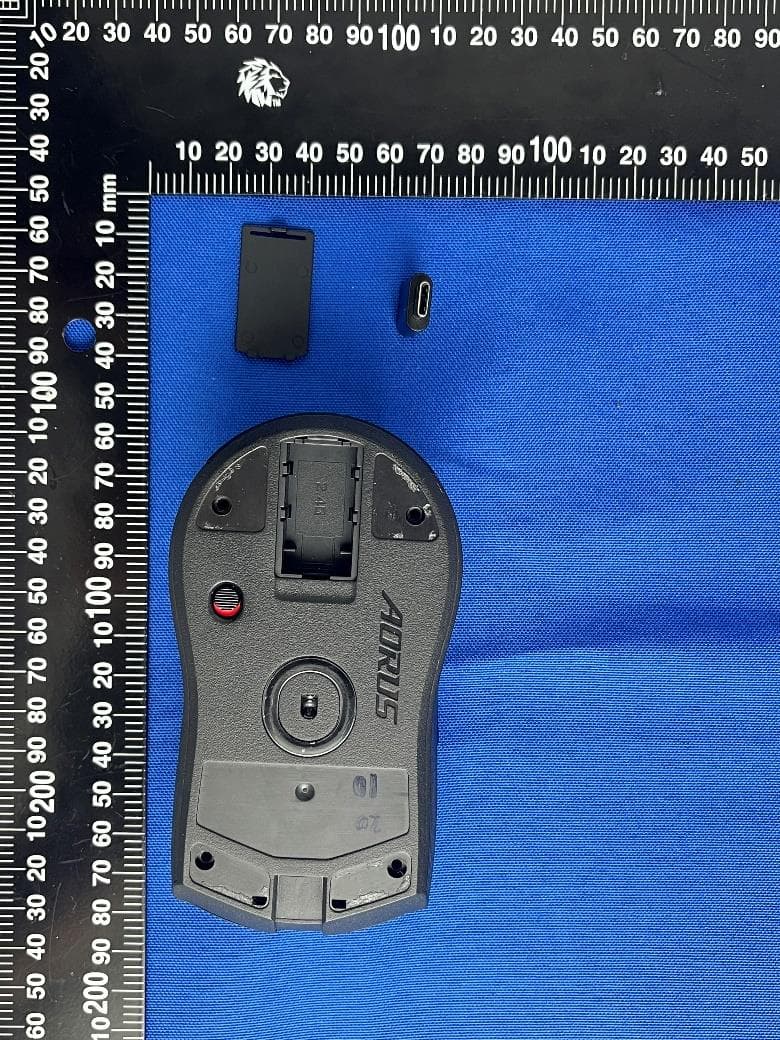
JCKGM-AORUSM6
Jun 26, 2023Mouse
Equipment Class
DTS - Digital Transmission System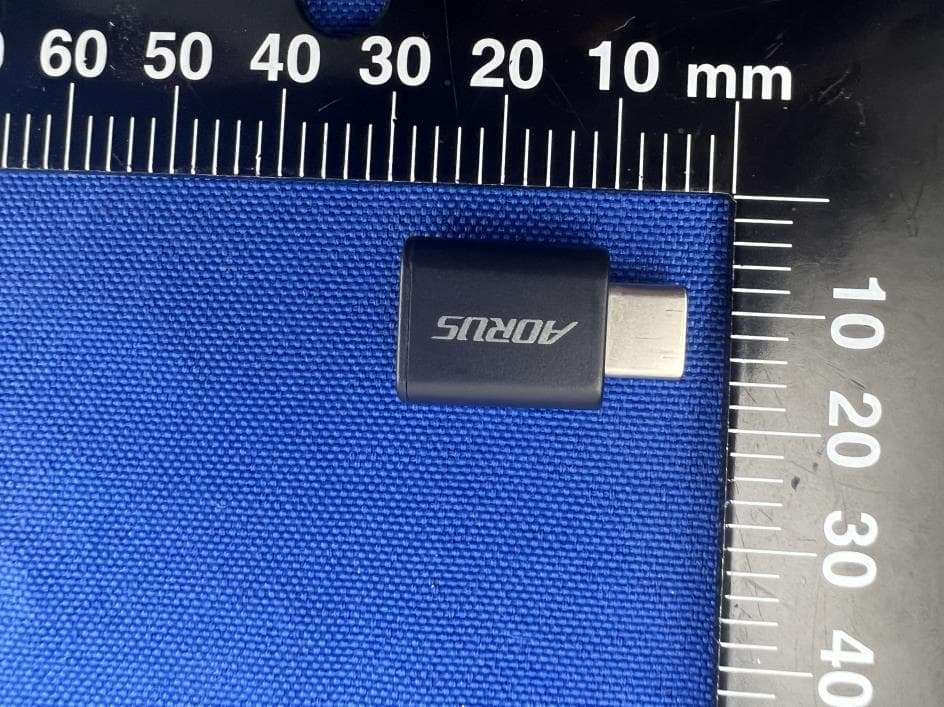
JCKS3
Jun 26, 2023Mouse Dongle
Equipment Class
DTS - Digital Transmission System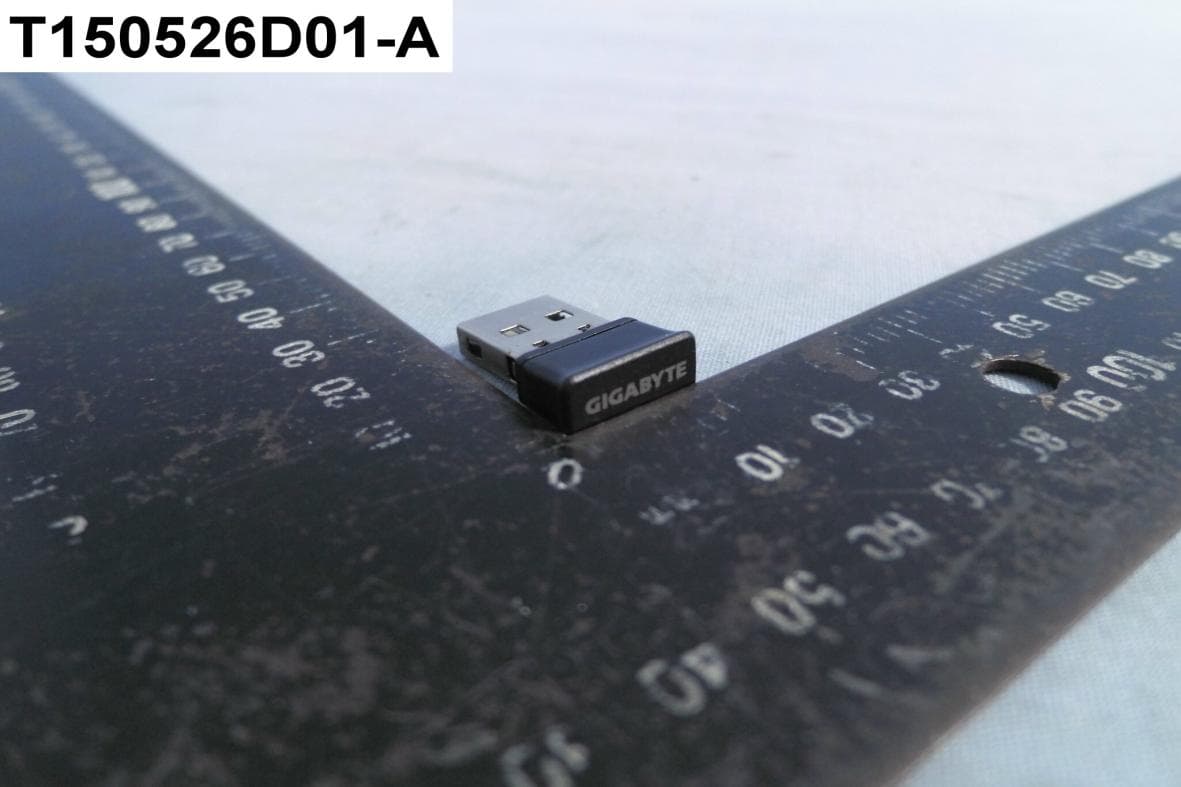
JCK287137580RX
Jul 30, 2015Wireless Receiver
Equipment Class
DXX - Part 15 Low Power Communication Device Transmitter
JCK-MSN09C01
Feb 10, 2015NFC Controller Module with Integrated Antenna
Equipment Class
DXX - Part 15 Low Power Communication Device Transmitter
JCK28730FCEH1
Jun 03, 2014Bluetooth Stereo Headset
Equipment Class
DSS - Part 15 Spread Spectrum Transmitter