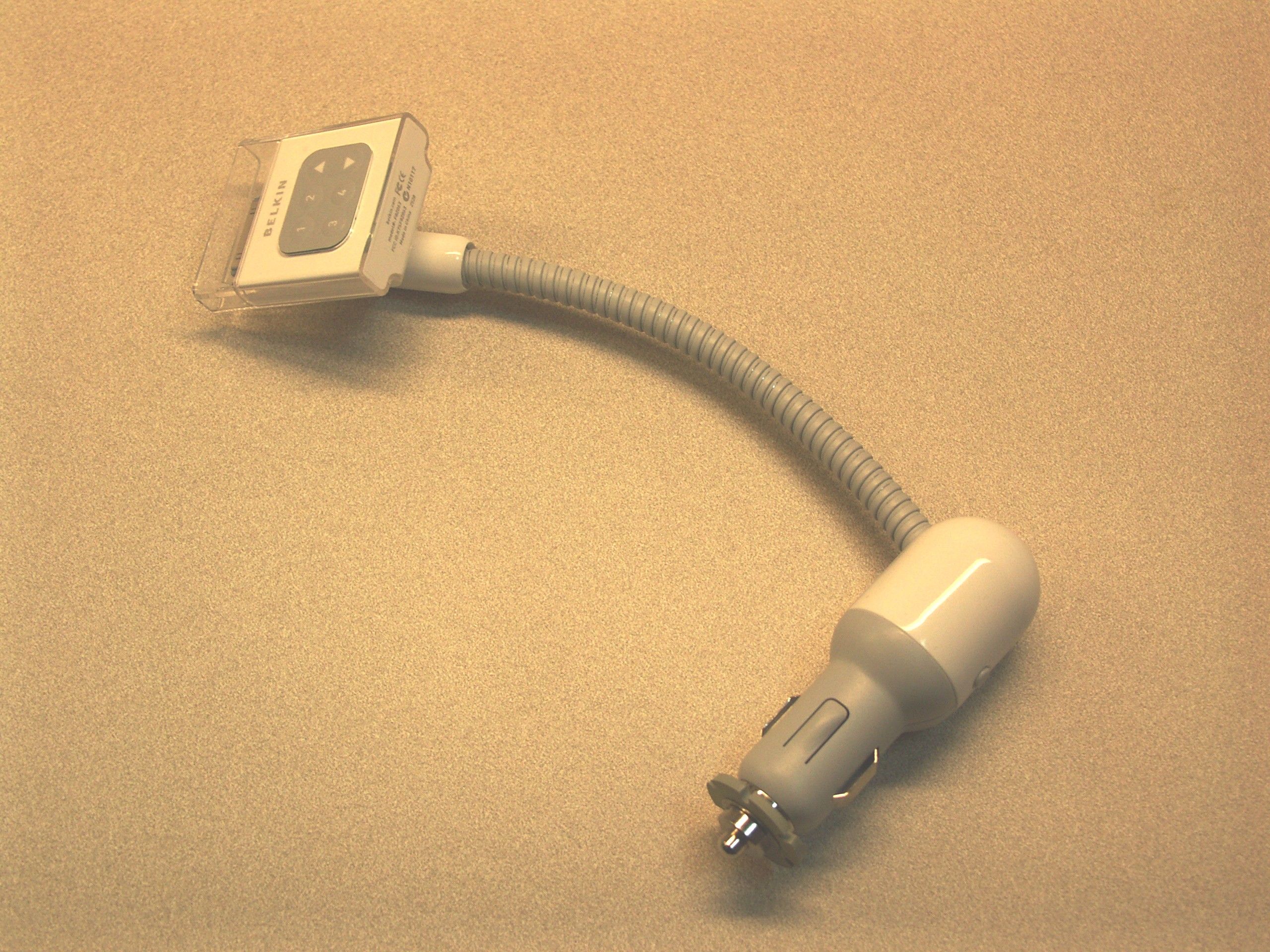
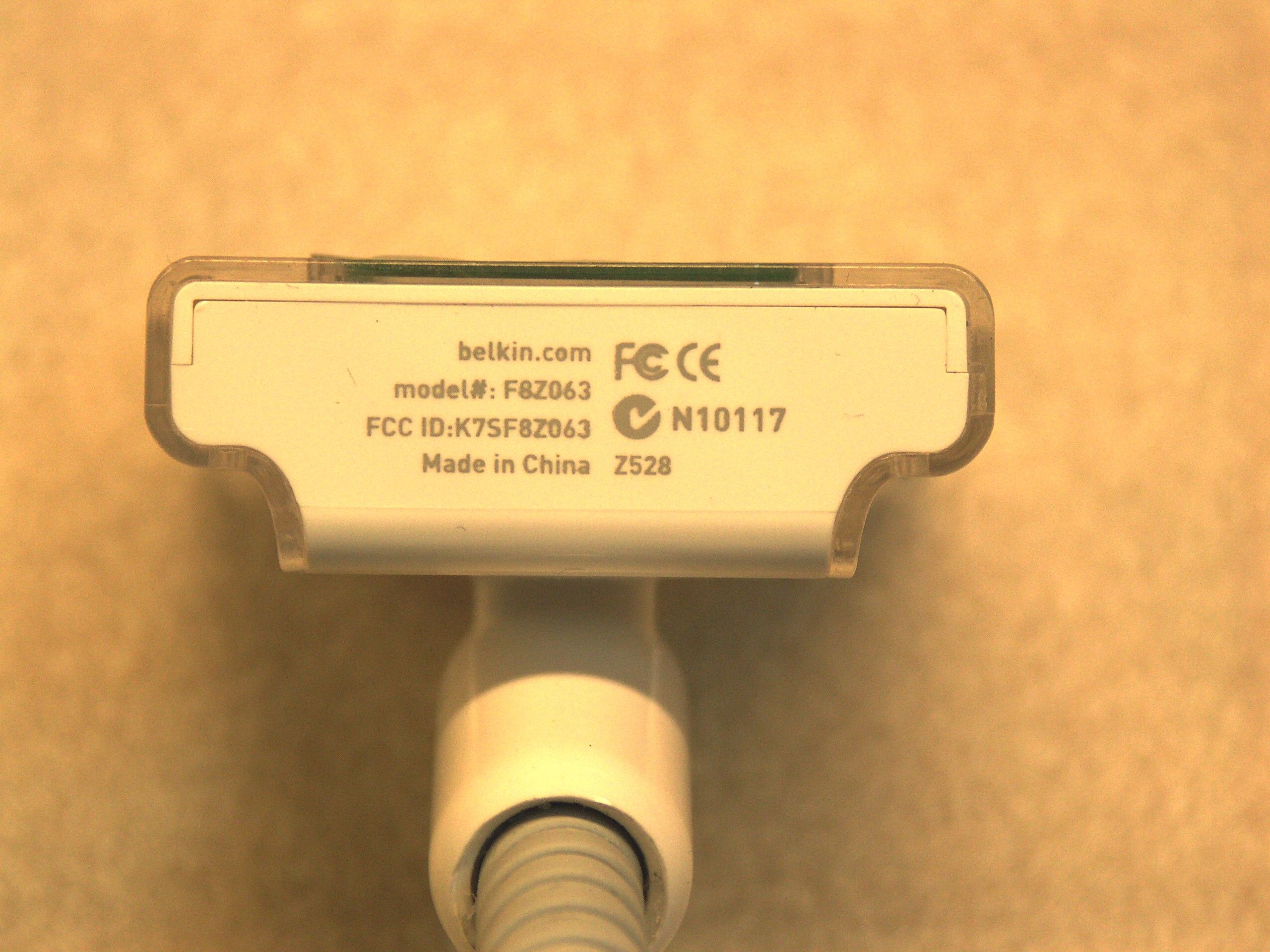
K7SF8Z063TuneBase FM for iPod - Model F8Z063
Belkin International, Inc.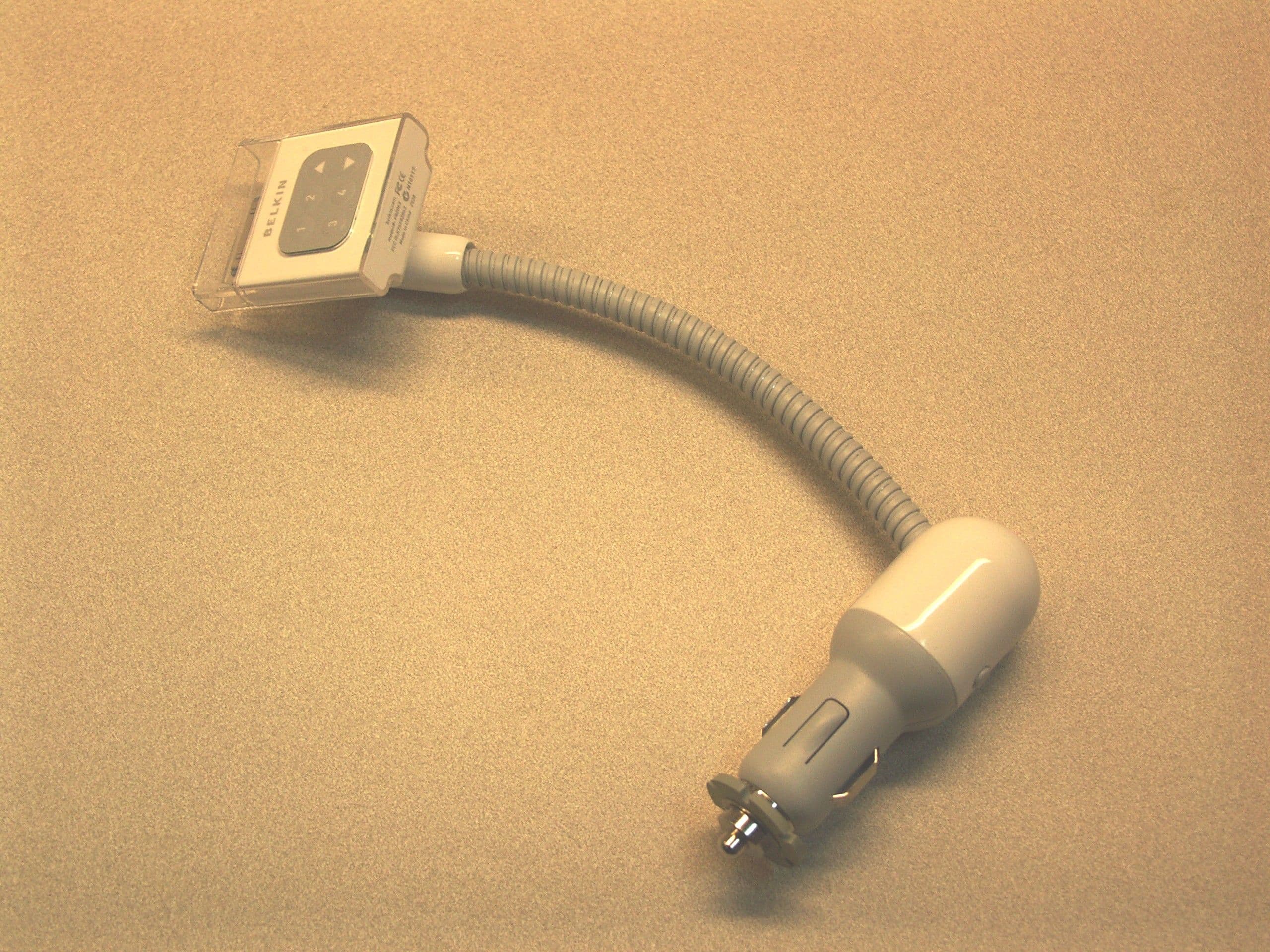
Click to zoom
Application Details
- Equipment Class
- DXT - Part 15 Low Power Transceiver, Rx Verified
- Date of Grant
- Feb 08, 2006
- Application Purpose
- Original Equipment
- Date of Application
- Jan 05, 2006
- Equipment Note
- TuneBase FM for iPod - Model F8Z063
- Frequency Range
- 88.10000000 - 107.90000000
- Company
- Belkin International, Inc.
- Country
- United States
Documents & Files
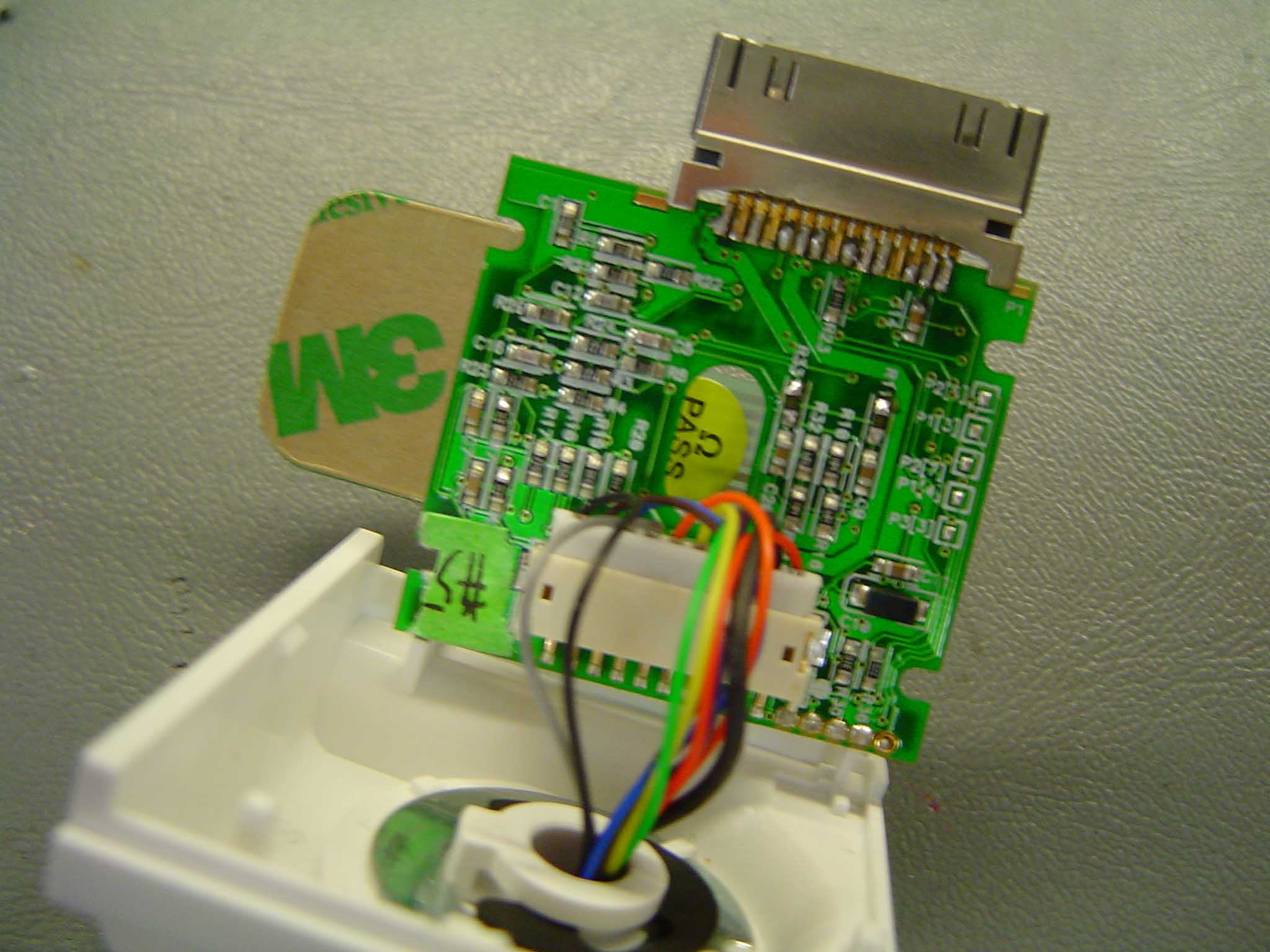
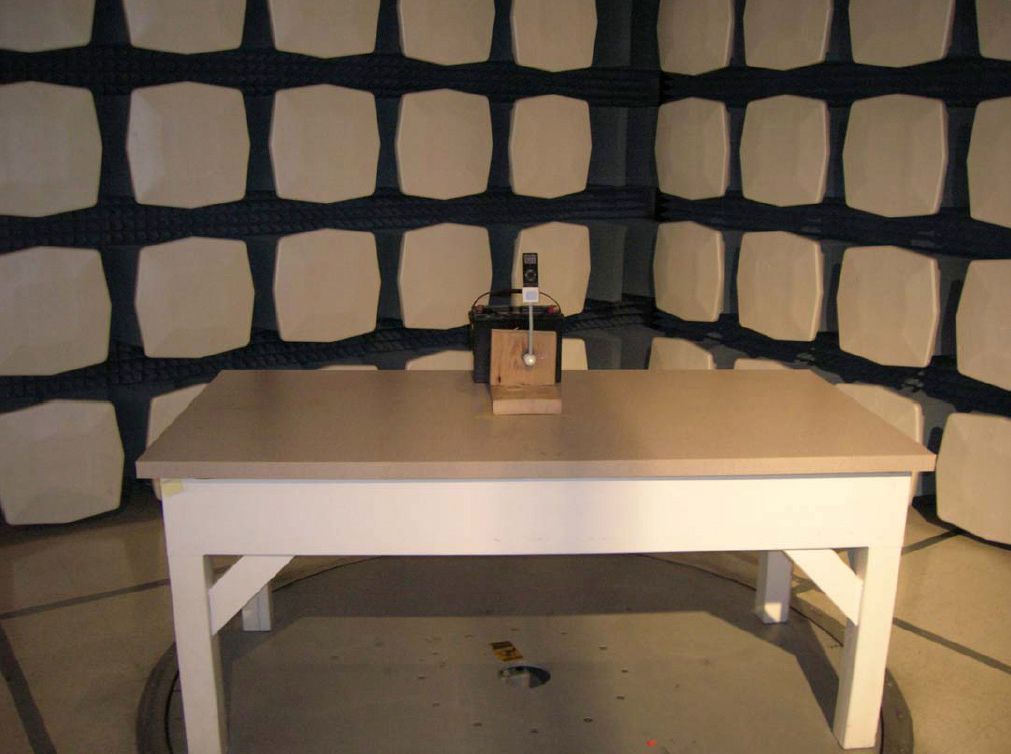
Document Text
Text extracted from the exhibit documents filed with the FCC. Open a document above to read the original.
Users Manual
User Manual TuneBase ™ FM for iPod ® nano Introduction Congratulations and thank you for purchasing the innovative TuneBase FM from Belkin. This product is designed to mount, stabilize, charge, power, and play your iPod nano as you drive. Please review this User Manual carefully so that you can be sure to get the most from your iPod nano, virtually anywhere you go. Introduction | 01 Setup Instructions | 02 Setup Instructions 1. Turn your car stereo volume down. 2. Connect the Belkin TuneBase FM to your cigarette-lighter adapter in your car. The LED on the TuneBase FM indicates proper connection. Warning: Avoid excessive force when rotating the connector in the cigarette-lighter adapter. If you experience resistance, unplug the connector from the outlet and reinsert it in the desired position. Failure to do so may result in damage to the car’s cigarette-lighter adapter or power outlet. Note: The exact dimensions of power outlets vary by make and model of the car. In some cases, the fit might be improved by pressing the collar (included with the product) into the power outlet before inserting the connector in order to ensure a tight fit. However, the collar will not be necessary in most cars (note: when it is not necessary, it will not fit in the power outlet). A. Be sure to position the ring securely around the metal contact to ensure proper electrical connection within the power outlet. B. Power source (cigarette-lighter outlet) C. Fit ring D. Connector (B) (A) (D) (C) Setup Instructions 3. Bend and position the flexible-steel neck to a desired position for your iPod nano. 4. Carefully slide your iPod nano into the cradle at the top of the TuneBase FM. The iPod nano will power on if the car battery is on. Note: The iPod nano automatically pauses playback when power is removed from the cigarette lighter or the car is turned off. Note: To avoid damage to the iPod nano, please be sure to disconnect it from the TuneBase FM’s cradle before disconnecting the TuneBase FM from the power outlet of the car. Setup Instructions | 03 ��������������������� ������������������������������������������������������������������������� ������������������������� ��������������������� ������������������������� Using the TuneBase FM Transmitter | 04 Using the TuneBase FM Transmitter The TuneBase FM transmitter function automatically turns on when the iPod nano is connected and car power is available. It automatically turns off when the iPod nano is removed or car power becomes unavailable. ��������������������� ������������������������������������������������������������������������� ������������������������� ��������������������� ������������������������� Frequency display Frequency selector 1. Tune your car stereo frequency to a channel with a weak broadcast signal. The ideal channel is one that is not broadcasting a radio program, or is doing so weakly. 2. Insert your iPod nano into the TuneBase FM. The iPod nano backlight turns on and the current transmitter frequency displays on the iPod nano screen. 3. Press the ”▲ Press the ”▲ Press the ”” or “▲” or “▲▼” button on the TuneBase FM to select the transmission frequency chosen in step 1. The frequency will be visible on the iPod nano’s screen. Pressing and holding either button will provide faster tuning. 4. After displaying the current frequency for five seconds, the iPod nano screen will return to the iPod nano Main Menu. This will happen after making any changes to the TuneBase FM’s settings. All settings—including transmission frequency, volume control setting, and stereo/mono control setting—are permanently stored in memory at this time. Note: iPod nano playback pauses momentarily when entering and exiting the TuneBase FM control menu. Playback will quickly resume. 5. Adjust the volume of your FM radio to the desired listening level. Storing and Using Presets | 05 Storing and Using Presets 1. To store a preset, select the desired frequency using ”▲ To store a preset, select the desired frequency using ”▲ To store a preset, select the desired frequency using ”” or “▲” or “▲▼” buttons. Press and hold the desired preset button (1, 2, 3, or 4) for two seconds. An audible beep sounds when the new frequency is programmed*. The iPod nano display reflects the change when the memory button is released by showing which memory button was pressed followed by the frequency saved in that memory position. * Do NOT remove the iPod nano from the cradle until it returns to the Main Menu screen or new settings may not be saved. 2. To select a preset frequency, momentarily press “1”, “2”, “3”, or “4”. This instantly tunes the FM transmitter to the frequency stored in that preset. ��������������������� ������������������������������������������������������������������������� ������������������������� ��������������������� ������������������������� Frequency display Frequency selector Memory station display Memory stations 1 - 4 ��������������������� ������������������������������������������������������������������������� ������������������������� ��������������������� ������������������������� Transmission Volume Setting | 06 Transmission Volume Setting Although the default volume setting will be ideal for most conditions, you may be able to improve the performance of the TuneBase FM by adjusting the volume of the transmitted audio signal. The TuneBase FM allows you to select one of five volume levels. You may wish to decrease the volume if you experience distorted audio. The transmission volume setting menu can be accessed by pressing the “1” and “2” buttons simultaneously. TuneBase FM will display the current volume setting on the iPod nano, which is represented by “VOL 1” (low), “VOL 2”, “VOL 3” (default), “VOL 4”, and “VOL 5” (high). You can then change the volume level by using the up and down arrows. To accept your volume selection, press one of the memory preset buttons, or simply wait for the iPod nano screen to return to the iPod nano Main Menu. Stereo/Mono Select…
Text truncated - open the document above for the full version.
Cover Letter(s)
501W.WalnutStreet- Compton- California90220USA December29,2005 FederalCommunicationsCommission EquipmentApprovalServices P.O.Box358315 Pittsburgh,PA15251-5315 USA FCCill:K7SF8Z063 ToWhomIt MayConcern: Werequestunder47CFRO.459thatmaterialssubmittedtotheTelecommunicationsCertificationBodybe withheldfrompublicinspection. Specifically,BelkinCorporationrequeststhatthefollowingmaterialsbewithheldfrompublicinspectionunder 47CFRO.459becausetheyareconfidentialtradesecretsandtechnicaldatawhichwouldbeguardedfrom competitors. (1)Detailedcircuitschematicofunitundertest (2)Partslist (3)Blockdiagram Therefore,inaccordancewith47CFRO.459werequestthattheabovelistedmaterials,copiesofwhichare attachedhere,bewithheldfrompublicinspection. TacV.Pham InternationalRegulatoryComplianceManager
Operational Description
501 W. Walnut Street – Compton – California 90220 USA Operation Description: The Belkin Corporation TuneFM model F8Z063 is a device that wirelessly transmits audio signals from an iPod to a FM receiver. It also allows the user to set the transmission frequency in the band 88.1MHz to 107.9MHz in 0.1MHz intervals. The TuneFM model F8Z063 is a battery powered device. It operates on 3.3Vdc supplied by the iPod. It receives both serial communication and audio signal from the iPod.
Test Report
TEST SERVICES EMC EVALUATION OF THE BELKIN CORPORATION TUNEBASE FM FOR IPOD NANO - MODEL F8Z063 Date: DECEMBER 20, 2005 Test Report Number: TRR0269.05 IN ACCORDANCE WITH FCC PART 15 SUBPART C 15.239 Prepared For: BELKIN CORPORATION 1057 EAST HENRIETTA ROAD ROCHESTER, NEW YORK 14623 ATTENTION: JEFF MEYERS Prepared By: MATTHEW HANEL CHOMERICS TEST SERVICES ROCHESTER FACILITY 100 INDIGO CREEK DRIVE ROCHESTER, NEW YORK 14626 WOBURN FACILITY 77 DRAGON COURT WOBURN, MASSACHUSETTS 01801 This report shall not be reproduced except in full without the written approval of Chomerics Test Services. TEST SERVICES Belkin Corporation TuneBase FM for iPod Nano - Model F8Z063 Document #: TRR0269.05 Date: December 20, 2005 Page 2 of 30 TABLE OF CONTENTS 1.0 General 1.1 Introduction 1.1.1 Purpose 1.1.2 Requirements 1.2 Test Summary 1.2.1 Summary of Recommendations 1.3 Administrative Data 1.3.1 Test Facility 1.3.2 Equipment Calibration 1.3.3 Test Personnel 1.4 Test Set-up 1.4.1 Test Site Matrix 1.4.2 Test Site Descriptions 1.4.3 Equipment Under Test 1.4.4 Block Diagram 2.0 Tests Performed 2.1 20dB Bandwidth of Fundamental Emission 2.1.1 Equipment Used 2.1.2 Test Conditions 2.1.3 Test Method 2.1.4 Results 2.1.5 Test Data 2.2 FCC Part 15 Subpart C Field Strength (FCC 47 CFR 15.239) 2.2.1 Equipment Used 2.2.2 Test Conditions 2.2.3 Test Method 2.2.4 Results 2.2.5 Test Data 2.2.6 Photographic Documentation 2.3 FCC Class B Subpart B Radiated Emissions (FCC 47 CFR 15.209 Class B) 2.3.1 Equipment Used 2.3.2 Test Conditions 2.3.3 Test Method 2.3.4 Result 2.3.5 Test Data 2.3.6 Photographic Documentation Appendix A: Test Log TEST SERVICES Belkin Corporation TuneBase FM for iPod Nano - Model F8Z063 Document #: TRR0269.05 Date: December 20, 2005 Page 3 of 30 LIST OF DEFINITIONS/ABBREVIATIONS AC Alternating Current BB Broadband BW Bandwidth cm Centimeter CPU Calibrate Prior to Use dB Decibel DC Direct Current EMC Electromagnetic Compatibility EMI Electromagnetic Interference ER Electric Radiation EUT Equipment Under Test GHz GigaHertz Hz Hertz I-face Interface kHz KiloHertz m Meter MHz MegaHertz mm Millimeter mS Millisecond mV MilliVolt MR Magnetic Radiation NB Narrowband NCR No Calibration Required PLC Power Line Conduction PPS Pulses Per Second uF MicroFarad uH MicroHenry uS Microsecond uV MicroVolt UWC Use With Calibrated Equipment TEST SERVICES Belkin Corporation TuneBase FM for iPod Nano - Model F8Z063 Document #: TRR0269.05 Date: December 20, 2005 Page 4 of 30 1.0 GENERAL 1.1 Introduction 1.1.1 Purpose The purpose of this report is to document the performance of the Belkin Corporation TuneBase FM for iPod Nano - Model F8Z063 during an electromagnetic interference (EMI) test and record the test requirements and procedures used. At the request of Belkin Corporation, the tests were performed by Chomerics Test Services (CTS) of Woburn, Massachusetts at Chomerics’ test facility located in Rochester, New York. The assessment will determine the compliance or non-compliance with the requirements set up by the Electromagnetic Interference (EMI) Standard FCC Part 15 Subpart C 15.239. The Radiated and Conducted Emission Standard FCC Part 15 Subpart C 15.239, is designated for Information Technology Equipment (ITE) with intentional transmitters. Jeff Meyers from Belkin Corporation was present during testing. Testing was performed on December 14 - 15, 2005. 1.1.2 Requirements The requirements for the sequence of tests performed on the TuneBase FM for iPod Nano - Model F8Z063 are as follows: FCC Part 15 Subpart C 15.239 Radiated Electromagnetic Emissions FCC Part 15 Subpart C 15.239, Emission requirements for Information Technology Equipment (ITE). Sec. 15.239: Operation in the band 88-108 MHz. - Emissions from the intentional radiator shall be confined within a band 200 kHz wide centered on the operating frequency. The 200 kHz band shall lie wholly within the frequency range of 88-108 MHz. The field strength of any emissions within the permitted 200 kHz band shall not exceed 250 microVolts/meter (47.95 dBuV) at 3 meters. The emission limit in this paragraph is based on measurement instrumentation employing an average detector. The field strength of any emissions radiated on any frequency outside of the specified 200 kHz band shall not exceed the general radiated emission limits in Sec. 15.209. Conducted Emissions is not required due to the fact that the device under test is DC powered. TEST SERVICES Belkin Corporation TuneBase FM for iPod Nano - Model F8Z063 Document #: TRR0269.05 Date: December 20, 2005 Page 5 of 30 1.2 TEST SUMMARY The terms "Passed" or "Failed" in this section are intended to guide the reader as to whether or not the EUT met the minimum requirements that can be interpreted from the FCC Part 15 Subpart C 15.239 Emissions Standard as defined in Section 1.5. The "Results" paragraph in each test section to follow and the test data sheets will outline specifically how the EUT performed during each test. 20dB Bandwidth of Fundamental Emission Passed FCC Part 15 Subpart C Field Strength (FCC 47 CFR 15.239) Passed FCC Class B Radiated Emissions (FCC 47 CFR 15.209 Class B) Passed 1.2.1 Summary of Recommendations The Belkin Corporation TuneBase FM for iPod Nano - Model F8Z063 will require no modifications in order to ensure compliance with the Electromagnetic Interference Standard FCC Part 15 Subpart C 15.239. Please note that if any modifications and or fixes were implemented to the EUT to achieve compliance, other approaches to solving the problem may exist. In addition, any EMI/EMC shielding products listed in this report may be substituted with an equivalent. 1.3 Administrative Data 1.3.1 Test Facility Chomerics Test Services in Rochester, New York is an American Association for Laboratory Accreditation (A2LA) accredited facility as defined on Certification Number 1980-02. For Emissions and Immunity testing, the Scope of Accreditation is limited to the following tests: CFR 47, FCC Part 15 Subpart B, CISPR 11, EN 55…
Text truncated - open the document above for the full version.
Contact Information
Applicant
Jay TU(Manager, Regulatory Compliance)
Test Firm
Ortho Clinical Diagnostics EMC LabMark Stefanik
Technical Specifications
| # | Rule Parts | Frequency Range | Power Output |
|---|---|---|---|
| 1 | 15C | 88.1 MHz - 107.9 MHz | - |
Other Applications from Belkin International, Inc.
K7S-CAB029
Aug 11, 2026SureFind Loop Cable Tag
Equipment Class
DTS - Digital Transmission SystemK7SBPD024
Aug 10, 2026UltraCharge Pro Slim Magnetic Power Bank 5K with BoostSolid Cell
Equipment Class
DCD - Part 15 Low Power Transmitter Below 1705 kHzK7SMMA016
Jul 22, 2026SureFind Wallet Stand
Equipment Class
DTS - Digital Transmission SystemK7SMMA015
Jul 10, 2026SureFind
Equipment Class
DTS - Digital Transmission SystemK7SAUC018
Jun 17, 2026SoundForm Dot ANC Earbuds, SoundForm Dot Earbuds
Equipment Class
DTS - Digital Transmission System