ONGMX100Quad-Band GSM Mobile Phone with BT
MAXWEST TELECOM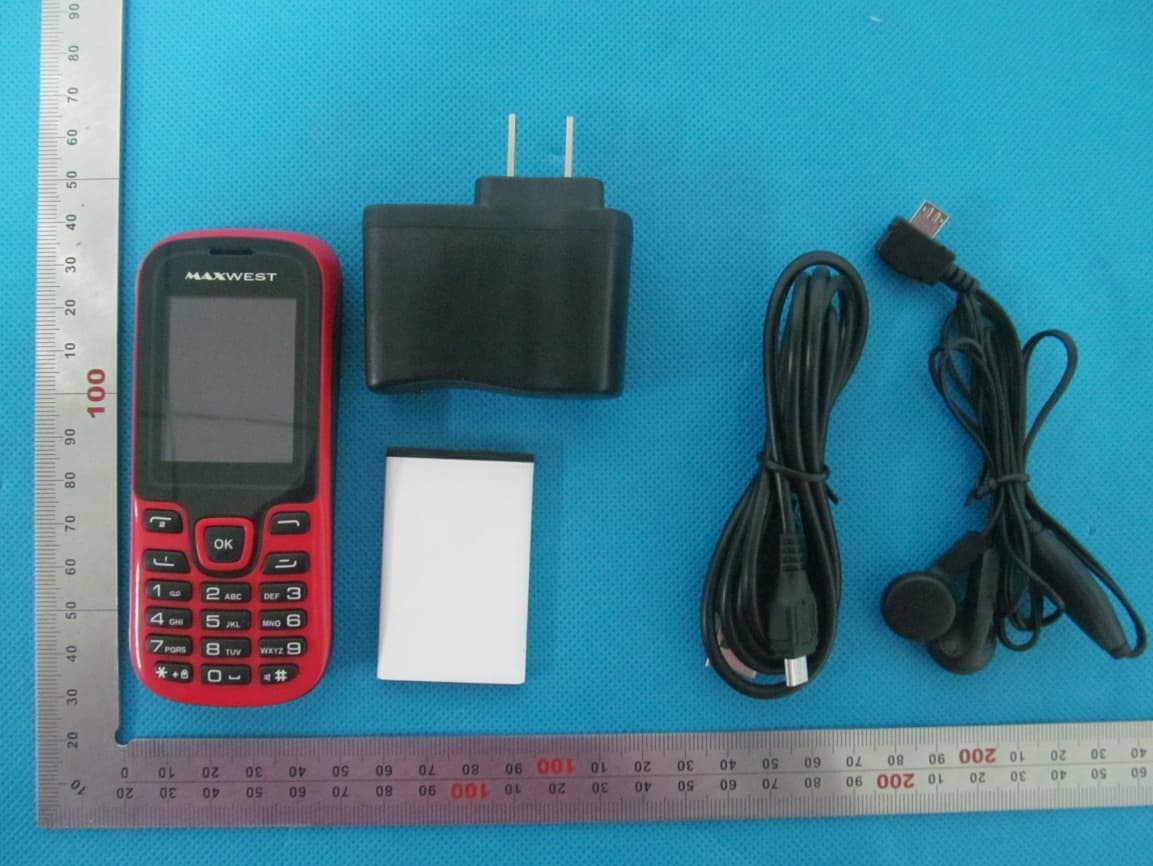
Click to zoom
Application Details
- Equipment Class
- DSS - Part 15 Spread Spectrum Transmitter
- Date of Grant
- Sep 02, 2013
- Application Purpose
- Original Equipment
- Date of Application
- Sep 02, 2013
- Equipment Note
- Quad-Band GSM Mobile Phone with BT
- Frequency Range
- 2402.00000000 - 2480.00000000
- Company
- MAXWEST TELECOM
- Country
- China
Documents & Files
Document Text
Text extracted from the exhibit documents filed with the FCC. Open a document above to read the original.
Users Manual
Page 1 GSM MOBILE PHONE User Manual Model Name:MX-100 Trade name:MAXWEST FCC ID:ONGMX100 Page 2 Thank you for purchasing this mobile. For the best performance, we recommend that you read the manual carefully. C ALL CENTER ......................................................................... 3 MULTIMEDIA ........................................................................... 4 CONTACTS ............................................................................. 7 USER PROFILES ...................................................................... 8 MESSAGES ........................................................................... 10 ORGANIZER .......................................................................... 13 SETTINGS ............................................................................ 16 FUN & GAMES ...................................................................... 20 SERVICES ............................................................................ 20 Page 3 Call center You can view your recent call situation. [Dialed calls] : Show all dialed calls list, select a view after a dialed calls occurred in the date and time, phone number and times. [Received calls]: Show all answered the phone list, select a view after a phone that has the date and time of occurrence, telephone number, frequency, [Missed calls]: Show all missed calls list, select a view after a missed call occurred the date and time, phone number and times. [Rejected calls] Show all refused to answer the phone list, select a view after a missed call occurred the date and time, phone number and times. Press the OK softkey to enter the options menu can be more than the number of call records in the following: Page 4 ◆ Details: View the current record date, time, type. ◆ Call: Call the current number. ◆ Save: You can save the current record to the phone or SIM card ◆ Write message: send the current record of SMS or MMS ◆ Add to contacts: the number of the record the name added to the existing record which ◆ Add to blacklist: the current record to reject a call which ◆ Delete: Delete the currently selected record ◆ Delete all: Delete all call records [Delete all]: Delete all call records [Call times]: Last time zero starting time for last call statistics, a total of dialed calls, received calls, all calls total, all the time can also be zero. [GPRS counter]: Display the SIM card GPRS data. Multimedia [Camera] The phone supports photo, so you can capture your favorite scenes anywhere. Photos will be saved in Page 5 the phone comes with a file system, photographs as JPG format, you can phone provides photographs sent to a computer via USB connection to view, can also be set Image for the standby Note : This function can work without driver under Windows XP by directly connecting your mobile to the computer [DV] Set the parameter of DV and then use the function [Image] View the image which in phone memory or T-card [Audio] Play audio files, MP3 songs; to play audio files, MP3 songs, press the Up and Down keys to adjust the volume, press the left and right keys to select the present, the next song, press the OK button for the on / off Music [Music list]: Into playlist interface. Can be added to the play list editing and other operations [Add]: Add songs or music playlist bookmark [Set as ringtone]: The song is set to call or alarm tone [Repeat]: Choose one/all repeat [Shuffle]: Choose shuffle to play the music Page 6 [Settings]: ◆ Equalizer: Choose a variety of equalizer effects ◆ BT stereo output: Set the BT output ◆ BT stereo headset: Set the BT headset [Open review]: Open the function of review [Video] Use the function of video player [FM radio] [Auto search and save]: Channel auto search and save [Channel list]: View channel list [Save]: Save the channel to the channel list [Manual search]: Manually enter the channel and find [Open speaker] Choose whether to open the microphone [background play] Choose whether to open the Background Play [Record]: Record the FM [Timing record]: Set the time to record [Record file list] The list of FM record file [Storage] Set the location of storage [Help]: FM Help Page 7 [Recorder] [Start recording]: Start recording [Record file list]: The memory card inside the recording file list [Storage]: Set the locate of storage [File format]: Set the format of record file Contacts You have 2 phonebooks in this mobile phone: SIM card and the mobile. The mobile can store 300 phone numbers and the SIM card’s capacity depends on its type. I In standby mode, enter a number, press the call key pieces to make a call, press the OK key to save ◆ If ‘To SIM 1/2’ is selected, users can edit name and number. ◆ If ‘To phone’ is selected, the user can edit the name, mobile number, home number, e-mail address, image, ringtone, caller groups Page 8 Into the phone book list, the list on the left displays a small icon indicates that the record exists SIM card or mobile phone, the right is the record of the name and number information. Standby mode, press the right soft key to enter into the address book or from the menu Into the address book, do the following: [New]: Create a record to phone or SIM [Delete multiple]: Choose one or more records to delete [Import/Export]: Copy/Import/Export records to T-Card or phone [Others] [Memory status]: Query the current SIM card and mobile phone storage capacity User profiles [Add]: Add the new profile [Delete]: Delete the profile [Settings]: set the selected mode Page 9 [Rename]: Rename the profile [Ring settings] SIM call ring: set the SIM card of the ringing tone SIM message ring: set the SIM card message tone [Adjust volume] Caller ringtone: set the ringing tone volume Message ringtone: ring volume settings information Call volume: Set the volume of calls Alarm & calendar volume; set the alarm tone Power ringtone: the voice of setting switch [Ring type] ◆ Call alert: a ring, vibration, quiet, vibration and ringing and ringing after…
Text truncated - open the document above for the full version.
Cover Letter(s)
Sep.02, 2013 Federal Communication Commission Authorization and Evaluation Division FCC ID: ONGMX100 Re: Confidentiality Request Pursuant to Sections 0.457 and 0.459 of the Commission’s Rules, the applicant hereby requests confidential treatment of information applied this application as outlined below: 1: Block Diagram 2: Circuit Diagram 3: Operational Description 4: Parts List 5: Tune Up Procedure The above materials contain trade secrets and proprietary information not customarily released to the public. The public disclosure of these matters might be harmful to the applicant and provide unjustified benefits to its competitors. The Applicant understands that pursuant to Rules 0.457, disclosure of this Application and all accompanying documentation will not be made before the date of the Grant for this application. Sincerely, MAXWEST TELECOM Contact person: ADAM YU Title: General Manager
Cover Letter(s)
MAXWEST TELECOM 11037 warner ave #201 fountain valley, ca, 92708 USA Date: Sep.02, 2013 Statement We, MAXWEST TELECOM states that our device, FCC ID: ONGMX100, has no space to put the label except the battery compartment of this device. It is visible to the users as they purchase the products and install the battery. Regards Company: MAXWEST TELECOM Contact Person: ADAM YU Title: General Manager
External Photos
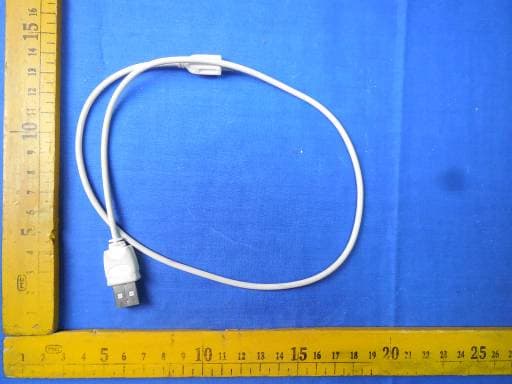
MX‐100 External Photos TOTAL VIEW OF EUT TOP VIEW OF EUT BOTTOM VIEW OF EUT FRONT VIEW OF EUT BACK VIEW OF EUT LEFT VIEW OF EUT RIGHT VIEW OF EUT
ID Label/Location Info
FCC ID Label Location GSM MOBILE PHONE Model: MX-100 Trade Name: MAXWEST FCC ID: ONGMX100
Internal Photos
MX‐100 Internal Photos OPEN VIEW OF EUT‐1 OPEN VIEW OF EUT‐2 GSM Antenna OPEN VIEW OF EUT‐3 INTERNAL VIEW OF EUT‐1 INTERNAL VIEW OF EUT‐2 BT Antenna
Test Report
Report No.: AGC00117130801FE03 Page 1 of 58 FCC Test Report Report No.: AGC00117130801FE03 FCC ID : ONGMX100 APPLICATION PURPOSE : Original Equipment PRODUCT DESIGNATION : GSM MOBILE PHONE BRAND NAME : MAXWEST MODEL NAME : MX‐100 CLIENT : MAXWEST TELECOM DATE OF ISSUE : Aug.30,2013 STANDARD(S) : FCC Part 15 Rules REPORT VERSION : V1.0 Attestation of Global Compliance (Shenzhen) Co., Ltd CAUTION: This report shall not be reproduced except in full without the written permission of the test laboratory and shall not be quoted out of context. Report No.: AGC00117130801FE03 Page 2 of 58 Report Revise Record Report Version Revise Time Issued Date Valid VersionNotes V1.0 / Aug.30,2013 Valid Original Report Report No.: AGC00117130801FE03 Page 3 of 58 TABLE OF CONTENTS 1. VERIFICATION OF CONFORMITY ...................................................................................... 5 2. GENERAL INFORMATION .................................................................................................. 6 2.1. PRODUCT DESCRIPTION ........................................................................................................... 6 2.2. TABLE OF CARRIER FREQUENCYS .......................................................................................... 6 2.3. RECEIVER INPUT BANDWIDTH ................................................................................................. 7 2.4. EXAMPLE OF A HOPPING SEQUENCY IN DATA MODE ........................................................... 7 2.5. EQUALLY AVERAGE USE OF FREQUENCIES AND BEHAVIOUR ............................................ 7 2.6. RELATED SUBMITTAL(S) / GRANT (S) ....................................................................................... 8 2.7. TEST METHODOLOGY................................................................................................................ 8 2.8. SPECIAL ACCESSORIES ............................................................................................................ 8 2.9. EQUIPMENT MODIFICATIONS ................................................................................................... 8 3. MEASUREMENT UNCERTAINTY........................................................................................ 9 4. DESCRIPTION OF TEST MODES ........................................................................................ 9 5. SYSTEM TEST CONFIGURATION .................................................................................... 10 5.1. CONFIGURATION OF EUT SYSTEM ........................................................................................ 10 5.2. EQUIPMENT USED IN EUT SYSTEM ....................................................................................... 10 5.3. SUMMARY OF TEST RESULTS ................................................................................................ 10 6. TEST FACILITY .................................................................................................................. 11 7. PEAK OUTPUT POWER .................................................................................................... 12 7.1. MEASUREMENT PROCEDURE ................................................................................................ 12 4. RBW > the 20 dB bandwidth of the emission being measured, VBW ≥ RBW. ............. 12 7.2. TEST SET-UP (BLOCK DIAGRAM OF CONFIGURATION) ....................................................... 12 7.3. LIMITS AND MEASUREMENT RESULT .................................................................................... 13 8. 20DB BANDWIDTH ............................................................................................................ 19 8.1. MEASUREMENT PROCEDURE ................................................................................................ 19 8.2. TEST SET-UP (BLOCK DIAGRAM OF CONFIGURATION) ....................................................... 19 8.3. LIMITS AND MEASUREMENT RESULTS .................................................................................. 19 9. CONDUCTED SPURIOUS EMISSION ............................................................................... 26 9.1. MEASUREMENT PROCEDURE ................................................................................................ 26 9.2. TEST SET-UP (BLOCK DIAGRAM OF CONFIGURATION) ....................................................... 26 9.3. MEASUREMENT EQUIPMENT USED ....................................................................................... 26 9.4. LIMITS AND MEASUREMENT RESULT .................................................................................... 26 10. RADIATED EMISSION ..................................................................................................... 30 10.1. MEASUREMENT PROCEDURE .............................................................................................. 30 Report No.: AGC00117130801FE03 Page 4 of 58 10.2. TEST SETUP ............................................................................................................................ 32 10.3. TEST RESULT .......................................................................................................................... 33 11. BAND EDGE EMISSION .................................................................................................. 37 11.1. MEASUREMENT PROCEDURE .............................................................................................. 37 11.2. TEST SET-UP ........................................................................................................................... 37 11.3. TEST RESULT .......................................................................................................................... 38 12. NUMBER OF HOPPING FREQUENCY ............................................................................ 42 12.1. MEASUREMENT PROCEDURE ...............................................................…
Text truncated - open the document above for the full version.
Test Setup Photos
APPENDIX IV PHOTOGRAPHS OF TEST SETUP CONDUCTED EMISSION RADIATED SPURIOUS EMISSION
Contact Information
Applicant
ADAM YU
Test Firm
Attestation of Global Compliance Shenzhen Co. Ltd.Forrest Lei
Technical Specifications
| # | Rule Parts | Frequency Range | Power Output |
|---|---|---|---|
| 1 | 15C | 2.40 GHz - 2.48 GHz | 3.00 mW |
Other Applications from MAXWEST TELECOM
ONGASTRO55
Nov 06, 2014Mobile Phone
Equipment Class
DSS - Part 15 Spread Spectrum Transmitter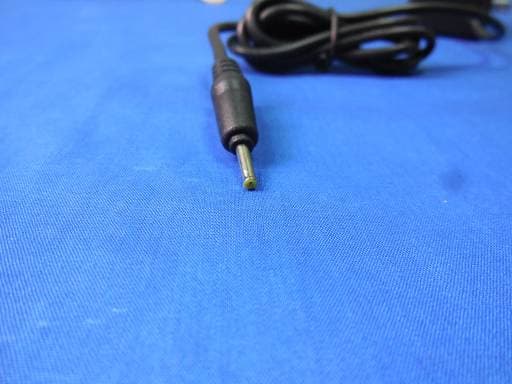
ONGASTRO4
Nov 02, 2014Mobile Phone
Equipment Class
DTS - Digital Transmission System
ONGTABPHONE76DC
Sep 21, 2014Tablet
Equipment Class
PCE - PCS Licensed Transmitter held to ear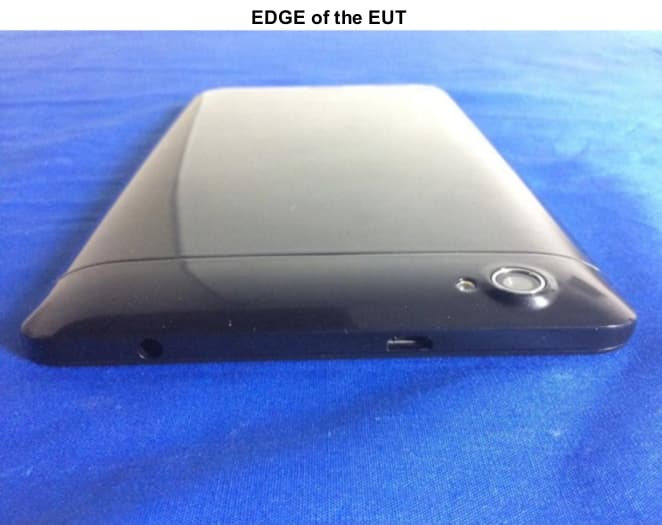
ONGVIRTUETAB7
Aug 04, 2014Tablet
Equipment Class
DSS - Part 15 Spread Spectrum Transmitter
ONGGRAVITY55
Jun 02, 2014WCDMA Mobile Phone
Equipment Class
PCE - PCS Licensed Transmitter held to ear