P42IMP7512Digital Audio Player
Decktron Co., Ltd.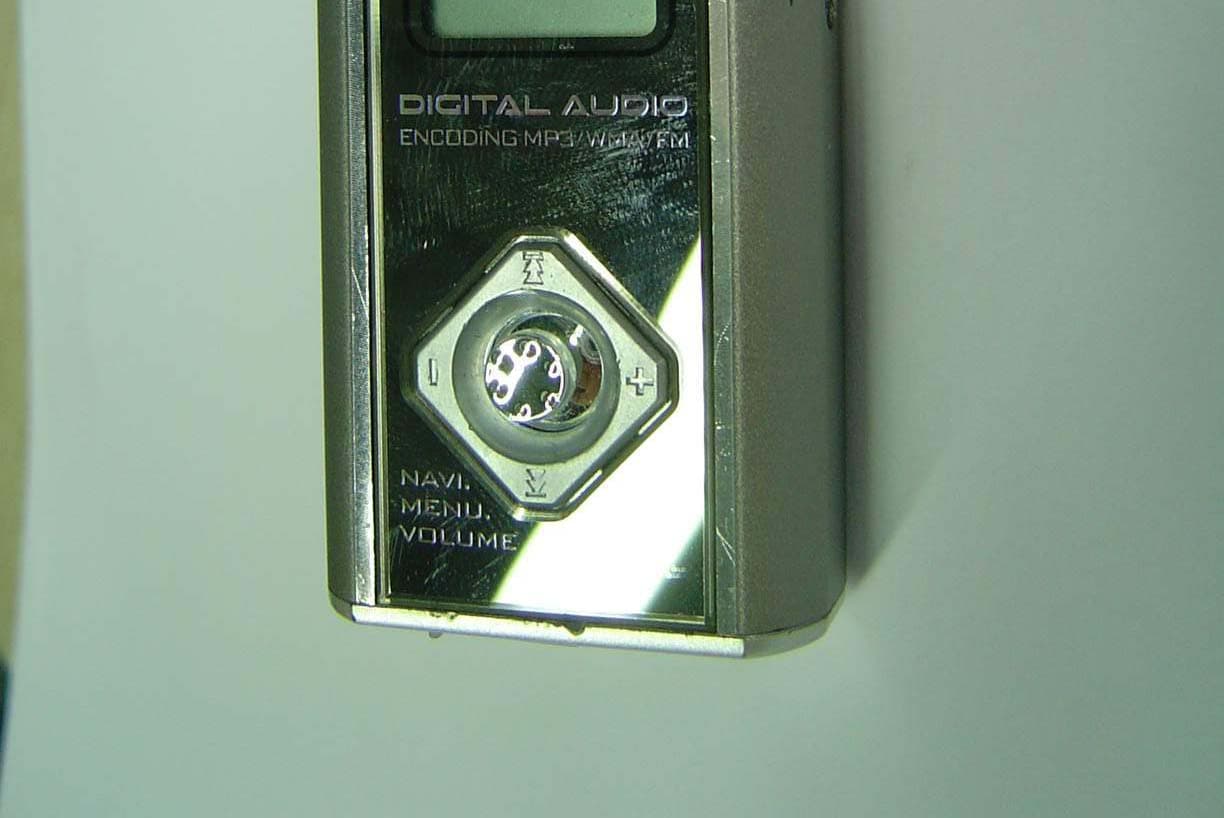
Click to zoom
Application Details
- Equipment Class
- JBP - Part 15 Class B Computing Device Peripheral
- Date of Grant
- Jul 15, 2004
- Application Purpose
- Original Equipment
- Date of Application
- Jul 15, 2004
- Equipment Note
- Digital Audio Player
- Company
- Decktron Co., Ltd.
- Country
- South Korea
Documents & Files
Document Text
Text extracted from the exhibit documents filed with the FCC. Open a document above to read the original.
Users Manual
English Ver 1.0 User's Manual DIGITAL AUDIO PLAYER INFORMATION TO THE USER This equipment has been tested and found to comply with the limits for a Class B digital device, pursuant to part 15 of the FCC Rules. These limits are designed to provide reasonable protection against harmful interference in a residential installation. This equipment generates, uses and can radiate radio frequency energy and, if not installed and used in accordance with the instructions, may cause harmful interference to radio communications. However, there is no guarantee that interference will not occur in a particular installation. If this equipment does cause harmful interference to radio or television reception, which can be determined by turning the equipment off and on, the user is encouraged to try to correct the interference by one more of the following measures: -. Reorient or relocate the receiving antenna. -. Increase the separation between the equipment and receiver. -. Connect the equipment into an outlet on a circuit different from that to which the receiver is connected. -. Consult the dealer or an experienced radio/TV technician for help. WARNING Any c hanges or modifications not expressly approved by the manufacturer could void the user’s authority to operate the equipment. This device complies with Part 15 of the FCC Rules. Operation is subject to the following two conditions: (1) this device may not cause harmful interference, and (2) this device must accept any interference received, including interference that may cause undesired operations. Features Name of each part Preparation for operating Inserting a Battery Power ON Power OFF HOLD Function Setting up MODE MP3 PLAYER PLAYBACK Select Equalizer Change the Playback Speed Setting up Loop Repeating INTRO Playback Lyric Display (Media Sync) FILE NAVIGATION Select Folder or File Move to Upper/Lower Folder Playback Audio file Deleting a file FONT UPGRADE Function & Structure of MENU DISPLAY MENU BACKTLIGHT COLOR LCD CONTRAST LYRICS VISUALIZATION CONTENTS SOUND MENU EQUALIZER USER EQ REPEAT INTRO PLAY TIME & SPEED MENU BACKLIGHT TIME POWER OFF TIME TITLE SCROLL PLAY SPEED MEMORY FORMAT FM RADIO Listening FM Listening saved channel Save channels Save channels Automatically Delete saved channel To record FM RECORDER Setting the Recording Mode VOICE RECORDING MP3 ENCODING DOWNLOAD & UPLOAD FIRMWARE UPGRADE PC software installation from the CD Cautions Specifications 1 2 4 4 4 4 4 5 6 6 6 7 7 7 8 9 9 9 10 10 11 12 13 13 13 13 13 14 14 14 15 15 16 16 16 16 16 17 18 18 18 19 19 20 20 21 21 23 23 24 24 25 30 31 1 Features MP3, WMA & ASF Playback Support 5 step speed playback speed control Support MP3, WMA and ASF format. MP3 encoding function Encode directly into an MP3 format from audio device such as CDP, MD or Walkman through the cable. High-Quality voice recording with MP3 format Save a digital voice recording file as a high quality MP3 file. Auto search and station memory function make it easy to listen to the FM radio. And you can also convert an FM radio program into an MP3 file in real time. Listening to/Recording of FM RADIO Easy File Navigation The file navigation function makes it easy to find and delete any song. Lyric display (Media Sync) The words of a playback song or foreign language files will be displayed in LCD screen. USB Storage Device You can easily copy and paste PC files to the player using built-in USB connector and windows. It is immediately recognized as a removable storage device without Manager program (Windows ME or Higher). Convenient firmware upgrade Transfer the upgraded firmware file to the player and power off. The upgrade will be automatically done. Support 7 color LED Backlight You can select among 7 backlight colors. Control the playback speed fast or slowly. Support Dual Earphone You can listen to music through the Line-In jack as well as the Earphone jack when encoding function is not in use. 2 Name of each part EARPHONE1LINE IN / EARPHONE2 LCD display HOLD Switch REC/STOP PLAY/STOP Battery Cover USB Connector Built-in microphone MENU / NAVI / REW / FF / VOLUME + / - 3 Name of each part *Playback Time *Number of Current File *Number of Total Files *Remaining Battery Capacity Display *HOLD *Playback/Pause/ INTRO Playback Display *File Name *Folder Name *Equalizer *Bitrate *Remain Memory Size / Volume / Level Meter / Progressive *File Type *Sampling Frequency *Repeat Mode *MEDIA SYNC 03:36 001 019 34MB FREE Rock MP 3 128 KBPS 44 KHZ Sample1.mp3 ROOT Preparation for operating Inserting a Battery Power ON Power OFF HOLD Function Slide the cover to open. Insert a battery in the correct direction, then slide cover back on. Set HOLD switch to the OFF position and press PLAY/STOP button for 2 seconds. The player will then power on. Press PLAY/STOP button for 2 seconds, the player will power off. For managing your battery life time efficiently, the player will automatically power off if no buttons are pressed in STOP state. Under HOLD mode, buttons will not work. Move HOLD switch to the direction of the arrow. The icon appears on the LCD screen and HOLD mode starts. Battery Life Time (Battery : AAA, LR03 or UM-4 or equivalent) Battery at recording at earphone playback "AAA" Alkaline over 18 hrs over 14 hrs 4 Fully charged A little decreased A large amount decreased Replace the Battery OPEN 5 Setting up MODE If you press MENU button for over 2 seconds at any time except for the MENU and NAVIGATION mode, you can enter the MODE SELECT mode. Press the MENU button. Select MODE by using FF/REW button. MUSIC PLAYER MODE SELECT RECORDER MODE SELECT MP3 PLAYER PLAYBACK You can verify the remain memory size in STOP state. Change the FM or RECORD MODE by pressing MENU button for over 2 seconds. Press PLAY/STOP button to play the audio file. Select Equalizer Every tim…
Text truncated - open the document above for the full version.
Block Diagram
ANT LINE JACKEARPHONE OUTPUT IMP-7512 BLOCK DIAGRAM CPU & DSP & FLASH ROM With CODEC TCC723 NAND FLASH MEMORY KEY FUNCTION DC/DC MAX1706 USB CONNECTOR FM MODULE MIC AMP LCD DISPLAY CLOCK Y1 : 32.768KHz BATTERY (1.5V AAA 1EA) 12MHz
External Photos
FCC ID.: P42IMP7512 File No.: E047R-040 It should not be reproduced except in full, without the written approval of ONETECH. FCC-003 (Rev.0) HEAD OFFICE : #505 SK APT. Factory 223-28, Sangdaewon 1 Dong, Jungwon-Gu, Seongnam-City, Kyunggi-Do, 462-121, Korea (TEL: +82-31-746-8500, FAX: +82-31-746-8700) EMC Testing Dept : 426-1 Daessangryung-Ri, Chowol-Myun, Kwangju-City, Kyunggi-Do 464-860 Korea. (TEL: +82-31-765-8289, FAX: +82-31-766-2904) ONETECH Testing & Evaluation Lab. FCC ID.: P42IMP7512 File No.: E047R-040 It should not be reproduced except in full, without the written approval of ONETECH. FCC-003 (Rev.0) HEAD OFFICE : #505 SK APT. Factory 223-28, Sangdaewon 1 Dong, Jungwon-Gu, Seongnam-City, Kyunggi-Do, 462-121, Korea (TEL: +82-31-746-8500, FAX: +82-31-746-8700) EMC Testing Dept : 426-1 Daessangryung-Ri, Chowol-Myun, Kwangju-City, Kyunggi-Do 464-860 Korea. (TEL: +82-31-765-8289, FAX: +82-31-766-2904) ONETECH Testing & Evaluation Lab.
ID Label/Location Info
FCC ID.: P42IMP7512 File No.: E047R-040 It should not be reproduced except in full, without the written approval of ONETECH. FCC-003 (Rev.0) HEAD OFFICE : #505 SK APT. Factory 223-28, Sangdaewon 1 Dong, Jungwon-Gu, Seongnam-City, Kyunggi-Do, 462-121, Korea (TEL: +82-31-746-8500, FAX: +82-31-746-8700) EMC Testing Dept : 426-1 Daessangryung-Ri, Chowol-Myun, Kwangju-City, Kyunggi-Do 464-860 Korea. (TEL: +82-31-765-8289, FAX: +82-31-766-2904) ONETECH Testing & Evaluation Lab. IDENTIFICATION LABEL PROPOSED FCC ID LABEL Due to the product size, only the FCC ID shall be permanently affixed on bottom side of the equipment and other information shall be placed in the instruction manual. FCC ID : P42IMP7512
Internal Photos
FCC ID.: P42IMP7512 File No.: E047R-040 It should not be reproduced except in full, without the written approval of ONETECH. FCC-003 (Rev.0) HEAD OFFICE : #505 SK APT. Factory 223-28, Sangdaewon 1 Dong, Jungwon-Gu, Seongnam-City, Kyunggi-Do, 462-121, Korea (TEL: +82-31-746-8500, FAX: +82-31-746-8700) EMC Testing Dept : 426-1 Daessangryung-Ri, Chowol-Myun, Kwangju-City, Kyunggi-Do 464-860 Korea. (TEL: +82-31-765-8289, FAX: +82-31-766-2904) ONETECH Testing & Evaluation Lab. FCC ID.: P42IMP7512 File No.: E047R-040 It should not be reproduced except in full, without the written approval of ONETECH. FCC-003 (Rev.0) HEAD OFFICE : #505 SK APT. Factory 223-28, Sangdaewon 1 Dong, Jungwon-Gu, Seongnam-City, Kyunggi-Do, 462-121, Korea (TEL: +82-31-746-8500, FAX: +82-31-746-8700) EMC Testing Dept : 426-1 Daessangryung-Ri, Chowol-Myun, Kwangju-City, Kyunggi-Do 464-860 Korea. (TEL: +82-31-765-8289, FAX: +82-31-766-2904) ONETECH Testing & Evaluation Lab. FCC ID.: P42IMP7512 File No.: E047R-040 It should not be reproduced except in full, without the written approval of ONETECH. FCC-003 (Rev.0) HEAD OFFICE : #505 SK APT. Factory 223-28, Sangdaewon 1 Dong, Jungwon-Gu, Seongnam-City, Kyunggi-Do, 462-121, Korea (TEL: +82-31-746-8500, FAX: +82-31-746-8700) EMC Testing Dept : 426-1 Daessangryung-Ri, Chowol-Myun, Kwangju-City, Kyunggi-Do 464-860 Korea. (TEL: +82-31-765-8289, FAX: +82-31-766-2904) ONETECH Testing & Evaluation Lab.
Test Report
Page 1 of 12 FCC ID. : P42IMP7512 File No. : E047R-040 It should not be reproduced except in full, without the written approval of ONETECH. FCC-003 (Rev.0) HEAD OFFICE : #505 SK APT. Factory 223-28, Sangdaewon 1 Dong, Jungwon-Gu, Seongnam-City, Kyunggi-Do, 462-121, Korea (TEL: +82-31-746-8500, FAX: +82-31-746-8700) EMC Testing Dept : 426-1 Daessangryung-Ri, Chowol-Myun, Kwangju-City, Kyunggi-Do 464-860 Korea. (TEL: +82-31-765-8289, FAX: +82-31-766-2904) ONETECH Testing & Evaluation Lab. ELECTROMAGNETIC EMISSION C OMPLIANCE REPORT FOR FCC CLASS B CERTIFICATION Test report file number : E047R-040 Applicant : DECKTRON CO., LTD. Address : 187-3, Sinbong-Dong, Hungduk-Ku, Cheongju-Si, Chungcheongbuk-Do, 361-839, Korea Manufacturer : DECKTRON CO., LTD. Address : 187-3, Sinbong-Dong, Hungduk-Ku, Cheongju-Si, Chungcheongbuk-Do, 361-839, Korea Type of Equipment : Digital Audio Player (Peripheral Device for Class B Computing Device) FCC ID : P42IMP7512 Model Name : IMP-7512 Multiple Model Name : IMP-7128, IMP-7256 Serial Number : N/A Total page of Report : 12 pages (including this page) Date of Incoming : July 03, 2004 Date of Issuing : July 14, 2004 SUMMARY The equipment complies with the requirements of FCC CFR 47 Part 15 Subpart B, Class B. This test report contains only the results of a single test of the sample supplied for the examination. It is not a general valid assessment of the features of the respective products of the mass-production Prepared by: Reviewed by: Young-Min, Choi/ Project Engineer Gea-Won, Lee / Chief Engineer EMC Div. EMC Div. ONETECH Corp. ONETECH Corp. Page 2 of 12 FCC ID. : P42IMP7512 File No. : E047R-040 It should not be reproduced except in full, without the written approval of ONETECH. FCC-003 (Rev.0) HEAD OFFICE : #505 SK APT. Factory 223-28, Sangdaewon 1 Dong, Jungwon-Gu, Seongnam-City, Kyunggi-Do, 462-121, Korea (TEL: +82-31-746-8500, FAX: +82-31-746-8700) EMC Testing Dept : 426-1 Daessangryung-Ri, Chowol-Myun, Kwangju-City, Kyunggi-Do 464-860 Korea. (TEL: +82-31-765-8289, FAX: +82-31-766-2904) ONETECH Testing & Evaluation Lab. CONTENTS Page 1. VERIFICATION OF COMPLIANCE .............................................................................................................................3 2. GENERAL INFORMATION............................................................................................................................................4 2.1 PRODUCT DESCRIPTION.................................................................................................................................................4 2.2 MODEL DIFFERENCES....................................................................................................................................................4 2.3 RELATED SUBMITTAL(S) / GRANT(S)............................................................................................................................4 2.4 TEST SYSTEM DETAILS..................................................................................................................................................4 2.5 TEST METHODOLOGY....................................................................................................................................................5 2.6 TEST FACILITY...............................................................................................................................................................5 3. SYSTEM TEST CONFIGURATION...............................................................................................................................6 3.1 JUSTIFICATION...............................................................................................................................................................6 3.2 OPERATING MODE DURING THE TEST............................................................................................................................6 3.3 CABLE DESCRIPTION.....................................................................................................................................................6 3.4 NOISE SUPPRESSION PARTS ON CABLE.........................................................................................................................6 3.5 EQUIPMENT MODIFICATIONS........................................................................................................................................7 3.6 CONFIGURATION OF TEST SYSTEM...............................................................................................................................7 4. PRELIMINARY TEST ......................................................................................................................................................7 4.1 AC POWER LINE CONDUCTED EMISSION TEST............................................................................................................7 4.2 RADIATED EMISSION TEST............................................................................................................................................7 5. FINAL RESULT OF MEASURMENT ............................................................................................................................8 5.1 CONDUCTED EMISSION TEST.........................................................................................................................................8 5.2 RADIATED EMISSION TEST..........................................................................................................................................10 6. FIELD STRENGTH CALCULATION ..........................................................................................................................11 7. LIST OF TEST EQUIPMENT........................................................................................................................................12 Page 3 of 12 FCC ID. : P42IMP7512 File No. : E047R-040 It should not be reproduced except in full, witho…
Text truncated - open the document above for the full version.
Test Setup Photos
FCC ID.: P42IMP7512 File No.: E047R-040 It should not be reproduced except in full, without the written approval of ONETECH. FCC-003 (Rev.0) HEAD OFFICE : #505 SK APT. Factory 223-28, Sangdaewon 1 Dong, Jungwon-Gu, Seongnam-City, Kyunggi-Do, 462-121, Korea (TEL: +82-31-746-8500, FAX: +82-31-746-8700) EMC Testing Dept : 426-1 Daessangryung-Ri, Chowol-Myun, Kwangju-City, Kyunggi-Do 464-860 Korea. (TEL: +82-31-765-8289, FAX: +82-31-766-2904) ONETECH Testing & Evaluation Lab. Conducted Emission Test FCC ID.: P42IMP7512 File No.: E047R-040 It should not be reproduced except in full, without the written approval of ONETECH. FCC-003 (Rev.0) HEAD OFFICE : #505 SK APT. Factory 223-28, Sangdaewon 1 Dong, Jungwon-Gu, Seongnam-City, Kyunggi-Do, 462-121, Korea (TEL: +82-31-746-8500, FAX: +82-31-746-8700) EMC Testing Dept : 426-1 Daessangryung-Ri, Chowol-Myun, Kwangju-City, Kyunggi-Do 464-860 Korea. (TEL: +82-31-765-8289, FAX: +82-31-766-2904) ONETECH Testing & Evaluation Lab. Radiated Emission Test
Contact Information
Applicant
Dong-Woong Shin(R&D Assist. Manager)
Test Firm
ONETECH Corp.I. C. Kim
Technical Specifications
| # | Rule Parts | Frequency Range | Power Output |
|---|---|---|---|
| 1 | 15B | - | - |
Other Applications from Decktron Co., Ltd.
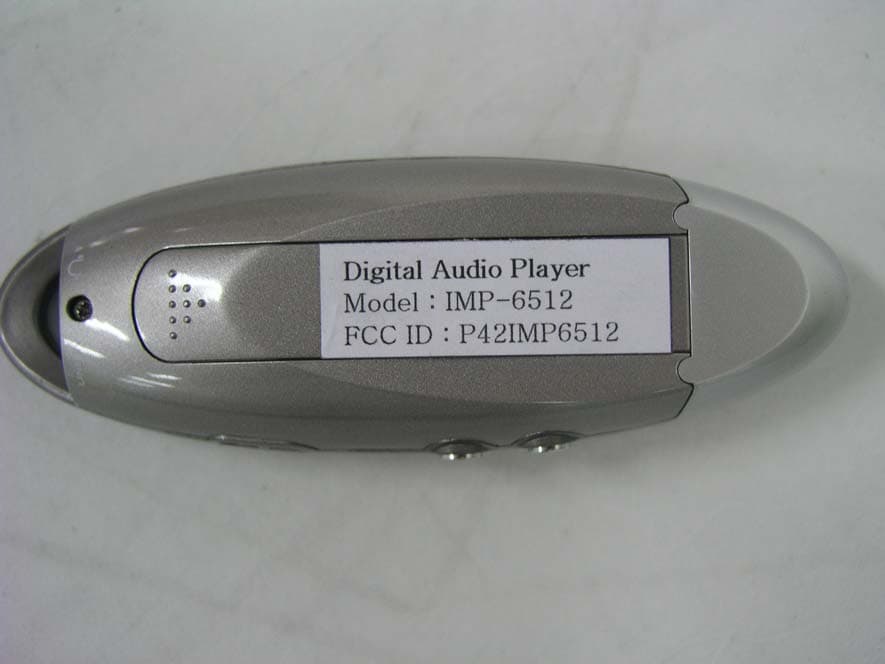
P42IMP6512
Jul 07, 2004Digital Audio Player
Equipment Class
JBP - Part 15 Class B Computing Device Peripheral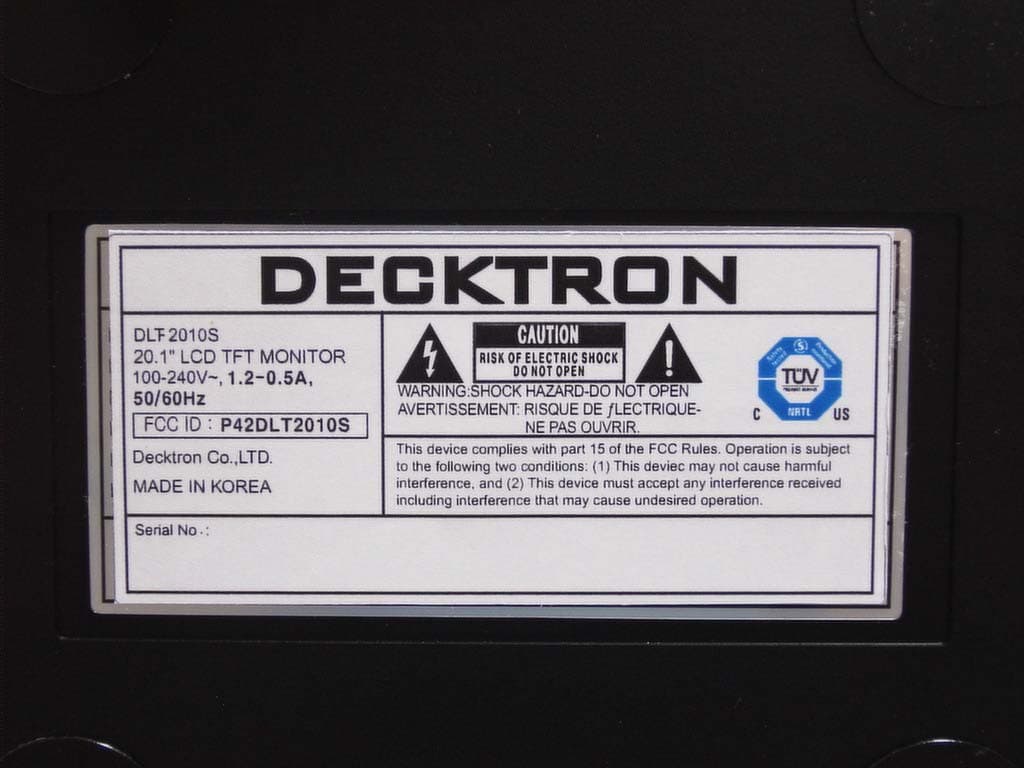
P42DLT2010S
Jul 05, 2004LCD TFT Monitor
Equipment Class
JBP - Part 15 Class B Computing Device Peripheral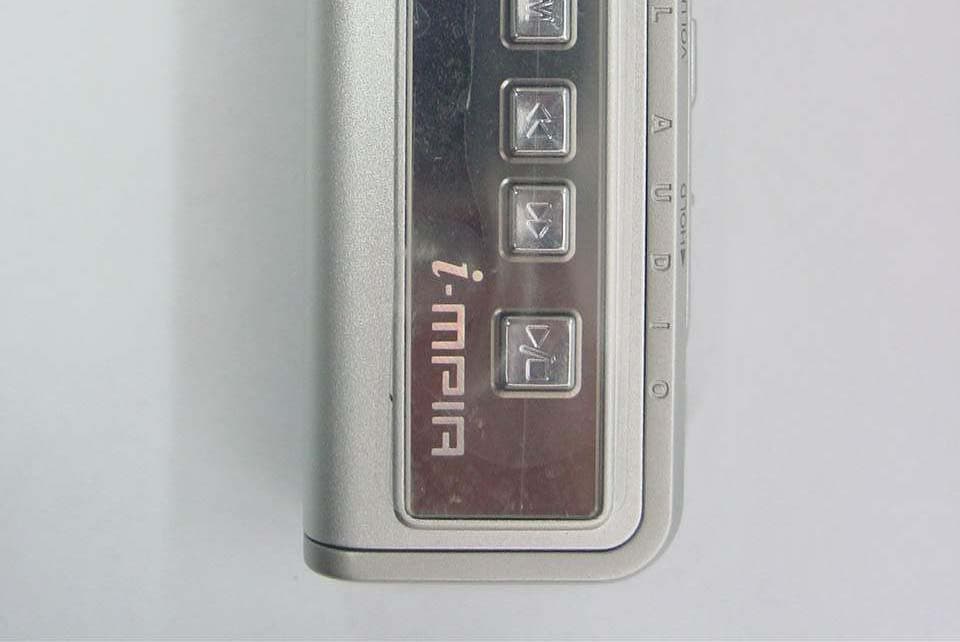
P42IMP2000A
Apr 07, 2004MP3 Player
Equipment Class
JBP - Part 15 Class B Computing Device Peripheral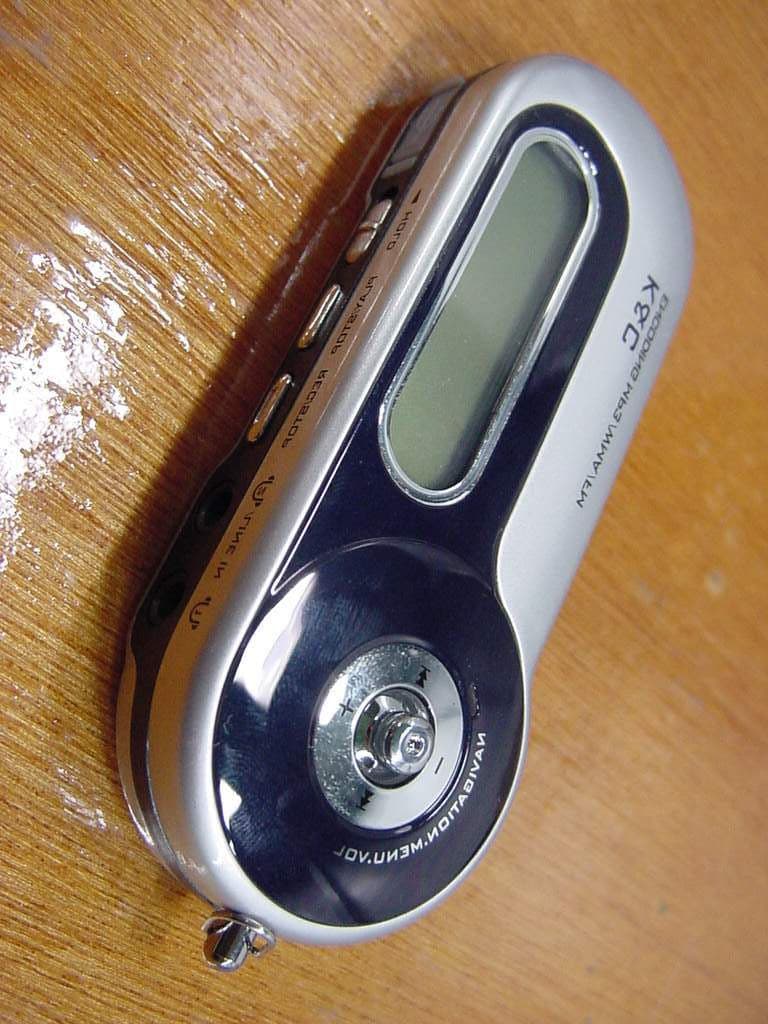
P42IMP5000
Nov 13, 2003MP3 PLAYER
Equipment Class
JBP - Part 15 Class B Computing Device Peripheral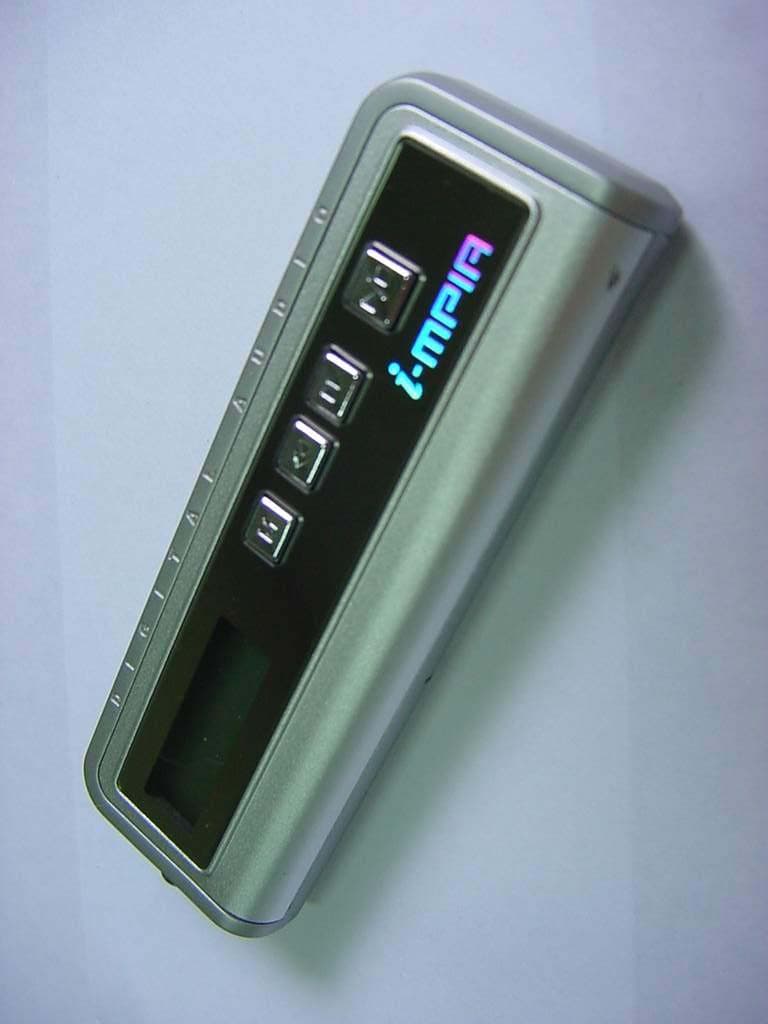
P42IMP2000
Sep 22, 2003MP3 Player
Equipment Class
JBP - Part 15 Class B Computing Device Peripheral