PNJK010DDongle
Strategic Printing & Mfg Solutions, Inc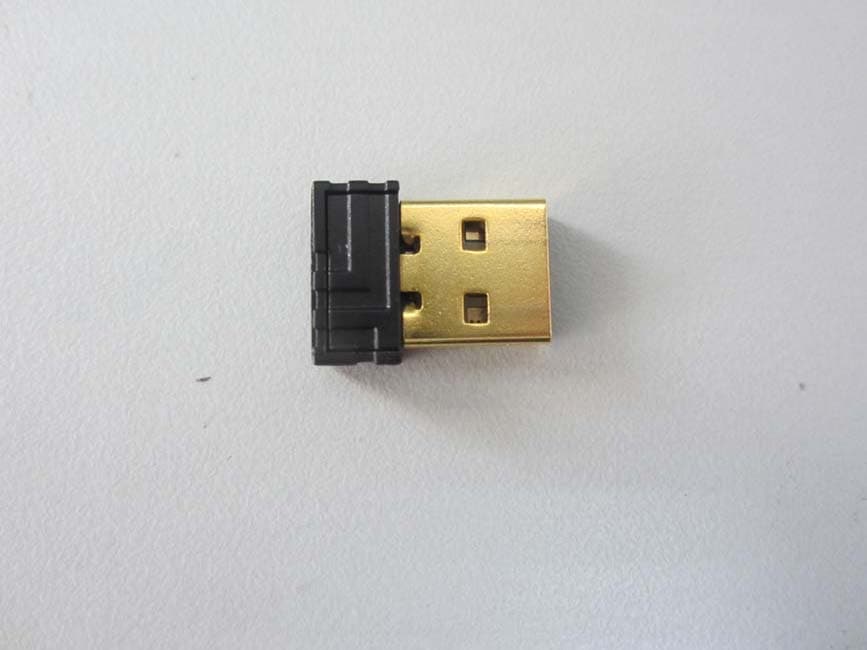
Click to zoom
Application Details
- Equipment Class
- DXX - Part 15 Low Power Communication Device Transmitter
- Date of Grant
- Sep 09, 2012
- Application Purpose
- Original Equipment
- Date of Application
- Sep 09, 2012
- Equipment Note
- Dongle
- Frequency Range
- 2402.00000000 - 2476.00000000
- Country
- United States
Documents & Files
Document Text
Text extracted from the exhibit documents filed with the FCC. Open a document above to read the original.
Users Manual
OPERATING MANUAL 1.Tips 1.1 Energy-saving shutdown For instance when transporting, if you press the mouse button for longer than 2 minutes, the mouse switches off automatically. To reactivate the mouse, press the OFF switch and then the ON switch again. 1.2 Cleaning the devices 1) Switch the devices off (switch to OFF). 2) Clean the devices with a slightly damp cloth and some mild cleaning agent. 3) Dry off the devices with a soft, lint-free cloth. 1.3 Troubleshooting 1) Switch the mouse off and on again (see 1.1 "Energy-saving shutdown"). 2) Check whether the batteries are inserted correctly and have sufficient voltage. 3) Connect the receiver to another USB port on the PC 4) Establish a new connection to the receiver: a) Disconnect the receiver from the USB port and plug it in again. b) Within 30 seconds, keep the mouse as near to the receiver as possible then press the scroll wheel and the right mouse button at the same time. c) Release the buttons when the battery status LED on the mouse flashes after approx. 3 seconds. d) Within 30 seconds, keep the keyboard as near to the receiver as possible, then press the esc and Q keys at the same time. e) Release the keys when the battery status LED on the keyboard flashes after approx. 3 seconds. 2. Disposal 2.1 Disposing of the old units Dispose of the old units via a collecting point for electronic scrap or via your dealer. 2.2 Disposing of the batteries This device contains alkaline batteries. Do not dispose of them in the household waste. Batteries may contain pollutants which can harm the environment and in a retail outlet or at your local recycling depot. Returning the device is compulsory and free of charge. All batteries are recycled. This enables valuable resources to be restored such as iron, zinc or nickel. Recycling batteries is the easiest contribution you can make towards environmental protection. 3 Technical data Supply voltage Keyboard/mouse: 3 V SELV, Receiver: 5.0 V/DC ±5 % SELV Keyboard: max. 4 mA, Mouse: max. 15 mA, Receiver: max. 35 mA Storage temperature –15 °C ... +60 °C, Operating temperature 0 °C ... +40 °C 4. Federal Communications Commission (FCC) Radio Frequency Interference Statement Information to the user: This equipment has been tested and found to comply with the limits for Class B digital device, pursuant to Part 15 of the FCC Rules. These limits are designed to provide reasonable protection against harmful interference in a residential installation. This equipment generates, uses and can radiate radio frequency energy and, if not installed and used in accordance with the instructions, may cause harmful interference to radio communications. However, there is no guarantee that interference will not occur in a particular installation. If this equipment does cause harmful interference to radio or television reception, which can be determined by turning the equipment off and on, the user is encouraged to try to correct the interference by one or more of the following measures: • Reorientate or relocate the receiving antenna. • Increase the separation between the equipment and receiver. • Connect the equipment into an outlet on a circuit different from that to which the receiver is connected. • Consult the dealer or an experienced radio/TV technician for help. Caution: Any changes or modifications not expressly approved by the party responsible for compliance could void the user's authority to operate the equipment. This device complies with Part 15 of the FCC Rules. Operation is subject to the following two conditions: (1) This device may not cause harmful interference, and (2) this device must accept any interference received, including interference that may cause undesired operation.
Cover Letter(s)
Strategic Printing & Mfg Solutions, Inc Ersteller: D. Brandhorst Revision: 00 Erstelldatum: 07.03.2008 Datum: 00.00.00 Seite 1 von 1 PHOENIX TEST-LAB GmbH Product Certification Königswinkel 10 D 32825 Blomberg Date: 2012/09/04 FCC ID: PNJK010D Subject: Attestation Letter “Declaration of Conformity” Dear Sirs, Our products with the above FCC ID are defined as composite device. The transmitter is authorized under the “Certification” procedure. The device is also defined as “PC Periphery” acc to §15.101 Equipment authorization of unintentional radiators, where we hereby declare, that we apply and follow the “Declaration of Conformity” procedure. If you have any questions, please feel free to contact me at the address shown below. Yours sincerely, Signatory Name Jack Li Position Lab Manager CompanyAdress 9673 SW Tualatin-Sherwood Rd., Tualatin, Oregon, USA 97062 Tel/Fax 49-9642-18-1712 / 49-9613-18-1723 E-Mail [email protected]
External Photos
Dongguan Dongdian Testing Service Co., Ltd Report No: DDT-F12067 Page 41 of 44 9. Photos of the EUT Dongguan Dongdian Testing Service Co., Ltd Report No: DDT-F12067 Page 42 of 44
Internal Photos
Dongguan Dongdian Testing Service Co., Ltd Report No: DDT-F12067 Page 43 of 44 Dongguan Dongdian Testing Service Co., Ltd Report No: DDT-F12067 Page 44 of 44 END OF REPORT
Test Report
FCC CERTIFICATION TEST REPORT FOR Issued By: Dongguan Dongdian Testing Service Co., Ltd. Add: No. 17, Zongbu Road 2, Songshan Lake Sci&Tech, Industry Park, Dongguan City, Guangdong Province, China, 523808 Tel: +86-0769-22891499 Report No: DDT-F12067 Issued Date: Aug.24.2012 Applicant : Strategic Printing & Mfg Solutions,Inc Address : 9673 SW Tualatin-Sherwood Rd. Tualatin, Oregon 97062 USA Equipment under Test : Dongle Model No : K010D FCC ID : PNJK010D Manufacturer : Dongguan Togran Electronic Technology Co, Ltd. Address : 262 Shidan Rd., 3rd Inddustrial Area, Juzhou, Shijie, Dongguan, Guangdong Dongguan Dongdian Testing Service Co., Ltd Report No:DDT-F12067 Page 2 of 44 TABLE OF CONTENTS Test report declares......................................................................................................3 1. Summary of test results ............................................................................................................... 5 2. General test information .............................................................................................................. 6 2.1. Description of EUT ..................................................................................................................... 6 2.2. Accessories of EUT..................................................................................................................... 6 2.3. Assistant equipment used for test ................................................................................................ 6 2.4. Block diagram of EUT configuration for test ............................................................................. 6 2.5. Test environment conditions ....................................................................................................... 7 2.6. Test laboratory............................................................................................................................. 7 2.7. Measurement uncertainty ............................................................................................................ 7 3. 20dB Bandwidth.......................................................................................................................... 8 3.1. Test equipment ............................................................................................................................ 8 3.2. Block diagram of test setup ......................................................................................................... 8 3.3. Limits .......................................................................................................................................... 8 3.4. Test Procedure............................................................................................................................. 8 3.5. Test Result................................................................................................................................... 9 3.6. Original test data ......................................................................................................................... 9 4. Radiated emission ..................................................................................................................... 11 4.1. Test equipment .......................................................................................................................... 11 4.2. Block diagram of test setup ....................................................................................................... 11 4.3. Limit .......................................................................................................................................... 12 4.4. Test Procedure........................................................................................................................... 13 4.5. Test result .................................................................................................................................. 13 5. Band Edge Compliance ............................................................................................................. 28 5.1. Test equipment .......................................................................................................................... 28 5.2. Block diagram of test setup ....................................................................................................... 28 5.3. Limit .......................................................................................................................................... 28 5.4. Test Procedure........................................................................................................................... 29 5.5. Test result .................................................................................................................................. 29 6. Power Line Conducted Emission .............................................................................................. 34 6.1. Test equipment .......................................................................................................................... 34 6.2. Block diagram of test setup ....................................................................................................... 34 6.3. Power Line Conducted Emission Limits(Class B) .................................................................... 34 6.4. Test Procedure........................................................................................................................... 34 6.5. Test Result................................................................................................................................. 35 7. Antenna Requirements .............................................................................................................. 38 Dongguan Dongdian Testing Service Co., Ltd Report No:DDT-F12067 Page 3 of 44 7.1. Limit ..........................................................................…
Text truncated - open the document above for the full version.
Test Setup Photos
Dongguan Dongdian Testing Service Co., Ltd Report No: DDT-F12067 Page 39 of 44 8. Test setup photograph Dongguan Dongdian Testing Service Co., Ltd Report No: DDT-F12067 Page 40 of 44
Contact Information
Applicant
Randall Thom
Test Firm
Dongguan Dongdian Testing Service Co.,LtdJamy Yu
[email protected]086-0769-22891499
Technical Specifications
| # | Rule Parts | Frequency Range | Power Output |
|---|---|---|---|
| 1 | 15C | 2.40 GHz - 2.48 GHz | - |
Other Applications from Strategic Printing & Mfg Solutions, Inc
PNJ110WL
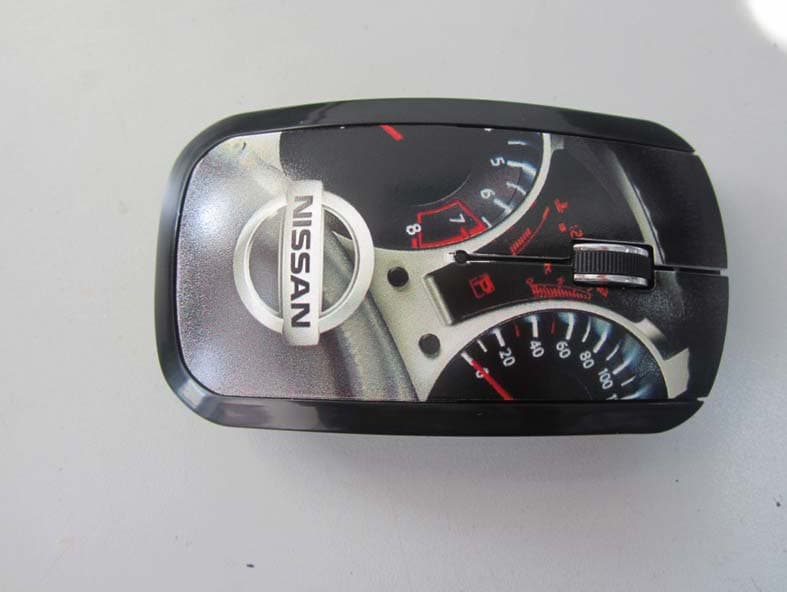
Sep 04, 2012Wireless Mouse
Equipment Class
DXX - Part 15 Low Power Communication Device Transmitter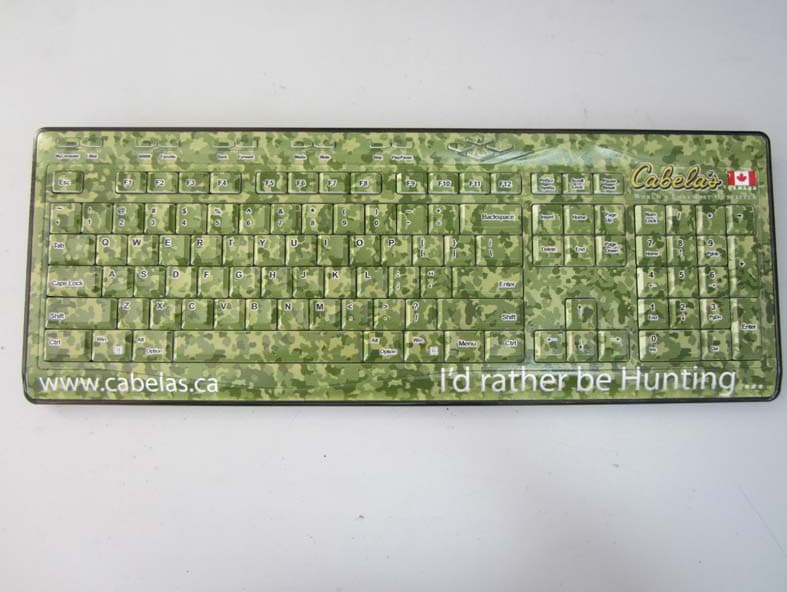
PNJ510WL
Sep 04, 2012Wireless Keyboard
Equipment Class
DXX - Part 15 Low Power Communication Device Transmitter