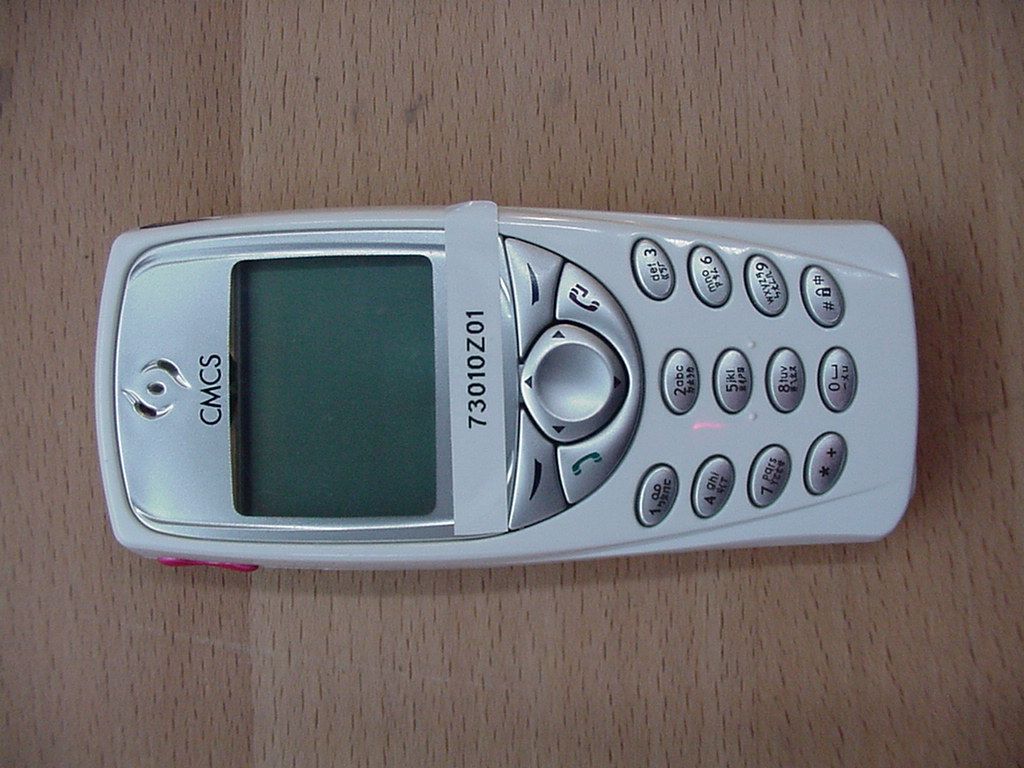
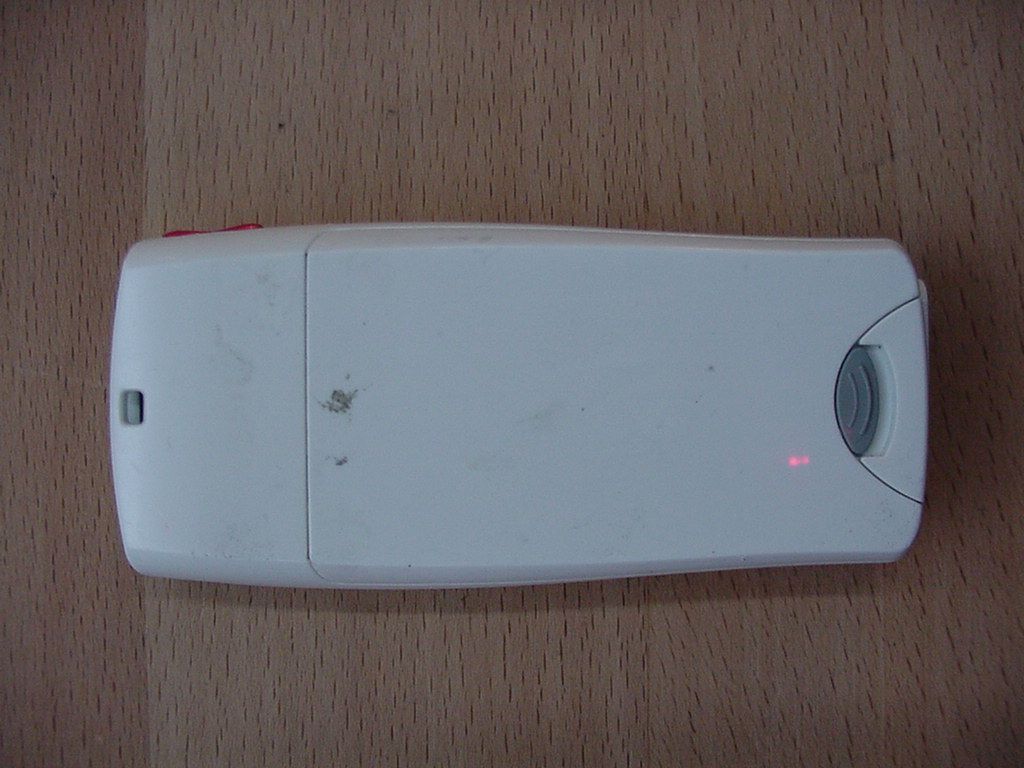
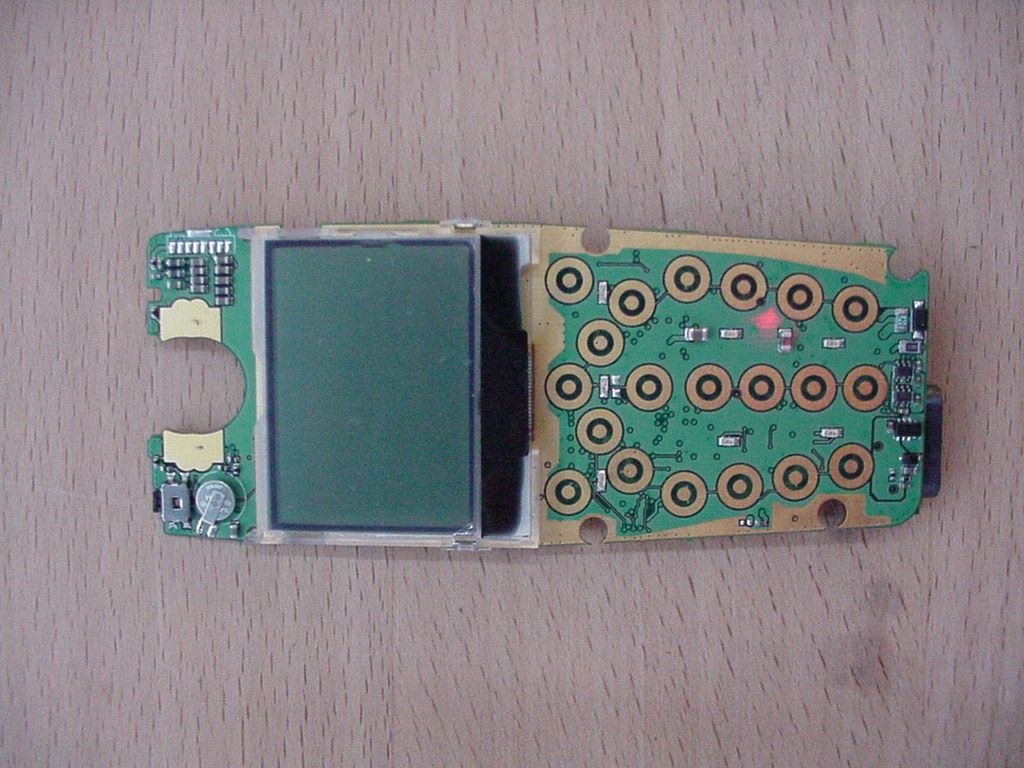
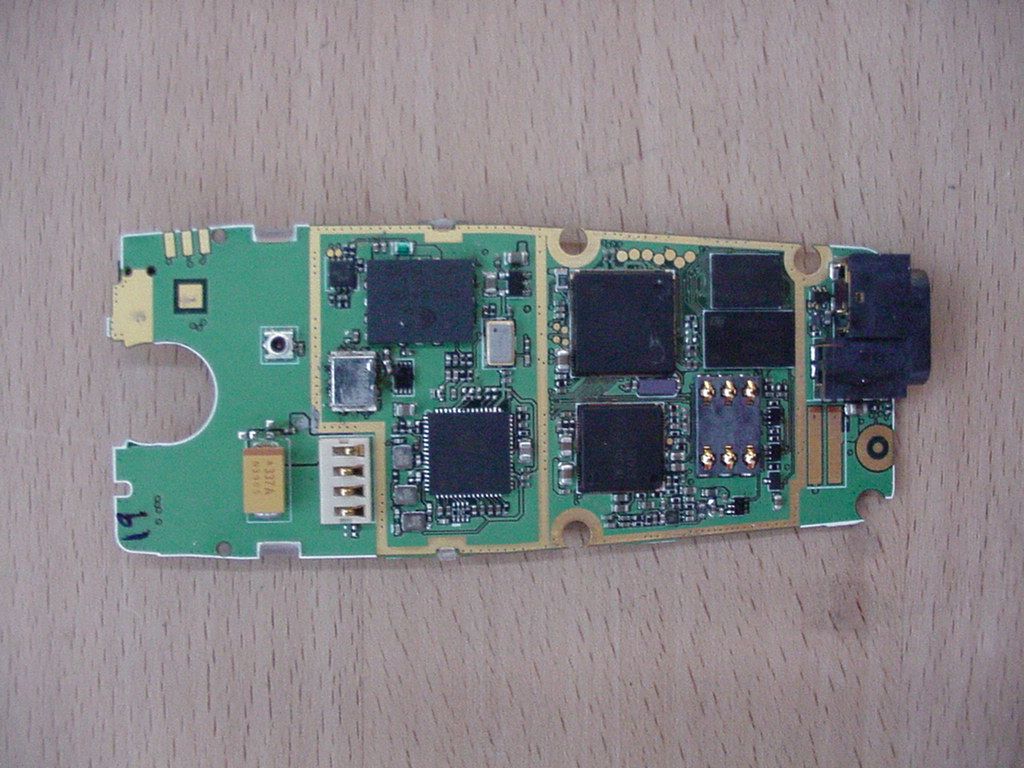
QDJ-0208MZT01PCS Handset with GPRS
Chi Mei Communication Systems, Inc.
Click to zoom
Application Details
- Equipment Class
- PCE - PCS Licensed Transmitter held to ear
- Date of Grant
- Oct 22, 2002
- Application Purpose
- Original Equipment
- Date of Application
- Oct 22, 2002
- Equipment Note
- PCS Handset with GPRS
- Frequency Range
- 1850.20000000 - 1909.80000000
- Country
- Taiwan
Documents & Files
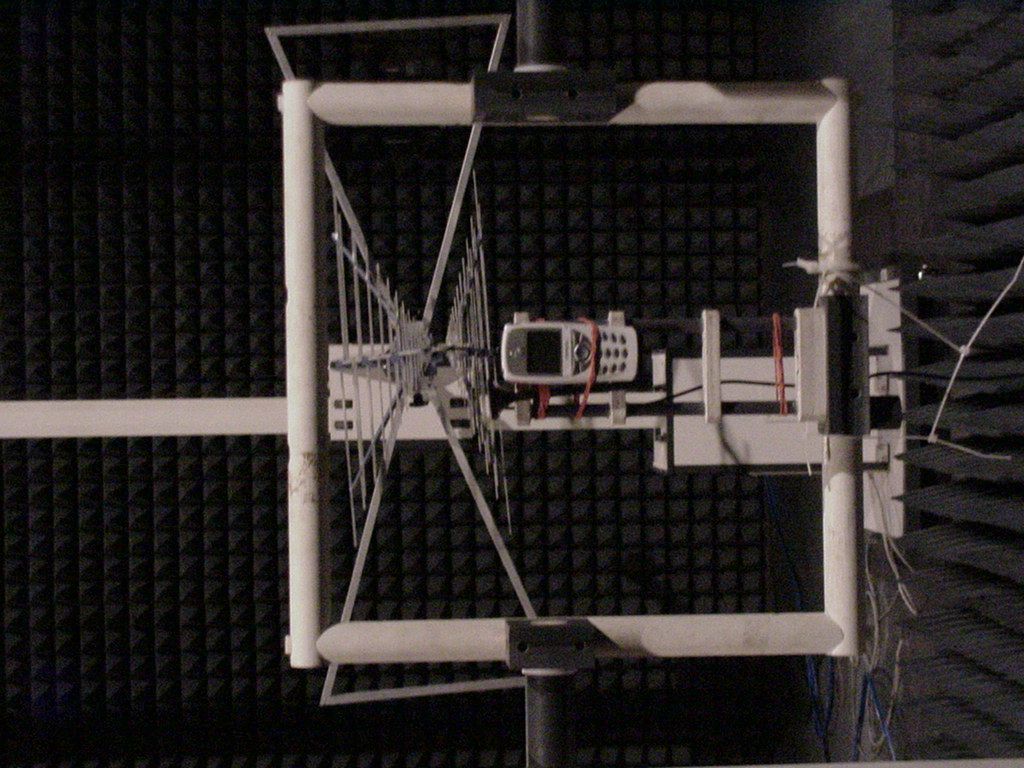
Document Text
Text extracted from the exhibit documents filed with the FCC. Open a document above to read the original.
Users Manual
CMCS GSM/GPRS Phone Mozart User Guide Copyright Statement Copyright 2002 by Chi Mei Communication Systems, Inc. (hereafter referred to as CMCS). All rights reserved. No part of this publication may be reproduced, transmitted, transcribed, stored in a retrieval system or translated into any language or computer lan- guage, in any form or by any means, electronic, mechanical, magnetic, optical, chemical, manual or otherwise, without the prior written permission of CMCS. Disclaimer CMCS makes no representations or warranties, either expressed or implied, with respect to the contents hereof and specifically disclaims any warranties, merchantability or fitness for any particular purpose. Further, CMCS reserves the right to revise this publication and to make changes from time to time in the contents hereof without obligation of CMCS to notify any person of such revision or changes. ALL INFORMATION IS PROVIDED BY CMCS ON AN "AS IS" BASIS ONLY. THIS COMPANY PROVIDES NO REPRESENTATIONS AND WARRANTIES, EXPRESS OR IMPLIED, INCLUDING THE IMPLIED WARRANTIES OF FIT- NESS FOR A PARTICULAR PURPOSE, MERCHANTABILITY AND NONIN- FRINGEMENT. Important Safety Precautions When using this product, the safety precautions below must be taken against possible legal issues and damages. SAFETY IN AIRCRAFT The interference would be caused by this product to an aircraft's navi- gation system and its network. In most countries, using this product on board an airplane is against the law. SAFETY FOR ENVIRONMENTS Do not use this product in gas stations. Also the use of this product is prohibited in fuel storehouse, chemical plants and locations containing explosives. SAFETY ON THE ROAD Vehicle drivers in motion are not permitted to use telephony services with the handheld device, except in the case of emergency. In some countries, using hand-free devices as an alternative is allowed. SAFETY ABOUT RADIATION This product should be operated in the suggested normal condition only to ensure the radiative performance and safety of the interference. When using the product, keep a distance of 5 mm from your body to eliminate possible electromagnatic effects. SAFETY FOR MEDICAL EQUIPMENTS This product may cause malfunctions of medical equipments. In most hospital or medical centers, the use of this product is forbidden. Attention Tips When Using • Avoid using the product near metal structures (for example, large metal furniture or steel frames of a building). The transmission and reception of signal can be effected by these objects. • Avoid using the product near strong electromagnetic sources, such as microwave ovens, sound speakers, TV and radio. • Avoid using the product right after dramatic change of temperature. There are no user serviceable parts inside this product. If this product appears to be broken, call a qualified service personnel or send this product to your original dealer. Do not attempt to disassemble or repair this prod- uct as it may result in electric shock or unrecoverable damage to the prod- uct itself. Keep this product out of reach of small children. Store this product in its protective case in a cool dry place. FCC Compliance Statement This device complies with Part 15 of the FCC Rules. Operation is subject to the following two conditions: (1) this device may not cause harmful interference, and (2) this device must accept any interference received, including interference that may cause undesired operation. Statement according FCC part 15.21 Modifications not expressly approved by CMCS could void the user's authority to operate the equipment. Statement according FCC part 15.105 NOTE: This equipment has been tested and found to comply with the limits for a Class B digital device, pursuant to Part 15 of the FCC Rules. These limits are designed to provide reasonable protection against harmful interference in a residential installation. This equip- ment generates, uses and can radiate radio frequency energy and, if not installed and used in accordance with the instructions, may cause harmful interference to radio communica- tions. However, there is no guarantee that interference will not occur in a particular instal- lation. If this equipment does cause harmful interference to radio or television reception, which can be determined by turning the equipment off and on, the user is encouraged to try to correct the interference by one or more of the following measures: • Reorient or relocate the receiving antenna. • Increase the separation between the equipment and receiver. • Connect the equipment into an outlet on a circuit different from that to which the receiver is connected. • Consult the dealer or an experienced radio/TV technician for help. RF exposure Tests for SAR are conducted using standard operating positions specified by the FCC with the phone transmitting at its highest certified power level in all tested frequency bands. Although the SAR is determined at the highest certified power level, the actual SAR level of the phone while operation can be well below the maximum value. This is because the phone is designed to operate at multiple power levels so as to use only the power required to reach the network. In general, the closer you are to a wireless base sta- tion antenna, the lower the power output. Before a phone model is available for sale to the public, it must be tested and certified to the FCC that it does not exceed the limit established by the government-adopted require- ment for safe exposure. The tests are performed in positions and locations (e.g., at the ear and worn on the body) as required by the FCC for each model. (Body-worn measure- ments may differ among phone models, depending upon available accessories and FCC requirements). While there may be differences between the SAR levels of various phones and at various positions, they all meet the government requirement for safe exposure. For body worn operation, to maintain compliance with FCC RF exposure guidelines, use only CMCS appro…
Text truncated - open the document above for the full version.
Users Manual
33 The Main Menu 34 The Main Menu Overview Overview The main menu of your phone is accessed by pressing Menu in standby mode. Pressor to scroll the menu. Pressor Select to view the contents of the menu or select an option. Pressor Exit to return to previous menu or abort selection. You can also navigate using the quick access keys: 1. In standby mode, press Menu. 2. Press the quick access keys. For example, to go to Dialed Calls, press . See Appendix for the quick access keys. To navigate in the Main Menu 35 The Main Menu Message Message The options in the Message menu allow you to write, send and receive messages and setup message settings. Writing and sending new messages You can write long text messages that contain up to 160 characters (including spaces and symbols). Besides, your phone supports MMS (Multi-Media Messaging) standard which allows you to insert picture, sound, animation and melodies in a message. To write a new message: 1. In standby mode, press Menu, Select. 2. Scroll to Write message and press Select. 3. Enter the content of the message. When finished, press Options to access the options below: • Send: Send the message immediately. If this option is selected, you will be prompted to enter the number of the recipients. You can also pick up recipients from your Phone Book by pressing Names. The message can be sent to one recipient and copy to up to 9 recipients. • Save: Save the message as a draft in Outbox. • Insert template: Insert messages templates stored in the phone. You can also customize your own templates. Please refer to "Customizing templates"on page 38 for how to customize mes- sage templates. • Insert number: Insert a phone number from your Phone Book. • Insert name: Insert a name from your Phone Book. • Insert picture: Insert a picture into the message. You can also draw your own picture. For details, refer to "My Picture"on page 67. • Insert animation: Insert an animation into the message. Before you can use Message functions, make sure that related message settings has been configured properly. (Depending on your operator, the settings may have already been programmed on the SIM card). Refer to "Message settings"on page 39 for details. Note The recipient’s phone must also support MMS functionality to receive and view your MMS messages. Note 36 The Main Menu Message • Insert sound: Insert sound effect into the message. • Insert melody: Insert a ring tone melody into the message. 4. If the message is sent, copy will be stored in your Outbox. You can also send a message from message templates. Please refer to "Sending a message from templates"on page 39 for details. Viewing sent messages The draft and sent messages are automatically stored in the Out- box. To open the Outbox and check these messages: 1. In standby mode, press Menu, Select. 2. Scroll to Outbox and press Select. A list of draft and sent mes- sages will appear on the screen. The icon that appears in front of a message indicates the status of the message. 3. Scroll to a message and press Select. The message will be opened. 4. Press Options and you can also choose to perform the following operations to selected message. • Erase: Erase current message. • Send: Send this message to other recipients. • Edit: Edit current message. You can send the message after you finish editing. • Use number: Capture the numbers in the message. The num- bers captured will appear on the screen. Scroll to a number and press Select. You can call the number directly or save it in Phone Book. Receiving messages When a new message is received, New message and the icon will appear on the screen. Press Detail. The list of received messages will appear on the screen. Viewing received messages The messages you received are stored in the Inbox. To open Inbox and view received messages: IconStatus of message Unsent message Sent message 37 The Main Menu Message 1. In standby mode, press Menu, Select. 2. Press Select. A list of received messages will appear on the screen. The icon that appears in front of a message indicates the status of the message. 3. Scroll to a message you want to read and press Select. The con- tents of the message will be opened to the screen. 4. You can press Options to perform the following operations: • Erase: Erase current message. • Reply: Reply to current message. • Send: Send this message to other recipients. • Edit: Edit current message. You can send the message after you finish editing. • Use number: Capture the numbers in the message. The num- bers captured will appear on the screen. Scroll to a number and press Select. You can call the number directly or save it in Phone Book. • Callback: Make a call to the sender of current message. • Open Chatroom: Open a new chatroom session with the sender of current message. You can also add other members to the cha- troom. Chatroom The Chatroom function allows you to chat on-line with multiple members via text messages. In a chat session, you can invite up to IconStatus of message Unread message Read message Unread e-mail message Read e-mail message Unread Fax message Read Fax message Unread paging message Read paging message Unread message in any other format Read message in any other format 38 The Main Menu Message 4 members to your chatroom and talk to each other simulta- neously. If someone else invites you to join his/her chatroom, you will be notified by a chat message. Press OK to join the chat. Opening a new chat session 1. In standby mode, press Menu, Select. 2. Scroll to Chatroom and press Select. 3. Enter the number of chat member, or pick a member from your Phone Book by pressing Names. Repeat this step if you want to invite multiple members to your chatroom. 4. Press OK. Enter your nickname and press OK. In a chat session, chat members’ message will appear on the screen following their nicknames. You can enter your message and send it by pressing Options, Select. Options during a chat session Press Options during a chat session. Scroll to an…
Text truncated - open the document above for the full version.
Users Manual
Mozart User Guide CMCS GSM/GPRS Phone Copyright Statement Copyright 2002 by CMCS. All rights reserved. No part of this publication may be reproduced, trans- mitted, transcribed, stored in a retrieval system or translated into any language or computer language, in any form or by any means, electronic, mechanical, magnetic, optical, chemical, manual or other- wise, without the prior written permission of CMCS. Disclaimer CMCS makes no representations or warranties, either expressed or implied, with respect to the con- tents hereof and specifically disclaims any warranties, merchantability or fitness for any particular pur- pose. Further, CMCS reserves the right to revise this publication and to make changes from time to time in the contents hereof without obligation of CMCS to notify any person of such revision or changes. ALL INFORMATION IS PROVIDED BY CMCS ON AN "AS IS" BASIS ONLY. CMCS PRO- VIDES NO REPRESENTATIONS AND WARRANTIES, EXPRESS OR IMPLIED, INCLUD- ING THE IMPLIED WARRANTIES OF FITNESS FOR A PARTICULAR PURPOSE, MERCHANTABILITY AND NONINFRINGEMENT. Important Safety Precautions When using this product, the safety precautions below must be taken against possible legal issues and damages. SAFETY IN AIRCRAFT The interference would be caused by this product to an aircraft's navigation system and its network. In most countries, using this product on board an airplane is against the law. SAFETY FOR ENVIRONMENTS Do not use this product in gas stations. Also the use of this product is prohibited in fuel storehouse, chemical plants and locations containing explosives. SAFETY ON THE ROAD Vehicle drivers in motion are not permitted to use telephony services with the handheld device, except in the case of emergency. In some countries, using hand- free devices as an alternative is allowed. SAFETY ABOUT RADIATION This product should be operated in the suggested normal condition only to ensure the radiative performance and safety of the interference. When using the product, keep a distance of 5 mm from your body to eliminate possible electromagnatic effects. SAFETY FOR MEDICAL EQUIPMENTS This product may cause malfunctions of medical equipments. In most hospital or medical centers, the use of this product is forbidden. Attention Tips When Using • Avoid using the product near metal structures (for example, large metal furniture or steel frames of a building). The transmission and reception of signal can be effected by these objects. • Avoid using the product near strong electromagnetic sources, such as microwave ovens, sound speakers, TV and radio. • Avoid using the product right after dramatic change of temperature. There are no user serviceable parts inside this product. If this product appears to be broken, call a qualified service personnel or send this product to your original dealer. Do not attempt to disassemble or repair this product as it may result in electric shock or unrecoverable damage to the product itself. Keep this product out of reach of small children. Store this product in its protective case in a cool dry place. FCC Compliance Statement This device complies with Part 15 of the FCC Rules. Operation is subject to the following two condi- tions: (1) this device may not cause harmful interference, and (2) this device must accept any interfer- ence received, including interference that may cause undesired operation. FCC ID: QDJ-0208MZT01 Statement according FCC part 15.21 Modifications not expressly approved by CMCS could void the user's authority to operate the equip- ment. Statement according FCC part 15.105 NOTE: This equipment has been tested and found to comply with the limits for a Class B digital device, pursuant to Part 15 of the FCC Rules. These limits are designed to provide reasonable protec- tion against harmful interference in a residential installation. This equipment generates, uses and can radiate radio frequency energy and, if not installed and used in accordance with the instructions, may cause harmful interference to radio communications. However, there is no guarantee that interference will not occur in a particular installation. If this equipment does cause harmful interference to radio or television reception, which can be determined by turning the equipment off and on, the user is encouraged to try to correct the interference by one or more of the following measures: • Reorient or relocate the receiving antenna. • Increase the separation between the equipment and receiver. • Connect the equipment into an outlet on a circuit different from that to which the receiver is con- nected. • Consult the dealer or an experienced radio/TV technician for help. RF exposure Tests for SAR are conducted using standard operating positions specified by the FCC with the phone transmitting at its highest certified power level in all tested frequency bands. Although the SAR is determined at the highest certified power level, the actual SAR level of the phone while operation can be well below the maximum value. This is because the phone is designed to operate at multiple power levels so as to use only the power required to reach the network. In general, the closer you are to a wireless base station antenna, the lower the power output. Before a phone model is available for sale to the public, it must be tested and certified to the FCC that it does not exceed the limit established by the government-adopted requirement for safe exposure. The tests are performed in positions and locations (e.g., at the ear and worn on the body) as required by the FCC for each model. (Body-worn measurements may differ among phone models, depending upon available accessories and FCC requirements). While there may be differences between the SAR levels of various phones and at various positions, they all meet the government requirement for safe exposure. For body worn operation, to maintain compliance with FCC RF exposure guidelines, use only acces- sories that contain no metallic components and provid…
Text truncated - open the document above for the full version.
Users Manual
36 The Main Menu The Main Menu Overview 37 Overview The main menu of your phone is accessed by pressing Menu in standby mode. Pressor to scroll the menu. Pressor Select to view the contents of the menu or select an option. Pressor Exit to return to previous menu or abort selection. You can also navigate using the quick access keys: 1. In standby mode, press Menu. 2. Press the quick access keys. For example, to go to Dialed Calls, press . See Appendix for the quick access keys. To navigate in the Main Menu The Main Menu Message 38 Message The options in the Message menu allow you to write, send and receive mes- sages and setup message settings. Writing and sending new messages You can write long text messages that contain up to 160 characters (including spaces and symbols). Besides, your phone supports MMS (Multi-Media Mes- saging) standard which allows you to insert picture, sound, animation and melodies in a message. To write a new message: 1. In standby mode, press Menu, Select. 2. Scroll to Write message and press Select. 3. Enter the content of the message. When finished, press Options to access the options below: • Send: Send the message immediately. If this option is selected, you will be prompted to enter the number of the recipients. You can also pick up recip- ients from your Phone Book by pressing Names. The message can be sent to one recipient and copy to up to 9 recipients. • Save: Save the message as a draft in Outbox. • Insert template: Insert messages templates stored in the phone. You can also customize your own templates. Please refer to "Customizing templates"on page 38 for how to customize message templates. • Insert number: Insert a phone number from your Phone Book. • Insert name: Insert a name from your Phone Book. • Insert picture: Insert a picture into the message. You can also draw your own picture. For details, refer to "My Picture"on page 67. • Insert animation: Insert an animation into the message. Before you can use Message functions, make sure that related message settings has been config- ured properly. (Depending on your operator, the settings may have already been programmed on the SIM card). Refer to "Message settings"on page 39 for details. Note The recipient’s phone must also support MMS functionality to receive and view your MMS mes- sages. Note The Main Menu Message 39 • Insert sound: Insert sound effect into the message. • Insert melody: Insert a ring tone melody into the message. 4. If the message is sent, copy will be stored in your Outbox. You can also send a message from message templates. Please refer to "Sending a message from templates"on page 39 for details. Viewing sent messages The draft and sent messages are automatically stored in the Outbox. To open the Outbox and check these messages: 1. In standby mode, press Menu, Select. 2. Scroll to Outbox and press Select. A list of draft and sent messages will appear on the screen. The icon that appears in front of a message indicates the status of the message. 3. Scroll to a message and press Select. The message will be opened. 4. Press Options and you can also choose to perform the following operations to selected message. • Erase: Erase current message. • Send: Send this message to other recipients. • Edit: Edit current message. You can send the message after you finish edit- ing. • Use number: Capture the numbers in the message. The numbers captured will appear on the screen. Scroll to a number and press Select. You can call the number directly or save it in Phone Book. Receiving messages When a new message is received, New message and the icon will appear on the screen. Press Detail. The list of received messages will appear on the screen. IconStatus of message Unsent message Sent message The Main Menu Message 40 Viewing received messages The messages you received are stored in the Inbox. To open Inbox and view received messages: 1. In standby mode, press Menu, Select. 2. Press Select. A list of received messages will appear on the screen. The icon that appears in front of a message indicates the status of the message. 3. Scroll to a message you want to read and press Select. The contents of the message will be opened to the screen. 4. You can press Options to perform the following operations: • Erase: Erase current message. • Reply: Reply to current message. • Send: Send this message to other recipients. • Edit: Edit current message. You can send the message after you finish edit- ing. • Use number: Capture the numbers in the message. The numbers captured will appear on the screen. Scroll to a number and press Select. You can call the number directly or save it in Phone Book. • Callback: Make a call to the sender of current message. IconStatus of message Unread message Read message Unread e-mail message Read e-mail message Unread Fax message Read Fax message Unread paging message Read paging message Unread message in any other format Read message in any other format The Main Menu Message 41 • Open Chatroom: Open a new chatroom session with the sender of current message. You can also add other members to the chatroom. Chatroom The Chatroom function allows you to chat on-line with multiple members via text messages. In a chat session, you can invite up to 4 members to your chat- room and talk to each other simultaneously. If someone else invites you to join his/her chatroom, you will be notified by a chat message. Press OK to join the chat. Opening a new chat session 1. In standby mode, press Menu, Select. 2. Scroll to Chatroom and press Select. 3. Enter the number of chat member, or pick a member from your Phone Book by pressing Names. Repeat this step if you want to invite multiple members to your chatroom. 4. Press OK. Enter your nickname and press OK. In a chat session, chat members’ message will appear on the screen following their nicknames. You can enter your message and send it by pressing Options, Select. Options during a chat session Press Options during a chat session. Scroll to an…
Text truncated - open the document above for the full version.
Parts List/Tune Up Info
TUNEUP PROCEDURE: Performed at factory - customer tuneup not required.
RF Exposure Info
TTI-P-G 158 DASY Test-Report, 7-Layers_ 6575_255b Page 1 of 35 Report Dosimetric Assessment of the Portable Device Mozart, Chi Mei Communication Systems, Inc. (FCC ID: QDJ-0208MZT01) According to the FCC Requirements September 10, 2002 IMST GmbH Carl-Friedrich-Gauß-Str. 2 D-47475 Kamp-Lintfort Customer 7 layers AG Borsigstrasse 11 40880-Ratingen The test results only relate to the items tested. This report shall not be reproduced except in full without the written approval of the testing laboratory. dasy_report_fcc_supplement_c _2.2.doc/19.06.2002/CH DASY Test-Report, 7-Layers_ 6575_255b Page 2 of 35 dasy_report_fcc_supplement_c _2.2.doc/19.06.2002/CH Executive Summary The Mozart is a new mobile phone (Portable Device) from Chi Mei Communication Systems, Inc. operating in the 900 MHz, 1800 MHz and 1900 MHz frequency range. The device has an integrated antenna. The system concepts used are the GSM 900, GSM 1800 and PCS 1900 standards including GPRS capability (max 2 TX slots). The objective of the measurements done by IMST was the dosimetric assessment of one device in the PCS 1900 standard. Since the GPRS software was not available for the SAR test, the measurement results for the GPRS position were multiplied by 2 (to simulate GPRS Class 10). The examinations have been carried out with the dosimetric assessment system „DASY3“. The measurements were made according to the Supplement C to OET Bulletin 65 of the Federal Communications Commission (FCC) Guidelines [FCC 2001] for evaluating compliance of mobile and portable devices with FCC limits for human exposure (general population) to radiofrequency emissions. The Mozart mobile phone from Chi Mei Communication Systems, Inc. (FCC ID: QDJ- 0208MZT01) is in compliance with the Federal Communications Commission (FCC) Guidelines [FCC 2001] for uncontrolled exposure. The phone was tested in Body Worn configuration with a distance of 15mm and the following accessories and combinations: “Headset” for normal talk mode (1 TX slot) and without “Headset” for GPRS mode (2 TX slots). prepared by: ........................................... reviewed by: .............................................. André van den Bosch Dipl.-Ing. Christoph Hennes test engineer quality assurance engineer IMST GmbH Carl-Friedrich-Gauß-Straße 2 D-47475 Kamp-Lintfort Tel. +49- 2842-981 373 Fax +49- 2842-981 399 email: [email protected] DASY Test-Report, 7-Layers_ 6575_255b Page 3 of 35 dasy_report_fcc_supplement_c _2.2.doc/19.06.2002/CH Table of Contents 1 SUBJECT OF INVESTIGATION ................................................................................................................... 4 2 THE IEEE STANDARD C95.1 AND THE FCC EXPOSURE CRITERIA................................................. 4 2.1 DISTINCTION BETWEEN EXPOSED POPULATION, DURATION OF EXPOSURE AND FREQUENCIES...................... 4 2.2 DISTINCTION BETWEEN MAXIMUM PERMISSIBLE EXPOSURE AND SAR LIMITS................................................ 5 2.3 SAR LIMIT................................................................................................................................................... 5 3 THE FCC MEASUREMENT PROCEDURE ................................................................................................ 6 3.1 GENERAL REQUIREMENTS............................................................................................................................ 6 3.2 DEVICE OPERATING NEXT TO A PERSON’S EAR............................................................................................. 6 3.3 BODY-WORN AND OTHER CONFIGURATIONS................................................................................................. 9 4 THE MEASUREMENT SYSTEM ................................................................................................................ 10 4.1 PHANTOM.................................................................................................................................................. 11 4.2 PROBE....................................................................................................................................................... 11 4.3 MEASUREMENT PROCEDURE...................................................................................................................... 11 4.4 UNCERTAINTY ASSESSMENT........................................................................................................................ 12 5 SAR RESULTS ................................................................................................................................................ 13 6 EVALUATION ................................................................................................................................................ 15 7 APPENDIX ...................................................................................................................................................... 17 7.1 ADMINISTRATIVE DATA.............................................................................................................................. 17 7.2 DEVICE UNDER TEST AND TEST CONDITIONS.............................................................................................. 17 7.3 TISSUE RECIPES......................................................................................................................................... 17 7.4 MATERIAL PARAMETERS............................................................................................................................. 18 7.5 SIMPLIFIED PERFORMANCE CHECKING...................................................................................................... 18 7.6 ENVIRONMENT........................................................................................................................................... 21 7.7 TEST EQUIPMENT....................................................…
Text truncated - open the document above for the full version.
Contact Information
Applicant
James Wen(Manager)
Test Firm
7layers AGRobert Machulec
Technical Specifications
| # | Rule Parts | Frequency Range | Power Output | Emission | Tolerance |
|---|---|---|---|---|---|
| 1 | 24E | 1.85 GHz - 1.91 GHz | 1.4 W | 242KGXW | 29.0000000000 Hz |
Other Applications from Chi Mei Communication Systems, Inc.

QDJ-GOXW
Mar 11, 2012Tablet PC
Equipment Class
DSS - Part 15 Spread Spectrum TransmitterQDJ-VPHN1044G
May 15, 2011Smart Phone
Equipment Class
DSS - Part 15 Spread Spectrum Transmitter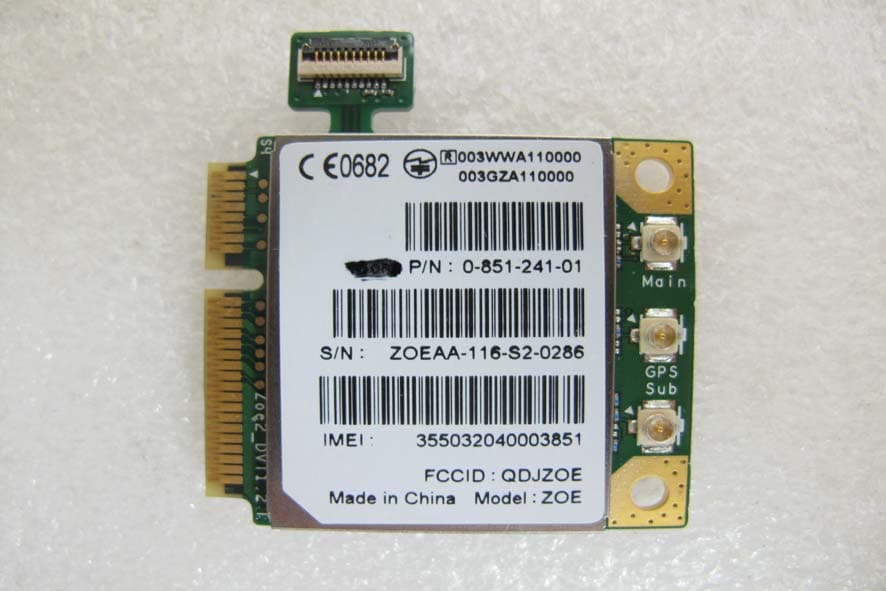
QDJZOE
Feb 21, 20113G Data Module
Equipment Class
PCB - PCS Licensed Transmitter
QDJ-F902
Feb 25, 2010SMART PHONE
Equipment Class
DSS - Part 15 Spread Spectrum Transmitter
QDJ-0602DBS01
Jun 13, 2006Smart Phone
Equipment Class
DTS - Digital Transmission System